魔方风格迁移实验结果
当前风格:石墨暗镜面瓶装美妆 · beauty_graphite_mirror · Trigger BGMStyle
如何阅读本页
图片字段
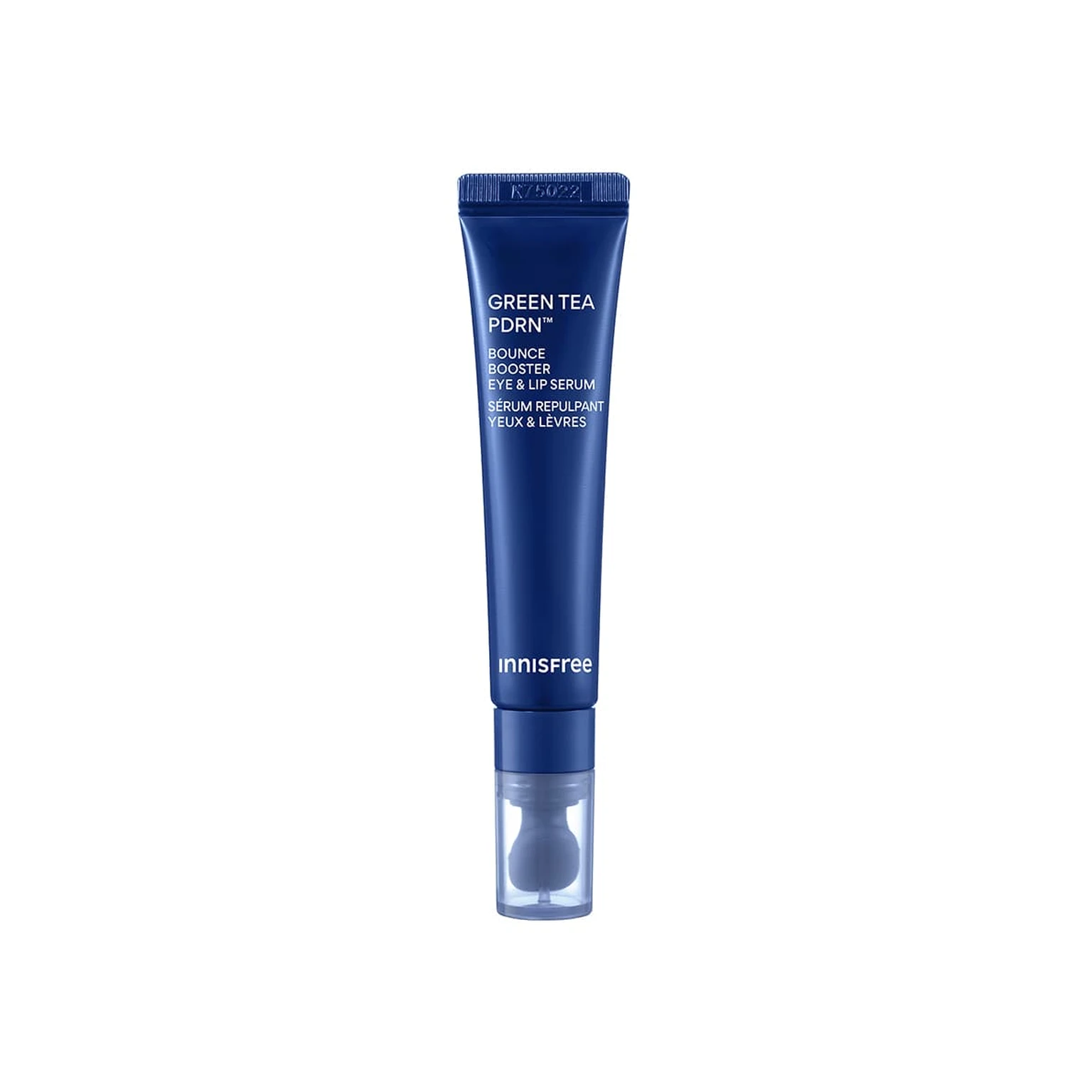
需要模型编辑的白底产品图,是每条实验路线的主体输入。
同风格冻结测试案例对应的真实目标图,仅用于视觉对照,不会送入模型。
来自目标风格训练集的风格化成品图。数字表示送入模型的参考图顺序与数量。
配对示例中的原始白底产品图,与 P1 Target 共同展示一次已知转换。
P1 Input 对应的风格化结果;P1 Input 和 P1 Target 会一起送入模型。
模型对当前 Input 生成的结果。图片下方记录该次任务的耗时与 PyTorch 峰值显存。
四条实验路线
torch.cuda.max_memory_allocated() 的峰值,不代表整张 GPU 的总占用,也不包含 PyTorch reserved 但未分配的缓存。同风格参考实验
冻结查询集;显示该风格的全部案例,不做抽样。
输入 1 张待编辑产品图和 1 张同一目标风格的成品参考图,让模型迁移参考图的产品呈现风格。
输入 1 张待编辑产品图和 2 张同一目标风格的成品参考图,观察多一张参考图能否提高风格稳定性。
输入 1 张待编辑产品图和 4 张同一目标风格的成品参考图,测试更多 Context 参考图的效果。
输入 1 张待编辑产品图,再提供 1 组示例 Input→Target 配对,让模型从配对中推断风格转换方式。
查看任务定义、Prompt 与配置
- 模型
- FLUX.2-klein-base-9B
- 测试集
- 同风格冻结测试集,本风格 7 个案例
- 推理步数
- 50
- CFG
- 4.0
- Seed
- 42
- Reference
- S1=1,S2=2,S4=4;P1=1 组 input-target 配对
实际使用 Prompt(英文,送入模型)Image 1 is the product image to edit. Image 2 is a reference image. Transform Image 1 into a product image that follows the presentation style demonstrated by the reference image. Preserve the identity and key visual details of the product in Image 1. Use the reference image only to determine how the product is presented, and do not copy products or textual content from the reference image.
中文对照说明(未送入模型)图像1是需要编辑的产品图,图像2是参考图。 将图像1转换为一张采用参考图所展示呈现风格的产品图。保留图像1中产品的身份和关键视觉细节。参考图仅用于确定产品的呈现方式,不要复制参考图中的产品或文字内容。
实际使用 Prompt(英文,送入模型)Image 1 is the product image to edit. Images 2 through 3 are reference images. Transform Image 1 into a product image that follows the presentation style demonstrated by the reference images. Preserve the identity and key visual details of the product in Image 1. Use the reference images only to determine how the product is presented, and do not copy products or textual content from the reference images.
中文对照说明(未送入模型)图像1是需要编辑的产品图,图像2至图像3是参考图。 将图像1转换为一张采用参考图所展示呈现风格的产品图。保留图像1中产品的身份和关键视觉细节。参考图仅用于确定产品的呈现方式,不要复制参考图中的产品或文字内容。
实际使用 Prompt(英文,送入模型)Image 1 is the product image to edit. Images 2 through 5 are reference images. Transform Image 1 into a product image that follows the presentation style demonstrated by the reference images. Preserve the identity and key visual details of the product in Image 1. Use the reference images only to determine how the product is presented, and do not copy products or textual content from the reference images.
中文对照说明(未送入模型)图像1是需要编辑的产品图,图像2至图像5是参考图。 将图像1转换为一张采用参考图所展示呈现风格的产品图。保留图像1中产品的身份和关键视觉细节。参考图仅用于确定产品的呈现方式,不要复制参考图中的产品或文字内容。
实际使用 Prompt(英文,送入模型)Image 1 is the product image to edit. Images 2 and 3 are a paired example: Image 2 is the original product image, and Image 3 is its transformed result. Use this example pair to infer the presentation style transformation, and apply it to Image 1. Preserve the identity and key visual details of the product in Image 1. Do not copy the example product or its textual content.
中文对照说明(未送入模型)图像1是需要编辑的产品图。图像2和图像3是一组配对示例:图像2是原始产品图,图像3是转换后的结果。 根据这组示例推断产品呈现风格的转换方式,并将其应用到图像1。保留图像1中产品的身份和关键视觉细节。不要复制示例中的产品或文字内容。
| Case | Input | GT | Ref 1 | Ref 2 | Ref 3 | Ref 4 | P1 Input | P1 Target | S1 | S2 | S4 | P1 |
|---|---|---|---|---|---|---|---|---|---|---|---|---|
q01
|  Input dff8796412be2781c7052c0373b04f |  Ground Truth 8398b17a2dd8ebcbd061268dd30a65 | 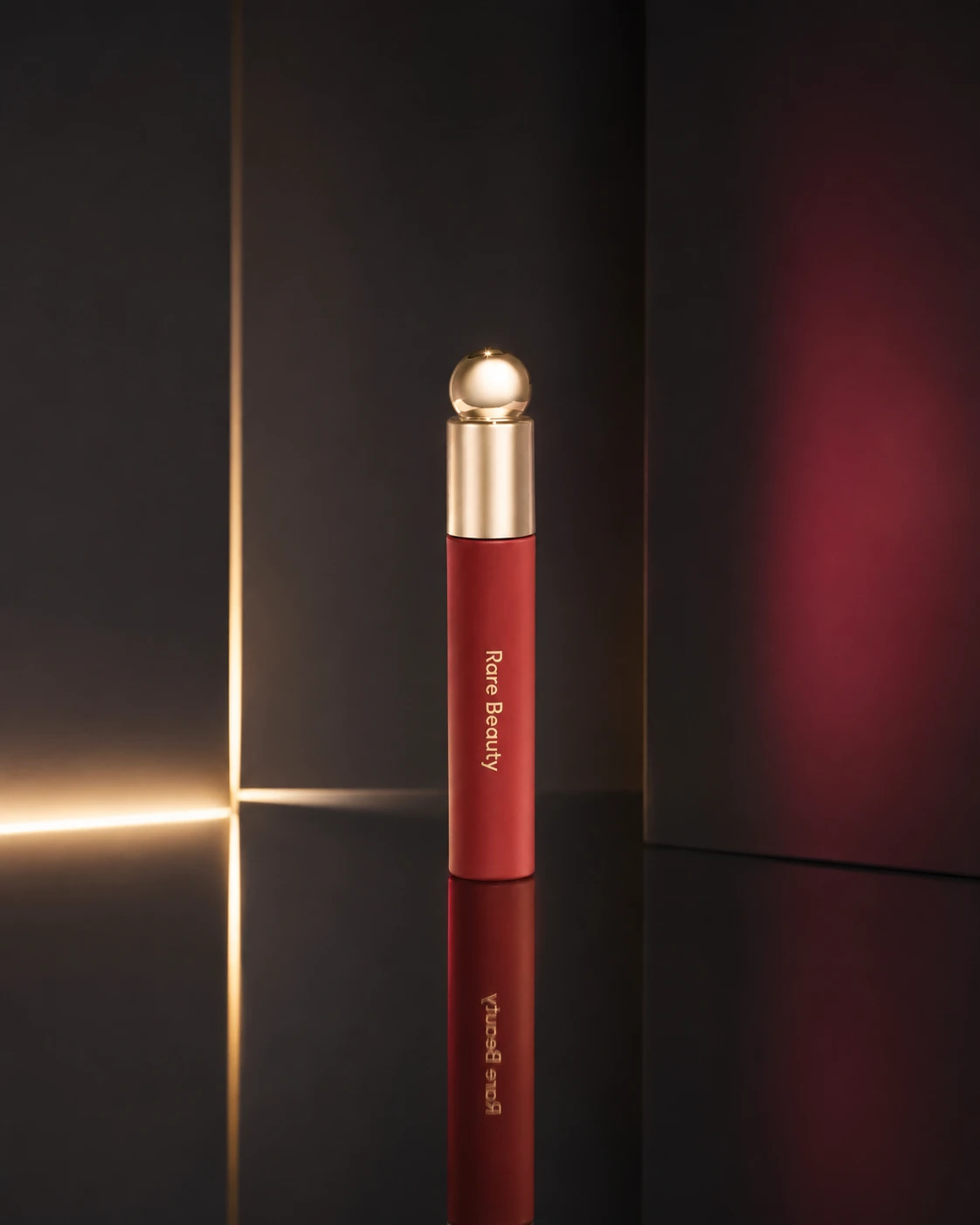 Ref 1 1b554439a99f1c775385fe10af6aa9 |  Ref 2 9c252cfdd033857c6d52c099afb54a | 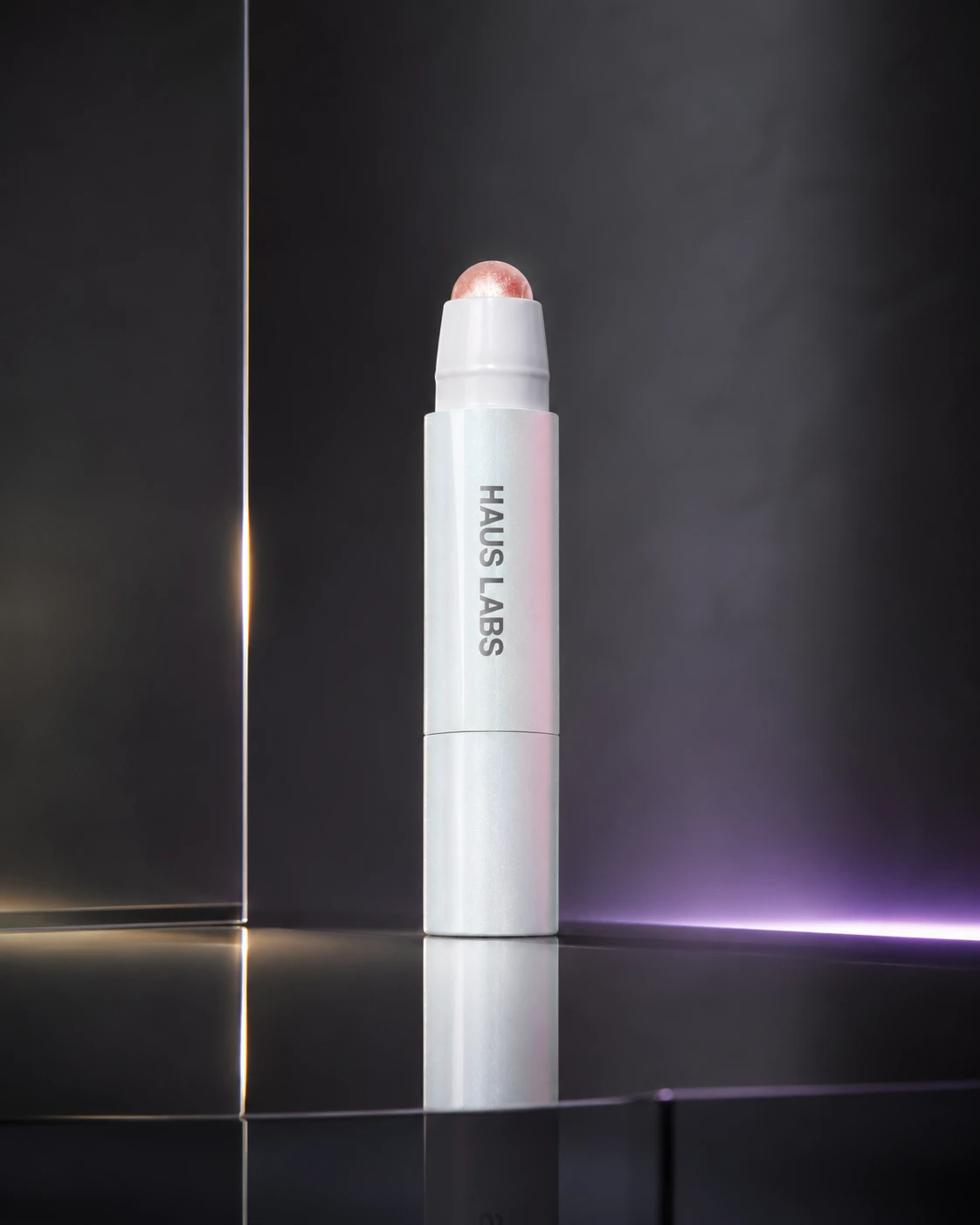 Ref 3 c57301982ee3444b4788dc608d2f91 |  Ref 4 bf9c1eb8d14668331c75c63f863204 | 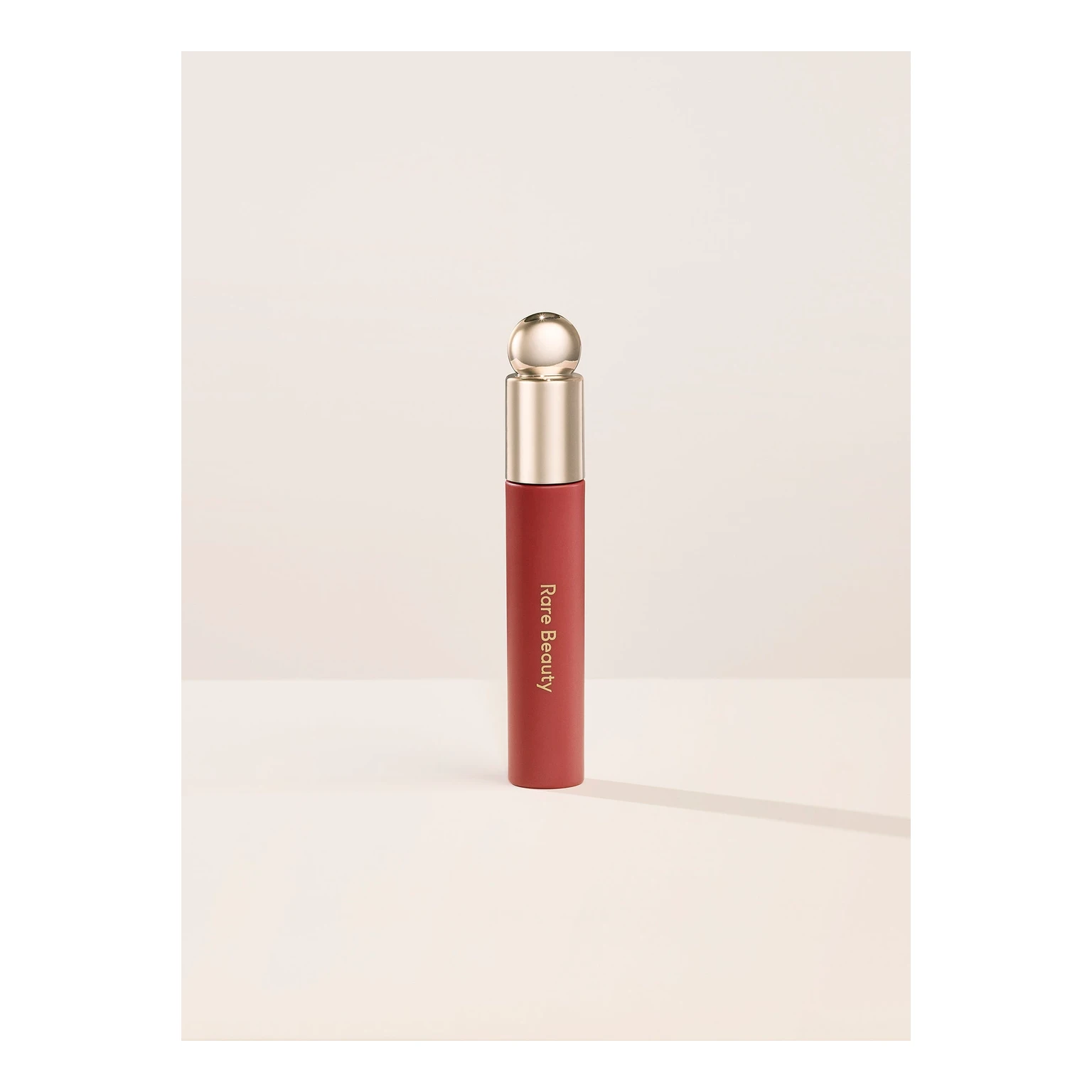 P1 Input ca7f8372108a4d7201435de3b31918 | P1 Target 1b554439a99f1c775385fe10af6aa9 |  S1 68d20a9e4d8ec2077f260bb01e00ac 单任务耗时 62.4 秒 / PyTorch 峰值显存 33.2 GiB |  S2 703a91feb41b8b76fb39a9ce1df945 单任务耗时 90.4 秒 / PyTorch 峰值显存 33.9 GiB | 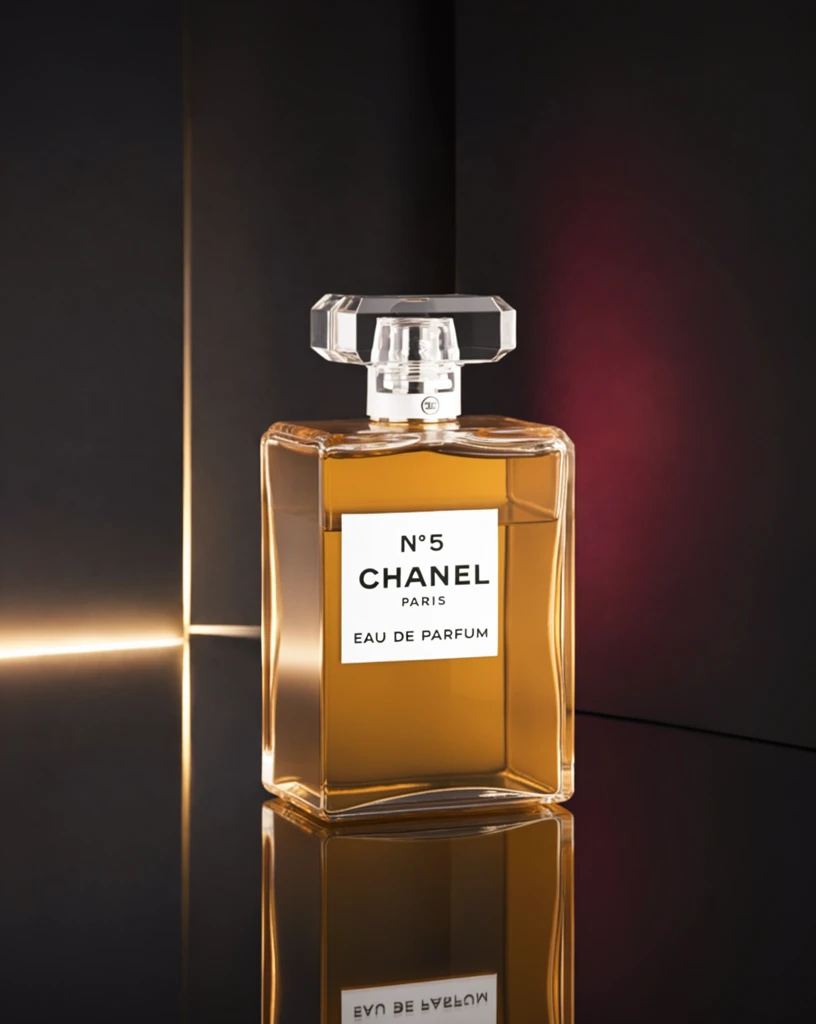 S4 2a21d8c9426fb0cb41d119f1859f9a 单任务耗时 155.1 秒 / PyTorch 峰值显存 35.2 GiB |  P1 80de51d9ac02ad3e8815ac822fc6c4 单任务耗时 89.6 秒 / PyTorch 峰值显存 33.9 GiB |
q02
|  Input 99b51138dac3737f183d4b0a28bc72 |  Ground Truth 1e3975c20704bebecf7913c3d77e19 |  Ref 1 a416c4c2db2258f1d66b3973e30c0e |  Ref 2 61399f5a052aeae74fb43b4fa8b9c0 |  Ref 3 6f417efaca7b1cb3e9761454d91d0a |  Ref 4 6484da4bdc6ddd47c7cf3b59d316ad |  P1 Input 8337d6043c3ad8bad3bf883e35bd90 | P1 Target a416c4c2db2258f1d66b3973e30c0e |  S1 e84c3754e2522e00ed66a3f6b20810 单任务耗时 61.9 秒 / PyTorch 峰值显存 33.2 GiB | 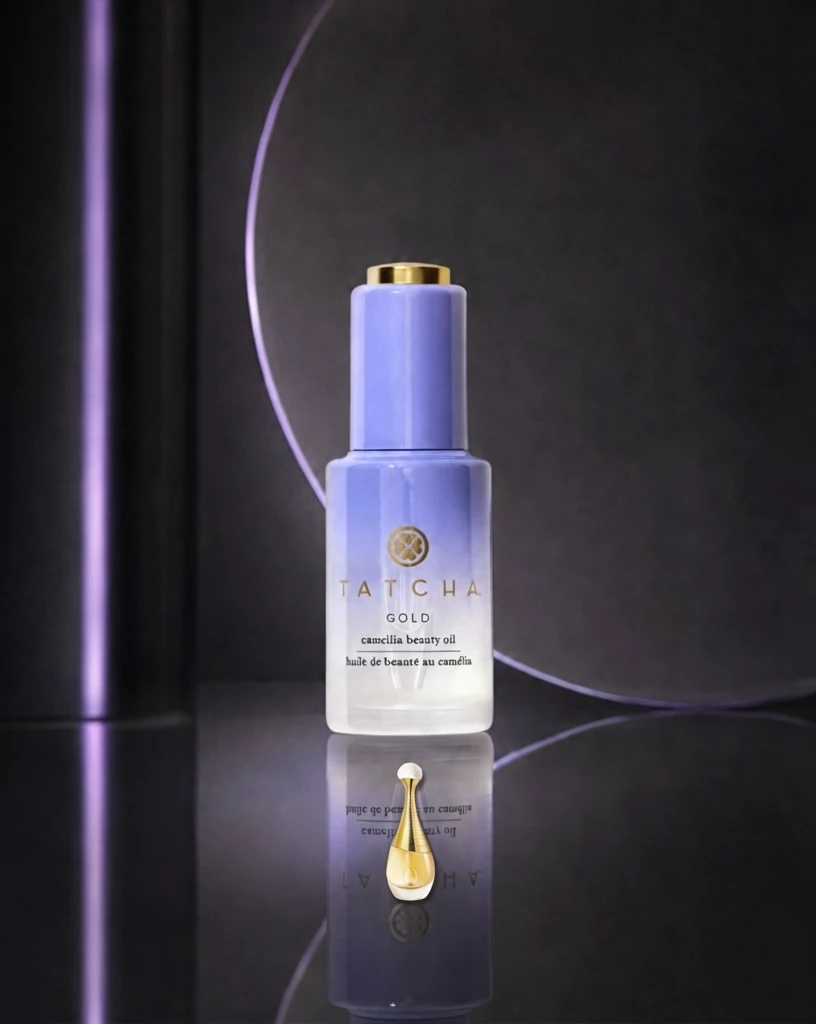 S2 86ebdc9edfe423e29a1e9c03f2a093 单任务耗时 90.1 秒 / PyTorch 峰值显存 33.9 GiB | 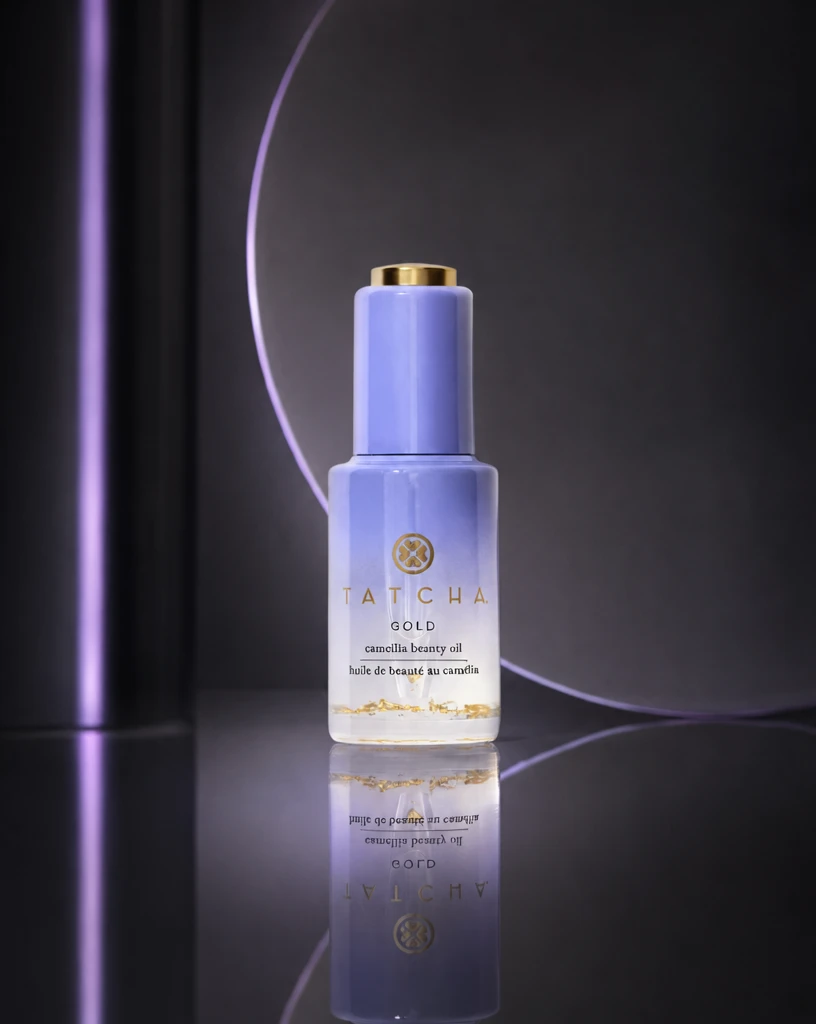 S4 31d349340b7e98ca65fb05e19c295c 单任务耗时 154.8 秒 / PyTorch 峰值显存 35.2 GiB | 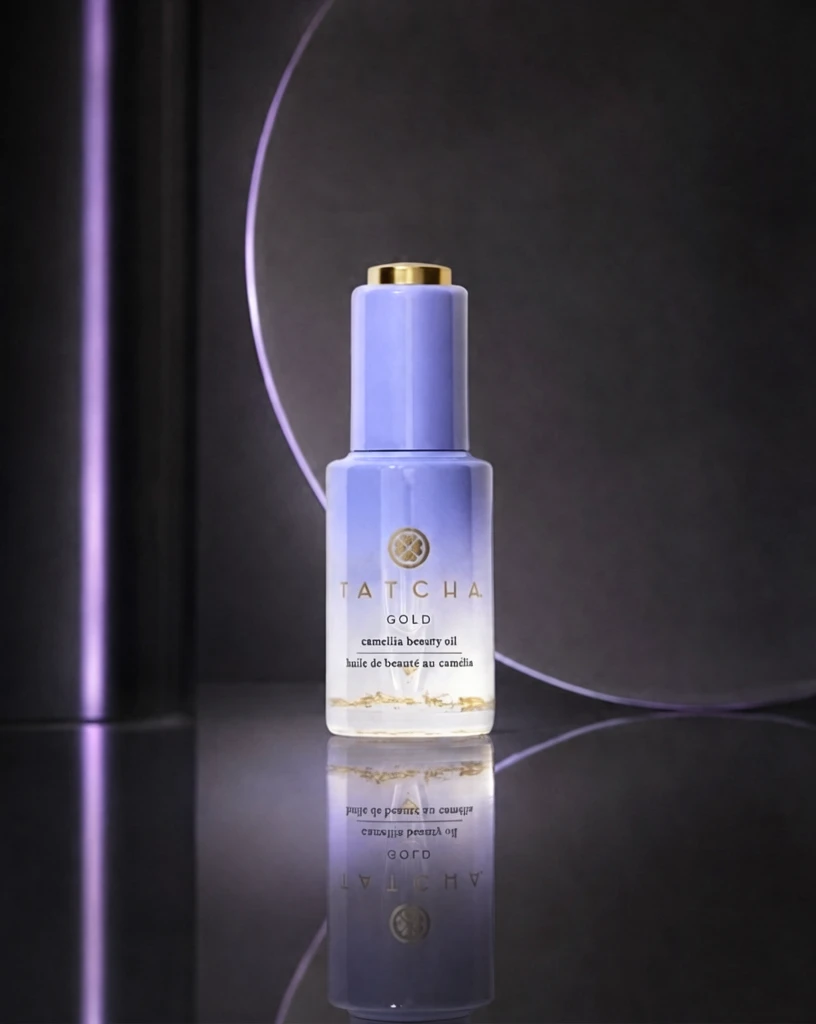 P1 1150a5c9b164485d11a94d598d0782 单任务耗时 89.0 秒 / PyTorch 峰值显存 33.9 GiB |
q03
|  Input 6797d7dcda626389a9d96bf34bc86b |  Ground Truth be6fa46b311472d4f245d8e0f0e9c2 |  Ref 1 d37455d750675bc907da90254c5632 |  Ref 2 8d923086f007d9fb9af1f7afde77f1 |  Ref 3 872479b68c0b6be54220c4a134d97d | 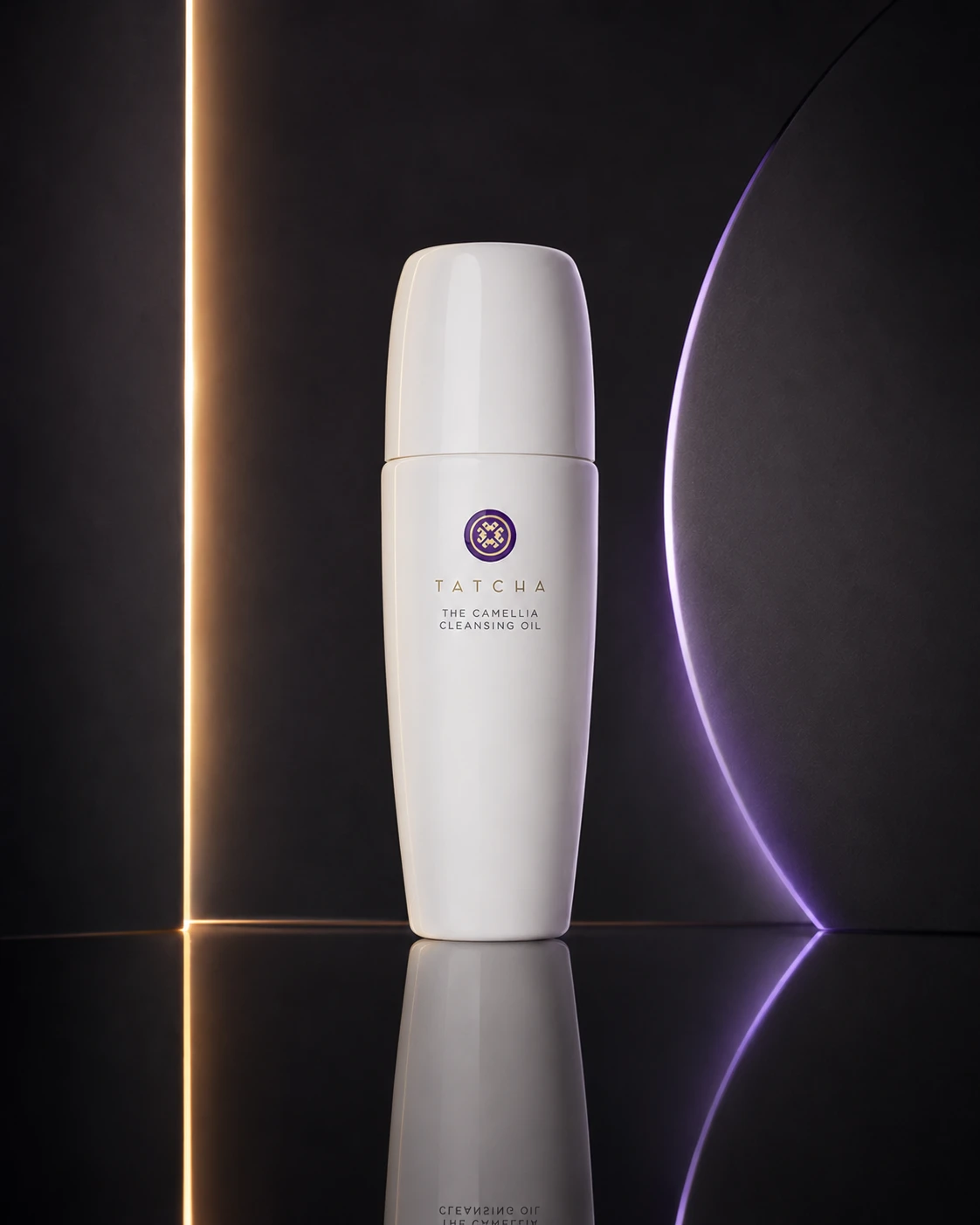 Ref 4 5b0aa21aa6be4cac9167030133ba9c |  P1 Input 4552e665d915f1bfe49fc99cb09c33 | P1 Target d37455d750675bc907da90254c5632 |  S1 0f83cdf329362943ce026d41d3b006 单任务耗时 62.0 秒 / PyTorch 峰值显存 33.2 GiB |  S2 6a3dde3a6c15f30516fa7abb89d9b6 单任务耗时 90.6 秒 / PyTorch 峰值显存 33.9 GiB |  S4 08c36fb8fcaf7baee1374acdf39cf6 单任务耗时 155.3 秒 / PyTorch 峰值显存 35.2 GiB |  P1 005f66c31253ecca7524a70d2cfb25 单任务耗时 89.9 秒 / PyTorch 峰值显存 33.9 GiB |
q04
| 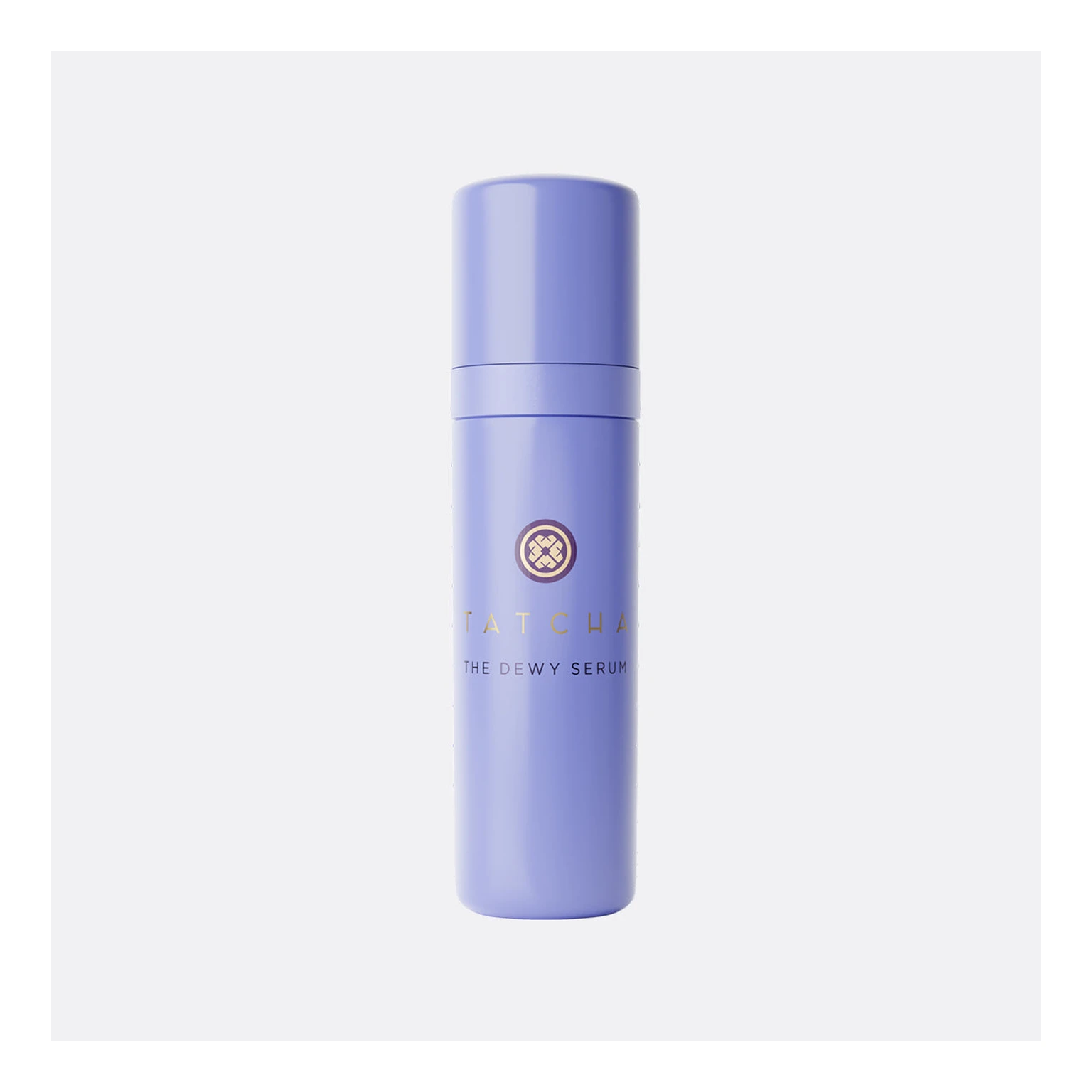 Input 9fd1be4f600ade5e4c0bae31f189ee | 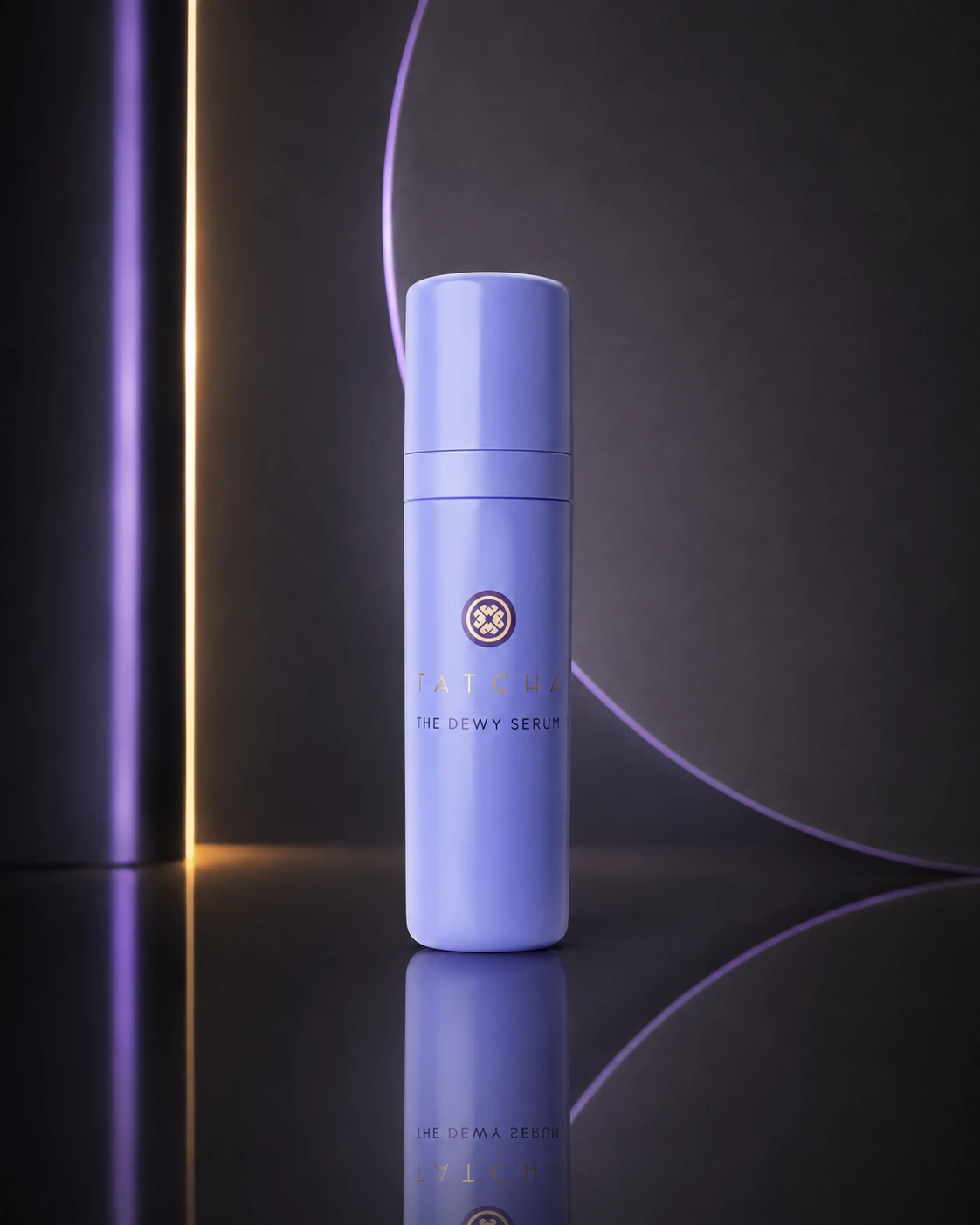 Ground Truth 39349111ab414832ecfe3fdfb73cd1 | Ref 1 9c252cfdd033857c6d52c099afb54a | Ref 2 c57301982ee3444b4788dc608d2f91 | Ref 3 bf9c1eb8d14668331c75c63f863204 | 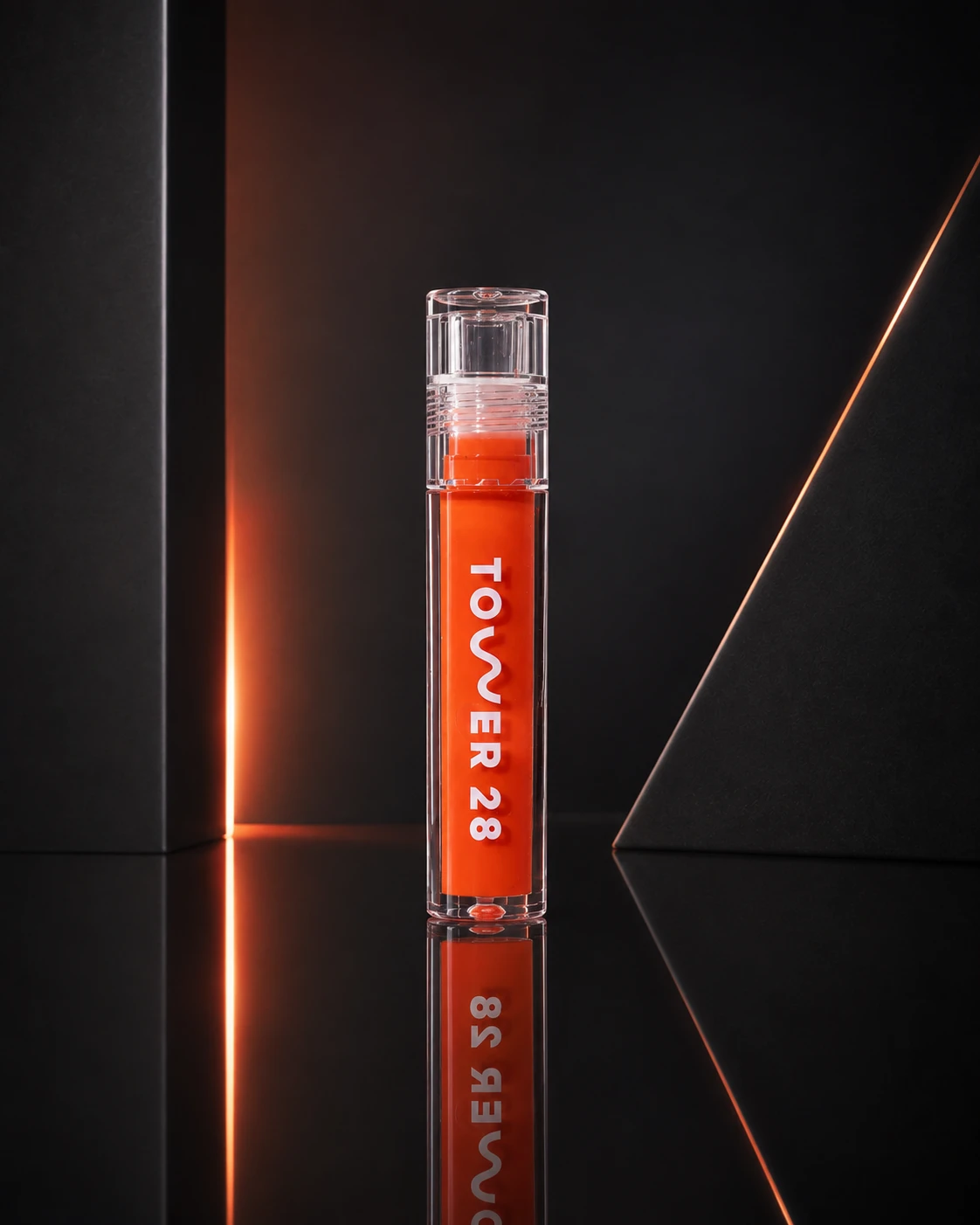 Ref 4 b3b197ed74c488b39193f9f469e858 |  P1 Input cc271ae896c8d1816f3b7a4b945556 | P1 Target 9c252cfdd033857c6d52c099afb54a | 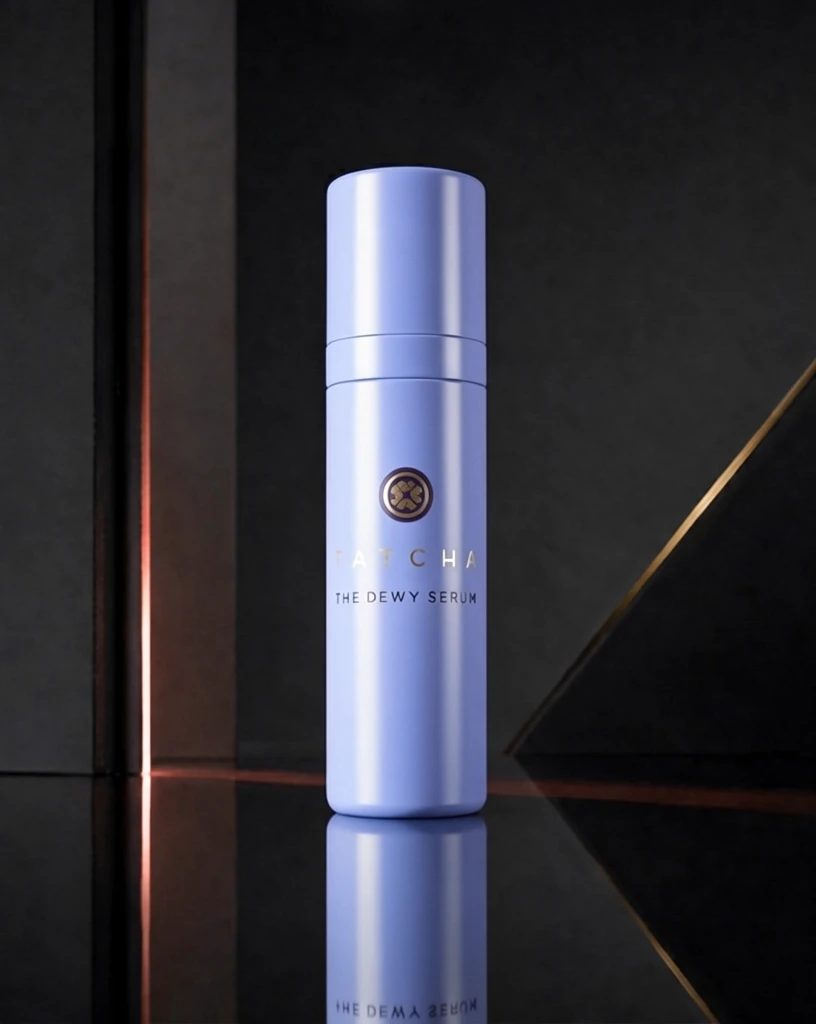 S1 94b2b1378f8eadba28f96db2487762 单任务耗时 62.0 秒 / PyTorch 峰值显存 33.2 GiB | 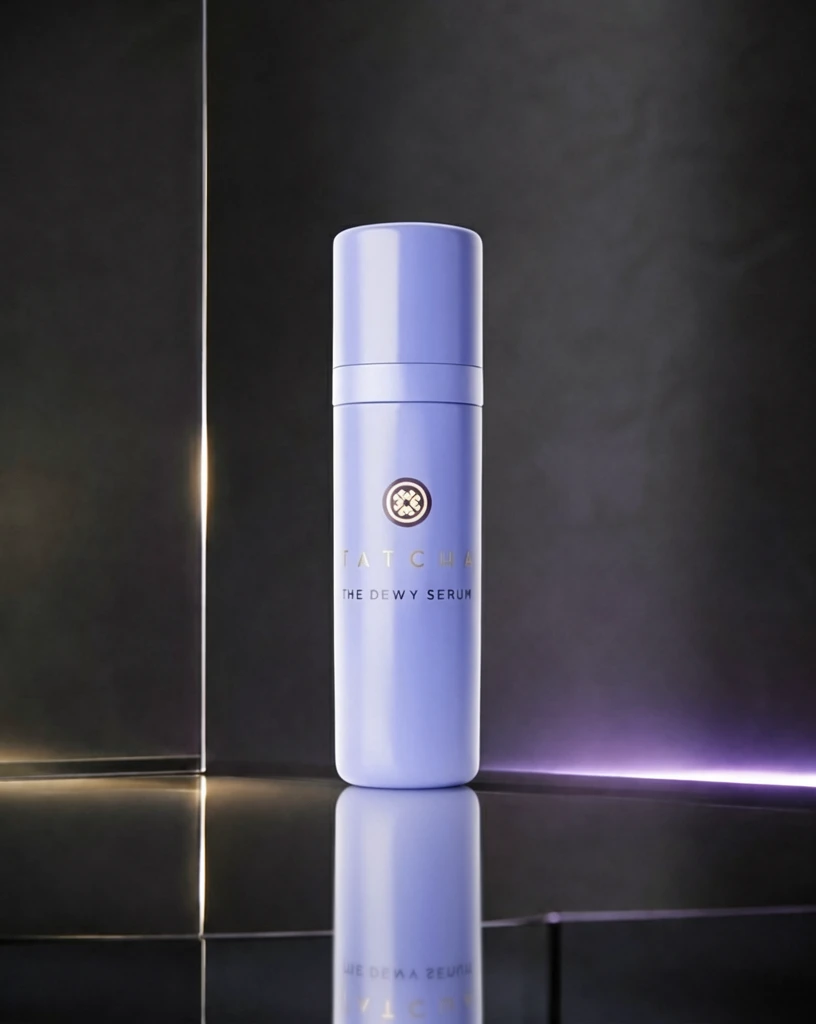 S2 603486b125b28fc99aa1684ec3aa1a 单任务耗时 90.3 秒 / PyTorch 峰值显存 33.9 GiB | 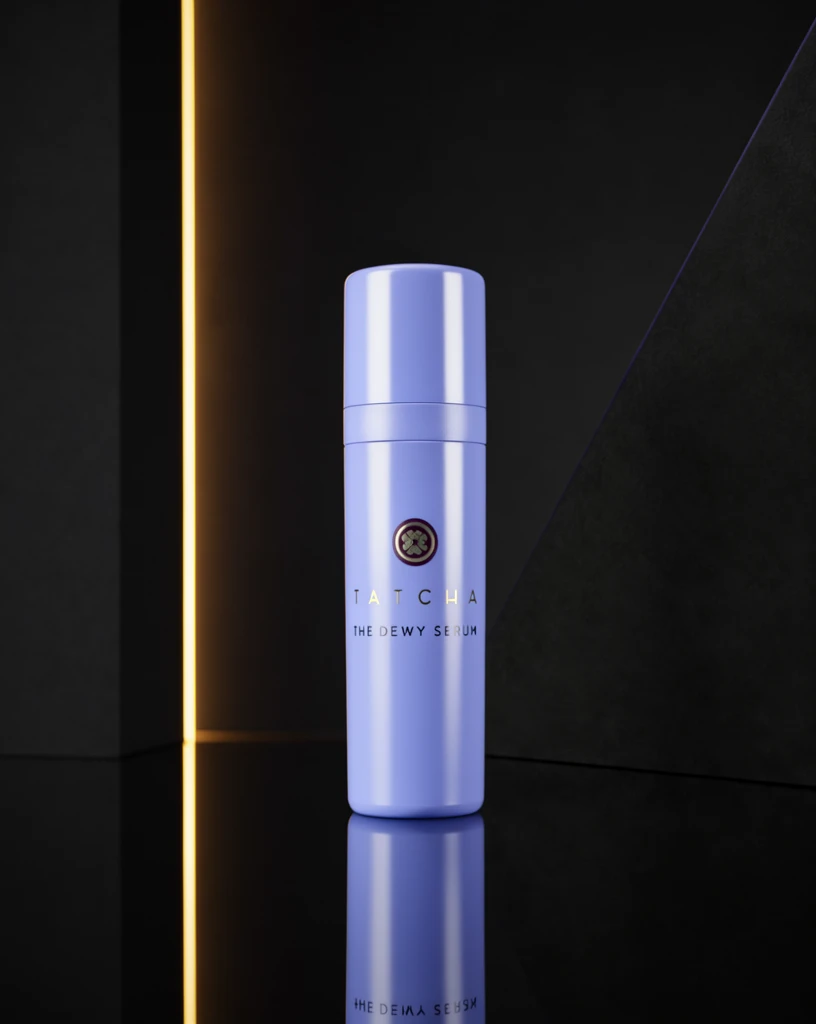 S4 54facac4eca7a84e934bd2b61d1131 单任务耗时 155.4 秒 / PyTorch 峰值显存 35.2 GiB | 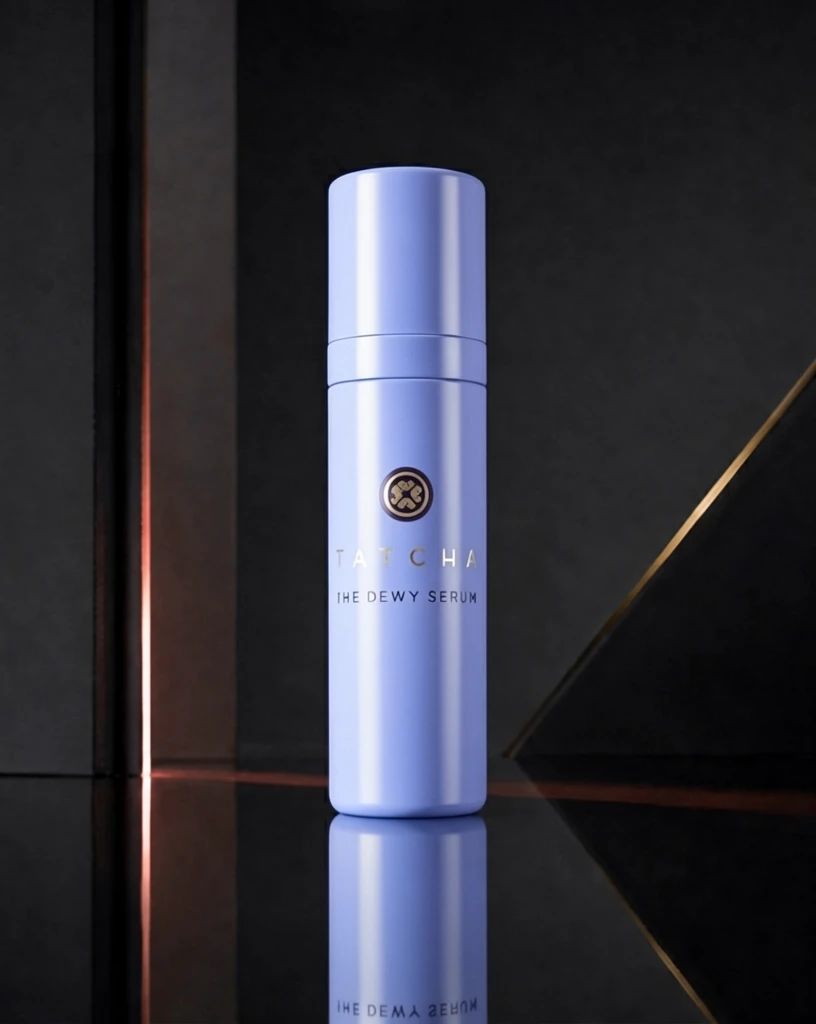 P1 88ada7b4c7c72a6d86bd1f06ebcb0a 单任务耗时 89.5 秒 / PyTorch 峰值显存 33.9 GiB |
q05
|  Input e16084007bac91bf54047619553afa | 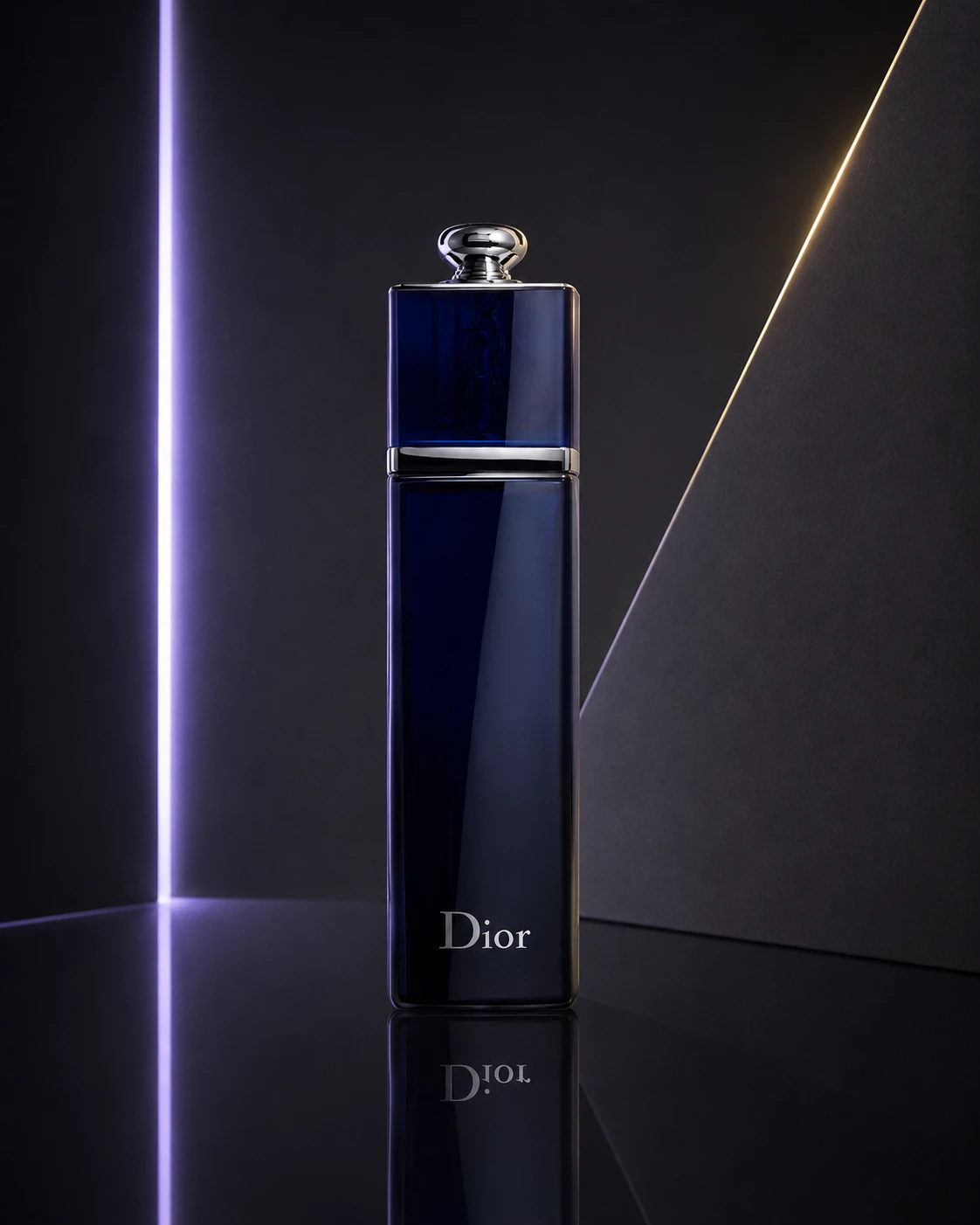 Ground Truth 66ae4212779a8723783fb2768217b2 | Ref 1 61399f5a052aeae74fb43b4fa8b9c0 | Ref 2 6f417efaca7b1cb3e9761454d91d0a | Ref 3 6484da4bdc6ddd47c7cf3b59d316ad | Ref 4 1b554439a99f1c775385fe10af6aa9 |  P1 Input ee75854ce328107b90f5e2ac33e229 | P1 Target 61399f5a052aeae74fb43b4fa8b9c0 | 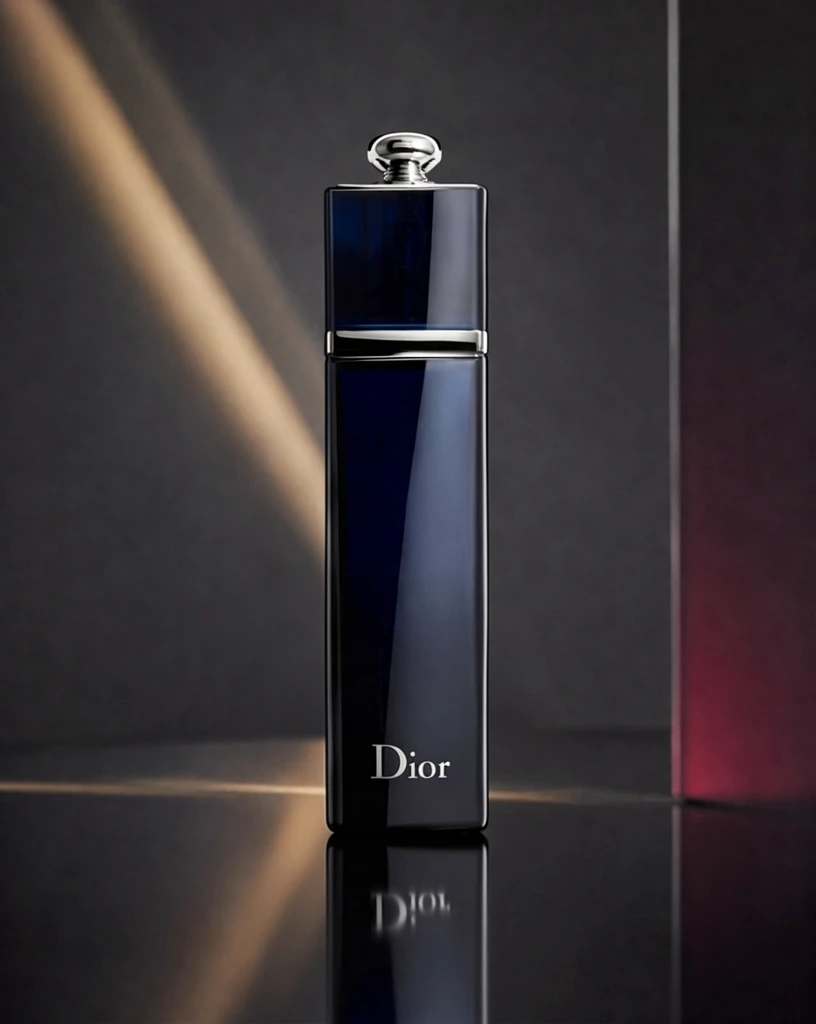 S1 2c4a495880bd7a413be87d3e5ceb96 单任务耗时 62.3 秒 / PyTorch 峰值显存 33.2 GiB | 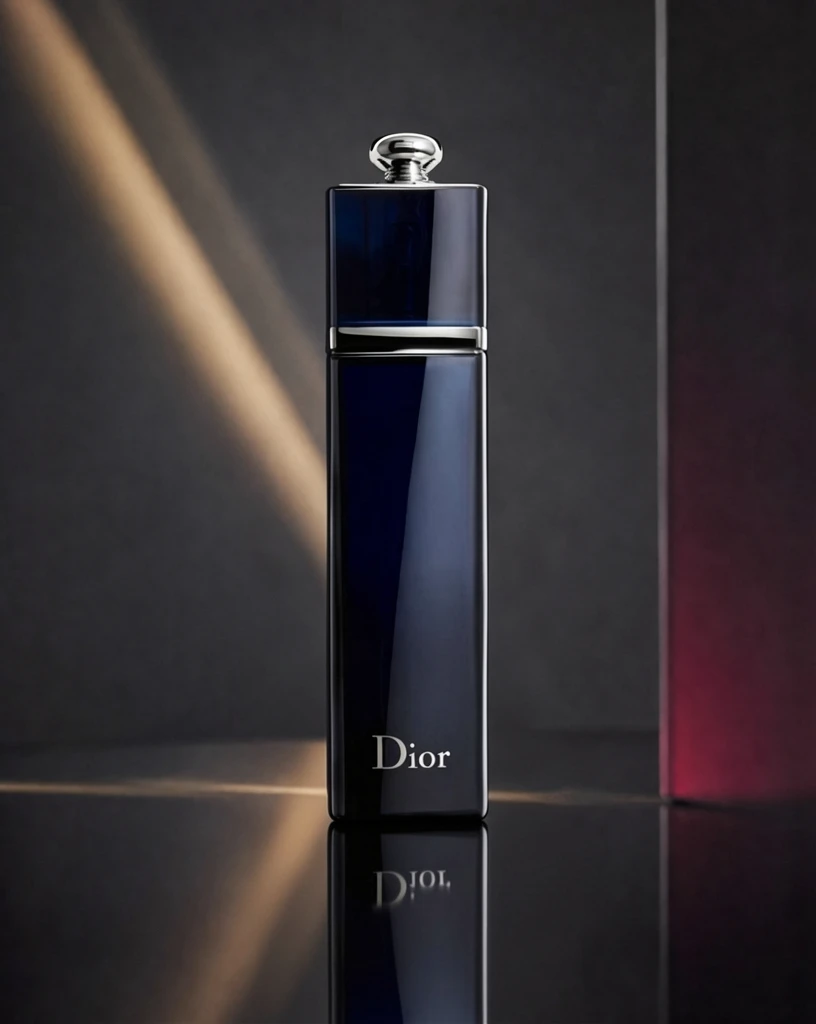 S2 49ee1d92c0730529e0fe83d32856b3 单任务耗时 90.7 秒 / PyTorch 峰值显存 33.9 GiB |  S4 4b3ffdefeaf118b43169c12f43c8a6 单任务耗时 155.4 秒 / PyTorch 峰值显存 35.2 GiB | 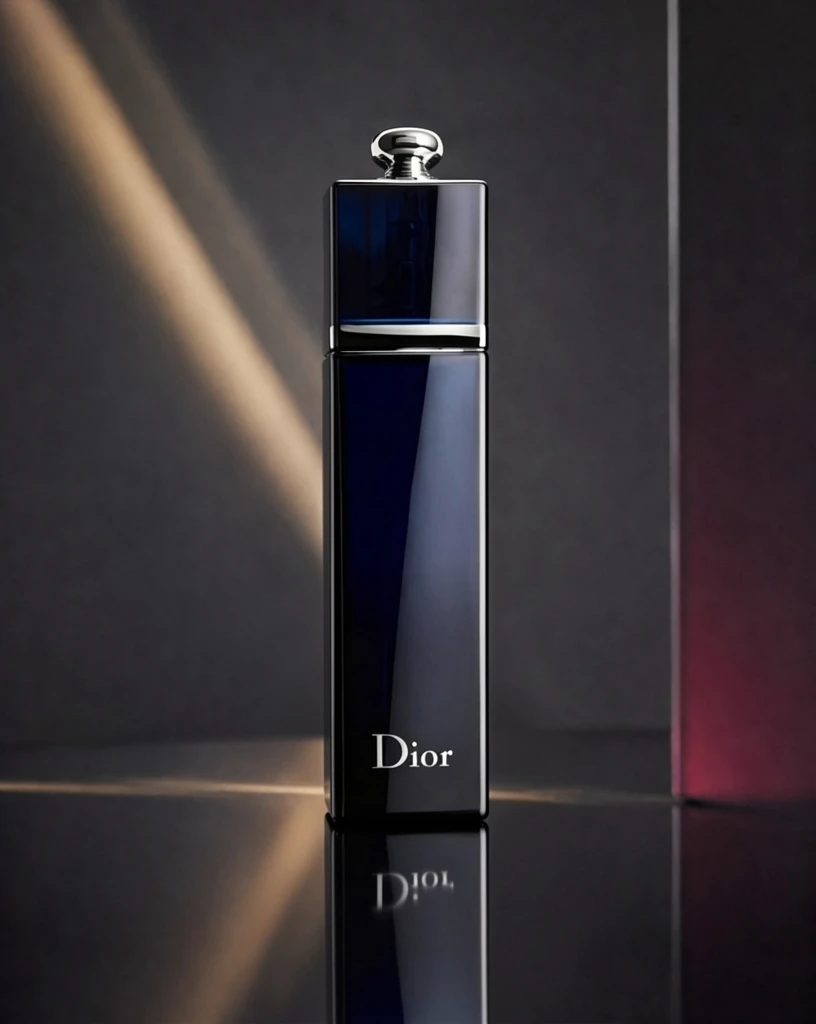 P1 d89709ea419b84ec3795b38b4f16fd 单任务耗时 88.5 秒 / PyTorch 峰值显存 33.9 GiB |
q06
| 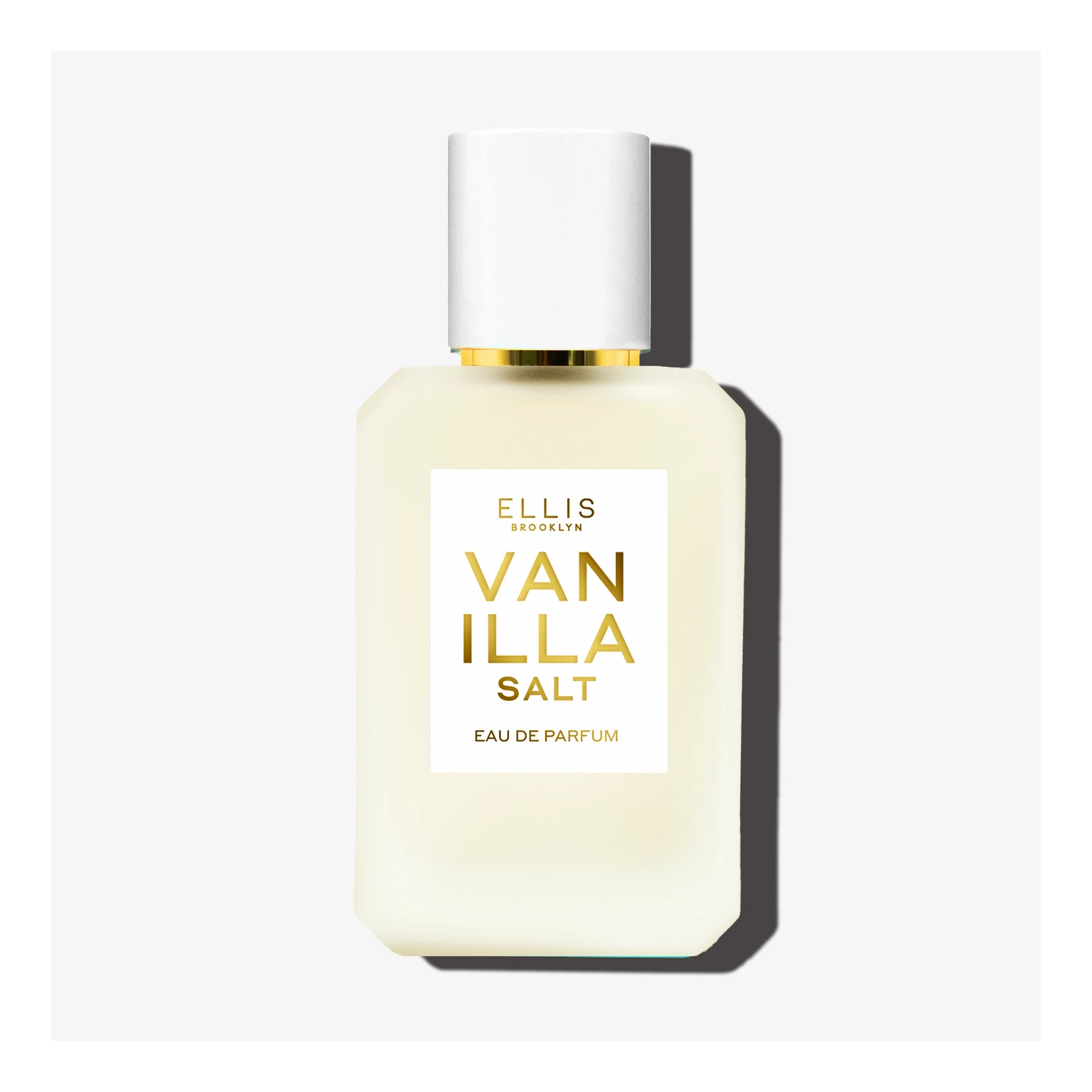 Input eca68d197f97cba124d1f10729e288 |  Ground Truth d0137d628d89e0299e74f22f2dfc17 | Ref 1 8d923086f007d9fb9af1f7afde77f1 | Ref 2 872479b68c0b6be54220c4a134d97d | Ref 3 5b0aa21aa6be4cac9167030133ba9c | Ref 4 a416c4c2db2258f1d66b3973e30c0e | 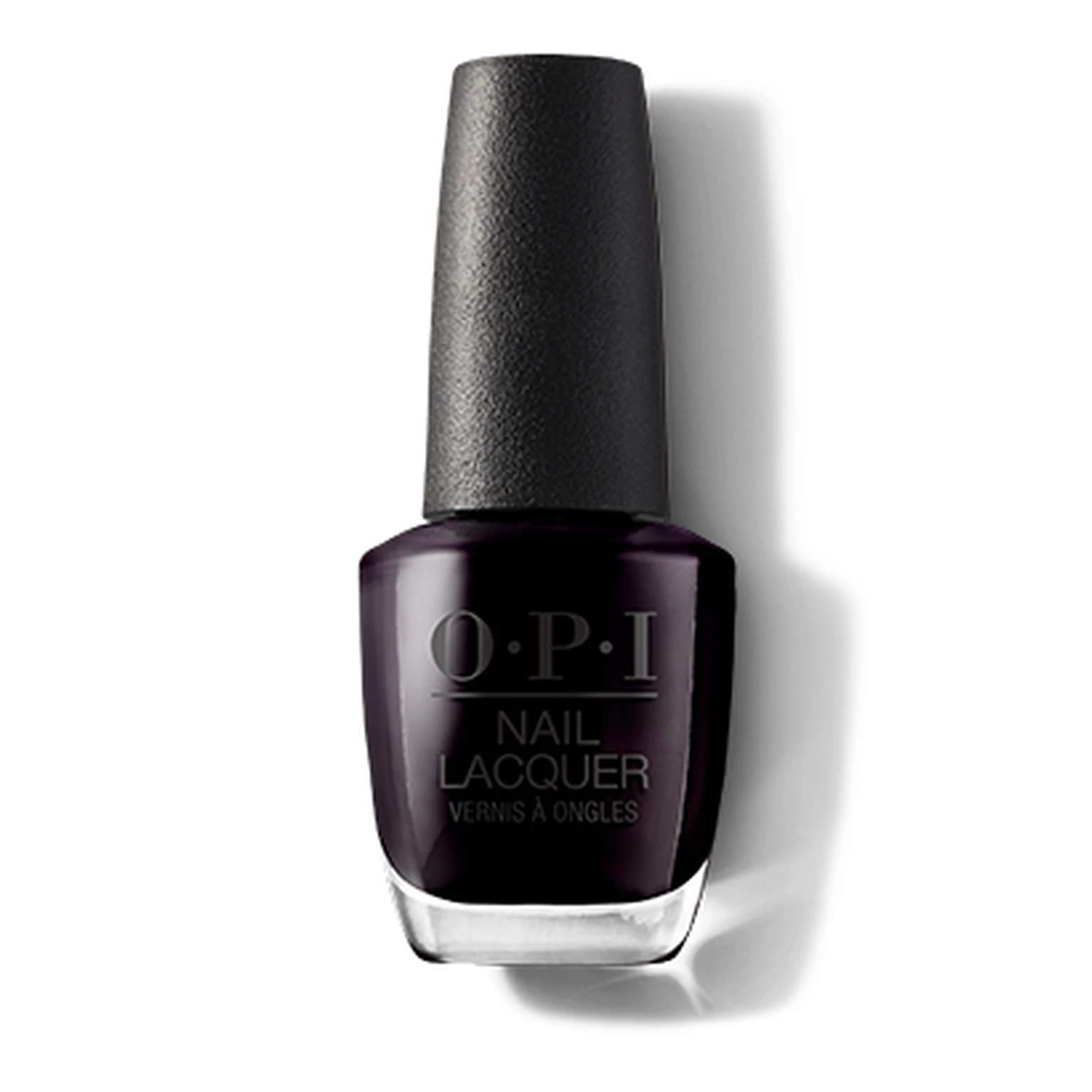 P1 Input c8b403d83478e05ecff1d7cad37551 | P1 Target 8d923086f007d9fb9af1f7afde77f1 |  S1 efc2e151d9df8c50007ad08e98bbcd 单任务耗时 61.0 秒 / PyTorch 峰值显存 33.2 GiB |  S2 8421fda8307607f937b6fa3a266492 单任务耗时 90.4 秒 / PyTorch 峰值显存 33.9 GiB |  S4 e3f324140bcfd5e7c6f0c7e47e705c 单任务耗时 155.6 秒 / PyTorch 峰值显存 35.2 GiB |  P1 0e5fdb3f558dbffc5488675df13bc3 单任务耗时 89.7 秒 / PyTorch 峰值显存 33.9 GiB |
q07
|  Input eba15fe2d0edf02348377f8d155b2c | 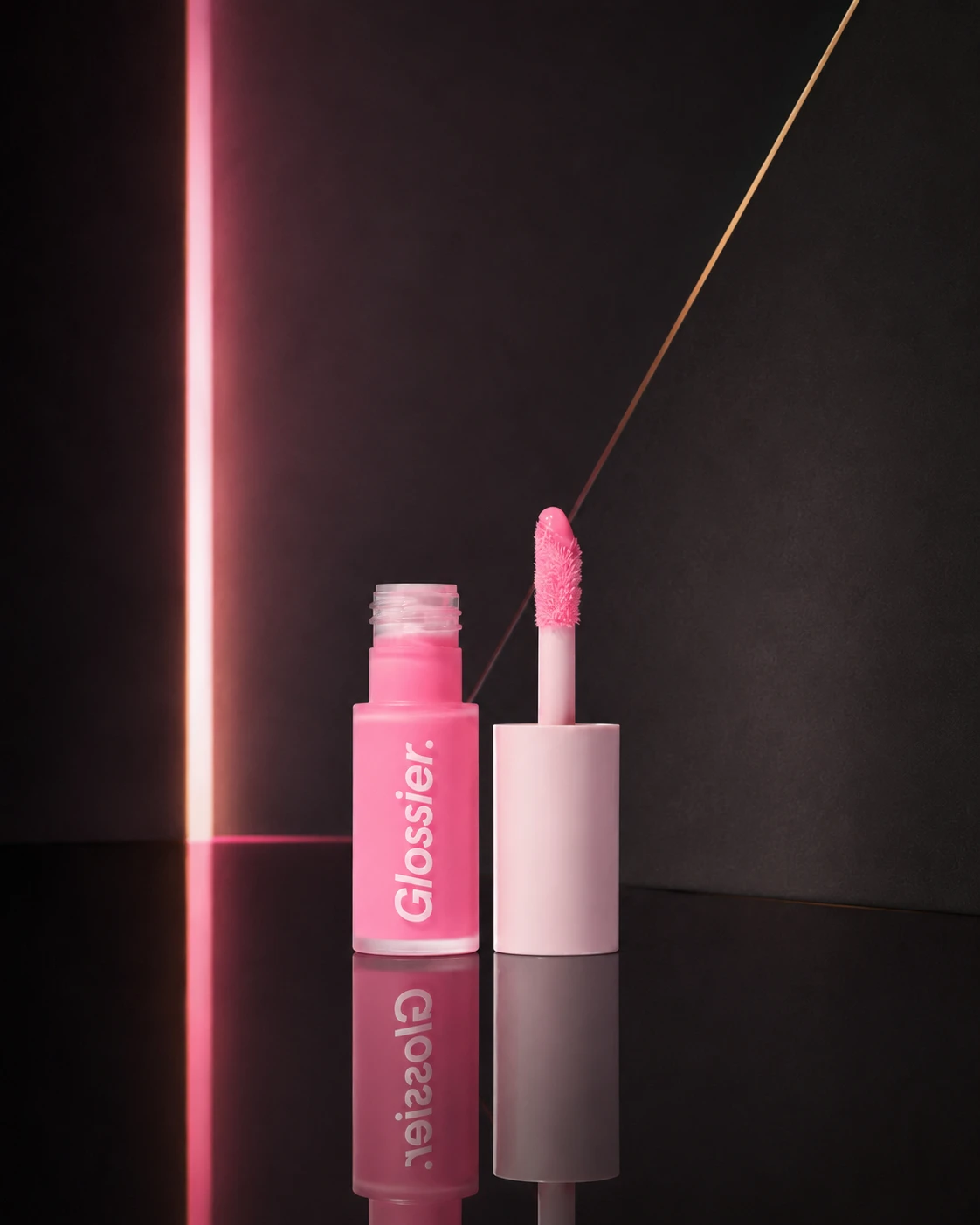 Ground Truth f61e24a53032e8c8cbfb6b6fcaf721 | Ref 1 c57301982ee3444b4788dc608d2f91 | Ref 2 bf9c1eb8d14668331c75c63f863204 | Ref 3 b3b197ed74c488b39193f9f469e858 | Ref 4 d37455d750675bc907da90254c5632 | 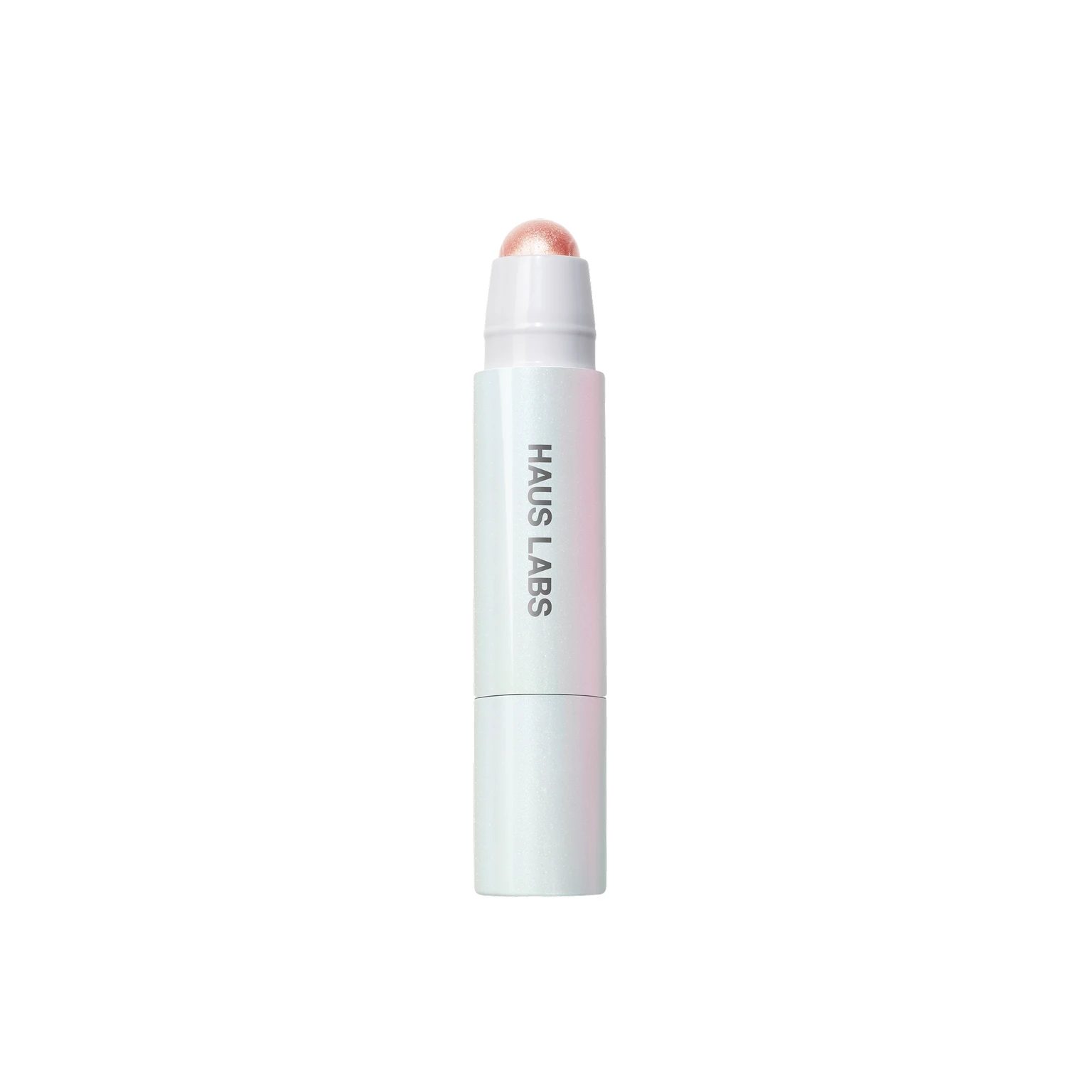 P1 Input bb700c7ef32eba887f555c90647c8a | P1 Target c57301982ee3444b4788dc608d2f91 |  S1 e5cc0ecf7699eac86808f0db6722da 单任务耗时 61.9 秒 / PyTorch 峰值显存 33.2 GiB |  S2 82bd567c22b60661648ca878e4246e 单任务耗时 90.3 秒 / PyTorch 峰值显存 33.9 GiB | 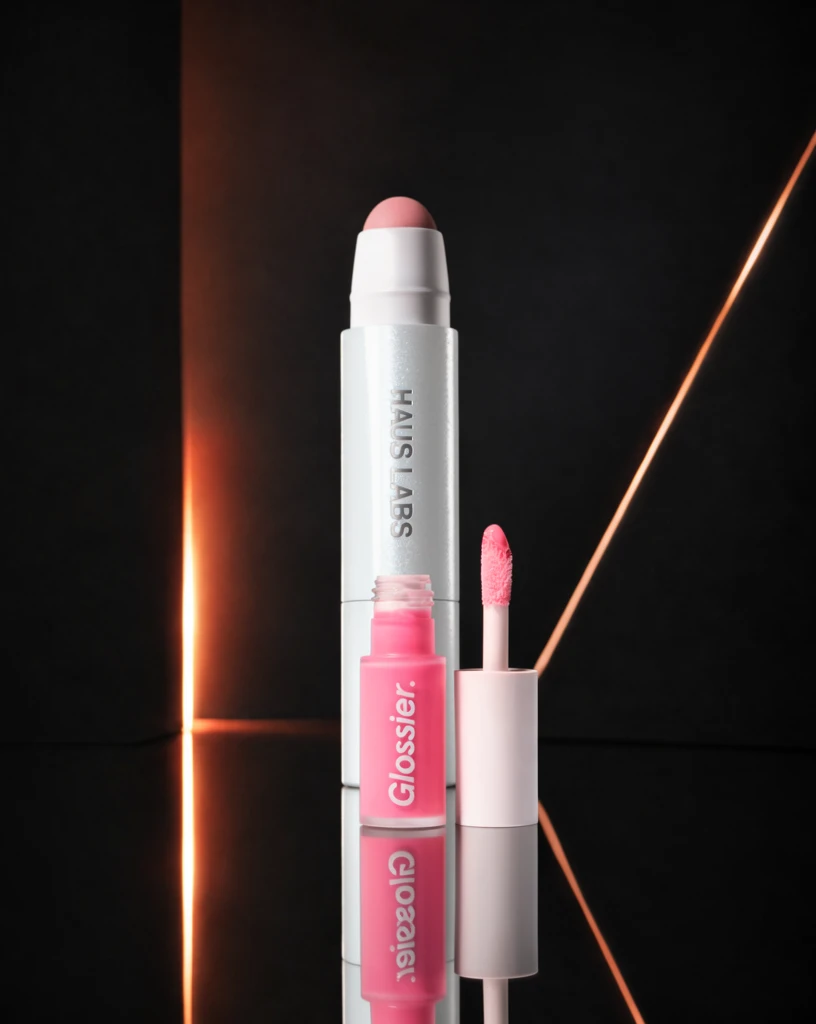 S4 36d9d169dd3cc5d3d83e88b019b0f5 单任务耗时 155.7 秒 / PyTorch 峰值显存 35.2 GiB | 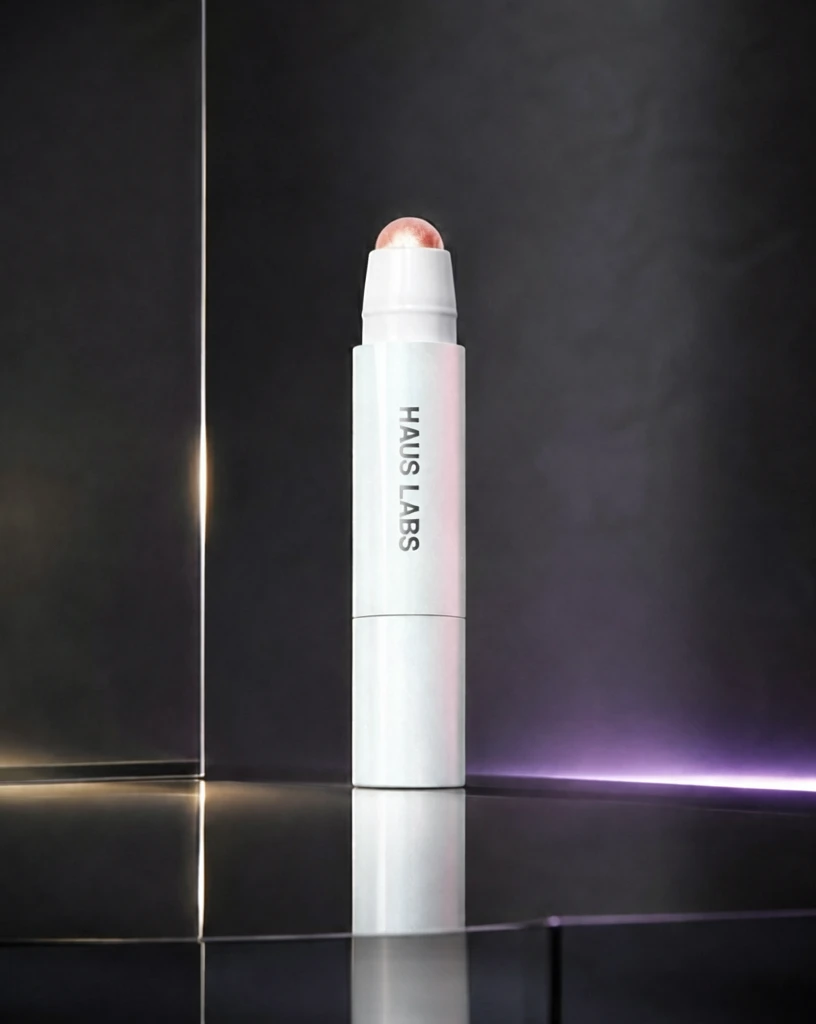 P1 3187463b6b6824b38e372b76554bc9 单任务耗时 89.1 秒 / PyTorch 峰值显存 33.9 GiB |
跨小风格输入对比
每个目标风格完整展示 20 个固定案例;LoRA 与 Context 使用同一批输入。
待编辑产品来自同一大类中的其他小风格;提供 1 张目标小风格成品图作为参考,测试跨小风格输入的迁移效果。
待编辑产品来自同一大类中的其他小风格;提供 2 张目标小风格成品图作为参考。
只输入 1 张待编辑产品图并挂载目标小风格 LoRA,不提供额外 Context 参考图;对比 step 200/400/600 与 alpha 1/2。
查看 Cross Context 任务定义、Prompt 与配置
- 模型
- FLUX.2-klein-base-9B
- 测试集
- 同大类其他小风格的固定白底输入,每个目标风格 20 个
- 推理步数
- 50
- CFG
- 4.0
- Seed
- 42
- Reference
- S1-Cross=1,S2-Cross=2;参考图来自目标风格
实际使用 Prompt(英文,送入模型)Image 1 is the product image to edit. Image 2 is a reference image. Transform Image 1 into a product image that follows the presentation style demonstrated by the reference image. Preserve the identity and key visual details of the product in Image 1. Use the reference image only to determine how the product is presented, and do not copy products or textual content from the reference image.
中文对照说明(未送入模型)图像1是需要编辑的产品图,图像2是参考图。 将图像1转换为一张采用参考图所展示呈现风格的产品图。保留图像1中产品的身份和关键视觉细节。参考图仅用于确定产品的呈现方式,不要复制参考图中的产品或文字内容。
实际使用 Prompt(英文,送入模型)Image 1 is the product image to edit. Images 2 and 3 are reference images. Transform Image 1 into a product image that follows the presentation style demonstrated by the reference images. Preserve the identity and key visual details of the product in Image 1. Use the reference images only to determine how the product is presented, and do not copy products or textual content from the reference images.
中文对照说明(未送入模型)图像1是需要编辑的产品图,图像2和图像3是参考图。 将图像1转换为一张采用参考图所展示呈现风格的产品图。保留图像1中产品的身份和关键视觉细节。参考图仅用于确定产品的呈现方式,不要复制参考图中的产品或文字内容。
查看 LoRA 训练/推理 Prompt 与配置
- 训练数据
- 目标小风格的 20 组白底 input → 风格化 target 配对
- 训练配置
- 600 steps;每 100 step 保存;LR=5e-5;rank=32;BF16
- 测试数据
- 与 Cross Context 相同的 20 个跨小风格白底输入;无目标风格 GT
- Checkpoint
- step 200 / 400 / 600
- LoRA alpha
- 1.0 / 2.0
- 推理步数
- 50
- CFG
- 1.0
- Seed
- 42
- 额外 Reference
- 无;仅输入产品图 + LoRA
实际使用 Prompt(英文,送入模型)BGMStyle. Apply this presentation style to the input product image. Preserve the product itself, including its identity and key visual details.
中文对照说明(未送入模型)BGMStyle。将该呈现风格应用到输入产品图中。保留产品本身,包括其身份和关键视觉细节。
| Case | Input | Ref 1 | Ref 2 | S1-Cross | S2-Cross | LoRA 200 α1 | LoRA 200 α2 | LoRA 400 α1 | LoRA 400 α2 | LoRA 600 α1 | LoRA 600 α2 |
|---|---|---|---|---|---|---|---|---|---|---|---|
q01
|  Input 802f81e934111bd2e5537f8db3d602 | Ref 1 872479b68c0b6be54220c4a134d97d | Ref 2 6484da4bdc6ddd47c7cf3b59d316ad |  S1 CROSS 86bd8005bb42adca383aa59a94ce67 单任务耗时 62.6 秒 / PyTorch 峰值显存 33.2 GiB |  S2 CROSS cfb5c5b49a9e6667a8efb4bf1d4306 单任务耗时 90.3 秒 / PyTorch 峰值显存 33.9 GiB | 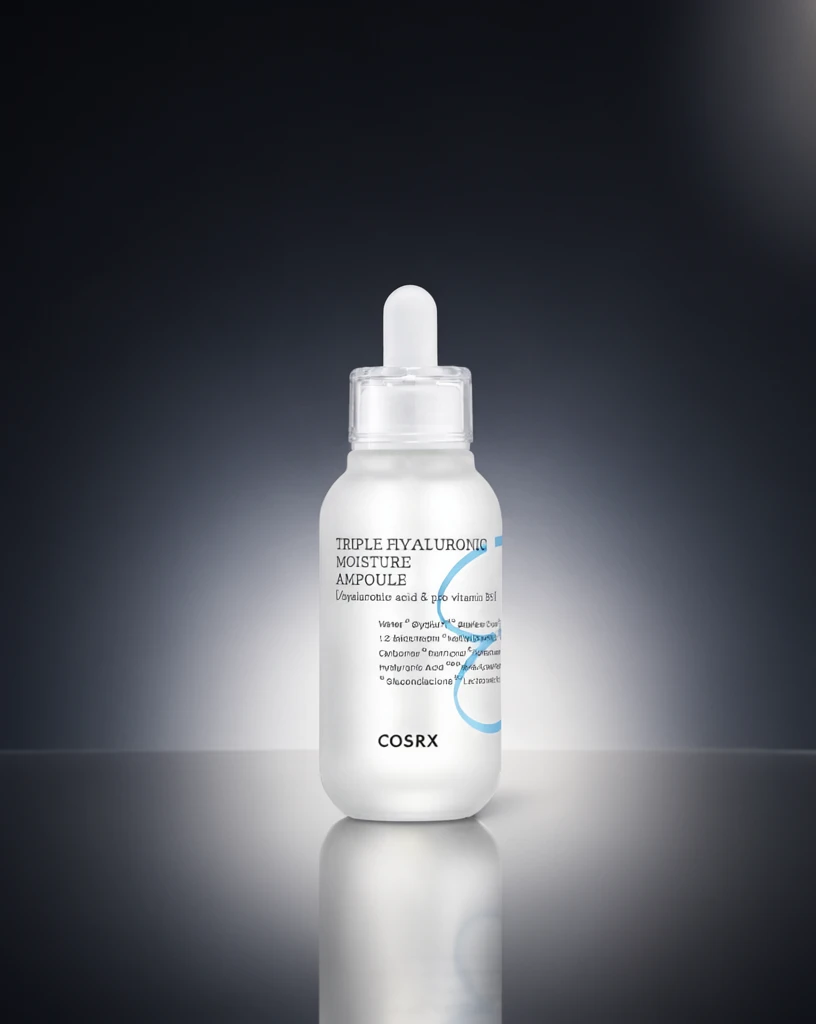 Step 200 · α1 9665328aea74d1e50b830663b79e58 单任务耗时 18.8 秒 / PyTorch 峰值显存 33.3 GiB |  Step 200 · α2 27c8121ef39b2316268198fbf850c8 单任务耗时 17.9 秒 / PyTorch 峰值显存 33.3 GiB |  Step 400 · α1 da55f981b0fe416657a3f5e5481cdf 单任务耗时 17.9 秒 / PyTorch 峰值显存 33.3 GiB |  Step 400 · α2 d4340104f2fe94ca7d80135ade1619 单任务耗时 17.9 秒 / PyTorch 峰值显存 33.3 GiB |  Step 600 · α1 14a245e878e05fb6c4b7306bd1b002 单任务耗时 17.9 秒 / PyTorch 峰值显存 33.3 GiB |  Step 600 · α2 f994ba24060375f40c2606d7ed9278 单任务耗时 17.9 秒 / PyTorch 峰值显存 33.3 GiB |
q02
|  Input e29e0d21817f4ef005e9c9951d0956 | Ref 1 66ae4212779a8723783fb2768217b2 | Ref 2 f61e24a53032e8c8cbfb6b6fcaf721 |  S1 CROSS 66707c1363d2fe5d50dee1b85d672e 单任务耗时 61.5 秒 / PyTorch 峰值显存 33.2 GiB |  S2 CROSS bd1af824da76f4b7df49bac916eb13 单任务耗时 90.3 秒 / PyTorch 峰值显存 33.9 GiB |  Step 200 · α1 42ae62352b0bdcf855356285785576 单任务耗时 17.9 秒 / PyTorch 峰值显存 33.3 GiB |  Step 200 · α2 1ad129e03c728509cd91d0d2b5d677 单任务耗时 17.9 秒 / PyTorch 峰值显存 33.3 GiB |  Step 400 · α1 c4bcda48b60c4287990fe4cb331d71 单任务耗时 17.8 秒 / PyTorch 峰值显存 33.3 GiB | 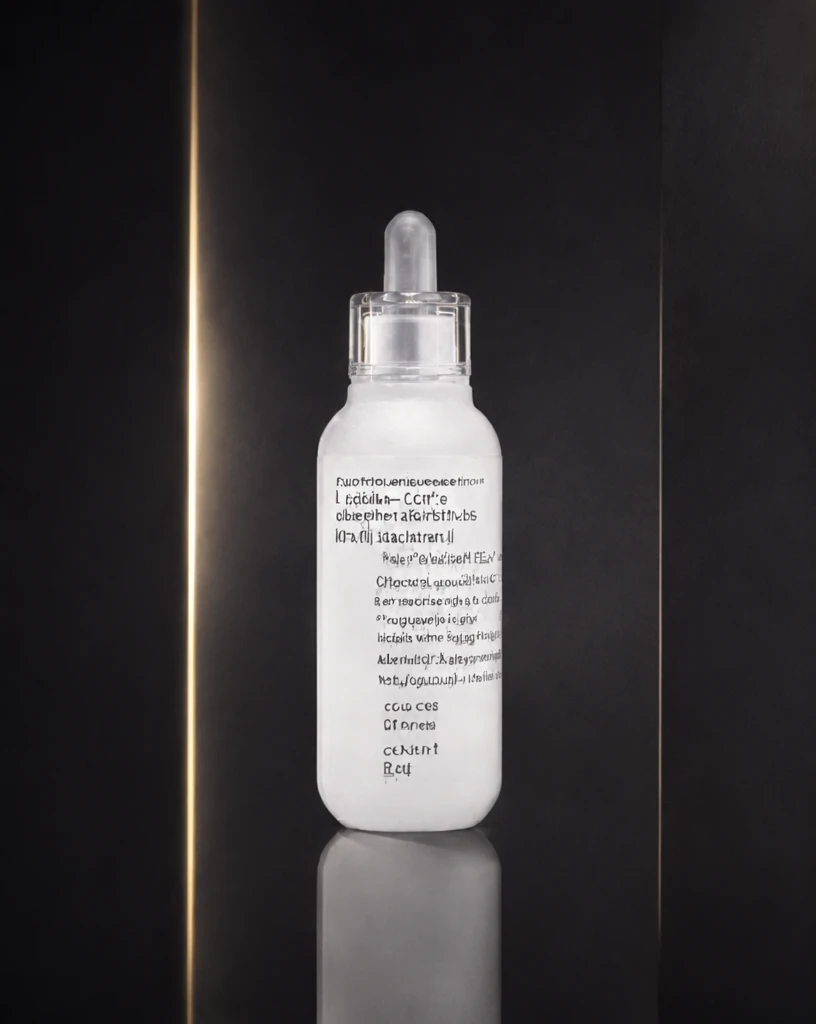 Step 400 · α2 04bd94d0553617c660236669475d33 单任务耗时 17.9 秒 / PyTorch 峰值显存 33.3 GiB |  Step 600 · α1 b4222b464a1496248ff1d612580faf 单任务耗时 17.9 秒 / PyTorch 峰值显存 33.3 GiB |  Step 600 · α2 34d0701faf588f15b5b5639a0b8e17 单任务耗时 17.9 秒 / PyTorch 峰值显存 33.3 GiB |
q03
|  Input f8f2457fe4978149bc2312d8f5a1f2 | Ref 1 be6fa46b311472d4f245d8e0f0e9c2 | Ref 2 d37455d750675bc907da90254c5632 |  S1 CROSS e9ec2b04ee3d8b4af634b5b53cec78 单任务耗时 61.3 秒 / PyTorch 峰值显存 33.2 GiB |  S2 CROSS 923dffb766406fd953d4dc96ded5ec 单任务耗时 89.9 秒 / PyTorch 峰值显存 33.9 GiB |  Step 200 · α1 b7fbd7e803e4ec5fa4c2b2400f97ea 单任务耗时 17.9 秒 / PyTorch 峰值显存 33.3 GiB |  Step 200 · α2 0339ee8421c540272a521d0897608e 单任务耗时 17.9 秒 / PyTorch 峰值显存 33.3 GiB |  Step 400 · α1 f00bdb93636fbb9d462d56be58dcff 单任务耗时 17.9 秒 / PyTorch 峰值显存 33.3 GiB |  Step 400 · α2 b716c1c2086ac351ed0deed0b1c36a 单任务耗时 17.9 秒 / PyTorch 峰值显存 33.3 GiB |  Step 600 · α1 e9a9017b67f66477059c16217c5c5d 单任务耗时 17.9 秒 / PyTorch 峰值显存 33.3 GiB |  Step 600 · α2 c32c4b6ca1de90d42b9778de14a6aa 单任务耗时 17.9 秒 / PyTorch 峰值显存 33.3 GiB |
q04
|  Input 1024eac8a29f36cbfd22bc5476dfbb | Ref 1 1b554439a99f1c775385fe10af6aa9 | Ref 2 1e3975c20704bebecf7913c3d77e19 |  S1 CROSS 4a2c6e5a082617d8abeb4add611efb 单任务耗时 61.6 秒 / PyTorch 峰值显存 33.2 GiB |  S2 CROSS f9e0ea7be32c576b2230c7978667ef 单任务耗时 89.0 秒 / PyTorch 峰值显存 33.9 GiB |  Step 200 · α1 8a7ae52af2fe0179dd7b1ecd8077fd 单任务耗时 17.9 秒 / PyTorch 峰值显存 33.3 GiB |  Step 200 · α2 2d4092f166f6128df0db77a6917dd1 单任务耗时 17.9 秒 / PyTorch 峰值显存 33.3 GiB |  Step 400 · α1 8ea3c157b15a3b91131a60a2cfd4cc 单任务耗时 17.9 秒 / PyTorch 峰值显存 33.3 GiB |  Step 400 · α2 fa24fd0f14d11f15b576cd03cd8172 单任务耗时 17.9 秒 / PyTorch 峰值显存 33.3 GiB |  Step 600 · α1 2fee3ffb5ef9d7d4ee0aff002b2a75 单任务耗时 17.9 秒 / PyTorch 峰值显存 33.3 GiB |  Step 600 · α2 ee1b2ebba2ac51ba7bcc9642577ad2 单任务耗时 17.9 秒 / PyTorch 峰值显存 33.3 GiB |
q05
|  Input 5b40d34e7f29e9de0683cc57f4e44f | Ref 1 39349111ab414832ecfe3fdfb73cd1 | Ref 2 d0137d628d89e0299e74f22f2dfc17 |  S1 CROSS d5e4018fce4e12ae8a69c7a3fbaa38 单任务耗时 61.6 秒 / PyTorch 峰值显存 33.2 GiB | 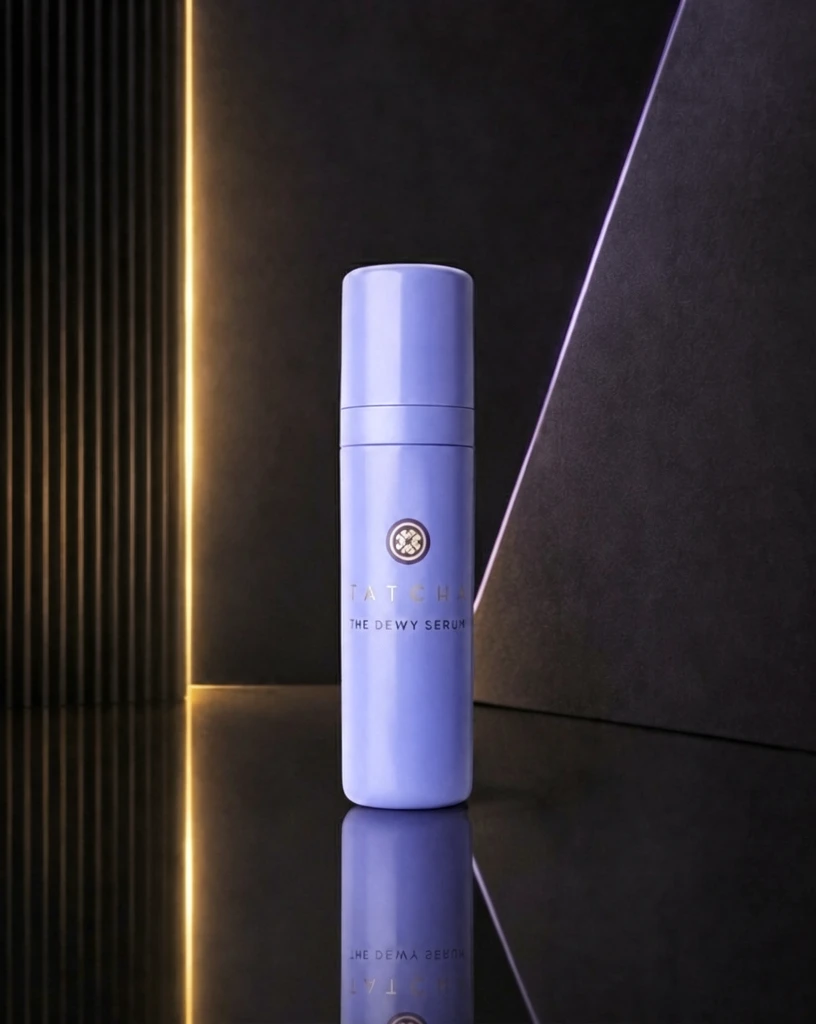 S2 CROSS 9d4a5835c363b4d2370359a65c2473 单任务耗时 90.3 秒 / PyTorch 峰值显存 33.9 GiB | 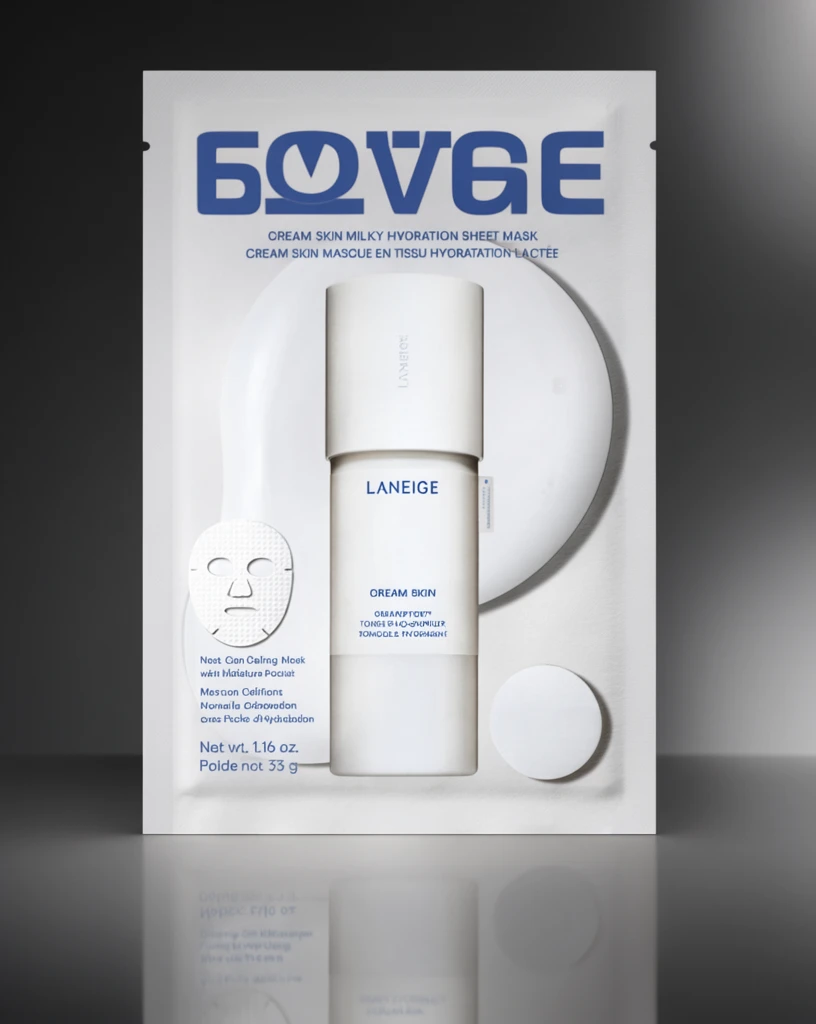 Step 200 · α1 98d785104a0f5c1222e582ccbf3154 单任务耗时 17.9 秒 / PyTorch 峰值显存 33.3 GiB |  Step 200 · α2 604384196fb57f7baa910c8d0ae9c3 单任务耗时 17.9 秒 / PyTorch 峰值显存 33.3 GiB |  Step 400 · α1 10e70f6f201d68948e66053f5ebaf6 单任务耗时 17.9 秒 / PyTorch 峰值显存 33.3 GiB |  Step 400 · α2 37daef987b13fdbaba6badea6b1986 单任务耗时 17.9 秒 / PyTorch 峰值显存 33.3 GiB |  Step 600 · α1 b24f1250946a1f9ea85f093a87d880 单任务耗时 17.9 秒 / PyTorch 峰值显存 33.3 GiB |  Step 600 · α2 de2c99e353536d9dd665bc0a116cc3 单任务耗时 17.9 秒 / PyTorch 峰值显存 33.3 GiB |
q06
|  Input b1cf6f55016cdfd9c579af71f8ab03 | Ref 1 c57301982ee3444b4788dc608d2f91 | Ref 2 bf9c1eb8d14668331c75c63f863204 |  S1 CROSS df89b69643d19166dd798776dd3897 单任务耗时 61.4 秒 / PyTorch 峰值显存 33.2 GiB | 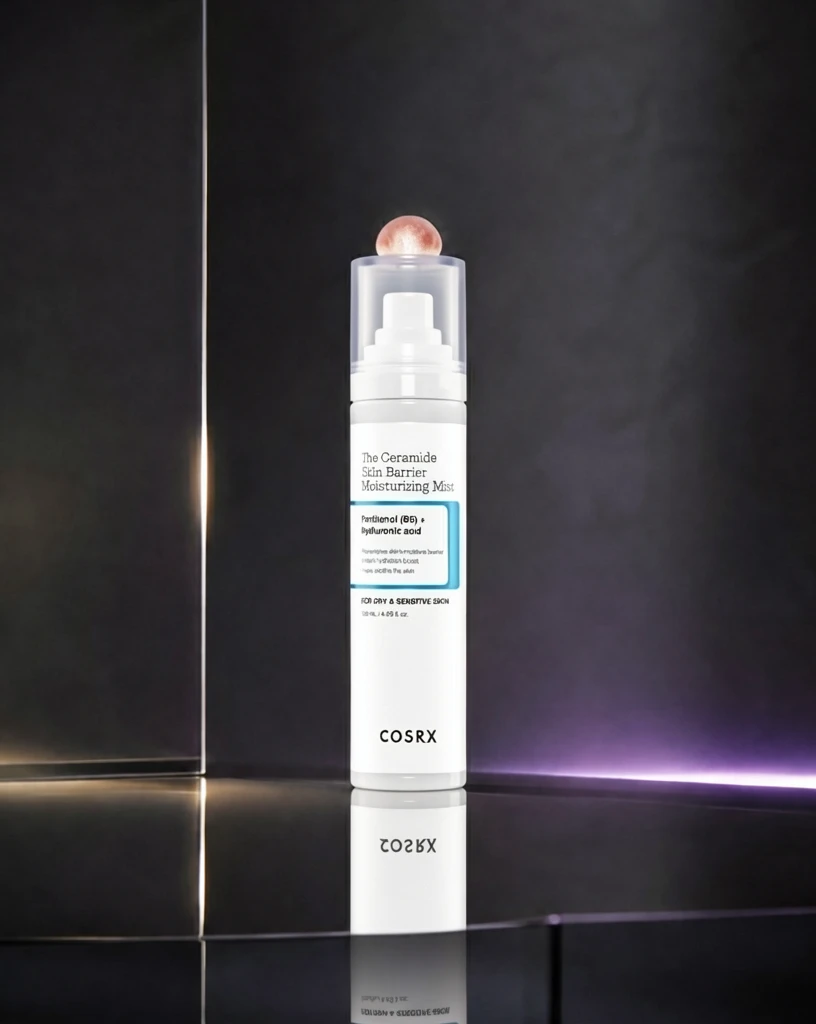 S2 CROSS 92f7a57ff23c046f593fae5fb78698 单任务耗时 90.0 秒 / PyTorch 峰值显存 33.9 GiB | 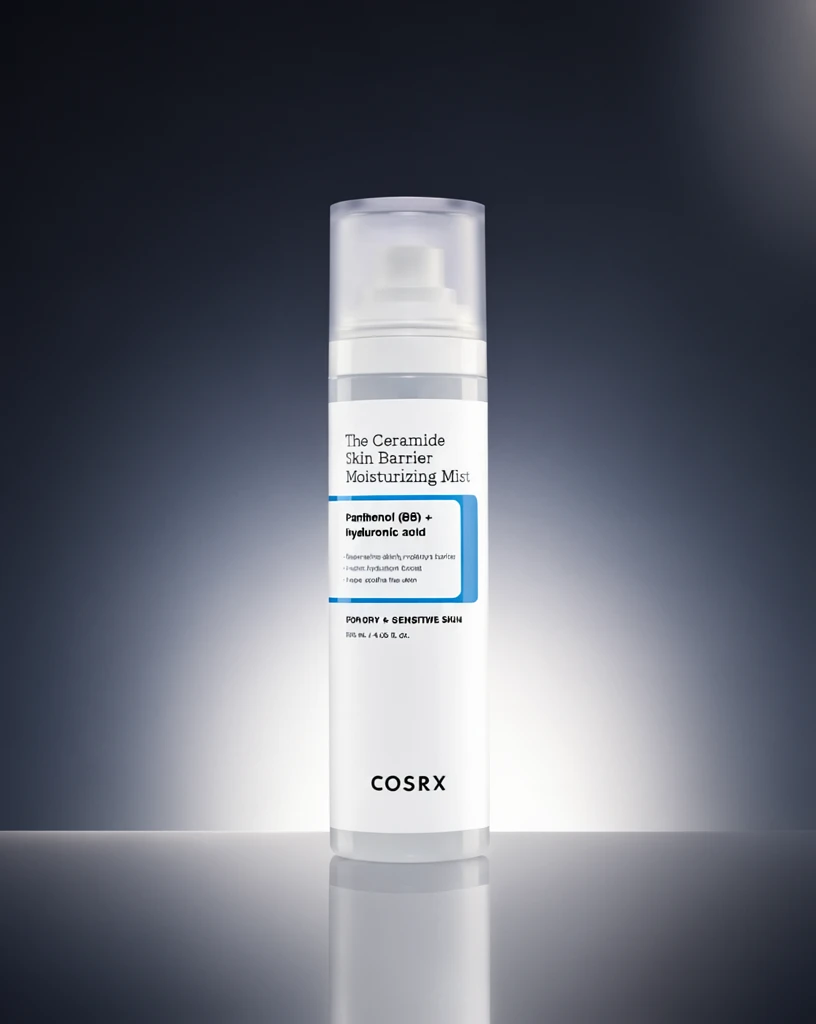 Step 200 · α1 f98d0c3621e966abb9d4787b3d79c2 单任务耗时 17.9 秒 / PyTorch 峰值显存 33.3 GiB |  Step 200 · α2 73f8b20c82cf721a0b706befa5dbdf 单任务耗时 17.9 秒 / PyTorch 峰值显存 33.3 GiB | 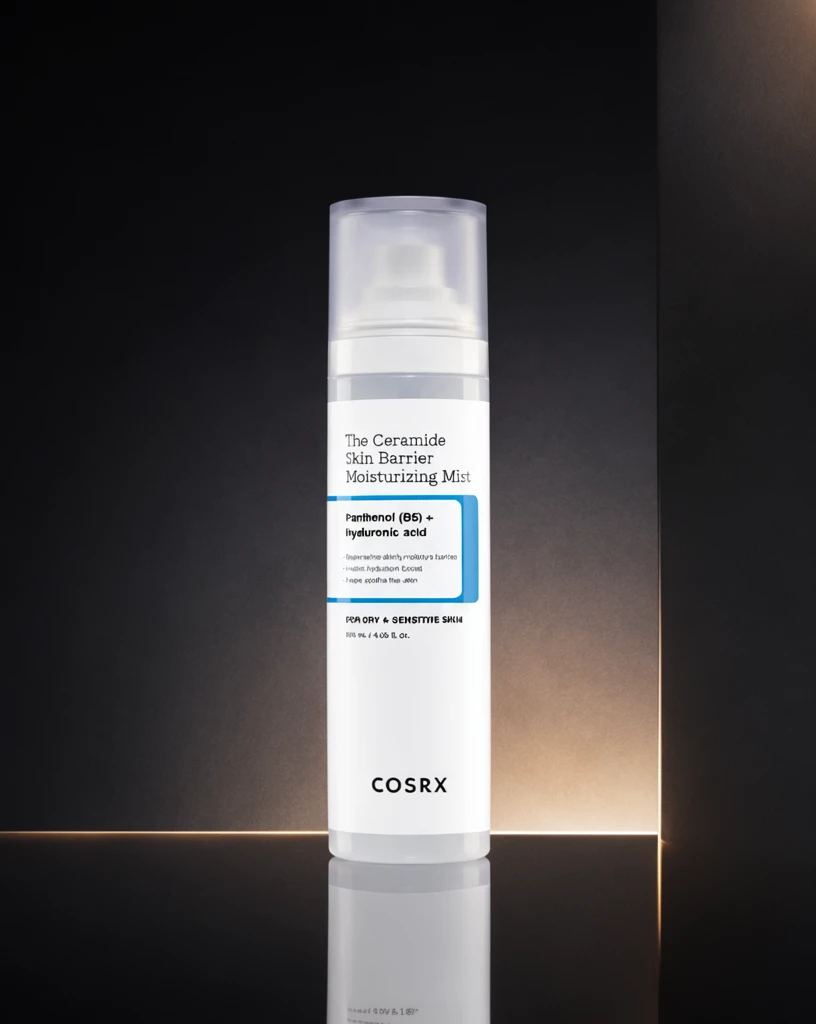 Step 400 · α1 73379efee30ee0c6efbaa98acb1645 单任务耗时 17.9 秒 / PyTorch 峰值显存 33.3 GiB | 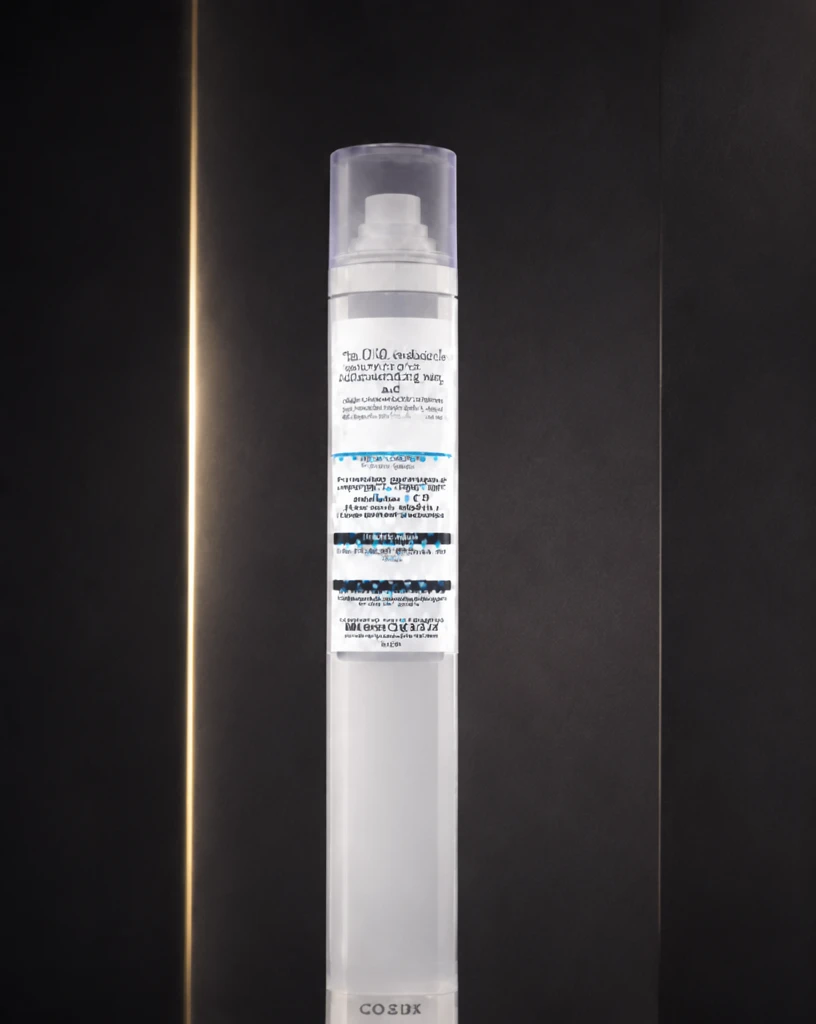 Step 400 · α2 c91f2c07255a889e23a42d3148fa3e 单任务耗时 17.9 秒 / PyTorch 峰值显存 33.3 GiB |  Step 600 · α1 d28112f4a3515fa154a982c361f743 单任务耗时 17.9 秒 / PyTorch 峰值显存 33.3 GiB |  Step 600 · α2 ea84d8c41145566f15d066e1e6bed3 单任务耗时 17.9 秒 / PyTorch 峰值显存 33.3 GiB |
q07
| 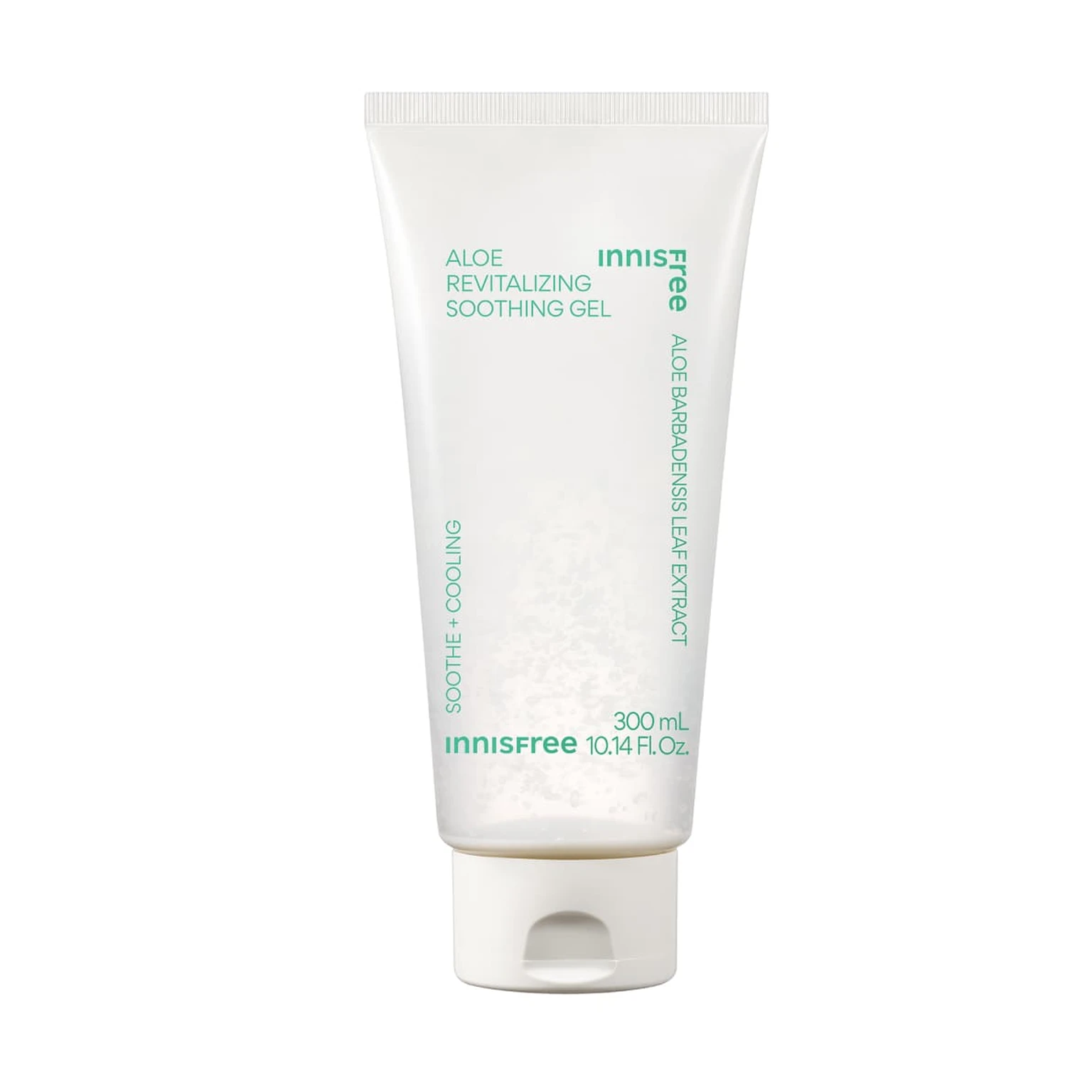 Input c3209fbcbaa33e4194f5b9364bc603 | Ref 1 a416c4c2db2258f1d66b3973e30c0e | Ref 2 b3b197ed74c488b39193f9f469e858 |  S1 CROSS ed108830d25a280dcffaee9aa53be8 单任务耗时 61.6 秒 / PyTorch 峰值显存 33.2 GiB | 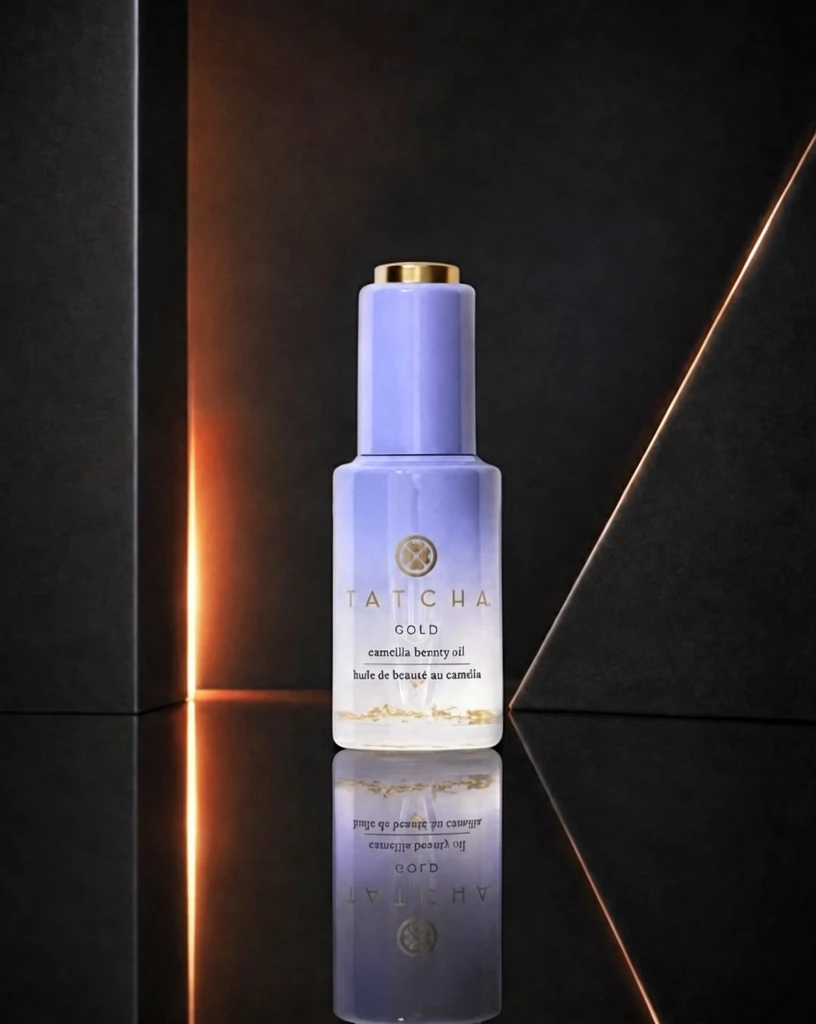 S2 CROSS 90bc32810728667e3fe784bf6a31a0 单任务耗时 90.3 秒 / PyTorch 峰值显存 33.9 GiB |  Step 200 · α1 a308692c066b6f0d265a6eb1047c0c 单任务耗时 18.0 秒 / PyTorch 峰值显存 33.3 GiB |  Step 200 · α2 a8c347934559f27b7aa13a62d76314 单任务耗时 17.9 秒 / PyTorch 峰值显存 33.3 GiB |  Step 400 · α1 c6db1a8286ebe9e87d1fc4f13297ff 单任务耗时 17.9 秒 / PyTorch 峰值显存 33.3 GiB | 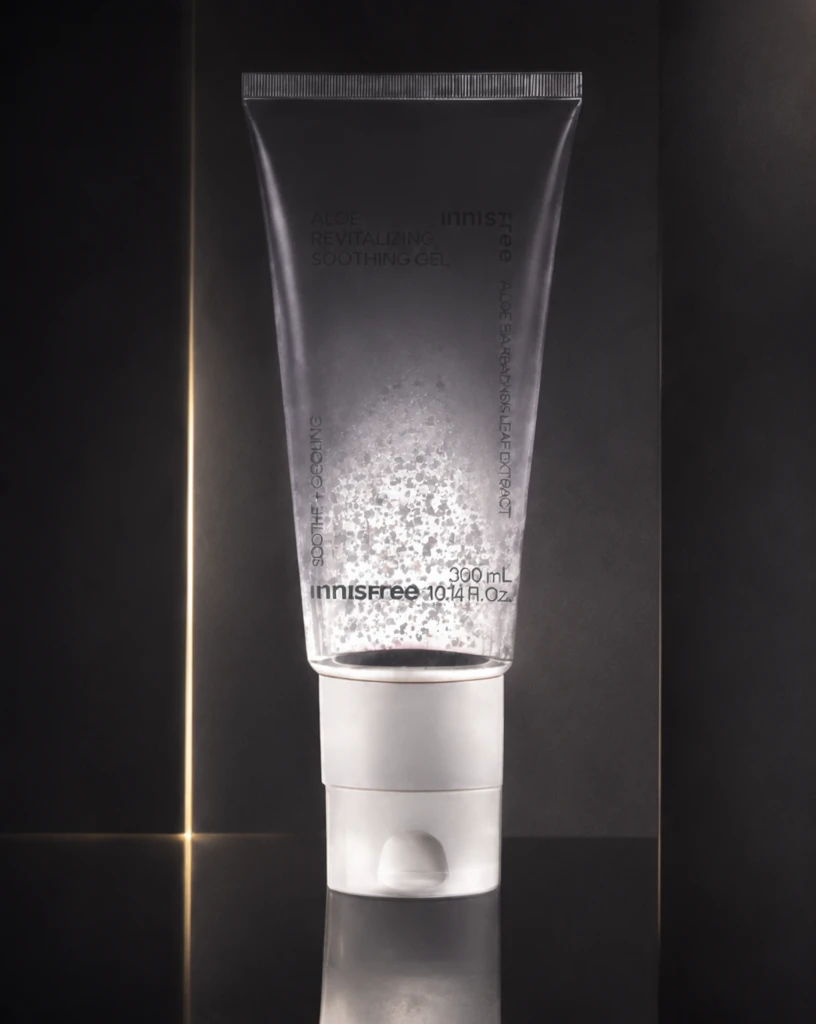 Step 400 · α2 873a30eff47fe7f0c26b0f81e83e2a 单任务耗时 17.9 秒 / PyTorch 峰值显存 33.3 GiB | 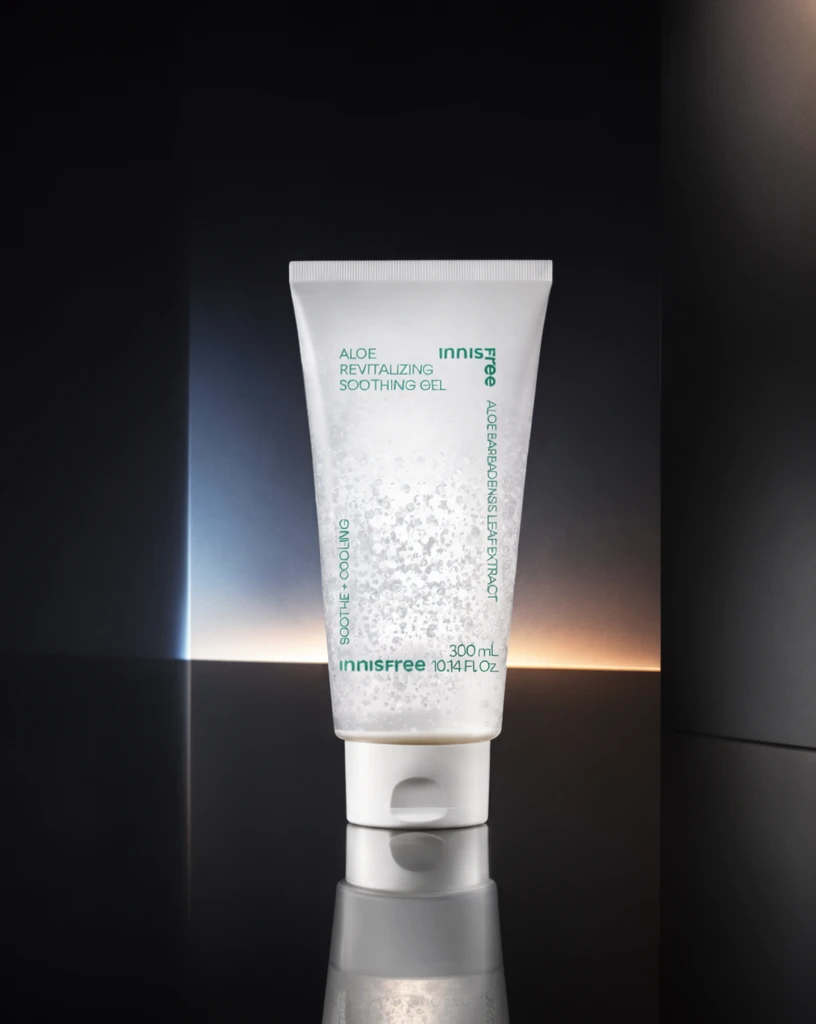 Step 600 · α1 4d97f82aa1b9d964d0c0819c1351be 单任务耗时 17.9 秒 / PyTorch 峰值显存 33.3 GiB | 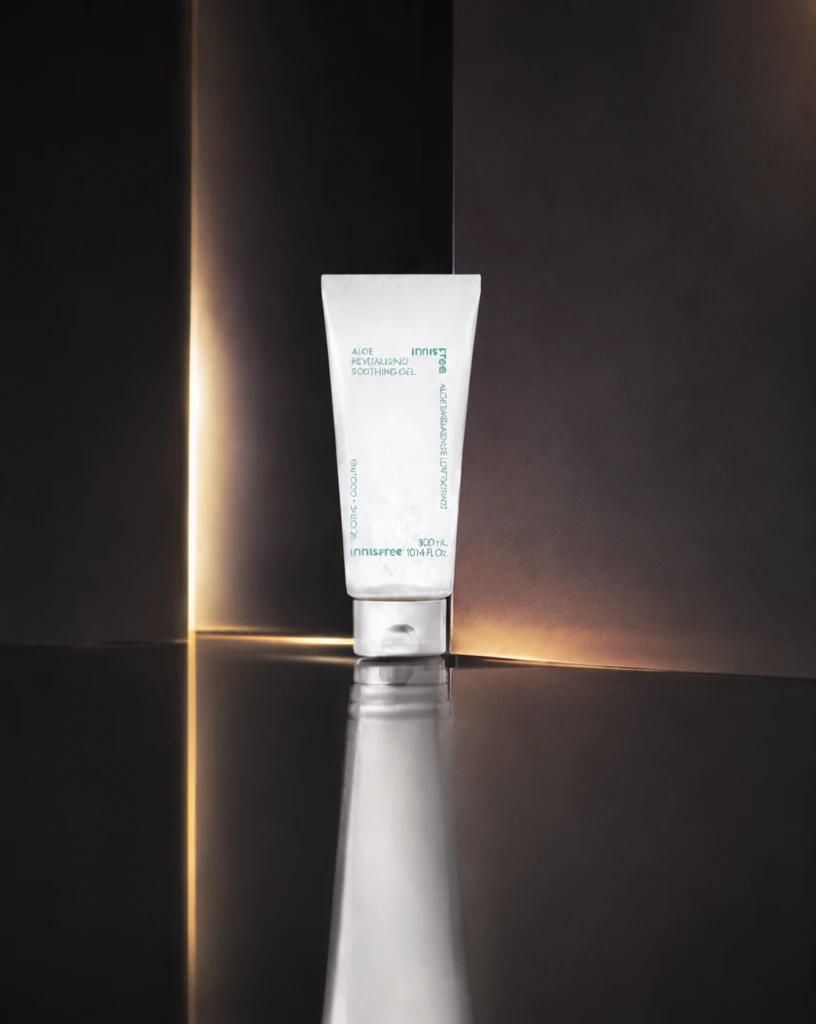 Step 600 · α2 c4309e4a8bbaf59de21757fd654940 单任务耗时 17.9 秒 / PyTorch 峰值显存 33.3 GiB |
q08
| 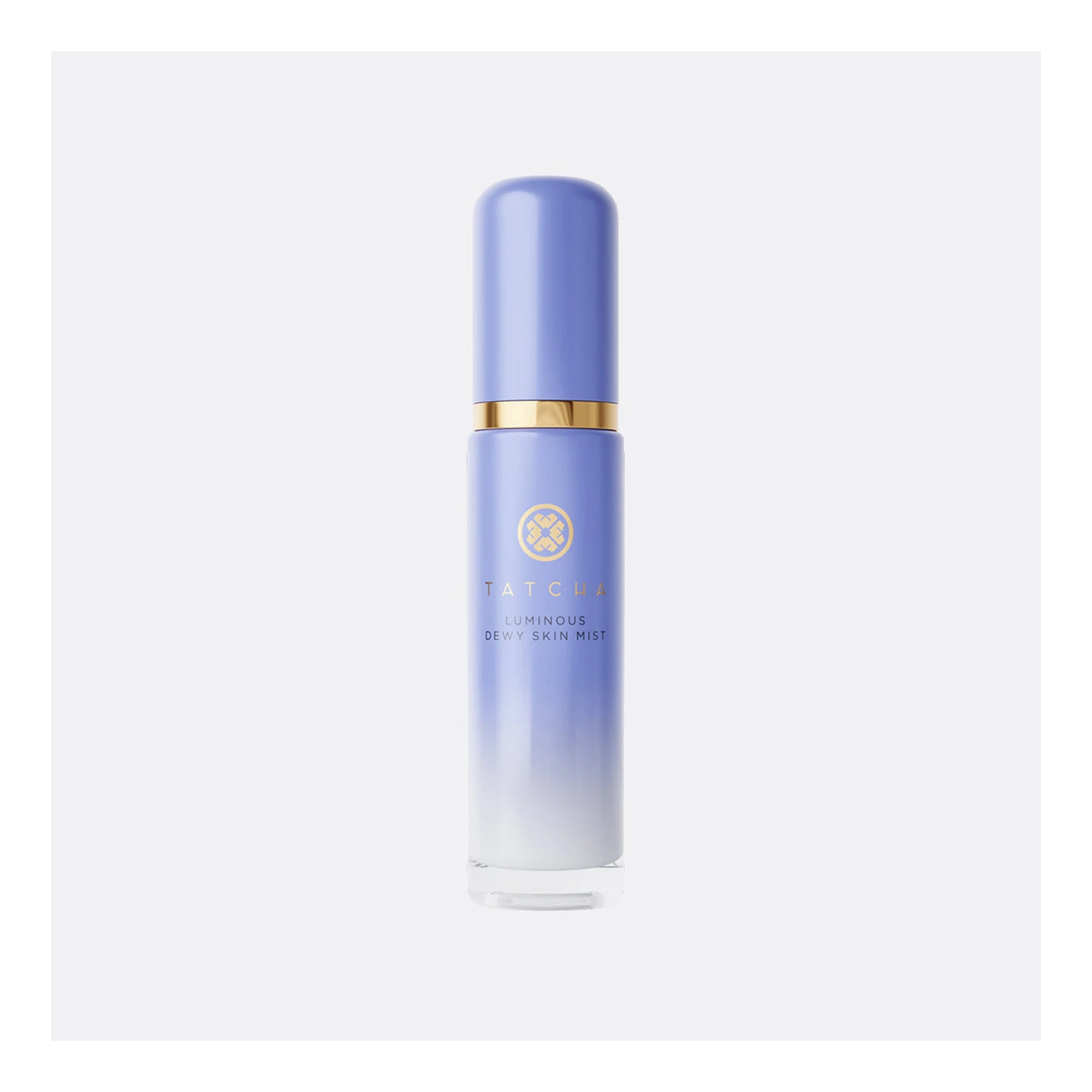 Input 3caab2a7a860d9af334cb03e08565a | Ref 1 8398b17a2dd8ebcbd061268dd30a65 | Ref 2 6f417efaca7b1cb3e9761454d91d0a |  S1 CROSS 97b8bcfd3c0d748dbf95e25138abda 单任务耗时 61.7 秒 / PyTorch 峰值显存 33.2 GiB |  S2 CROSS b51c7816421146151aaf95dc9cc126 单任务耗时 89.9 秒 / PyTorch 峰值显存 33.9 GiB | 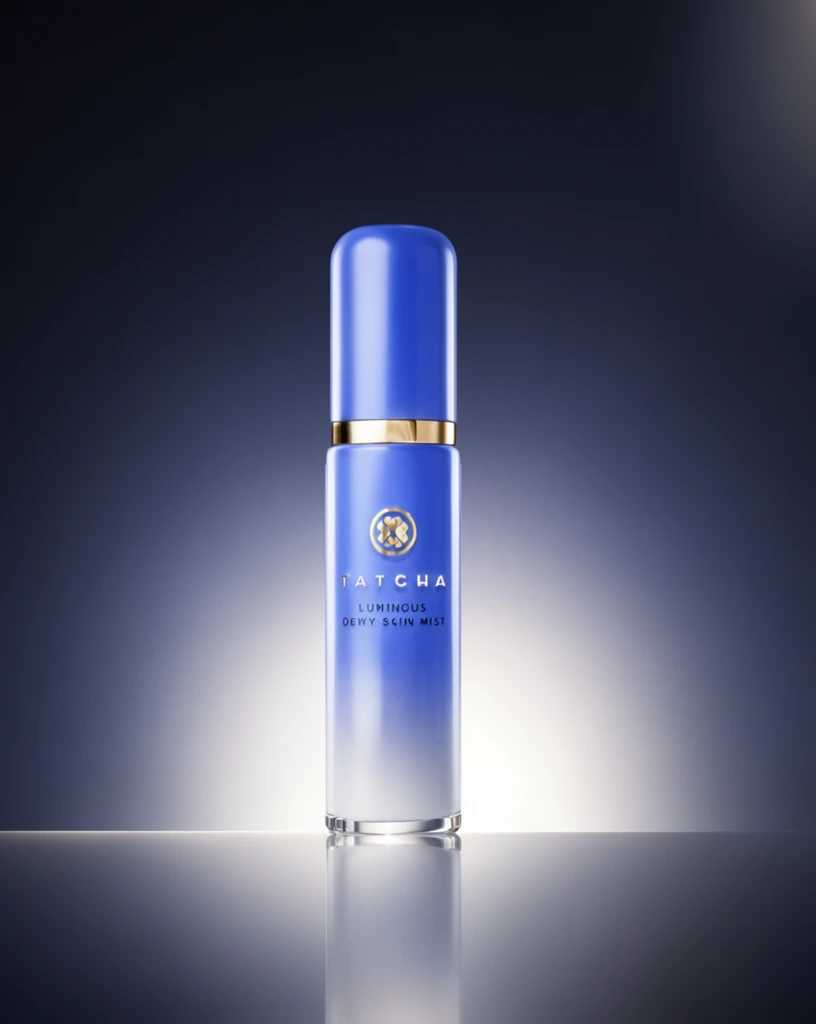 Step 200 · α1 788b6b20088d8ab3f7eb1b789ba927 单任务耗时 17.9 秒 / PyTorch 峰值显存 33.3 GiB | 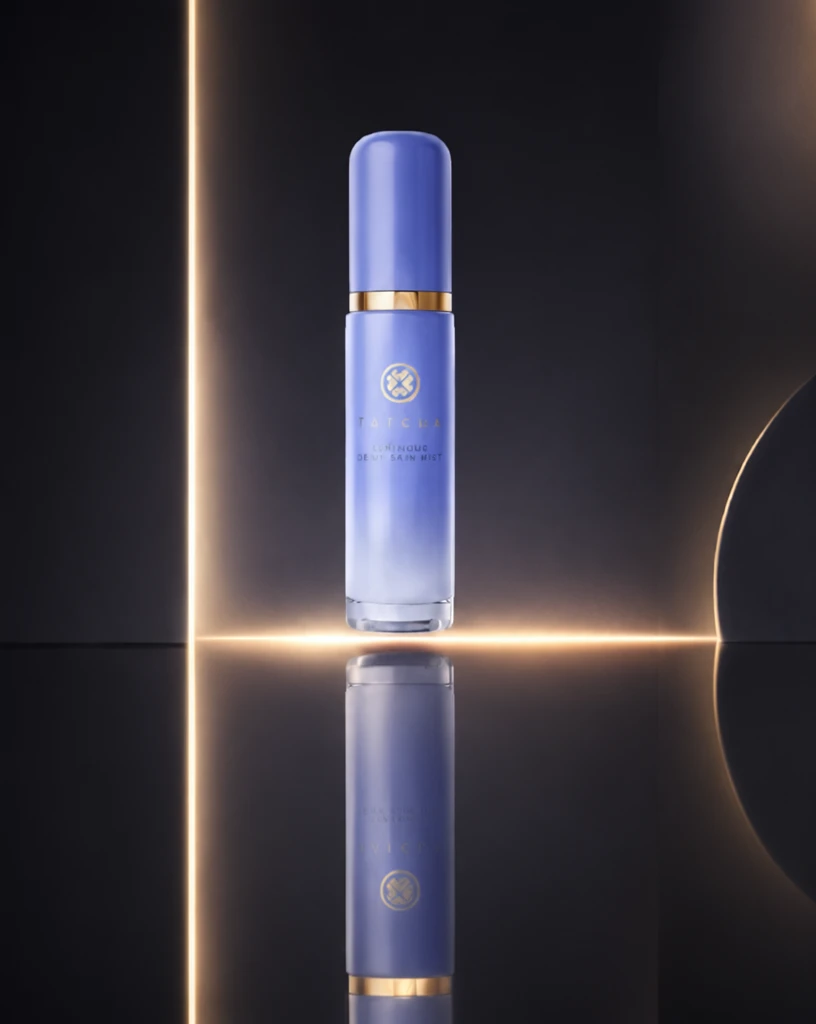 Step 200 · α2 3525f9c815882d6843594ae955ff96 单任务耗时 17.9 秒 / PyTorch 峰值显存 33.3 GiB | 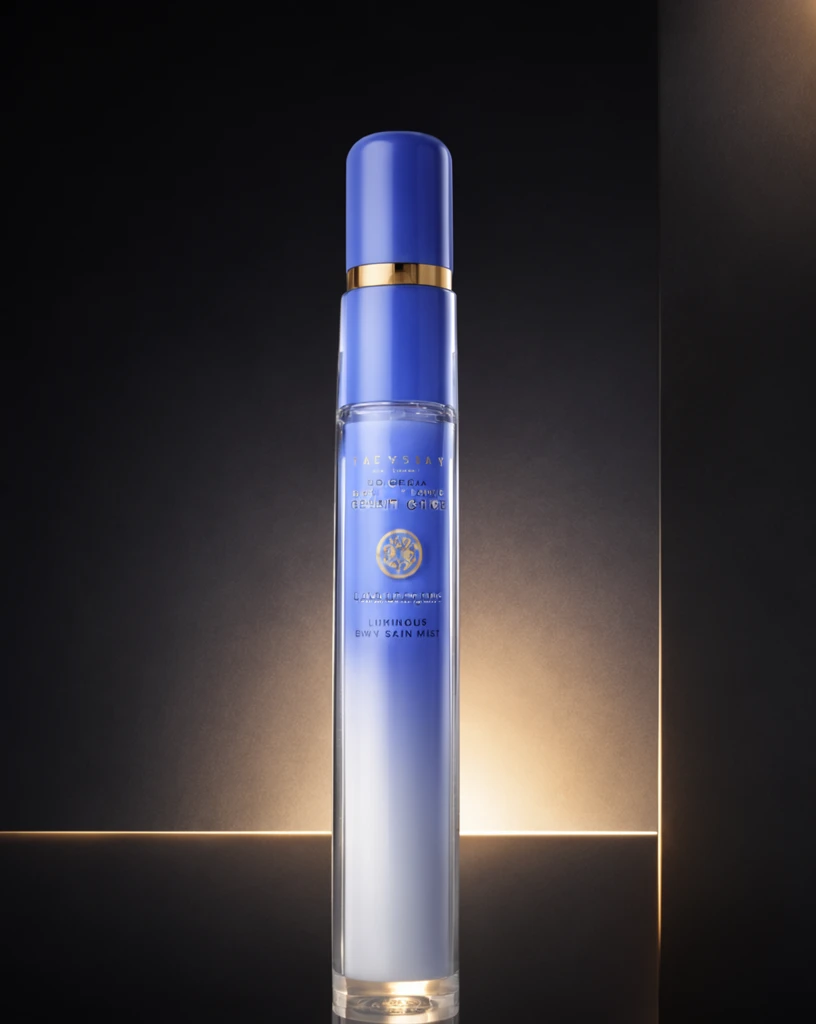 Step 400 · α1 b5b87d85ebfab3cd68e2685354b2a2 单任务耗时 17.9 秒 / PyTorch 峰值显存 33.3 GiB | 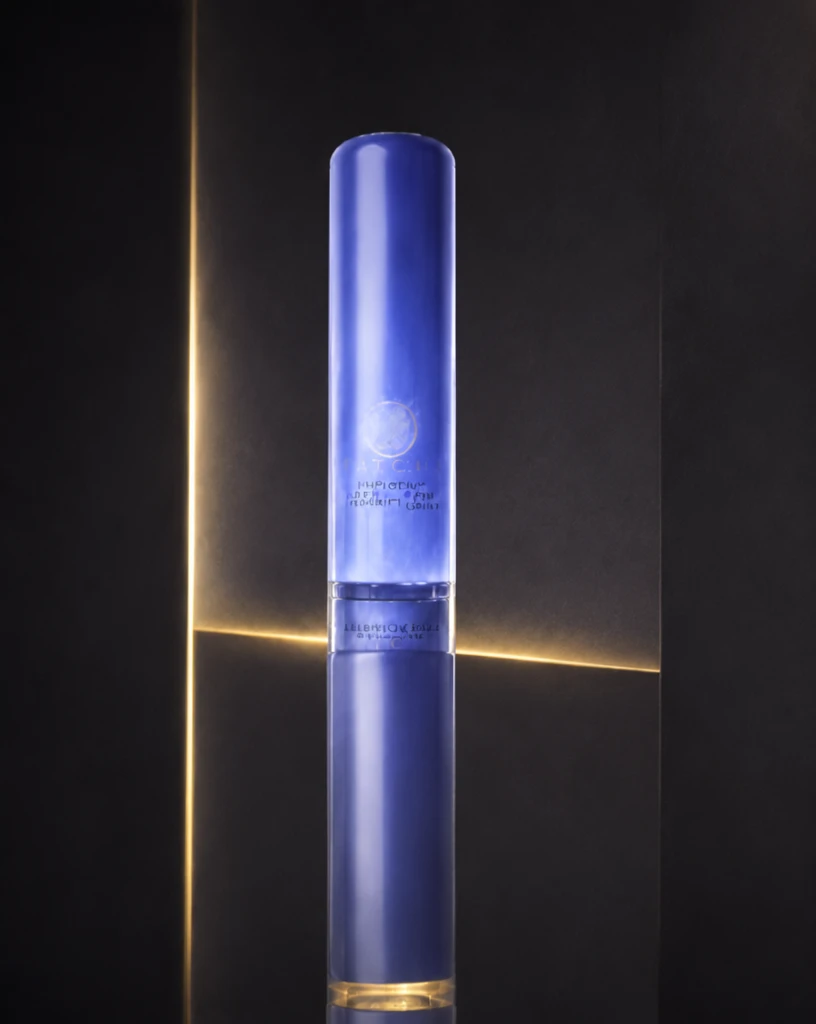 Step 400 · α2 e42a5048a272cecf5939c4de2b4024 单任务耗时 17.8 秒 / PyTorch 峰值显存 33.3 GiB | 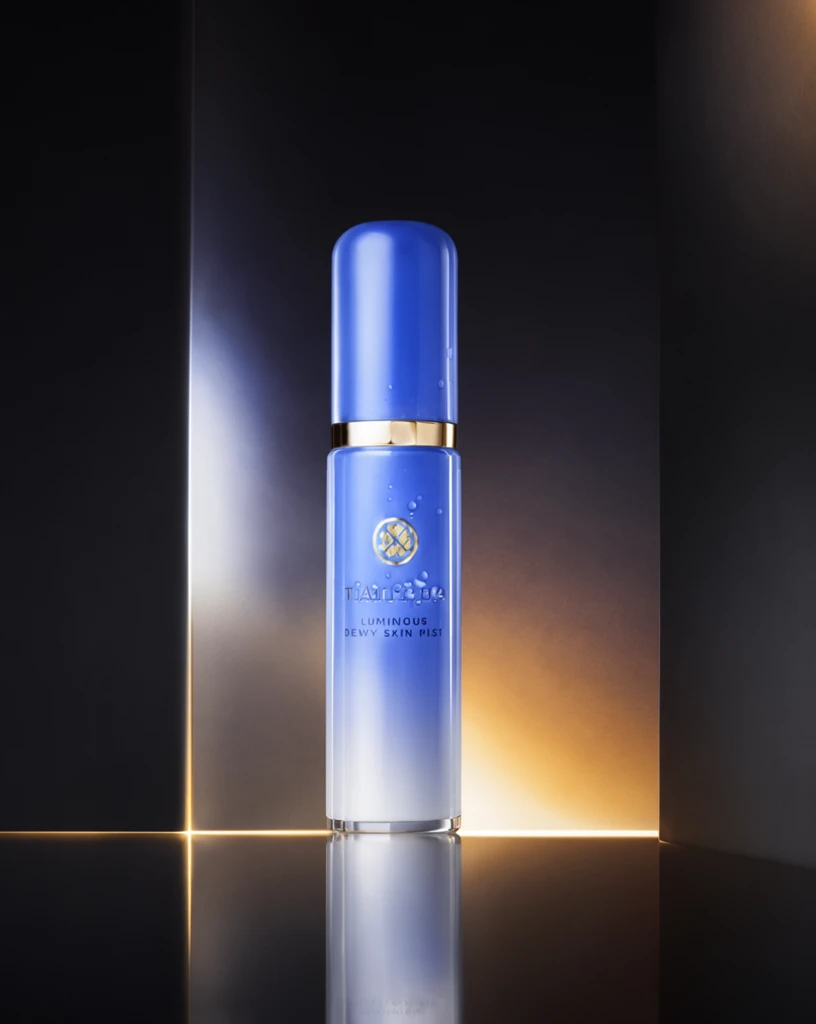 Step 600 · α1 8319a9f0aa9c88ab84fbecf1d008be 单任务耗时 17.9 秒 / PyTorch 峰值显存 33.3 GiB | 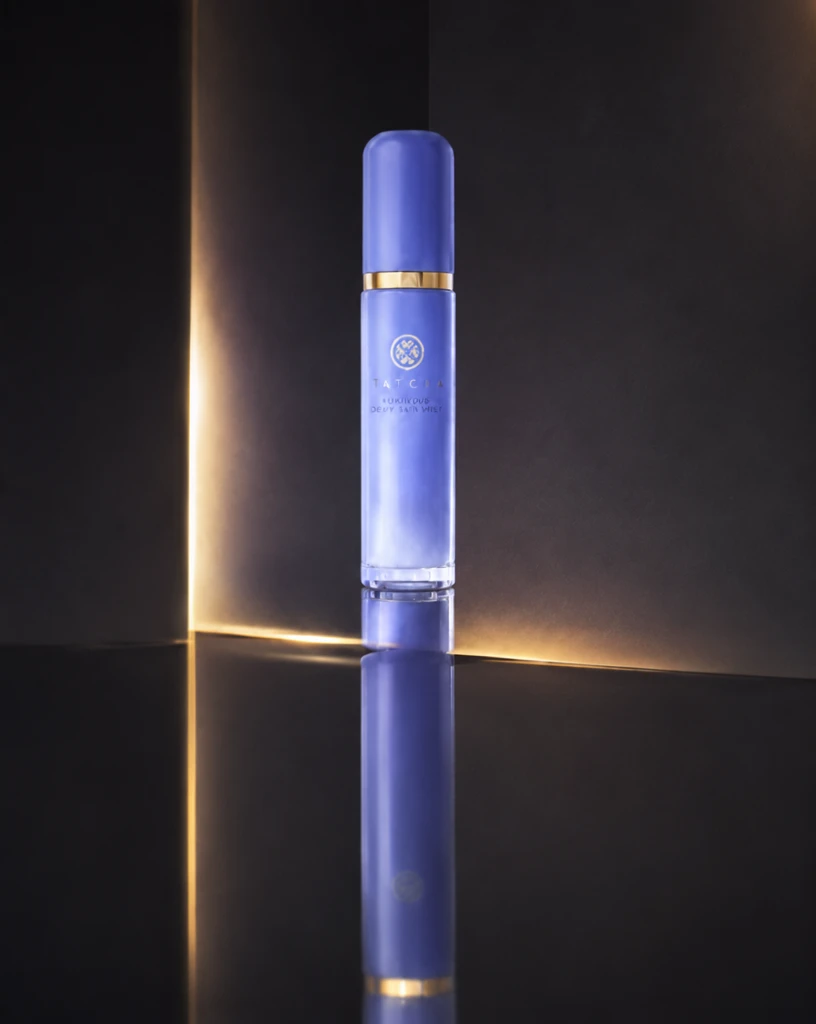 Step 600 · α2 95fb82b82e5a81966a5f07fae8131c 单任务耗时 17.9 秒 / PyTorch 峰值显存 33.3 GiB |
q09
|  Input 0801b16dc43cf8b4e030cac4dc72fc | Ref 1 9c252cfdd033857c6d52c099afb54a | Ref 2 8d923086f007d9fb9af1f7afde77f1 |  S1 CROSS 8f0759fa6bd6f2bffb376aa25cd794 单任务耗时 61.0 秒 / PyTorch 峰值显存 33.2 GiB |  S2 CROSS 7866b1fe9bafb8314f530ba96d1e2c 单任务耗时 90.4 秒 / PyTorch 峰值显存 33.9 GiB |  Step 200 · α1 9c1df75dfe96b090d701e94c8fe650 单任务耗时 17.8 秒 / PyTorch 峰值显存 33.3 GiB |  Step 200 · α2 30d3159cd2c12837d261da2fc129ed 单任务耗时 17.8 秒 / PyTorch 峰值显存 33.3 GiB |  Step 400 · α1 86c174415d3ed2c0e03144c83edd8d 单任务耗时 17.9 秒 / PyTorch 峰值显存 33.3 GiB |  Step 400 · α2 65a518d7426261b99fcd236e87bdb1 单任务耗时 17.8 秒 / PyTorch 峰值显存 33.3 GiB | 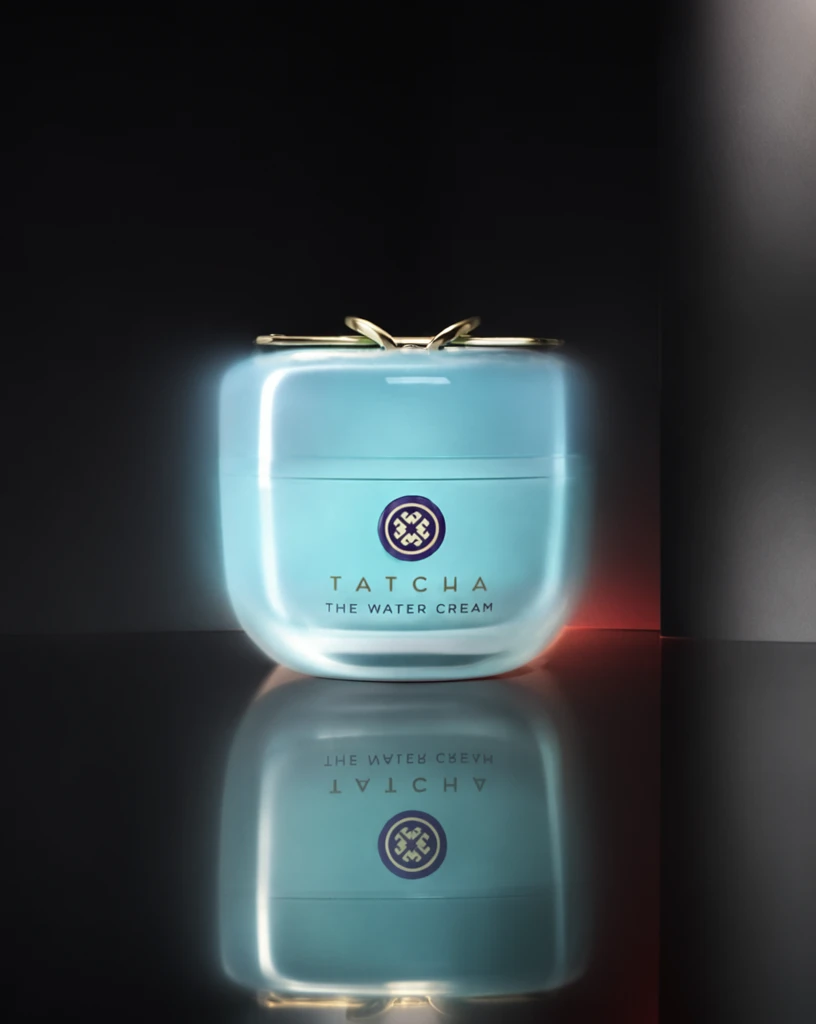 Step 600 · α1 3b51113f292a35aa4e2161ca88cee2 单任务耗时 17.9 秒 / PyTorch 峰值显存 33.3 GiB | 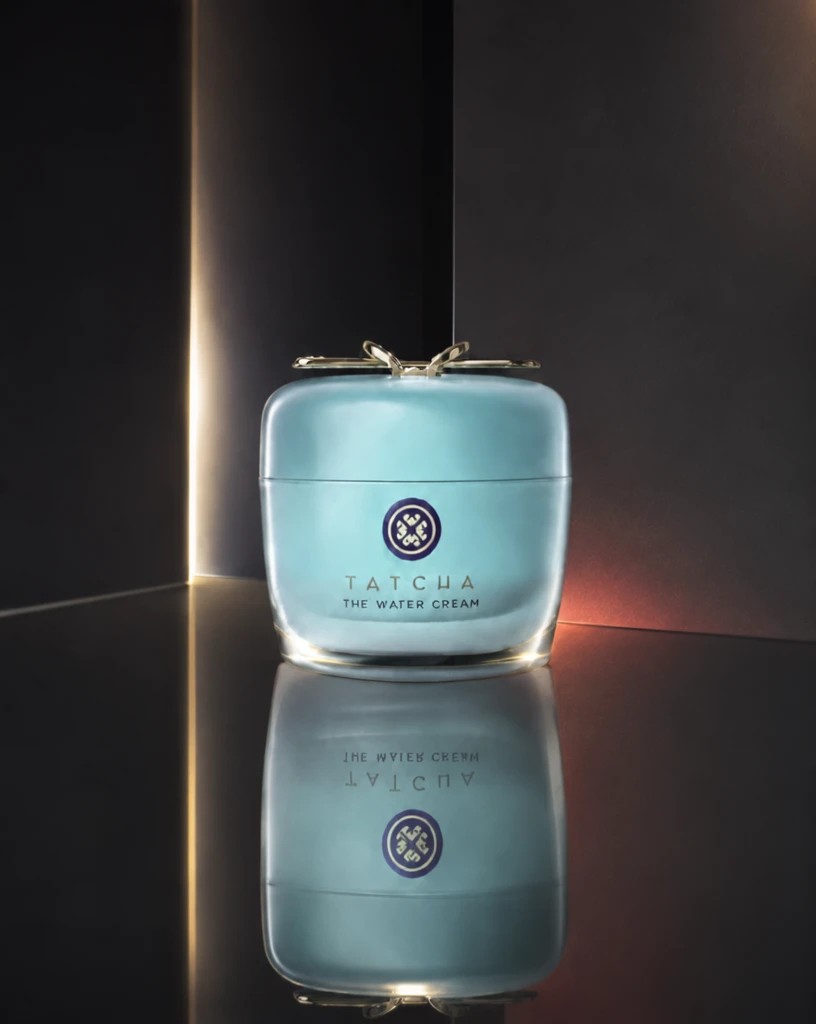 Step 600 · α2 8af85410cae256410fc58f63562c95 单任务耗时 17.9 秒 / PyTorch 峰值显存 33.3 GiB |
q10
|  Input 7009e01efea81b52d024b36dfa8389 | Ref 1 61399f5a052aeae74fb43b4fa8b9c0 | Ref 2 5b0aa21aa6be4cac9167030133ba9c |  S1 CROSS 117c008fe09ee1e433cdba4b417076 单任务耗时 61.5 秒 / PyTorch 峰值显存 33.2 GiB |  S2 CROSS f9cdf63dc93cc7e560fc29a1ad3362 单任务耗时 90.0 秒 / PyTorch 峰值显存 33.9 GiB | 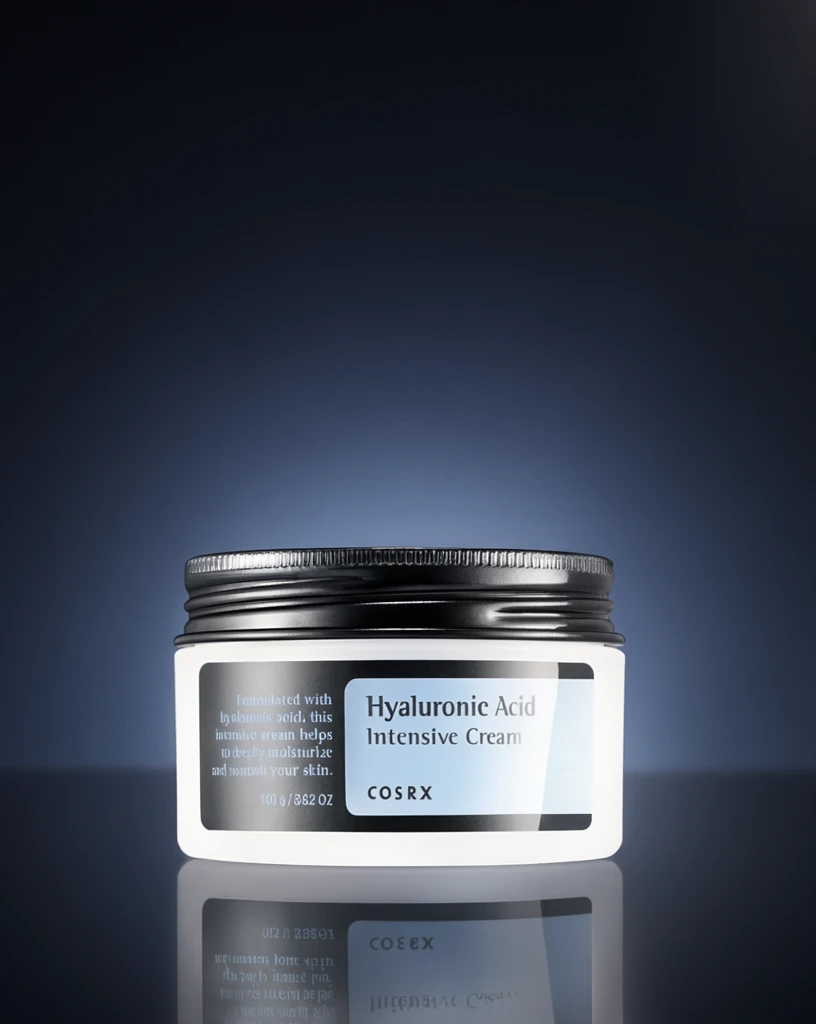 Step 200 · α1 c354d9297d032bec8f310bdbcb50f4 单任务耗时 17.8 秒 / PyTorch 峰值显存 33.3 GiB |  Step 200 · α2 0e9c1fb6651e42f397a8a2fbcadbcc 单任务耗时 17.9 秒 / PyTorch 峰值显存 33.3 GiB |  Step 400 · α1 9a5f3dec0c590764052923a3de7519 单任务耗时 17.9 秒 / PyTorch 峰值显存 33.3 GiB |  Step 400 · α2 905792b72b8ef6a3efe1db03255058 单任务耗时 17.9 秒 / PyTorch 峰值显存 33.3 GiB | 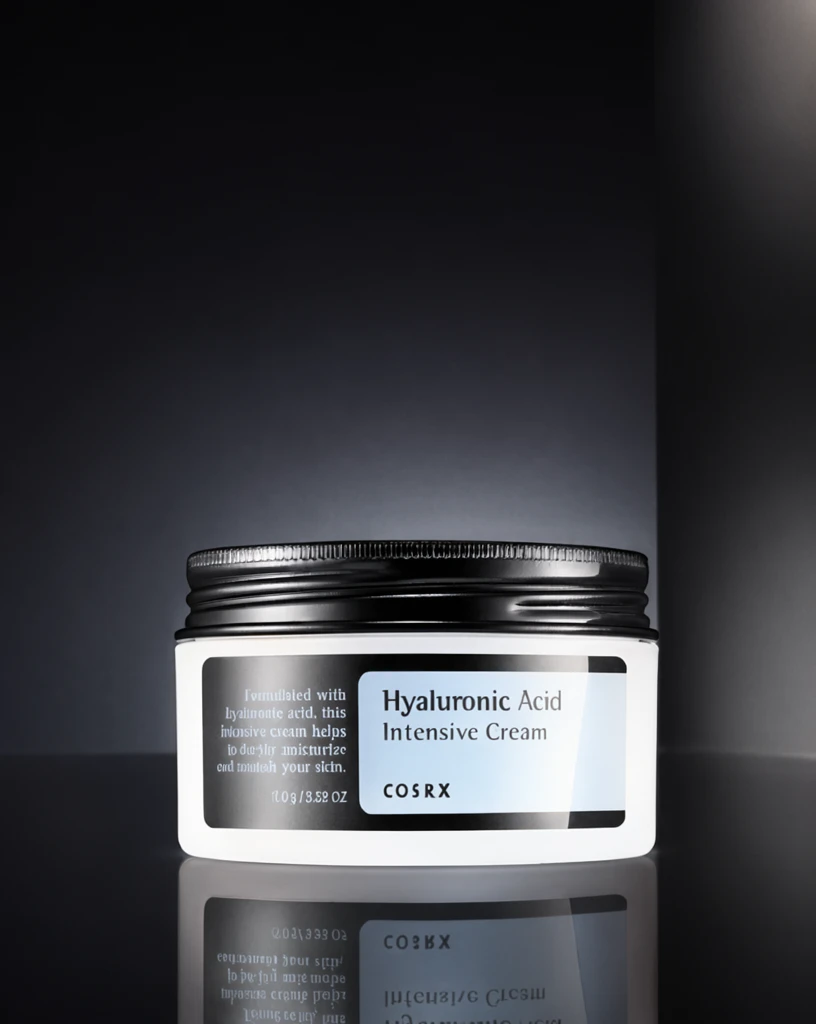 Step 600 · α1 ed49e946308ac226f1631940b2d519 单任务耗时 17.9 秒 / PyTorch 峰值显存 33.3 GiB | 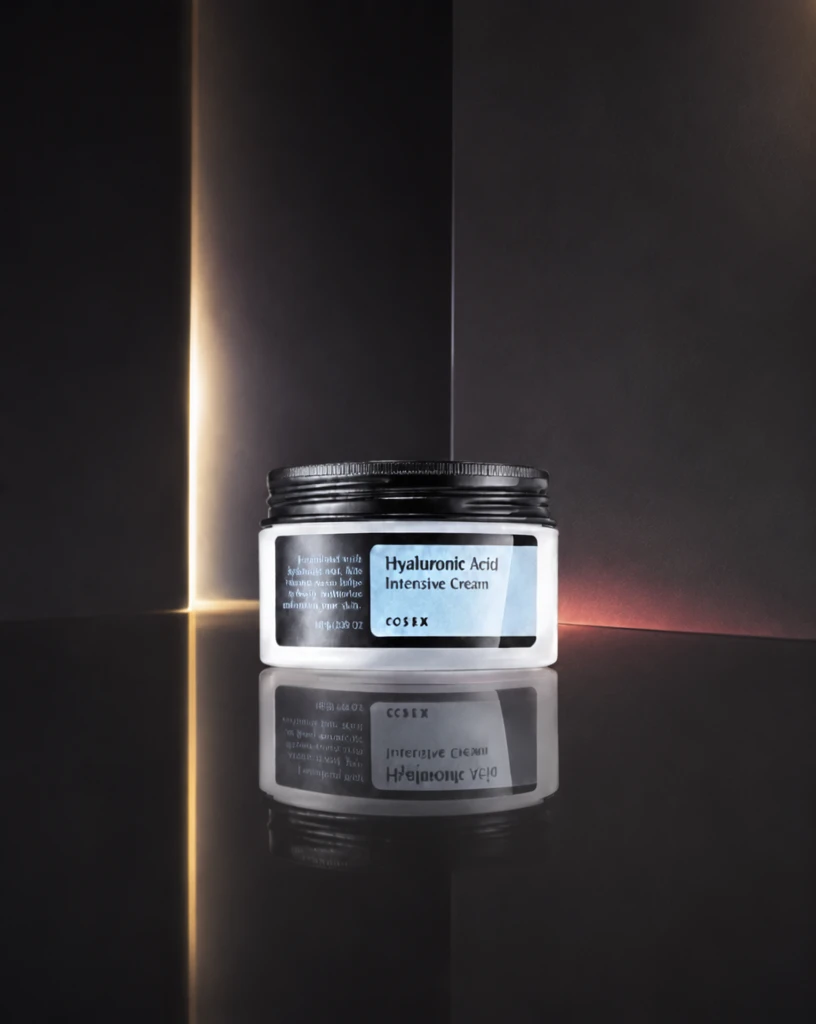 Step 600 · α2 8584273f5958b5279b039b9e05c254 单任务耗时 17.9 秒 / PyTorch 峰值显存 33.3 GiB |
q11
|  Input 534025f993d4b15552e000578a5afd | Ref 1 6484da4bdc6ddd47c7cf3b59d316ad | Ref 2 872479b68c0b6be54220c4a134d97d |  S1 CROSS c3d55a58902d84ff89c3dd4f9182c0 单任务耗时 62.0 秒 / PyTorch 峰值显存 33.2 GiB | 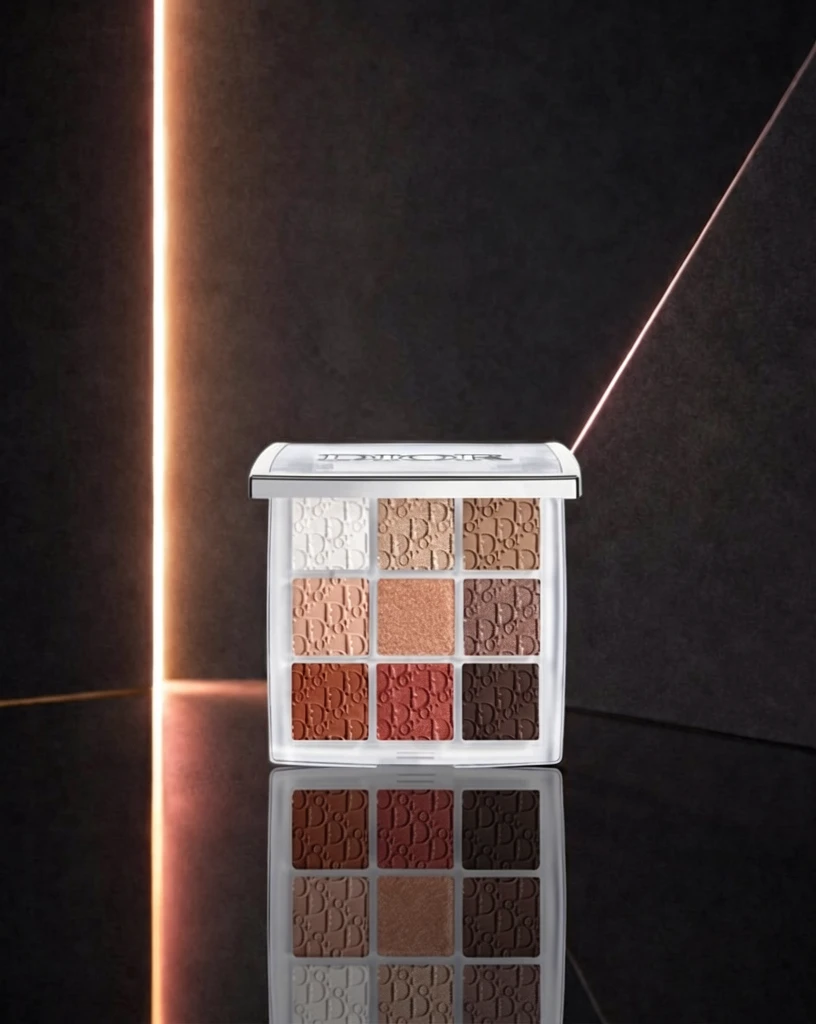 S2 CROSS ff825499d5330ddf9463e6b7c02294 单任务耗时 90.1 秒 / PyTorch 峰值显存 33.9 GiB | 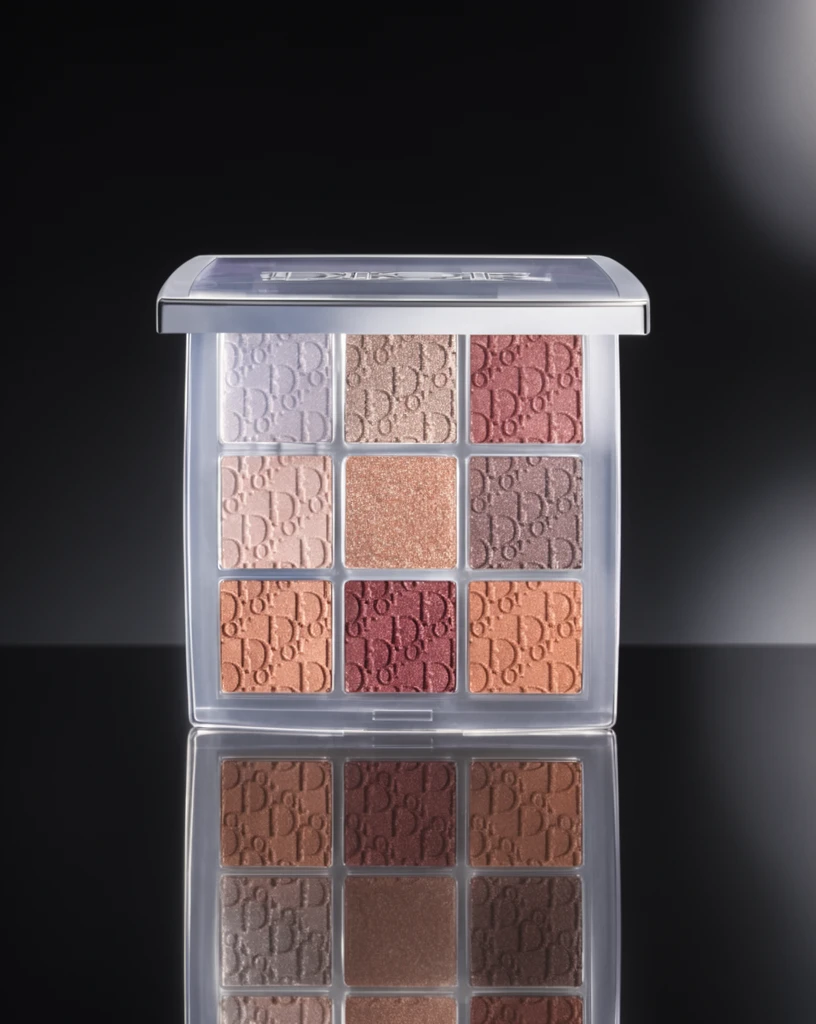 Step 200 · α1 fb6c271f3d19e043e2995af1f993ee 单任务耗时 17.8 秒 / PyTorch 峰值显存 33.3 GiB |  Step 200 · α2 7c51e316fe5fb8c5e6dae9a4d01a26 单任务耗时 17.9 秒 / PyTorch 峰值显存 33.3 GiB |  Step 400 · α1 8b349e7f655629cfd0feaf9fb99b2d 单任务耗时 17.8 秒 / PyTorch 峰值显存 33.3 GiB | 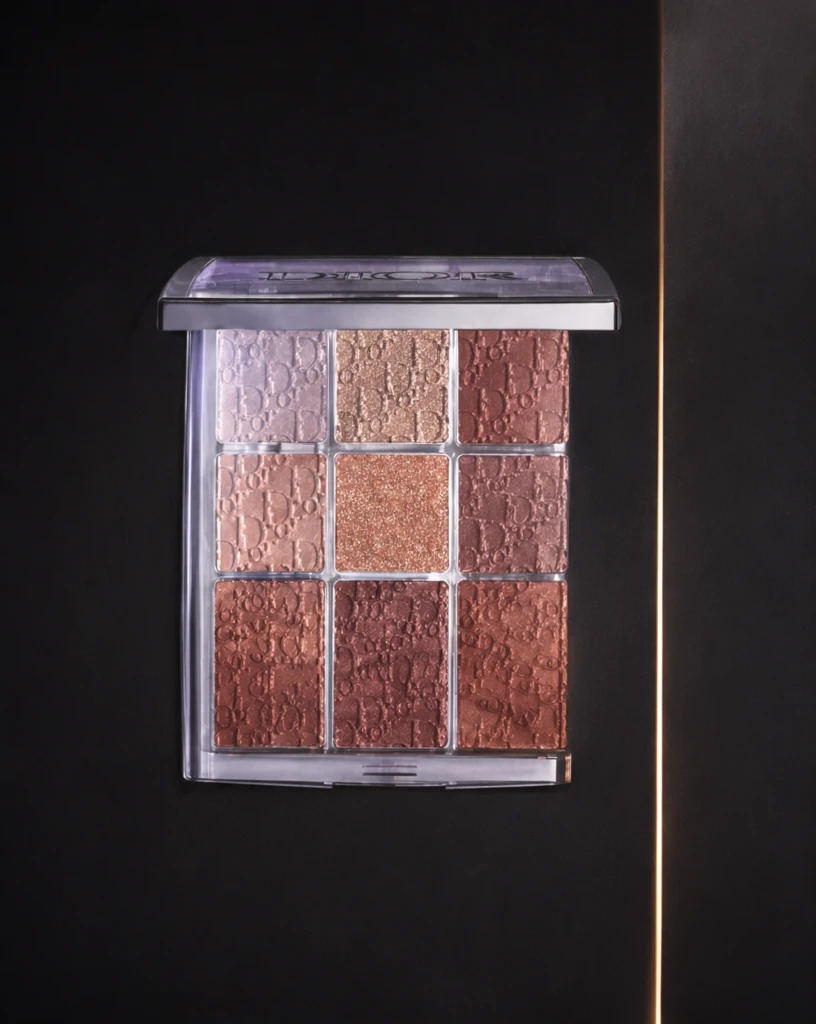 Step 400 · α2 5defa1f967e71b879c1de760e8a108 单任务耗时 17.9 秒 / PyTorch 峰值显存 33.3 GiB | 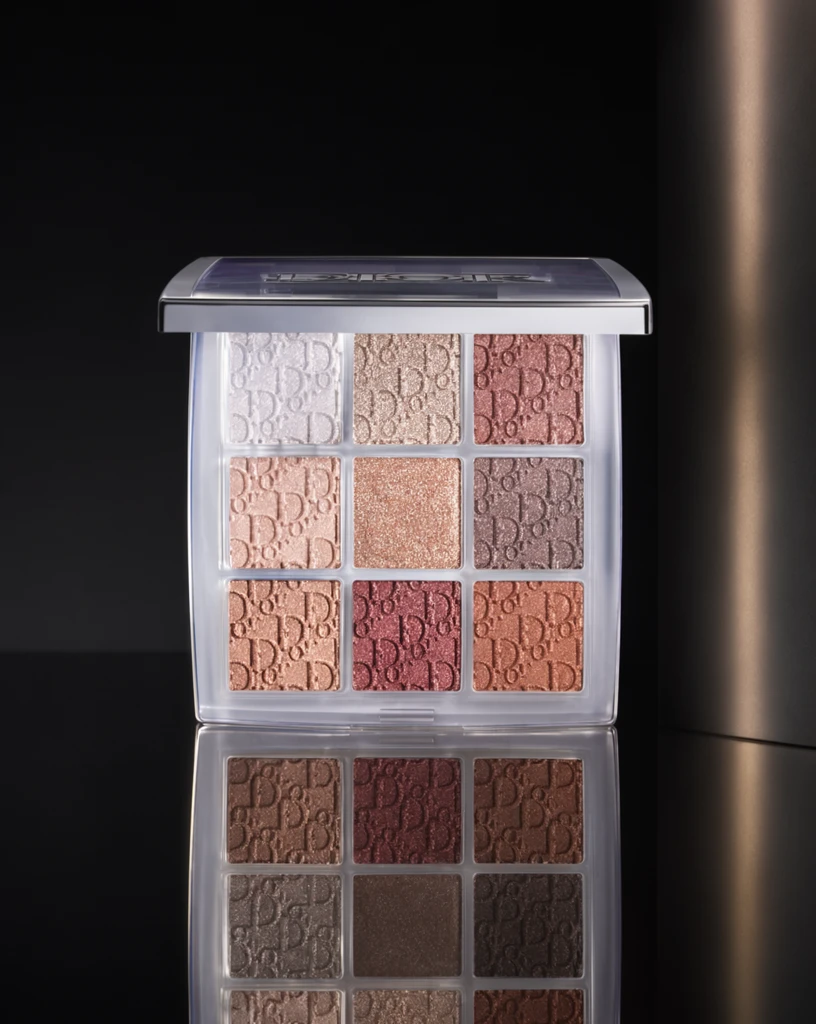 Step 600 · α1 3124b51215d65538ee4ef21d994e86 单任务耗时 17.9 秒 / PyTorch 峰值显存 33.3 GiB | 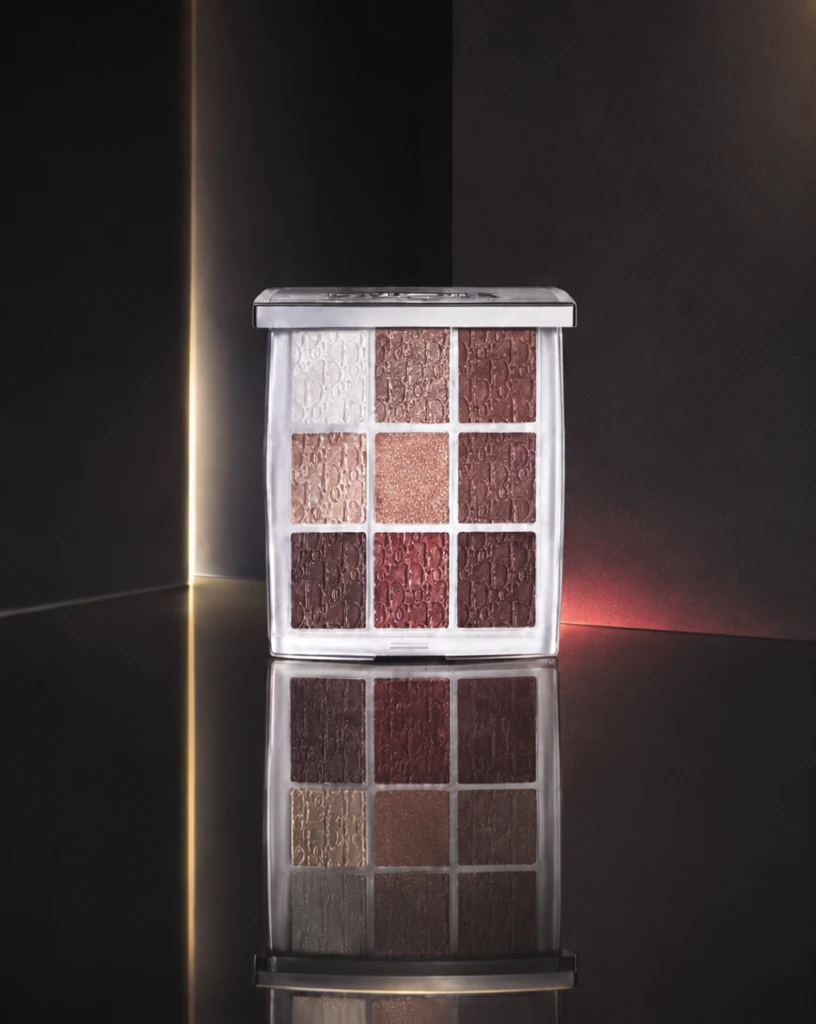 Step 600 · α2 20de7dc5aa347ad41bc0a5bfa71afa 单任务耗时 17.9 秒 / PyTorch 峰值显存 33.3 GiB |
q12
|  Input e18e8f103d7f41ff4b884fc489a252 | Ref 1 f61e24a53032e8c8cbfb6b6fcaf721 | Ref 2 66ae4212779a8723783fb2768217b2 |  S1 CROSS e6a7c4a186b895cc53312926a66297 单任务耗时 61.8 秒 / PyTorch 峰值显存 33.2 GiB |  S2 CROSS 28cb9b94906dabb43da90ece0dd22d 单任务耗时 90.5 秒 / PyTorch 峰值显存 33.9 GiB | 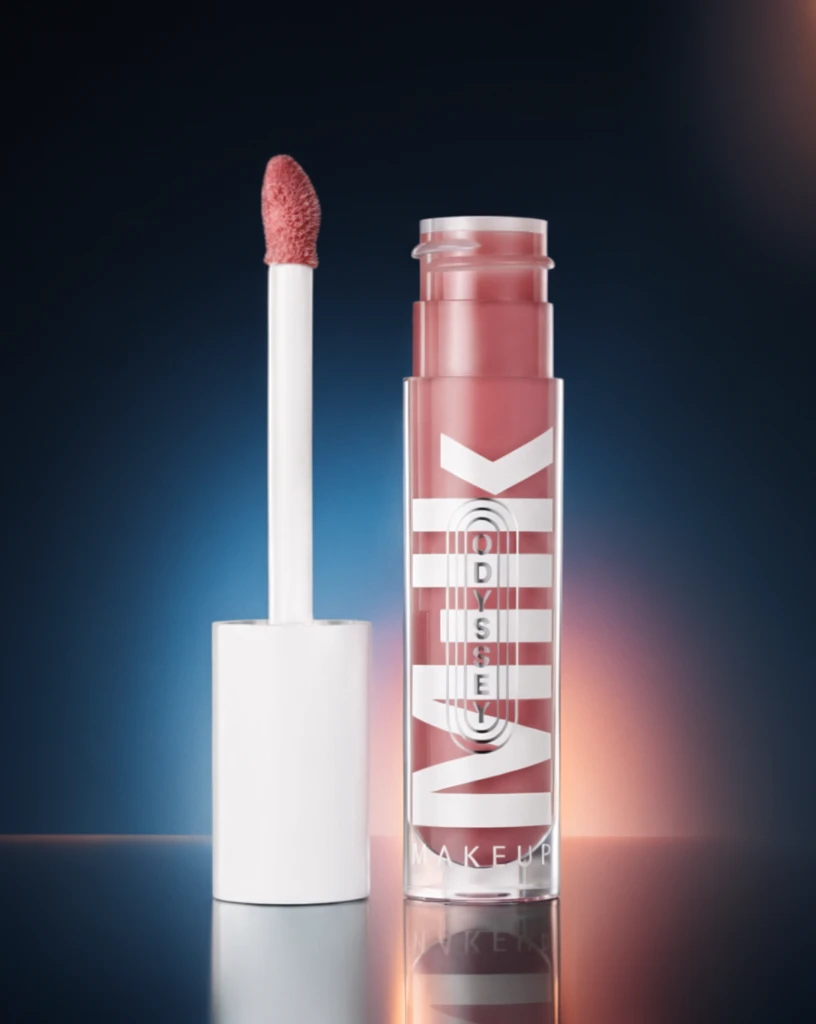 Step 200 · α1 230d1d6dd291e69ef5a6995f2a6557 单任务耗时 17.8 秒 / PyTorch 峰值显存 33.3 GiB |  Step 200 · α2 3d9954f93d64f9cc491fa008b40553 单任务耗时 17.9 秒 / PyTorch 峰值显存 33.3 GiB | 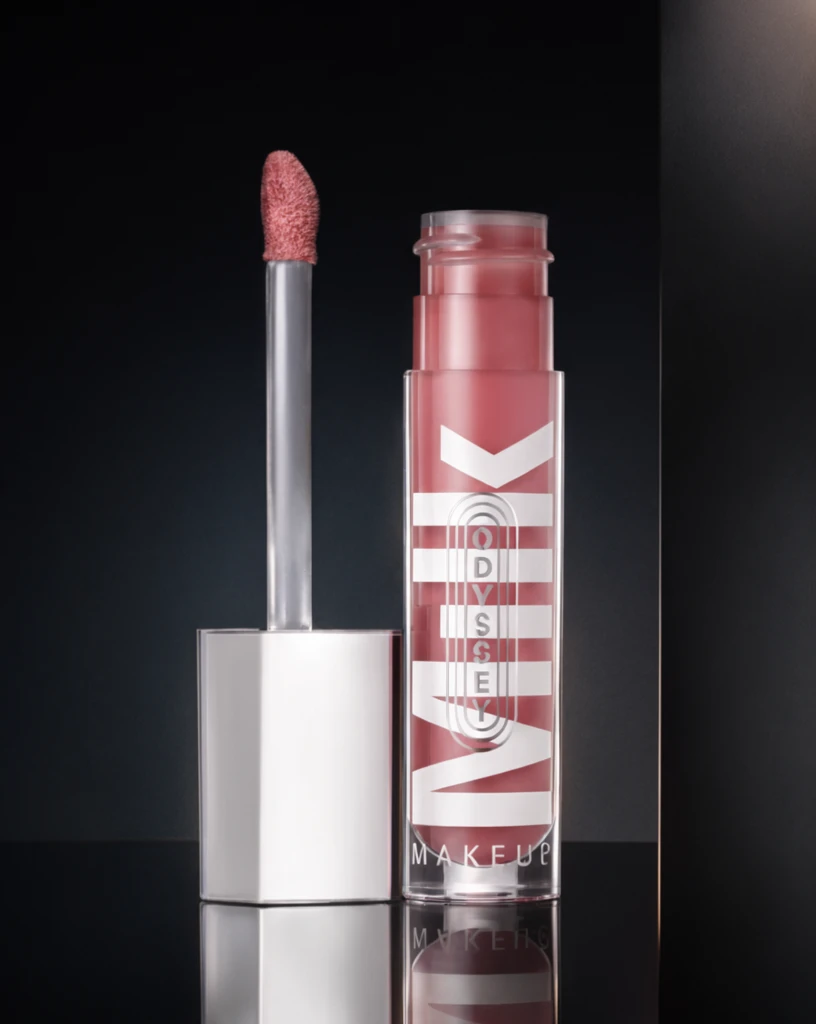 Step 400 · α1 8026fb5193a6f3437c8c38cce3ee1c 单任务耗时 17.9 秒 / PyTorch 峰值显存 33.3 GiB |  Step 400 · α2 d001c02715e5af0528ec988a4028a9 单任务耗时 17.9 秒 / PyTorch 峰值显存 33.3 GiB |  Step 600 · α1 fdd6732be66314c1b3709ed0688c3d 单任务耗时 17.9 秒 / PyTorch 峰值显存 33.3 GiB |  Step 600 · α2 958c070e1166f745e785b1216d8f5b 单任务耗时 17.9 秒 / PyTorch 峰值显存 33.3 GiB |
q13
| 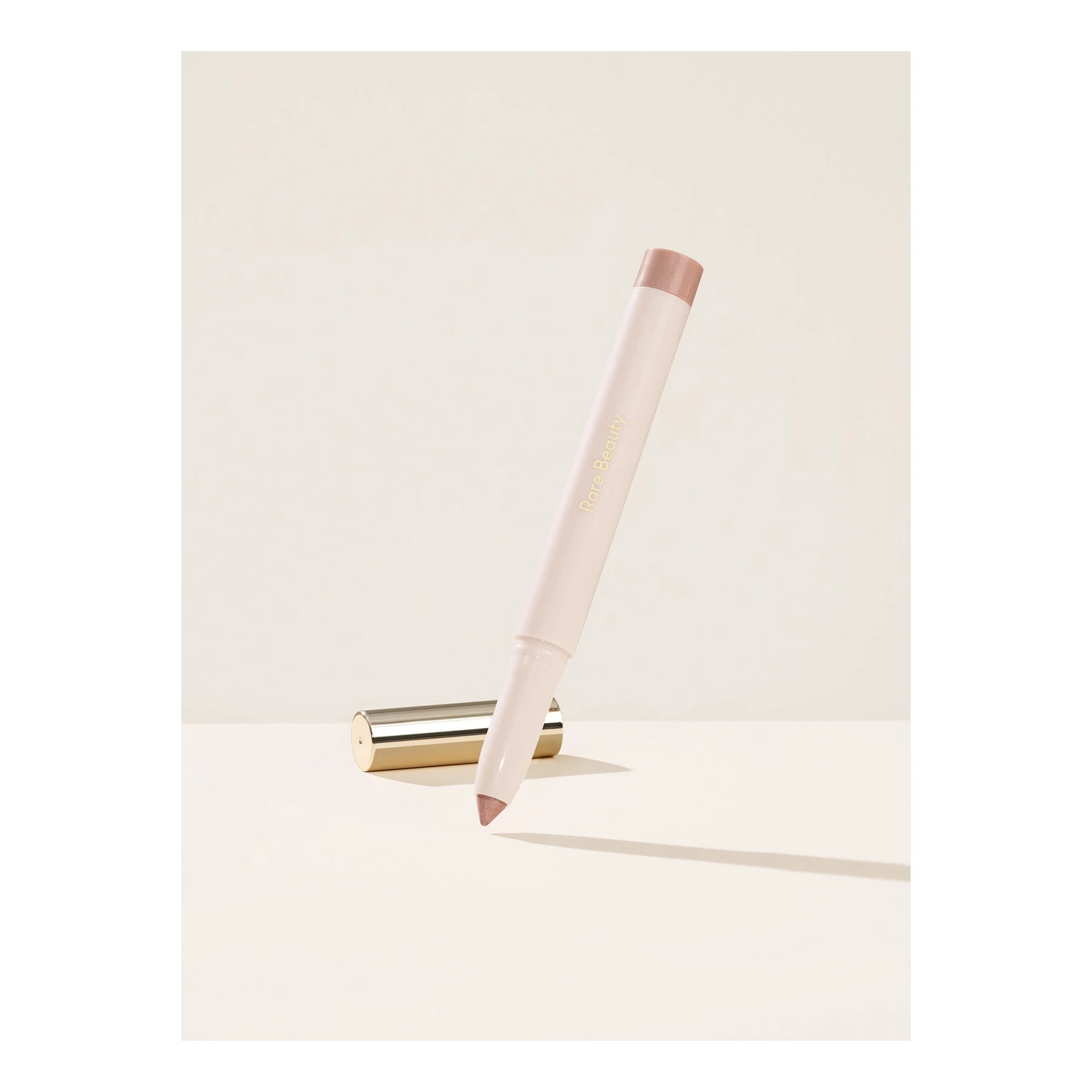 Input 5659bb77600c47cb1d2002b01d07fd | Ref 1 d37455d750675bc907da90254c5632 | Ref 2 be6fa46b311472d4f245d8e0f0e9c2 |  S1 CROSS 86f664dd7bc05ef683ba34ad9d5a04 单任务耗时 61.8 秒 / PyTorch 峰值显存 33.2 GiB |  S2 CROSS 49c97990bb6c6bceb6e7c0e4cb282f 单任务耗时 90.3 秒 / PyTorch 峰值显存 33.9 GiB | 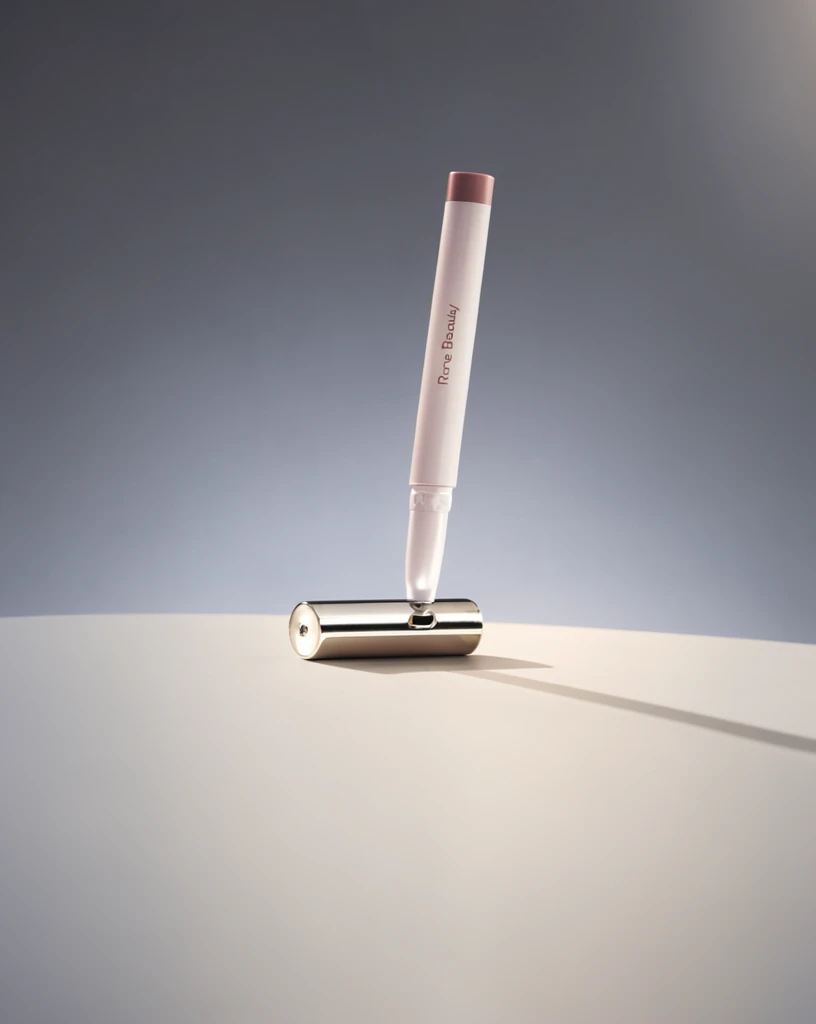 Step 200 · α1 f174282b0450ea6901940cb7aa64fd 单任务耗时 17.9 秒 / PyTorch 峰值显存 33.3 GiB |  Step 200 · α2 e01d248f8866969ab96e0f4bc1bdf9 单任务耗时 17.9 秒 / PyTorch 峰值显存 33.3 GiB | 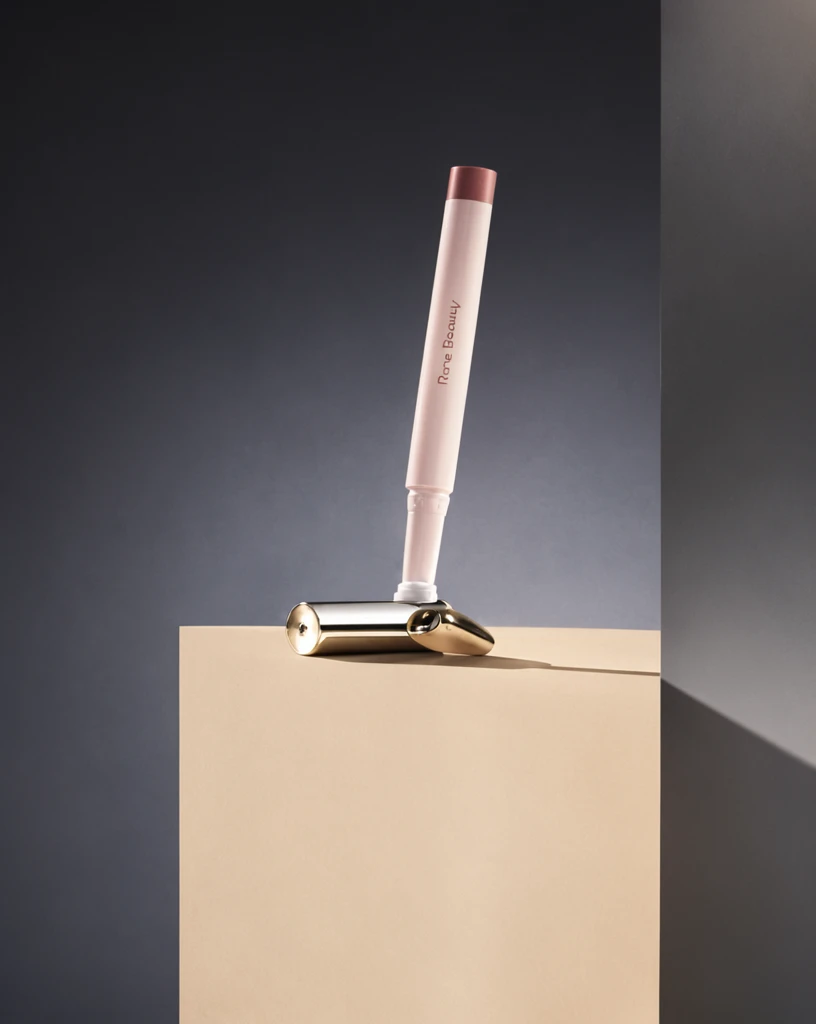 Step 400 · α1 abcae9fcff19e85d8cc3d61cdf01a9 单任务耗时 18.0 秒 / PyTorch 峰值显存 33.3 GiB | 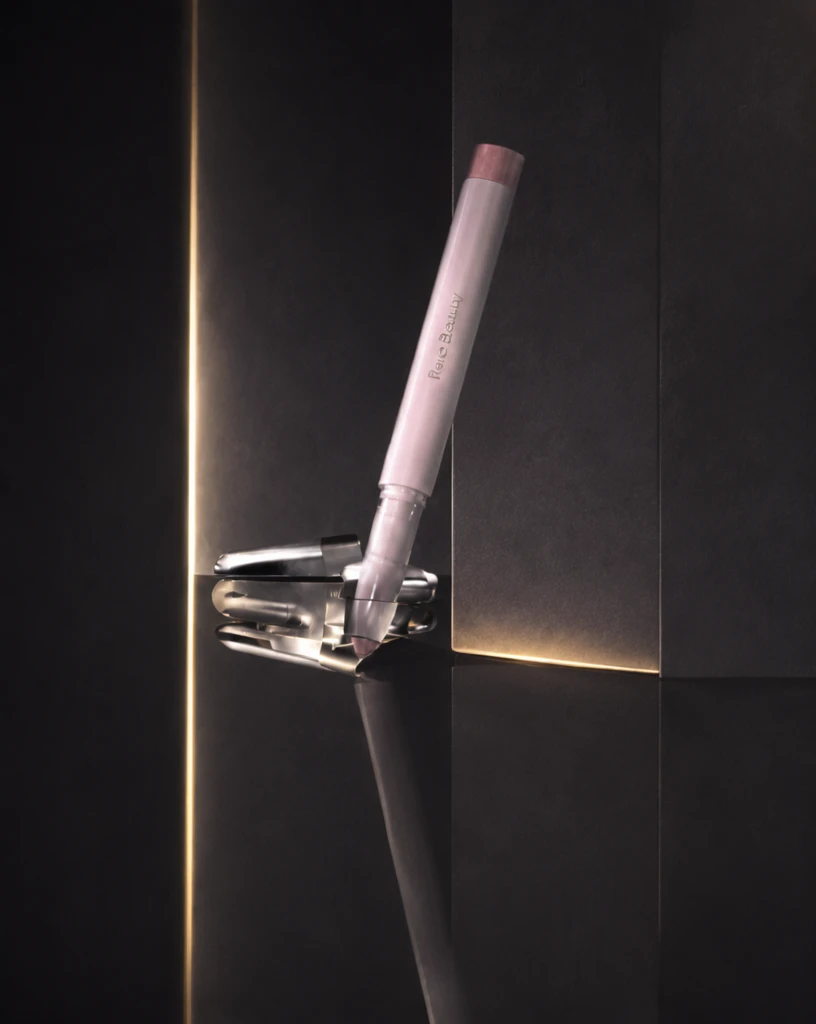 Step 400 · α2 84b073f695f7c823f11a856be493ed 单任务耗时 18.0 秒 / PyTorch 峰值显存 33.3 GiB | 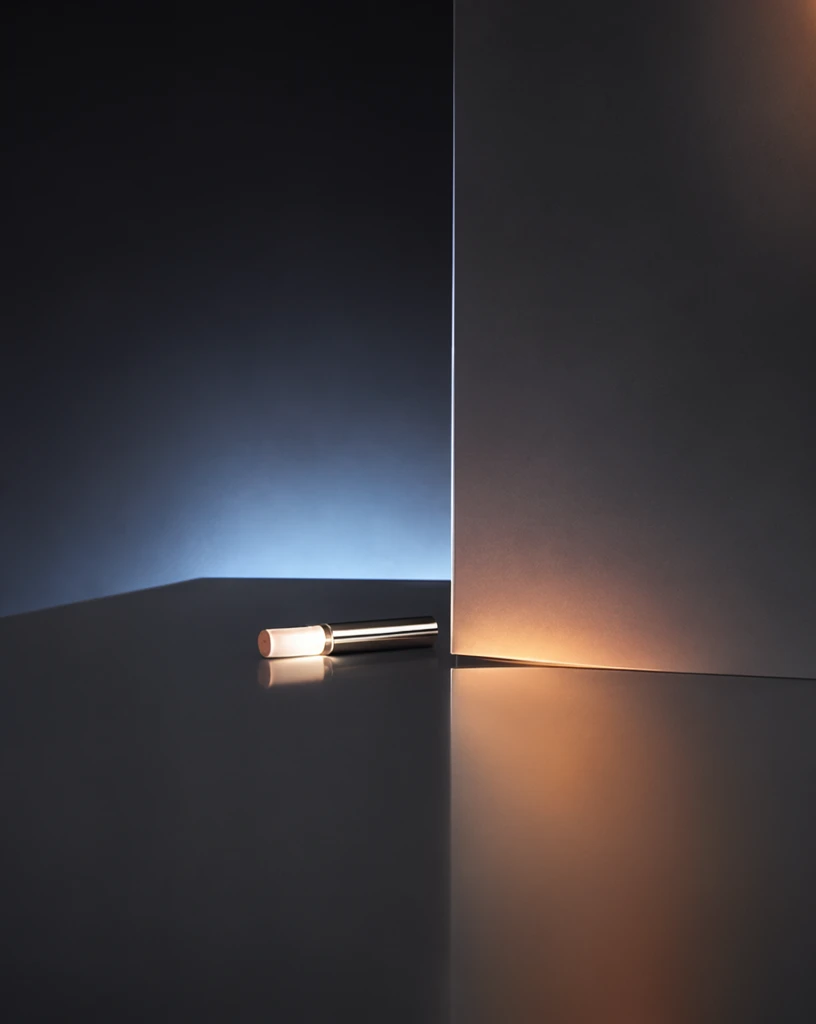 Step 600 · α1 6a5ea24beb3436b604ec36b2752397 单任务耗时 17.9 秒 / PyTorch 峰值显存 33.3 GiB | 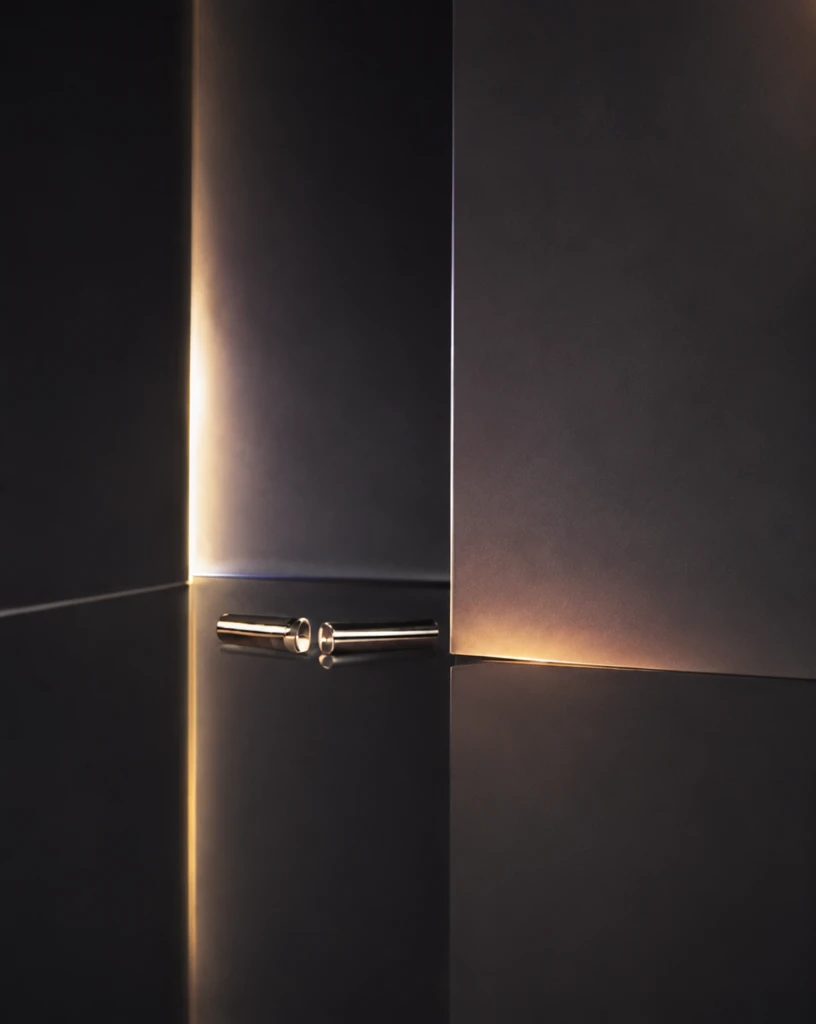 Step 600 · α2 1572f5c2768c81da4db13fb9a55f08 单任务耗时 17.9 秒 / PyTorch 峰值显存 33.3 GiB |
q14
| 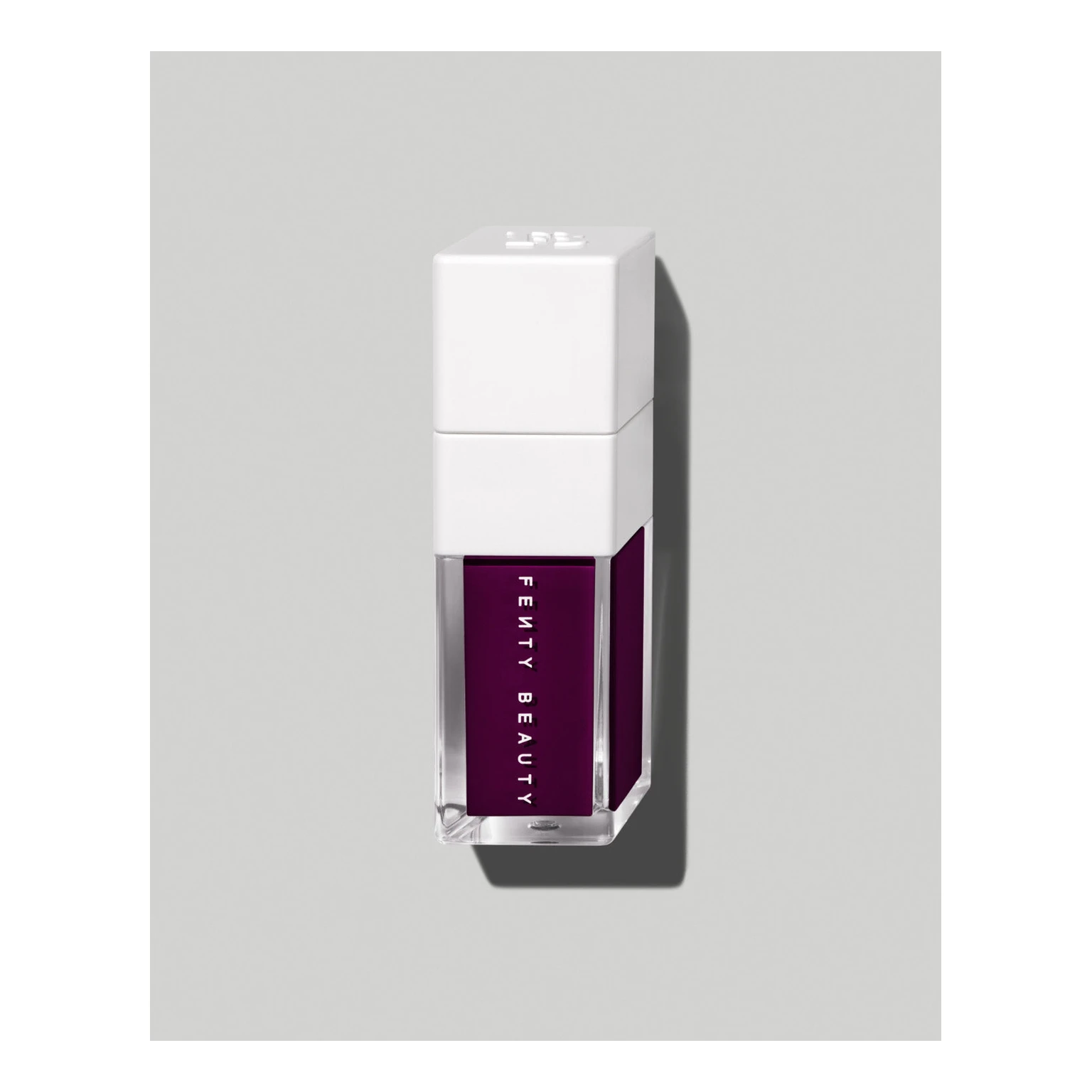 Input 13447d121d481fe9092b3556a358c3 | Ref 1 1e3975c20704bebecf7913c3d77e19 | Ref 2 1b554439a99f1c775385fe10af6aa9 | 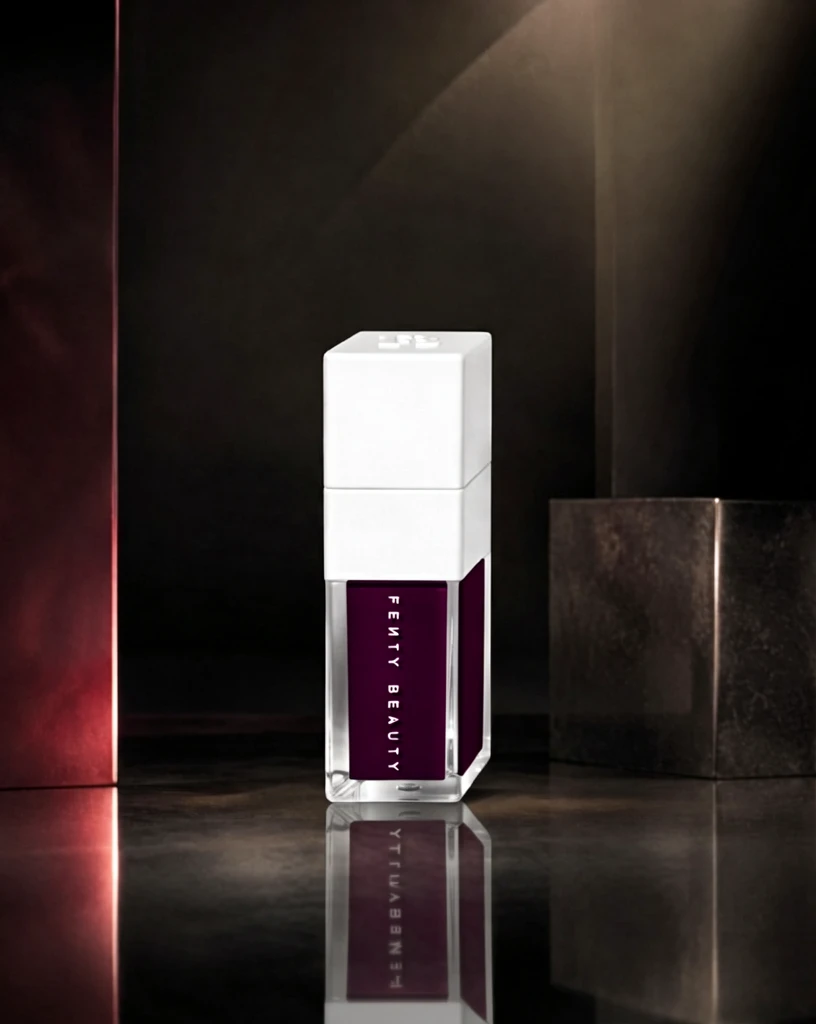 S1 CROSS fd8d78136baa57f1a916943c01ce28 单任务耗时 61.9 秒 / PyTorch 峰值显存 33.2 GiB | 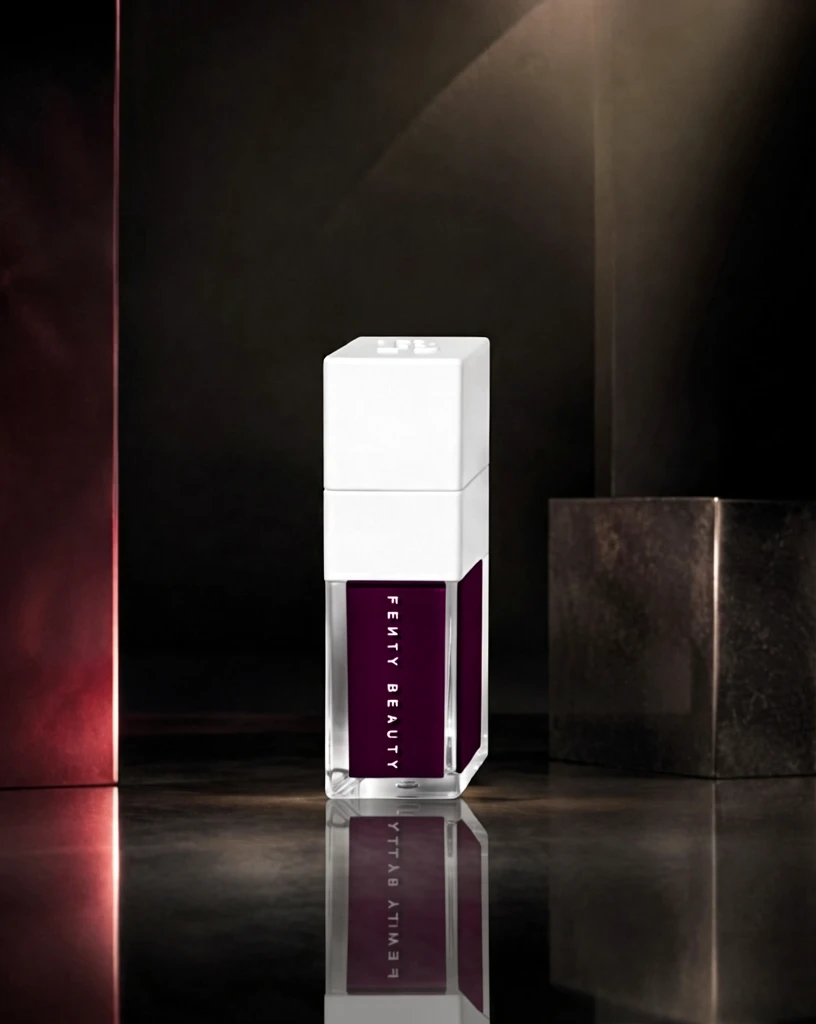 S2 CROSS 93bee7d5ff1f636526fd6a13b48169 单任务耗时 88.9 秒 / PyTorch 峰值显存 33.9 GiB | 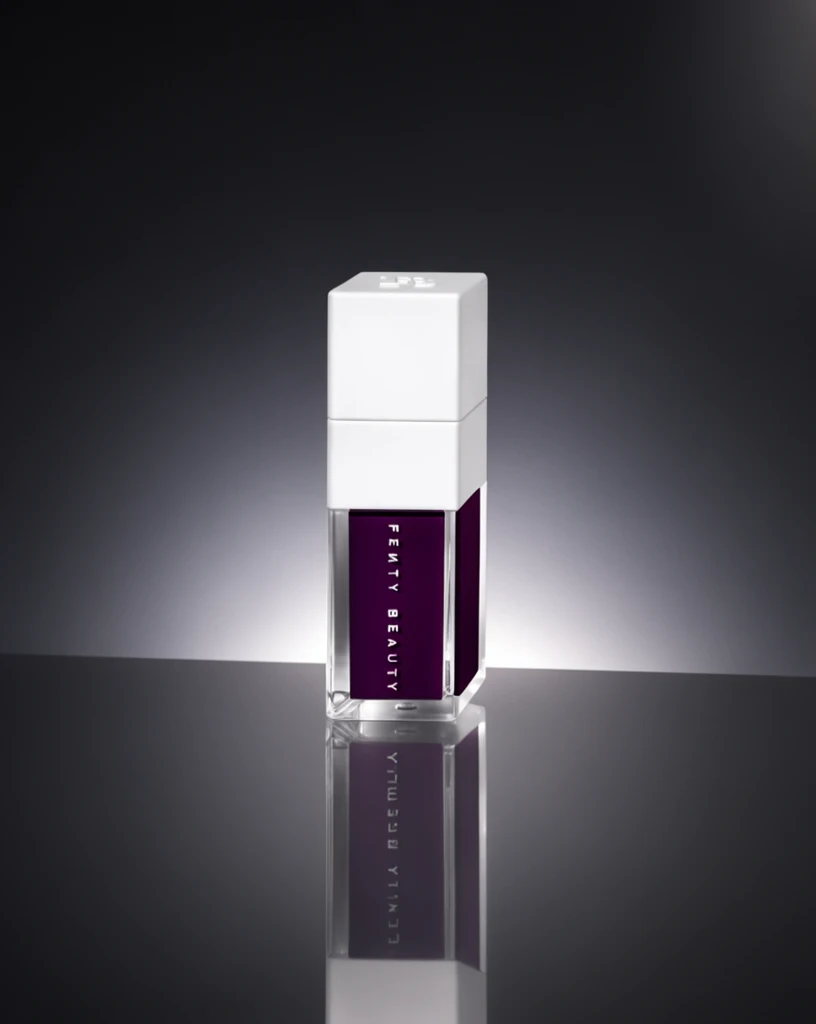 Step 200 · α1 00014fbb7479575f57bd8be492bfb7 单任务耗时 18.0 秒 / PyTorch 峰值显存 33.3 GiB | 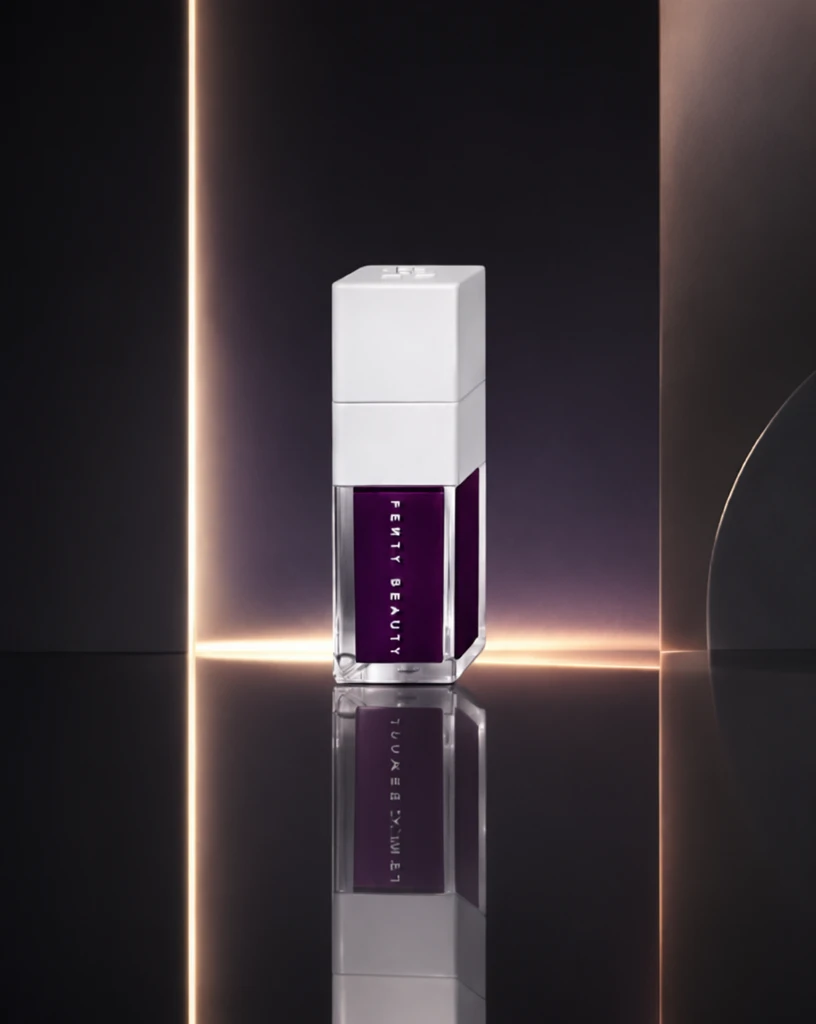 Step 200 · α2 47e155bd66b8a030ab0cc4f0cf2ab6 单任务耗时 17.9 秒 / PyTorch 峰值显存 33.3 GiB | 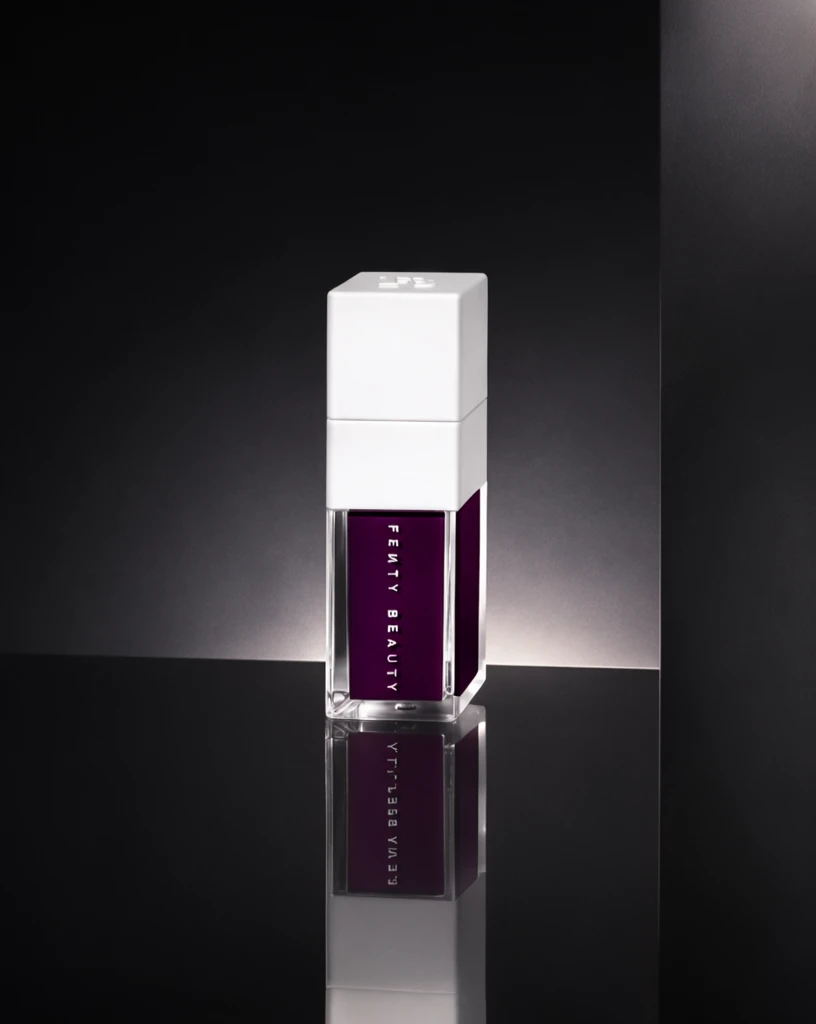 Step 400 · α1 7608df091bb846cb3e82bf044b3314 单任务耗时 17.9 秒 / PyTorch 峰值显存 33.3 GiB | 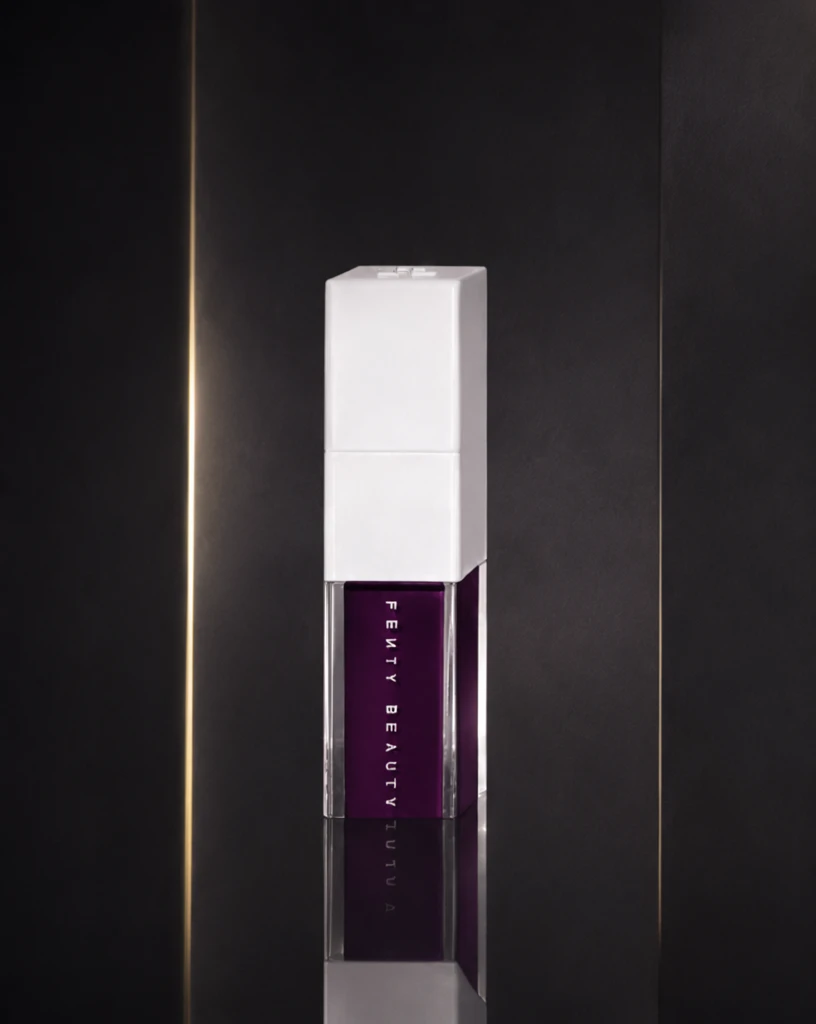 Step 400 · α2 1d5550de789d0177e96ce0becd7e1e 单任务耗时 18.0 秒 / PyTorch 峰值显存 33.3 GiB | 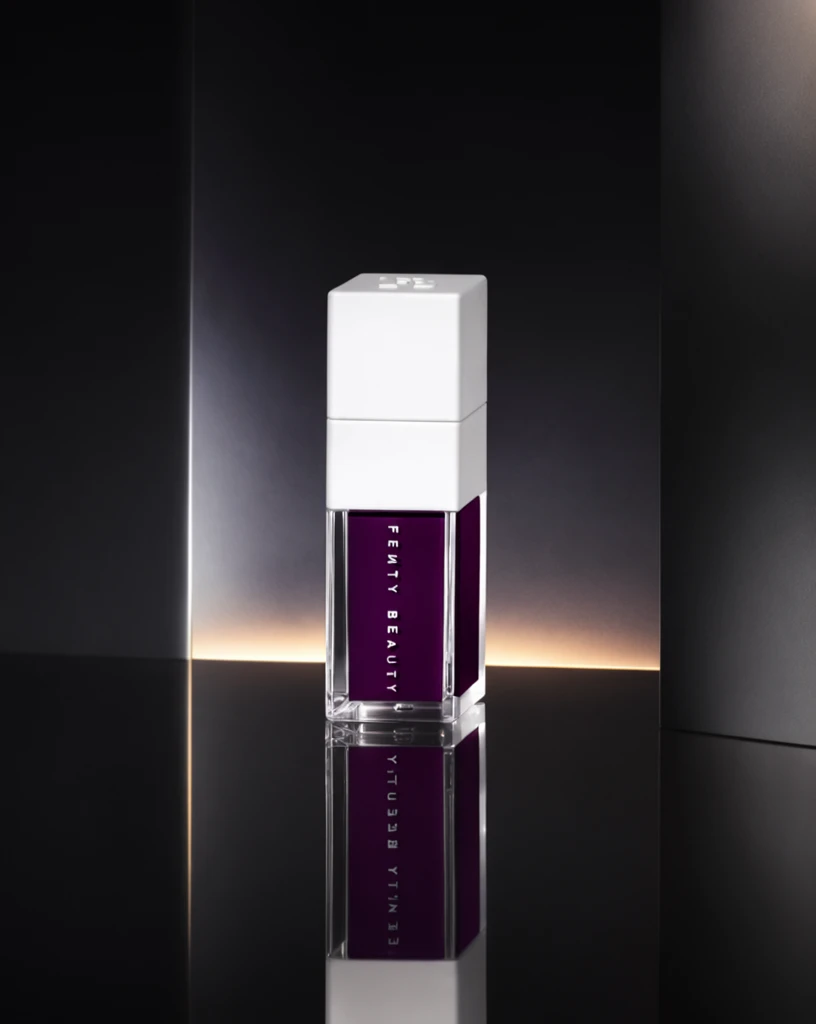 Step 600 · α1 560f7b0a1db772f0bf36b2a05ed488 单任务耗时 17.9 秒 / PyTorch 峰值显存 33.3 GiB | 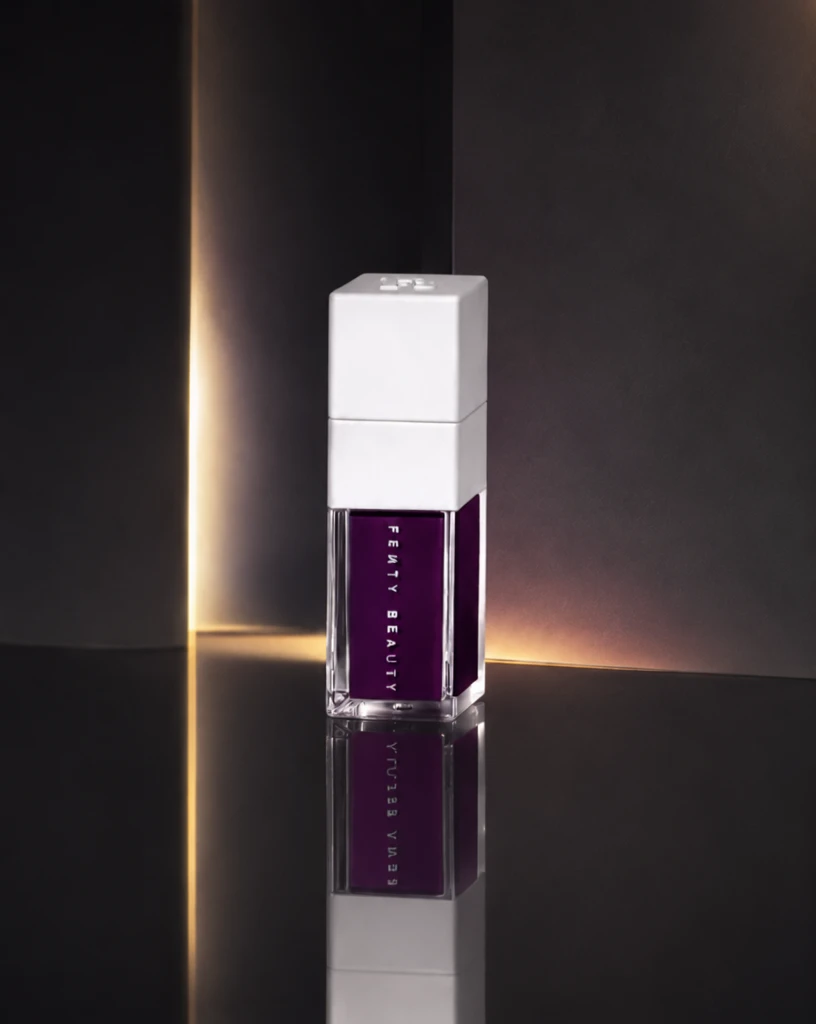 Step 600 · α2 71f6e6ef8bf37879a8fa72071fcfe2 单任务耗时 18.0 秒 / PyTorch 峰值显存 33.3 GiB |
q15
| 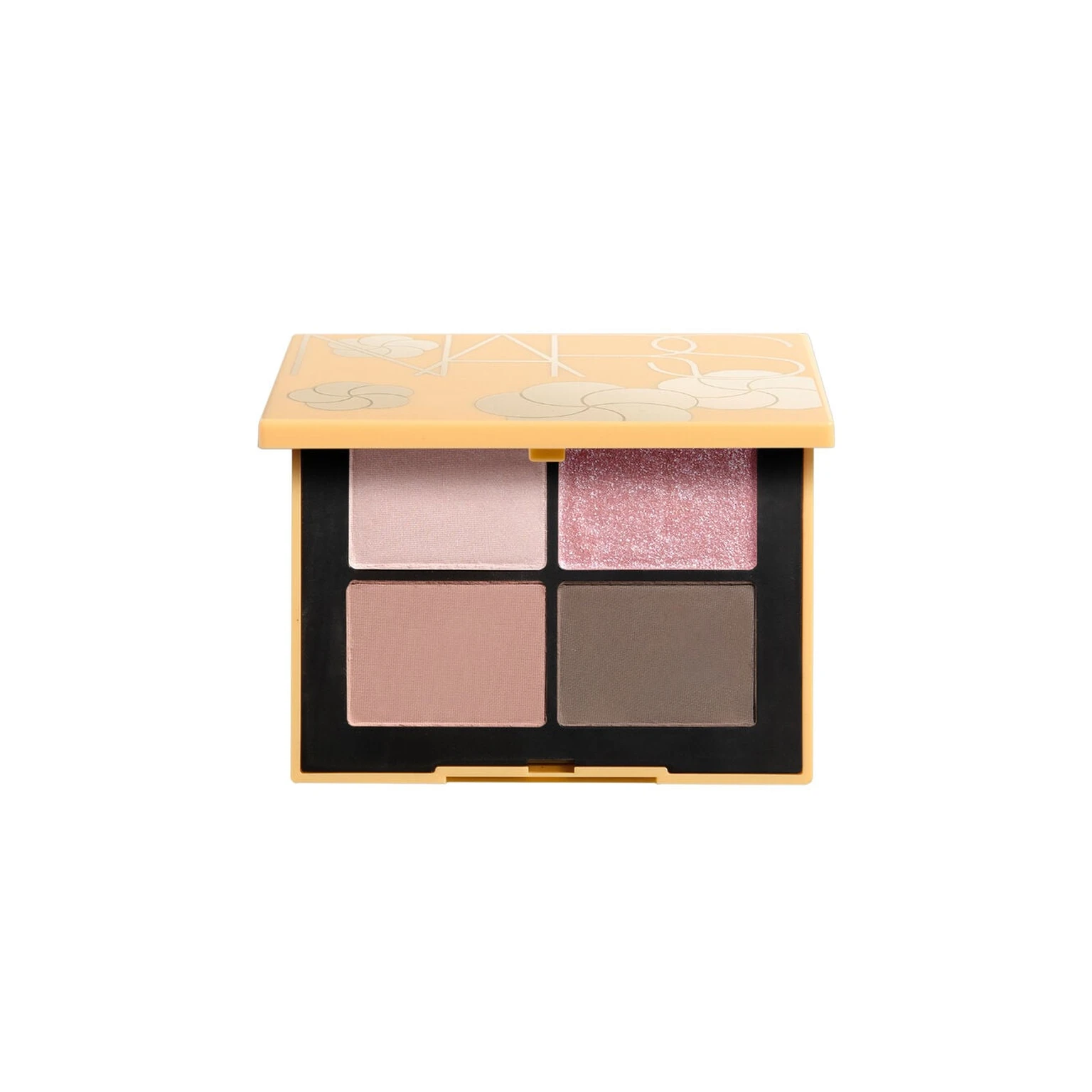 Input e5233405cc1b56329c8429106af189 | Ref 1 d0137d628d89e0299e74f22f2dfc17 | Ref 2 39349111ab414832ecfe3fdfb73cd1 |  S1 CROSS 5ffc0361609f8926922948d0259e0f 单任务耗时 61.6 秒 / PyTorch 峰值显存 33.2 GiB |  S2 CROSS ee5e9fe27a94c55a2390cfeac7a07f 单任务耗时 90.3 秒 / PyTorch 峰值显存 33.9 GiB | 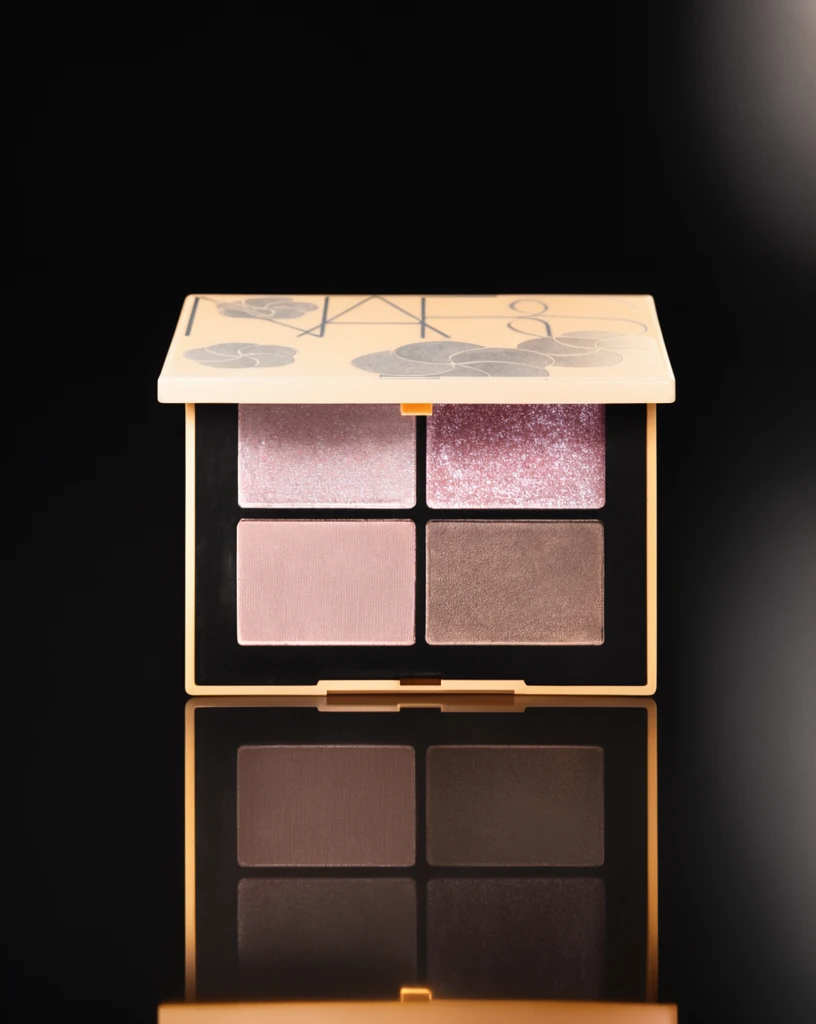 Step 200 · α1 08c7e37736de05e45bdb305f4668d2 单任务耗时 17.9 秒 / PyTorch 峰值显存 33.3 GiB |  Step 200 · α2 cc068bdaafaec436b7394d8110353e 单任务耗时 17.9 秒 / PyTorch 峰值显存 33.3 GiB | 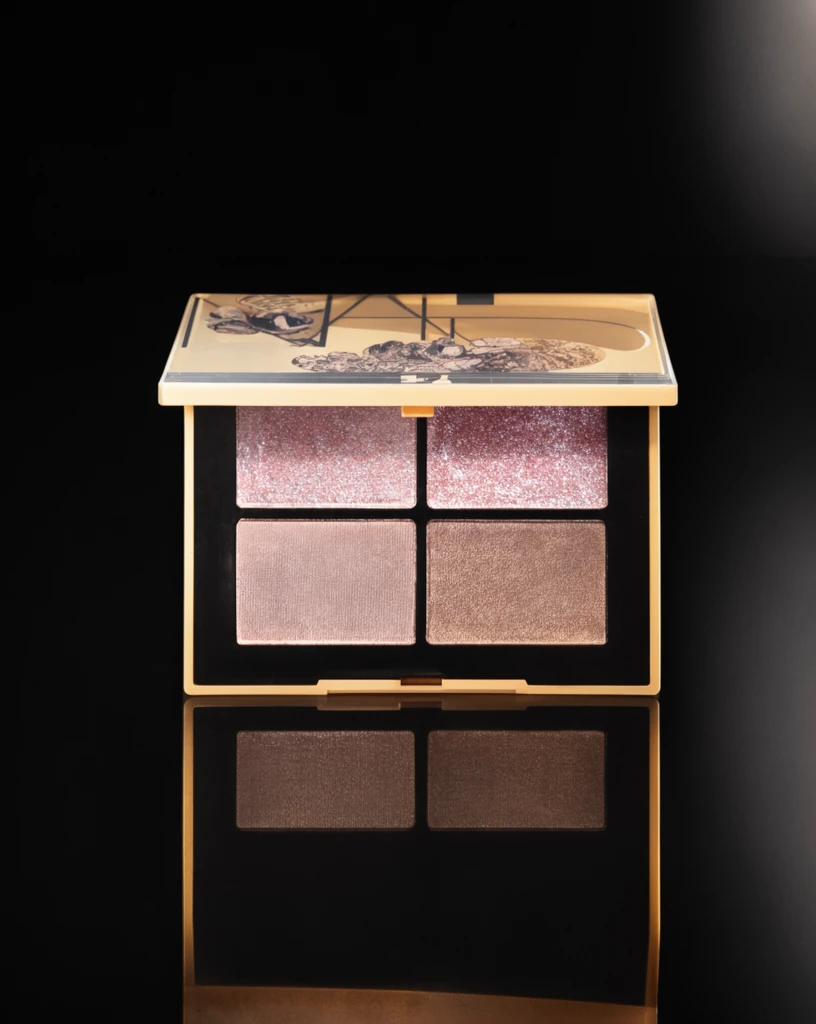 Step 400 · α1 a52893c46669227dccf0189f36008a 单任务耗时 17.8 秒 / PyTorch 峰值显存 33.3 GiB | 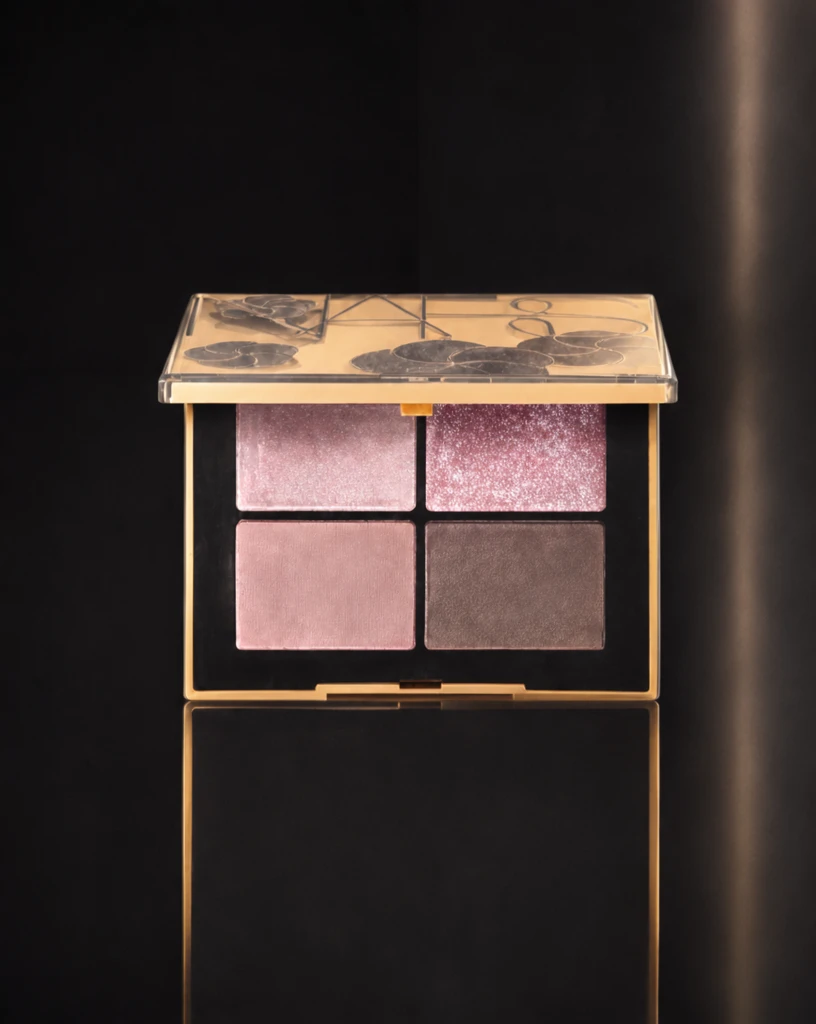 Step 400 · α2 d29fe6f918bdf443a96e13b11aa908 单任务耗时 17.9 秒 / PyTorch 峰值显存 33.3 GiB | 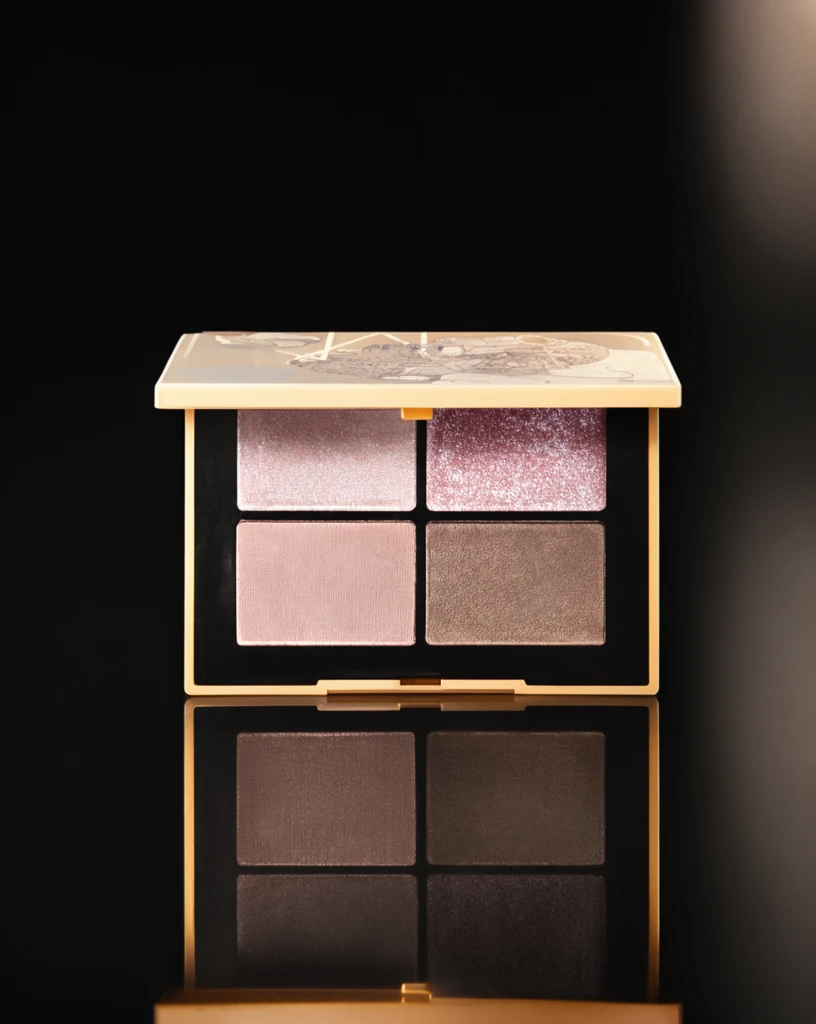 Step 600 · α1 83cc7813c3fab7cb72dd959f22af4b 单任务耗时 17.8 秒 / PyTorch 峰值显存 33.3 GiB | 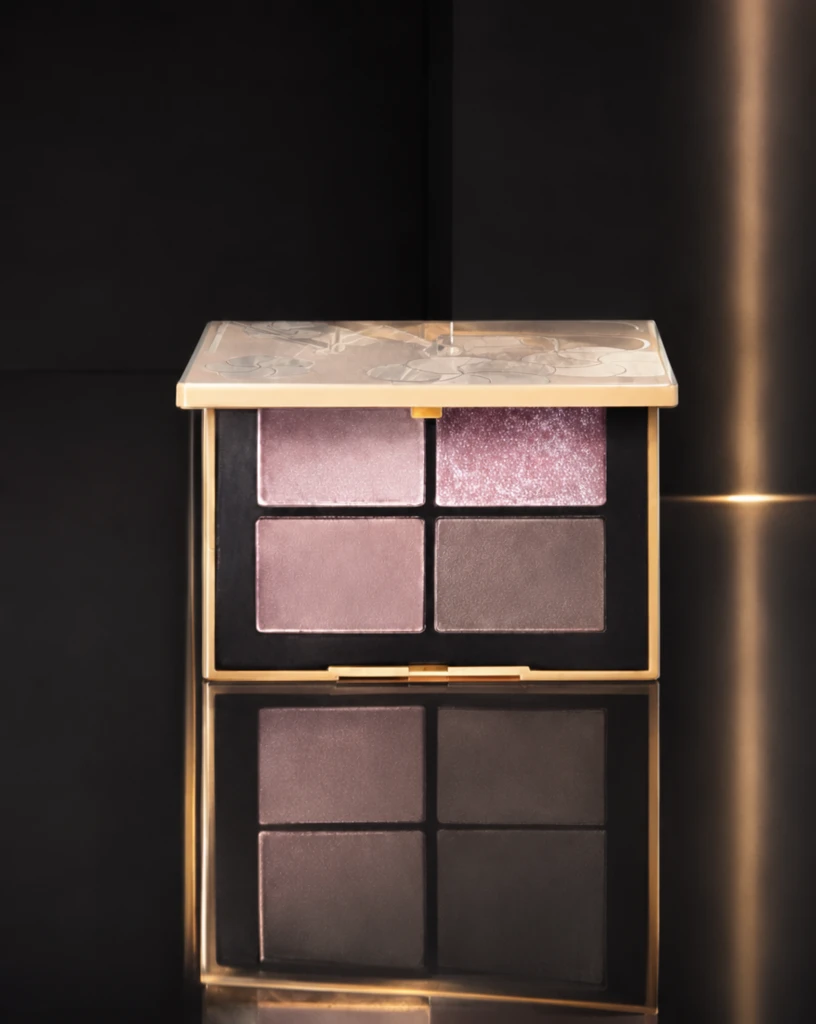 Step 600 · α2 b2a21eb5145188457ffa01aa0acbf0 单任务耗时 17.9 秒 / PyTorch 峰值显存 33.3 GiB |
q16
| 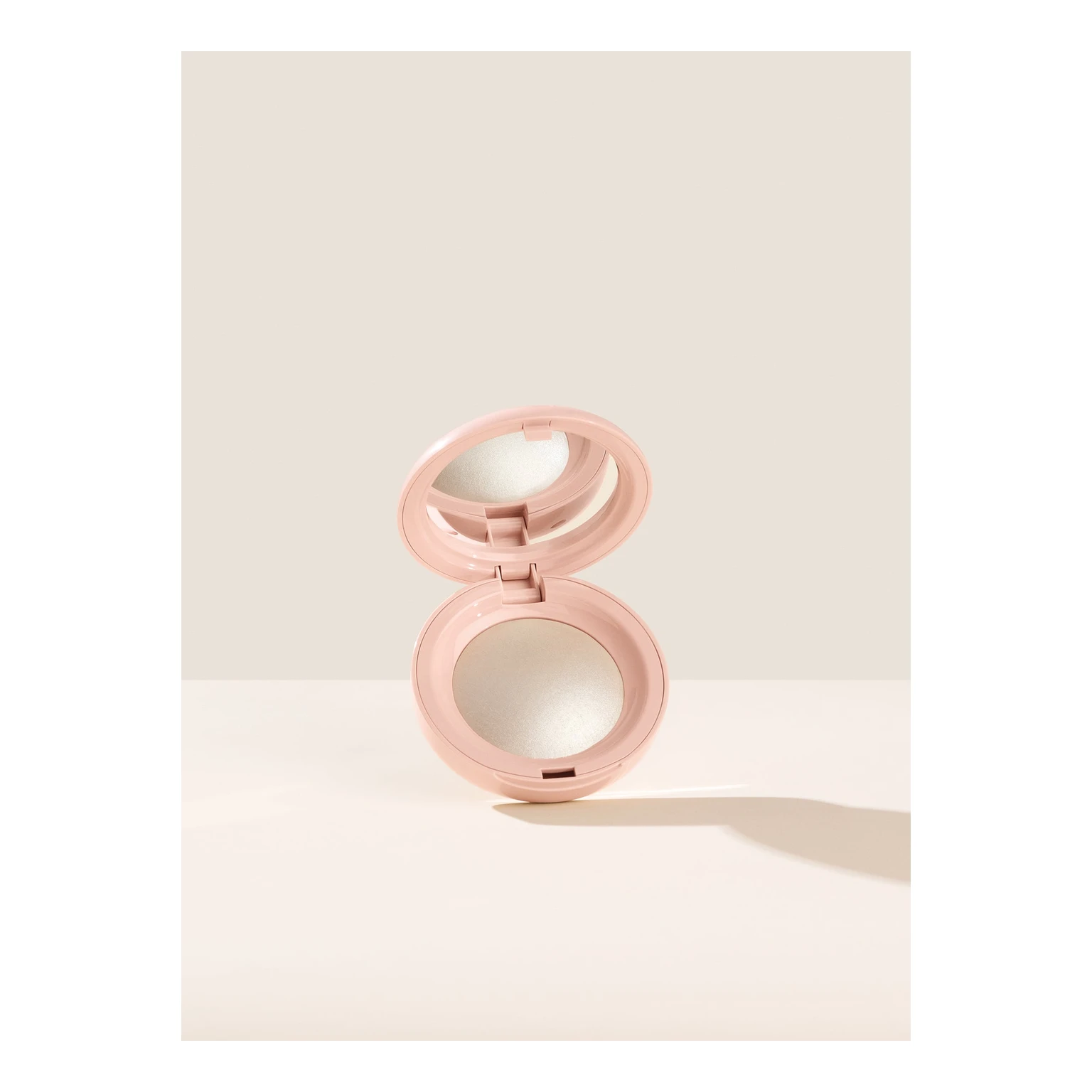 Input f785a68b712d7e5221f85ae06e79ef | Ref 1 bf9c1eb8d14668331c75c63f863204 | Ref 2 c57301982ee3444b4788dc608d2f91 | 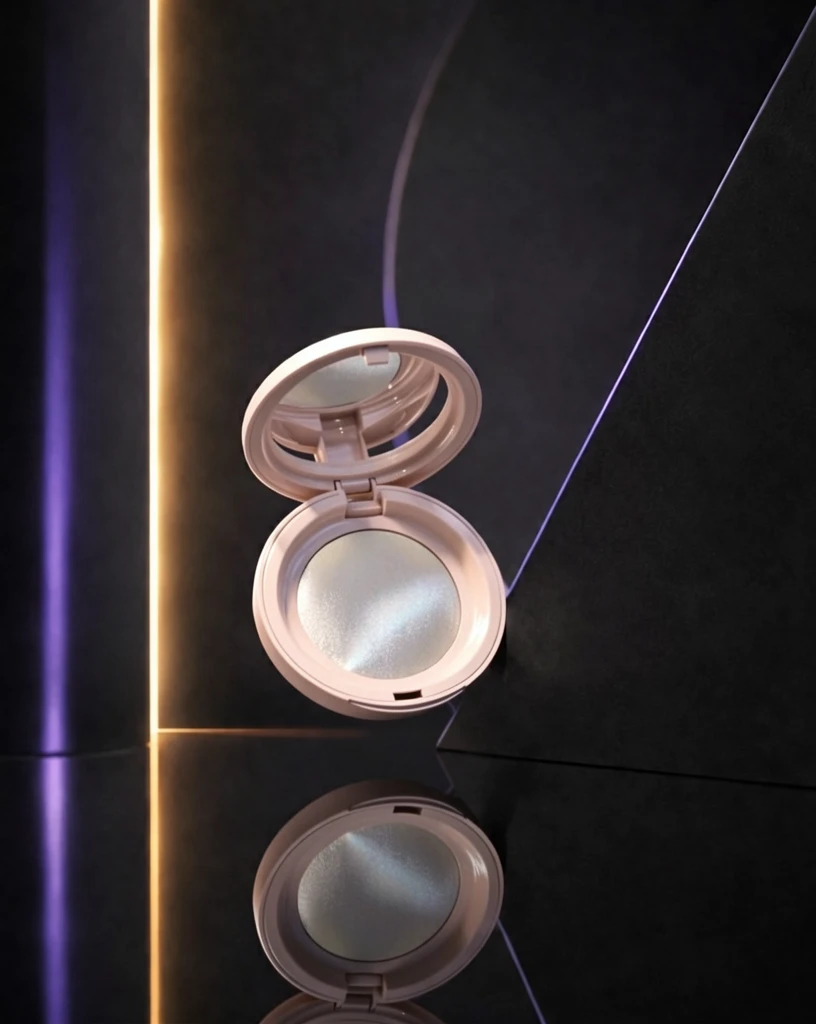 S1 CROSS bf5008ee124b8dfe9d0385dec19bcc 单任务耗时 60.9 秒 / PyTorch 峰值显存 33.2 GiB |  S2 CROSS 0b92c556af80e79360276c4b920581 单任务耗时 90.2 秒 / PyTorch 峰值显存 33.9 GiB |  Step 200 · α1 0ccf24c13855e65261235e68d95107 单任务耗时 17.9 秒 / PyTorch 峰值显存 33.3 GiB |  Step 200 · α2 ce180ad84ac46379e9d62b2cfeaf73 单任务耗时 17.9 秒 / PyTorch 峰值显存 33.3 GiB | 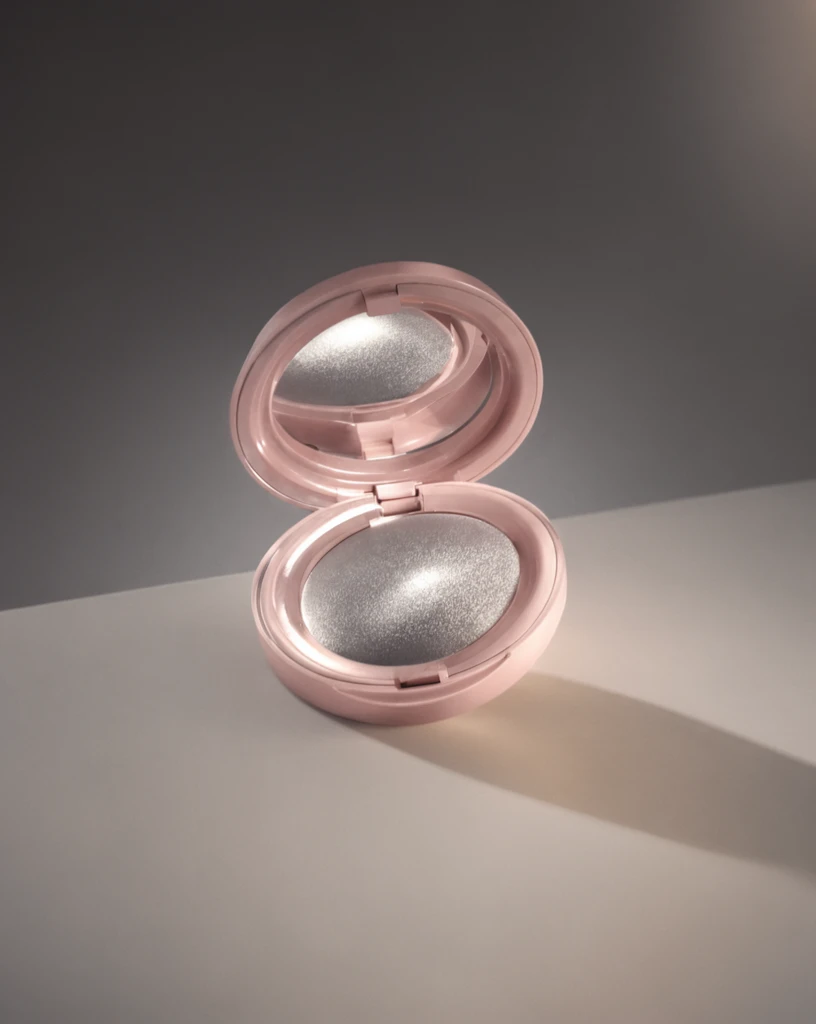 Step 400 · α1 0fdcc84fcd7eba425d23ce46474713 单任务耗时 17.9 秒 / PyTorch 峰值显存 33.3 GiB |  Step 400 · α2 4ff994f1833842b2f515454a627d27 单任务耗时 17.9 秒 / PyTorch 峰值显存 33.3 GiB | 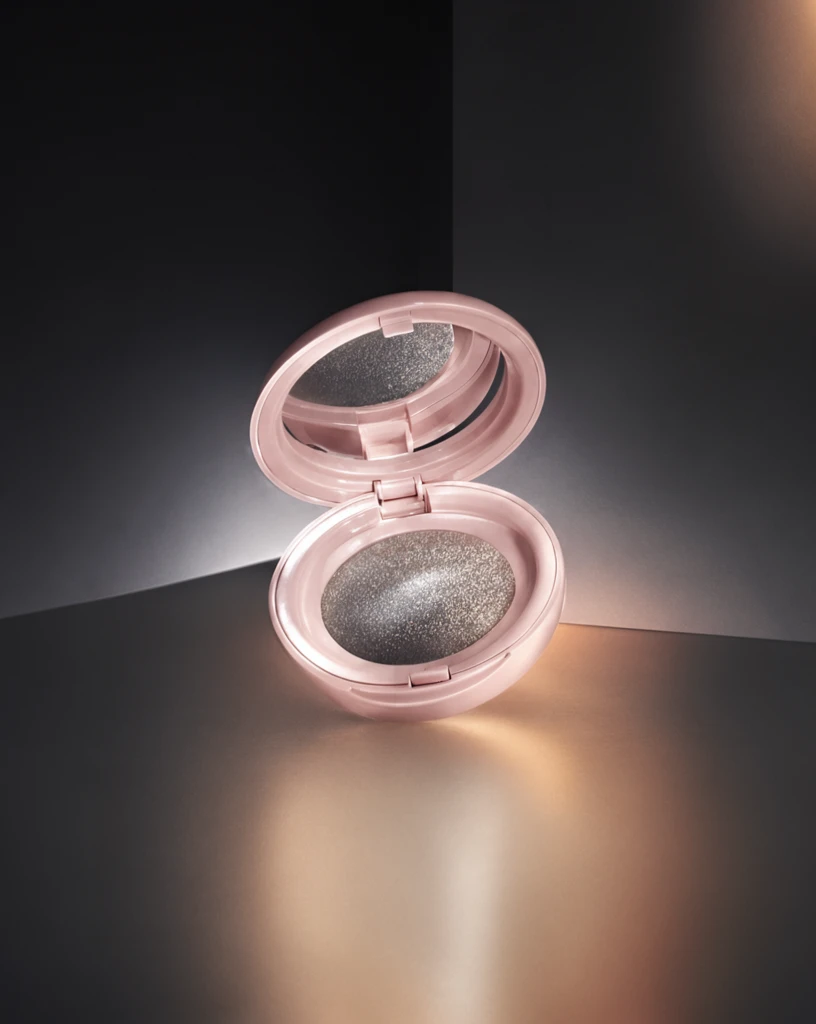 Step 600 · α1 e8dcd8b12513ad889d86ff3fcc2a99 单任务耗时 17.9 秒 / PyTorch 峰值显存 33.3 GiB |  Step 600 · α2 41431d0fd840e1a06329892d7ee9c7 单任务耗时 17.9 秒 / PyTorch 峰值显存 33.3 GiB |
q17
| 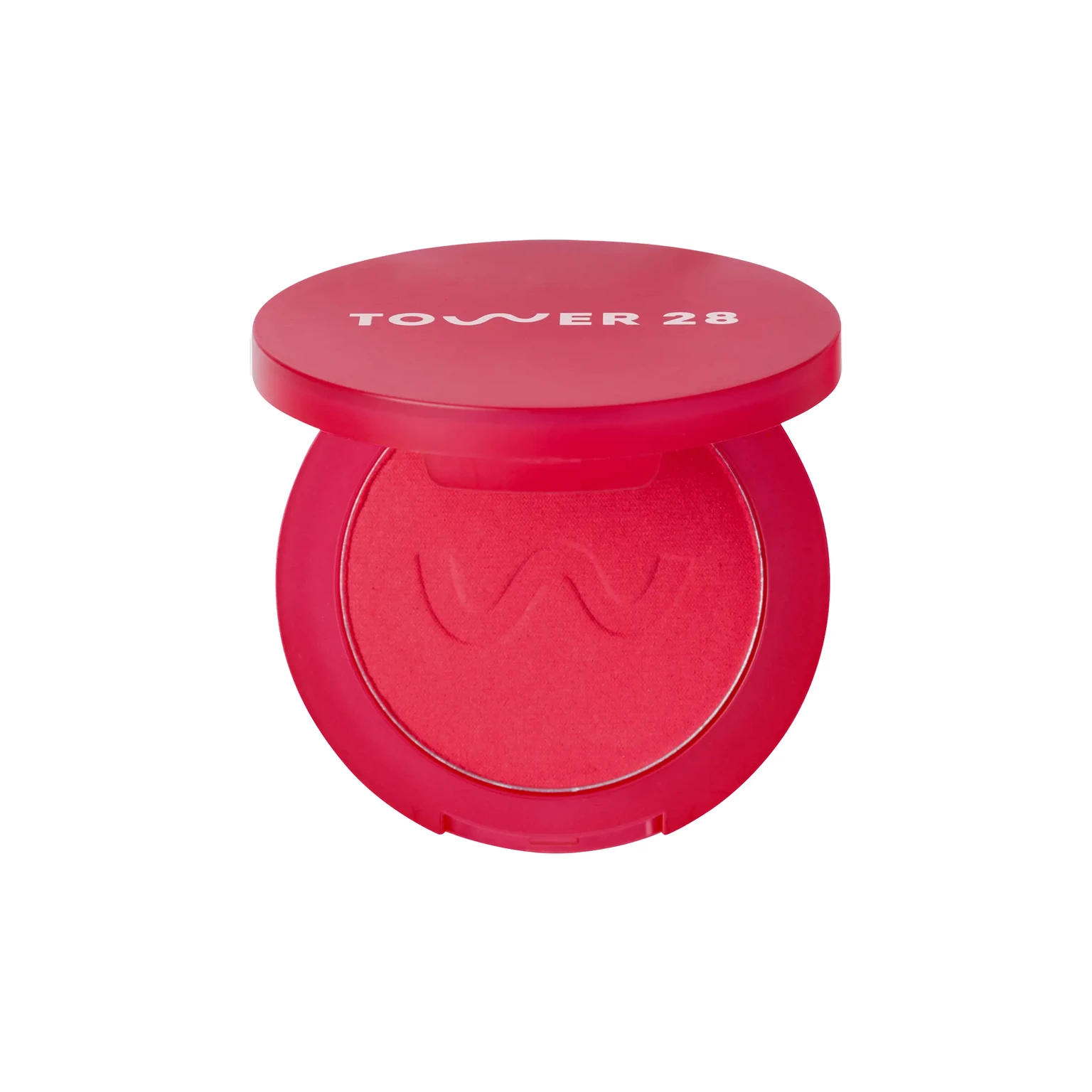 Input 3fc0f42b90afbcf28e145ecf76c599 | Ref 1 b3b197ed74c488b39193f9f469e858 | Ref 2 a416c4c2db2258f1d66b3973e30c0e |  S1 CROSS 9e79019f8e2feee17ef3fa19fb08bc 单任务耗时 61.6 秒 / PyTorch 峰值显存 33.2 GiB |  S2 CROSS c88c89a5dc81934fef07bd41a1513d 单任务耗时 89.4 秒 / PyTorch 峰值显存 33.9 GiB | 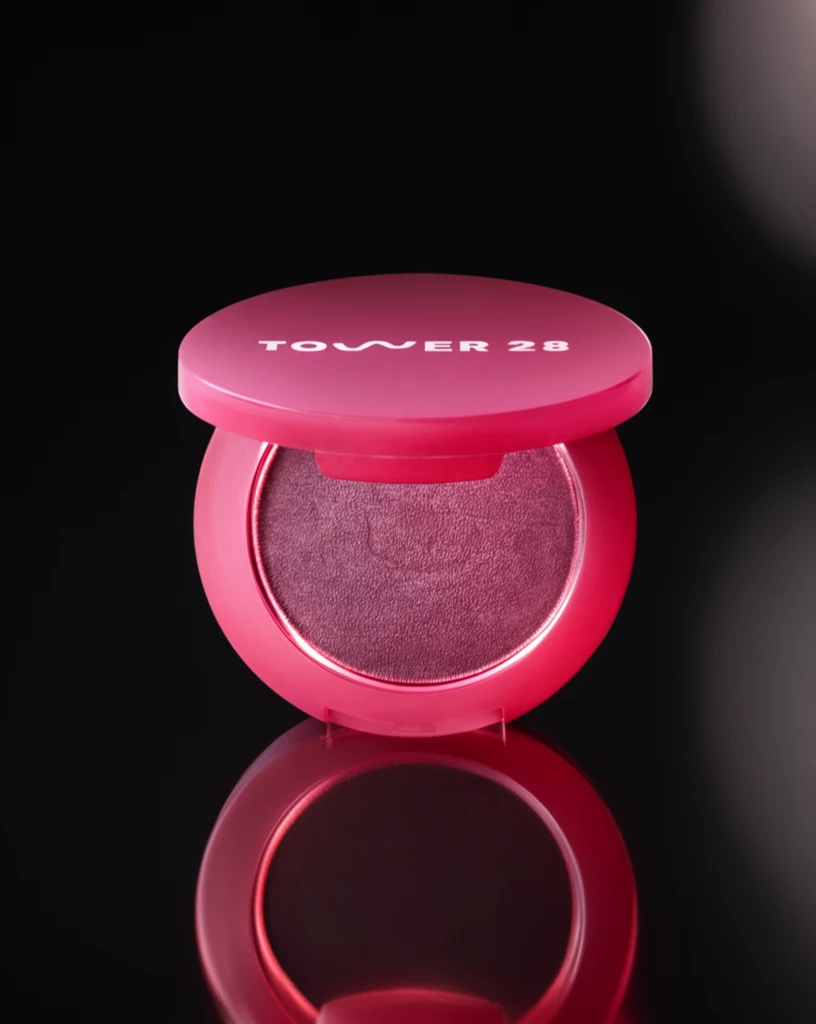 Step 200 · α1 ac83bf8dfc8d4f4bbec3b60d4ef9eb 单任务耗时 17.9 秒 / PyTorch 峰值显存 33.3 GiB | 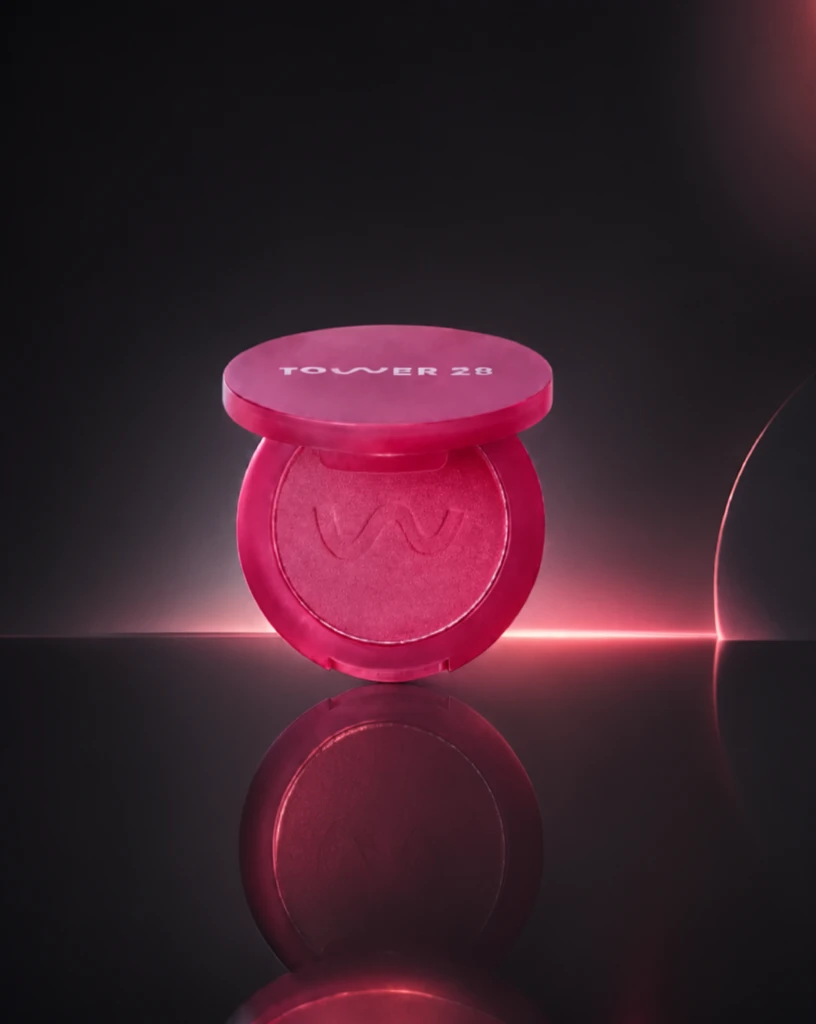 Step 200 · α2 0f789c291d488c219d4274679ebafd 单任务耗时 17.9 秒 / PyTorch 峰值显存 33.3 GiB | 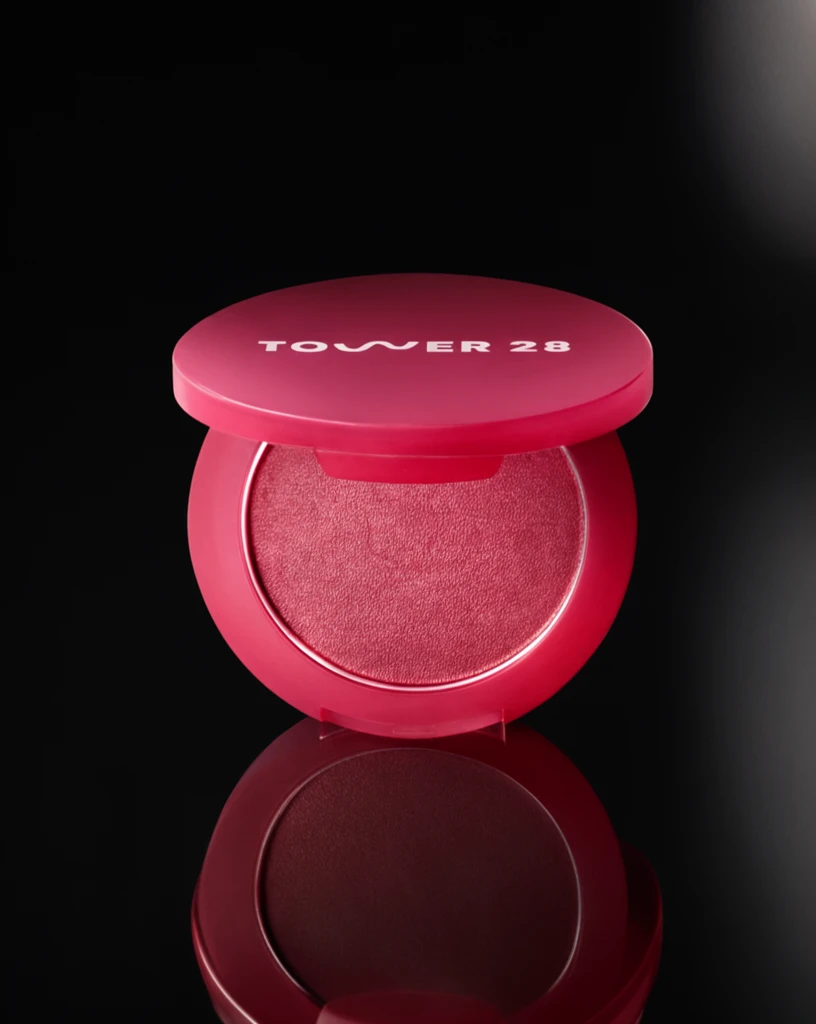 Step 400 · α1 e0c0c486d6e8ebbca35f1d727b3ee6 单任务耗时 17.7 秒 / PyTorch 峰值显存 33.3 GiB |  Step 400 · α2 b5b6e069b872313ef2847287c521fe 单任务耗时 17.9 秒 / PyTorch 峰值显存 33.3 GiB | 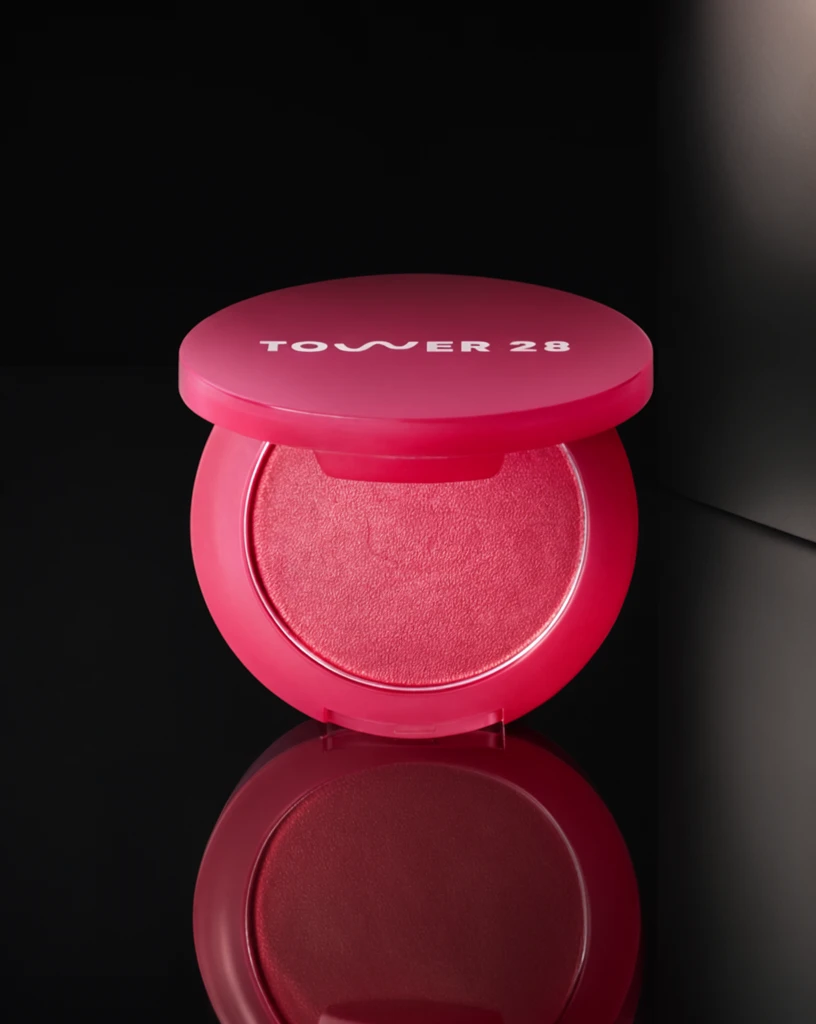 Step 600 · α1 f506c3aa580b4926a80252c3faa46c 单任务耗时 17.9 秒 / PyTorch 峰值显存 33.3 GiB | 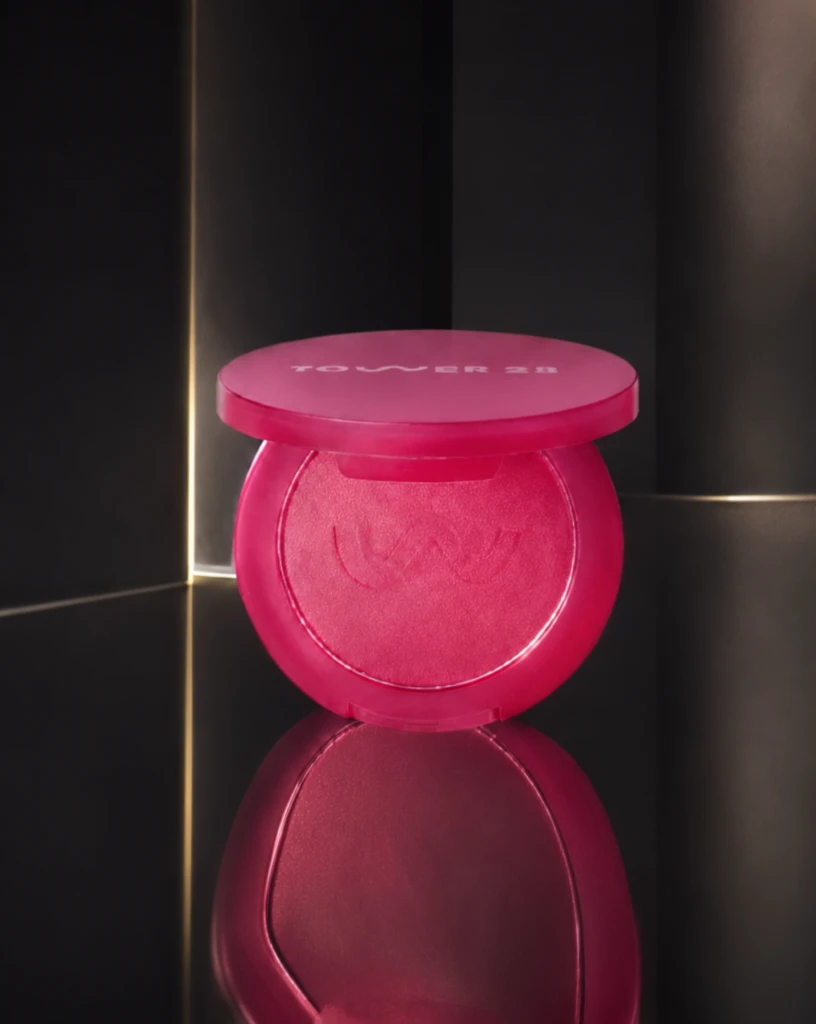 Step 600 · α2 84d958f68cbe97da945235f8ea60a9 单任务耗时 17.9 秒 / PyTorch 峰值显存 33.3 GiB |
q18
| 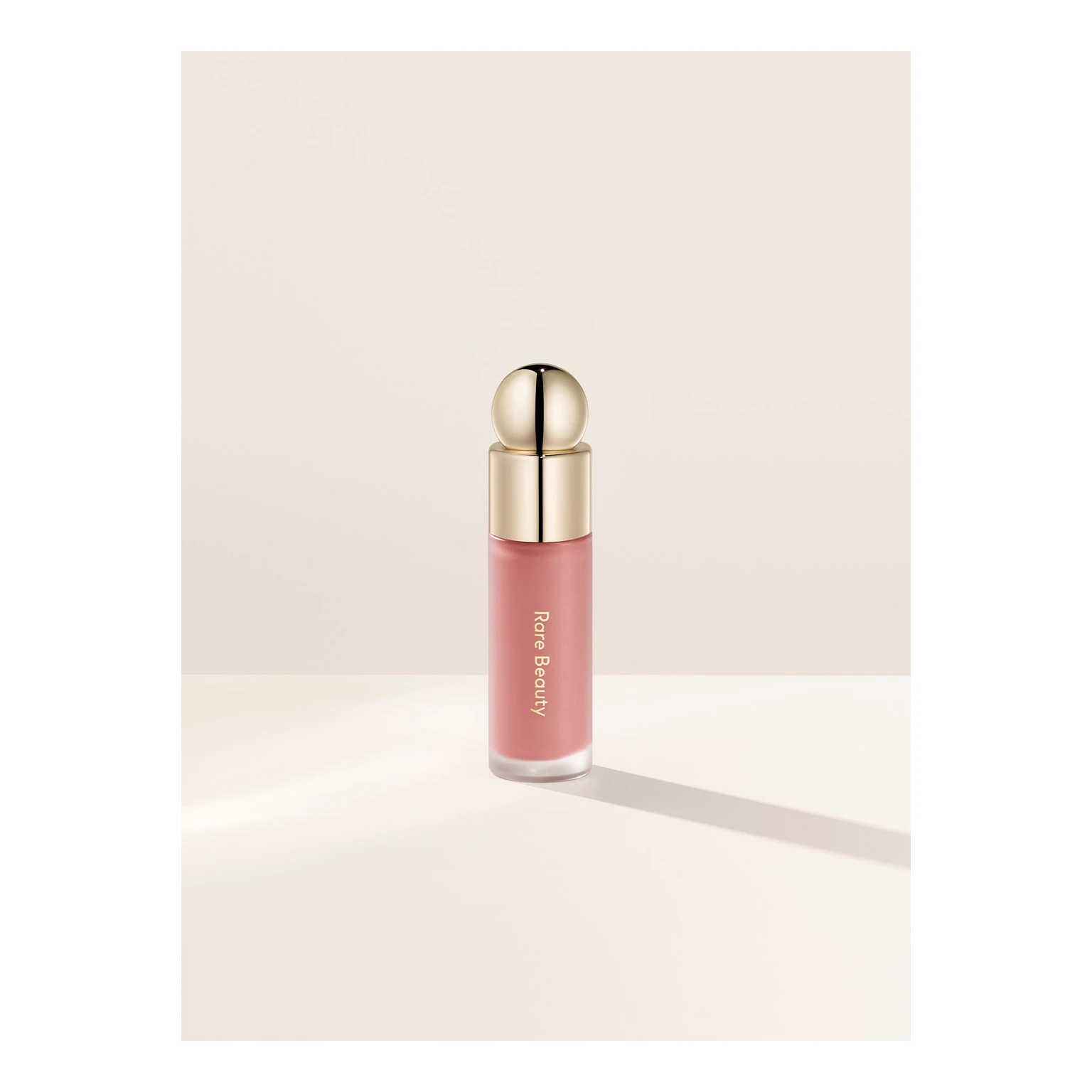 Input c21002e76eb2bf7cbdceaba99491f9 | Ref 1 6f417efaca7b1cb3e9761454d91d0a | Ref 2 8398b17a2dd8ebcbd061268dd30a65 | 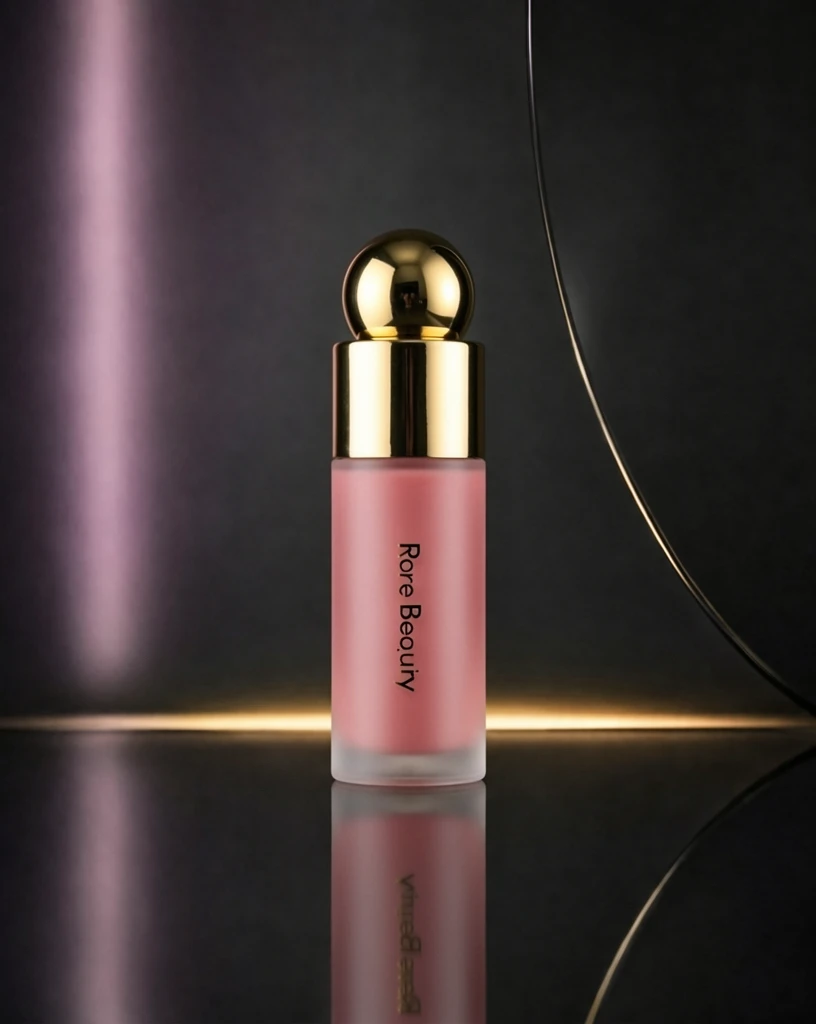 S1 CROSS d9293ed4ebaa0c09b65d94806115d8 单任务耗时 60.9 秒 / PyTorch 峰值显存 33.2 GiB |  S2 CROSS 1b852be0e664c293cf15129d0368a5 单任务耗时 88.8 秒 / PyTorch 峰值显存 33.9 GiB | 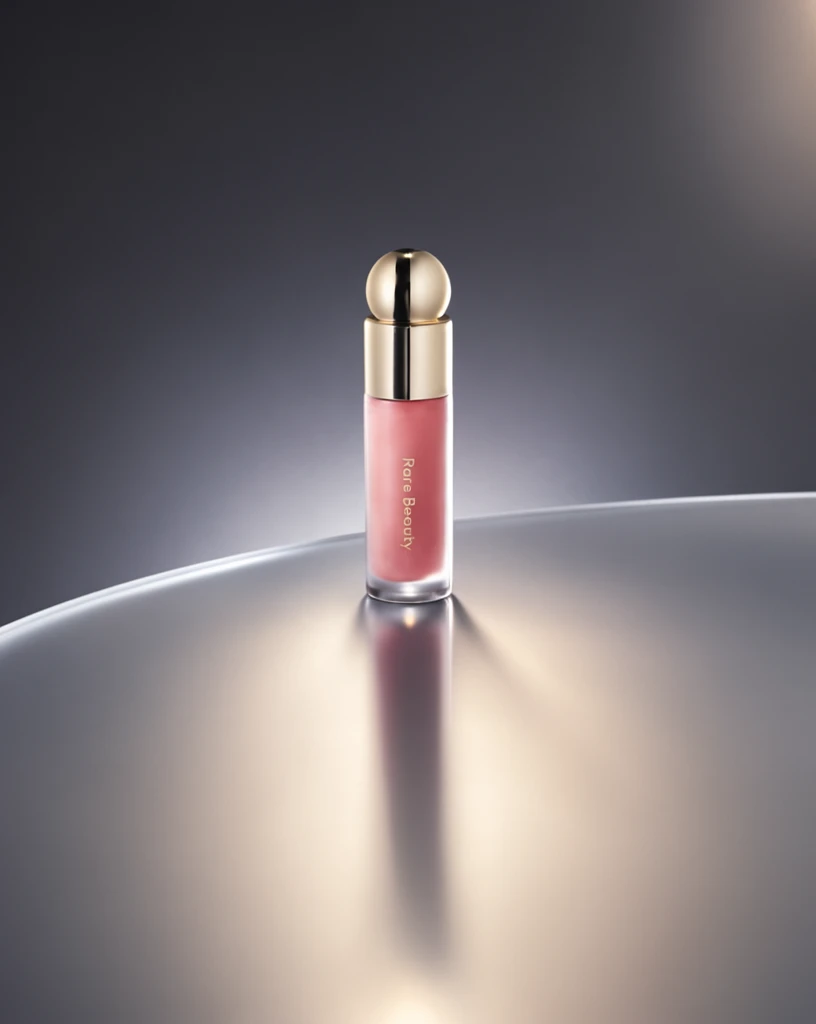 Step 200 · α1 035d49ca6c9f145be2b245ab85a81d 单任务耗时 17.9 秒 / PyTorch 峰值显存 33.3 GiB |  Step 200 · α2 ff5aefd229d80bd5c79d01e54efd9a 单任务耗时 17.9 秒 / PyTorch 峰值显存 33.3 GiB | 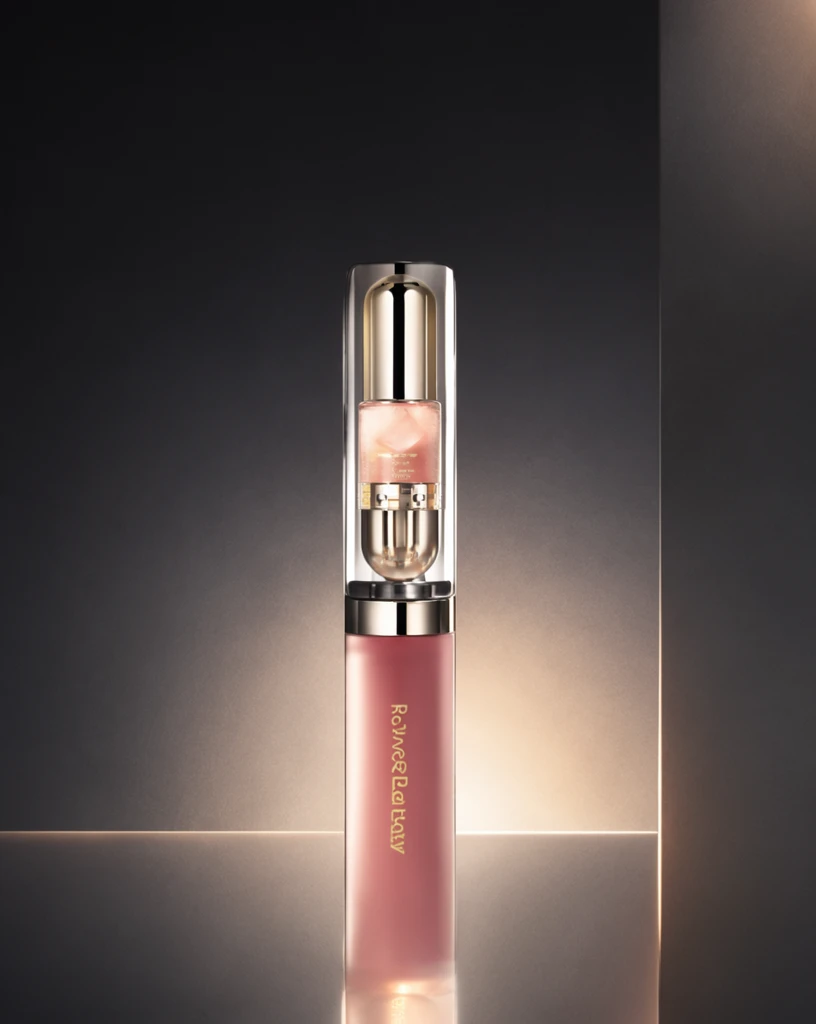 Step 400 · α1 ba61e569e34e4e92826ef764a87ca2 单任务耗时 17.9 秒 / PyTorch 峰值显存 33.3 GiB | 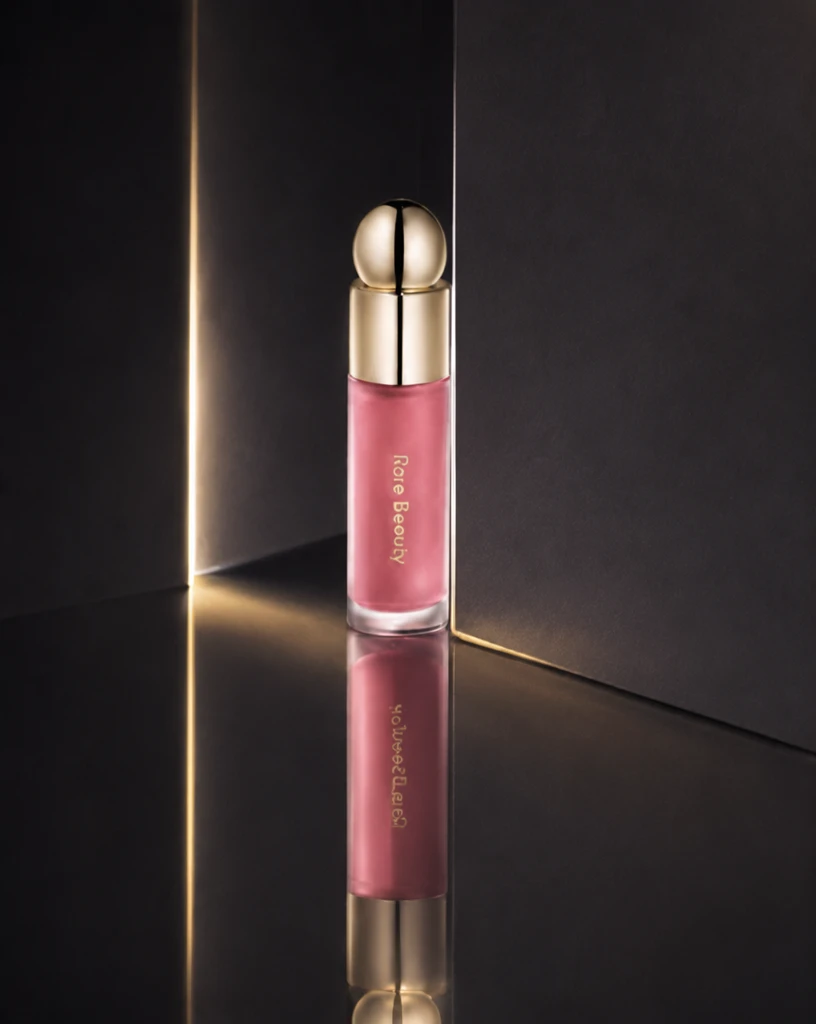 Step 400 · α2 6c6d9edf0ce1f45bb4edb04a8ad556 单任务耗时 17.9 秒 / PyTorch 峰值显存 33.3 GiB | 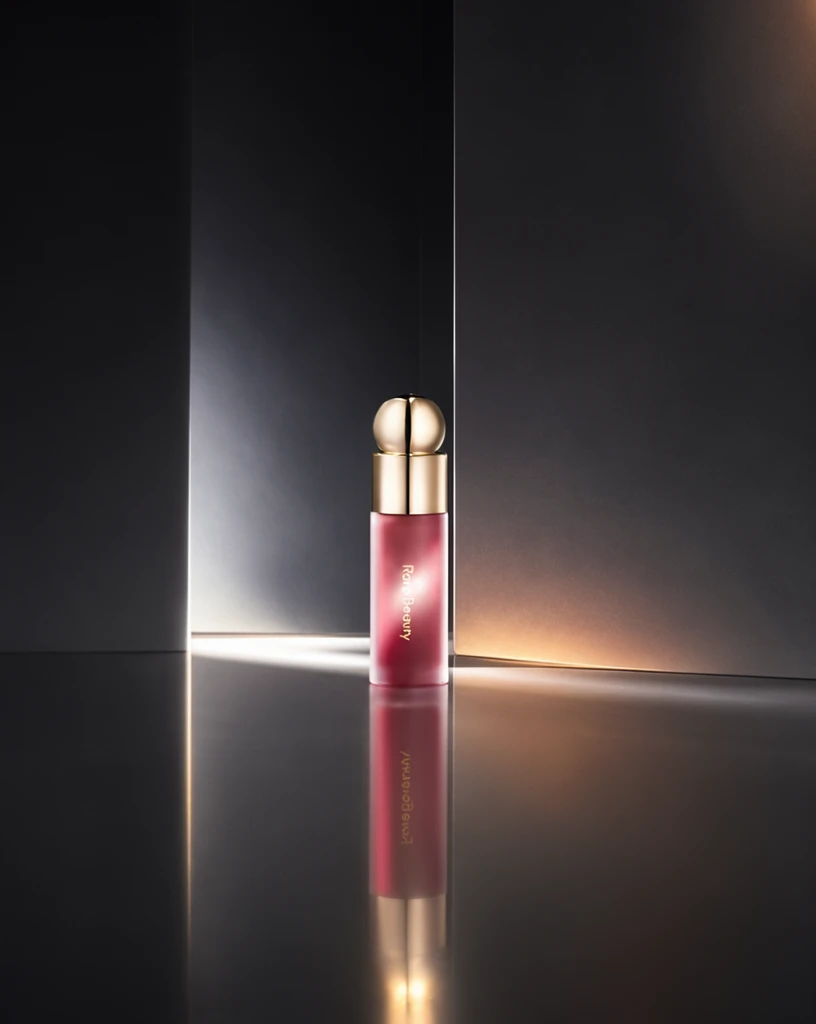 Step 600 · α1 83d6b22d1f5f1b843015fc3cc13ad9 单任务耗时 17.9 秒 / PyTorch 峰值显存 33.3 GiB | 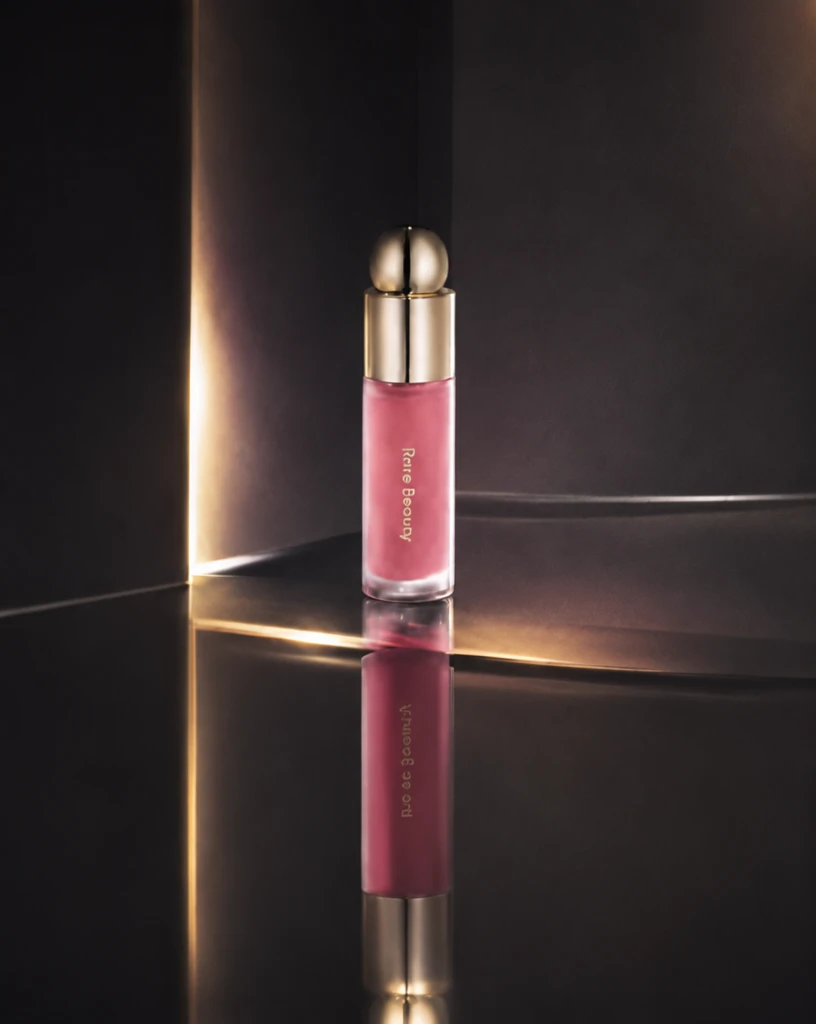 Step 600 · α2 a57d734b29b14220ba74edc90302ab 单任务耗时 17.9 秒 / PyTorch 峰值显存 33.3 GiB |
q19
| 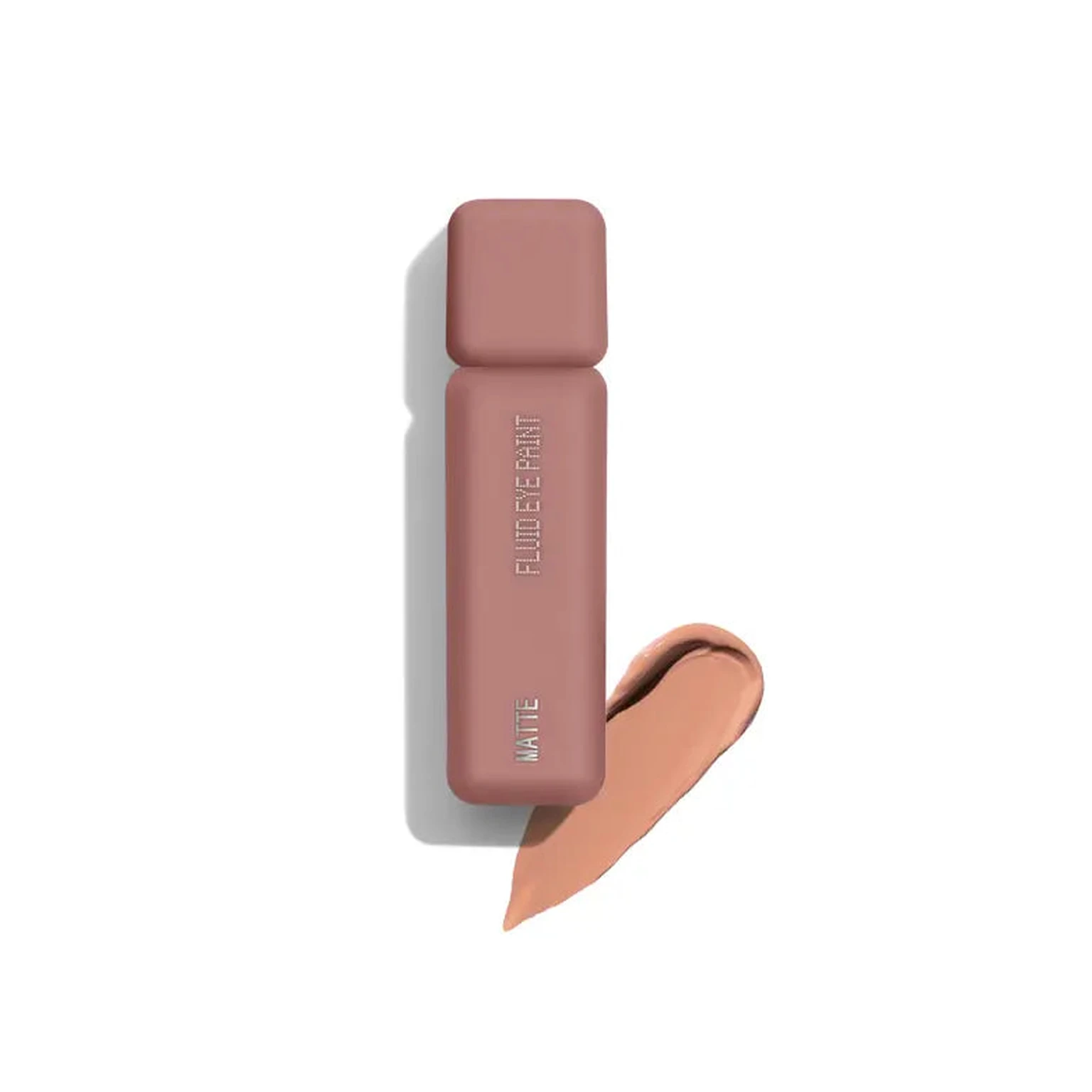 Input 628de2d971adcb9fe7bc79a2b047fc | Ref 1 8d923086f007d9fb9af1f7afde77f1 | Ref 2 9c252cfdd033857c6d52c099afb54a |  S1 CROSS 87d43e0a930212fc8c04f35390cee5 单任务耗时 61.8 秒 / PyTorch 峰值显存 33.2 GiB | 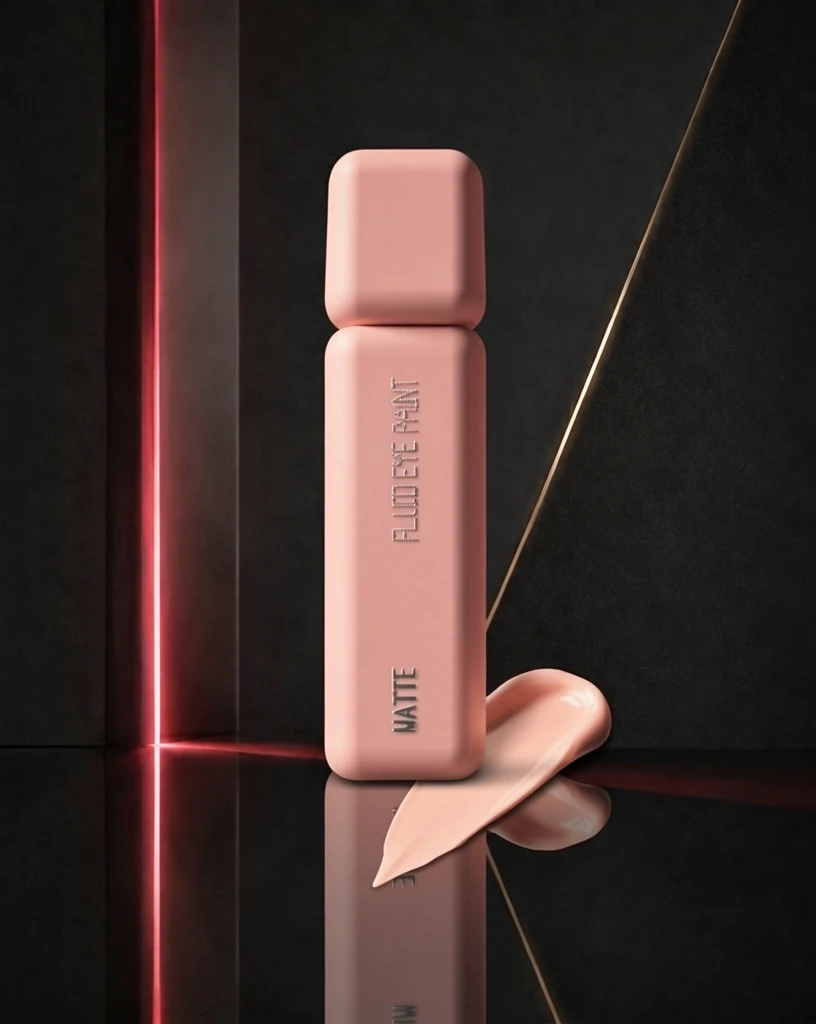 S2 CROSS c1e916014f120e3d9e8d290bb312b8 单任务耗时 90.4 秒 / PyTorch 峰值显存 33.9 GiB |  Step 200 · α1 2c07807955664a4acd5bbca52b1994 单任务耗时 17.8 秒 / PyTorch 峰值显存 33.3 GiB |  Step 200 · α2 96862f469f58701e1f5b223a0b43cc 单任务耗时 17.8 秒 / PyTorch 峰值显存 33.3 GiB | 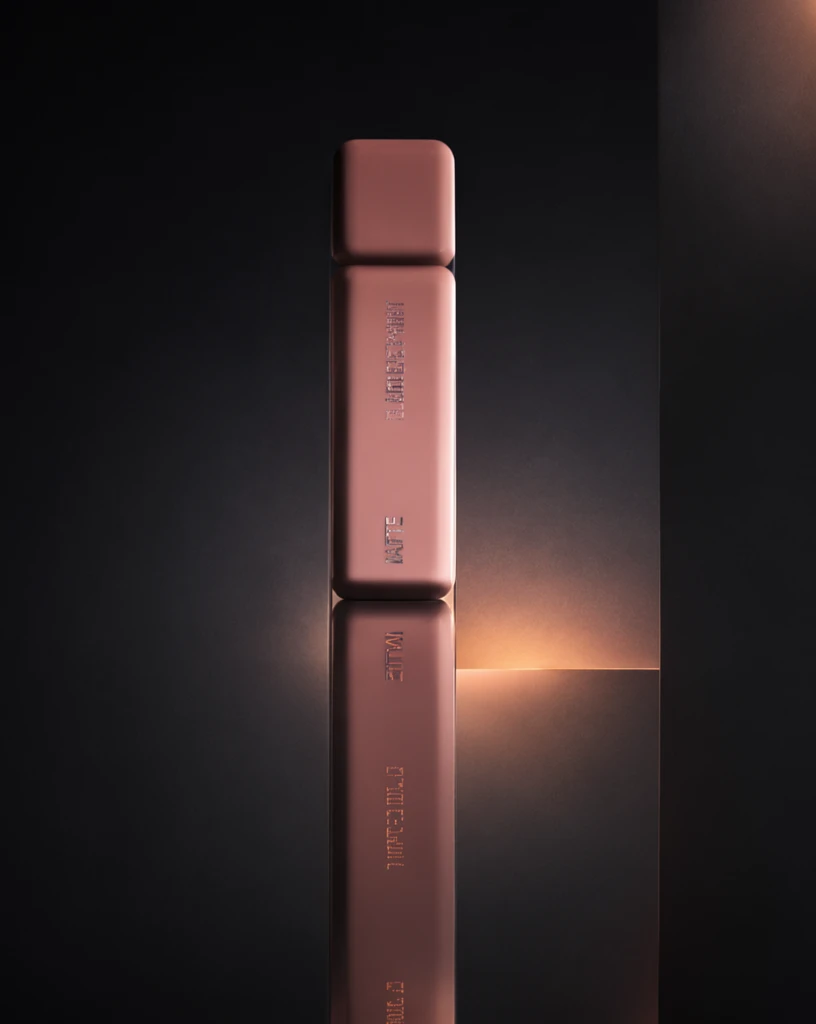 Step 400 · α1 4f114746b6d0b669d7e839ede94f72 单任务耗时 17.9 秒 / PyTorch 峰值显存 33.3 GiB |  Step 400 · α2 4a054eed370757fb65dcd82c542891 单任务耗时 17.9 秒 / PyTorch 峰值显存 33.3 GiB | 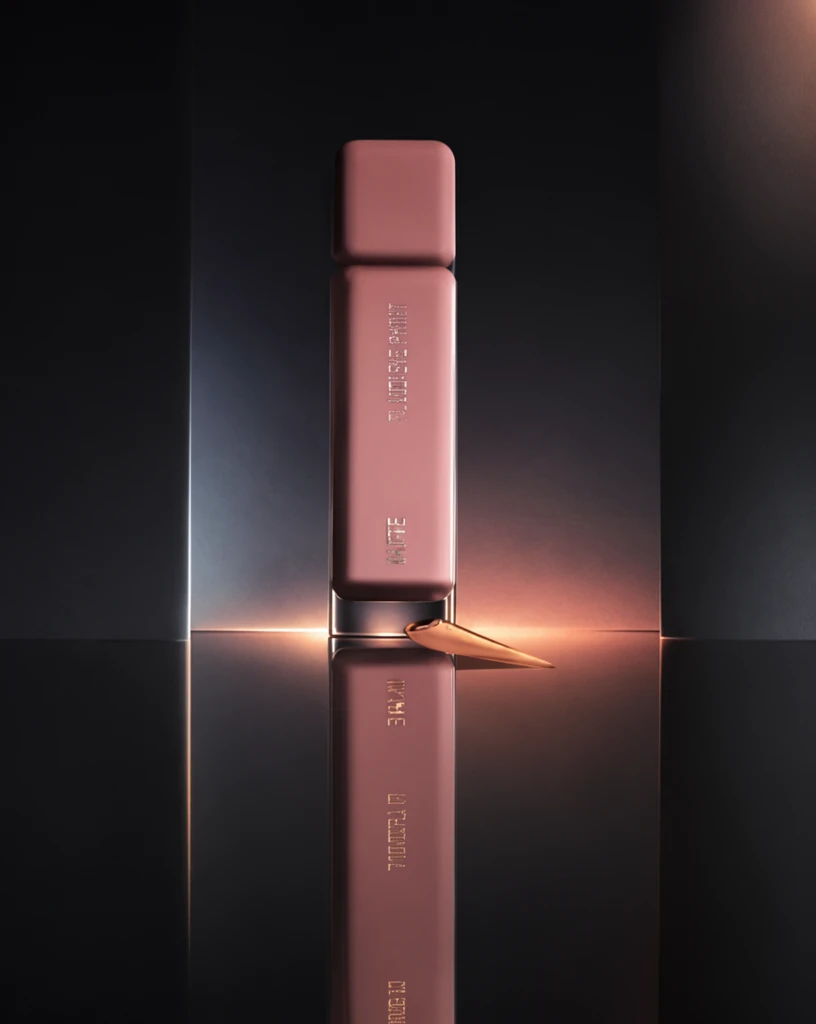 Step 600 · α1 a974514a4041458010bb583923b710 单任务耗时 17.9 秒 / PyTorch 峰值显存 33.3 GiB | 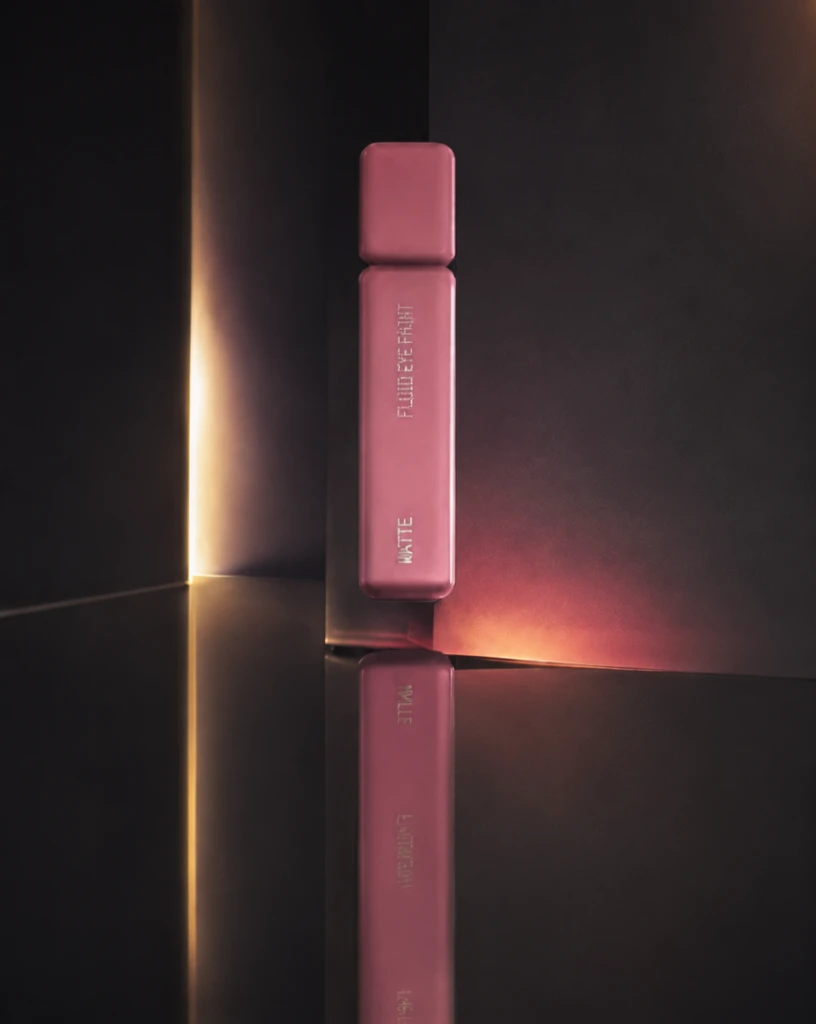 Step 600 · α2 0173243f581083bd74a3d06266e5e2 单任务耗时 17.9 秒 / PyTorch 峰值显存 33.3 GiB |
q20
| 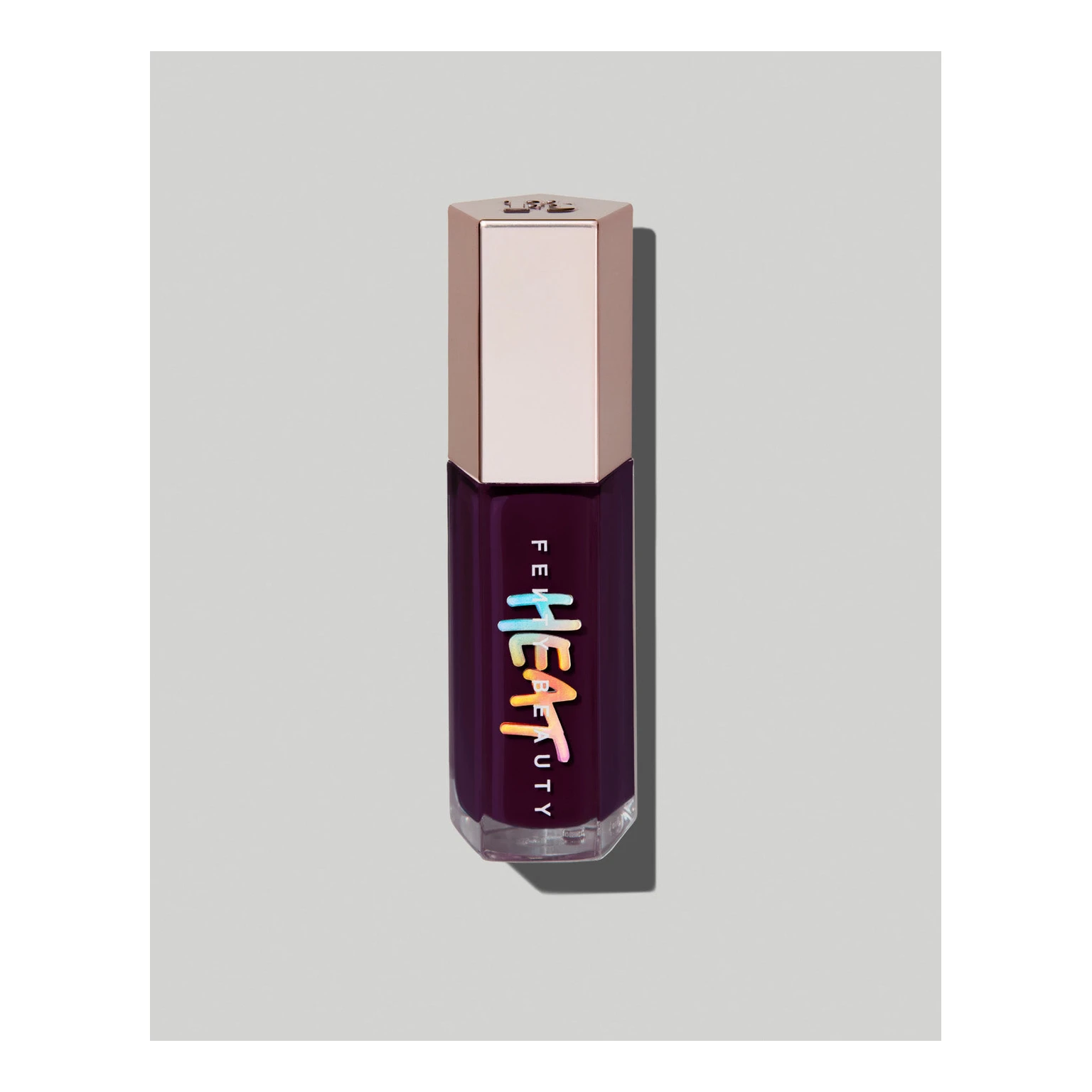 Input ff3aed718530c691fc001191c888a8 | Ref 1 5b0aa21aa6be4cac9167030133ba9c | Ref 2 61399f5a052aeae74fb43b4fa8b9c0 | 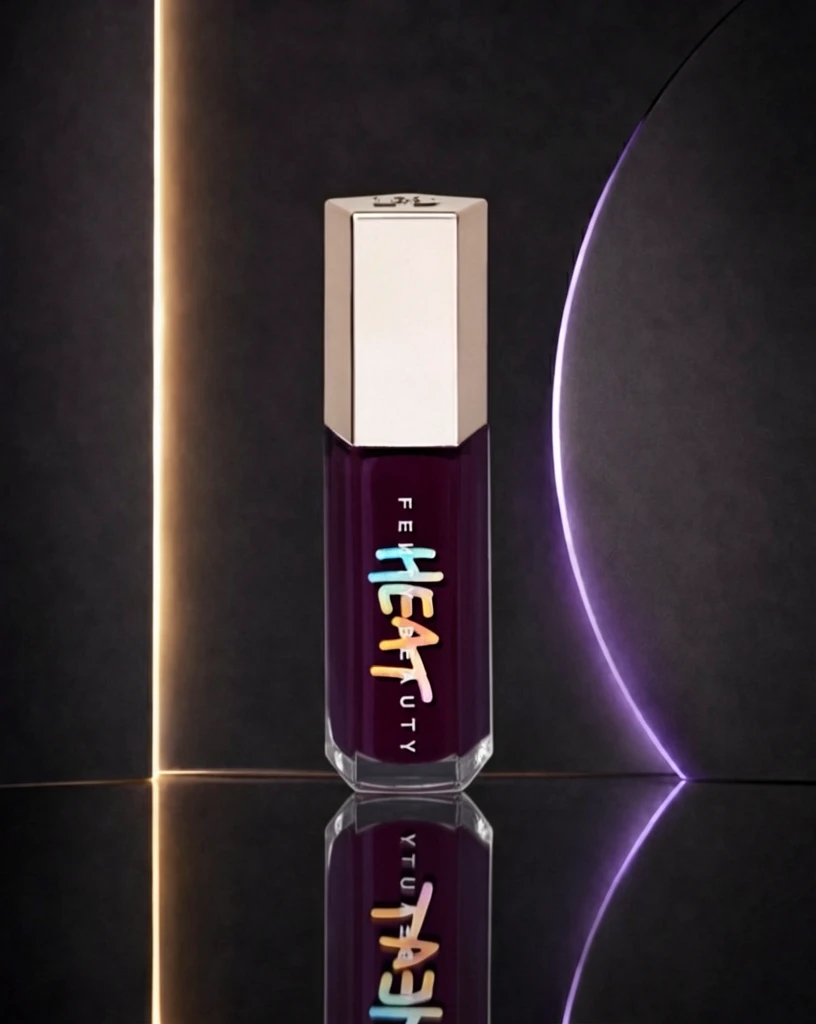 S1 CROSS d70b9a34b2f23c465f1b5a32f16235 单任务耗时 62.1 秒 / PyTorch 峰值显存 33.2 GiB | 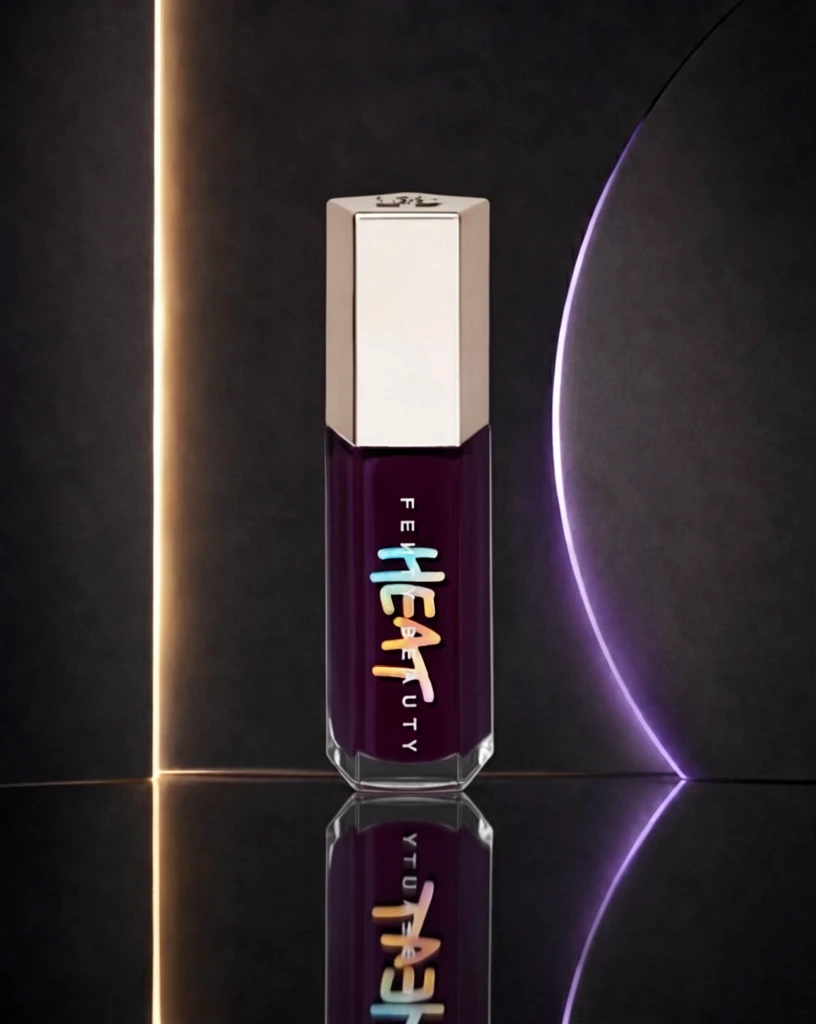 S2 CROSS 46a95ae3b6fed42253bdd171115ee7 单任务耗时 90.8 秒 / PyTorch 峰值显存 33.9 GiB | 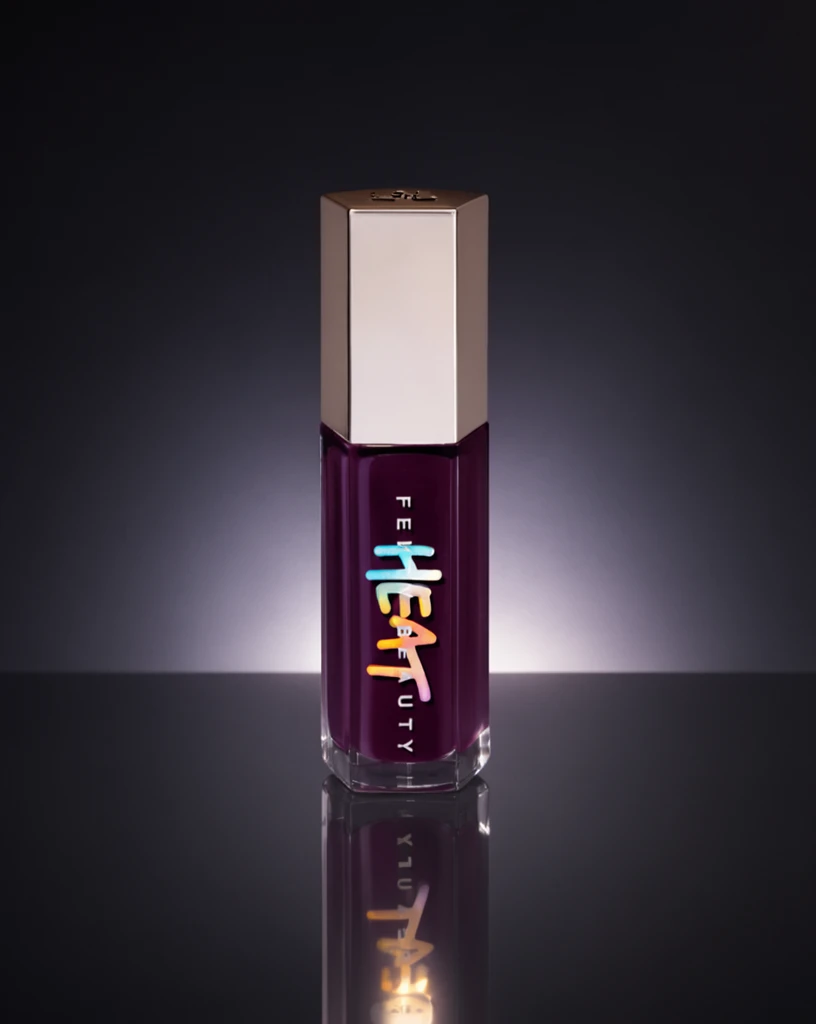 Step 200 · α1 e1a0409629b57e85af05055bec07f7 单任务耗时 18.0 秒 / PyTorch 峰值显存 33.3 GiB | 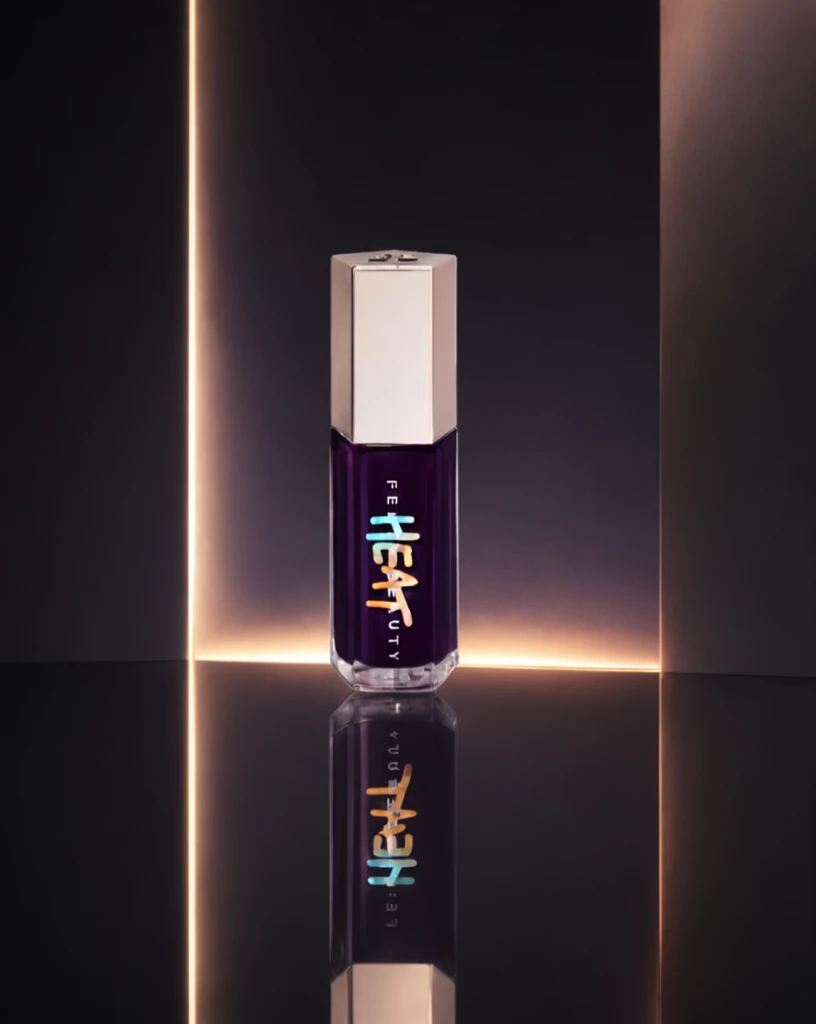 Step 200 · α2 897eaae94dbc97f266b2a2cb07b869 单任务耗时 17.9 秒 / PyTorch 峰值显存 33.3 GiB | 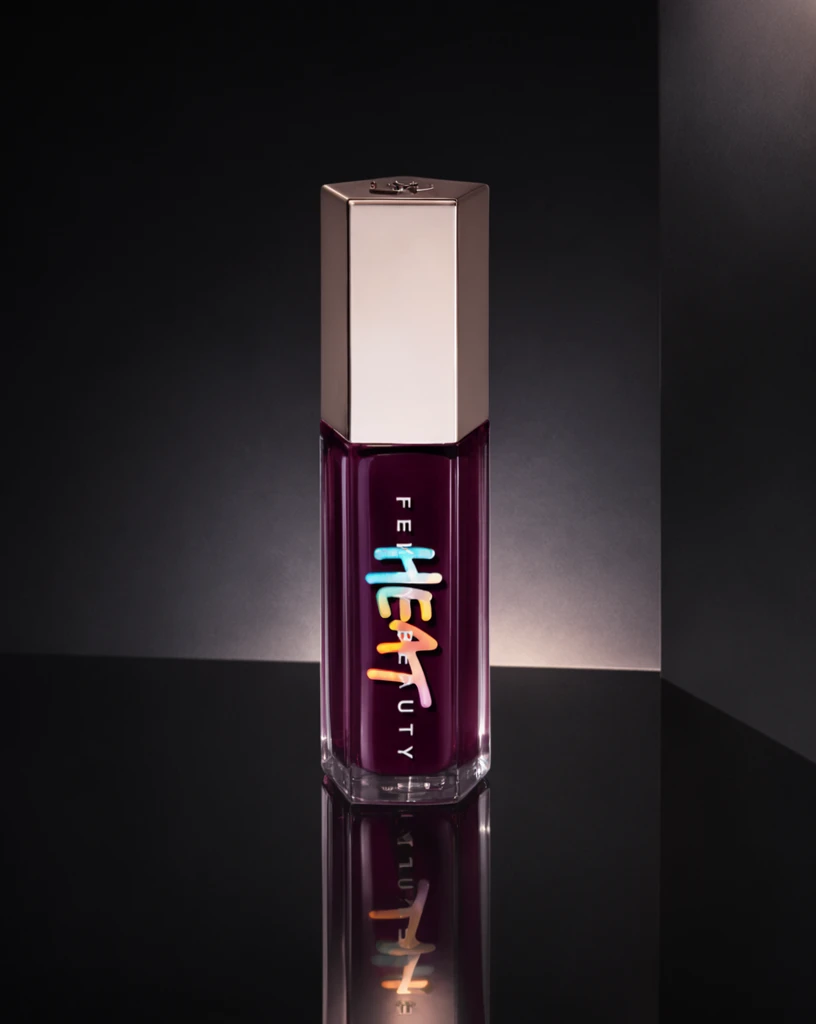 Step 400 · α1 2c5834d88c671242bc63fa5b43e91c 单任务耗时 17.8 秒 / PyTorch 峰值显存 33.3 GiB | 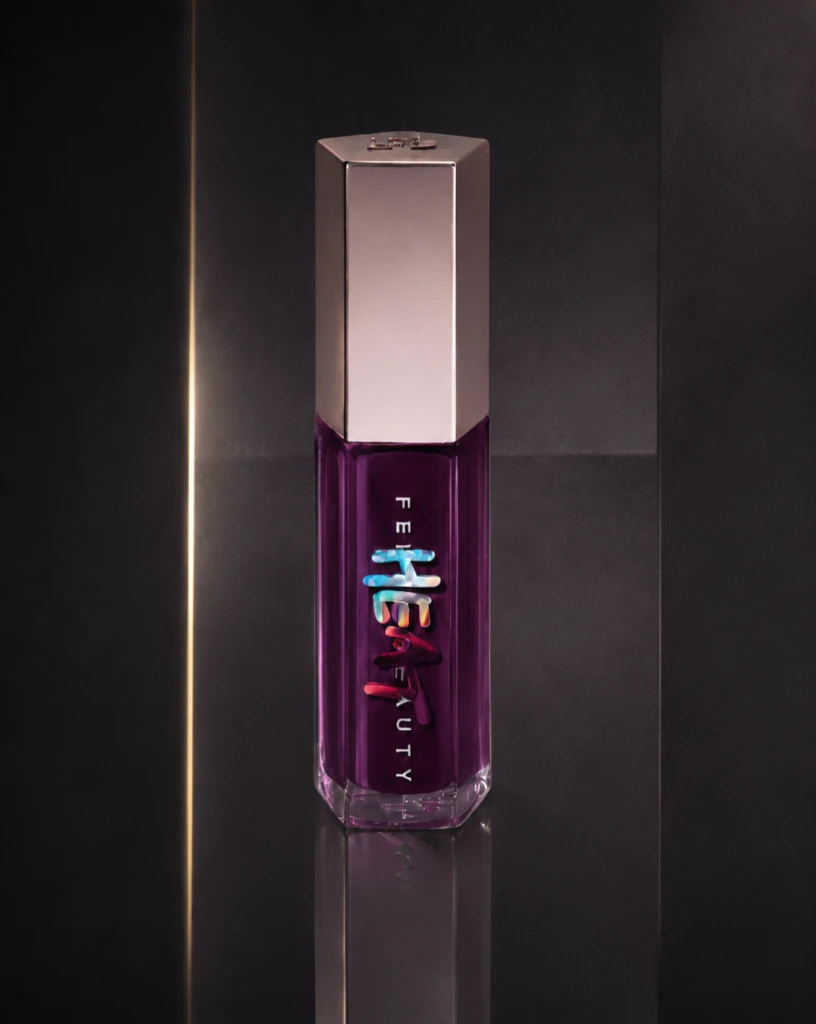 Step 400 · α2 fb98e5790cb60d7eafe23a208b7ed6 单任务耗时 18.0 秒 / PyTorch 峰值显存 33.3 GiB | 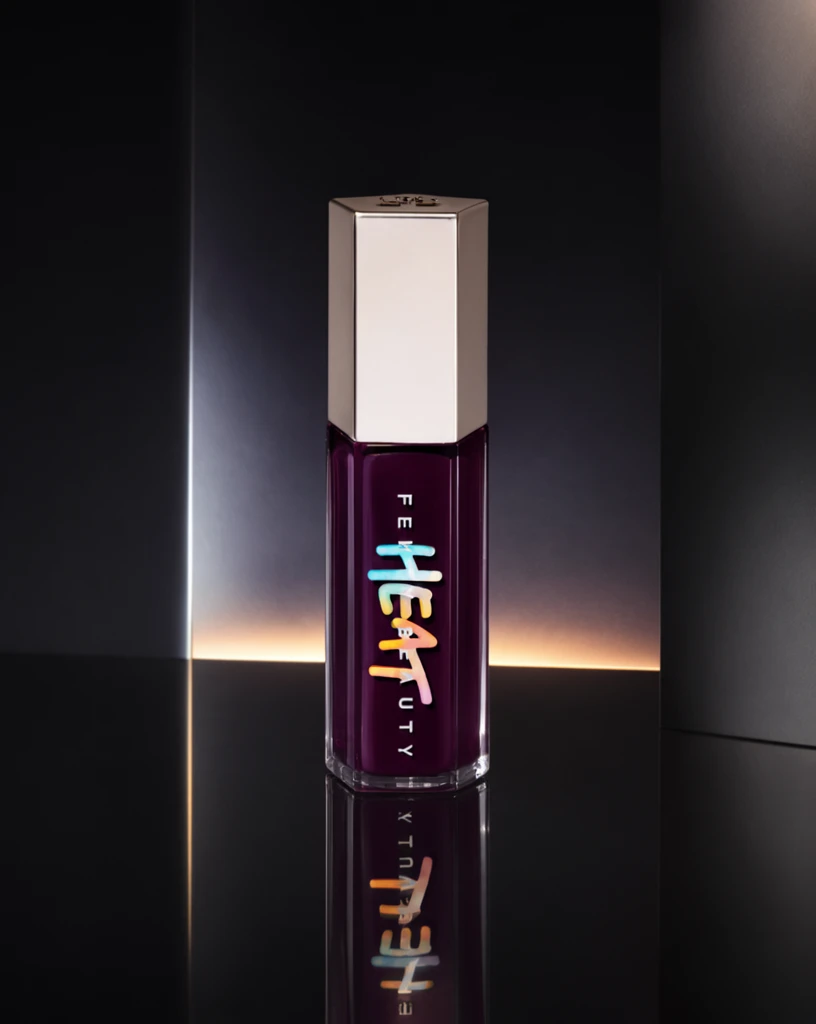 Step 600 · α1 190ed27c4bfae341f75543f2f25bc9 单任务耗时 17.9 秒 / PyTorch 峰值显存 33.3 GiB | 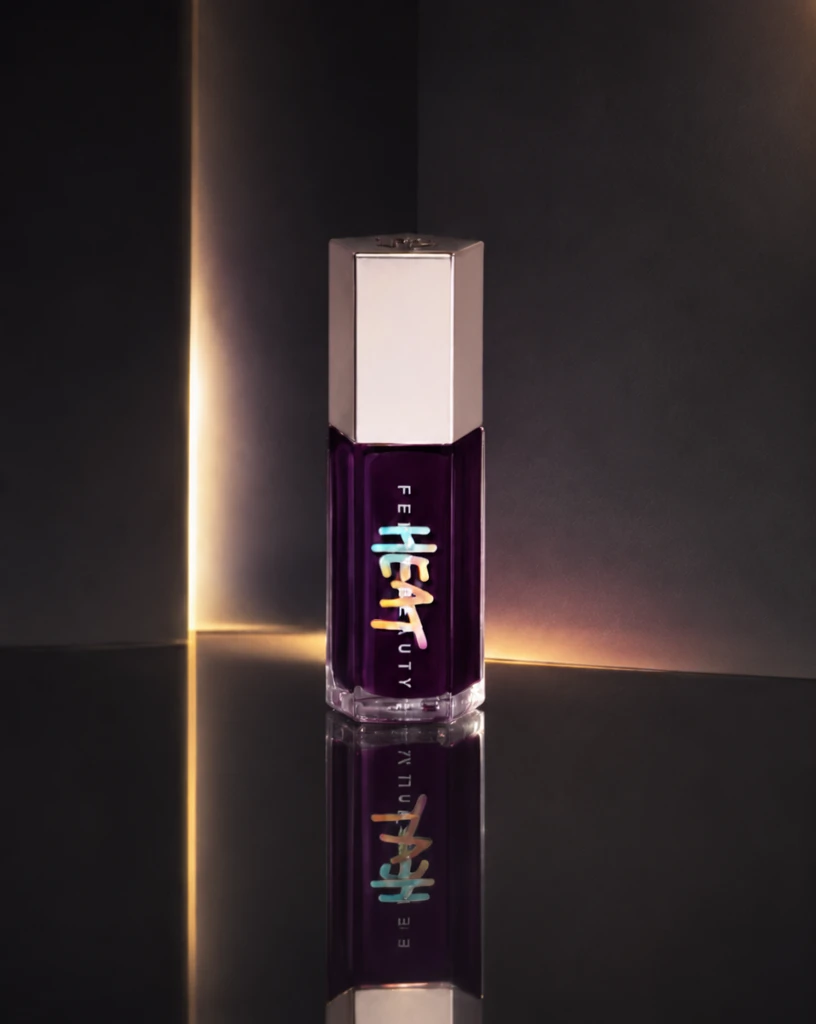 Step 600 · α2 b68f1b3978ae40b2cbcdb0500ded27 单任务耗时 17.9 秒 / PyTorch 峰值显存 33.3 GiB |
去产品 Reference 实验
比较原始参考图和移除产品后的背景参考图。
从目标风格成品参考图中移除产品、品牌文字及其专属阴影/反射,并补全被遮挡的背景。
使用未经处理、仍包含原产品的目标风格成品图作为单张参考图;结果复用同风格 Context 的 S1。
使用去除产品并补全后的背景图作为单张参考图,测试更接近背景/场景迁移的效果。
查看去产品与 S1-BG Prompt、配置
- 模型
- FLUX.2-klein-base-9B
- 实验规模
- 本风格 3 个案例
- 去产品输入
- 1 张目标风格 target;去掉主体并补全遮挡区域
- S1-BG 输入
- 1 张白底产品图 + 1 张去产品后的参考图
- 推理步数
- 50
- CFG
- 4.0
- Seed
- 42
实际使用 Prompt(英文,送入模型)Remove the featured product and all product-specific content from the input image, including its packaging, branding, labels, visible text, product-specific contact shadow, and reflection. Reconstruct the areas previously occupied by the product so that the result looks like the same scene before the product was placed there. Continue the surrounding background, display surface, platform, decorative structures, materials, textures, lighting, shadows, reflections, perspective, and spatial depth naturally. Preserve the original presentation style, composition, camera viewpoint, color relationships, lighting, environment, and all non-product design elements. Do not add another product, object, text, logo, symbol, placeholder, or advertising content. Do not crop, simplify, redesign, recolor, or globally relight the image. The final image should show the original scene with the featured product absent and all previously occluded areas naturally reconstructed.
中文对照说明(未送入模型)移除输入图像中的主体产品以及所有与该产品特定相关的内容,包括包装、品牌标识、标签、可见文字、产品产生的接触阴影和反射。 自然补全产品原本占据的区域,使结果看起来像产品尚未被放入该场景时的画面。连续补全周围的背景、展示表面、展台、装饰结构、材质、纹理、灯光、阴影、反射、透视和空间层次。 保留原始的产品呈现风格、构图、相机视角、色彩关系、灯光、环境和所有非产品设计元素。不要添加新的产品、物体、文字、Logo、符号、占位内容或广告内容。不要裁切、简化、重新设计、重新配色或整体改变图像光照。 最终图像应保留原始场景,仅移除主体产品,并自然补全产品原本遮挡的所有区域。
实际使用 Prompt(英文,送入模型)Image 1 is the product image to edit. Image 2 is a reference image. Transform Image 1 into a product image that follows the presentation style demonstrated by the reference image. Preserve the identity and key visual details of the product in Image 1. Use the reference image only to determine how the product is presented, and do not copy products or textual content from the reference image.
中文对照说明(未送入模型)图像1是需要编辑的产品图,图像2是参考图。 将图像1转换为一张采用参考图所展示呈现风格的产品图。保留图像1中产品的身份和关键视觉细节。参考图仅用于确定产品的呈现方式,不要复制参考图中的产品或文字内容。
| Case | Input | Raw Reference | Product Removed | S1-Raw | S1-BG |
|---|---|---|---|---|---|
sample 01
| Input dff8796412be2781c7052c0373b04f | Raw Reference 1b554439a99f1c775385fe10af6aa9 | 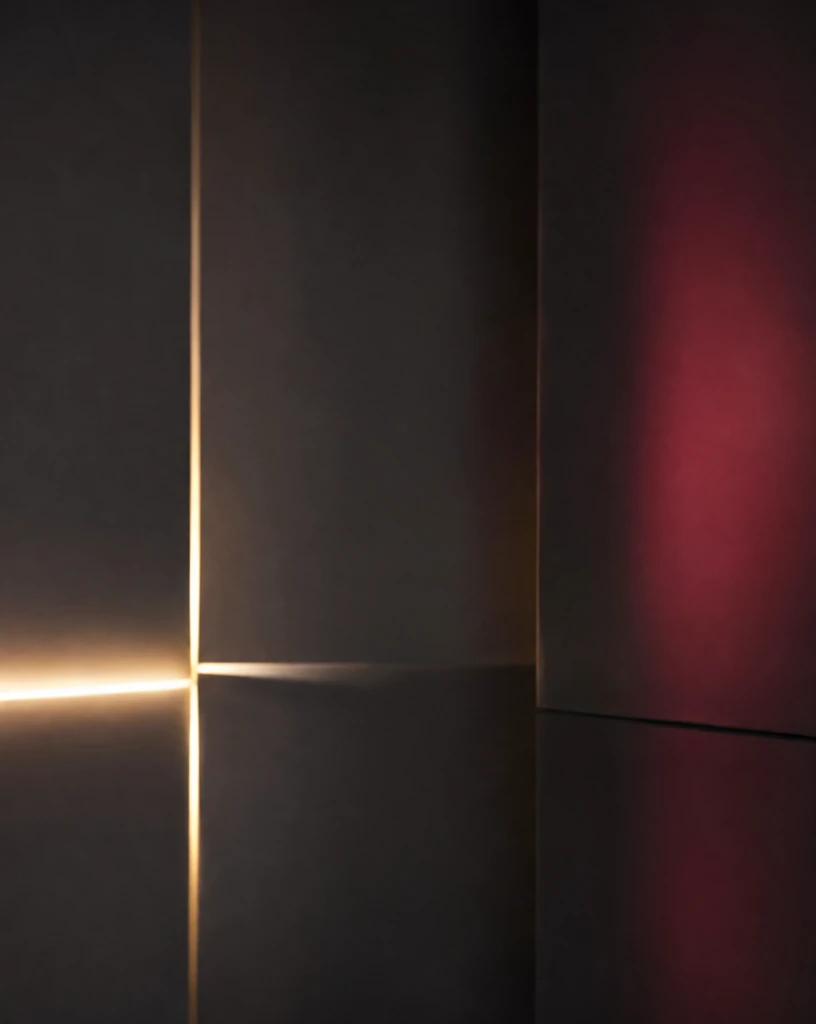 Product Removed 78b539549f6cce65c8bc2618083ca7 单任务耗时 38.0 秒 / PyTorch 峰值显存 33.1 GiB | S1-Raw 68d20a9e4d8ec2077f260bb01e00ac 单任务耗时 62.4 秒 / PyTorch 峰值显存 33.2 GiB |  S1-BG 6794f3ee118b9998b1568308afe03b 单任务耗时 61.8 秒 / PyTorch 峰值显存 33.2 GiB |
sample 02
| Input 99b51138dac3737f183d4b0a28bc72 | Raw Reference a416c4c2db2258f1d66b3973e30c0e | 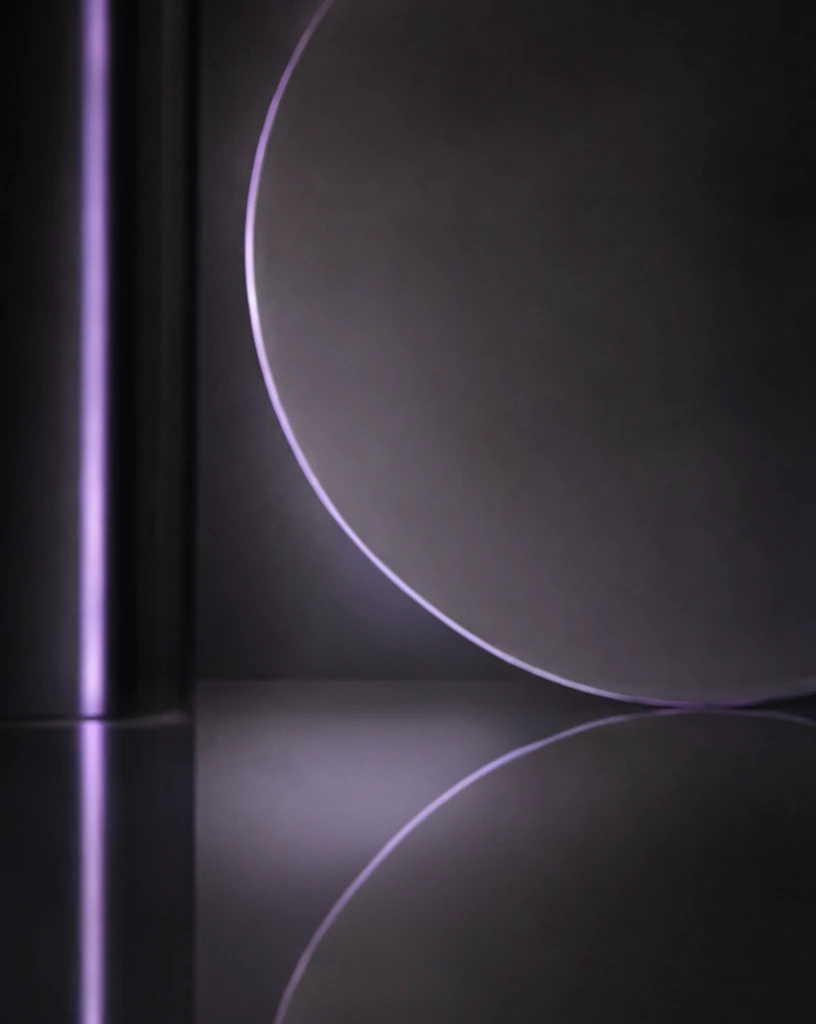 Product Removed 4e8491fddb67f6248000135c7bf437 单任务耗时 37.8 秒 / PyTorch 峰值显存 33.1 GiB | S1-Raw e84c3754e2522e00ed66a3f6b20810 单任务耗时 61.9 秒 / PyTorch 峰值显存 33.2 GiB | 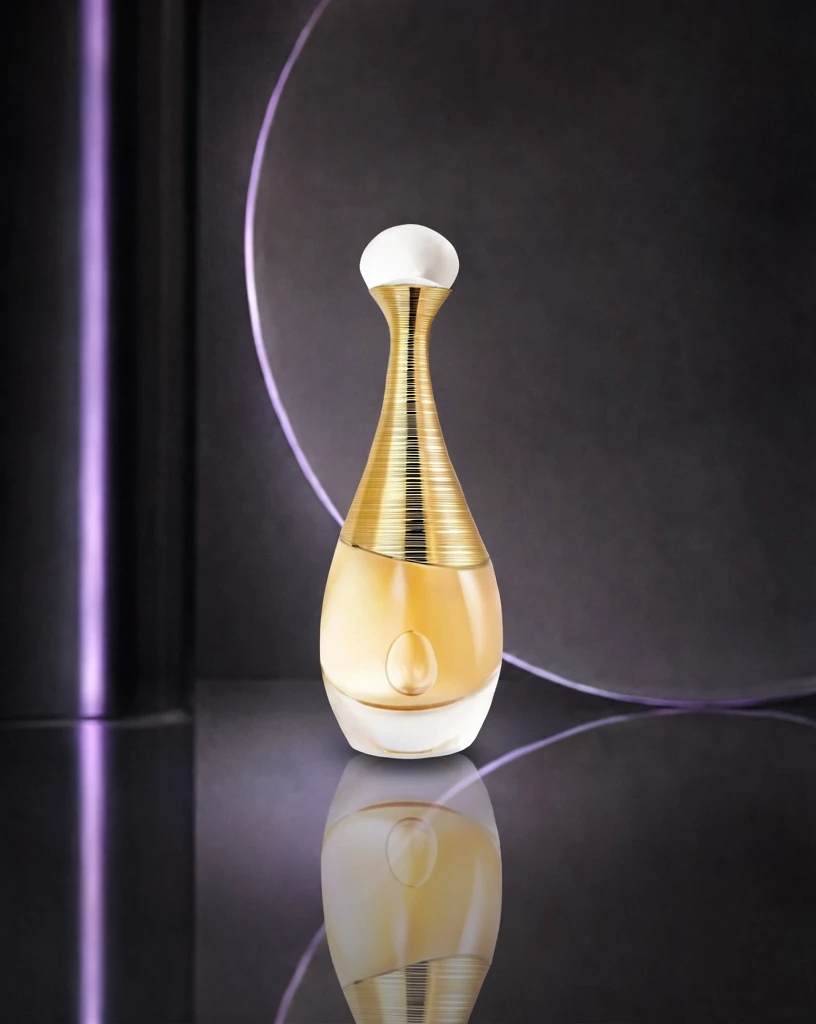 S1-BG ddd2c68f5404c3904c549a20a94d10 单任务耗时 61.7 秒 / PyTorch 峰值显存 33.2 GiB |
sample 03
| Input 6797d7dcda626389a9d96bf34bc86b | Raw Reference d37455d750675bc907da90254c5632 | 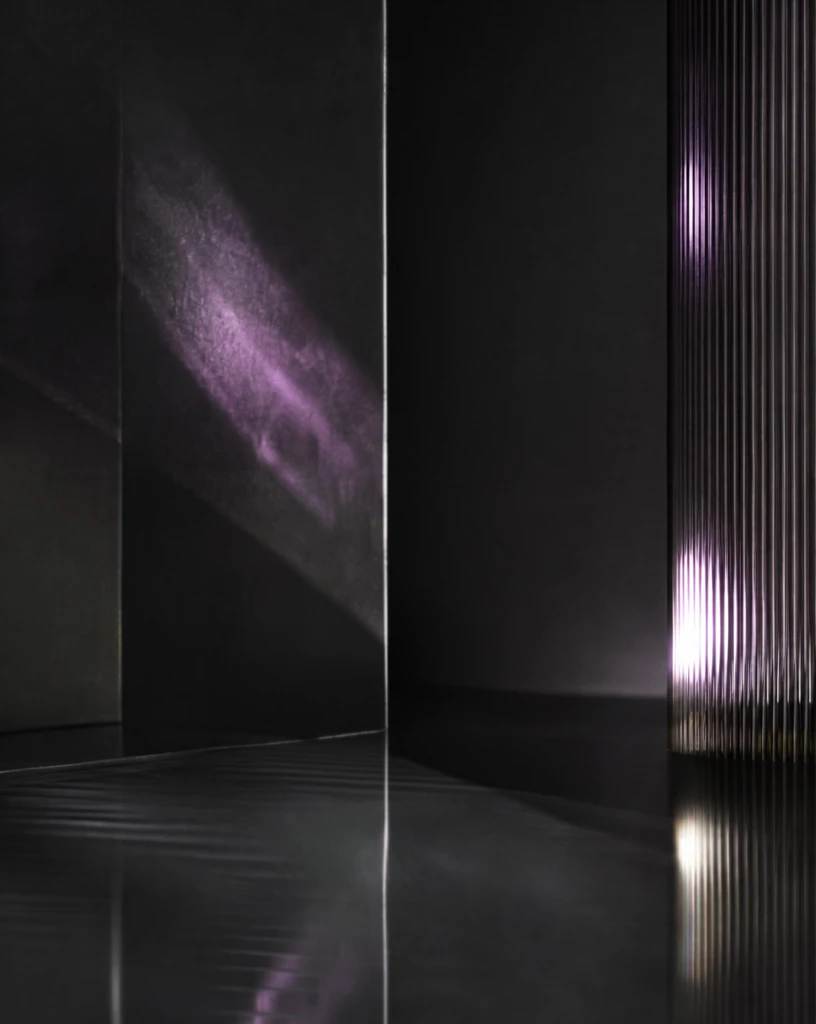 Product Removed 358542b0254221990488c069a39c63 单任务耗时 37.7 秒 / PyTorch 峰值显存 33.1 GiB | S1-Raw 0f83cdf329362943ce026d41d3b006 单任务耗时 62.0 秒 / PyTorch 峰值显存 33.2 GiB |  S1-BG 76032502f6ce5759478f1949152991 单任务耗时 61.8 秒 / PyTorch 峰值显存 33.2 GiB |
魔方风格迁移实验结果
当前风格:冰蓝水感材质护肤 · beauty_icy_water · Trigger BIWStyle
如何阅读本页
图片字段
需要模型编辑的白底产品图,是每条实验路线的主体输入。
同风格冻结测试案例对应的真实目标图,仅用于视觉对照,不会送入模型。
来自目标风格训练集的风格化成品图。数字表示送入模型的参考图顺序与数量。
配对示例中的原始白底产品图,与 P1 Target 共同展示一次已知转换。
P1 Input 对应的风格化结果;P1 Input 和 P1 Target 会一起送入模型。
模型对当前 Input 生成的结果。图片下方记录该次任务的耗时与 PyTorch 峰值显存。
四条实验路线
torch.cuda.max_memory_allocated() 的峰值,不代表整张 GPU 的总占用,也不包含 PyTorch reserved 但未分配的缓存。同风格参考实验
冻结查询集;显示该风格的全部案例,不做抽样。
输入 1 张待编辑产品图和 1 张同一目标风格的成品参考图,让模型迁移参考图的产品呈现风格。
输入 1 张待编辑产品图和 2 张同一目标风格的成品参考图,观察多一张参考图能否提高风格稳定性。
输入 1 张待编辑产品图和 4 张同一目标风格的成品参考图,测试更多 Context 参考图的效果。
输入 1 张待编辑产品图,再提供 1 组示例 Input→Target 配对,让模型从配对中推断风格转换方式。
查看任务定义、Prompt 与配置
- 模型
- FLUX.2-klein-base-9B
- 测试集
- 同风格冻结测试集,本风格 7 个案例
- 推理步数
- 50
- CFG
- 4.0
- Seed
- 42
- Reference
- S1=1,S2=2,S4=4;P1=1 组 input-target 配对
实际使用 Prompt(英文,送入模型)Image 1 is the product image to edit. Image 2 is a reference image. Transform Image 1 into a product image that follows the presentation style demonstrated by the reference image. Preserve the identity and key visual details of the product in Image 1. Use the reference image only to determine how the product is presented, and do not copy products or textual content from the reference image.
中文对照说明(未送入模型)图像1是需要编辑的产品图,图像2是参考图。 将图像1转换为一张采用参考图所展示呈现风格的产品图。保留图像1中产品的身份和关键视觉细节。参考图仅用于确定产品的呈现方式,不要复制参考图中的产品或文字内容。
实际使用 Prompt(英文,送入模型)Image 1 is the product image to edit. Images 2 through 3 are reference images. Transform Image 1 into a product image that follows the presentation style demonstrated by the reference images. Preserve the identity and key visual details of the product in Image 1. Use the reference images only to determine how the product is presented, and do not copy products or textual content from the reference images.
中文对照说明(未送入模型)图像1是需要编辑的产品图,图像2至图像3是参考图。 将图像1转换为一张采用参考图所展示呈现风格的产品图。保留图像1中产品的身份和关键视觉细节。参考图仅用于确定产品的呈现方式,不要复制参考图中的产品或文字内容。
实际使用 Prompt(英文,送入模型)Image 1 is the product image to edit. Images 2 through 5 are reference images. Transform Image 1 into a product image that follows the presentation style demonstrated by the reference images. Preserve the identity and key visual details of the product in Image 1. Use the reference images only to determine how the product is presented, and do not copy products or textual content from the reference images.
中文对照说明(未送入模型)图像1是需要编辑的产品图,图像2至图像5是参考图。 将图像1转换为一张采用参考图所展示呈现风格的产品图。保留图像1中产品的身份和关键视觉细节。参考图仅用于确定产品的呈现方式,不要复制参考图中的产品或文字内容。
实际使用 Prompt(英文,送入模型)Image 1 is the product image to edit. Images 2 and 3 are a paired example: Image 2 is the original product image, and Image 3 is its transformed result. Use this example pair to infer the presentation style transformation, and apply it to Image 1. Preserve the identity and key visual details of the product in Image 1. Do not copy the example product or its textual content.
中文对照说明(未送入模型)图像1是需要编辑的产品图。图像2和图像3是一组配对示例:图像2是原始产品图,图像3是转换后的结果。 根据这组示例推断产品呈现风格的转换方式,并将其应用到图像1。保留图像1中产品的身份和关键视觉细节。不要复制示例中的产品或文字内容。
| Case | Input | GT | Ref 1 | Ref 2 | Ref 3 | Ref 4 | P1 Input | P1 Target | S1 | S2 | S4 | P1 |
|---|---|---|---|---|---|---|---|---|---|---|---|---|
q01
|  Input 3e7f195769ddeb4faadf3ab94f92e8 | 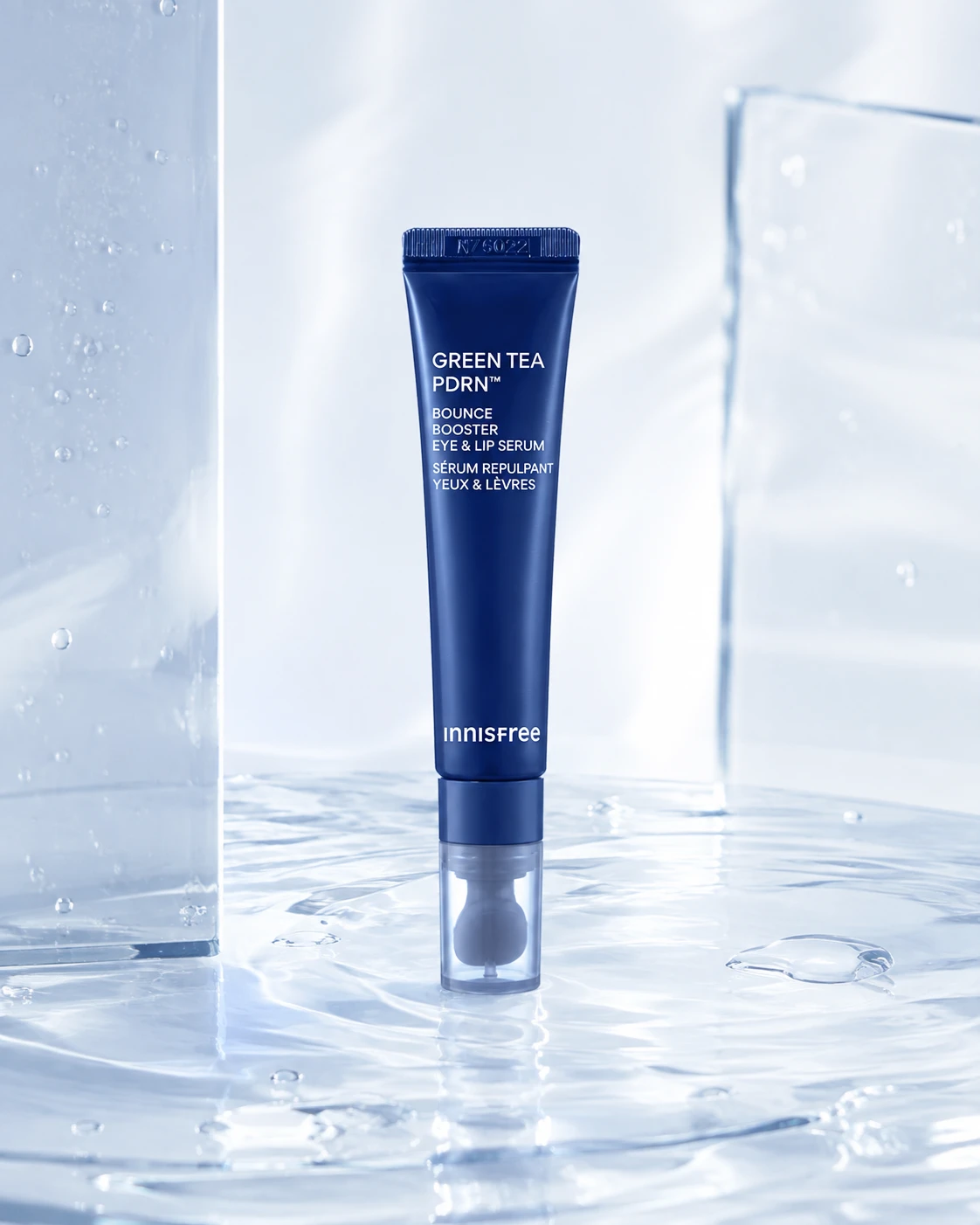 Ground Truth 59135d3965a10ffeb11da89d33f2be |  Ref 1 a362b7a1572b3d9c1f5ebba9ae1a6d |  Ref 2 b72dfef8e517fe792e8548282fd734 |  Ref 3 fbb8720a7219e5e6779b0b64b622aa | 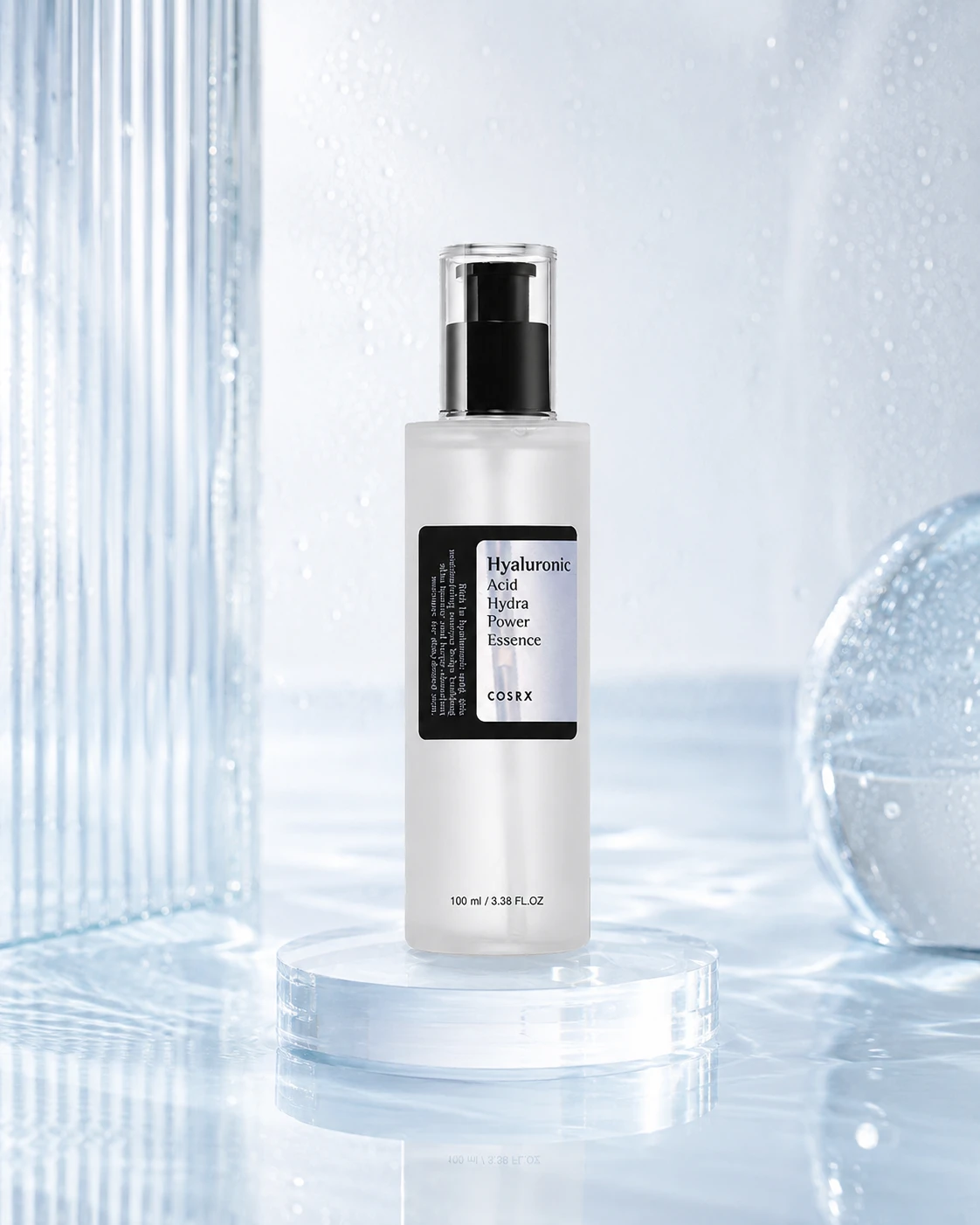 Ref 4 76610cde2b851123ccaadb5e5ac019 | P1 Input 5b40d34e7f29e9de0683cc57f4e44f | P1 Target a362b7a1572b3d9c1f5ebba9ae1a6d | 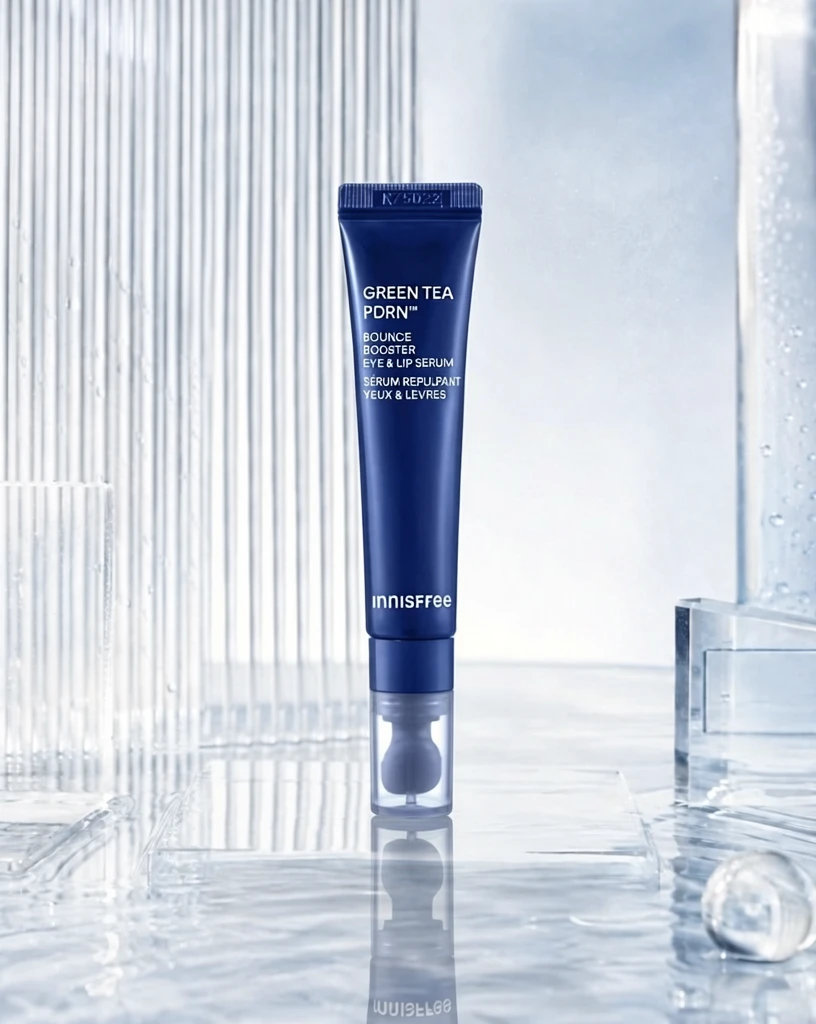 S1 86ac3e46e5fff46dcf7fdf2f174008 单任务耗时 61.4 秒 / PyTorch 峰值显存 33.2 GiB |  S2 5879453915cdfaba3584706630e72c 单任务耗时 90.8 秒 / PyTorch 峰值显存 33.9 GiB | 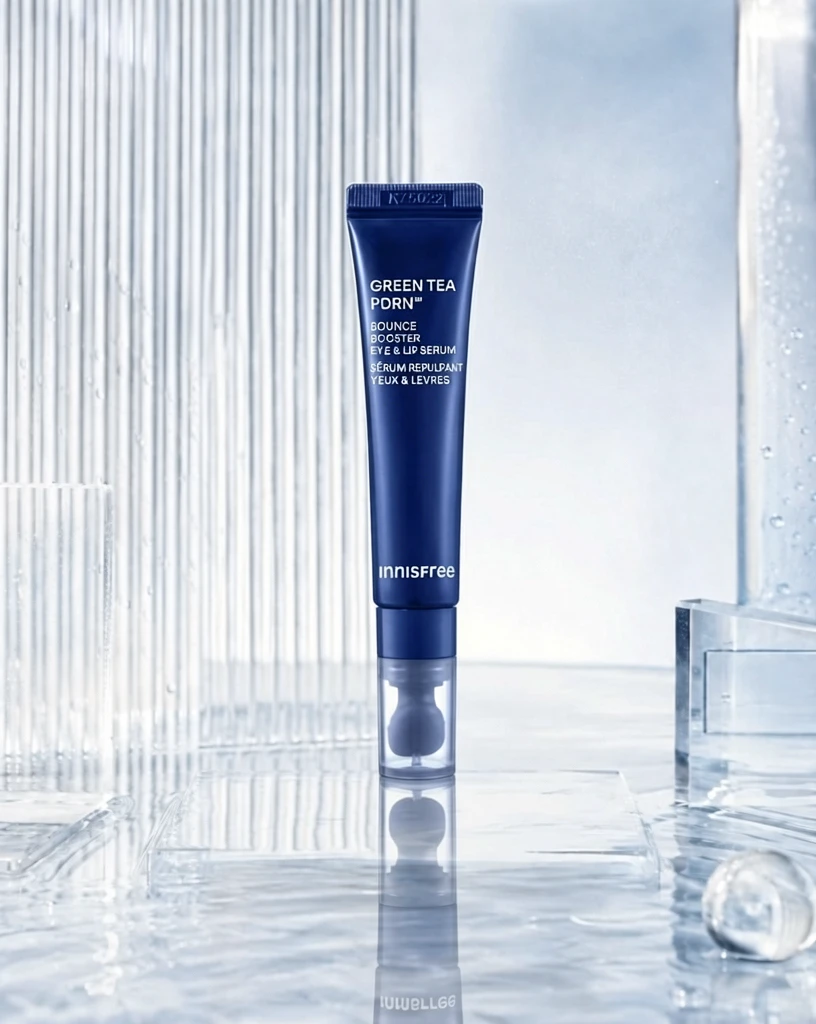 S4 90cf3e8b623a2ccf34b1d692a76596 单任务耗时 155.8 秒 / PyTorch 峰值显存 35.2 GiB | 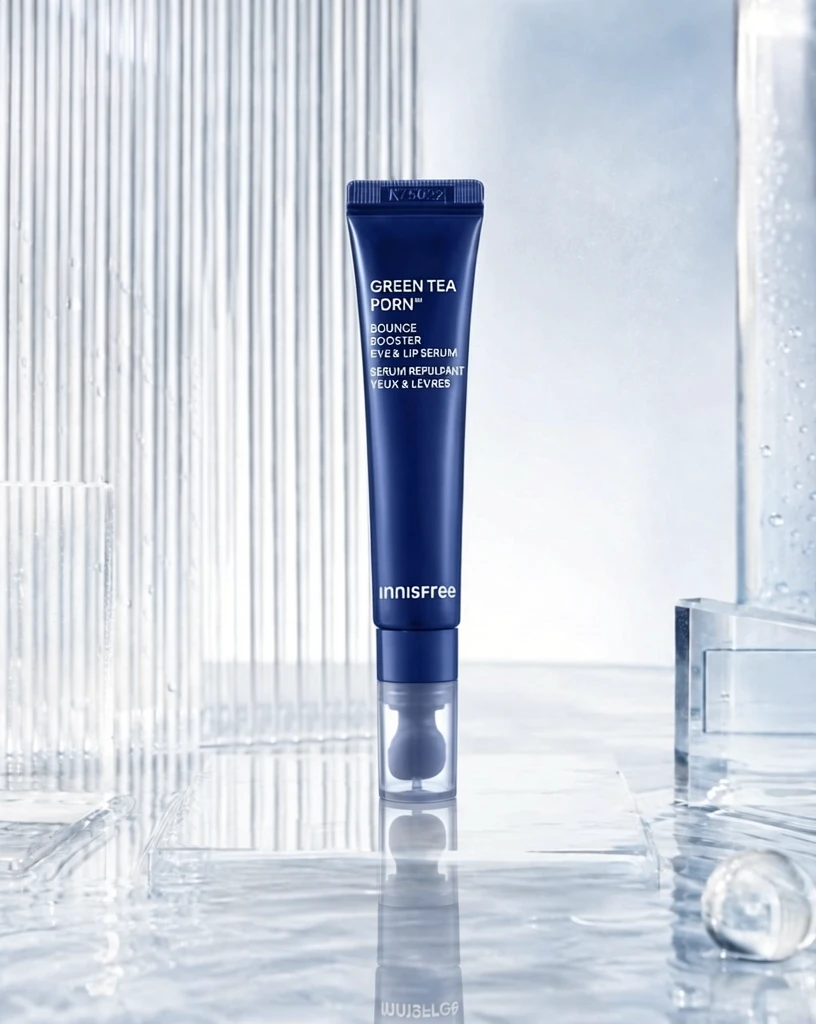 P1 d159bf5ab1e78474655e10219fc63f 单任务耗时 89.8 秒 / PyTorch 峰值显存 33.9 GiB |
q02
| Input 1024eac8a29f36cbfd22bc5476dfbb |  Ground Truth 8dffbb08db5f754784a397dd19cd3a |  Ref 1 33db63196bfe030d702d75eae5ce20 |  Ref 2 773beb0fbb2b316e5349b4d73626d6 |  Ref 3 6556a901826dee87141367177733d3 |  Ref 4 8aac5d034732ca1f65fc2129d56f67 | P1 Input 3caab2a7a860d9af334cb03e08565a | P1 Target 33db63196bfe030d702d75eae5ce20 |  S1 ce3819eae420761a3fdd187de22003 单任务耗时 61.9 秒 / PyTorch 峰值显存 33.2 GiB |  S2 f33de5904105f1c0a12d51852bb9e8 单任务耗时 91.4 秒 / PyTorch 峰值显存 33.9 GiB |  S4 eece505edc22586de1a0fc0d74a560 单任务耗时 155.6 秒 / PyTorch 峰值显存 35.2 GiB | 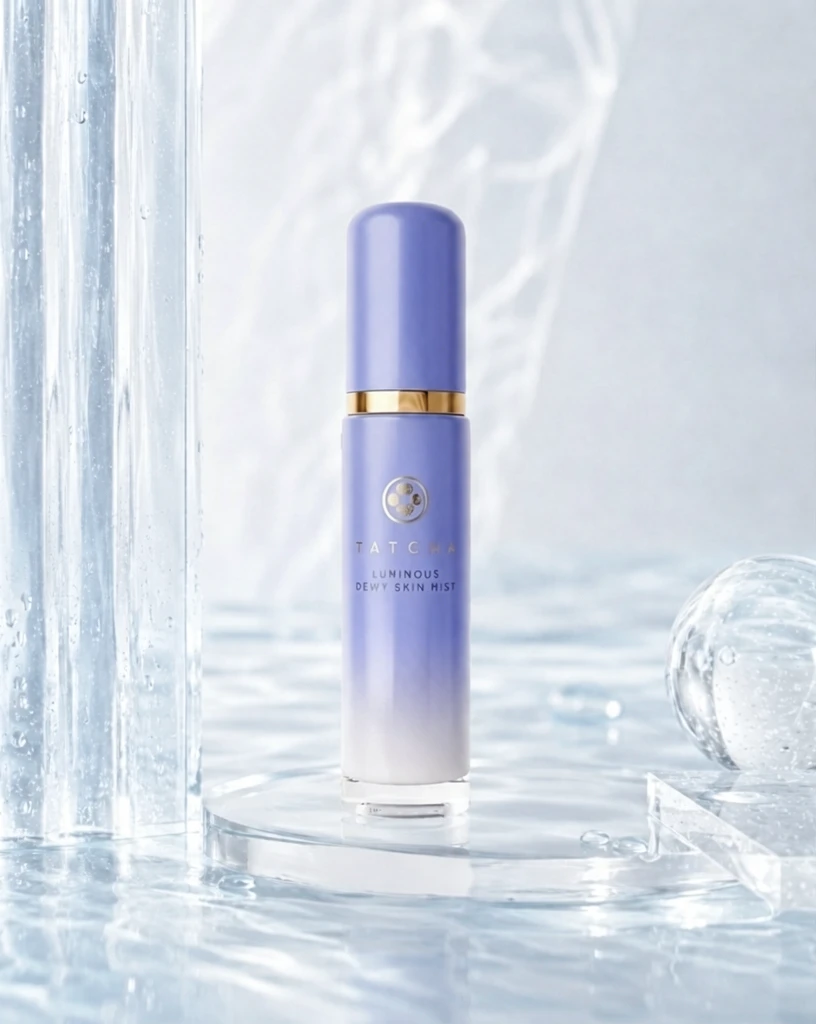 P1 5e69b6499b509ebf3eb961d30467de 单任务耗时 89.2 秒 / PyTorch 峰值显存 33.9 GiB |
q03
| Input 802f81e934111bd2e5537f8db3d602 |  Ground Truth 9376e0026a47989bea2ae3d38e7a34 |  Ref 1 343ad21b5cb0aebf0f6a9b95be3e86 |  Ref 2 d79be756a761af8091cd4e2d869de4 |  Ref 3 3ae20df4c9079706d2b090af9ef8c8 |  Ref 4 5e144f5a285540b4363fd6be3c2ec0 |  P1 Input 0cff473d66f7ba074832593ee8e93c | P1 Target 343ad21b5cb0aebf0f6a9b95be3e86 |  S1 b187447f96502a794b2b0bac7b67ce 单任务耗时 62.0 秒 / PyTorch 峰值显存 33.2 GiB |  S2 f6eeeb63c6bc46c8774ef9307f5cec 单任务耗时 90.2 秒 / PyTorch 峰值显存 33.9 GiB |  S4 428bca8850e46c9a5add84a0f8b303 单任务耗时 154.8 秒 / PyTorch 峰值显存 35.2 GiB |  P1 de8ea9c64e0a1f0d9a04f0efe88e61 单任务耗时 89.3 秒 / PyTorch 峰值显存 33.9 GiB |
q04
| 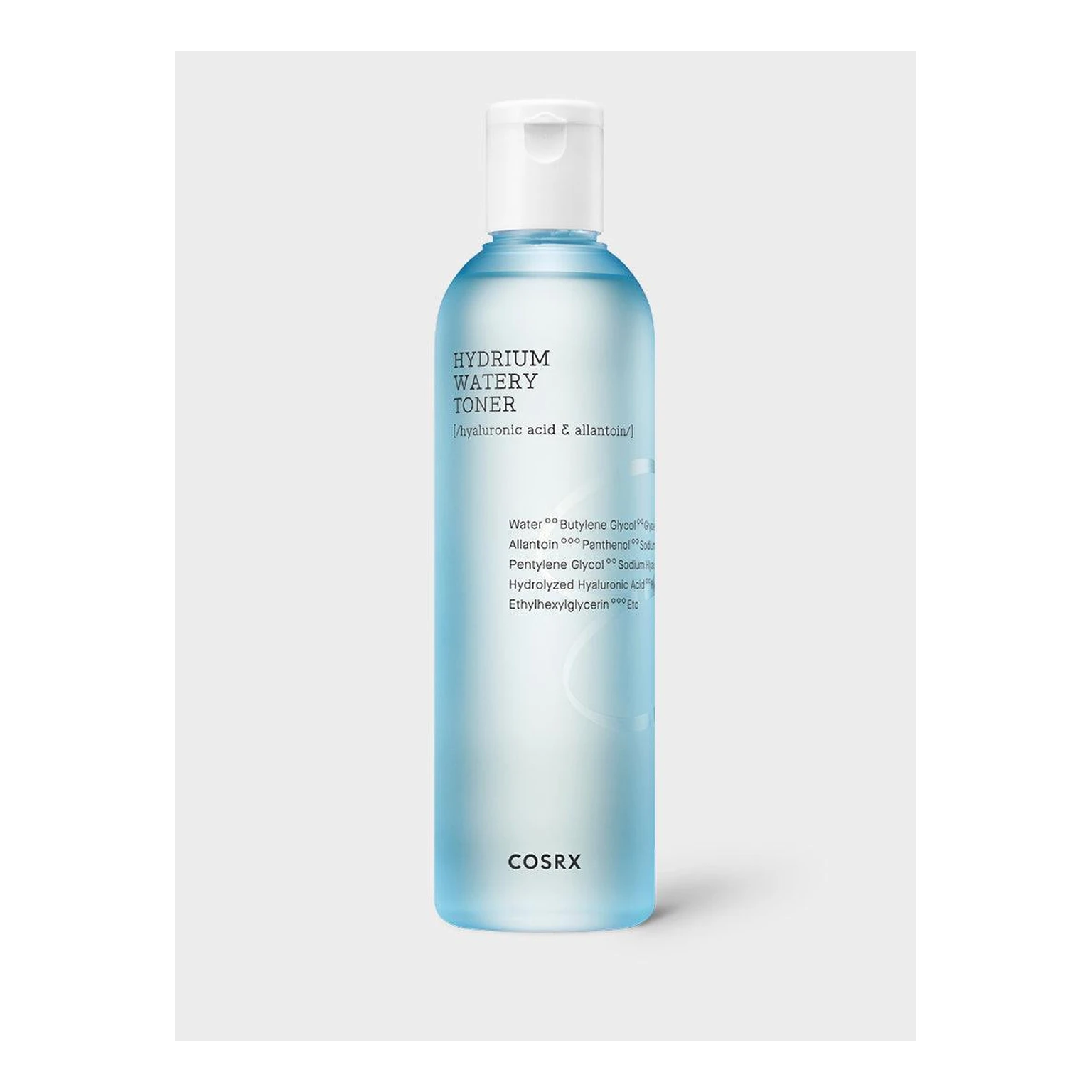 Input 1c059339b044860798f64a12372442 | 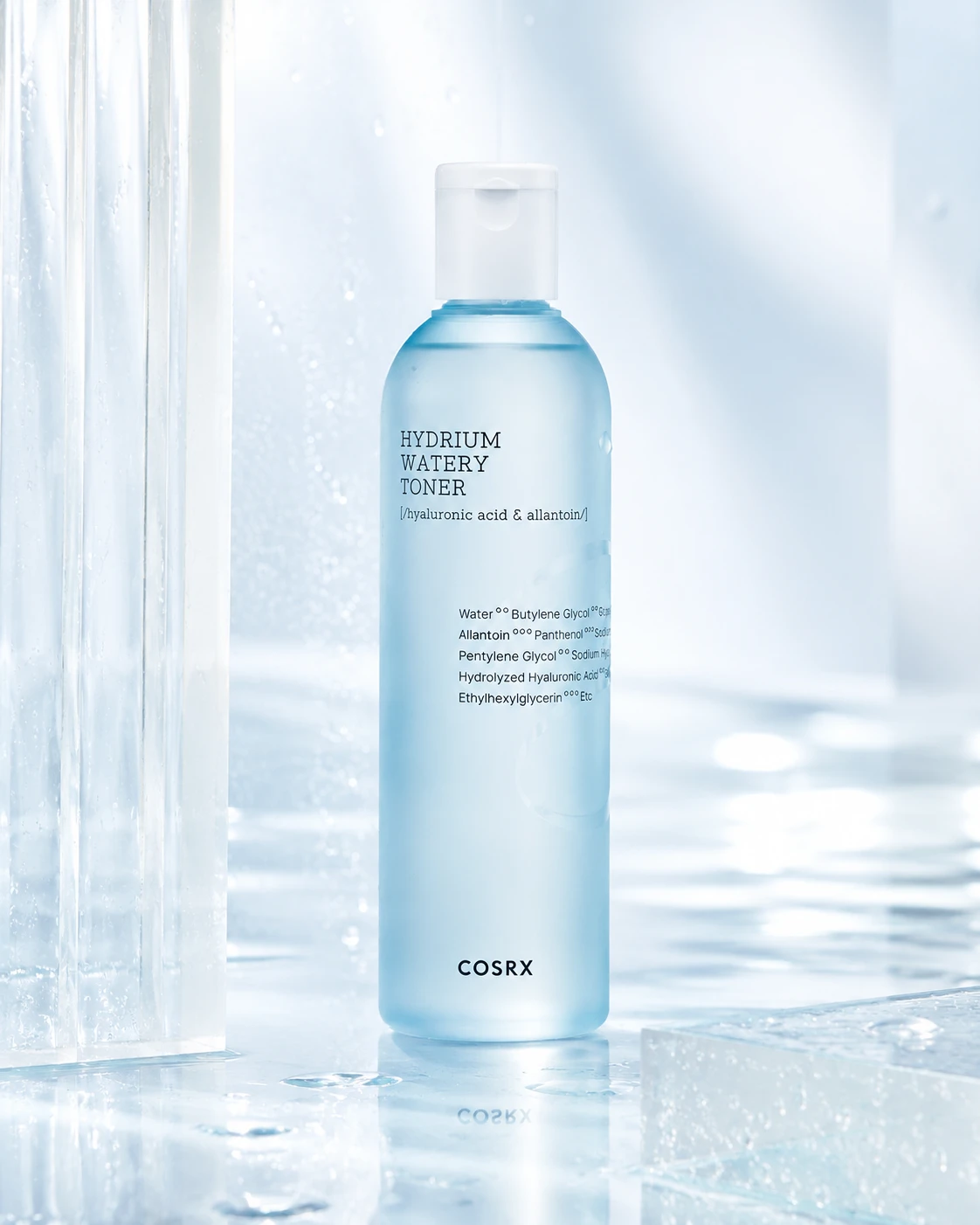 Ground Truth 7e58494ad701dfabf01722efac4f9b | Ref 1 b72dfef8e517fe792e8548282fd734 | Ref 2 fbb8720a7219e5e6779b0b64b622aa | Ref 3 76610cde2b851123ccaadb5e5ac019 |  Ref 4 3366edfc285dd85e4f02d7fbe97fad | P1 Input b1cf6f55016cdfd9c579af71f8ab03 | P1 Target b72dfef8e517fe792e8548282fd734 | 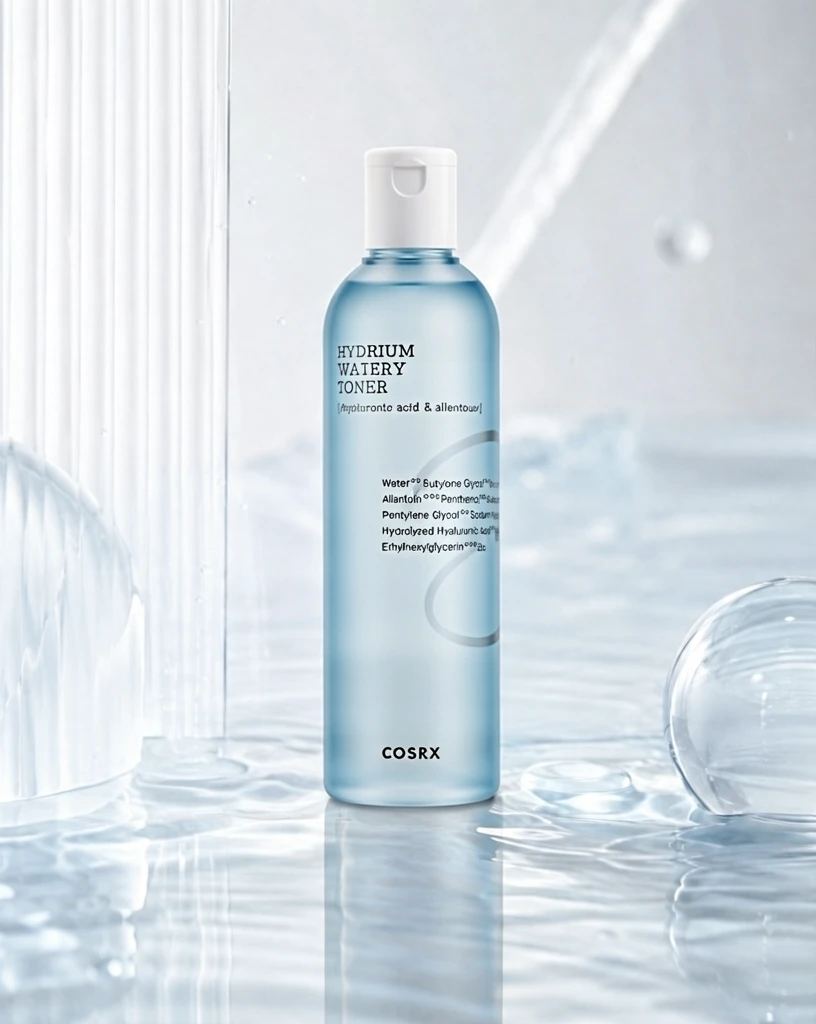 S1 bf66eea21b46b7f55fc948290a1c9a 单任务耗时 61.7 秒 / PyTorch 峰值显存 33.2 GiB | 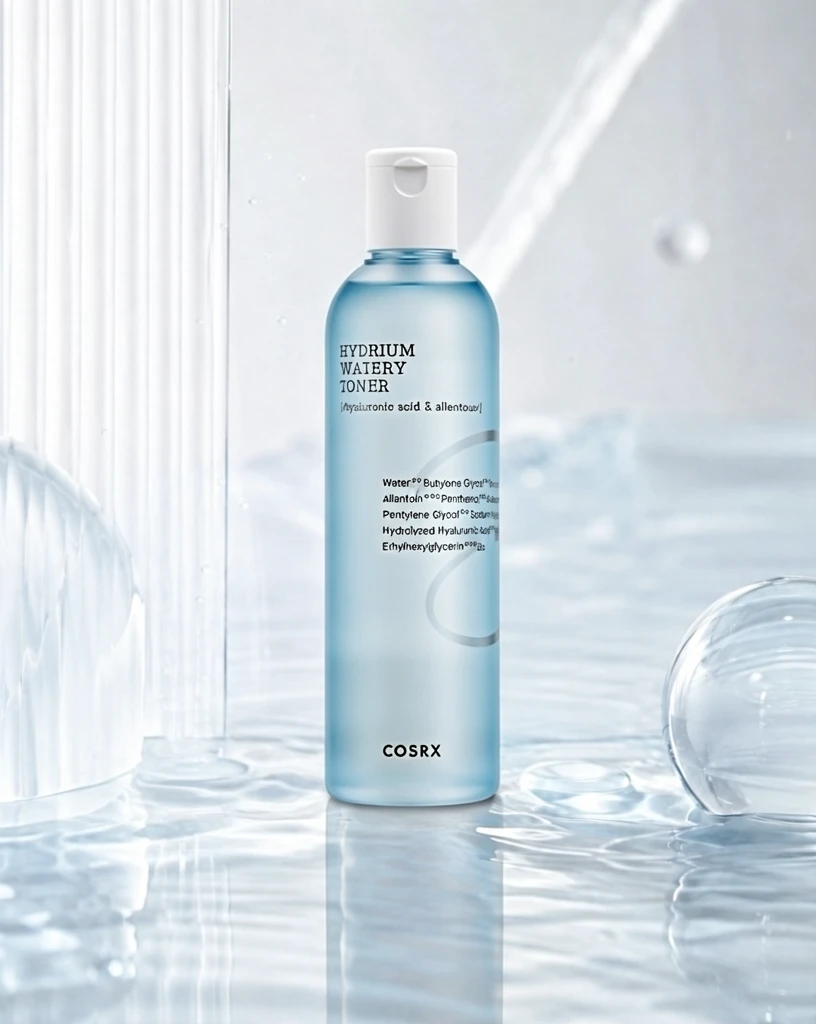 S2 d1fe0c794941d9dd2a21fcae9effbf 单任务耗时 90.4 秒 / PyTorch 峰值显存 33.9 GiB | 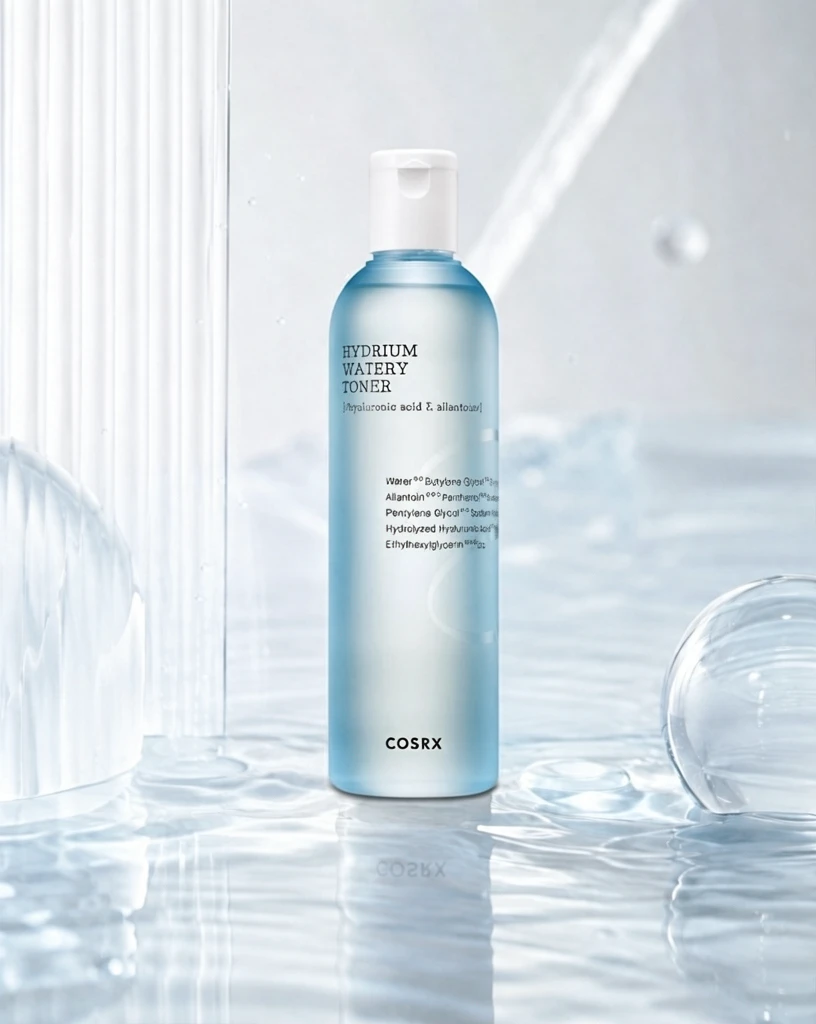 S4 63f1b46adc53df0b9fef49e1b5a838 单任务耗时 154.7 秒 / PyTorch 峰值显存 35.2 GiB | 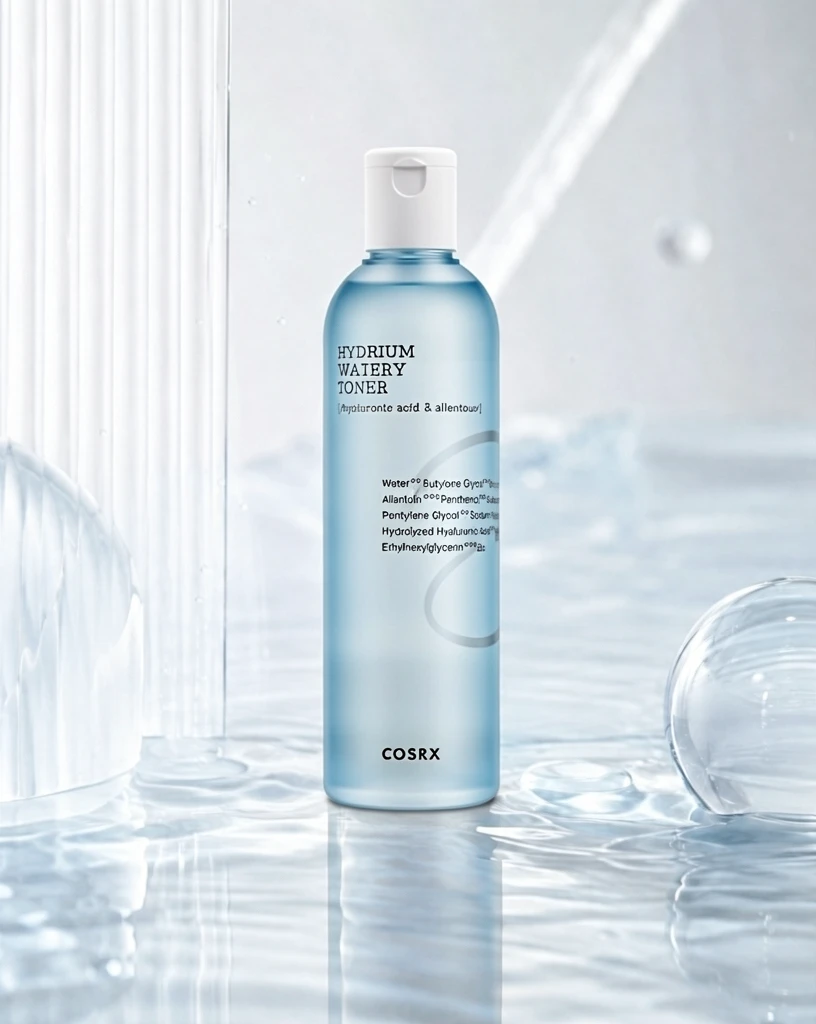 P1 c97ac9dc85154df0d5c66e073de824 单任务耗时 89.4 秒 / PyTorch 峰值显存 33.9 GiB |
q05
|  Input 9d38d19397f8721601b741b6f1856c |  Ground Truth 56c97d743e45764839188ec0cf639a | Ref 1 773beb0fbb2b316e5349b4d73626d6 | Ref 2 6556a901826dee87141367177733d3 | Ref 3 8aac5d034732ca1f65fc2129d56f67 | Ref 4 a362b7a1572b3d9c1f5ebba9ae1a6d |  P1 Input 2a217d78d8a921f7230e6651717eec | P1 Target 773beb0fbb2b316e5349b4d73626d6 | 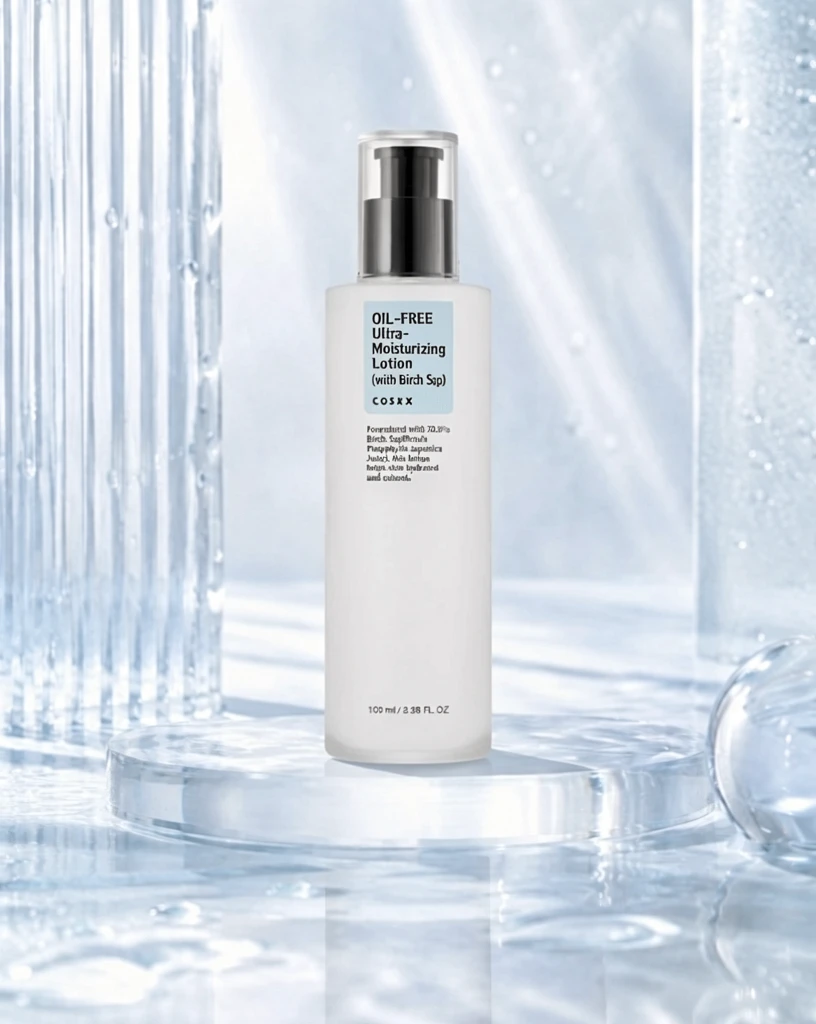 S1 548be1d4aed77ee78d48d016977777 单任务耗时 61.5 秒 / PyTorch 峰值显存 33.2 GiB | 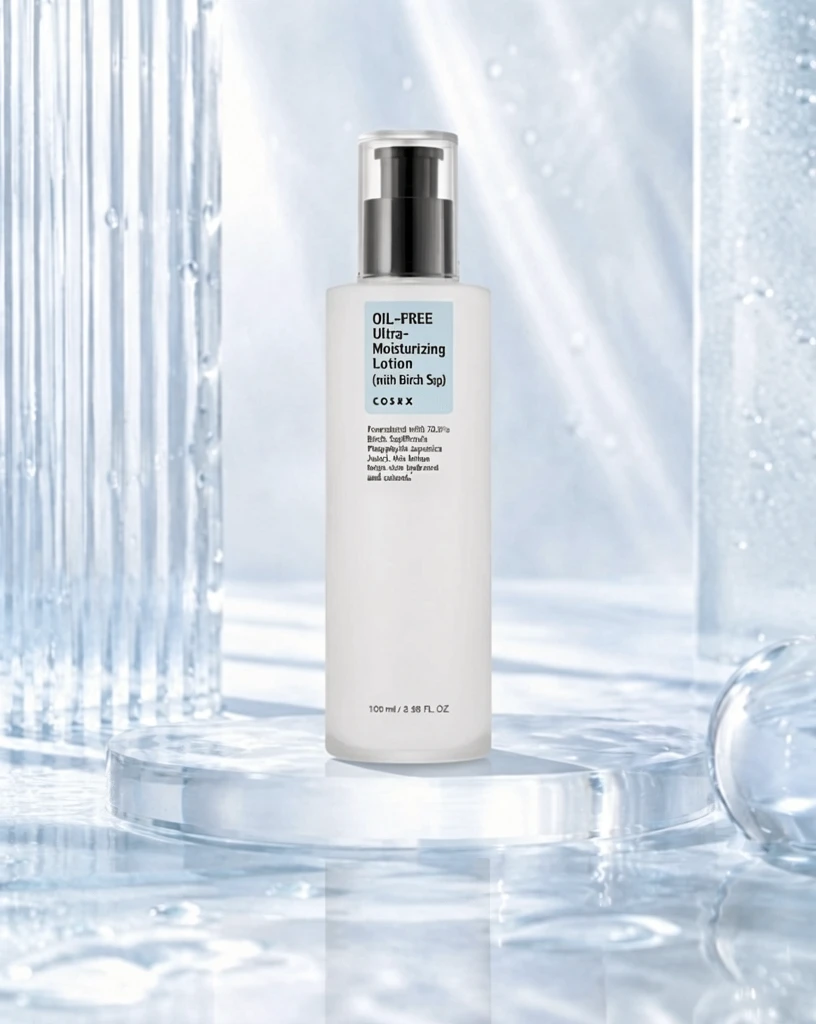 S2 95c707f3364dcdc00816f3b2a44e05 单任务耗时 90.3 秒 / PyTorch 峰值显存 33.9 GiB | 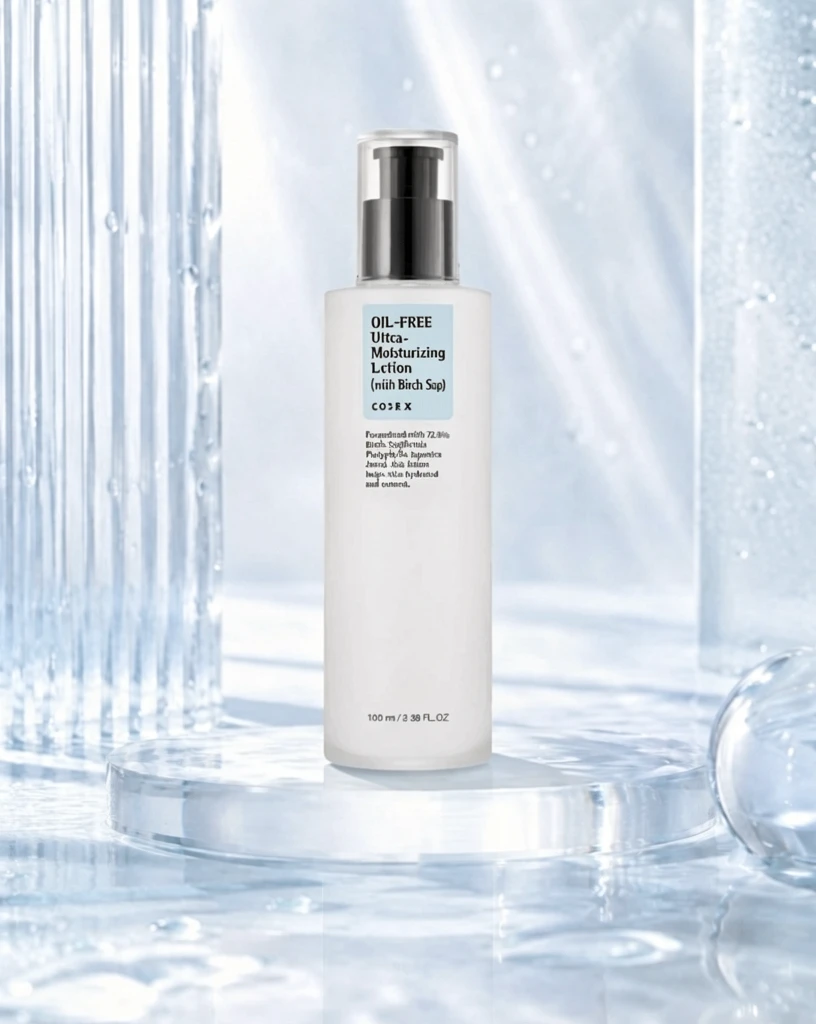 S4 61ae707787ef069c632e6ccb963e65 单任务耗时 154.6 秒 / PyTorch 峰值显存 35.2 GiB | 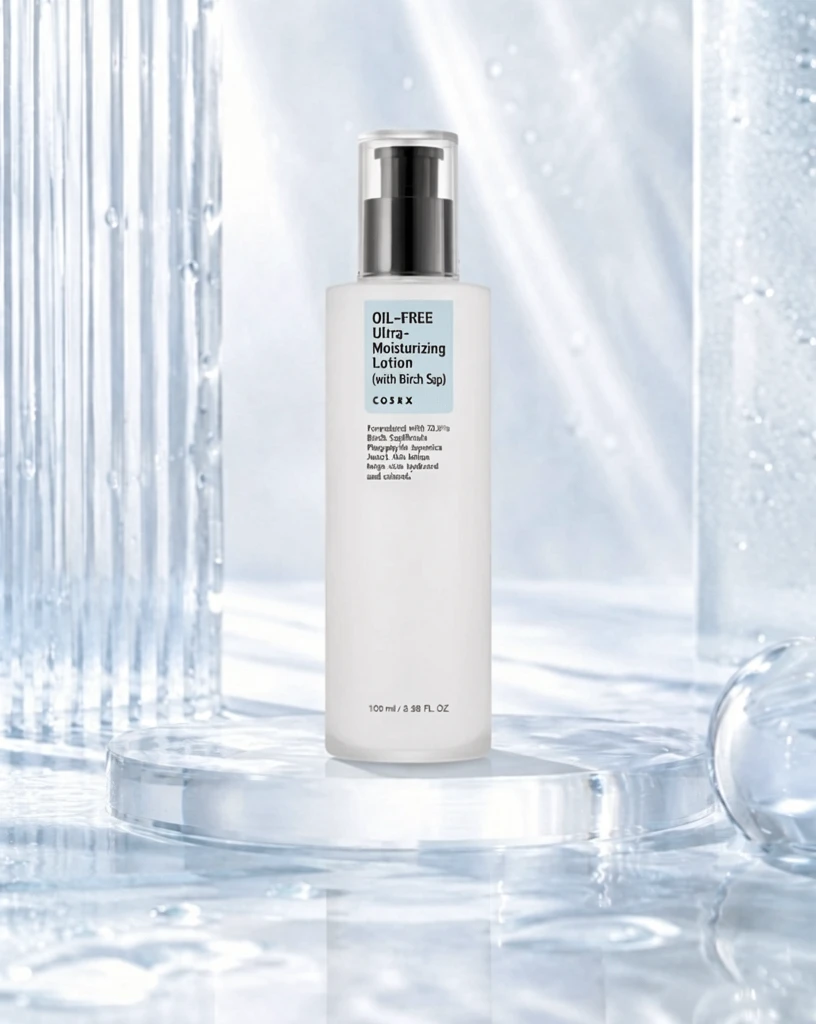 P1 08ee3f08211575d1f53e6de612e354 单任务耗时 89.3 秒 / PyTorch 峰值显存 33.9 GiB |
q06
| Input c3209fbcbaa33e4194f5b9364bc603 | 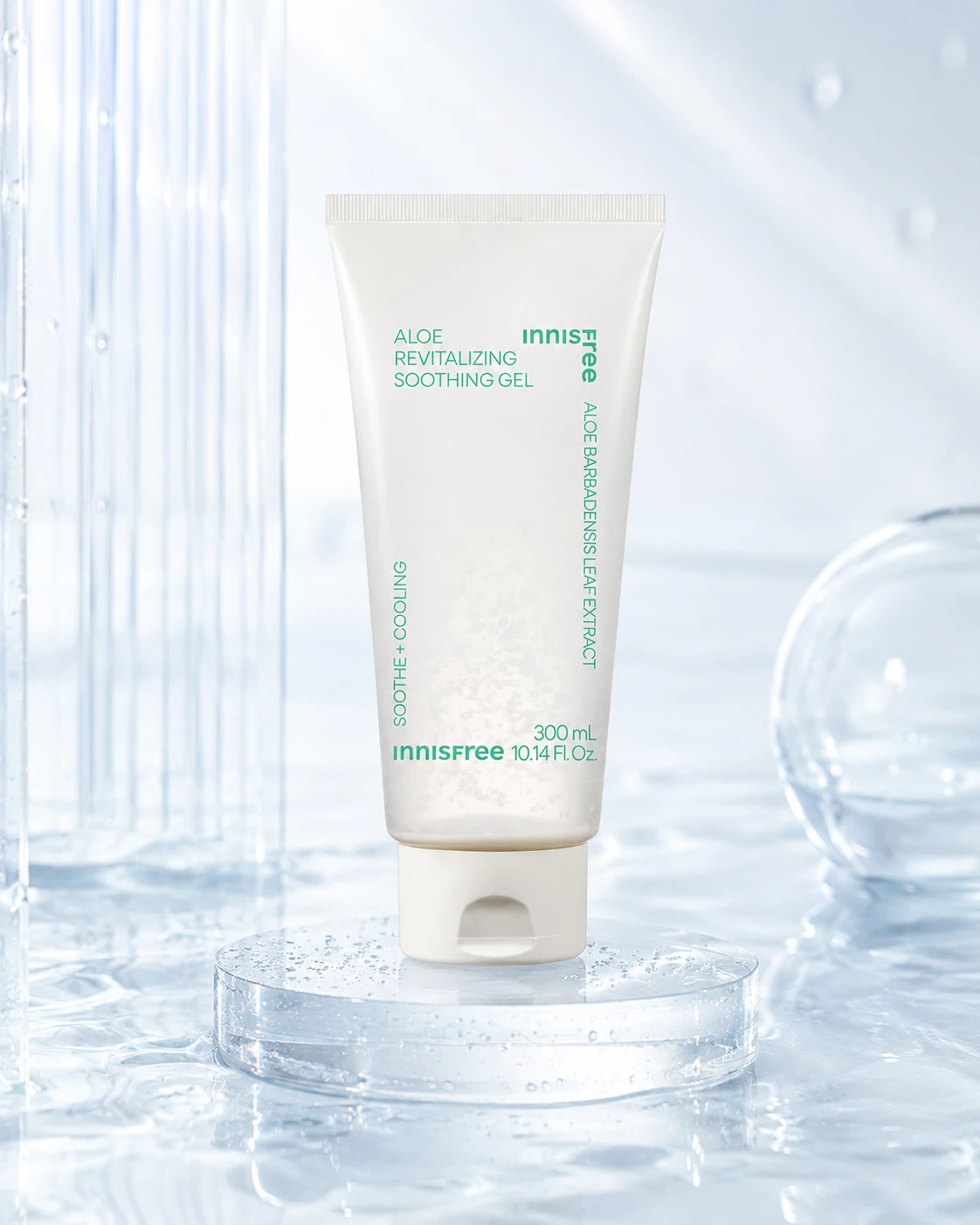 Ground Truth c52ee62870eb2948afc3fabd510891 | Ref 1 d79be756a761af8091cd4e2d869de4 | Ref 2 3ae20df4c9079706d2b090af9ef8c8 | Ref 3 5e144f5a285540b4363fd6be3c2ec0 | Ref 4 33db63196bfe030d702d75eae5ce20 |  P1 Input 2792565b96ba34d01e7b708ba26f7d | P1 Target d79be756a761af8091cd4e2d869de4 |  S1 b6a7fba43afb633748448a04fdcee8 单任务耗时 61.9 秒 / PyTorch 峰值显存 33.2 GiB |  S2 fb78ab32f77f3b6be09f415d31949e 单任务耗时 89.7 秒 / PyTorch 峰值显存 33.9 GiB |  S4 aabc3c84e0aa7b1d906bd00d2c0f4d 单任务耗时 154.6 秒 / PyTorch 峰值显存 35.2 GiB |  P1 c5498e2340c8798b607880da512afa 单任务耗时 89.2 秒 / PyTorch 峰值显存 33.9 GiB |
q07
| 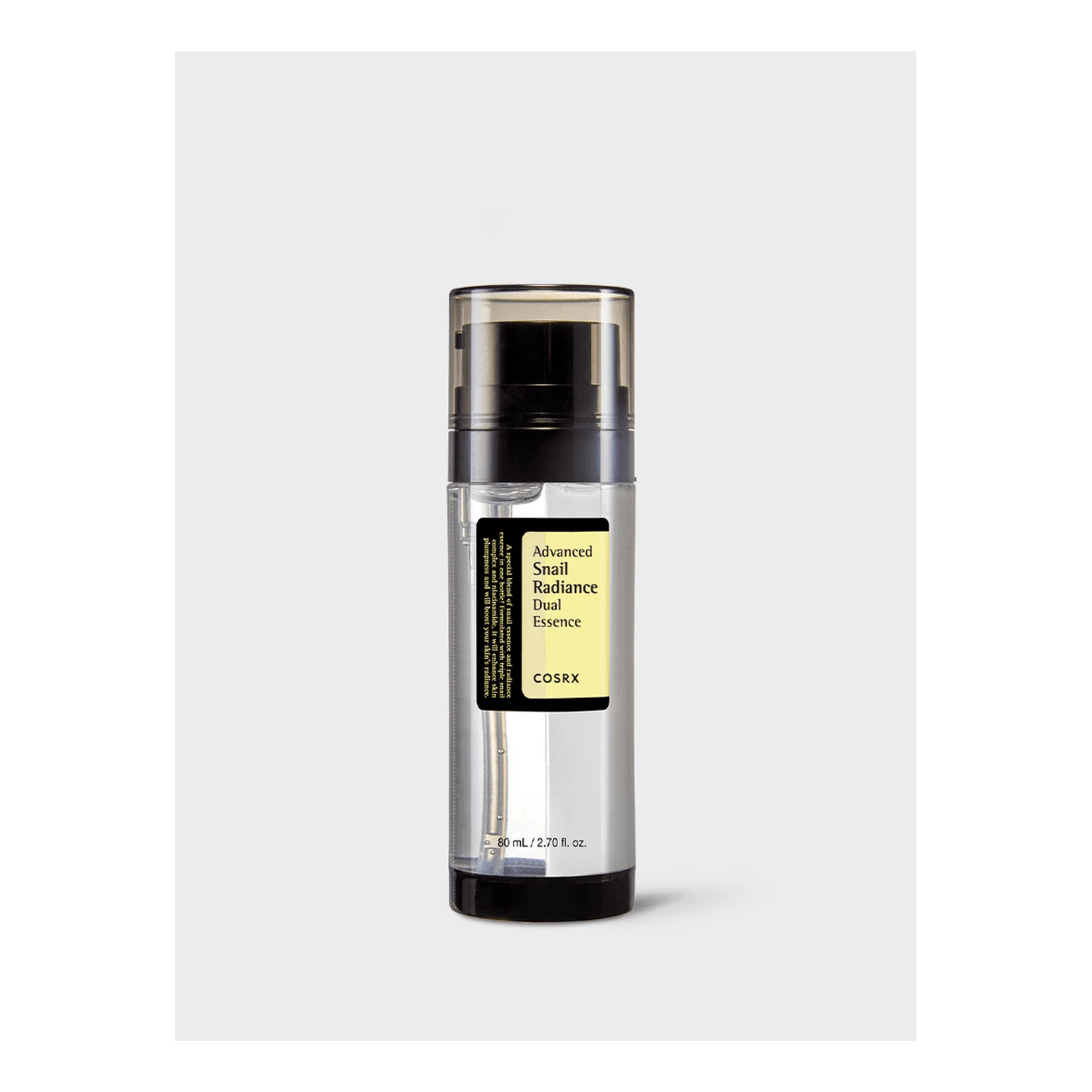 Input 6cb28e12fa299d786473fc039a426b |  Ground Truth 75092e9df9eebcc210f8c1fa5de864 | Ref 1 fbb8720a7219e5e6779b0b64b622aa | Ref 2 76610cde2b851123ccaadb5e5ac019 | Ref 3 3366edfc285dd85e4f02d7fbe97fad | Ref 4 343ad21b5cb0aebf0f6a9b95be3e86 |  P1 Input 8d3284ff309536d1aa565c57b3f276 | P1 Target fbb8720a7219e5e6779b0b64b622aa | 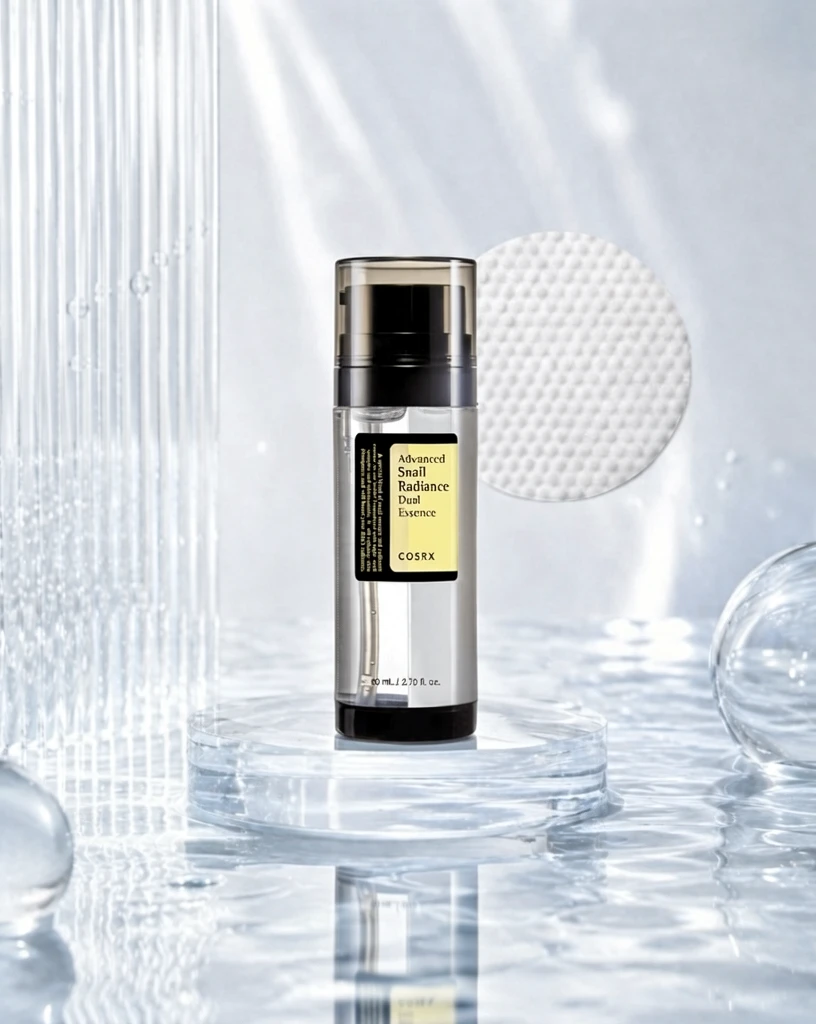 S1 eb7400c777baea6291eac4f64c0b79 单任务耗时 61.5 秒 / PyTorch 峰值显存 33.2 GiB | 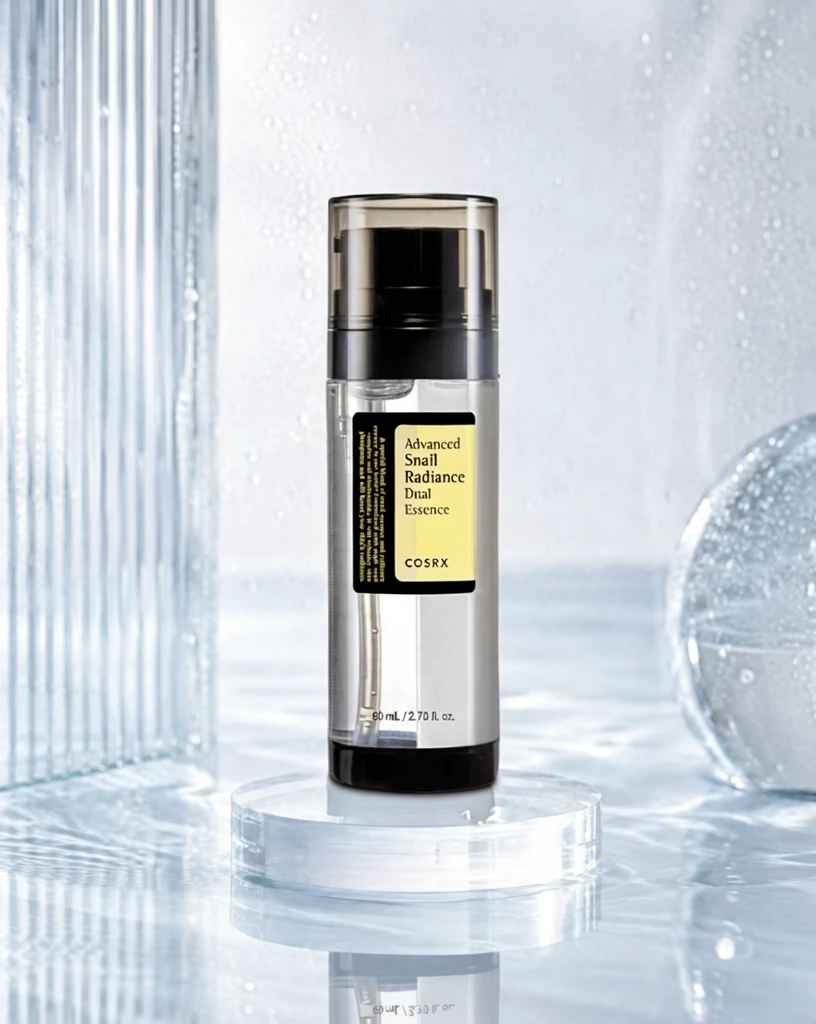 S2 a675897fa60077dd7d36c3b8613268 单任务耗时 89.9 秒 / PyTorch 峰值显存 33.9 GiB | 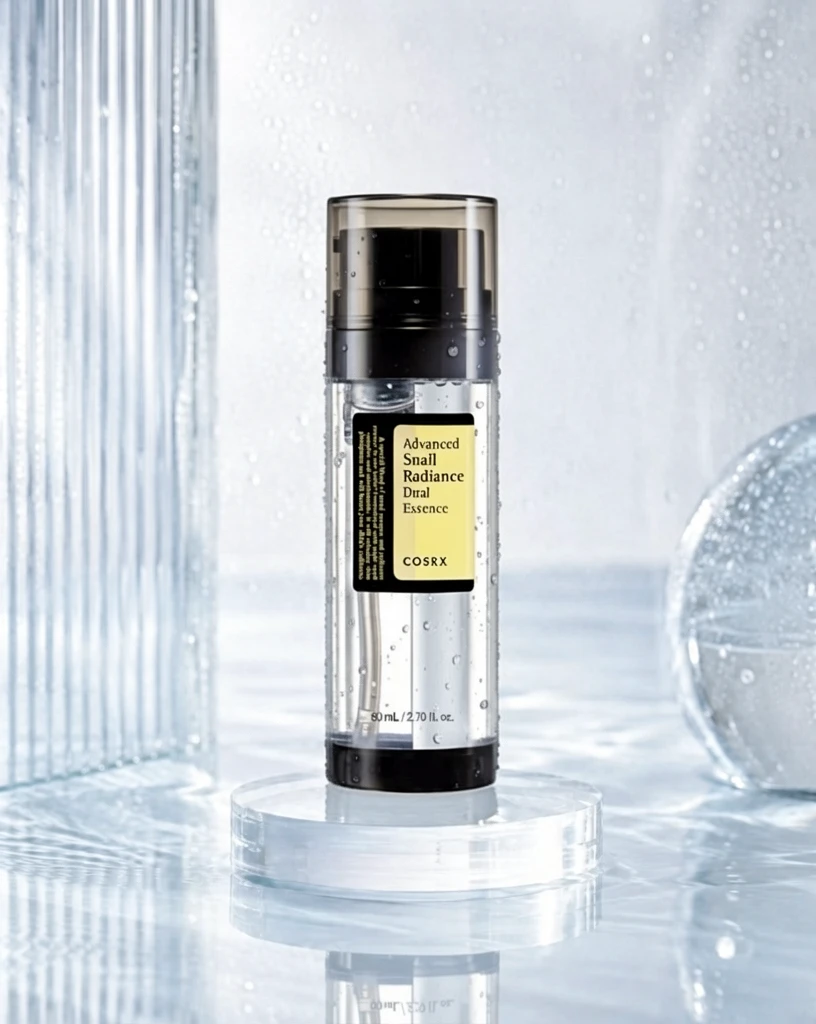 S4 c010c395e44e9bad358646bcbf4db0 单任务耗时 154.6 秒 / PyTorch 峰值显存 35.2 GiB |  P1 d69adaacf39fc24a549ba6284eefc3 单任务耗时 89.2 秒 / PyTorch 峰值显存 33.9 GiB |
跨小风格输入对比
每个目标风格完整展示 20 个固定案例;LoRA 与 Context 使用同一批输入。
待编辑产品来自同一大类中的其他小风格;提供 1 张目标小风格成品图作为参考,测试跨小风格输入的迁移效果。
待编辑产品来自同一大类中的其他小风格;提供 2 张目标小风格成品图作为参考。
只输入 1 张待编辑产品图并挂载目标小风格 LoRA,不提供额外 Context 参考图;对比 step 200/400/600 与 alpha 1/2。
查看 Cross Context 任务定义、Prompt 与配置
- 模型
- FLUX.2-klein-base-9B
- 测试集
- 同大类其他小风格的固定白底输入,每个目标风格 20 个
- 推理步数
- 50
- CFG
- 4.0
- Seed
- 42
- Reference
- S1-Cross=1,S2-Cross=2;参考图来自目标风格
实际使用 Prompt(英文,送入模型)Image 1 is the product image to edit. Image 2 is a reference image. Transform Image 1 into a product image that follows the presentation style demonstrated by the reference image. Preserve the identity and key visual details of the product in Image 1. Use the reference image only to determine how the product is presented, and do not copy products or textual content from the reference image.
中文对照说明(未送入模型)图像1是需要编辑的产品图,图像2是参考图。 将图像1转换为一张采用参考图所展示呈现风格的产品图。保留图像1中产品的身份和关键视觉细节。参考图仅用于确定产品的呈现方式,不要复制参考图中的产品或文字内容。
实际使用 Prompt(英文,送入模型)Image 1 is the product image to edit. Images 2 and 3 are reference images. Transform Image 1 into a product image that follows the presentation style demonstrated by the reference images. Preserve the identity and key visual details of the product in Image 1. Use the reference images only to determine how the product is presented, and do not copy products or textual content from the reference images.
中文对照说明(未送入模型)图像1是需要编辑的产品图,图像2和图像3是参考图。 将图像1转换为一张采用参考图所展示呈现风格的产品图。保留图像1中产品的身份和关键视觉细节。参考图仅用于确定产品的呈现方式,不要复制参考图中的产品或文字内容。
查看 LoRA 训练/推理 Prompt 与配置
- 训练数据
- 目标小风格的 20 组白底 input → 风格化 target 配对
- 训练配置
- 600 steps;每 100 step 保存;LR=5e-5;rank=32;BF16
- 测试数据
- 与 Cross Context 相同的 20 个跨小风格白底输入;无目标风格 GT
- Checkpoint
- step 200 / 400 / 600
- LoRA alpha
- 1.0 / 2.0
- 推理步数
- 50
- CFG
- 1.0
- Seed
- 42
- 额外 Reference
- 无;仅输入产品图 + LoRA
实际使用 Prompt(英文,送入模型)BIWStyle. Apply this presentation style to the input product image. Preserve the product itself, including its identity and key visual details.
中文对照说明(未送入模型)BIWStyle。将该呈现风格应用到输入产品图中。保留产品本身,包括其身份和关键视觉细节。
| Case | Input | Ref 1 | Ref 2 | S1-Cross | S2-Cross | LoRA 200 α1 | LoRA 200 α2 | LoRA 400 α1 | LoRA 400 α2 | LoRA 600 α1 | LoRA 600 α2 |
|---|---|---|---|---|---|---|---|---|---|---|---|
q01
|  Input 2fe5fca64897b4454beb52868e6fbb | Ref 1 b72dfef8e517fe792e8548282fd734 | Ref 2 3ae20df4c9079706d2b090af9ef8c8 |  S1 CROSS 28f9d35c62d20633149985cb5e215c 单任务耗时 61.2 秒 / PyTorch 峰值显存 33.2 GiB |  S2 CROSS 0a02eeb9e6a6a66c0d88a453b82930 单任务耗时 88.8 秒 / PyTorch 峰值显存 33.9 GiB |  Step 200 · α1 2da9ee6b2f73963c9dde147af8636d 单任务耗时 17.9 秒 / PyTorch 峰值显存 33.3 GiB |  Step 200 · α2 7879b329073ccddfd415574d8beed7 单任务耗时 17.8 秒 / PyTorch 峰值显存 33.3 GiB |  Step 400 · α1 0e35a694e248b789f7d6398298fe21 单任务耗时 17.9 秒 / PyTorch 峰值显存 33.3 GiB | 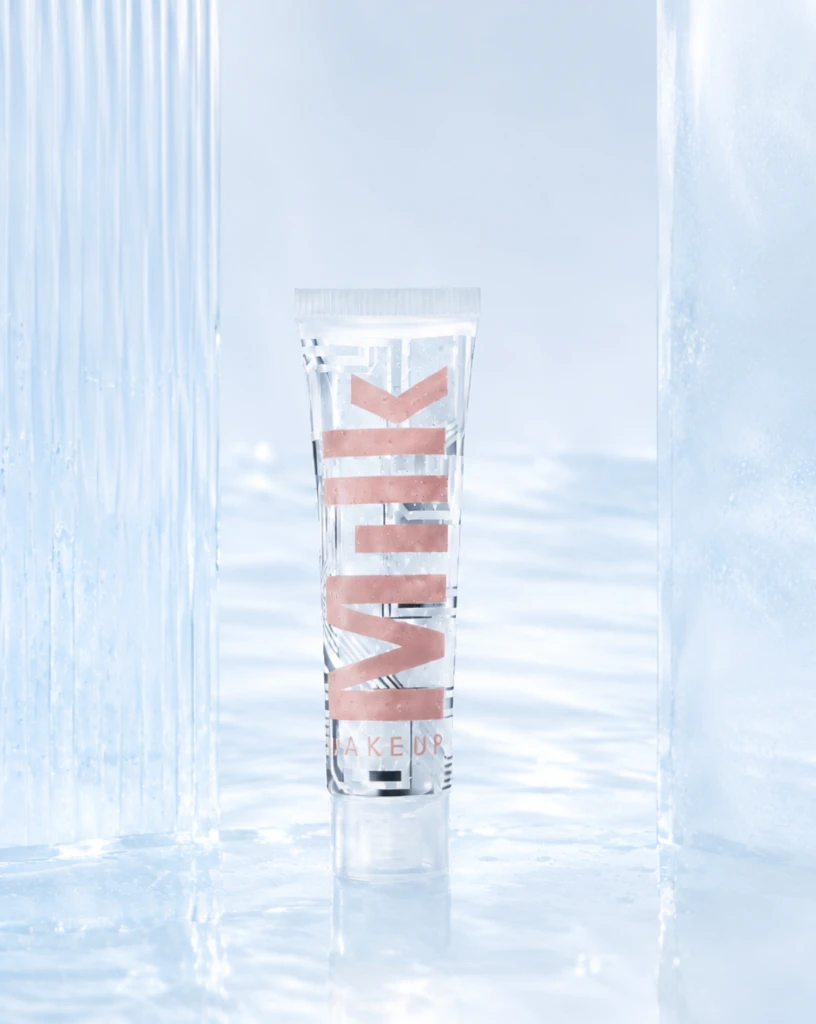 Step 400 · α2 e23cb15a6b5c1aa7cb127576cae793 单任务耗时 17.9 秒 / PyTorch 峰值显存 33.3 GiB | 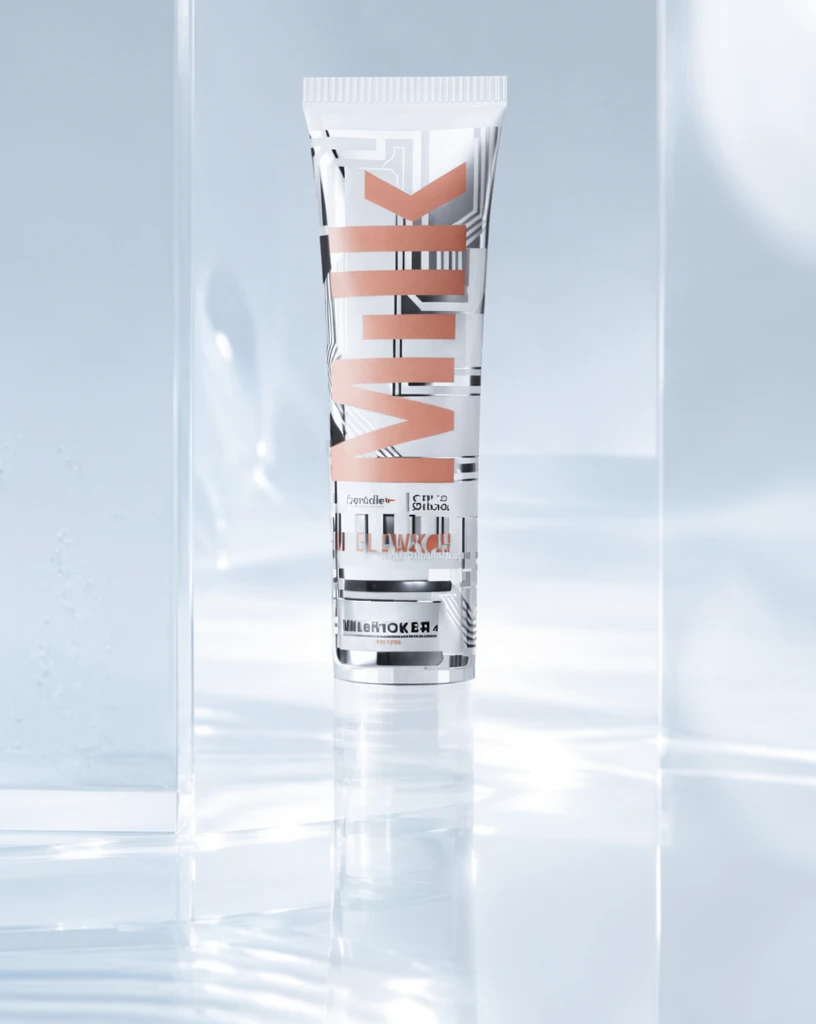 Step 600 · α1 3637f0fb6d030f2be94a5dac475cd8 单任务耗时 17.9 秒 / PyTorch 峰值显存 33.3 GiB | 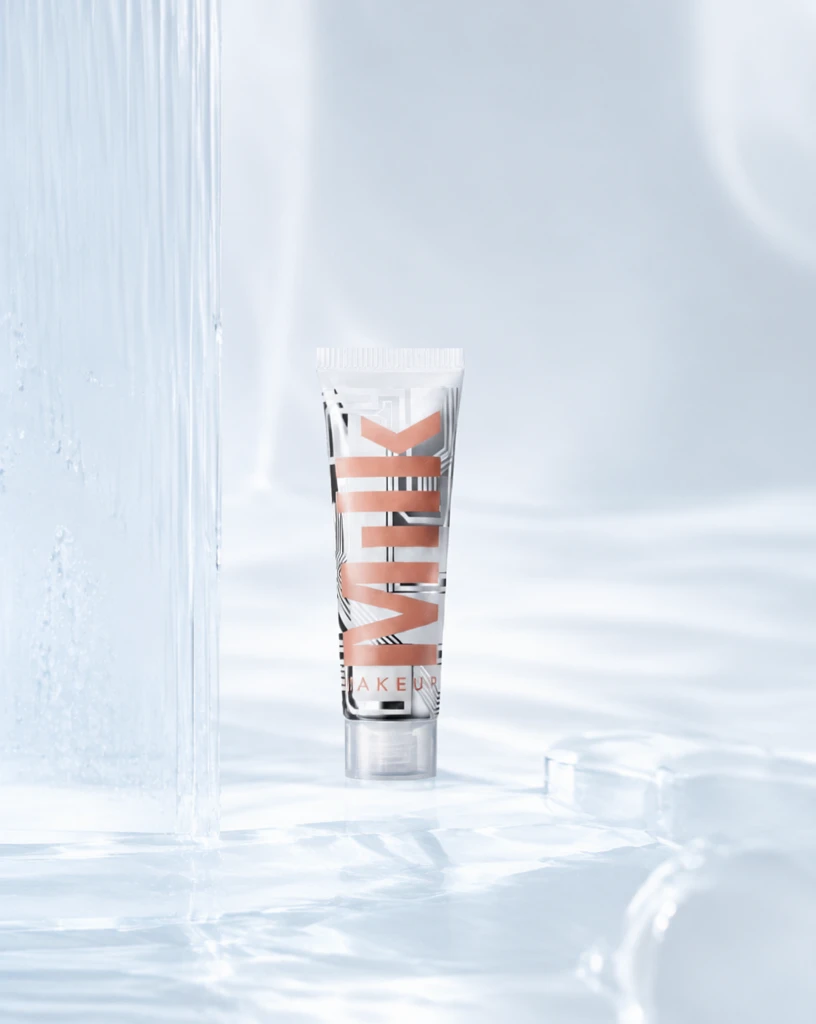 Step 600 · α2 e4b9099beeeced3b6b077be92ec5d0 单任务耗时 17.9 秒 / PyTorch 峰值显存 33.3 GiB |
q02
| Input cc271ae896c8d1816f3b7a4b945556 | Ref 1 5e144f5a285540b4363fd6be3c2ec0 | Ref 2 76610cde2b851123ccaadb5e5ac019 | 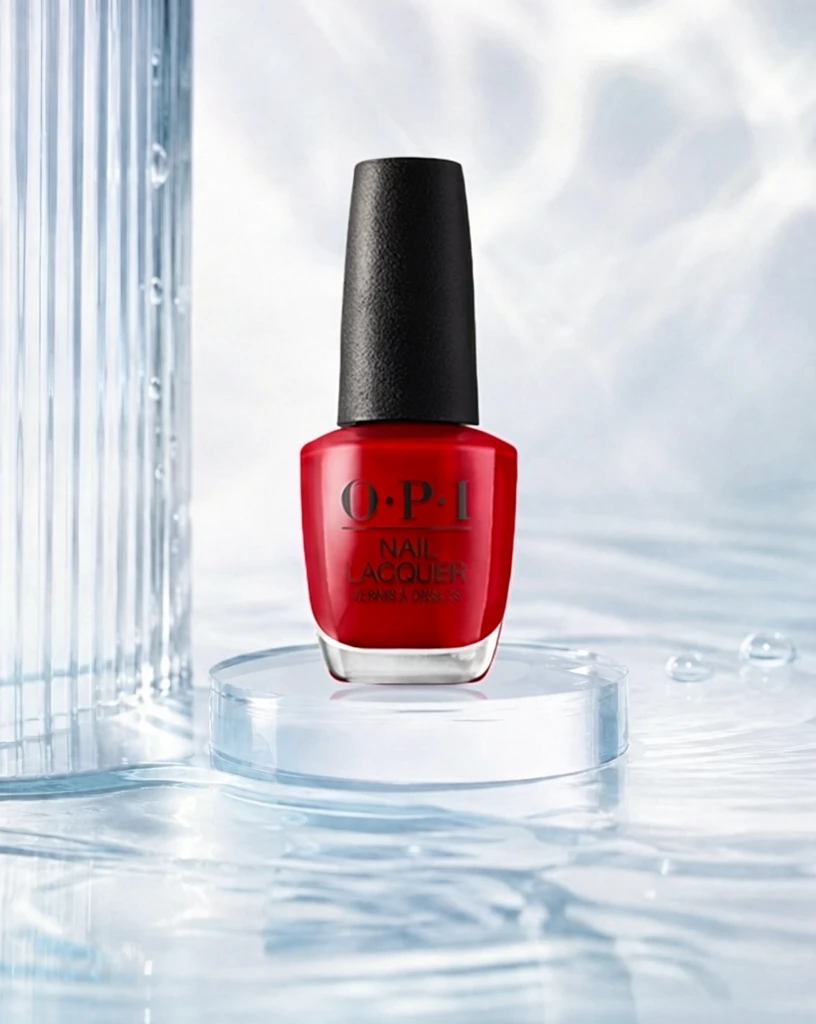 S1 CROSS fd798ac293b888f8fa1d67a7e5b374 单任务耗时 61.9 秒 / PyTorch 峰值显存 33.2 GiB |  S2 CROSS 661561fd55488aa5abcf404bf258e7 单任务耗时 90.4 秒 / PyTorch 峰值显存 33.9 GiB |  Step 200 · α1 53e628cc82e73e664bfeac9b06b351 单任务耗时 17.9 秒 / PyTorch 峰值显存 33.3 GiB |  Step 200 · α2 554b5754fd788c2f2897e6dc3eff0d 单任务耗时 17.8 秒 / PyTorch 峰值显存 33.3 GiB |  Step 400 · α1 1ad092225e0e8c75ddd89e7711affe 单任务耗时 17.8 秒 / PyTorch 峰值显存 33.3 GiB |  Step 400 · α2 31c6dfbf0198e37262f4af1592a43c 单任务耗时 17.9 秒 / PyTorch 峰值显存 33.3 GiB |  Step 600 · α1 ee26b6eb41e57dddd97425ebc7b962 单任务耗时 17.9 秒 / PyTorch 峰值显存 33.3 GiB |  Step 600 · α2 12f1616ed537fd8b3403d5b0950a5b 单任务耗时 17.9 秒 / PyTorch 峰值显存 33.3 GiB |
q03
| Input e16084007bac91bf54047619553afa | Ref 1 3366edfc285dd85e4f02d7fbe97fad | Ref 2 33db63196bfe030d702d75eae5ce20 | 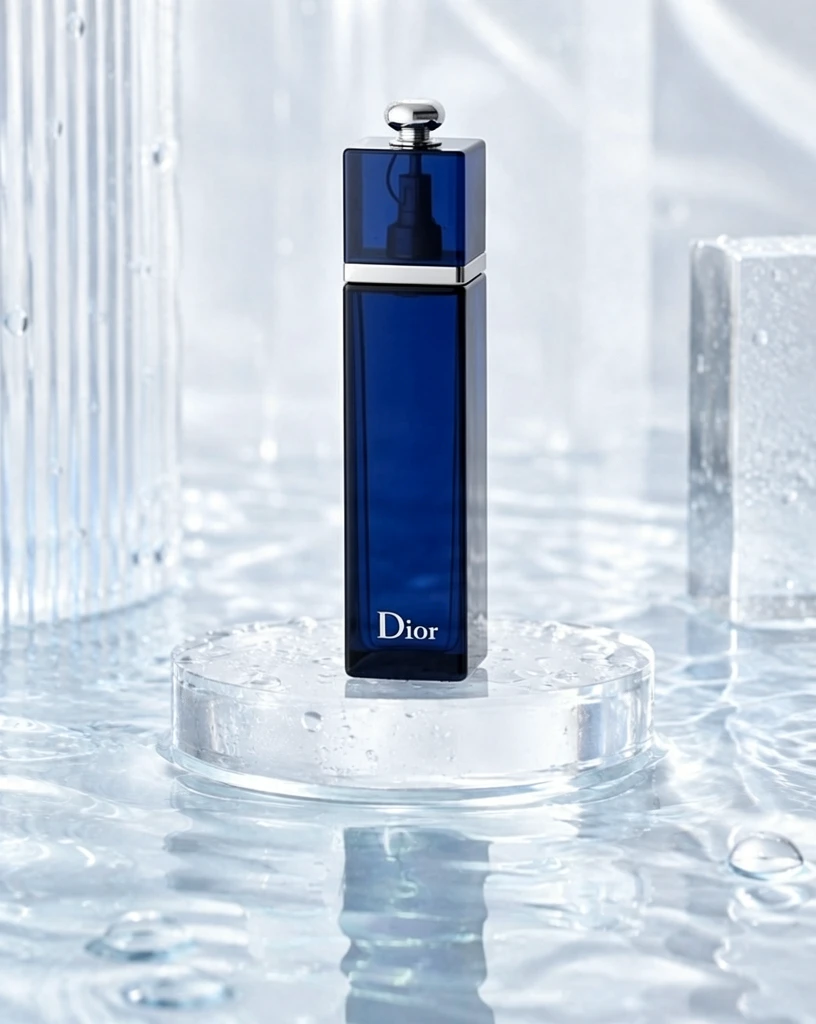 S1 CROSS ef829feb47d94f8483c1b27d8a56fc 单任务耗时 62.1 秒 / PyTorch 峰值显存 33.2 GiB | 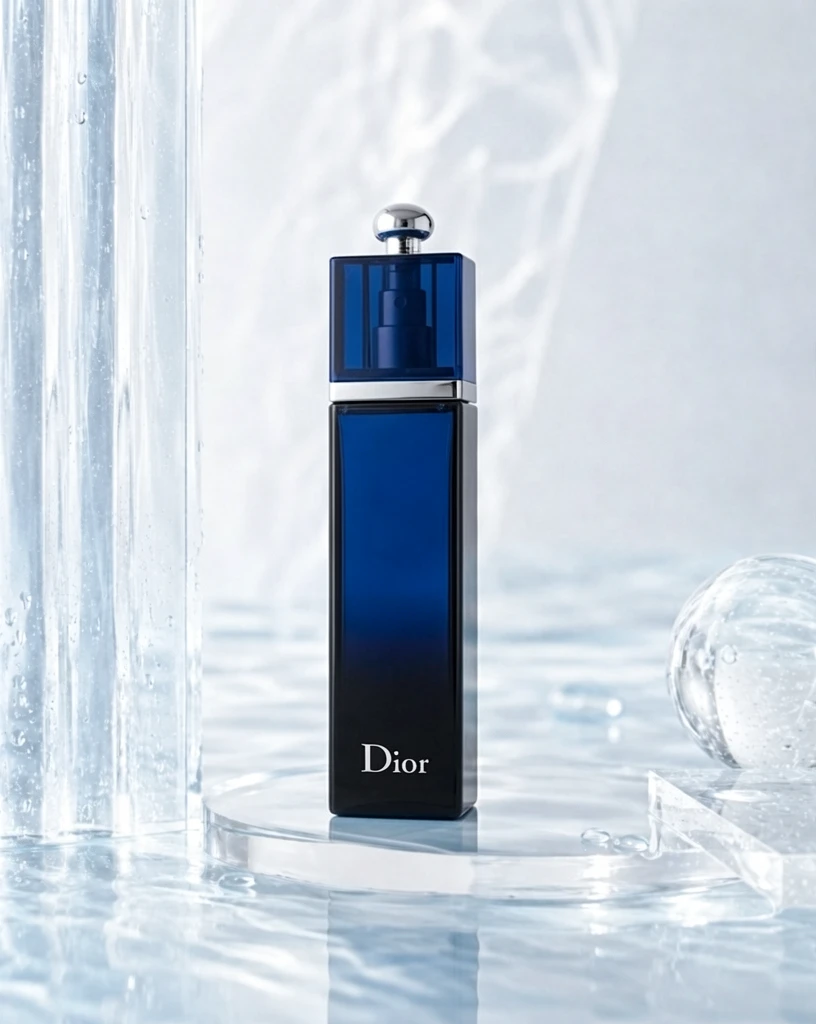 S2 CROSS d5dd9f18058e52596111e063ab3abf 单任务耗时 90.7 秒 / PyTorch 峰值显存 33.9 GiB | 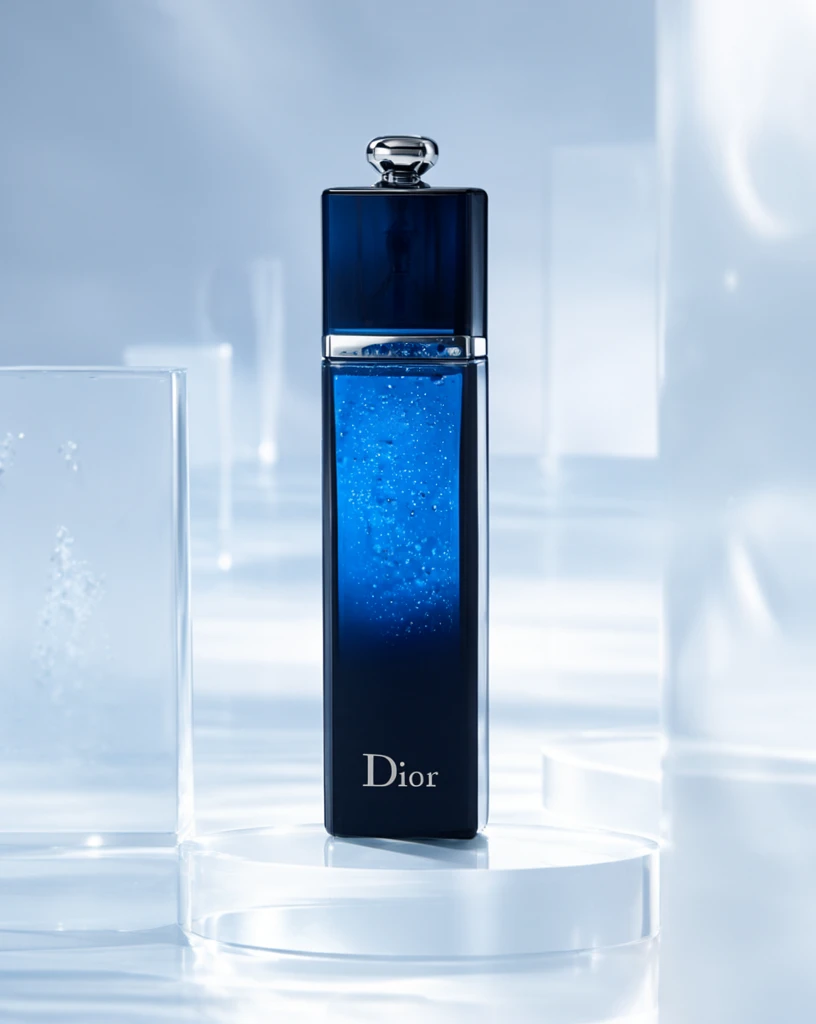 Step 200 · α1 1138595a581dd8bdce57a4fa655f91 单任务耗时 18.0 秒 / PyTorch 峰值显存 33.3 GiB | 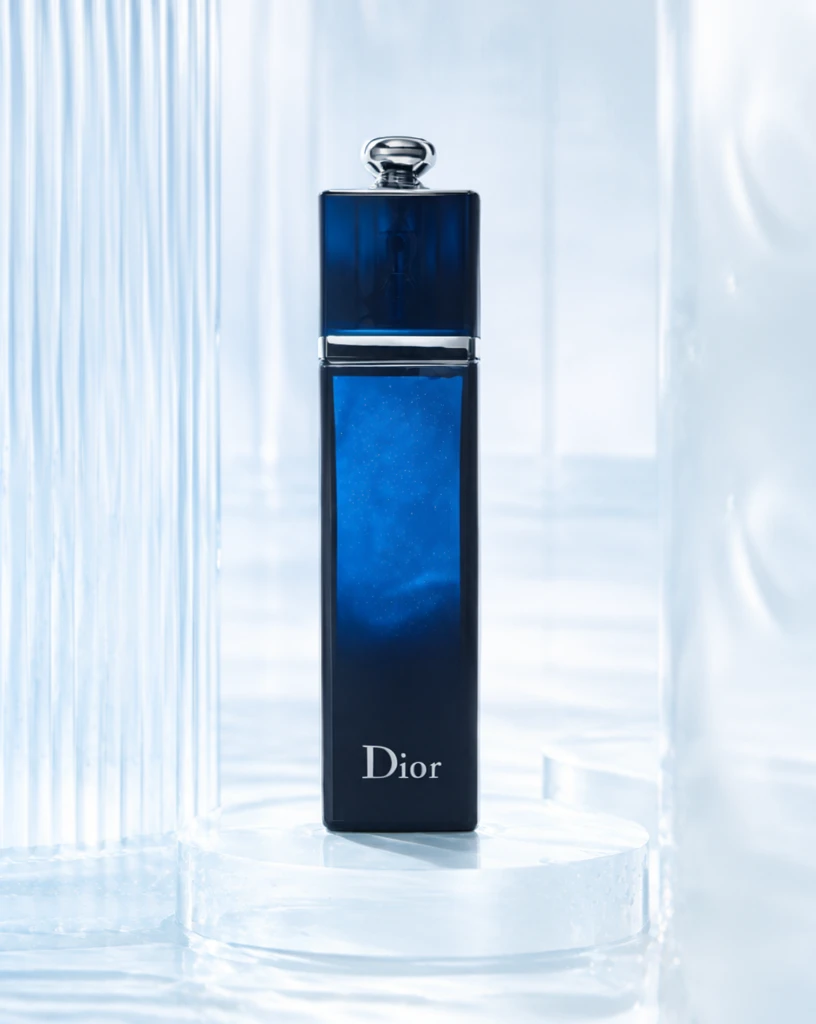 Step 200 · α2 44b52048401cf600ad1925d42340ac 单任务耗时 17.8 秒 / PyTorch 峰值显存 33.3 GiB | 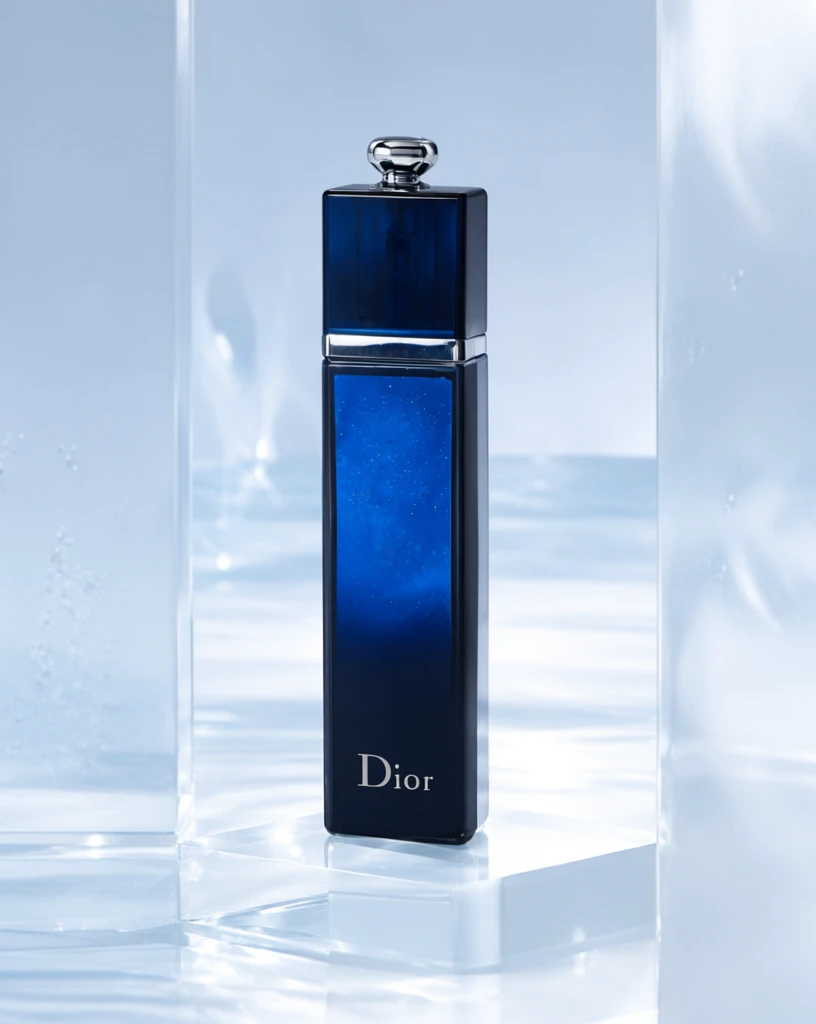 Step 400 · α1 43ce27c54fbb81828497f6936c250d 单任务耗时 17.9 秒 / PyTorch 峰值显存 33.3 GiB | 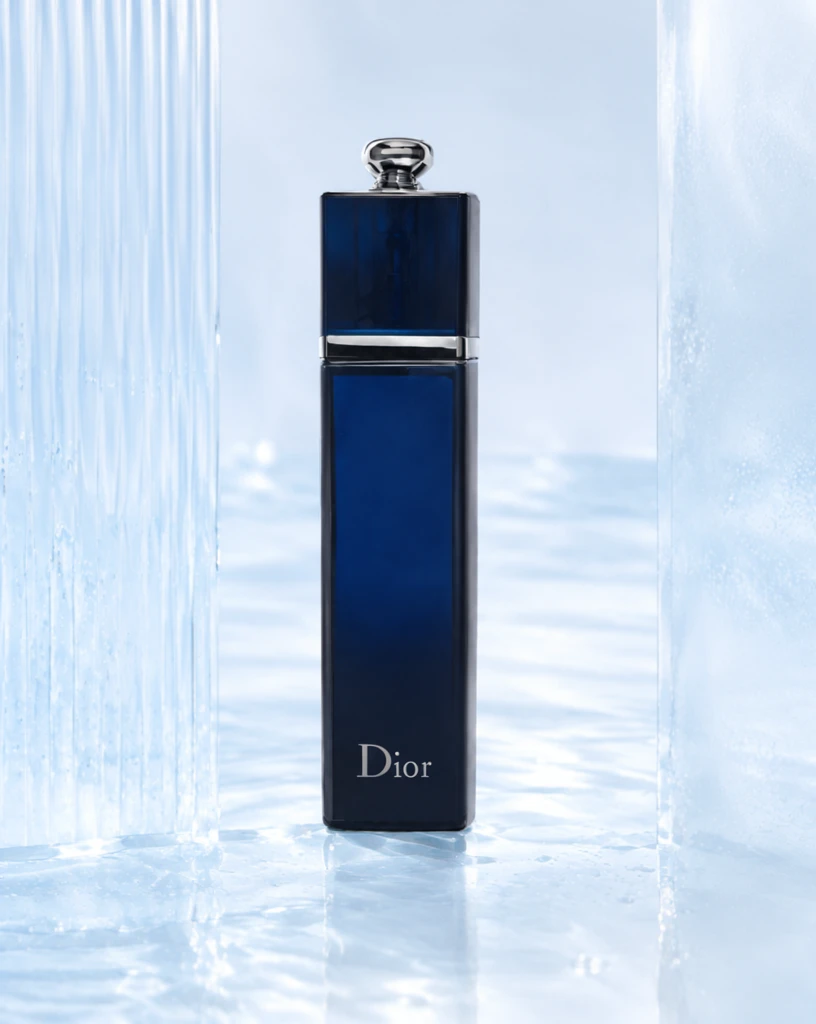 Step 400 · α2 78bf76c3793b0855a55e02dc157f86 单任务耗时 18.0 秒 / PyTorch 峰值显存 33.3 GiB | 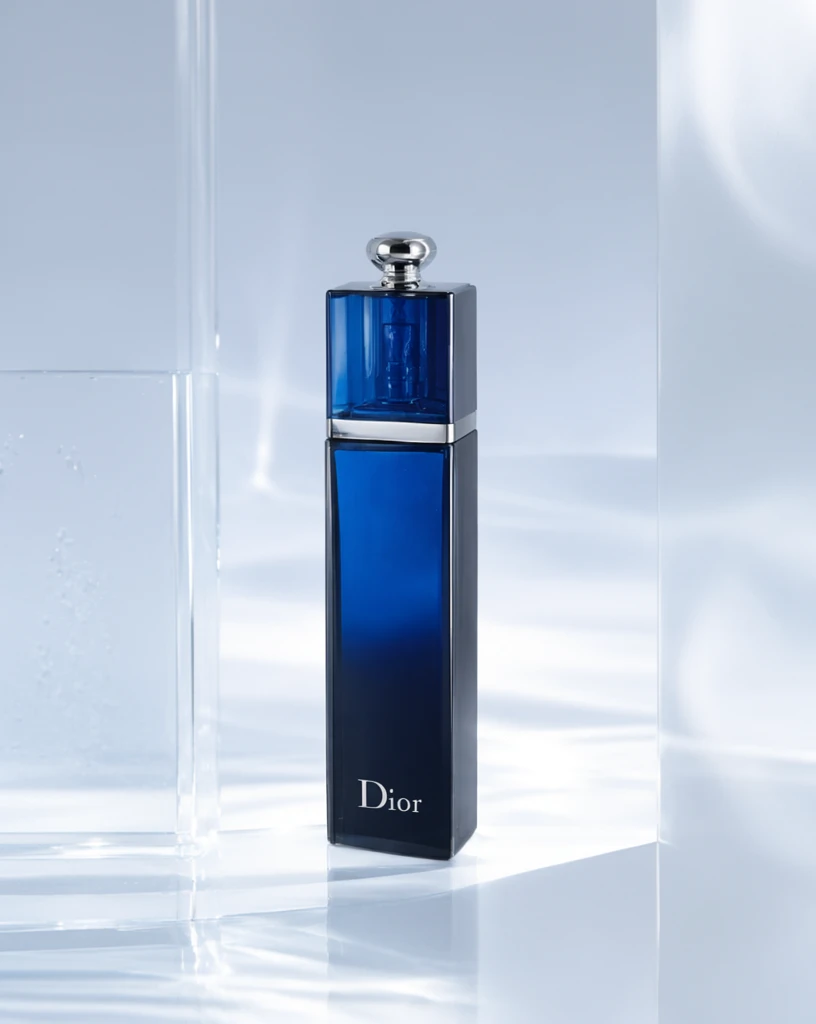 Step 600 · α1 38d233c0ca210102408212085b2eac 单任务耗时 17.9 秒 / PyTorch 峰值显存 33.3 GiB | 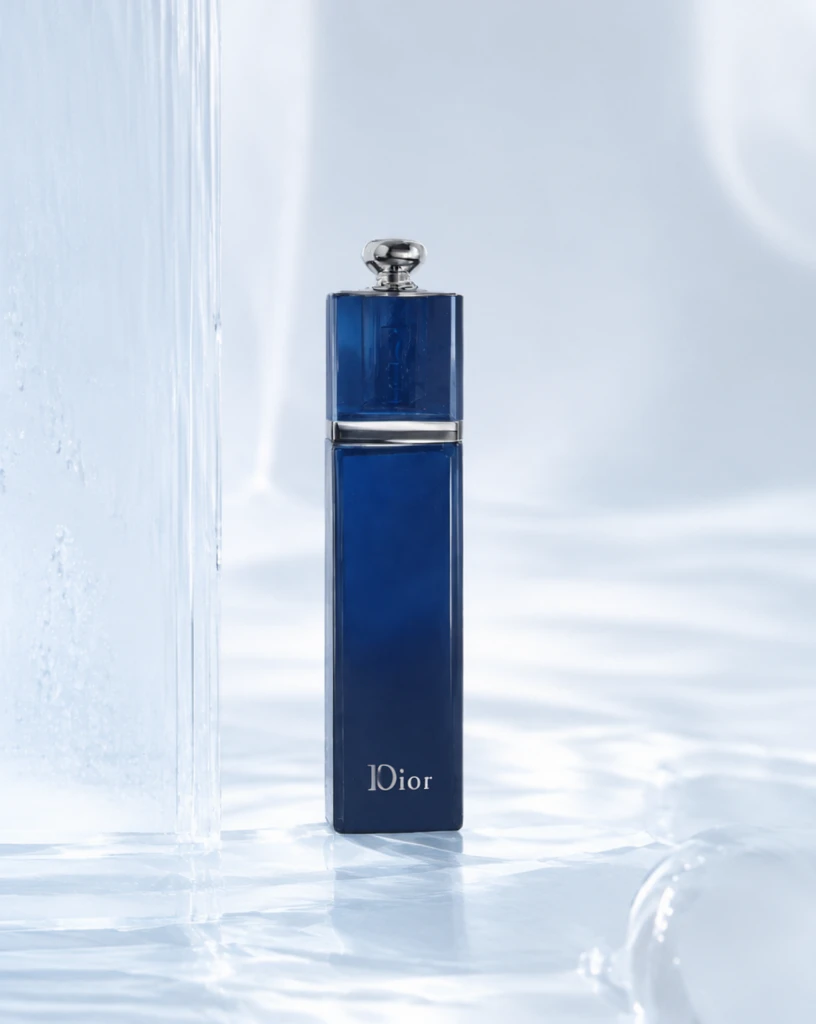 Step 600 · α2 06cc6429a9cec7036952e22772dc7a 单任务耗时 18.0 秒 / PyTorch 峰值显存 33.3 GiB |
q04
| Input dff8796412be2781c7052c0373b04f | Ref 1 fbb8720a7219e5e6779b0b64b622aa | Ref 2 6556a901826dee87141367177733d3 |  S1 CROSS 1bc04b394b96276c66fe3346d7dd8d 单任务耗时 61.7 秒 / PyTorch 峰值显存 33.2 GiB |  S2 CROSS 050b5ac9171ce281ad7dcf2cc38c5d 单任务耗时 90.4 秒 / PyTorch 峰值显存 33.9 GiB |  Step 200 · α1 a96ceafdcef92cfa87bf29ea63764f 单任务耗时 17.8 秒 / PyTorch 峰值显存 33.3 GiB | 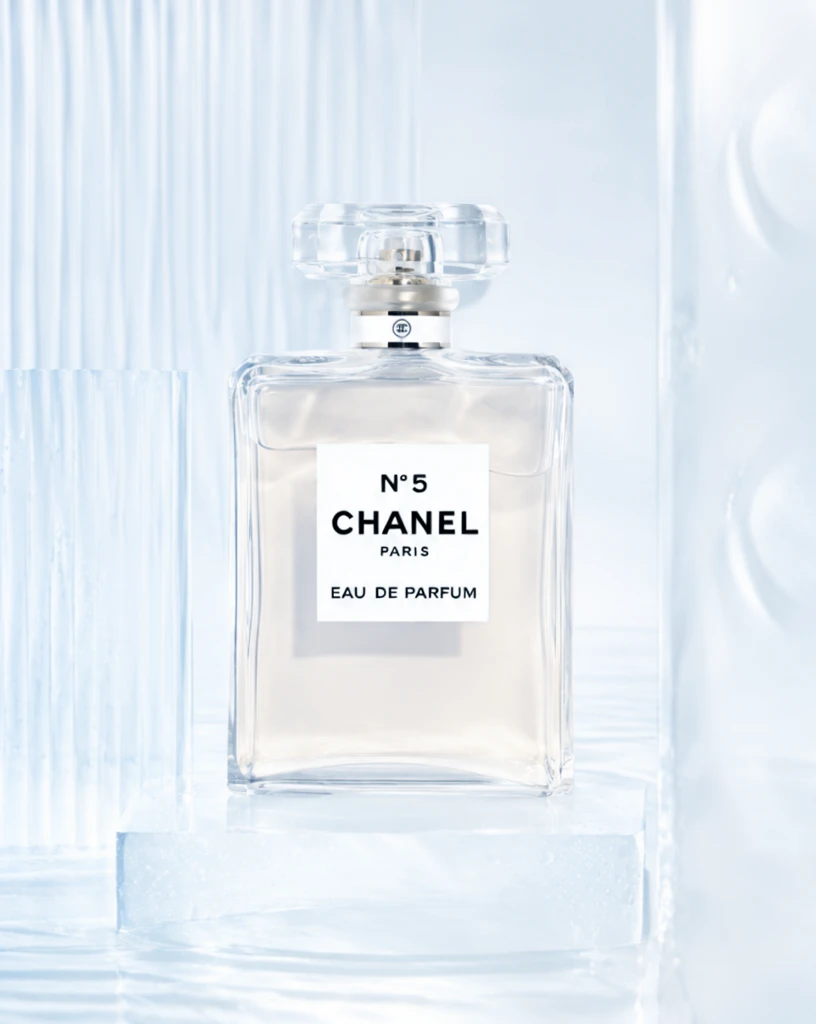 Step 200 · α2 1b8e72ee474b8b8bd33af3abf5bfa1 单任务耗时 17.8 秒 / PyTorch 峰值显存 33.3 GiB |  Step 400 · α1 38f19fc854b3119f4b86a064d98a91 单任务耗时 17.9 秒 / PyTorch 峰值显存 33.3 GiB | 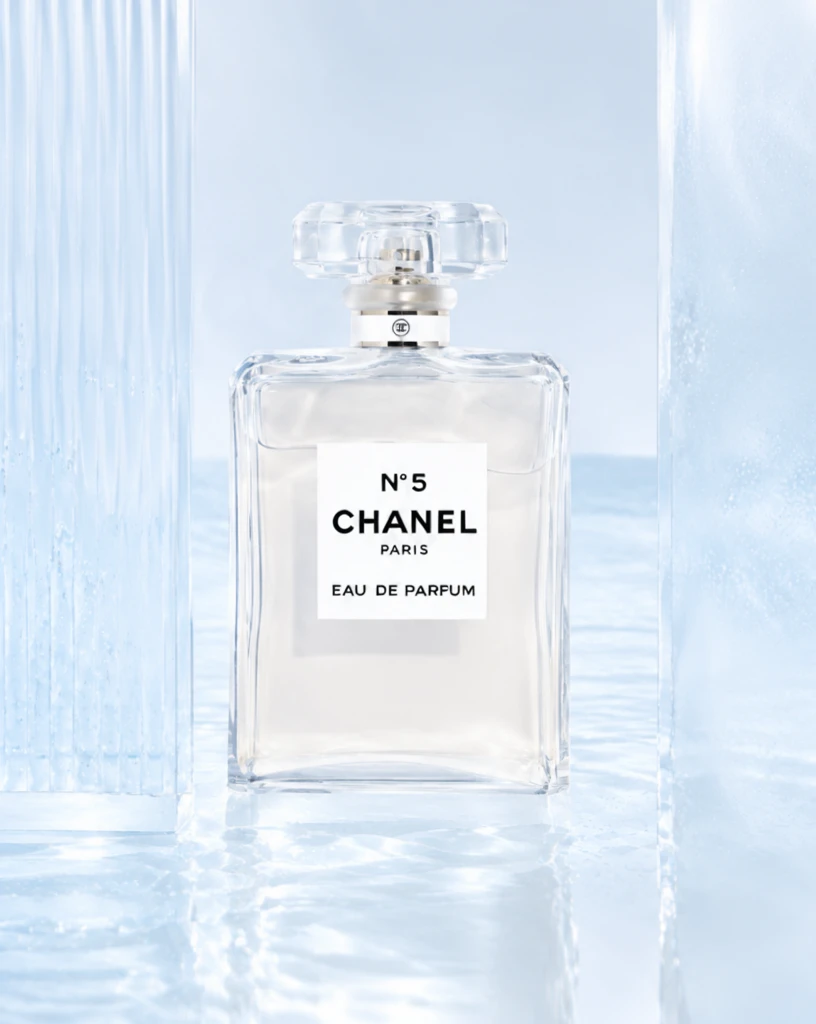 Step 400 · α2 8eb4a632f0feeca09f331620f91fd2 单任务耗时 17.9 秒 / PyTorch 峰值显存 33.3 GiB | 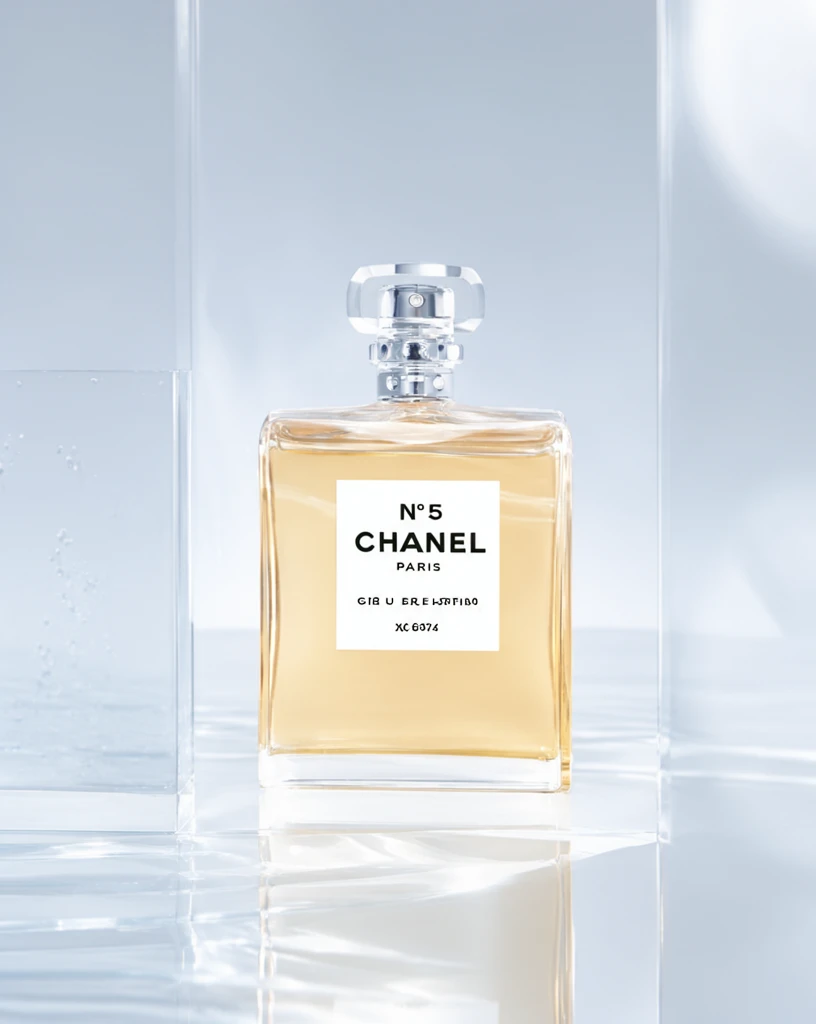 Step 600 · α1 797d0f0f5476951686994d071729bd 单任务耗时 17.9 秒 / PyTorch 峰值显存 33.3 GiB | 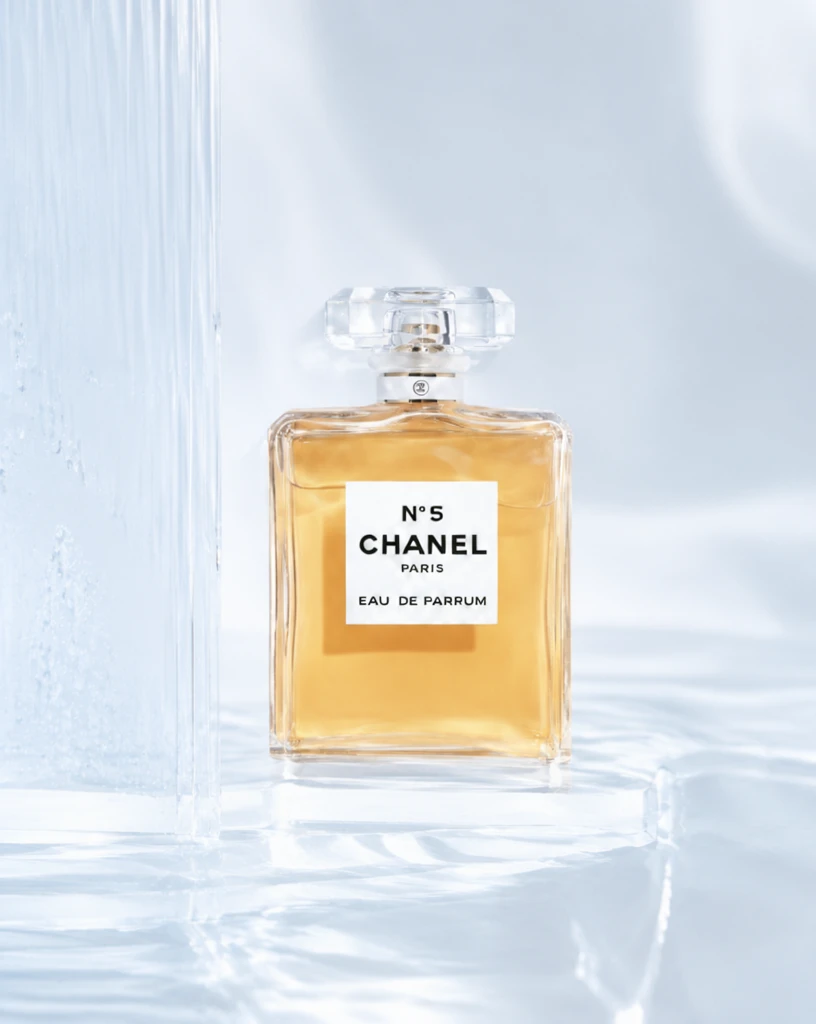 Step 600 · α2 34e528665159316aef3f956168fc46 单任务耗时 17.9 秒 / PyTorch 峰值显存 33.3 GiB |
q05
| Input 8337d6043c3ad8bad3bf883e35bd90 | Ref 1 7e58494ad701dfabf01722efac4f9b | Ref 2 773beb0fbb2b316e5349b4d73626d6 |  S1 CROSS c2add5a3e3a2ea5e52aae86b3838f8 单任务耗时 61.7 秒 / PyTorch 峰值显存 33.2 GiB | 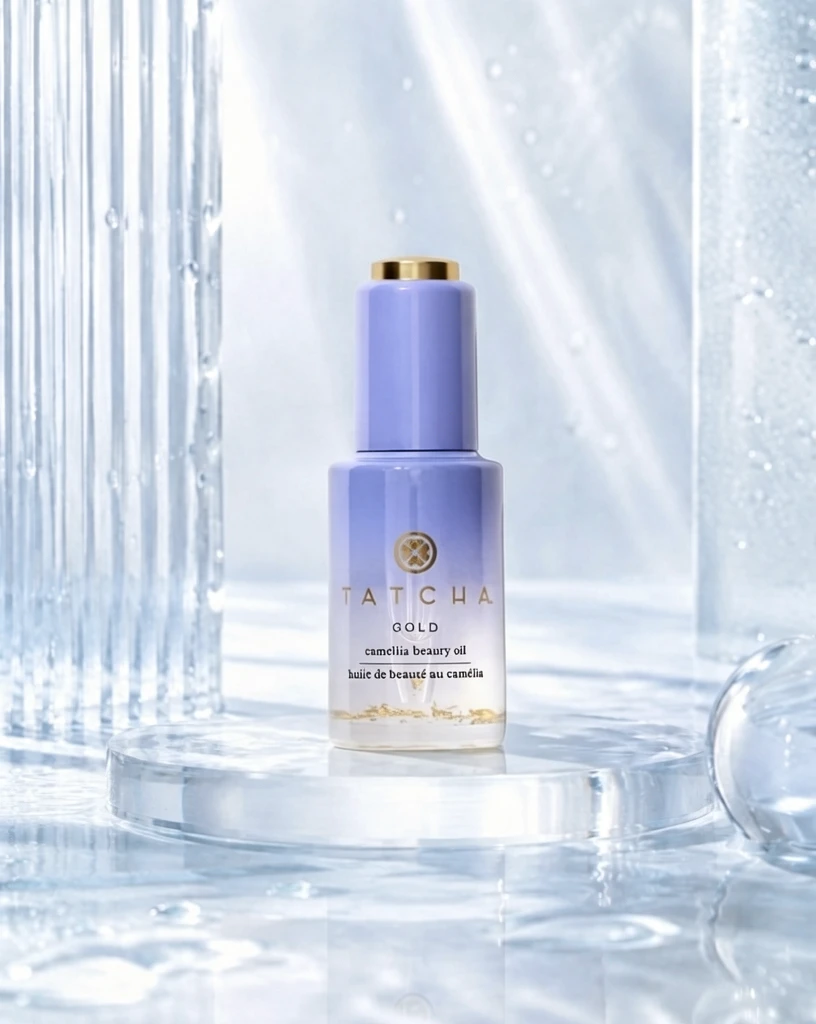 S2 CROSS d2bd26a7a7db15dcff64df0f21b717 单任务耗时 90.2 秒 / PyTorch 峰值显存 33.9 GiB | 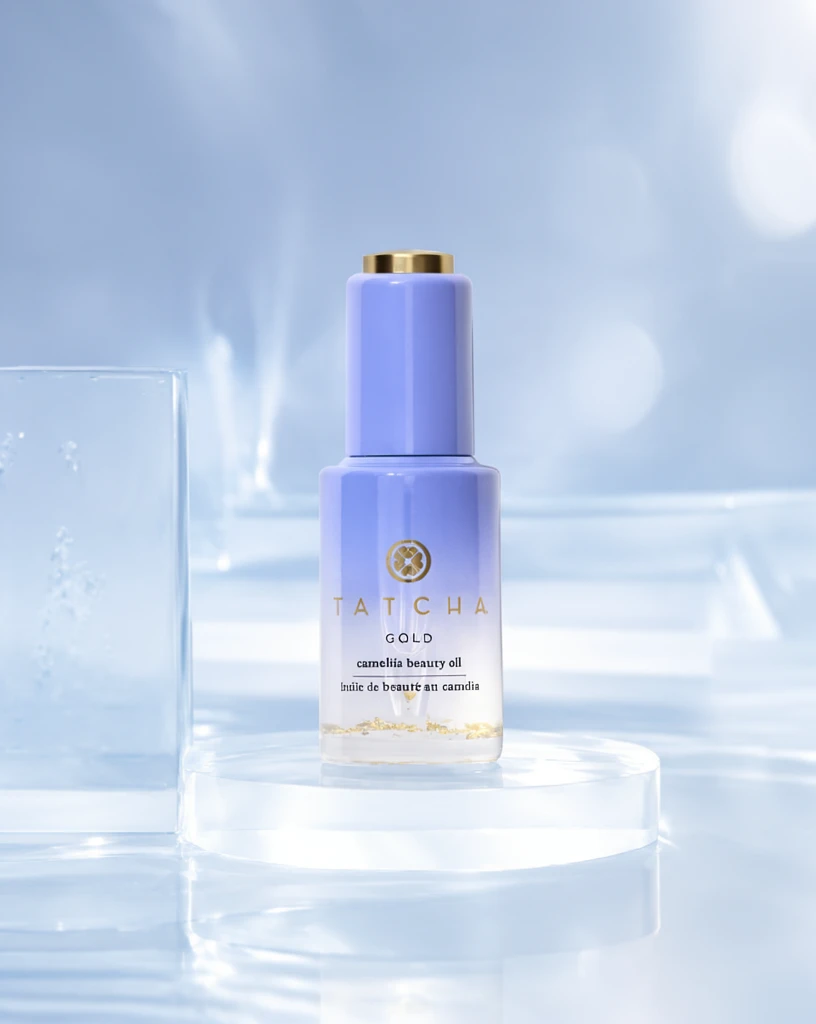 Step 200 · α1 2e209206e8f66bb999e8c73d59dd79 单任务耗时 17.9 秒 / PyTorch 峰值显存 33.3 GiB | 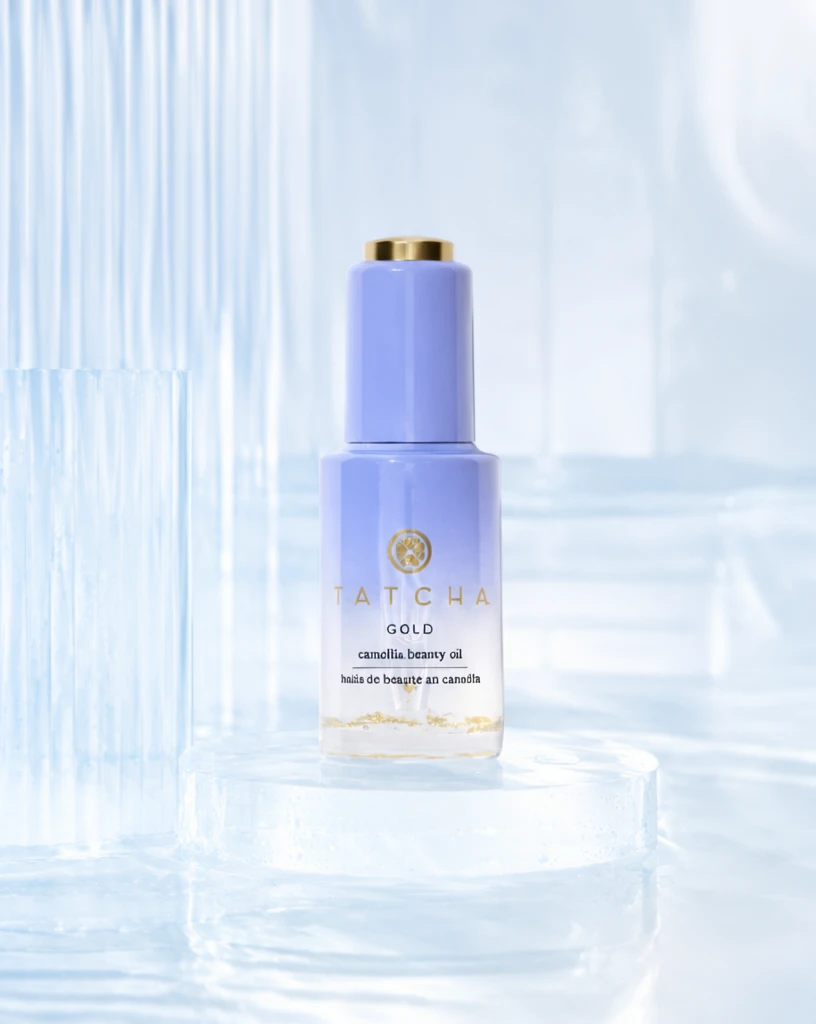 Step 200 · α2 18f62e44d88fc6e679da6f353ae17e 单任务耗时 17.9 秒 / PyTorch 峰值显存 33.3 GiB | 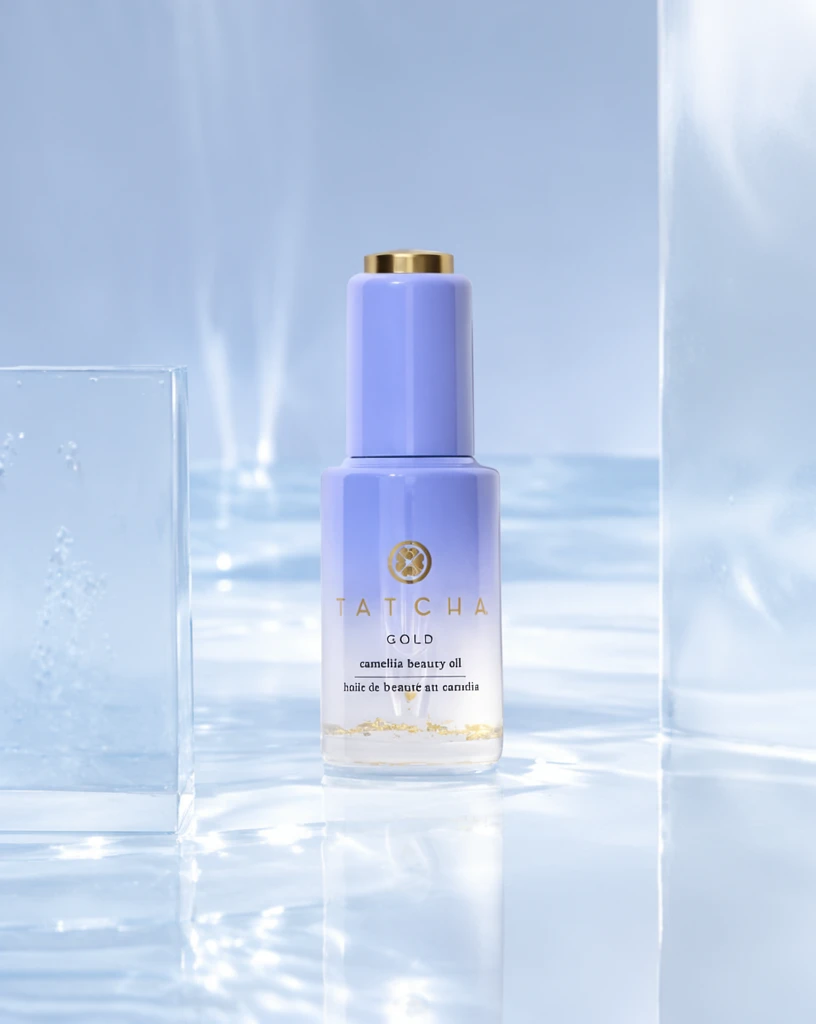 Step 400 · α1 2326d0f5e42ea19493185a6416de58 单任务耗时 17.9 秒 / PyTorch 峰值显存 33.3 GiB | 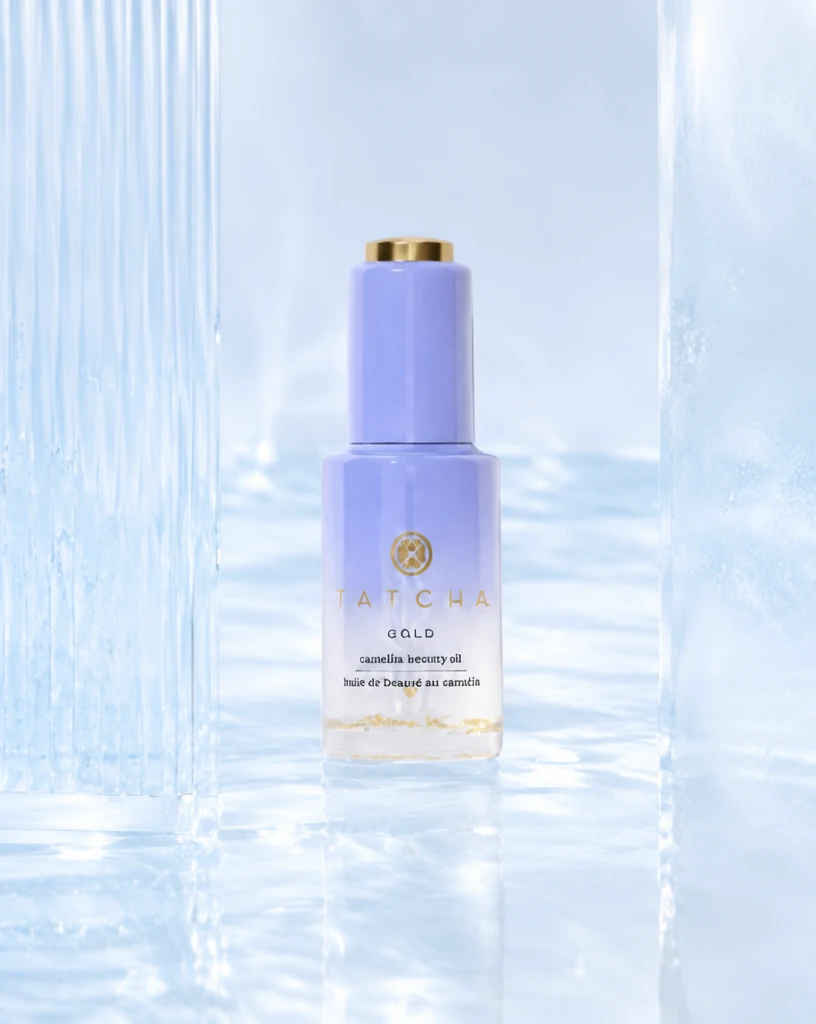 Step 400 · α2 ca78053c4861537f12d1b462ac7fa3 单任务耗时 17.9 秒 / PyTorch 峰值显存 33.3 GiB | 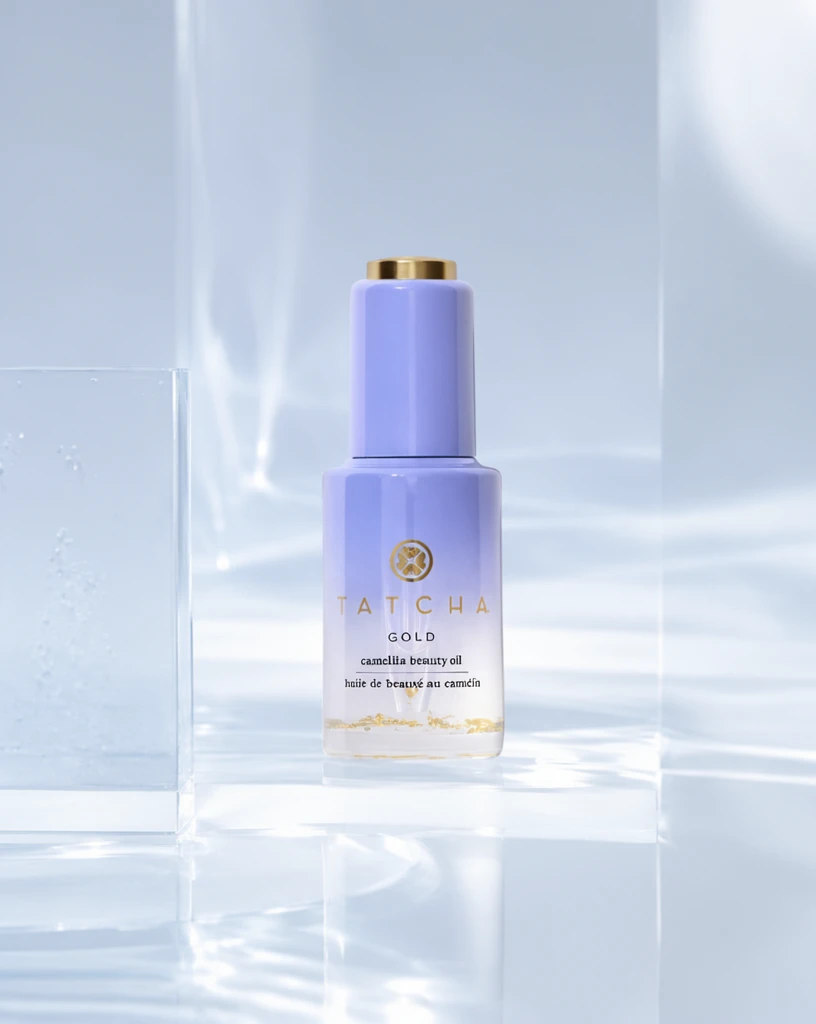 Step 600 · α1 f7324ca8cd87414065fbe46cc31f71 单任务耗时 17.9 秒 / PyTorch 峰值显存 33.3 GiB | 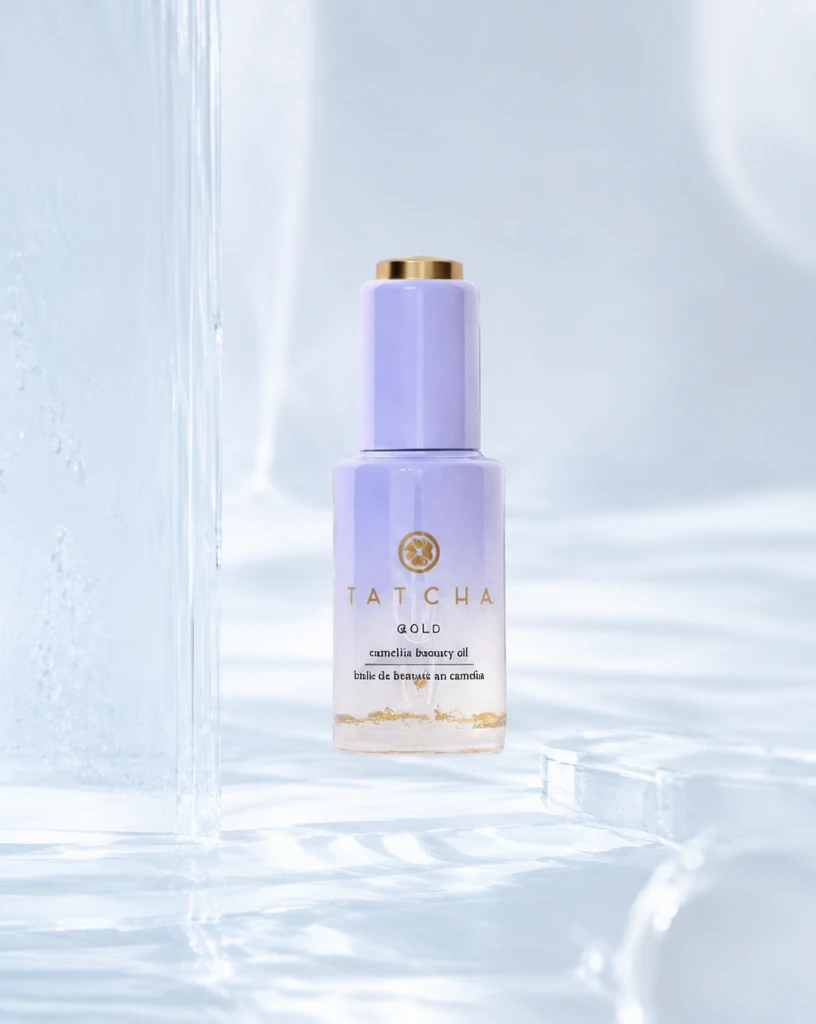 Step 600 · α2 b2b9bd3d6525904ad2c3473f5de2f3 单任务耗时 17.9 秒 / PyTorch 峰值显存 33.3 GiB |
q06
|  Input 78d012988f98085d5ce4f68146edcc | Ref 1 56c97d743e45764839188ec0cf639a | Ref 2 75092e9df9eebcc210f8c1fa5de864 | 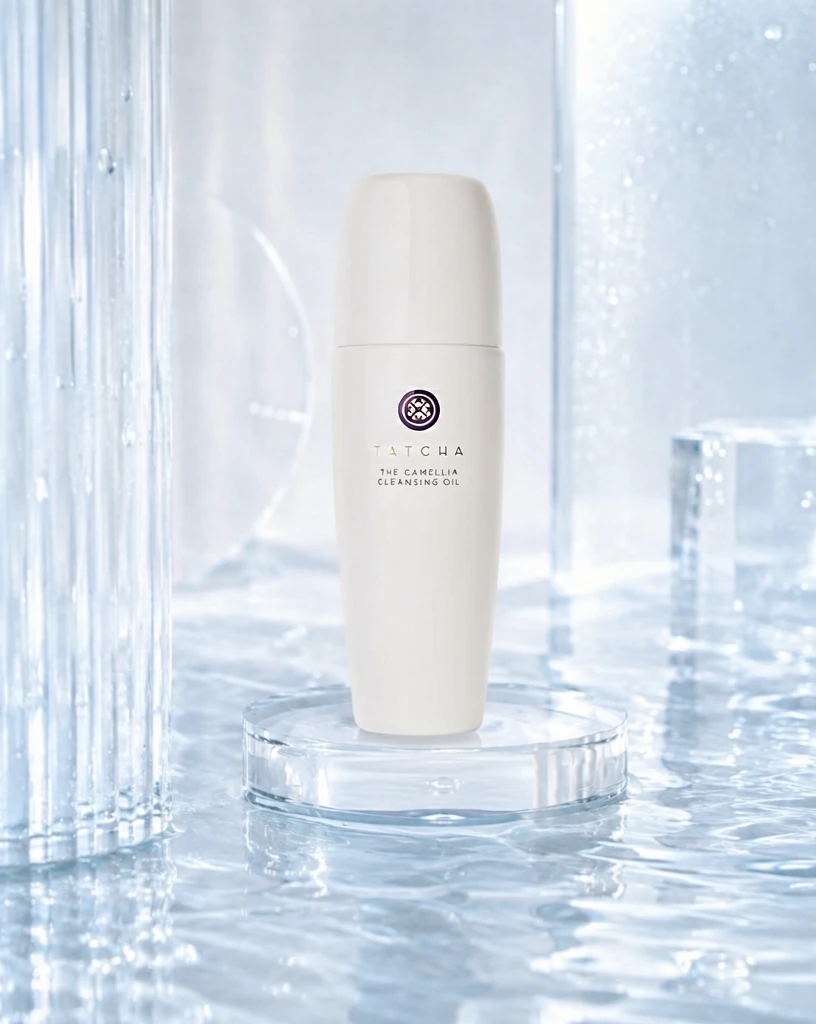 S1 CROSS 1887986b4586fc81d826df98df9ef9 单任务耗时 61.7 秒 / PyTorch 峰值显存 33.2 GiB | 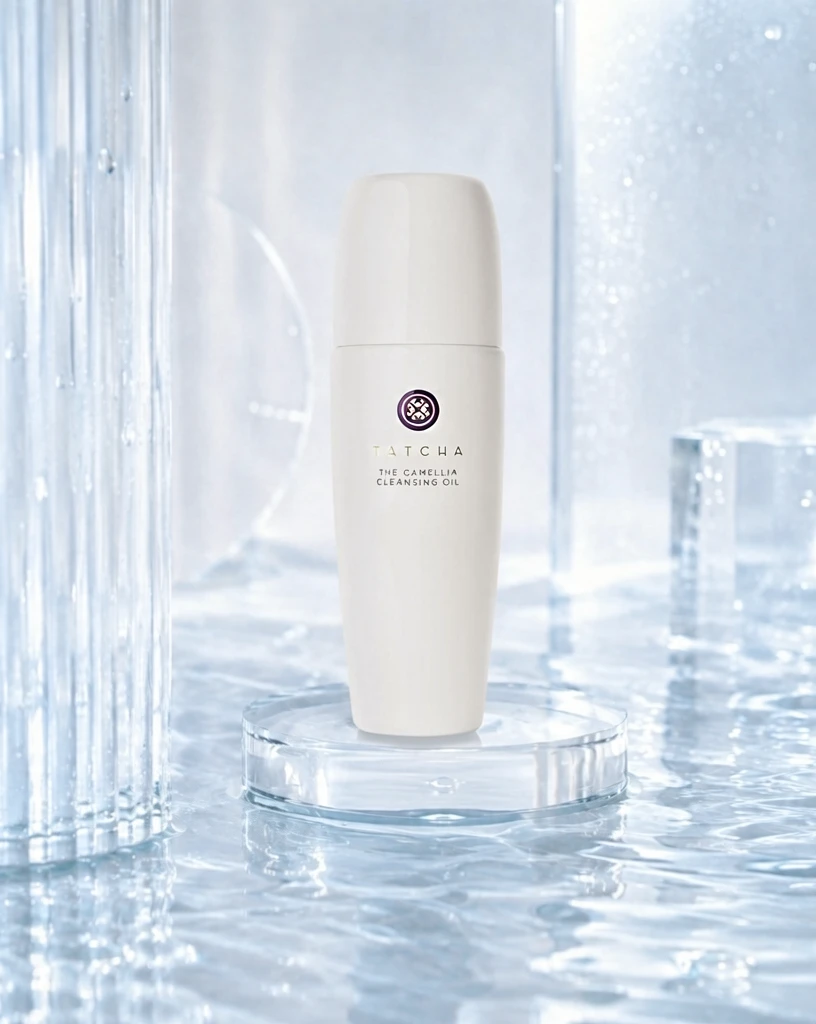 S2 CROSS b65516d2bd7893c4391001efab9cf9 单任务耗时 90.4 秒 / PyTorch 峰值显存 33.9 GiB | 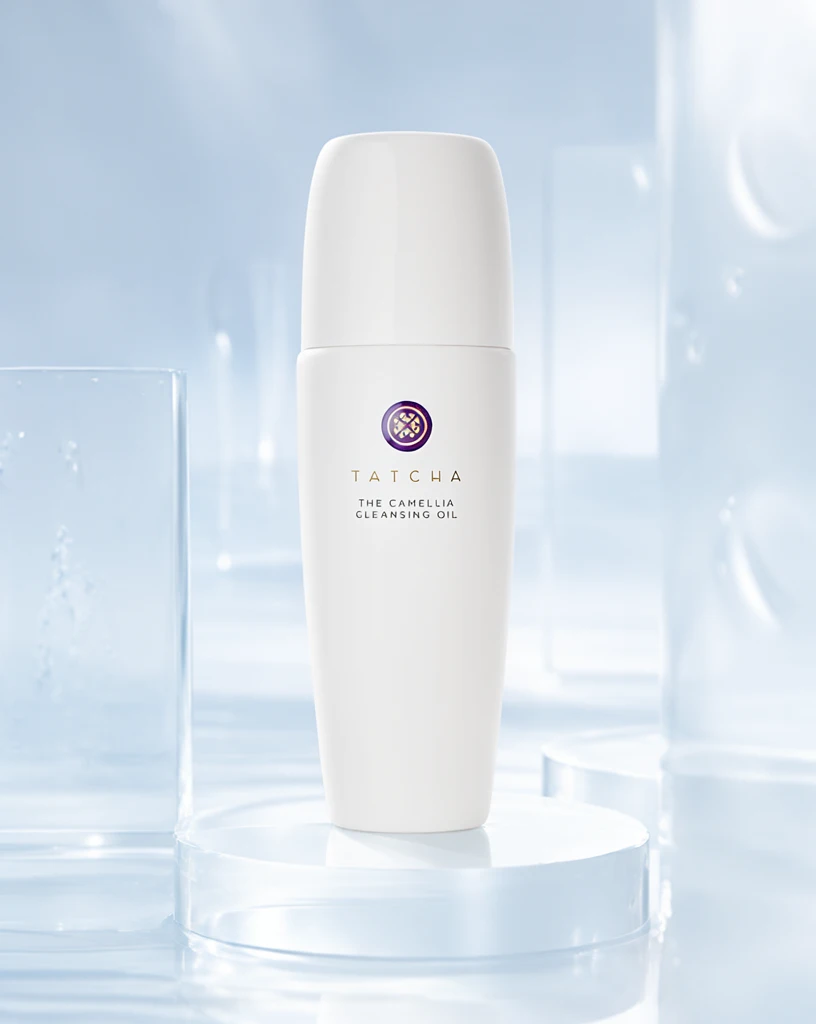 Step 200 · α1 7325a2a6a4faddff4bbbe68fc4f253 单任务耗时 17.9 秒 / PyTorch 峰值显存 33.3 GiB | 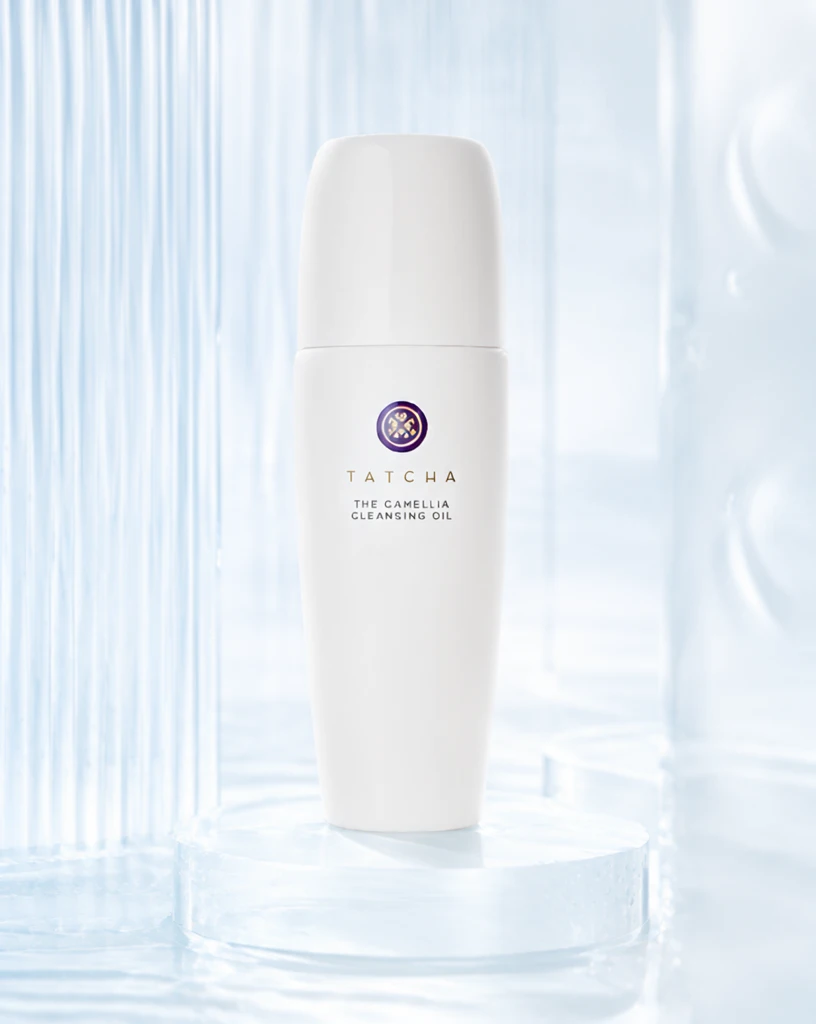 Step 200 · α2 11ce67c586123dd36d2413ff9e4483 单任务耗时 17.8 秒 / PyTorch 峰值显存 33.3 GiB | 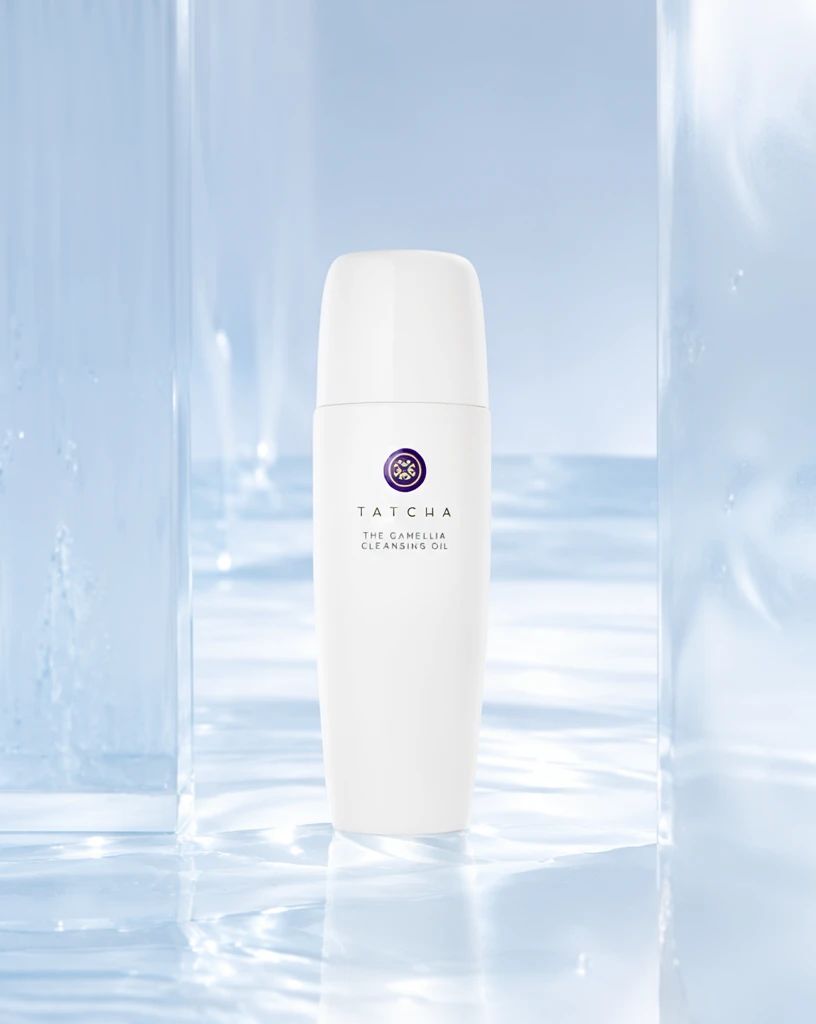 Step 400 · α1 d28783599636e7b41f4a008bad0821 单任务耗时 17.9 秒 / PyTorch 峰值显存 33.3 GiB |  Step 400 · α2 925f14ec250e7f8545cccb61e70374 单任务耗时 17.9 秒 / PyTorch 峰值显存 33.3 GiB |  Step 600 · α1 142dccde48eccc2ed7225c8584c0c1 单任务耗时 17.9 秒 / PyTorch 峰值显存 33.3 GiB |  Step 600 · α2 3770585cbdc595158b96607c159d56 单任务耗时 17.9 秒 / PyTorch 峰值显存 33.3 GiB |
q07
| Input 9fd1be4f600ade5e4c0bae31f189ee | Ref 1 d79be756a761af8091cd4e2d869de4 | Ref 2 343ad21b5cb0aebf0f6a9b95be3e86 |  S1 CROSS 434e4228ac5190ac899d10423c89eb 单任务耗时 61.8 秒 / PyTorch 峰值显存 33.2 GiB | 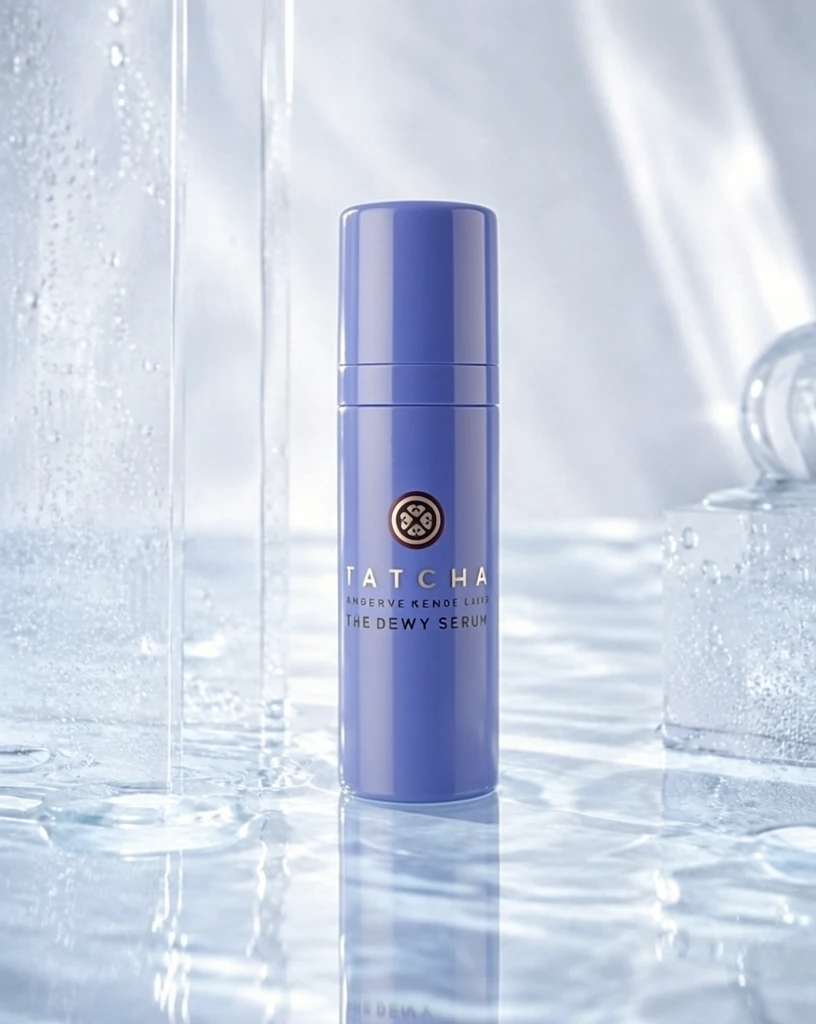 S2 CROSS e3be8e6581a1c69a4f91476f034937 单任务耗时 90.2 秒 / PyTorch 峰值显存 33.9 GiB | 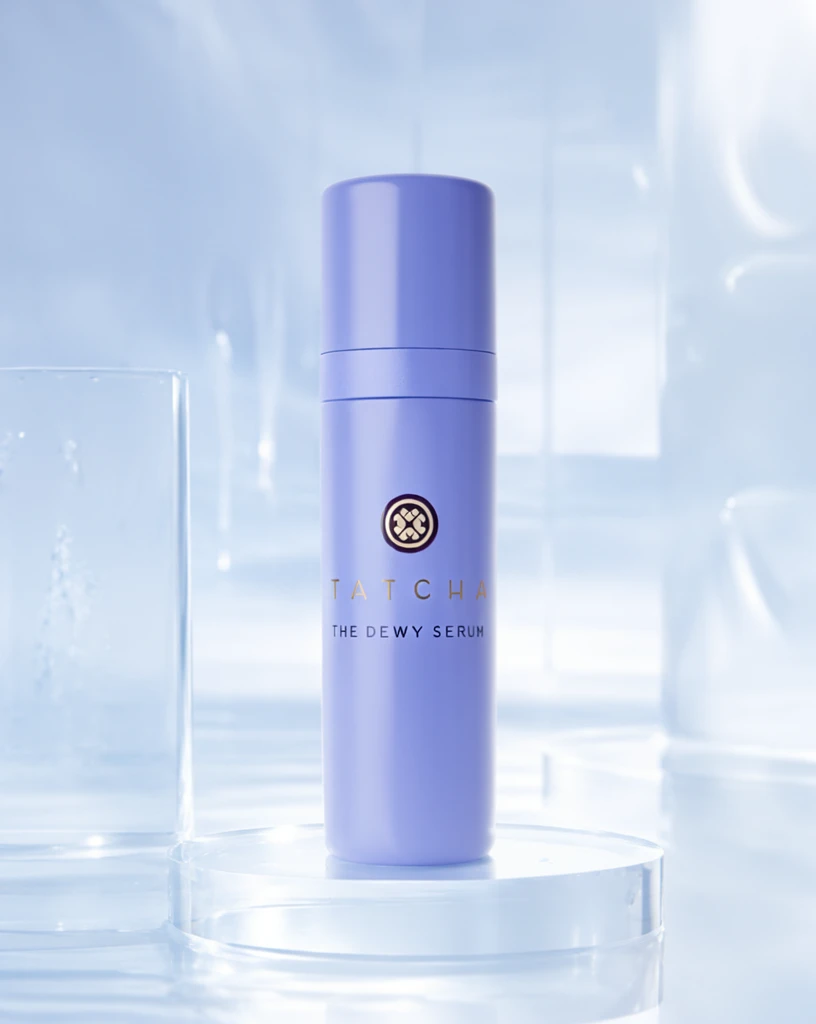 Step 200 · α1 f00ea789d46cba7160bb325072b4b6 单任务耗时 17.8 秒 / PyTorch 峰值显存 33.3 GiB | 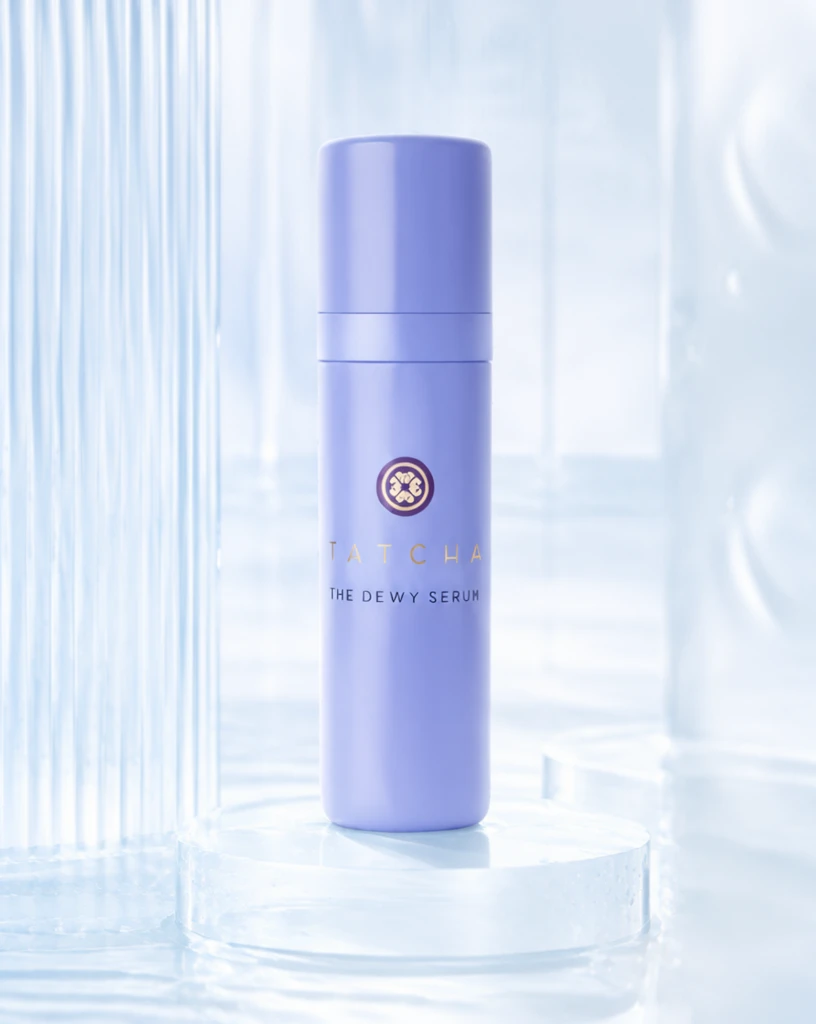 Step 200 · α2 7af2a77965552465e6e70583962c02 单任务耗时 17.8 秒 / PyTorch 峰值显存 33.3 GiB | 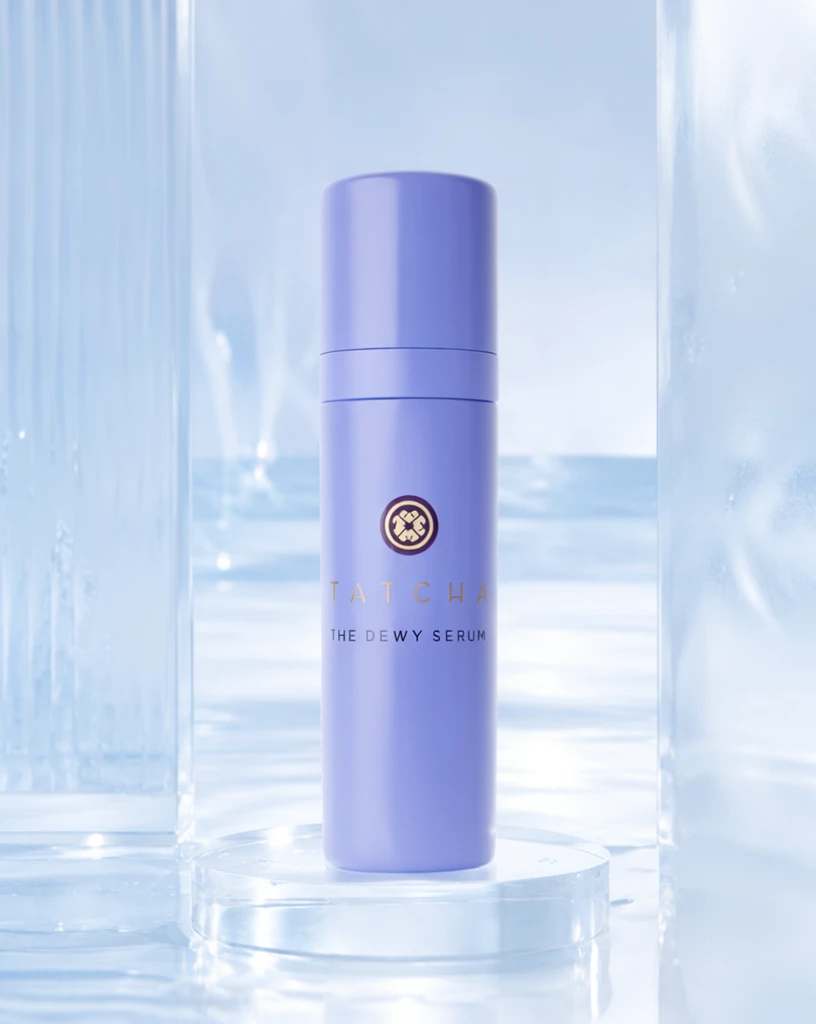 Step 400 · α1 e034948e45b350cdcf987d41b96605 单任务耗时 17.8 秒 / PyTorch 峰值显存 33.3 GiB | 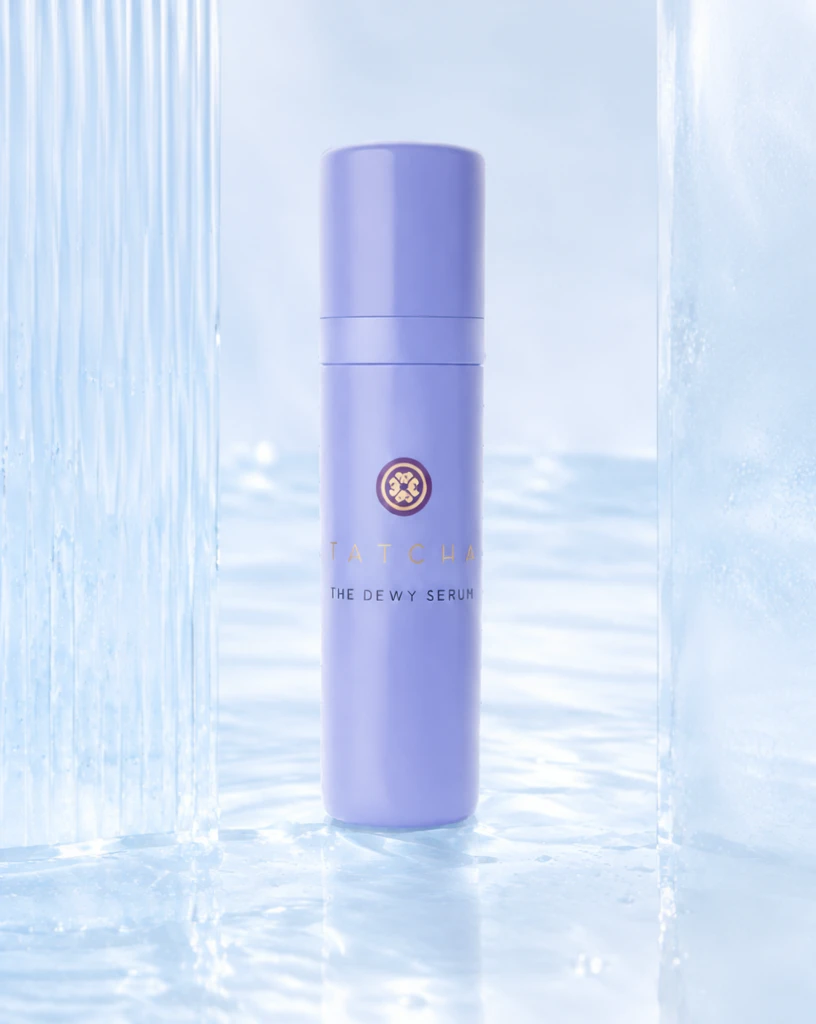 Step 400 · α2 c11a8a5e0af388199883424f634b3e 单任务耗时 17.8 秒 / PyTorch 峰值显存 33.3 GiB | 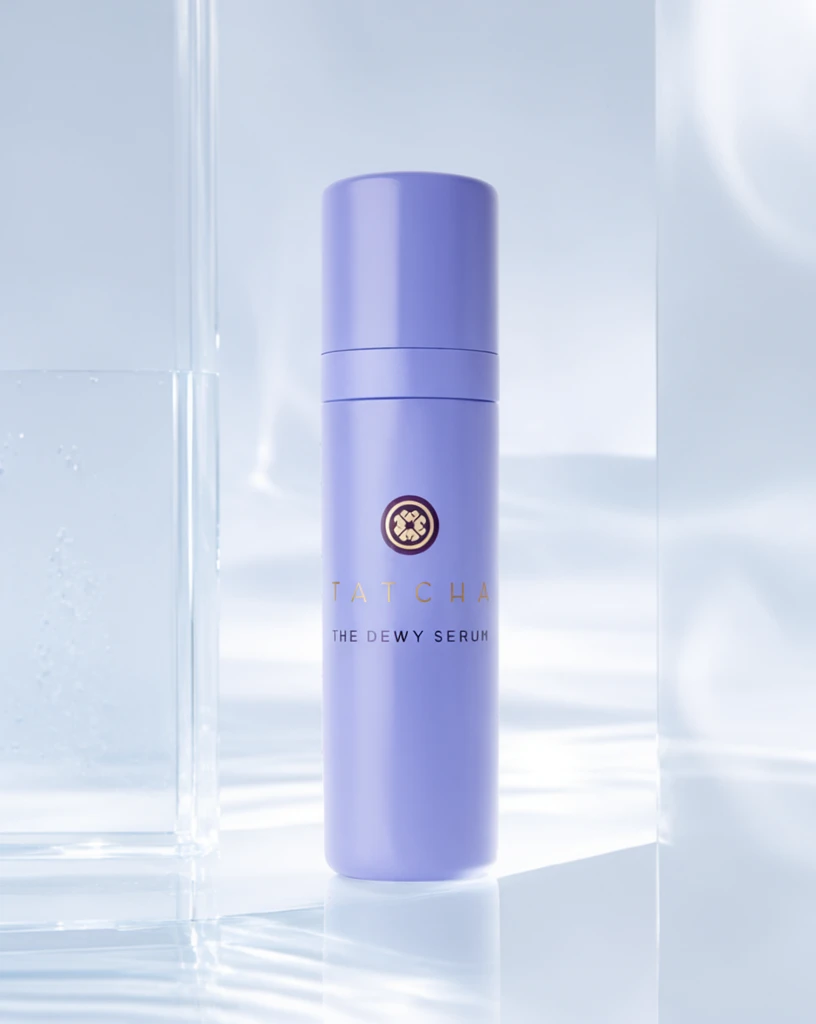 Step 600 · α1 b42d55333742a170666fed099aa151 单任务耗时 17.9 秒 / PyTorch 峰值显存 33.3 GiB | 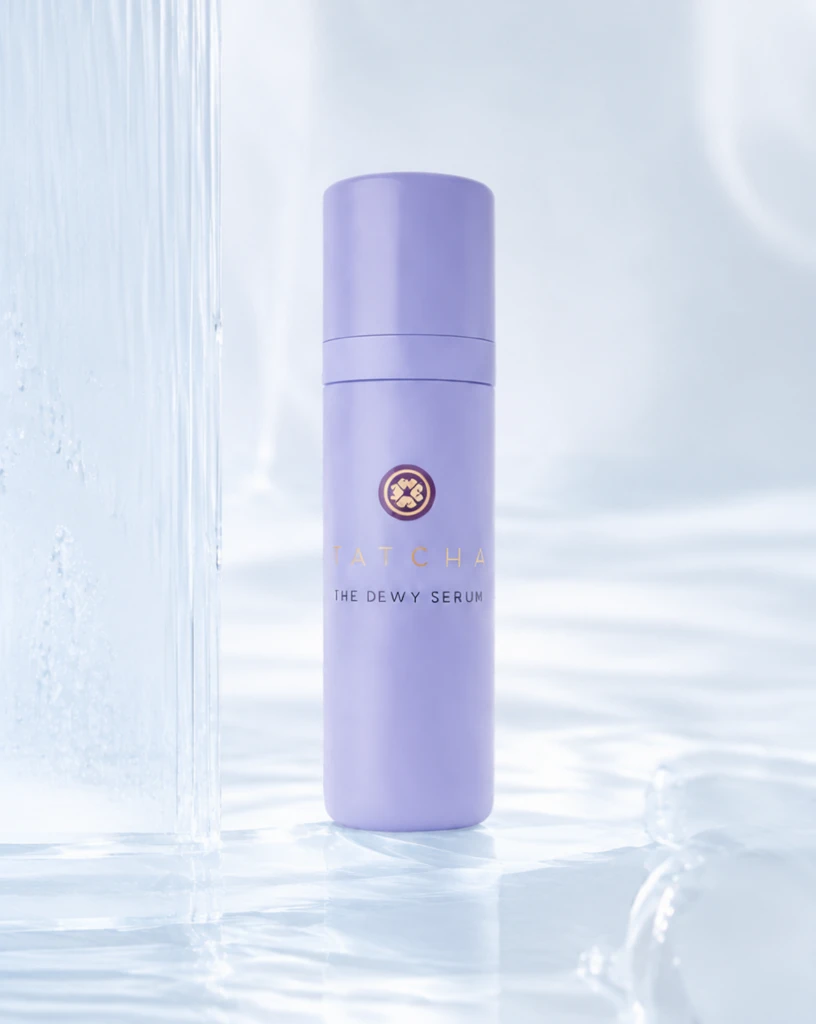 Step 600 · α2 12c44cf5b82b87a4e69392d1c5bb41 单任务耗时 17.9 秒 / PyTorch 峰值显存 33.3 GiB |
q08
| Input c8b403d83478e05ecff1d7cad37551 | Ref 1 8dffbb08db5f754784a397dd19cd3a | Ref 2 a362b7a1572b3d9c1f5ebba9ae1a6d |  S1 CROSS 62c24110168460e91e0c0bb0855955 单任务耗时 61.9 秒 / PyTorch 峰值显存 33.2 GiB |  S2 CROSS 1abea5586bcab8f8d9116efa8e6e1f 单任务耗时 90.4 秒 / PyTorch 峰值显存 33.9 GiB |  Step 200 · α1 764d2bccdcef1ebc5fdfc816f648e8 单任务耗时 17.9 秒 / PyTorch 峰值显存 33.3 GiB |  Step 200 · α2 6ccb2cdc6d76230b82b66dba6edc74 单任务耗时 17.9 秒 / PyTorch 峰值显存 33.3 GiB |  Step 400 · α1 918cce0878502d7e79e90e5f8073c3 单任务耗时 17.8 秒 / PyTorch 峰值显存 33.3 GiB |  Step 400 · α2 ad83ecbf37abc5c0393f2a8733acd5 单任务耗时 17.9 秒 / PyTorch 峰值显存 33.3 GiB |  Step 600 · α1 9fb28cb3d6c3555b12c304216e6ea6 单任务耗时 17.9 秒 / PyTorch 峰值显存 33.3 GiB |  Step 600 · α2 24615a17a0c7589483b76d8b1e9e92 单任务耗时 17.9 秒 / PyTorch 峰值显存 33.3 GiB |
q09
| Input ee75854ce328107b90f5e2ac33e229 | Ref 1 59135d3965a10ffeb11da89d33f2be | Ref 2 9376e0026a47989bea2ae3d38e7a34 | 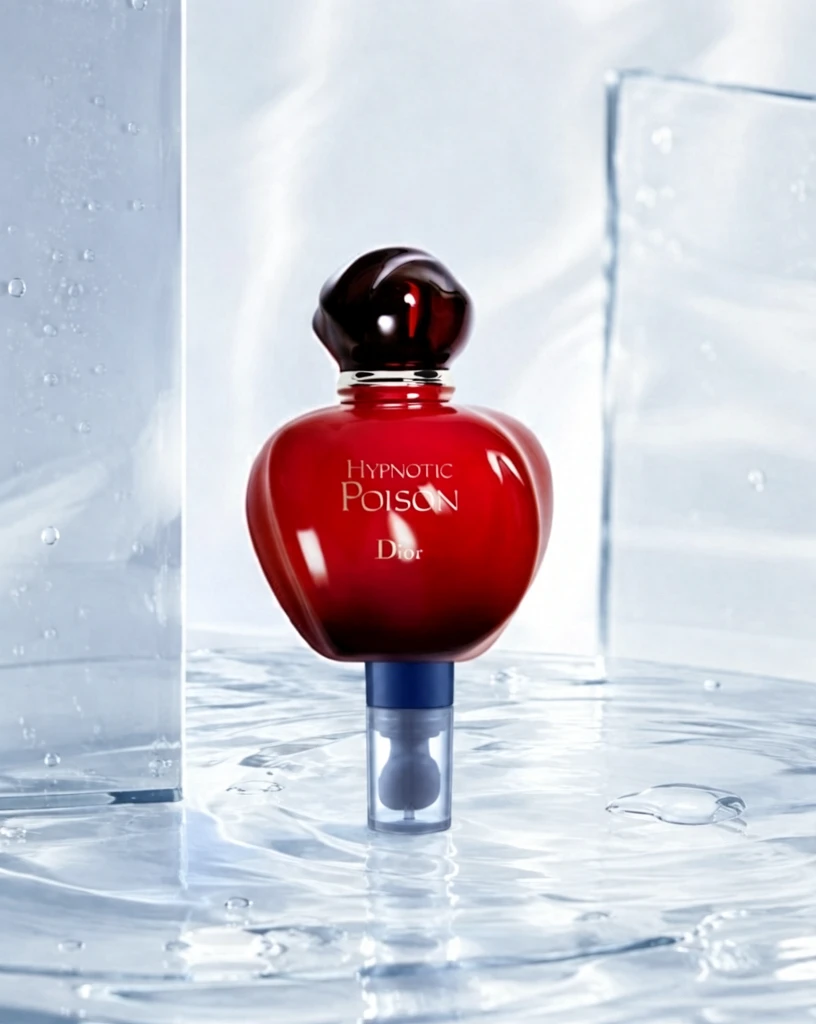 S1 CROSS b79ee9fdeecfe27740eb407ac728f0 单任务耗时 61.6 秒 / PyTorch 峰值显存 33.2 GiB | 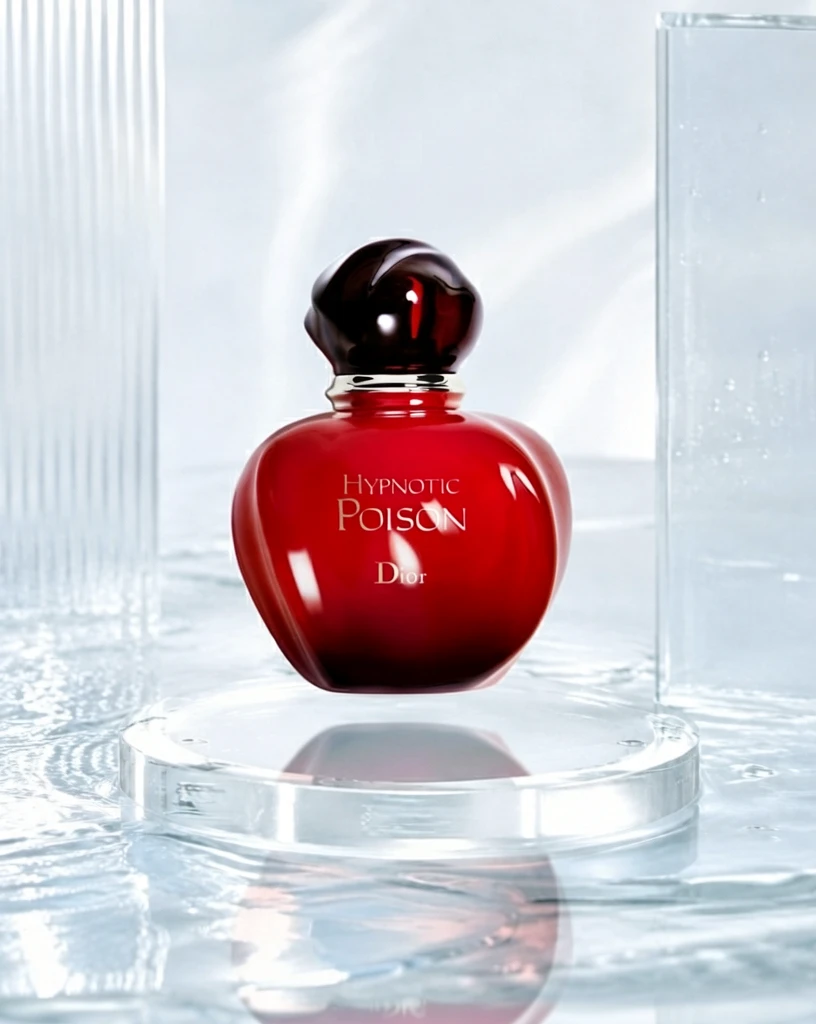 S2 CROSS 172147645c53849208e0196e879742 单任务耗时 90.2 秒 / PyTorch 峰值显存 33.9 GiB | 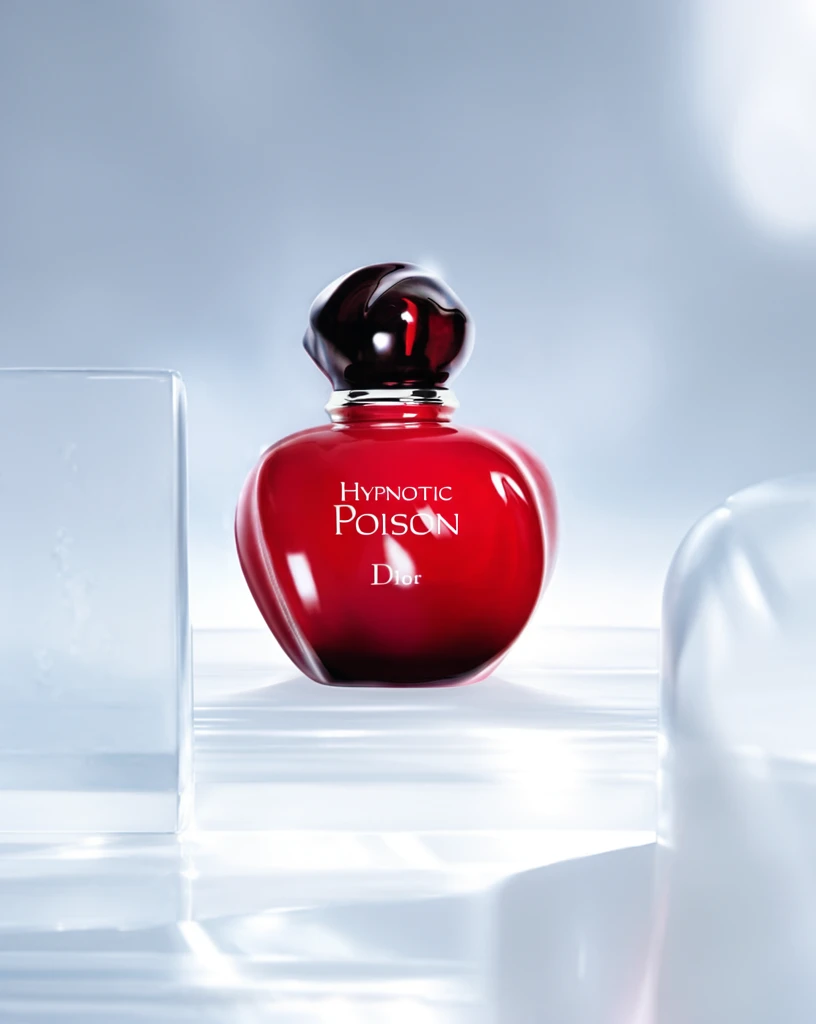 Step 200 · α1 55af0696d0472c6da64bd67590c740 单任务耗时 17.9 秒 / PyTorch 峰值显存 33.3 GiB | 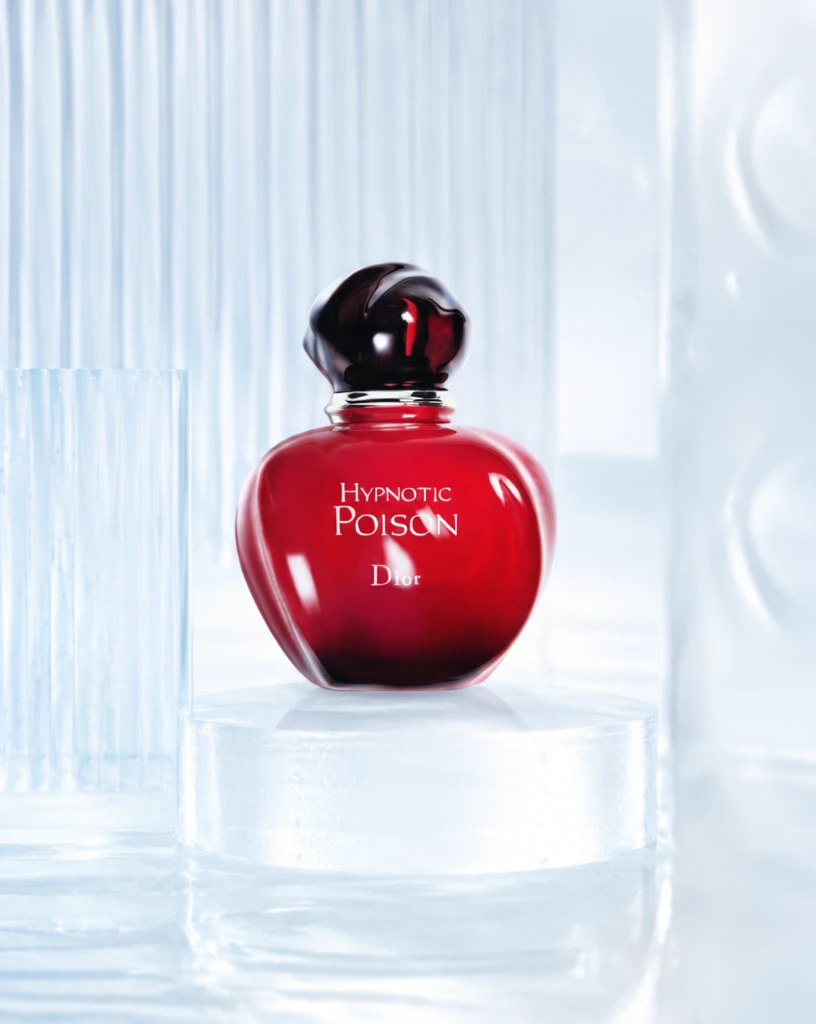 Step 200 · α2 fc741584d679fa1e874ae3ce3c74e7 单任务耗时 17.9 秒 / PyTorch 峰值显存 33.3 GiB | 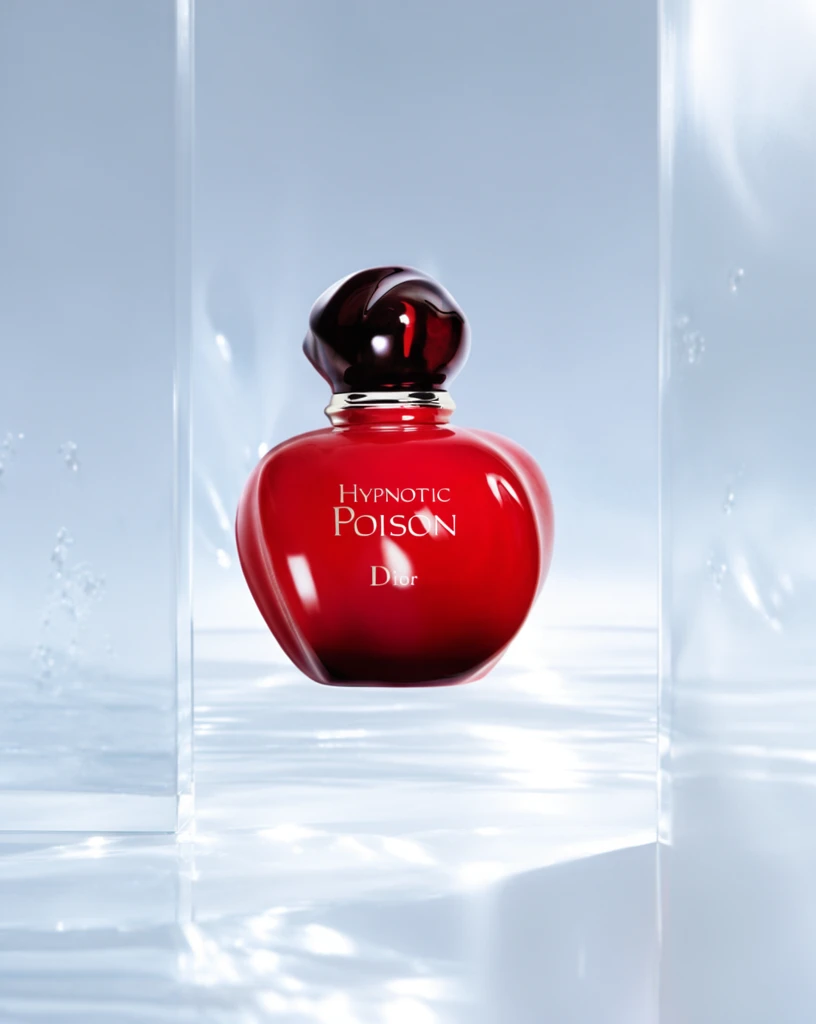 Step 400 · α1 f11ca7c5490f555a9bb98d9e9b3504 单任务耗时 17.8 秒 / PyTorch 峰值显存 33.3 GiB | 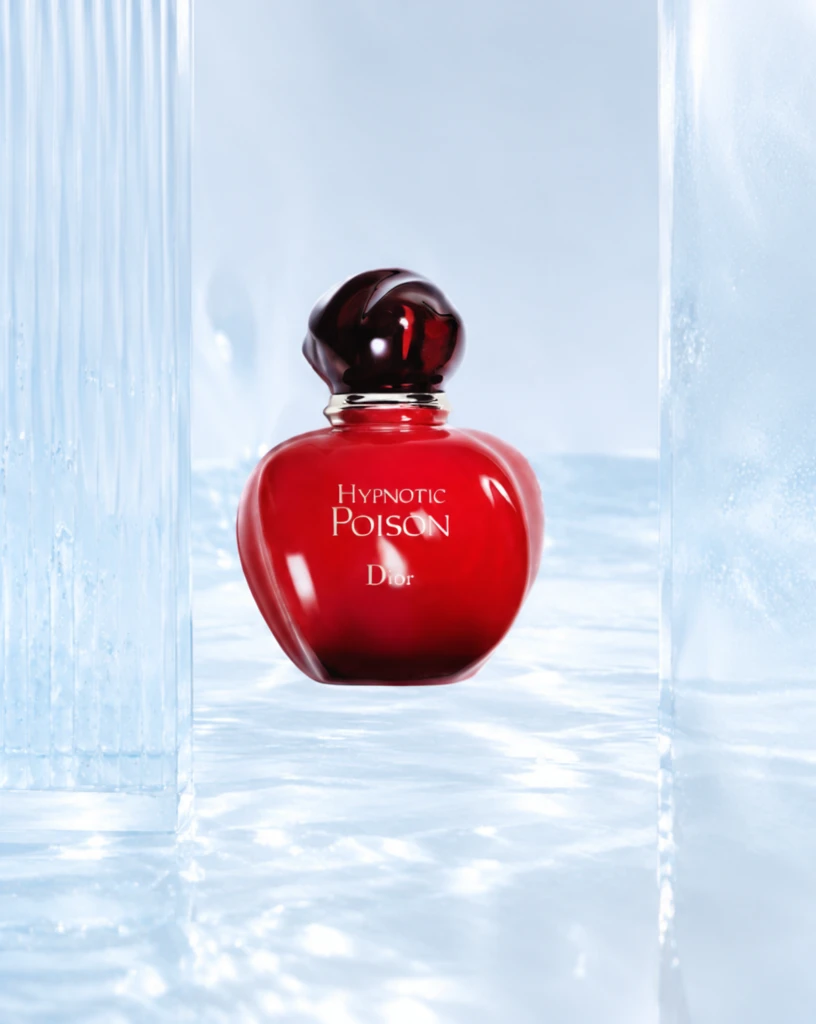 Step 400 · α2 4b990f879504c0333027e725a2a6fc 单任务耗时 17.8 秒 / PyTorch 峰值显存 33.3 GiB | 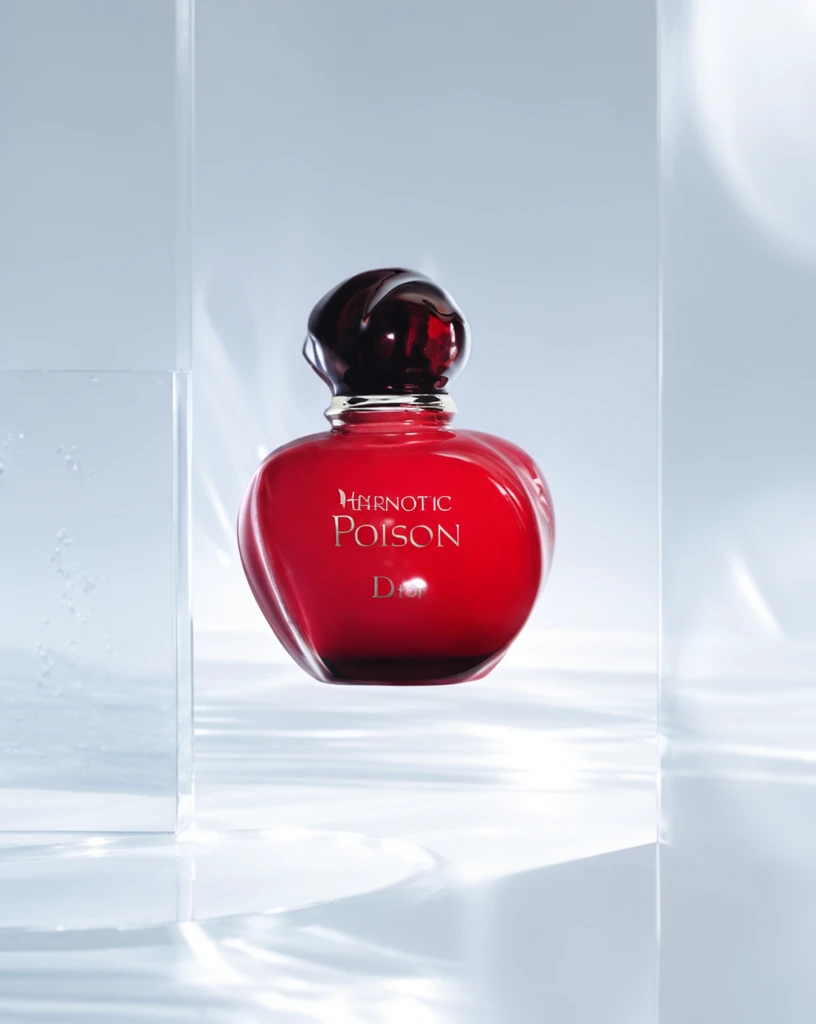 Step 600 · α1 ce4762e3cf80898fce491f5e332558 单任务耗时 17.9 秒 / PyTorch 峰值显存 33.3 GiB | 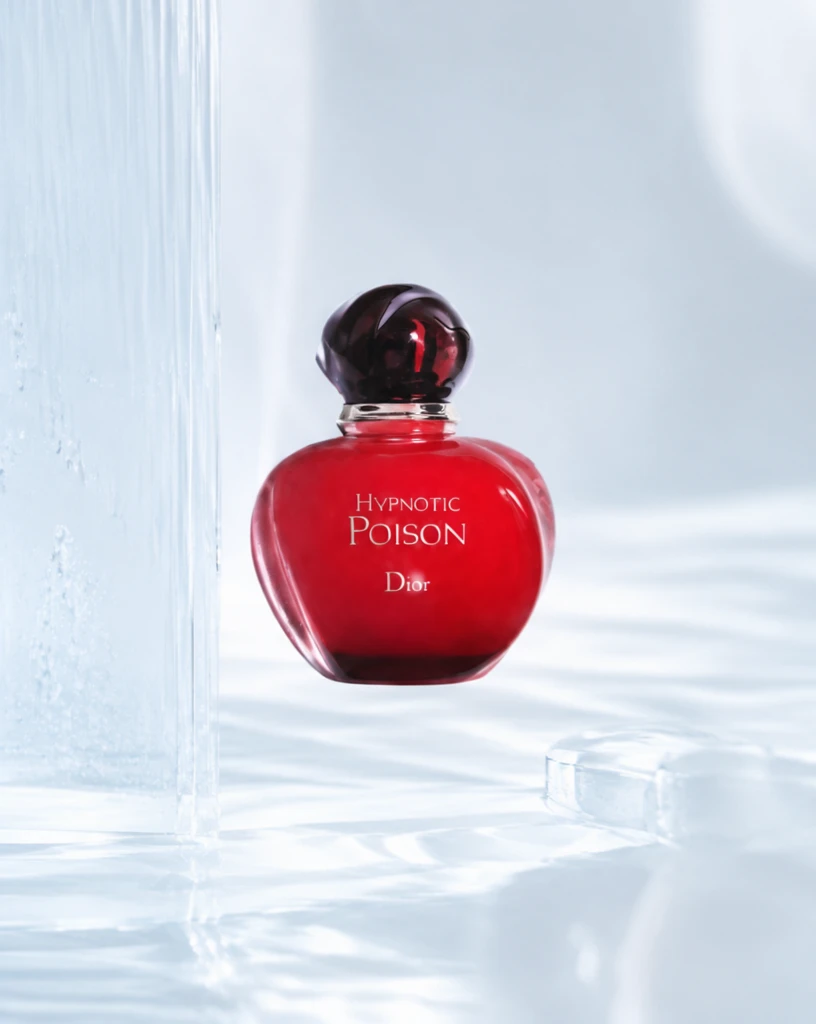 Step 600 · α2 69c7d97c265e86e0e901f38fd59b60 单任务耗时 17.9 秒 / PyTorch 峰值显存 33.3 GiB |
q10
| Input bb700c7ef32eba887f555c90647c8a | Ref 1 c52ee62870eb2948afc3fabd510891 | Ref 2 8aac5d034732ca1f65fc2129d56f67 | 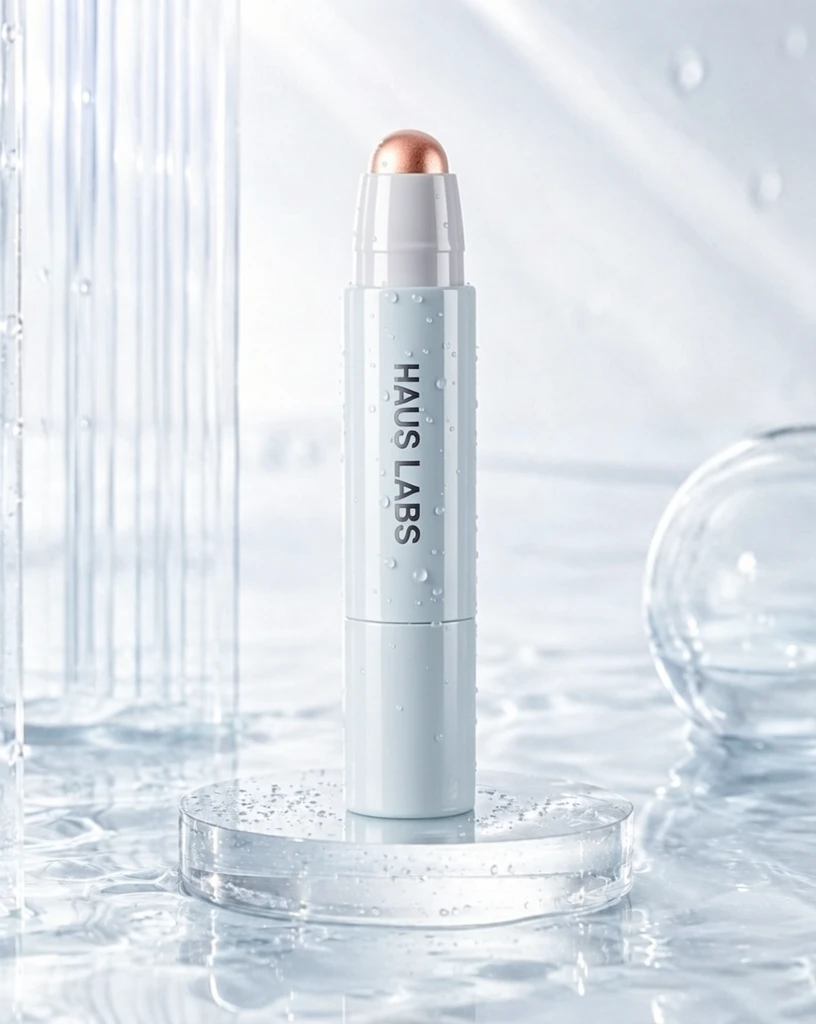 S1 CROSS 43baad98fd6bed53ed717bdbd14b38 单任务耗时 61.8 秒 / PyTorch 峰值显存 33.2 GiB | 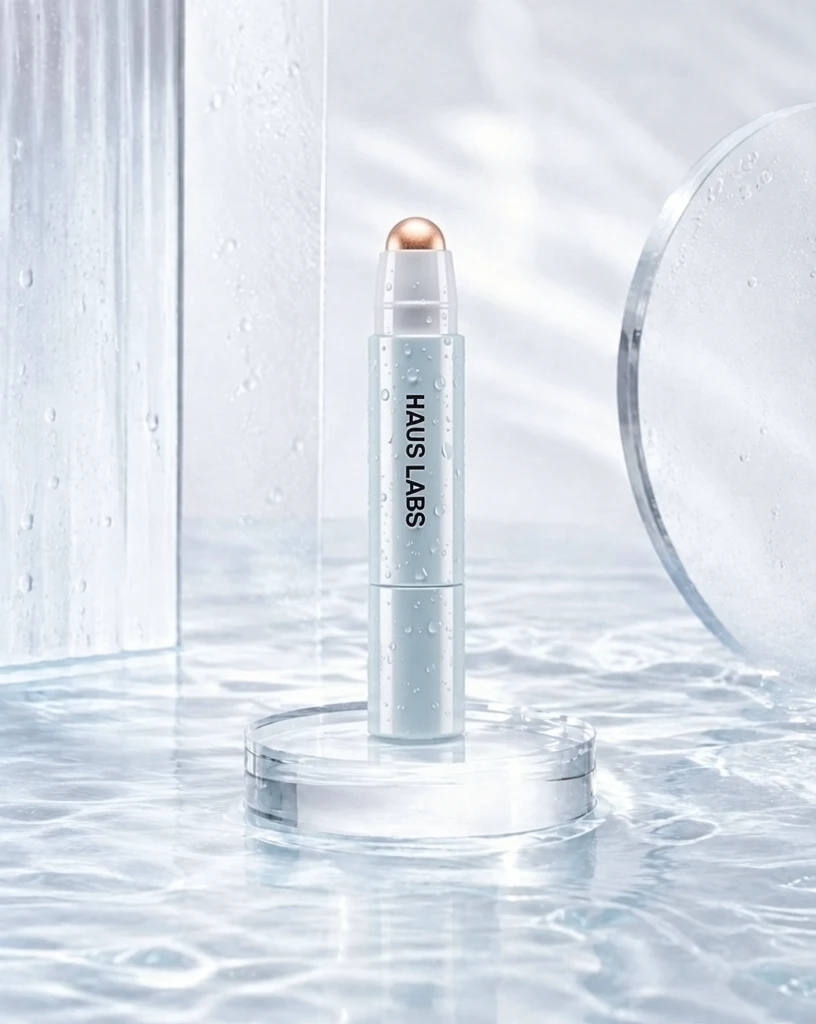 S2 CROSS 201130f52a3fd61382c985111303f0 单任务耗时 90.2 秒 / PyTorch 峰值显存 33.9 GiB | 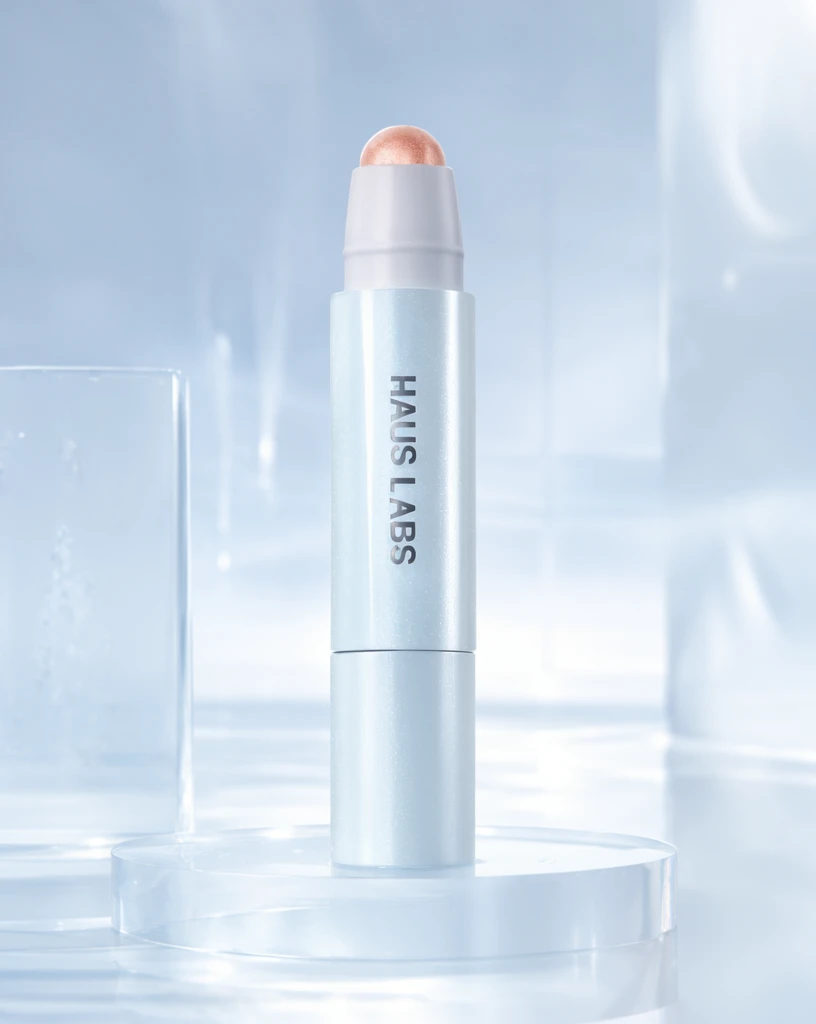 Step 200 · α1 87a291da3c53b591dcd7f2176c28e1 单任务耗时 17.8 秒 / PyTorch 峰值显存 33.3 GiB | 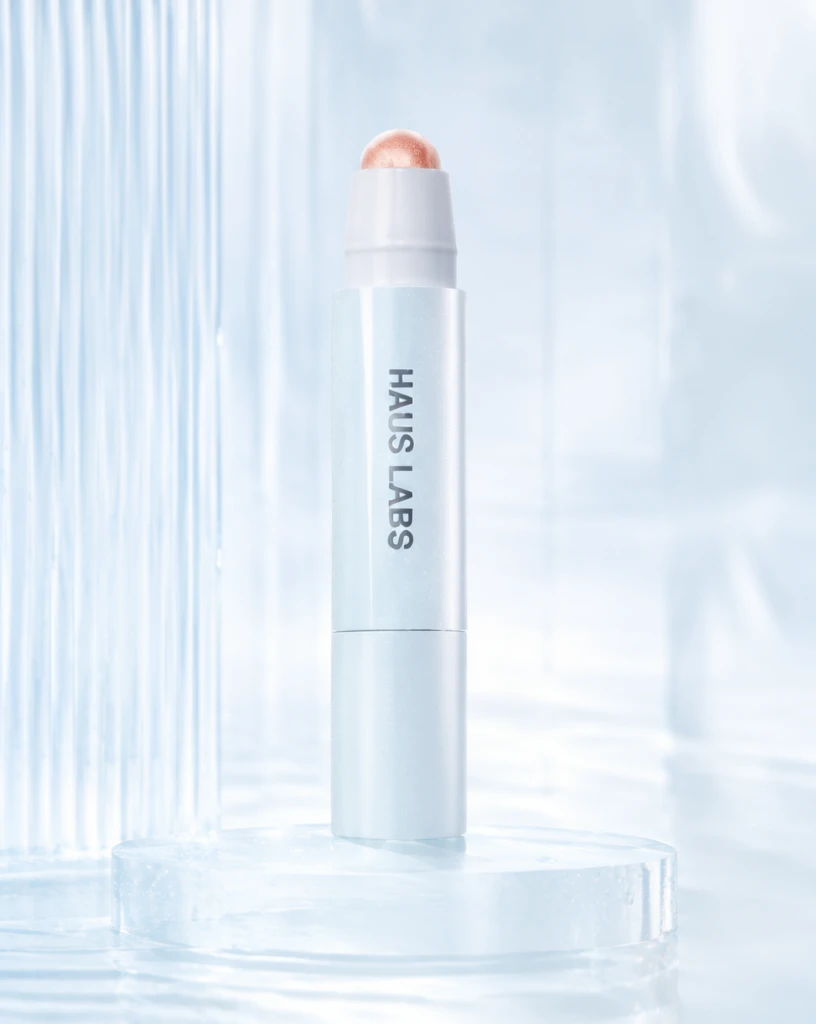 Step 200 · α2 84bfee3075db73e8ea17f81ef4e290 单任务耗时 17.8 秒 / PyTorch 峰值显存 33.3 GiB | 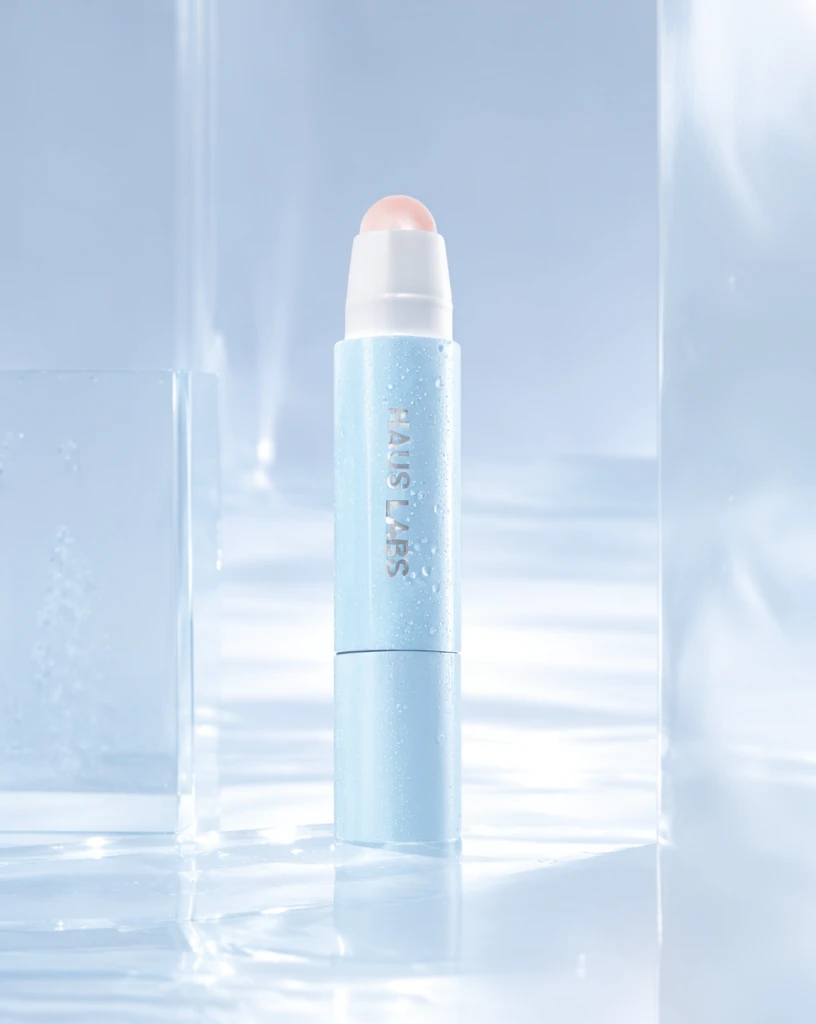 Step 400 · α1 8f9ff01070faaf7bc7baf694f7a636 单任务耗时 17.9 秒 / PyTorch 峰值显存 33.3 GiB |  Step 400 · α2 e69ea68feedd947cdb483607570cef 单任务耗时 17.9 秒 / PyTorch 峰值显存 33.3 GiB |  Step 600 · α1 4499e9d4165a676886230dc8595799 单任务耗时 17.9 秒 / PyTorch 峰值显存 33.3 GiB |  Step 600 · α2 5b65039d16a5705f8cf2c592402519 单任务耗时 17.9 秒 / PyTorch 峰值显存 33.3 GiB |
q11
|  Input 7f5d21fc5089e83e2229cc757ab0a3 | Ref 1 3ae20df4c9079706d2b090af9ef8c8 | Ref 2 b72dfef8e517fe792e8548282fd734 |  S1 CROSS 72375eec95553c13c6ce9880a26b37 单任务耗时 61.6 秒 / PyTorch 峰值显存 33.2 GiB |  S2 CROSS 256ac5637c9a06433f8d9648cb1bd8 单任务耗时 90.2 秒 / PyTorch 峰值显存 33.9 GiB |  Step 200 · α1 cb7584646dd4bf22d497b79478441b 单任务耗时 17.9 秒 / PyTorch 峰值显存 33.3 GiB |  Step 200 · α2 ad5f99ed68a1914b641aefa7dbcf4c 单任务耗时 17.9 秒 / PyTorch 峰值显存 33.3 GiB | 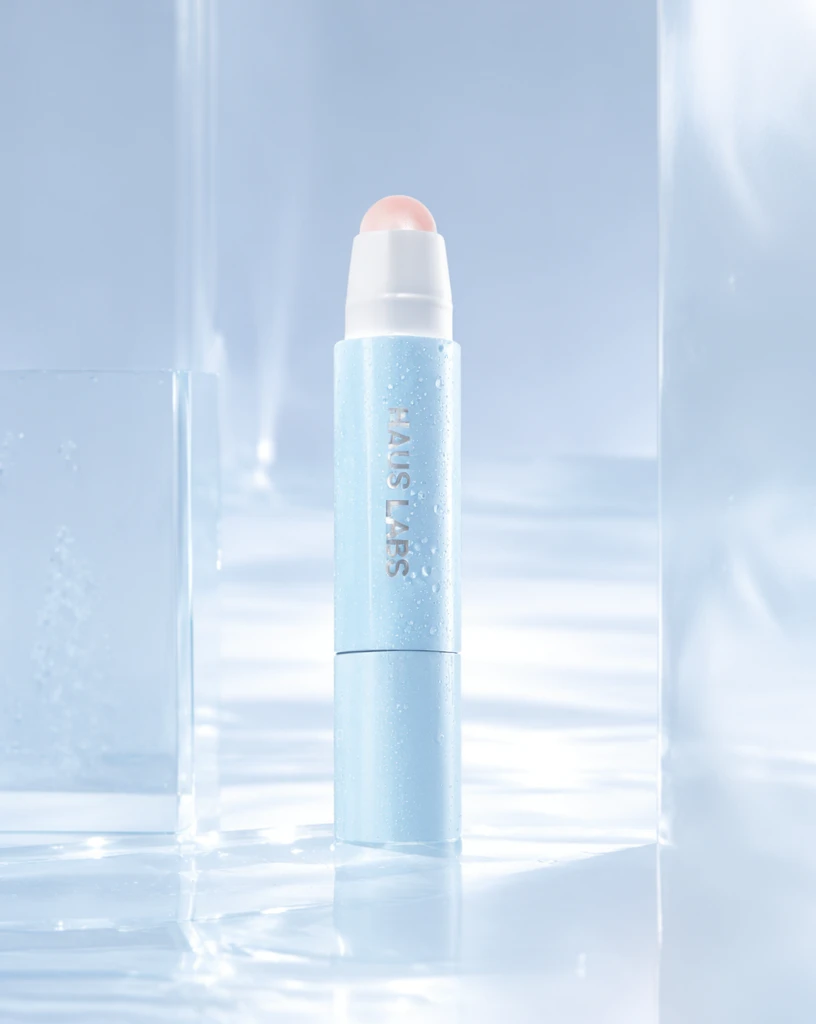 Step 400 · α1 af75bc378b448678b4ca59a807dea5 单任务耗时 17.9 秒 / PyTorch 峰值显存 33.3 GiB | 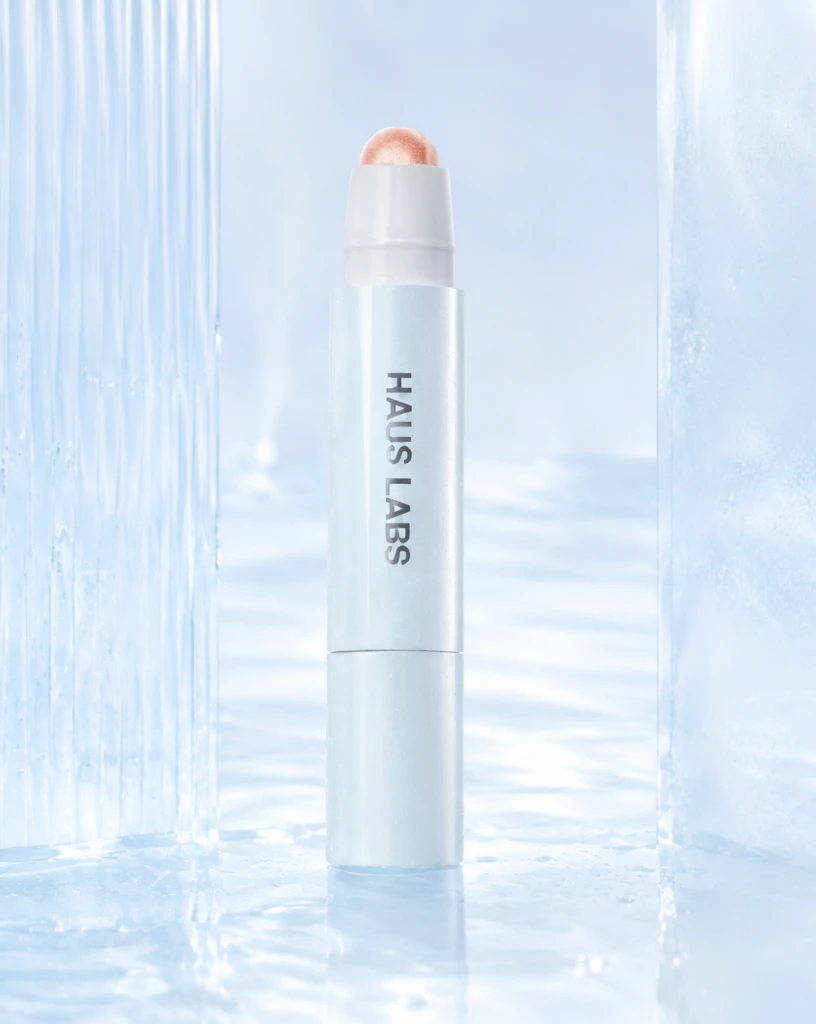 Step 400 · α2 4dc99ae5cd9605b23444b4daab7411 单任务耗时 17.9 秒 / PyTorch 峰值显存 33.3 GiB | 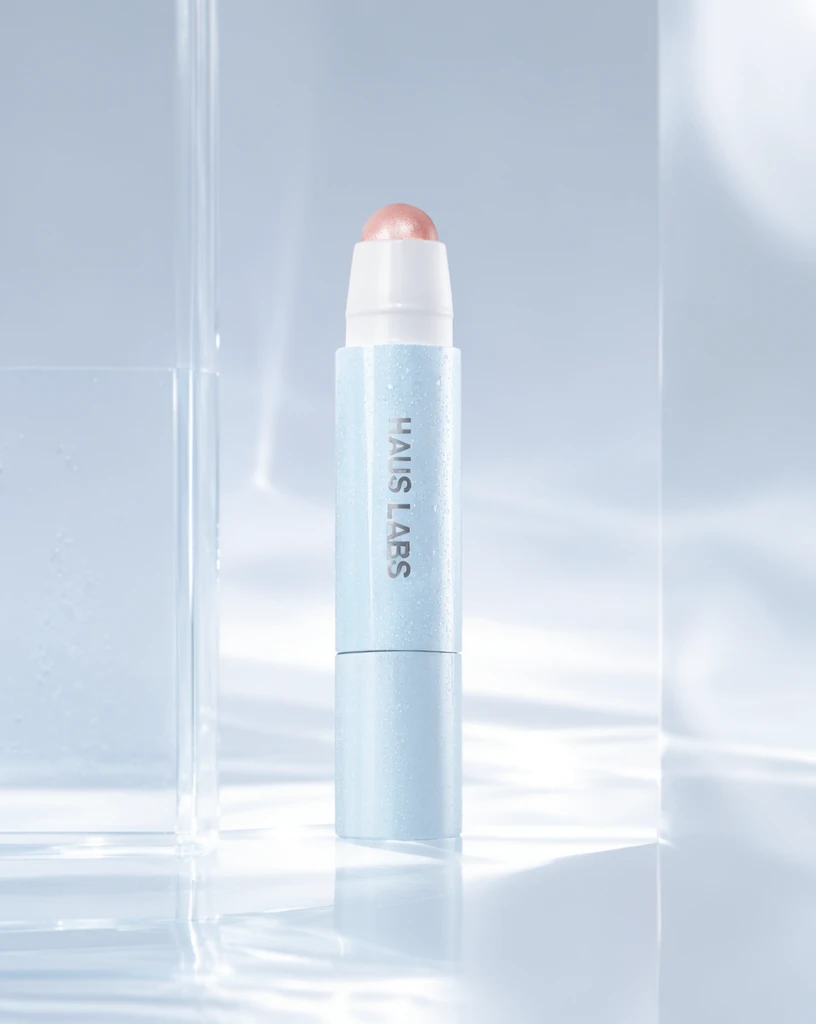 Step 600 · α1 2804ac733111f9d109965275179f83 单任务耗时 17.9 秒 / PyTorch 峰值显存 33.3 GiB | 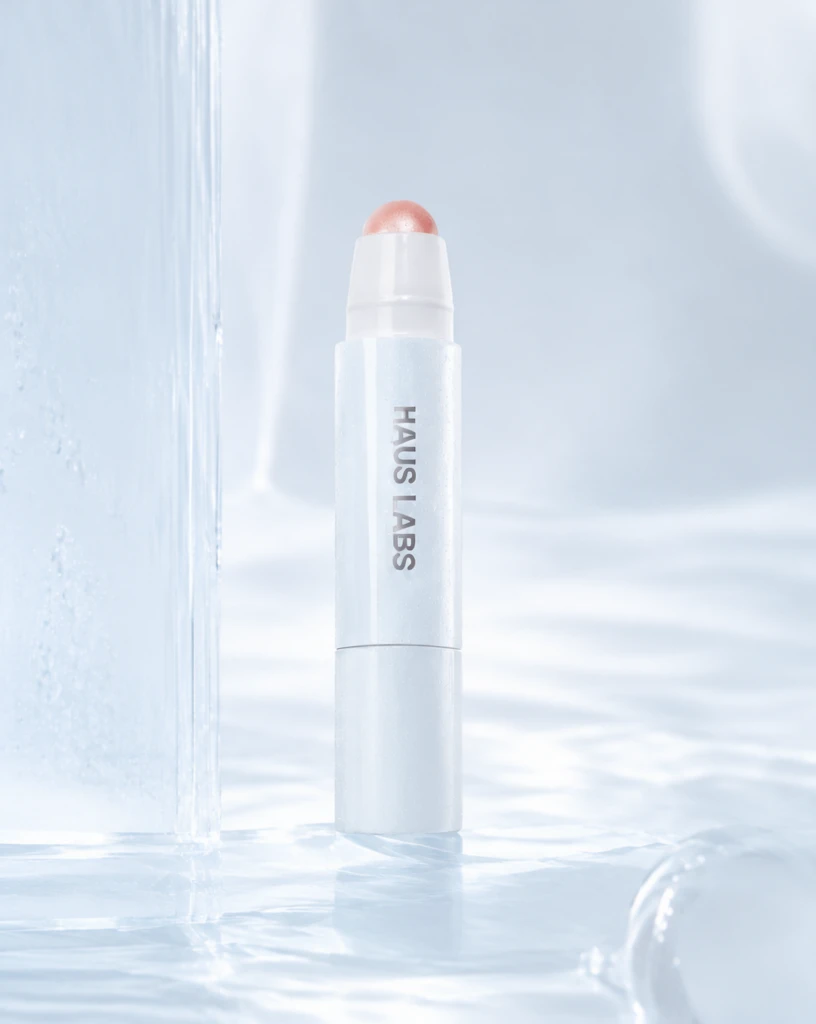 Step 600 · α2 e2739003e90b6f1798db0d77f3e6f2 单任务耗时 17.9 秒 / PyTorch 峰值显存 33.3 GiB |
q12
|  Input acbf6b57af75b6a7b80a895277794c | Ref 1 76610cde2b851123ccaadb5e5ac019 | Ref 2 5e144f5a285540b4363fd6be3c2ec0 |  S1 CROSS 13da43cf4d24e0beda1fbe7849a714 单任务耗时 61.8 秒 / PyTorch 峰值显存 33.2 GiB |  S2 CROSS ac1a298ef0823bcc49375536a35880 单任务耗时 90.6 秒 / PyTorch 峰值显存 33.9 GiB |  Step 200 · α1 b754d744115099b5f524039cd4e821 单任务耗时 17.9 秒 / PyTorch 峰值显存 33.3 GiB |  Step 200 · α2 d6f28829bfafeb8cbc725a80653e44 单任务耗时 17.8 秒 / PyTorch 峰值显存 33.3 GiB |  Step 400 · α1 00b2313a304667de7fcaecba26e1d2 单任务耗时 17.9 秒 / PyTorch 峰值显存 33.3 GiB |  Step 400 · α2 9b1cbb783dd93a3c59dbeffea6af54 单任务耗时 17.9 秒 / PyTorch 峰值显存 33.3 GiB |  Step 600 · α1 668131e7934e8bbad8433745cac4d4 单任务耗时 17.9 秒 / PyTorch 峰值显存 33.3 GiB |  Step 600 · α2 a41c3ba6a9b7b906e4256615af06ec 单任务耗时 17.9 秒 / PyTorch 峰值显存 33.3 GiB |
q13
| Input 5659bb77600c47cb1d2002b01d07fd | Ref 1 33db63196bfe030d702d75eae5ce20 | Ref 2 3366edfc285dd85e4f02d7fbe97fad |  S1 CROSS 2c7d6a7cbd8fc3584f8695a0257794 单任务耗时 61.8 秒 / PyTorch 峰值显存 33.2 GiB |  S2 CROSS 30989b9ce96f6bb18a4f2d2c37aedf 单任务耗时 90.7 秒 / PyTorch 峰值显存 33.9 GiB |  Step 200 · α1 05059dbd4166d52025bf39c202ed10 单任务耗时 17.9 秒 / PyTorch 峰值显存 33.3 GiB |  Step 200 · α2 1526c287d801adf9b4a2d87c7b9356 单任务耗时 17.8 秒 / PyTorch 峰值显存 33.3 GiB | 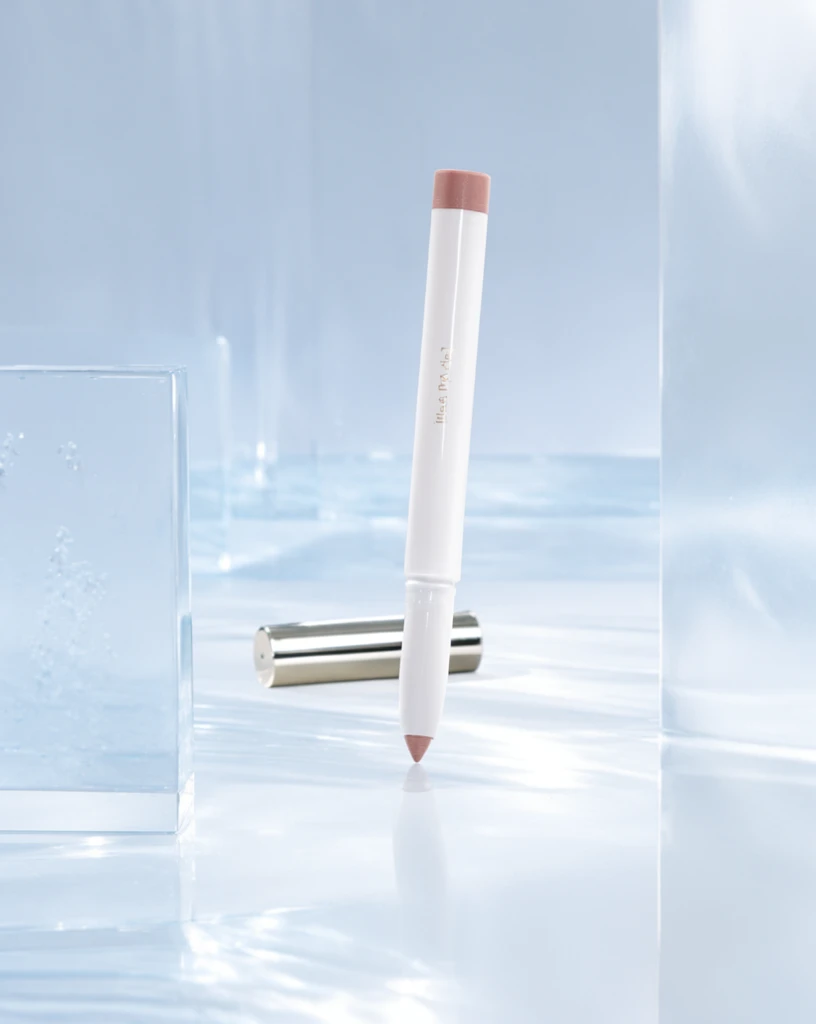 Step 400 · α1 aba560ae4d1c40c6646414cb420481 单任务耗时 18.0 秒 / PyTorch 峰值显存 33.3 GiB | 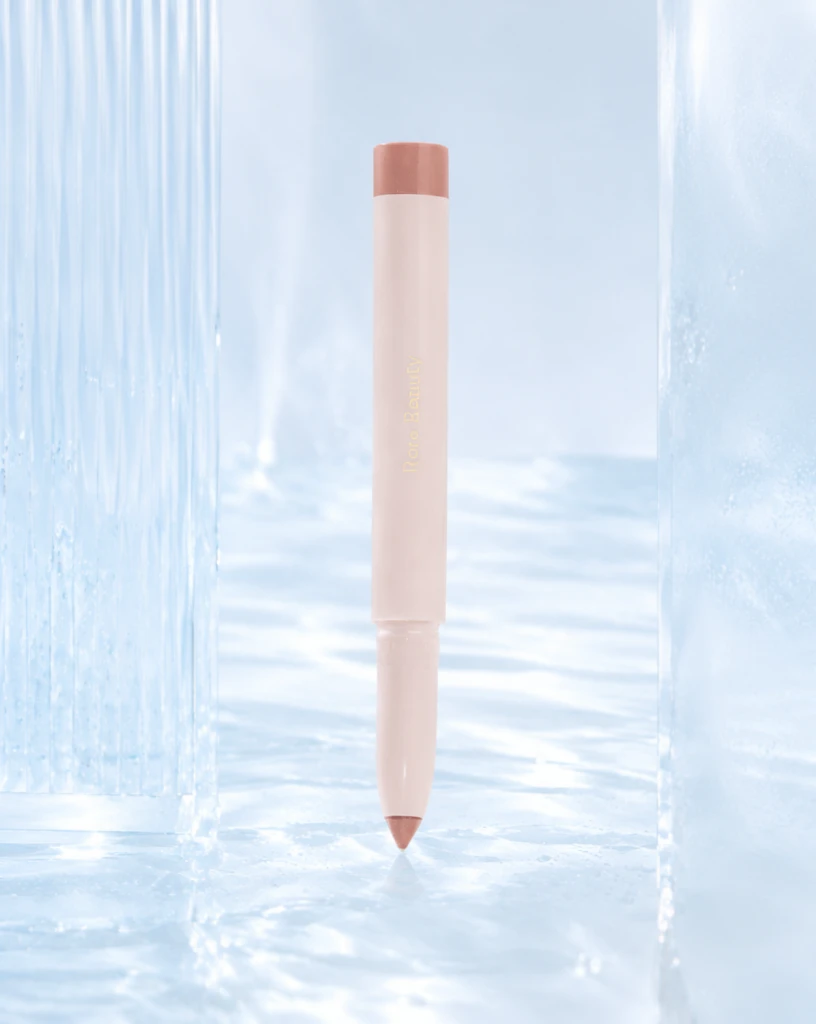 Step 400 · α2 2e76d45d2d014f7584dc0aba8c5e18 单任务耗时 17.9 秒 / PyTorch 峰值显存 33.3 GiB | 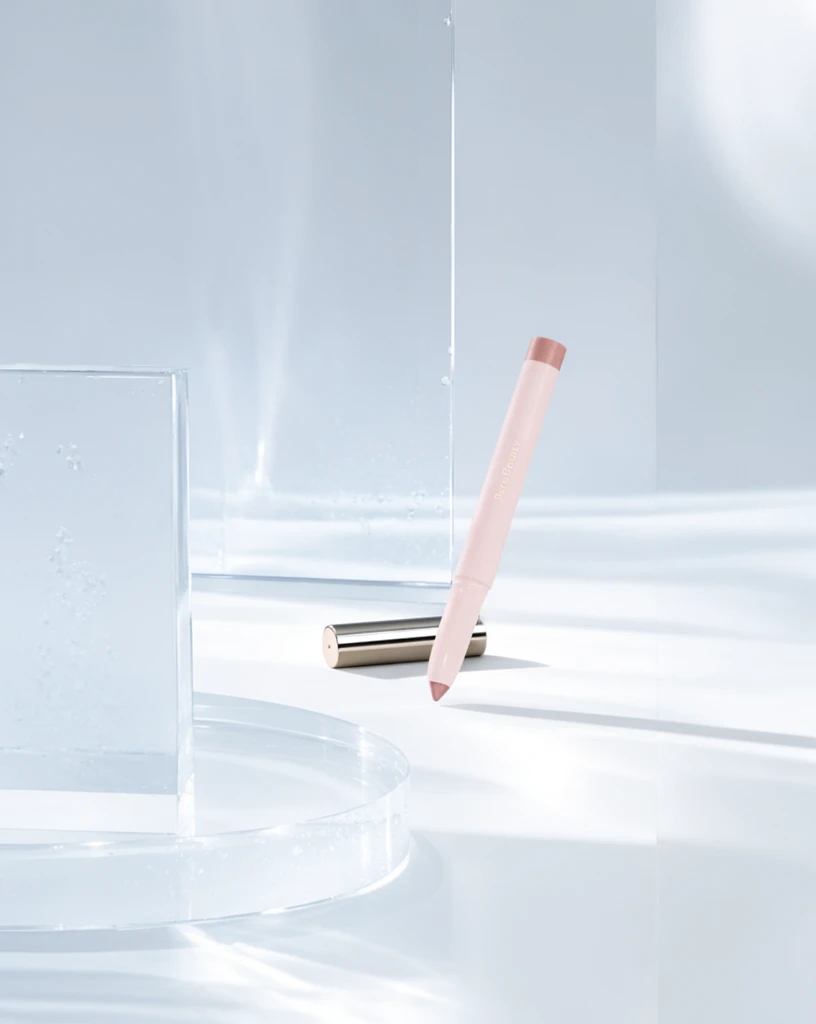 Step 600 · α1 dc1b76787d187db6bef70d93852ae0 单任务耗时 17.9 秒 / PyTorch 峰值显存 33.3 GiB | 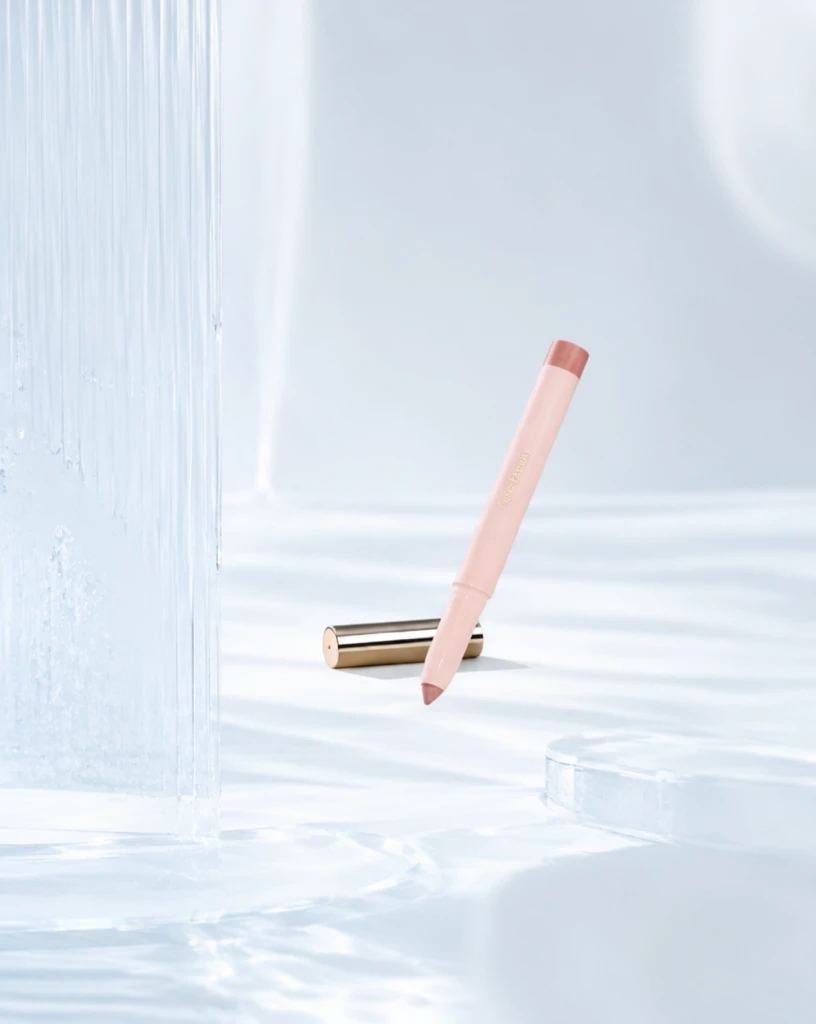 Step 600 · α2 389f7acf4c632452bbfccfb9aa99c7 单任务耗时 17.9 秒 / PyTorch 峰值显存 33.3 GiB |
q14
| Input 3fc0f42b90afbcf28e145ecf76c599 | Ref 1 6556a901826dee87141367177733d3 | Ref 2 fbb8720a7219e5e6779b0b64b622aa | 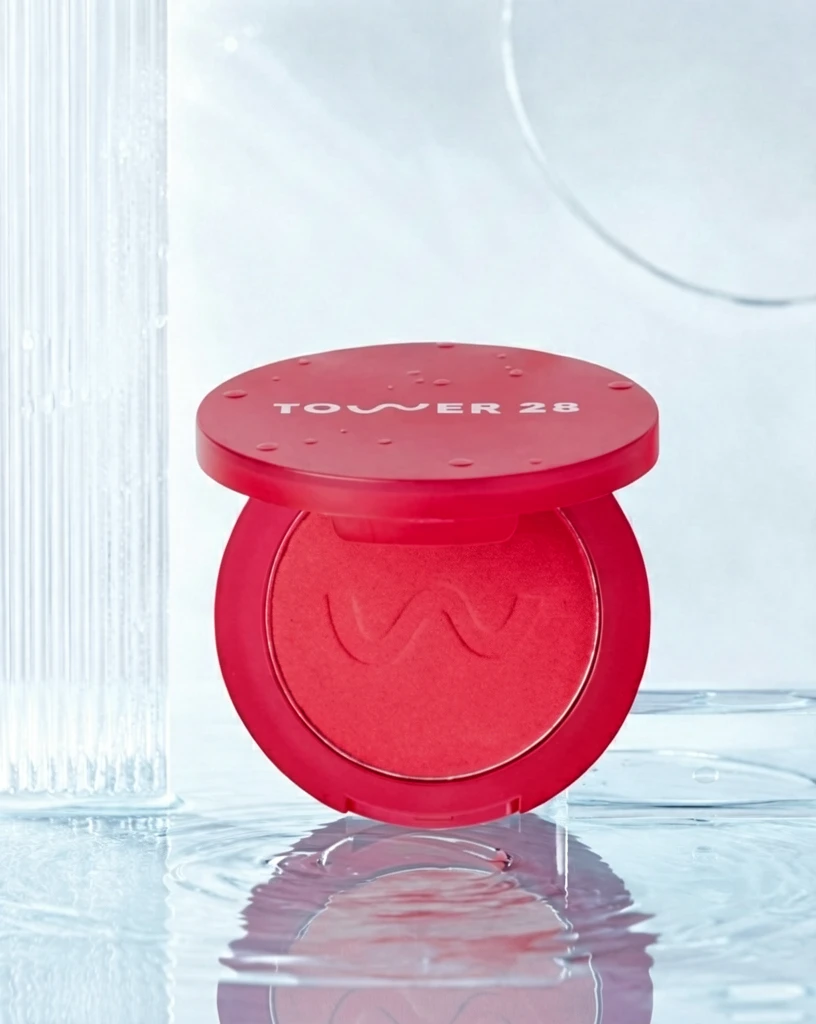 S1 CROSS 33b4a5ba9ad9196c41e92469314d7a 单任务耗时 62.1 秒 / PyTorch 峰值显存 33.2 GiB | 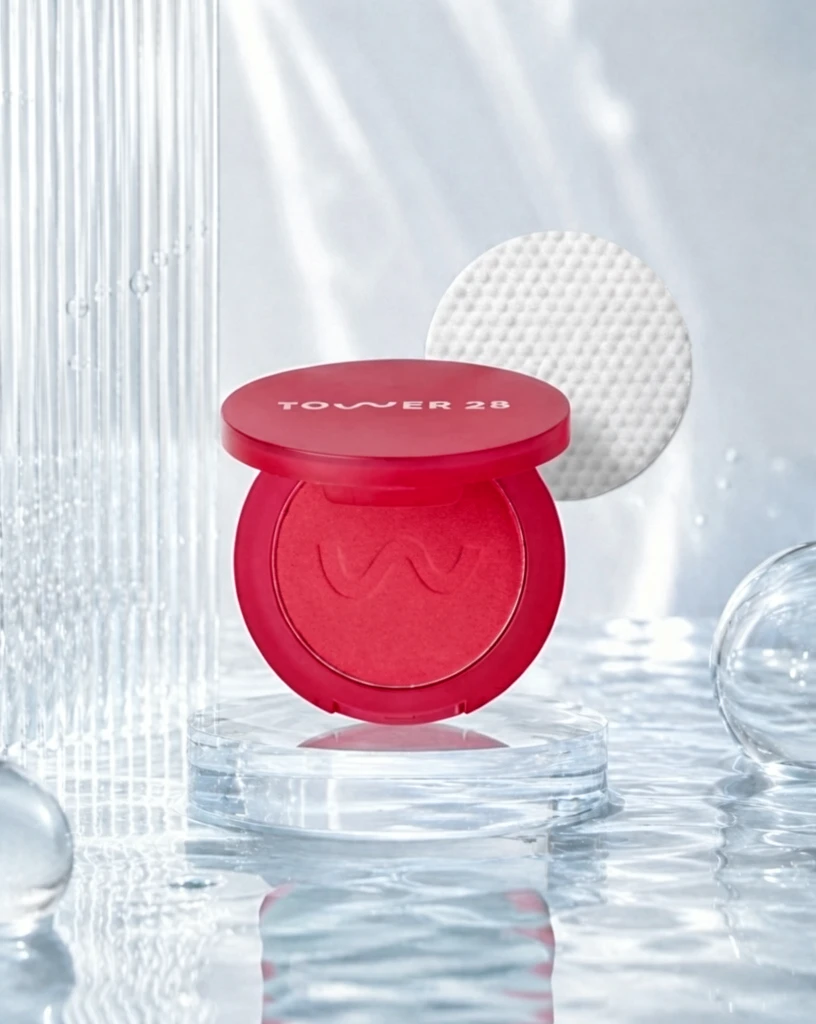 S2 CROSS 80d95756863bb39b5042b9dd6f77b6 单任务耗时 90.0 秒 / PyTorch 峰值显存 33.9 GiB |  Step 200 · α1 63b7ad97107affb23e33496e6f76a0 单任务耗时 17.8 秒 / PyTorch 峰值显存 33.3 GiB | 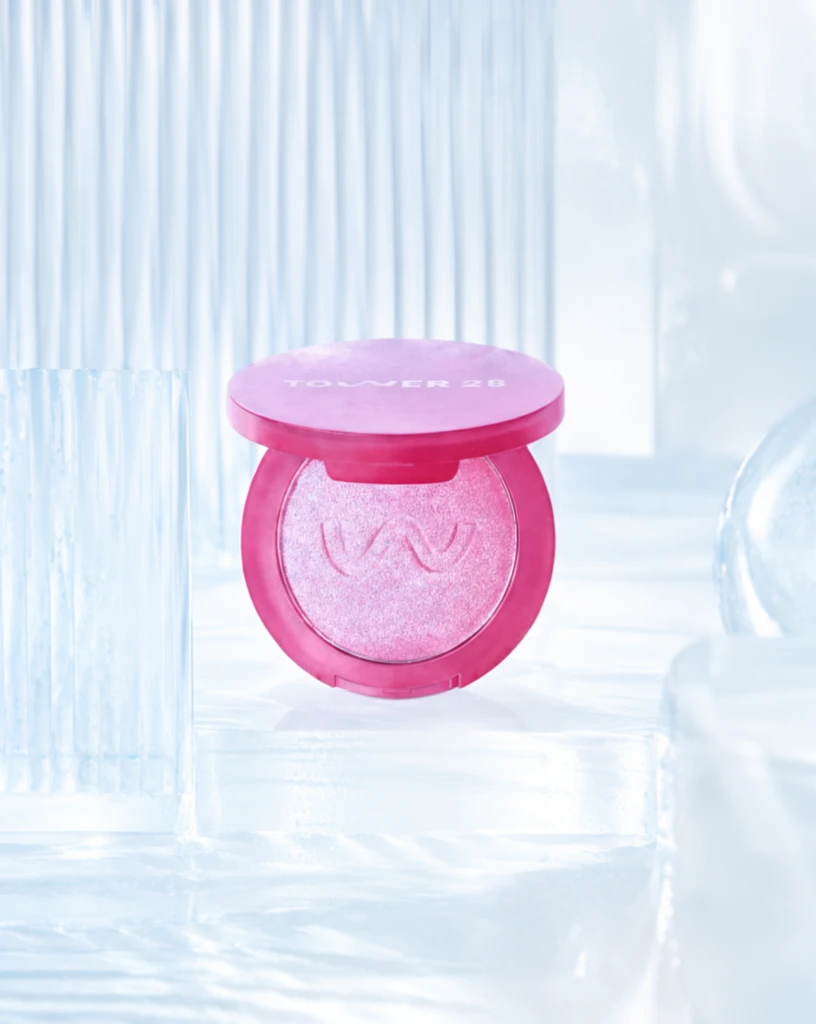 Step 200 · α2 fa67595e927ba9b037b448cbd5267a 单任务耗时 17.9 秒 / PyTorch 峰值显存 33.3 GiB | 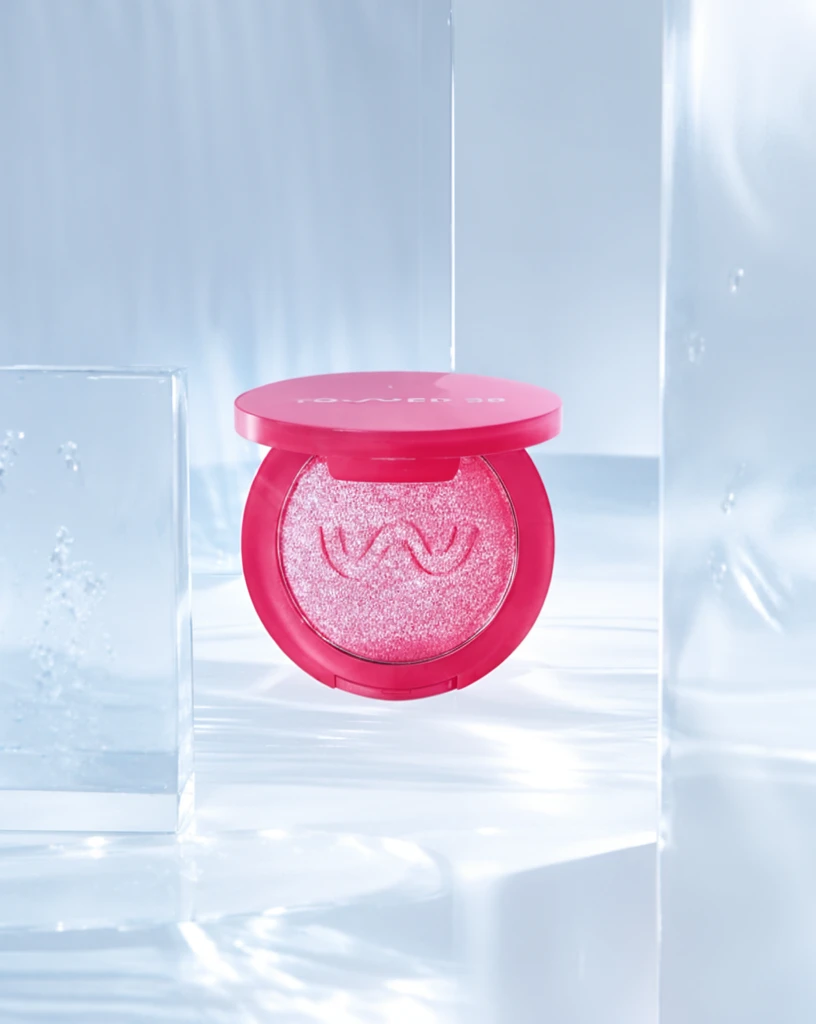 Step 400 · α1 37d2cb99d7870bfbc3b428282fc712 单任务耗时 17.8 秒 / PyTorch 峰值显存 33.3 GiB | 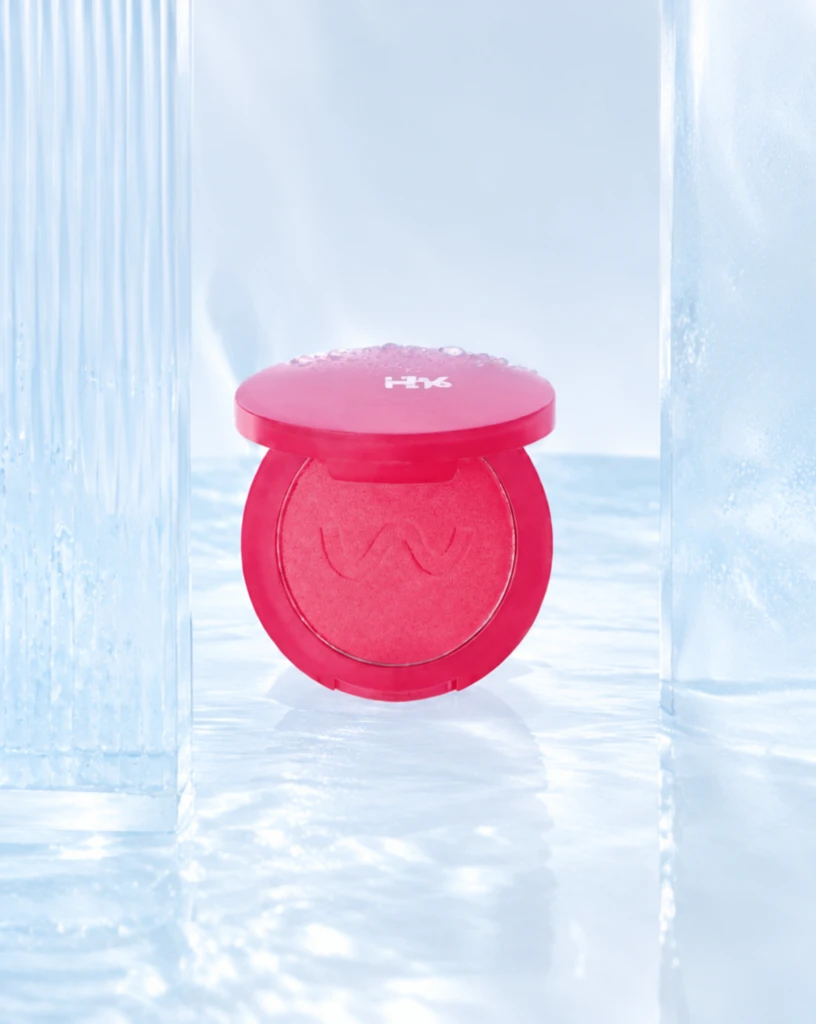 Step 400 · α2 90e8b6c1c45b948dda100c73a4e7e9 单任务耗时 17.9 秒 / PyTorch 峰值显存 33.3 GiB | 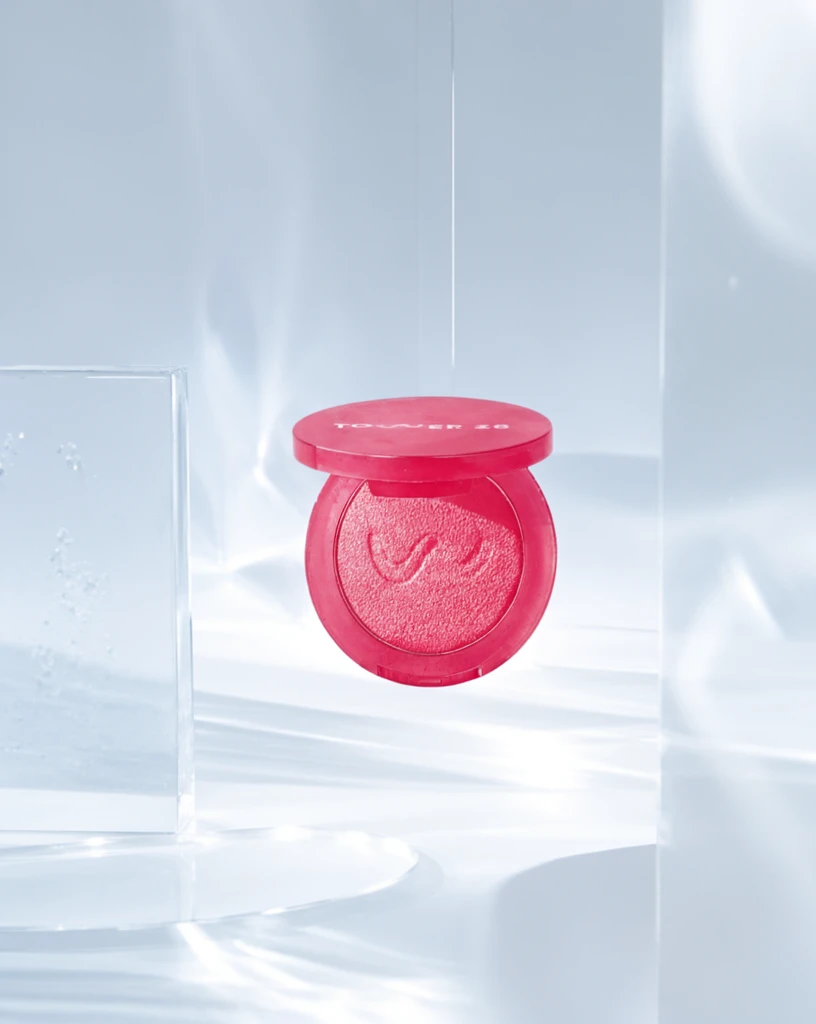 Step 600 · α1 ac208d82ee71b220da48b0fc8c09c0 单任务耗时 17.9 秒 / PyTorch 峰值显存 33.3 GiB | 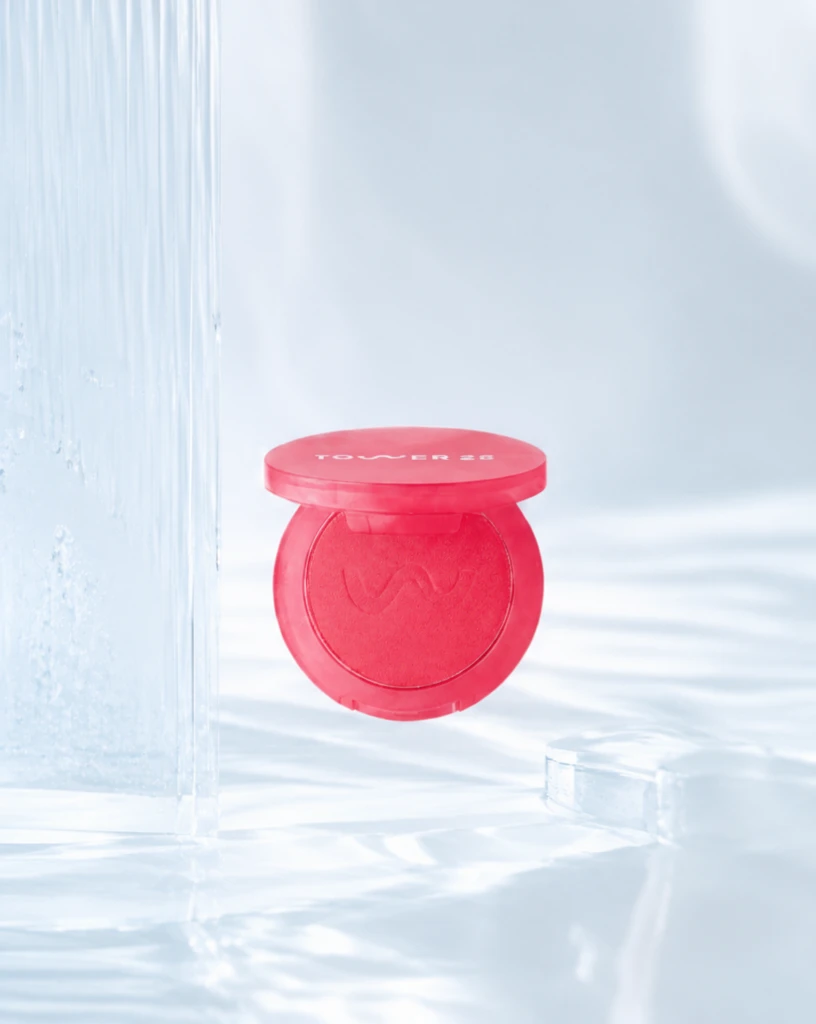 Step 600 · α2 835e5e79fbe3665c66974e44102aba 单任务耗时 17.9 秒 / PyTorch 峰值显存 33.3 GiB |
q15
| Input 534025f993d4b15552e000578a5afd | Ref 1 773beb0fbb2b316e5349b4d73626d6 | Ref 2 7e58494ad701dfabf01722efac4f9b | 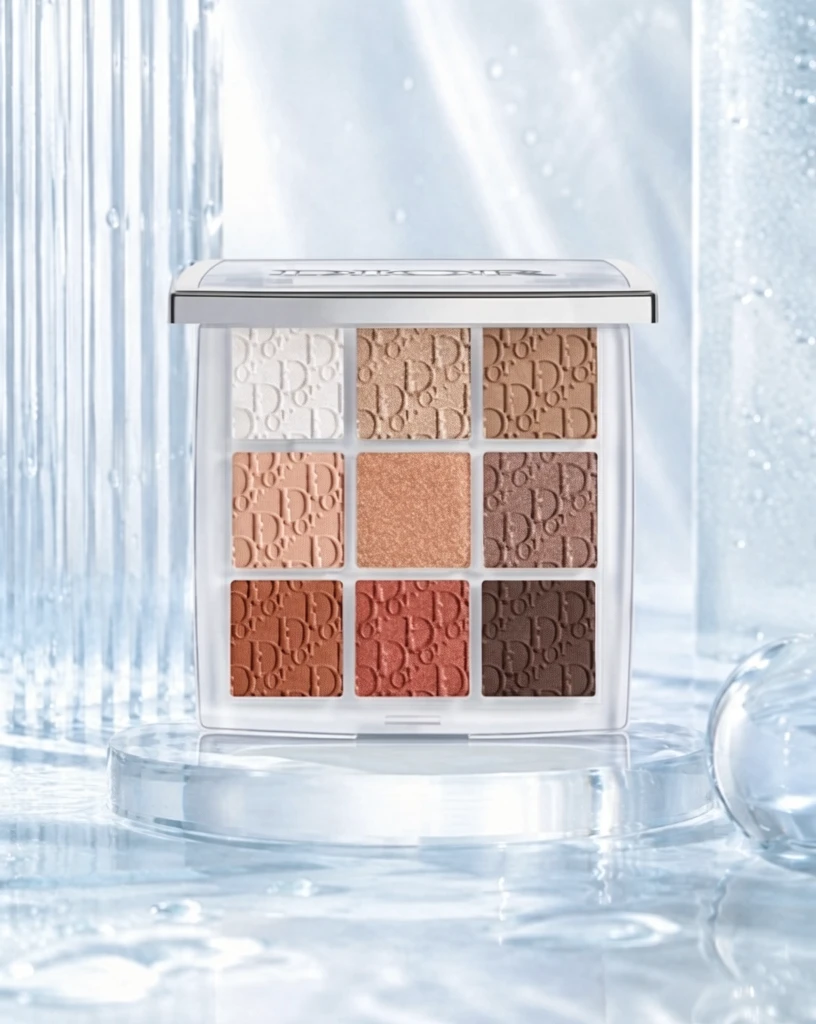 S1 CROSS 5d8963ce27de7da423547f4cbaaab5 单任务耗时 61.9 秒 / PyTorch 峰值显存 33.2 GiB |  S2 CROSS d3514144c5bb5e006af81fae2f9f62 单任务耗时 90.5 秒 / PyTorch 峰值显存 33.9 GiB |  Step 200 · α1 1347addb9380feb667723ab20b7e7c 单任务耗时 17.8 秒 / PyTorch 峰值显存 33.3 GiB | 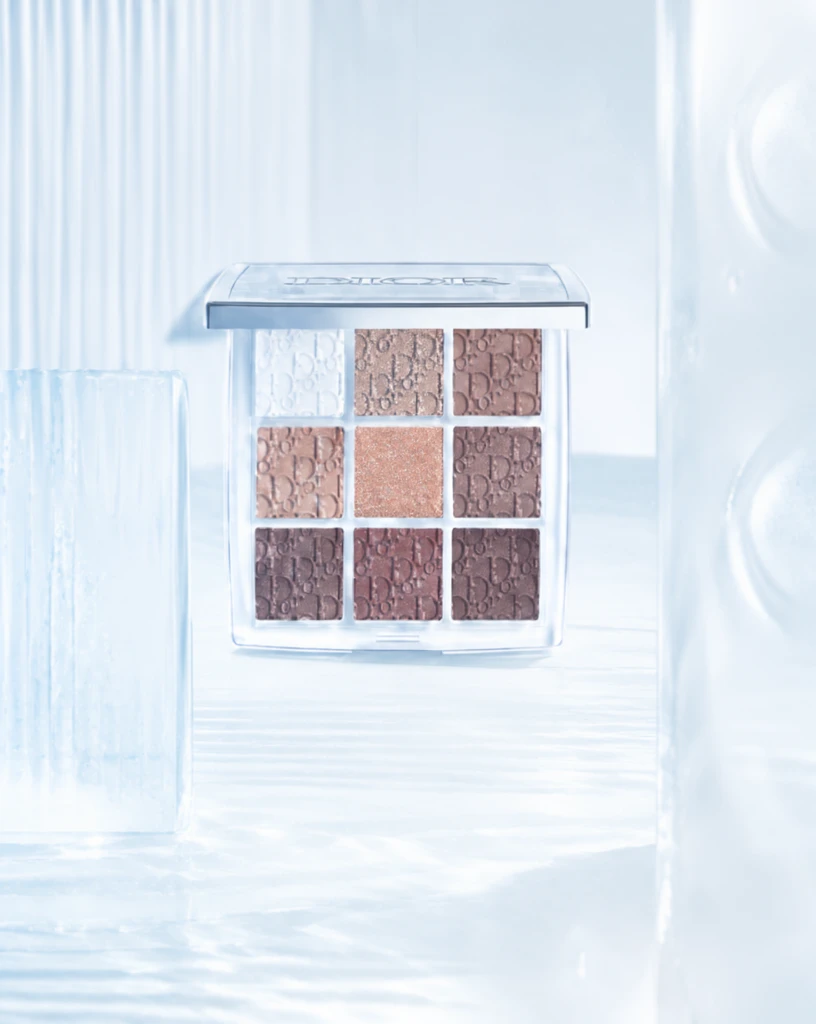 Step 200 · α2 1bc4d2a05529a9f7c76be0fb9c9911 单任务耗时 17.8 秒 / PyTorch 峰值显存 33.3 GiB | 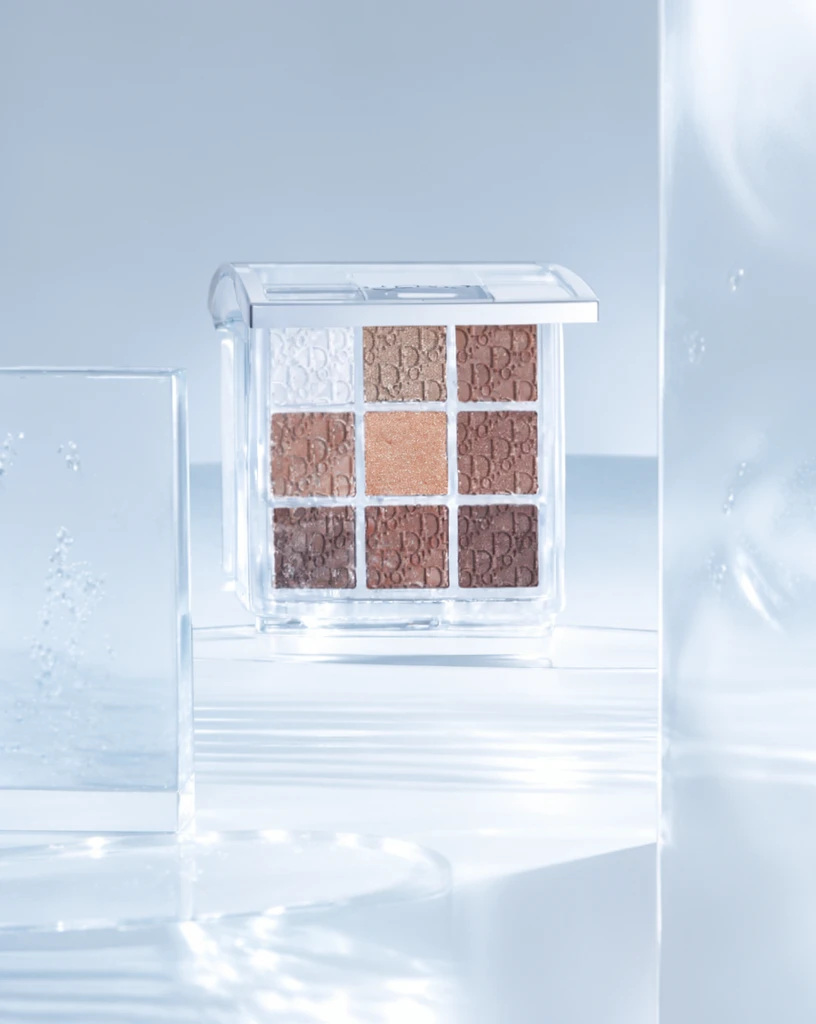 Step 400 · α1 6f3b735f0933504652d0a99baabda7 单任务耗时 17.8 秒 / PyTorch 峰值显存 33.3 GiB | 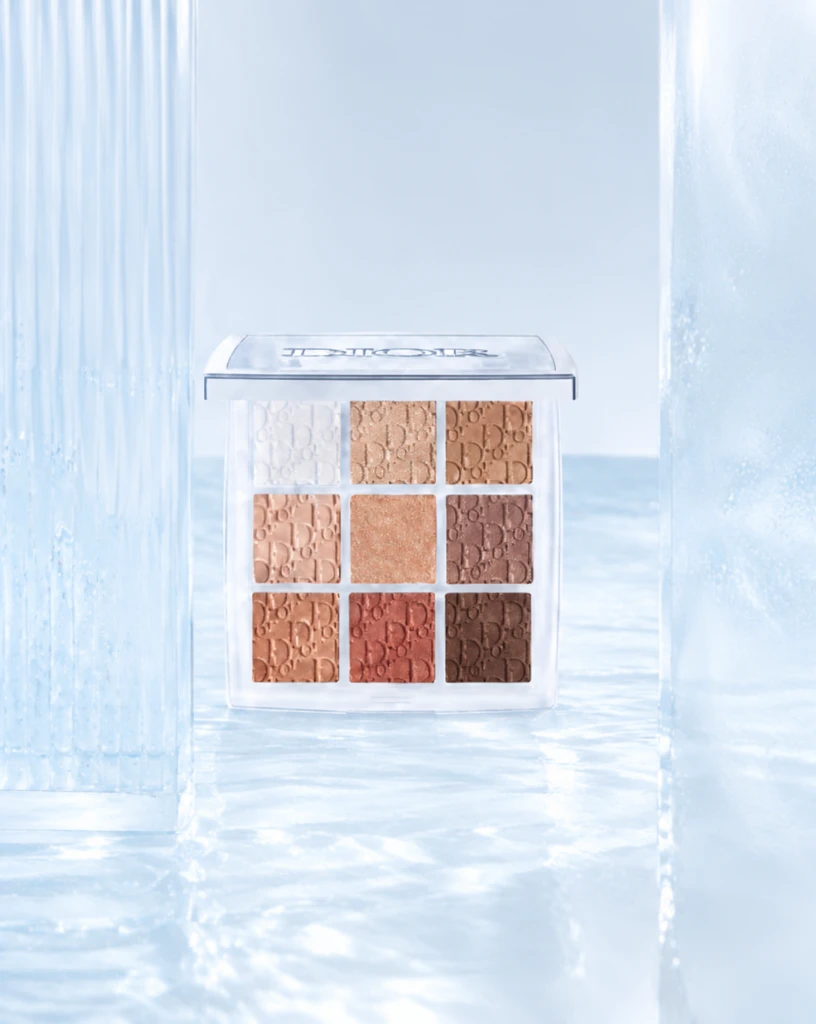 Step 400 · α2 38bf658e25ae63bcf5962d77d18292 单任务耗时 17.9 秒 / PyTorch 峰值显存 33.3 GiB | 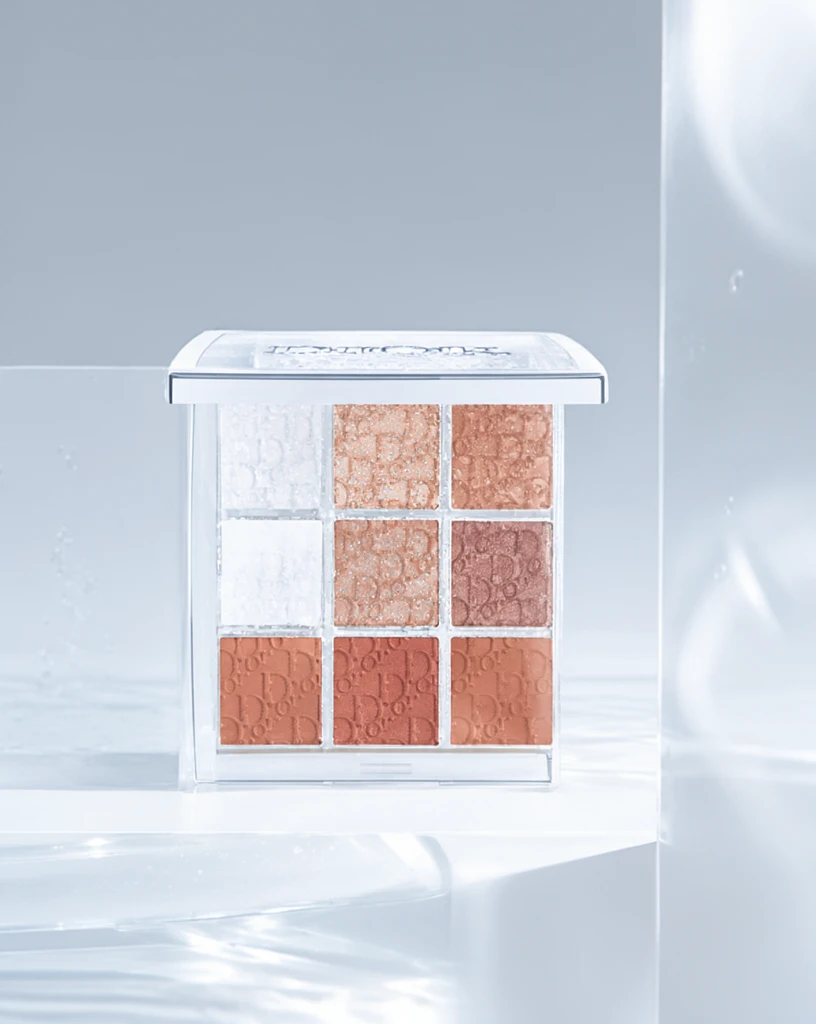 Step 600 · α1 871809b86142ccfcf949a6fd3241aa 单任务耗时 17.9 秒 / PyTorch 峰值显存 33.3 GiB | 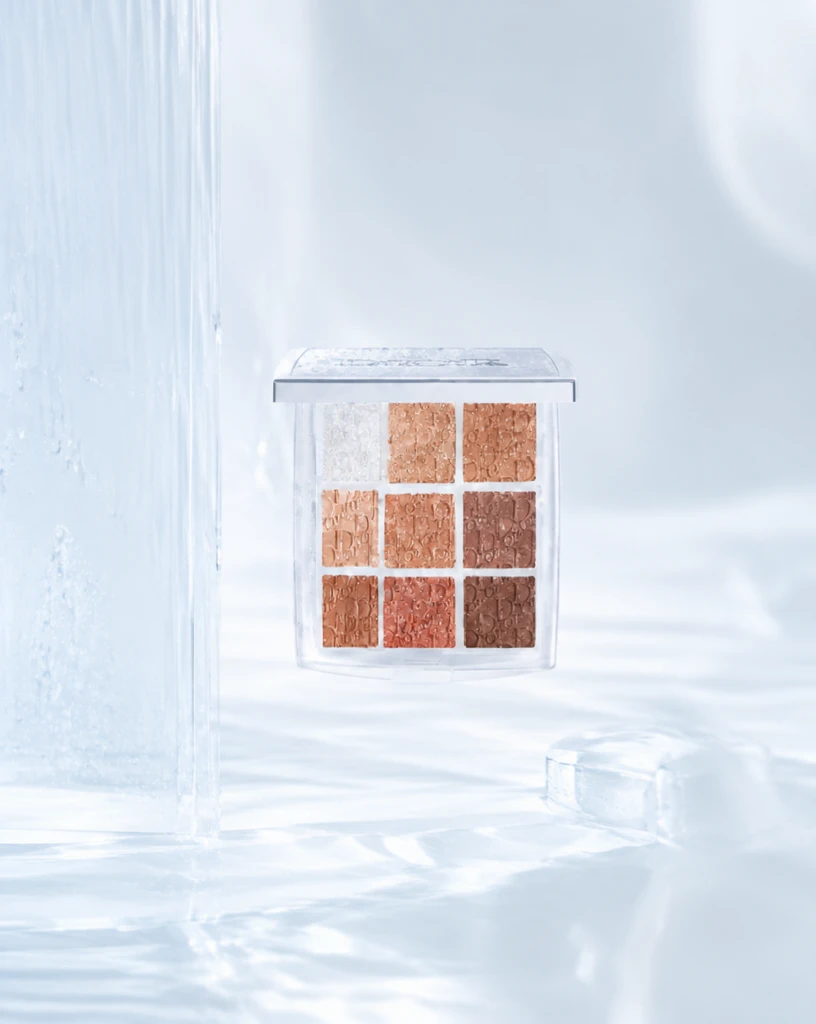 Step 600 · α2 7bc9fb62e94ec97cee16ffd518845c 单任务耗时 17.9 秒 / PyTorch 峰值显存 33.3 GiB |
q16
| Input c21002e76eb2bf7cbdceaba99491f9 | Ref 1 75092e9df9eebcc210f8c1fa5de864 | Ref 2 56c97d743e45764839188ec0cf639a | 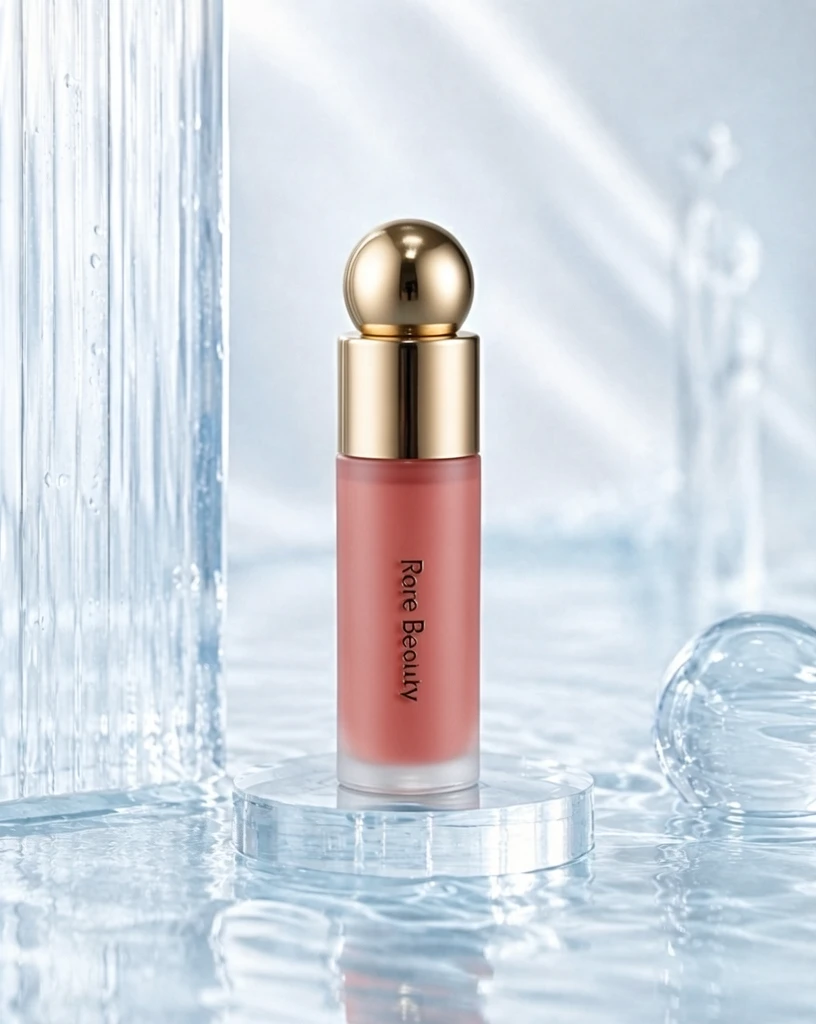 S1 CROSS 28439de451c7476a1374f9db58568d 单任务耗时 62.0 秒 / PyTorch 峰值显存 33.2 GiB | 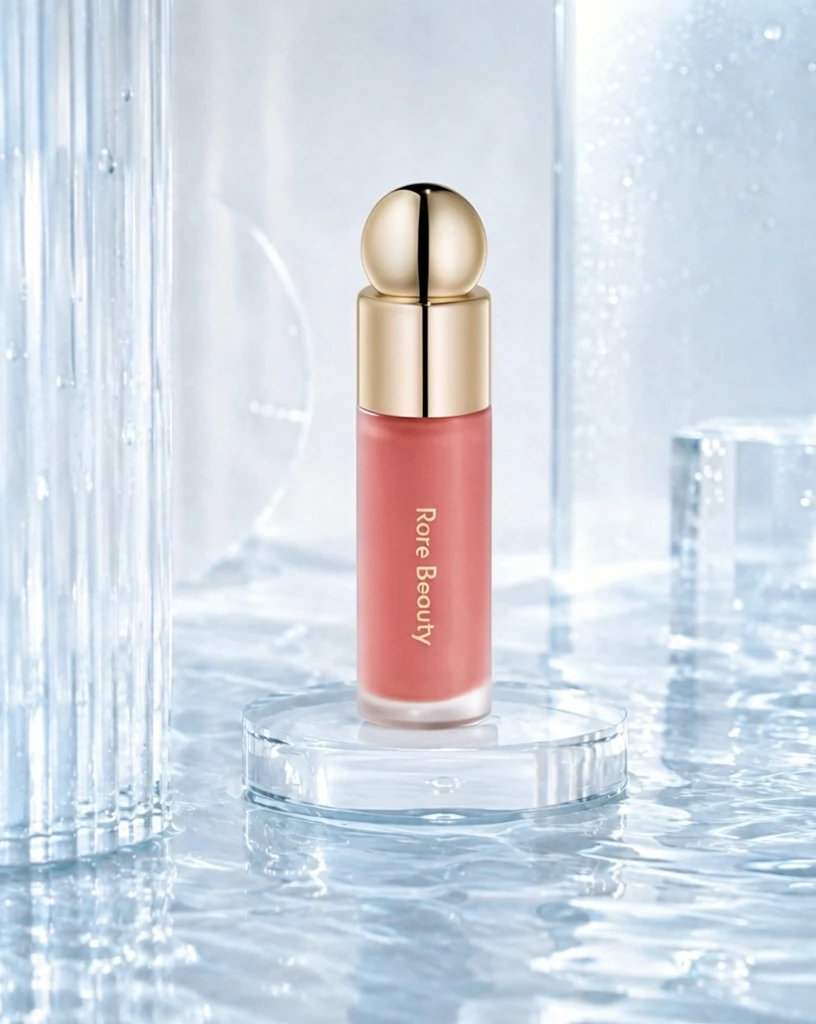 S2 CROSS 2b063082cdf224dea1713010c23a65 单任务耗时 90.6 秒 / PyTorch 峰值显存 33.9 GiB | 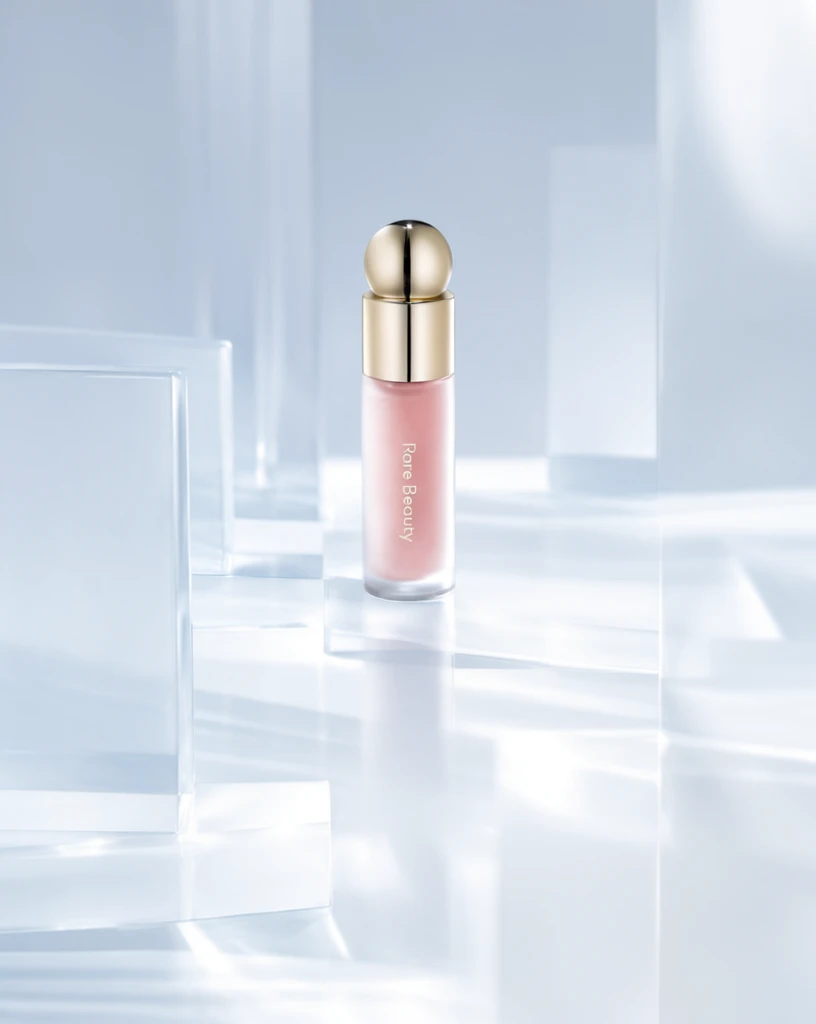 Step 200 · α1 0a47b0a55883d7140d22ec86d07579 单任务耗时 17.8 秒 / PyTorch 峰值显存 33.3 GiB | 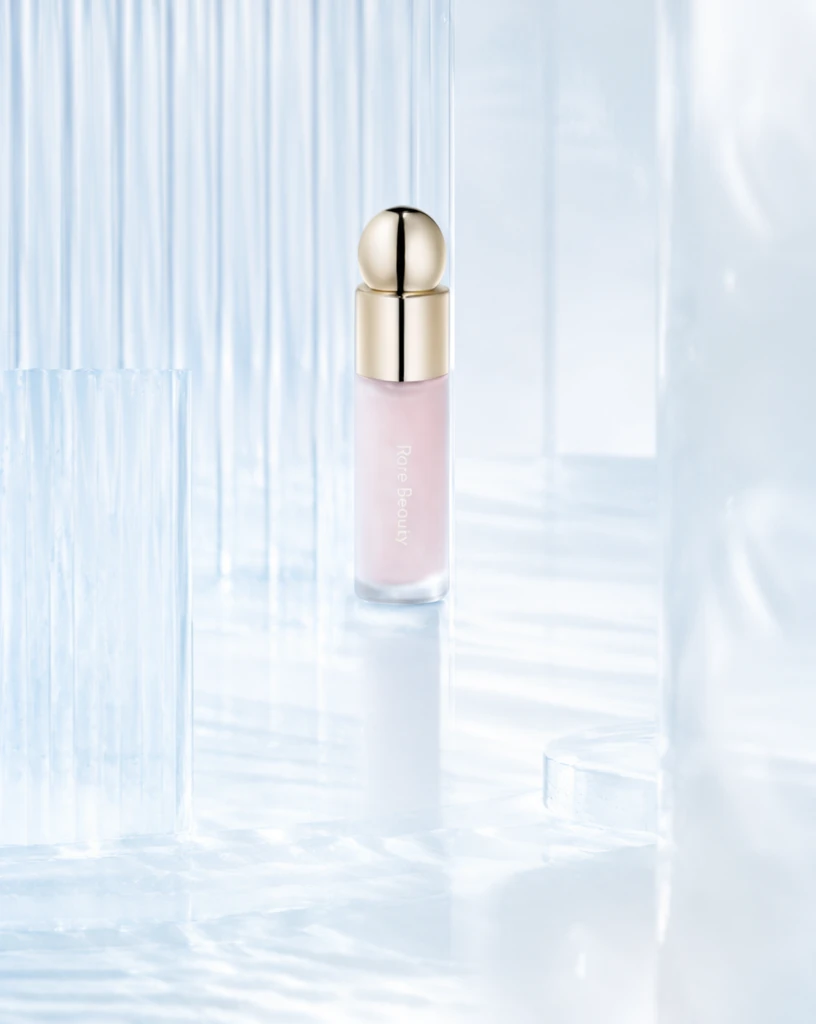 Step 200 · α2 751ca5b5360592e19dc8dce6d0857d 单任务耗时 17.9 秒 / PyTorch 峰值显存 33.3 GiB | 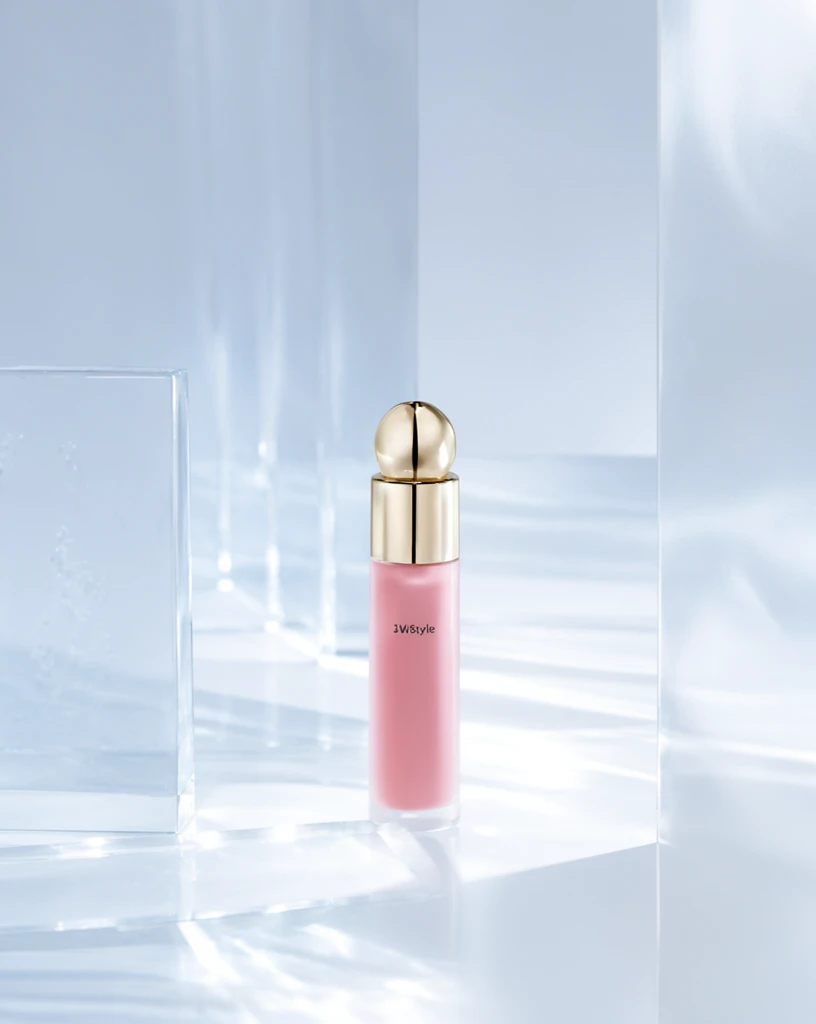 Step 400 · α1 359cb5c37599e20a90503ce93b010d 单任务耗时 17.9 秒 / PyTorch 峰值显存 33.3 GiB | 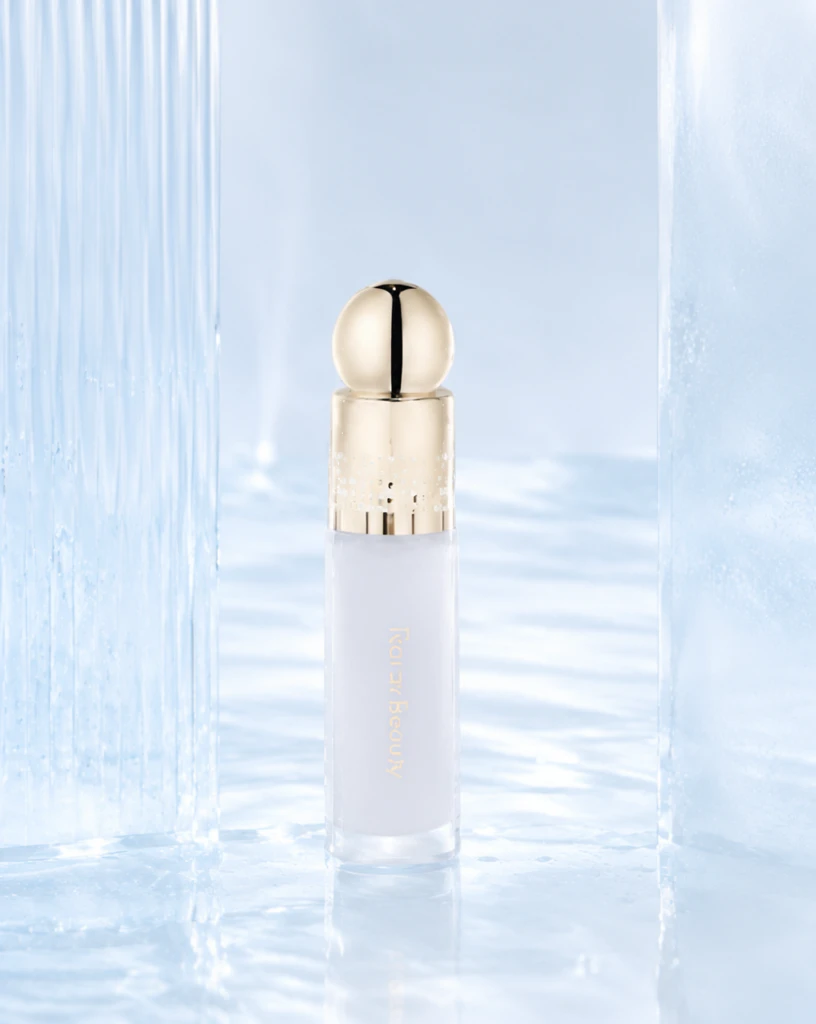 Step 400 · α2 11c46421ea70692a8e7b278099a021 单任务耗时 17.9 秒 / PyTorch 峰值显存 33.3 GiB | 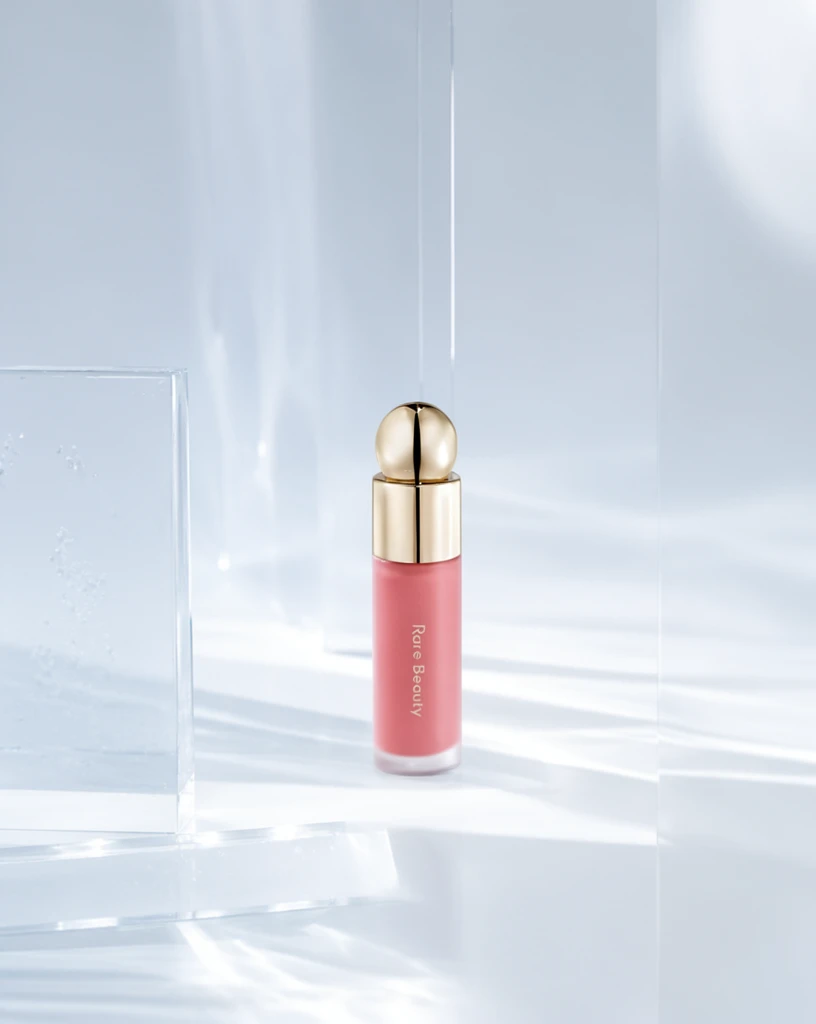 Step 600 · α1 d0f15ad690a91e5f424ad3ab93dead 单任务耗时 17.9 秒 / PyTorch 峰值显存 33.3 GiB | 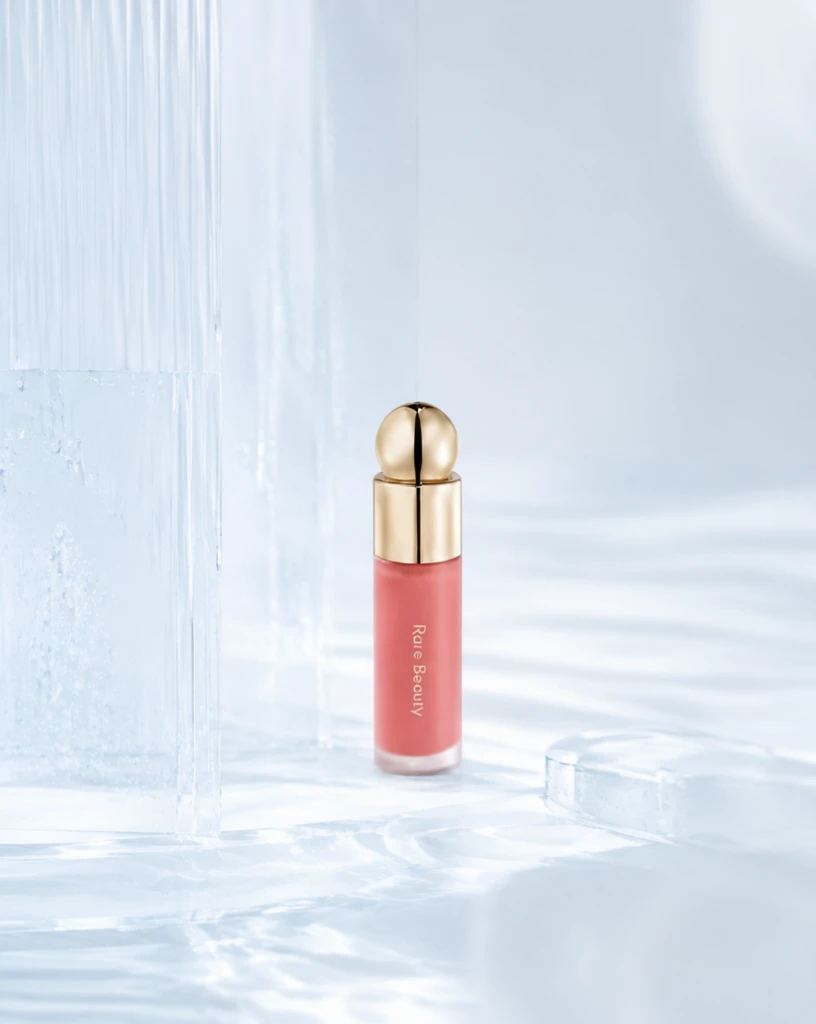 Step 600 · α2 83bee37243a91944a814b892887330 单任务耗时 17.9 秒 / PyTorch 峰值显存 33.3 GiB |
q17
| Input e5233405cc1b56329c8429106af189 | Ref 1 343ad21b5cb0aebf0f6a9b95be3e86 | Ref 2 d79be756a761af8091cd4e2d869de4 | 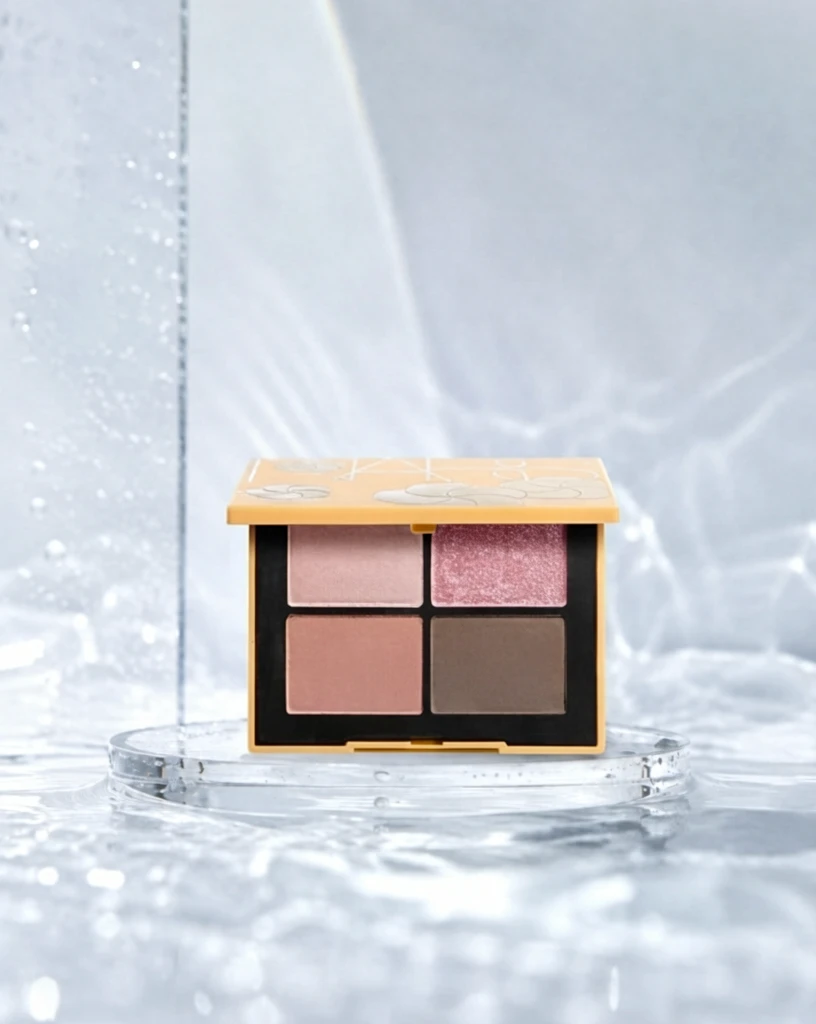 S1 CROSS 837be83d5d12c94ec58f71b4050688 单任务耗时 61.2 秒 / PyTorch 峰值显存 33.2 GiB | 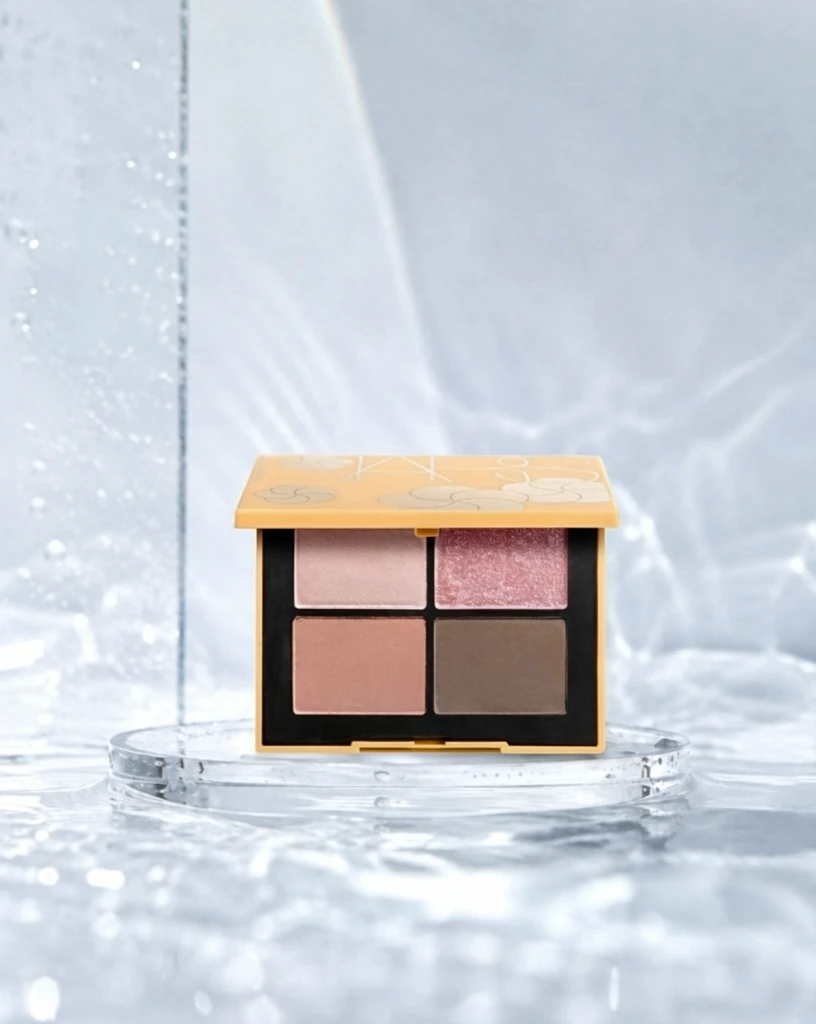 S2 CROSS 71f49f8e4c65f8077a3547f5a8639b 单任务耗时 88.7 秒 / PyTorch 峰值显存 33.9 GiB | 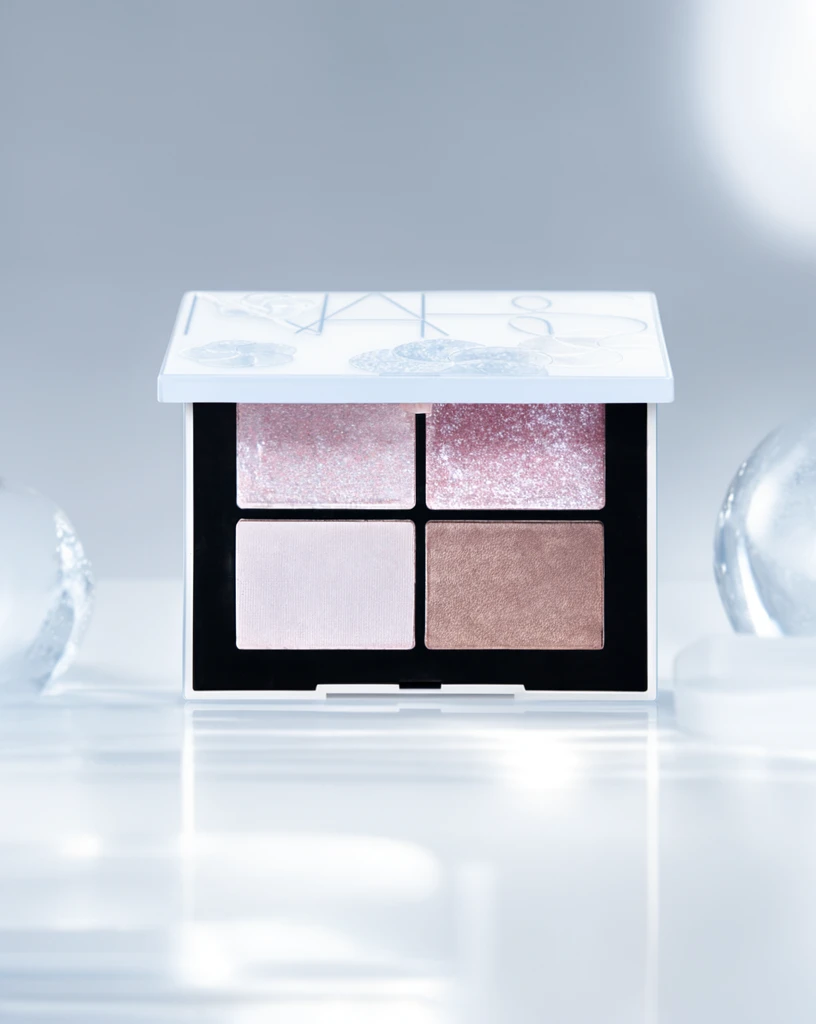 Step 200 · α1 4ea6193aba8d176decfda975ad952f 单任务耗时 17.9 秒 / PyTorch 峰值显存 33.3 GiB | 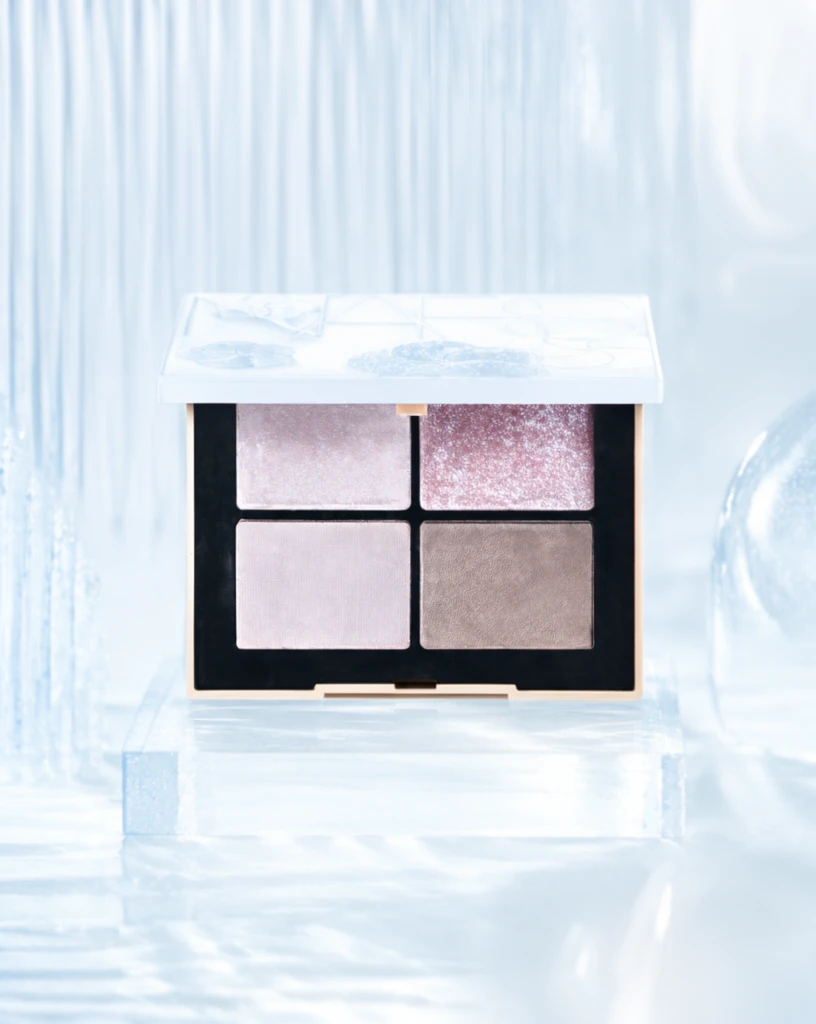 Step 200 · α2 5b0eddd1e31acb34470f508d4e0e34 单任务耗时 17.9 秒 / PyTorch 峰值显存 33.3 GiB | 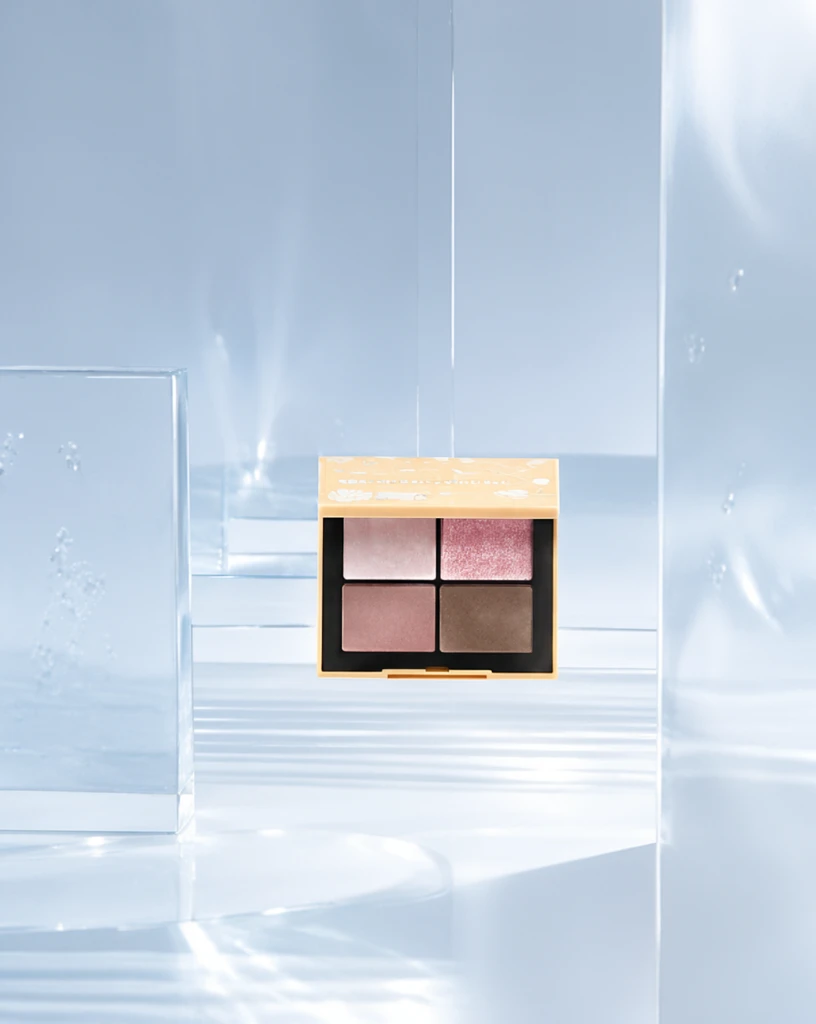 Step 400 · α1 c91db145f2420b73686bb485ea8b5d 单任务耗时 17.8 秒 / PyTorch 峰值显存 33.3 GiB | 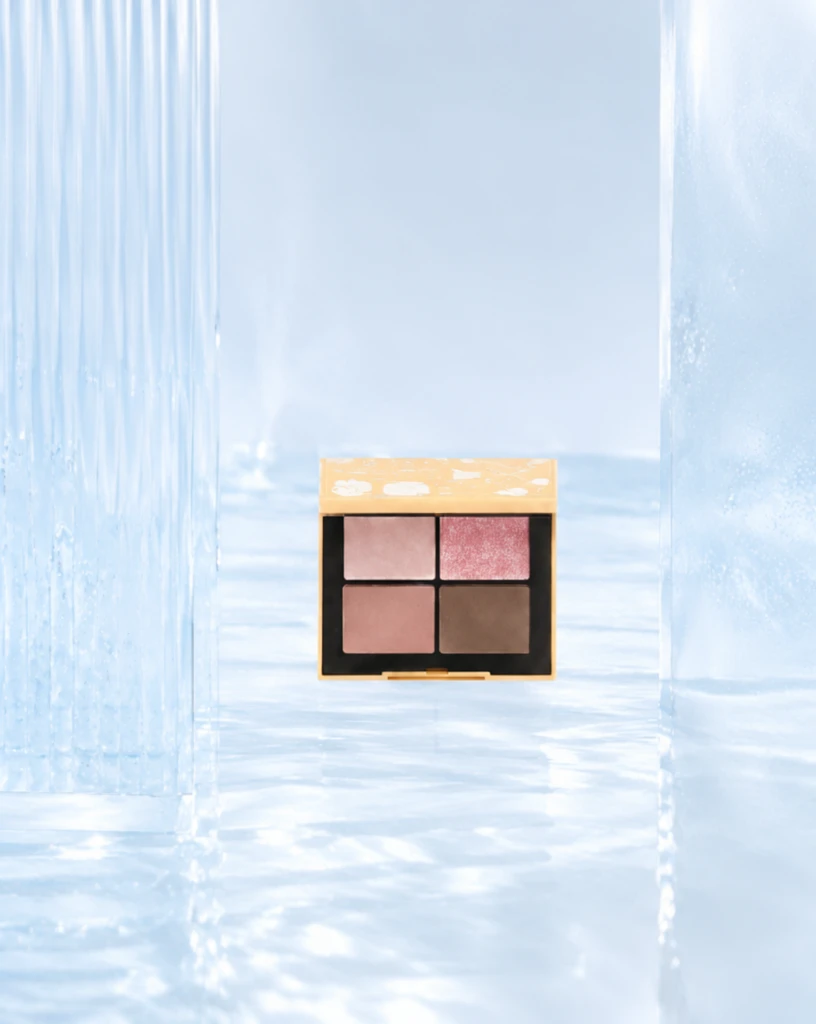 Step 400 · α2 b7c0bf5294809c2a6f7979a5355aa4 单任务耗时 17.8 秒 / PyTorch 峰值显存 33.3 GiB | 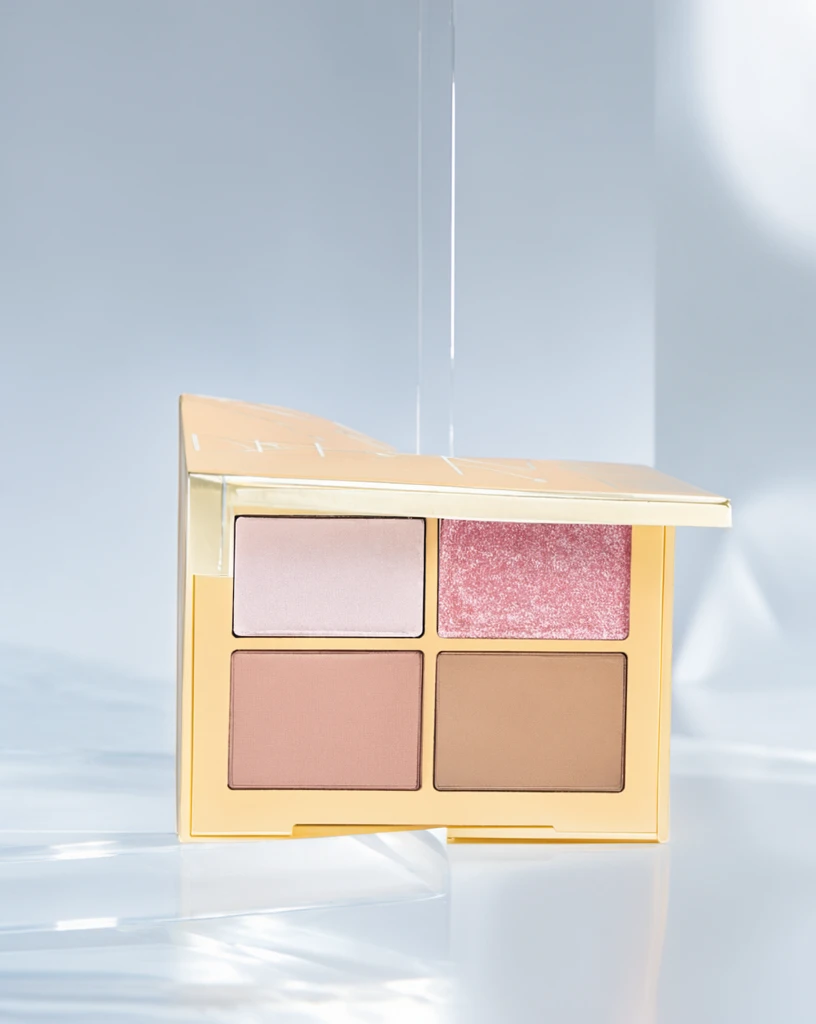 Step 600 · α1 2a688c7f47ca18583dc292993cd498 单任务耗时 17.9 秒 / PyTorch 峰值显存 33.3 GiB | 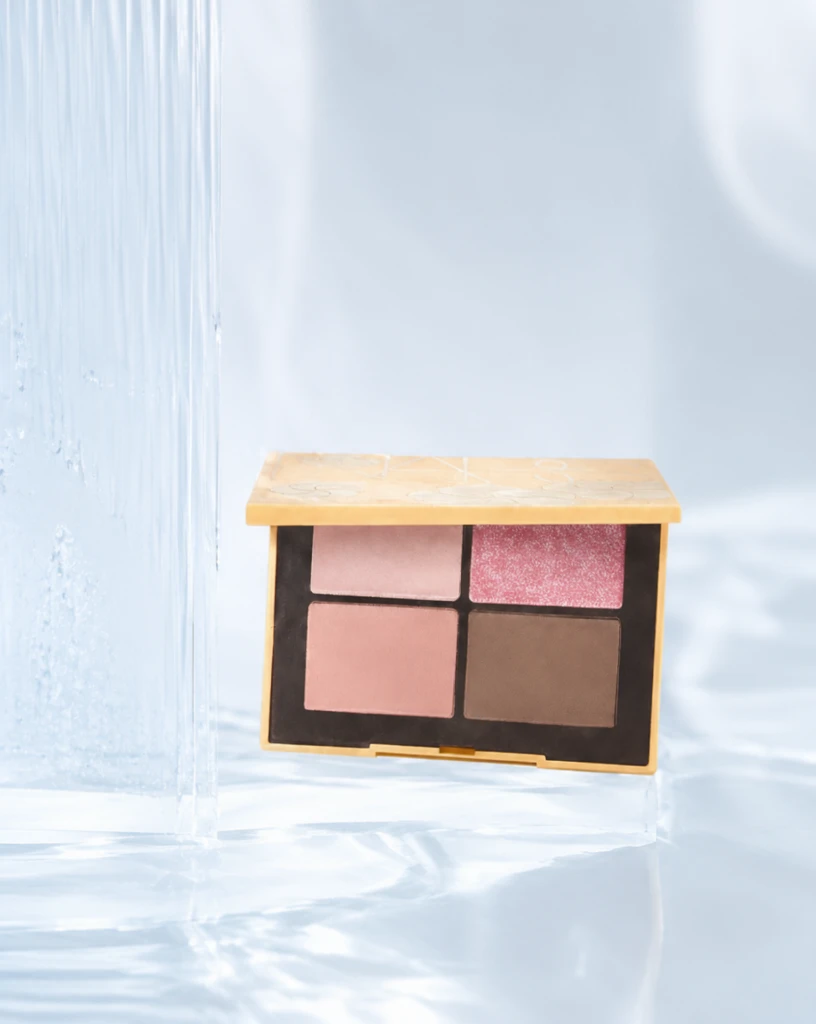 Step 600 · α2 67818a426e21034c88d9d8154c3aca 单任务耗时 17.9 秒 / PyTorch 峰值显存 33.3 GiB |
q18
| 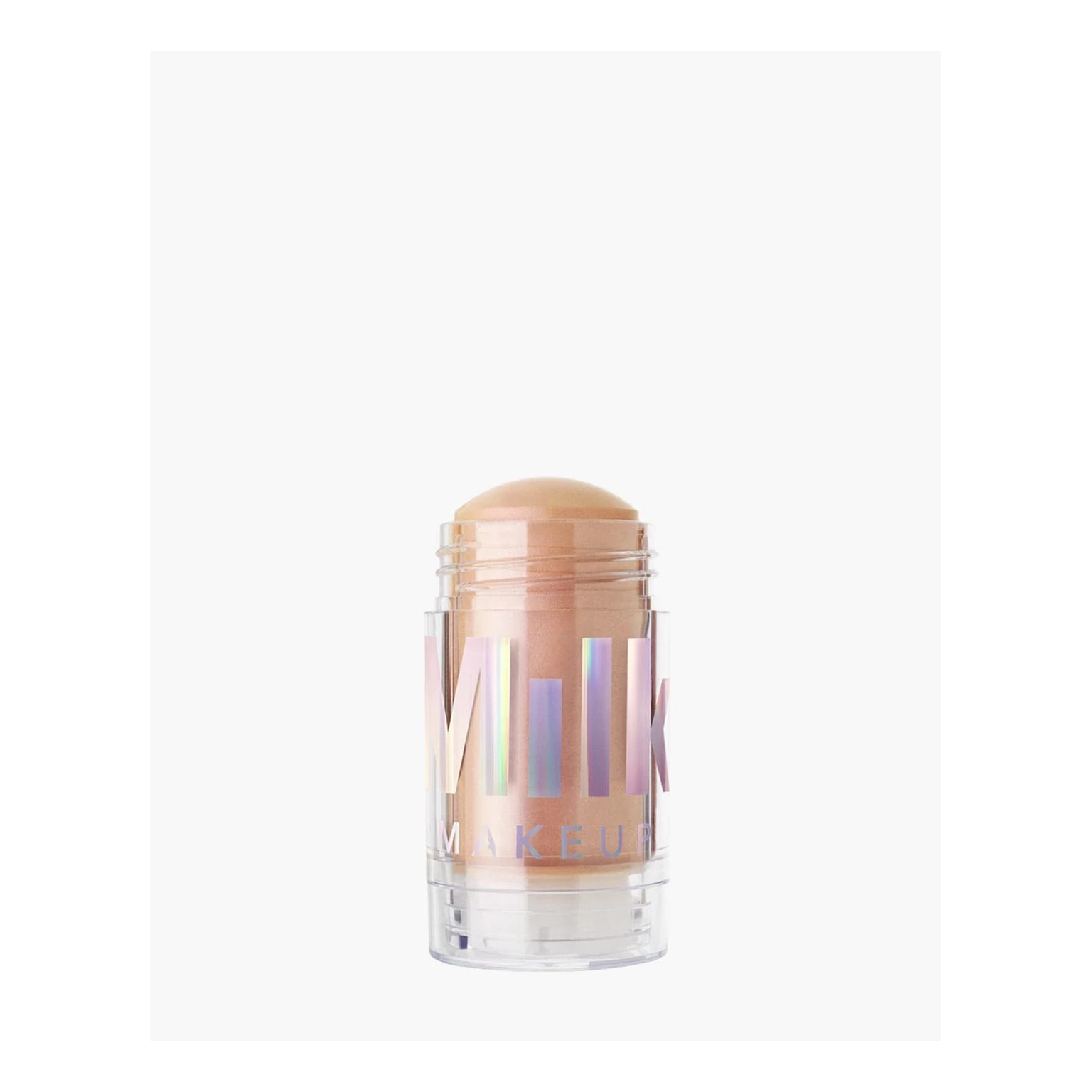 Input 95c5534807cddc03681926b950dd3f | Ref 1 a362b7a1572b3d9c1f5ebba9ae1a6d | Ref 2 8dffbb08db5f754784a397dd19cd3a | 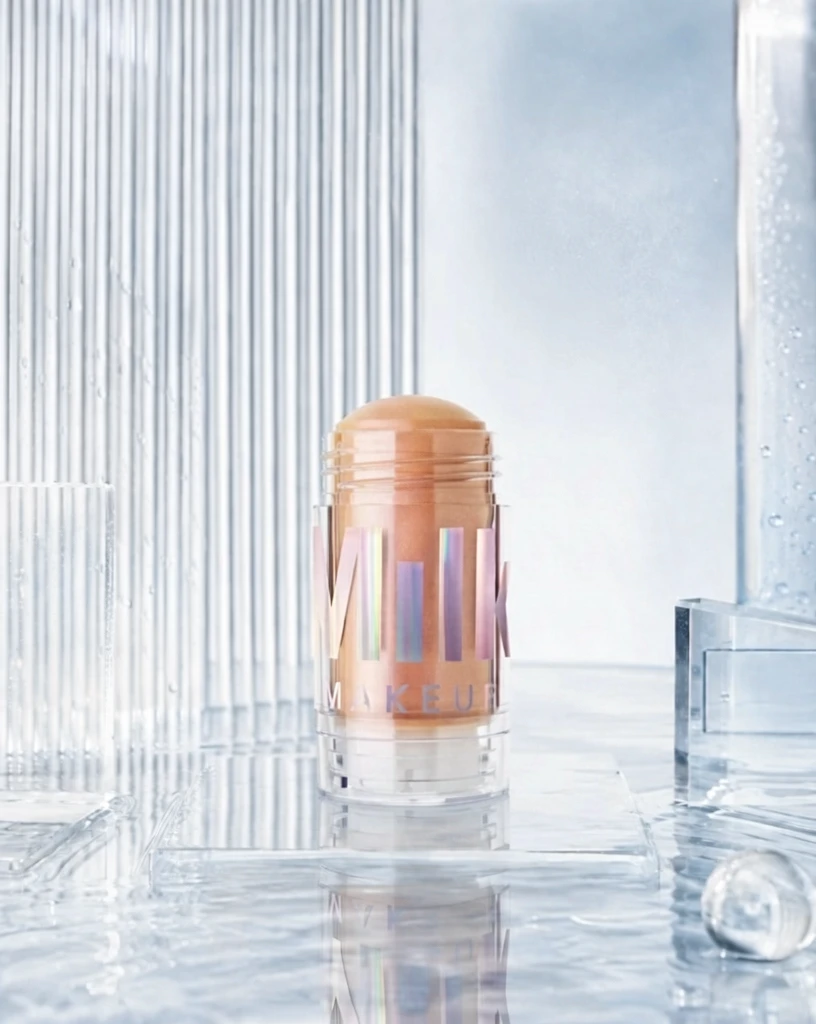 S1 CROSS 1452b3fb2dc9581f140a87e55c59b3 单任务耗时 62.0 秒 / PyTorch 峰值显存 33.2 GiB | 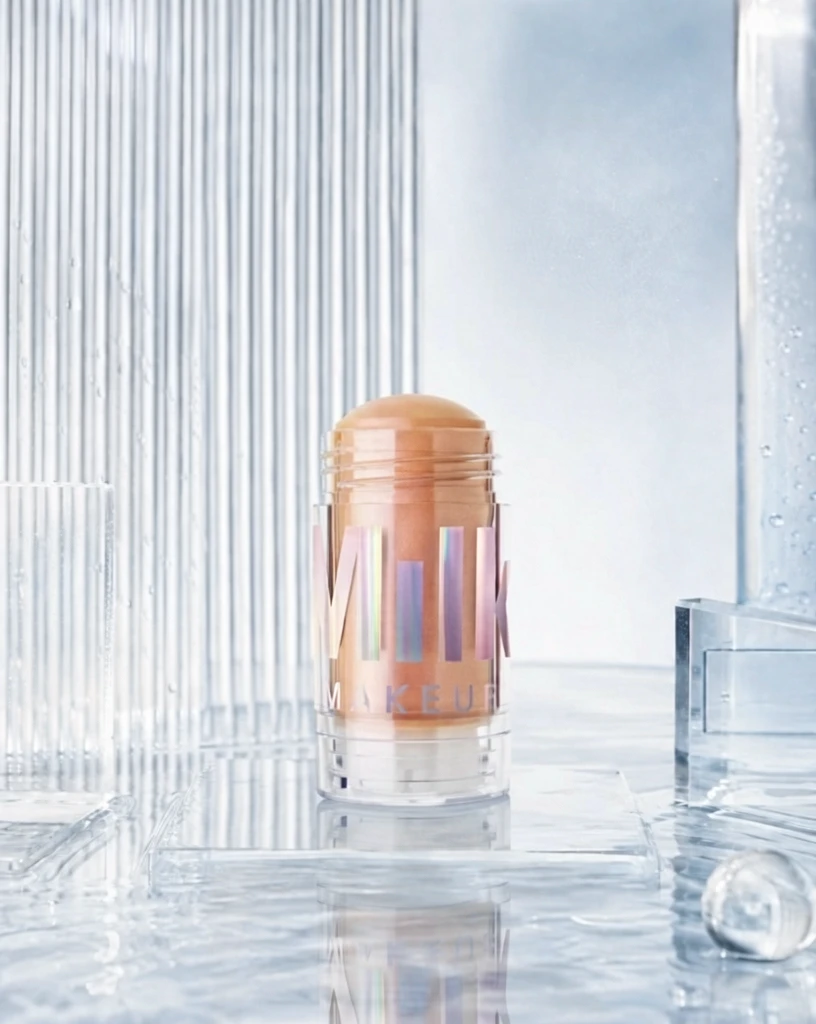 S2 CROSS 83147c1b373bc8d36827a632644a62 单任务耗时 89.0 秒 / PyTorch 峰值显存 33.9 GiB | 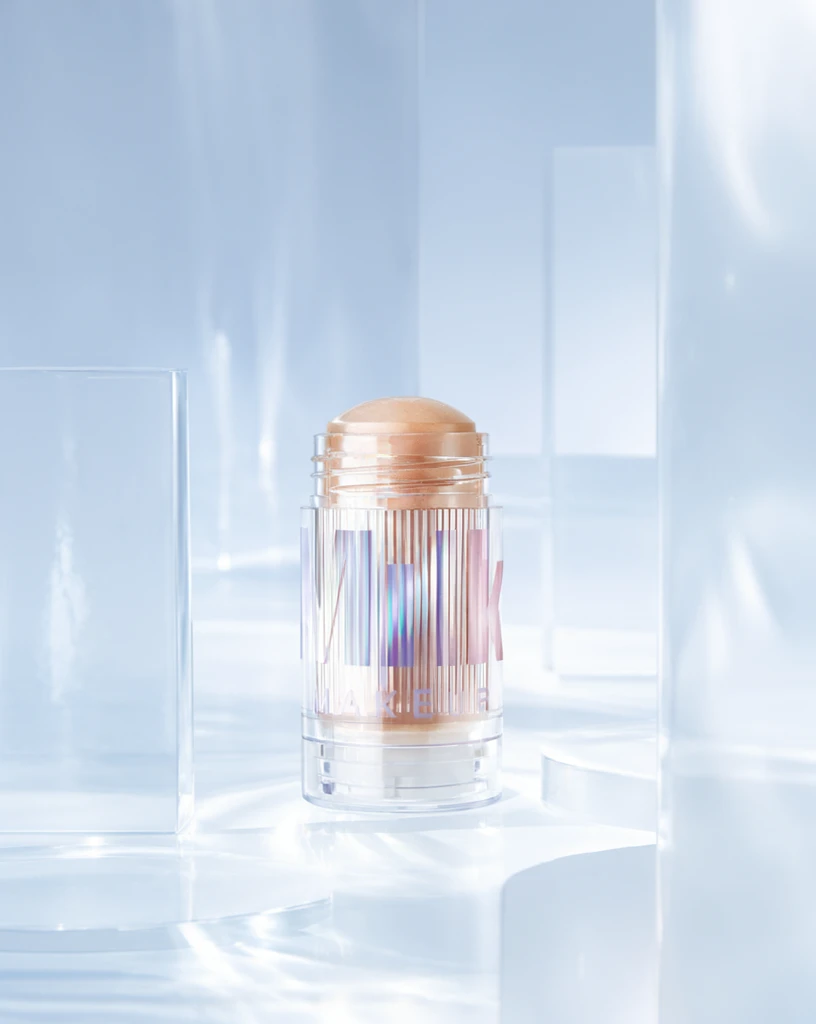 Step 200 · α1 a29327143436038e02e47b0cd4fdda 单任务耗时 17.8 秒 / PyTorch 峰值显存 33.3 GiB | 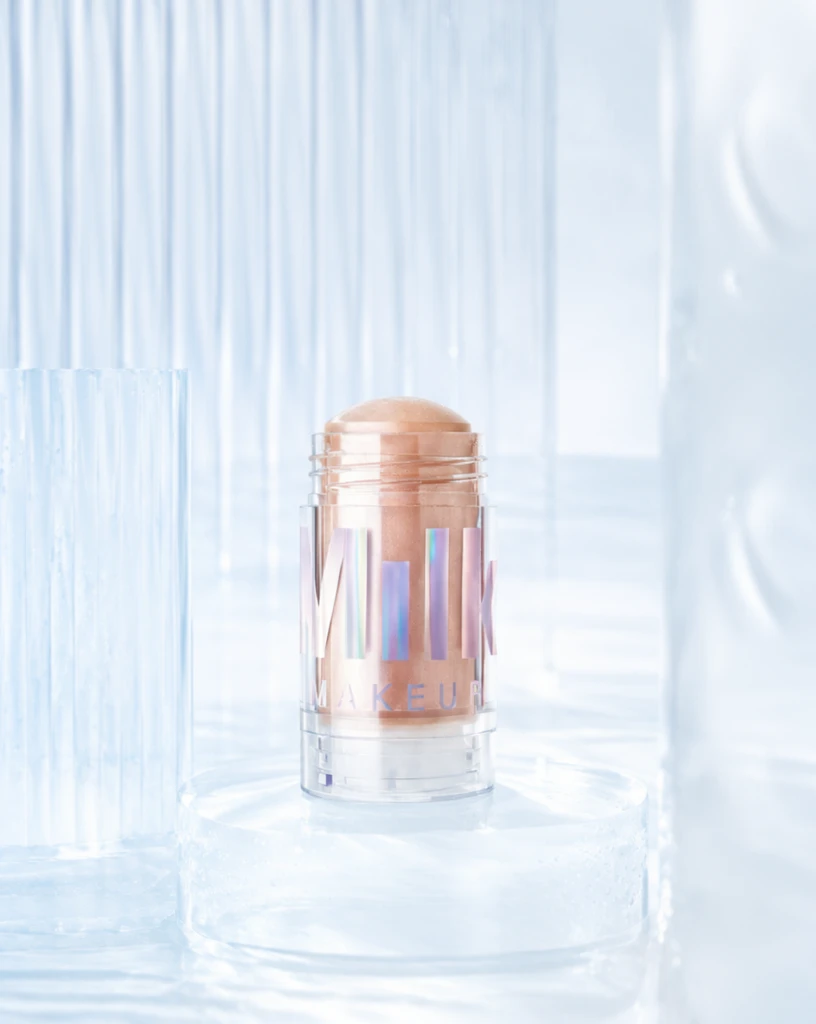 Step 200 · α2 f2724386d954844c2af393160f2158 单任务耗时 17.8 秒 / PyTorch 峰值显存 33.3 GiB | 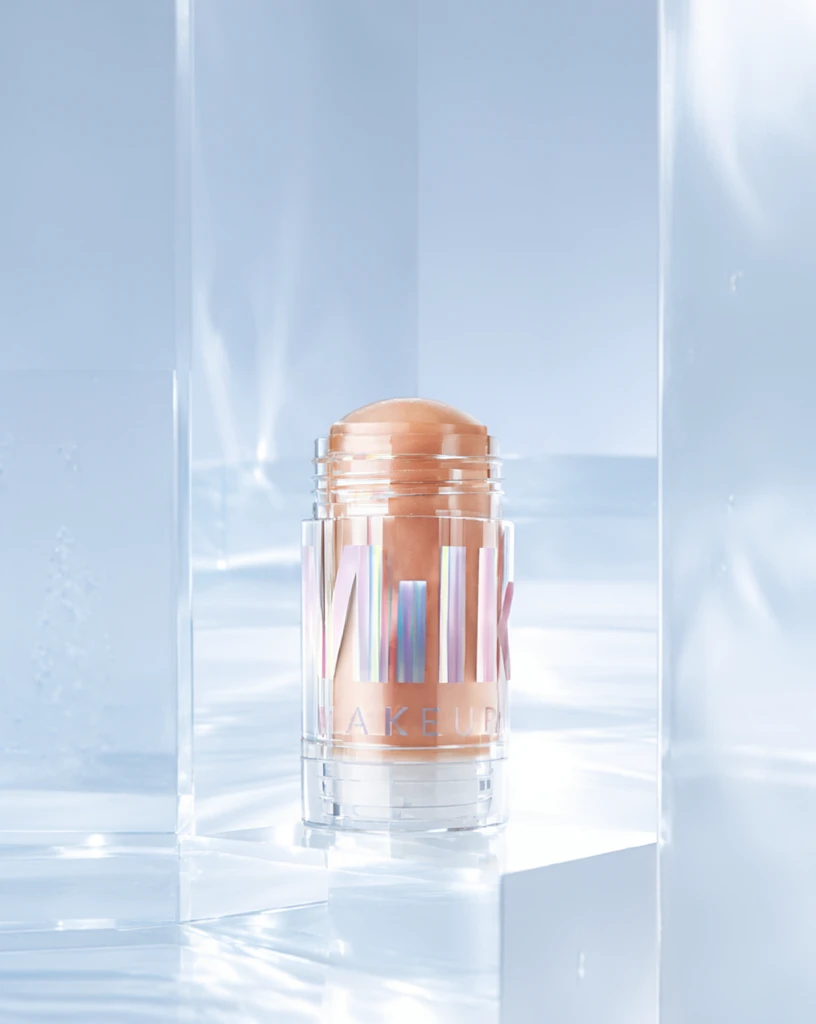 Step 400 · α1 80f862e90366225c1e290f9244e585 单任务耗时 17.8 秒 / PyTorch 峰值显存 33.3 GiB | 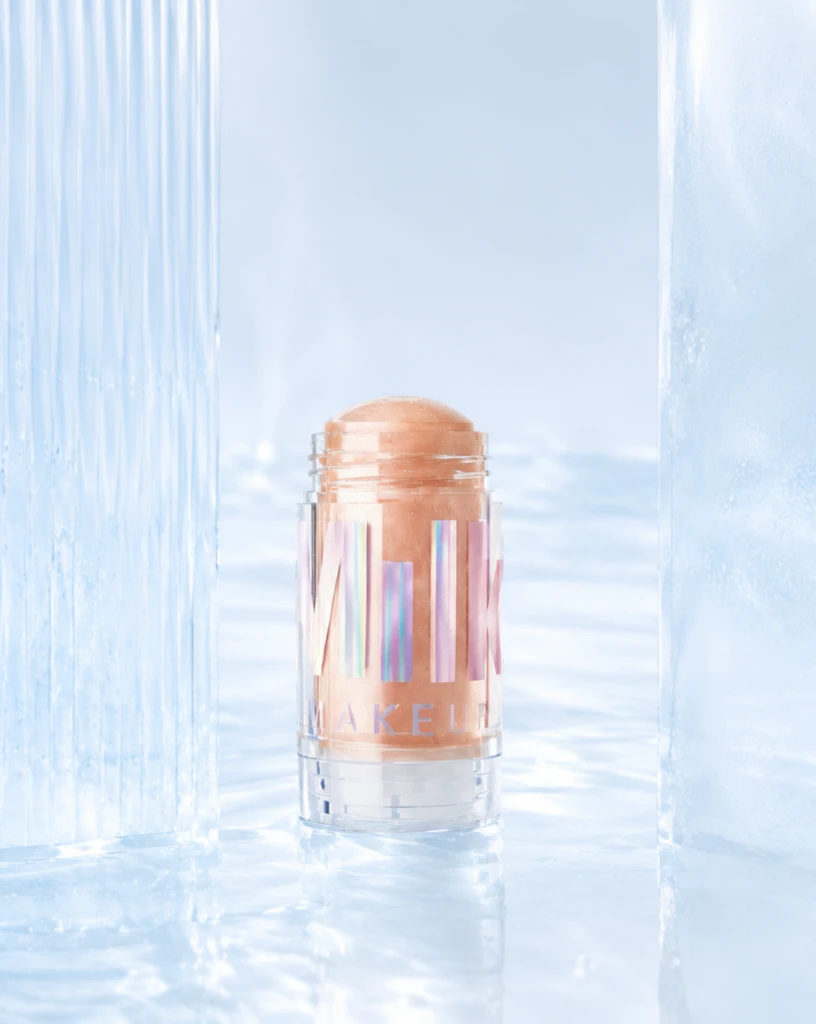 Step 400 · α2 72b6a2c538a26d3533344eacec5d76 单任务耗时 17.9 秒 / PyTorch 峰值显存 33.3 GiB | 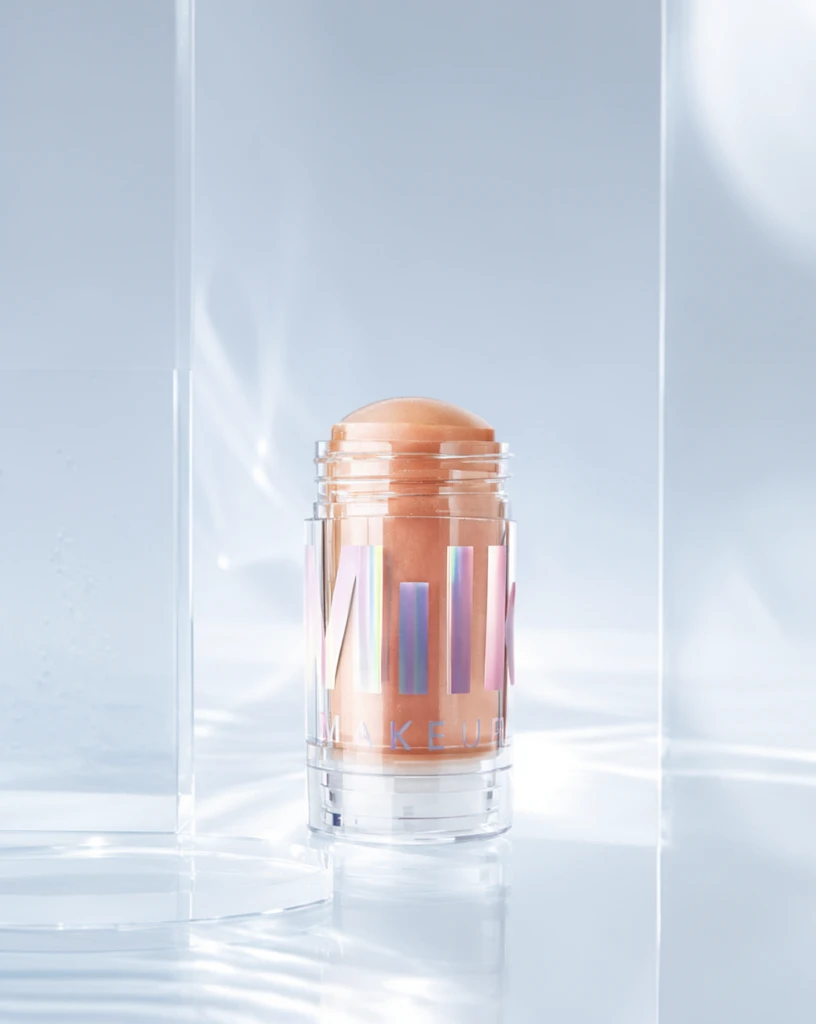 Step 600 · α1 63e4ae559ca349533b148f3a7b3433 单任务耗时 17.9 秒 / PyTorch 峰值显存 33.3 GiB |  Step 600 · α2 4edddc375ce248c76b8e8eb709b78d 单任务耗时 17.9 秒 / PyTorch 峰值显存 33.3 GiB |
q19
| Input 13447d121d481fe9092b3556a358c3 | Ref 1 9376e0026a47989bea2ae3d38e7a34 | Ref 2 59135d3965a10ffeb11da89d33f2be | 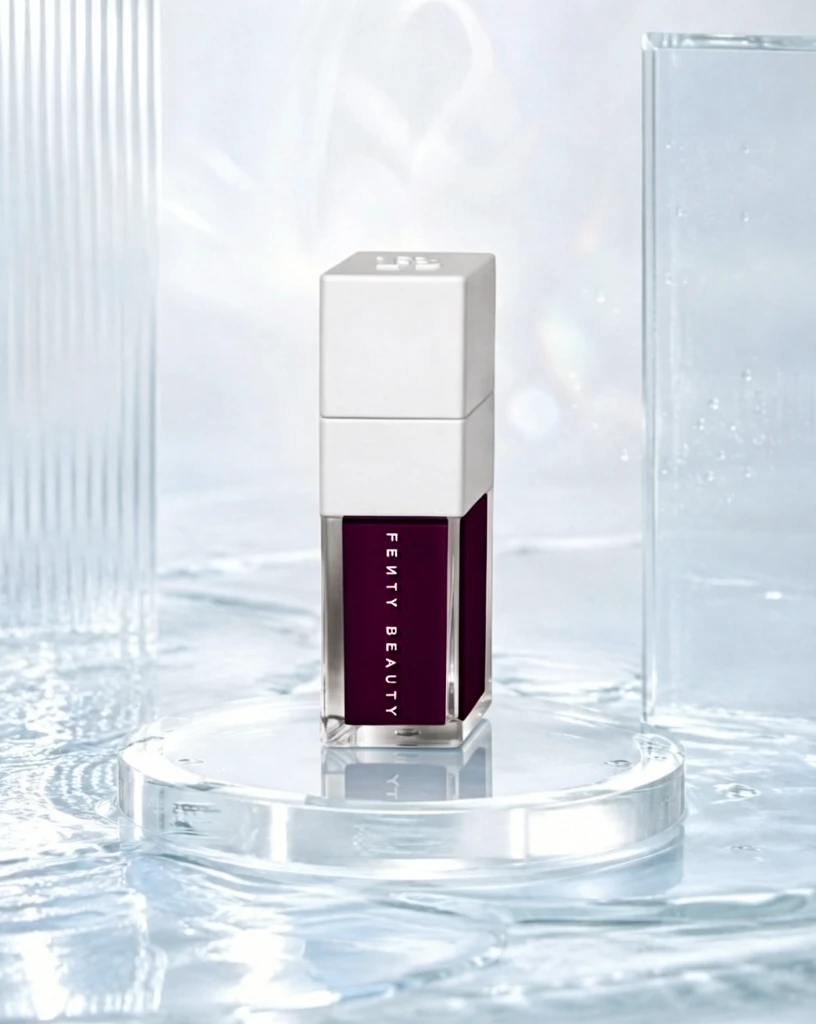 S1 CROSS a77dcb2f152edb75732f2405a77712 单任务耗时 62.2 秒 / PyTorch 峰值显存 33.2 GiB | 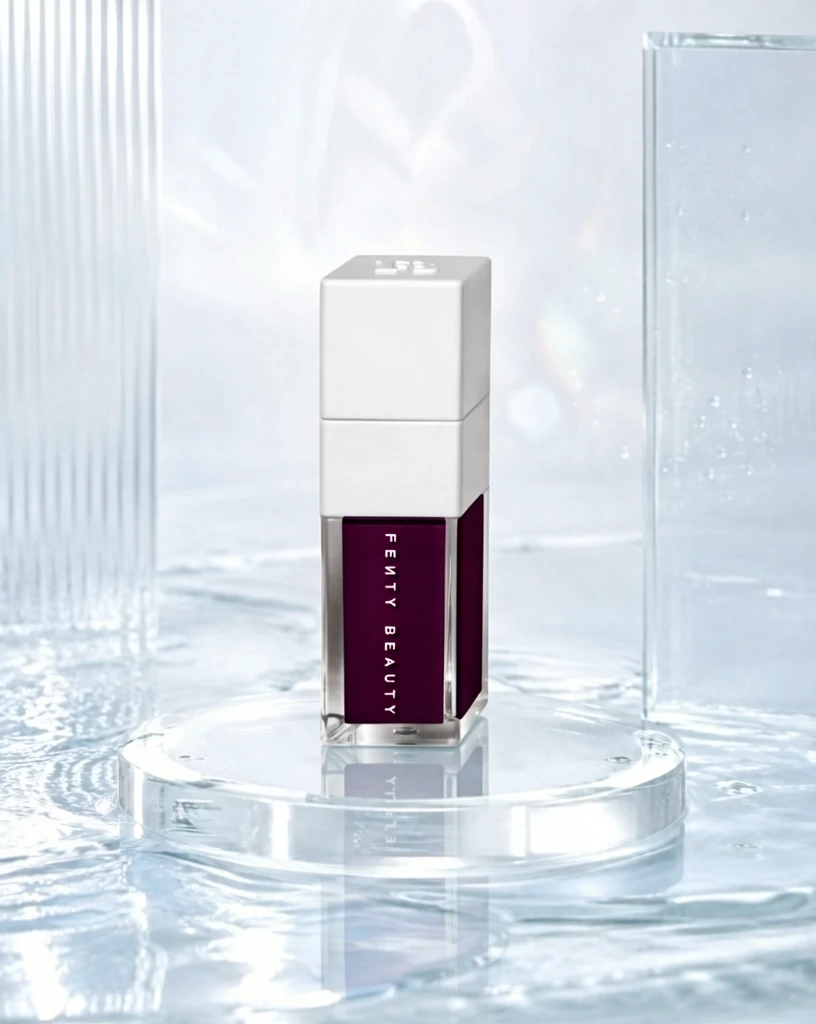 S2 CROSS adbe8650aff42b557b4e36a7a71510 单任务耗时 90.9 秒 / PyTorch 峰值显存 33.9 GiB | 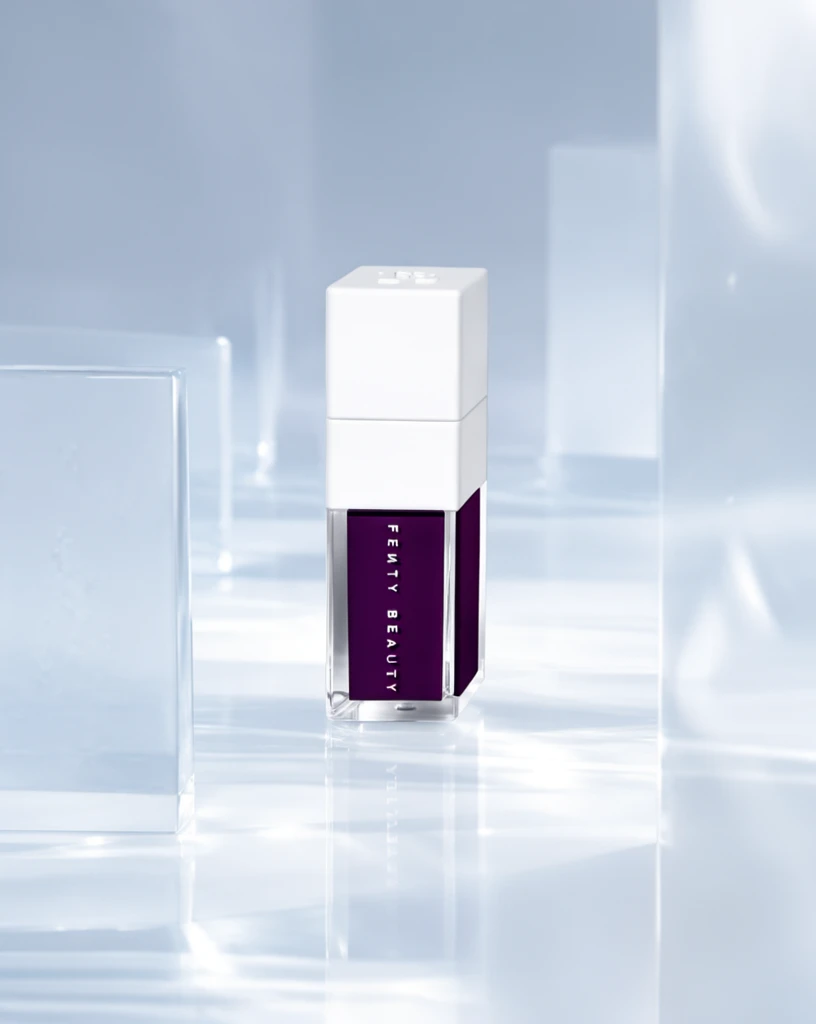 Step 200 · α1 8e8536c151f2d225a1f787b7e30fbc 单任务耗时 18.0 秒 / PyTorch 峰值显存 33.3 GiB | 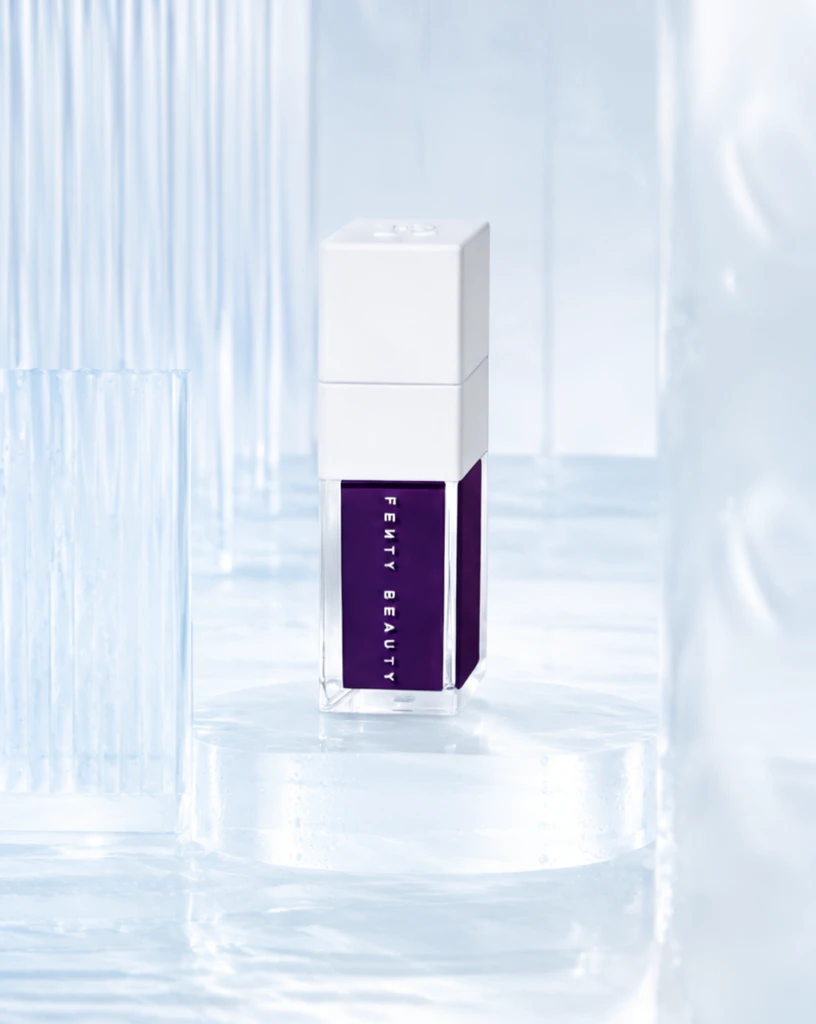 Step 200 · α2 549d4474c4f8400d38ac2929ba20e7 单任务耗时 17.9 秒 / PyTorch 峰值显存 33.3 GiB | 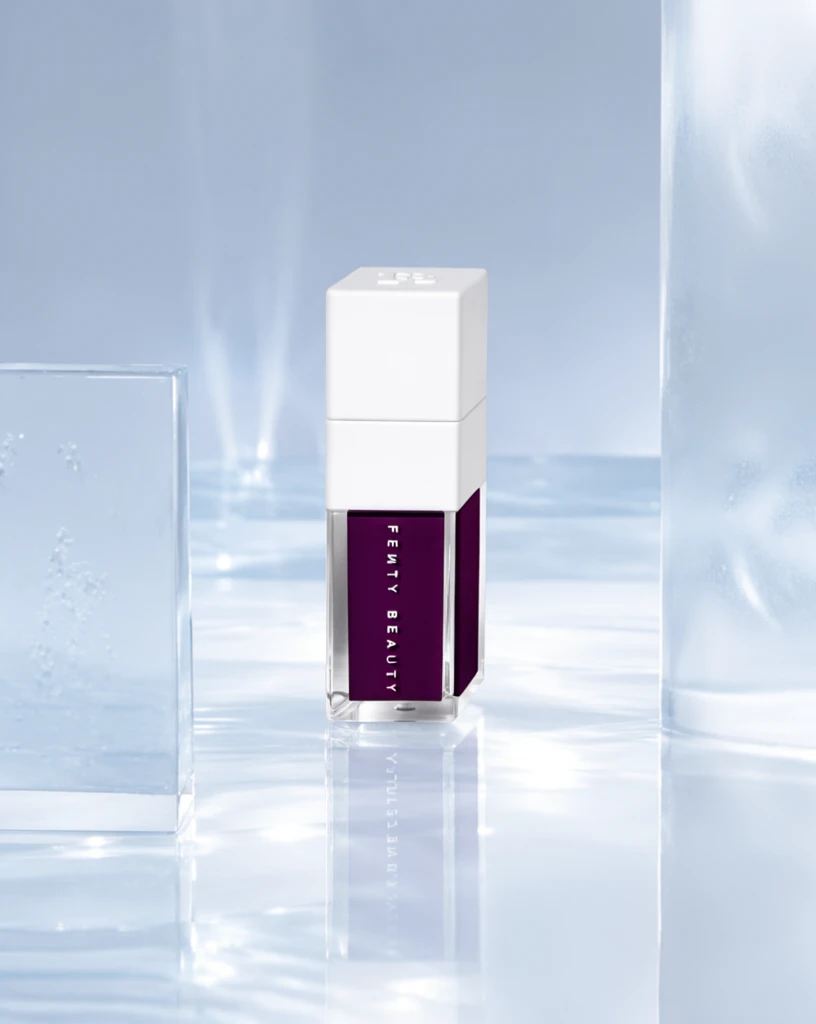 Step 400 · α1 3c8308dbab4b9666a46e1e589e7c21 单任务耗时 17.9 秒 / PyTorch 峰值显存 33.3 GiB | 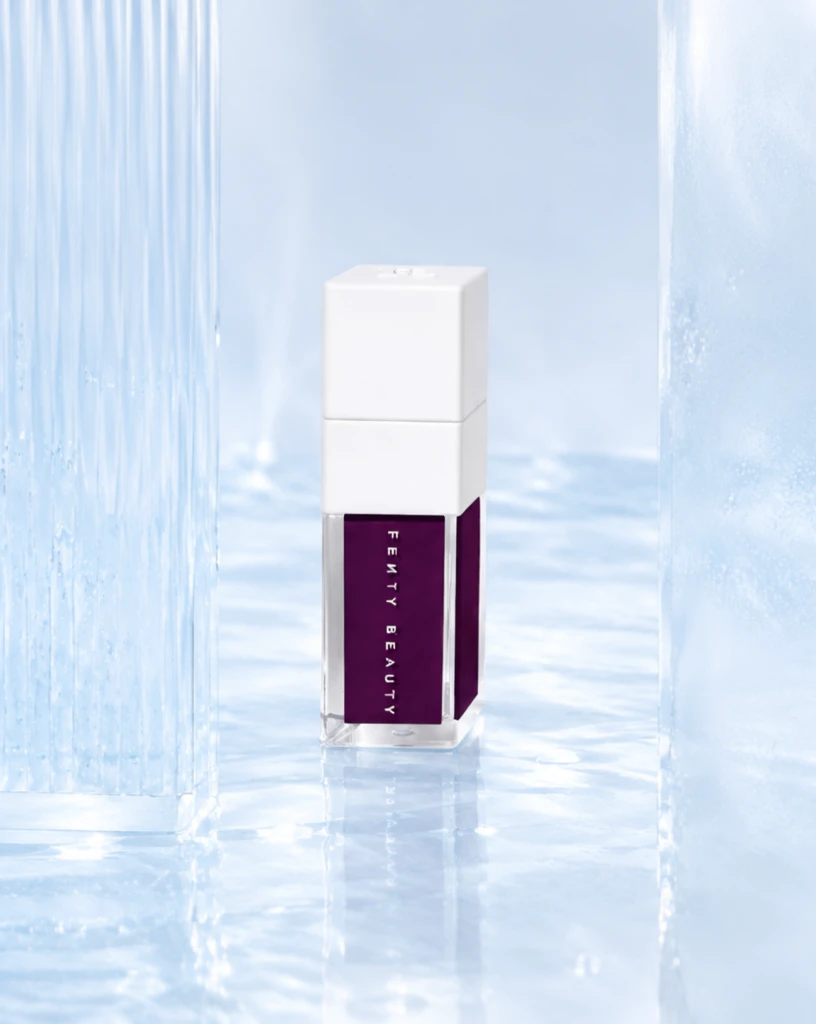 Step 400 · α2 5f458fff8102c28f14c3e8433d5e0a 单任务耗时 17.9 秒 / PyTorch 峰值显存 33.3 GiB | 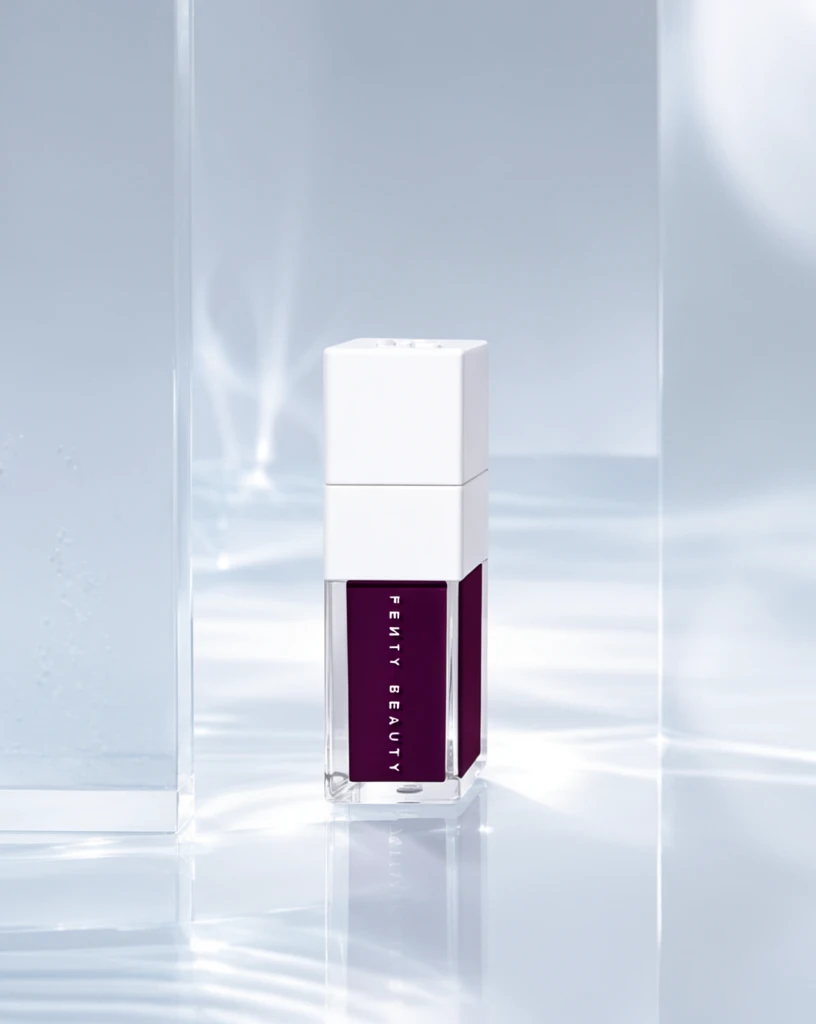 Step 600 · α1 395fdf9cfda141d5d6b66a4f12c379 单任务耗时 17.9 秒 / PyTorch 峰值显存 33.3 GiB |  Step 600 · α2 07904961435e1c6627ad7a0f617511 单任务耗时 17.9 秒 / PyTorch 峰值显存 33.3 GiB |
q20
| Input f785a68b712d7e5221f85ae06e79ef | Ref 1 8aac5d034732ca1f65fc2129d56f67 | Ref 2 c52ee62870eb2948afc3fabd510891 |  S1 CROSS 50caad28fbb6ef524a9d4e67a7bd64 单任务耗时 62.0 秒 / PyTorch 峰值显存 33.2 GiB |  S2 CROSS c8feff74f4048355d3beb574d5ea09 单任务耗时 90.8 秒 / PyTorch 峰值显存 33.9 GiB |  Step 200 · α1 14472e4fd49c9021c4b4c369076828 单任务耗时 17.8 秒 / PyTorch 峰值显存 33.3 GiB | 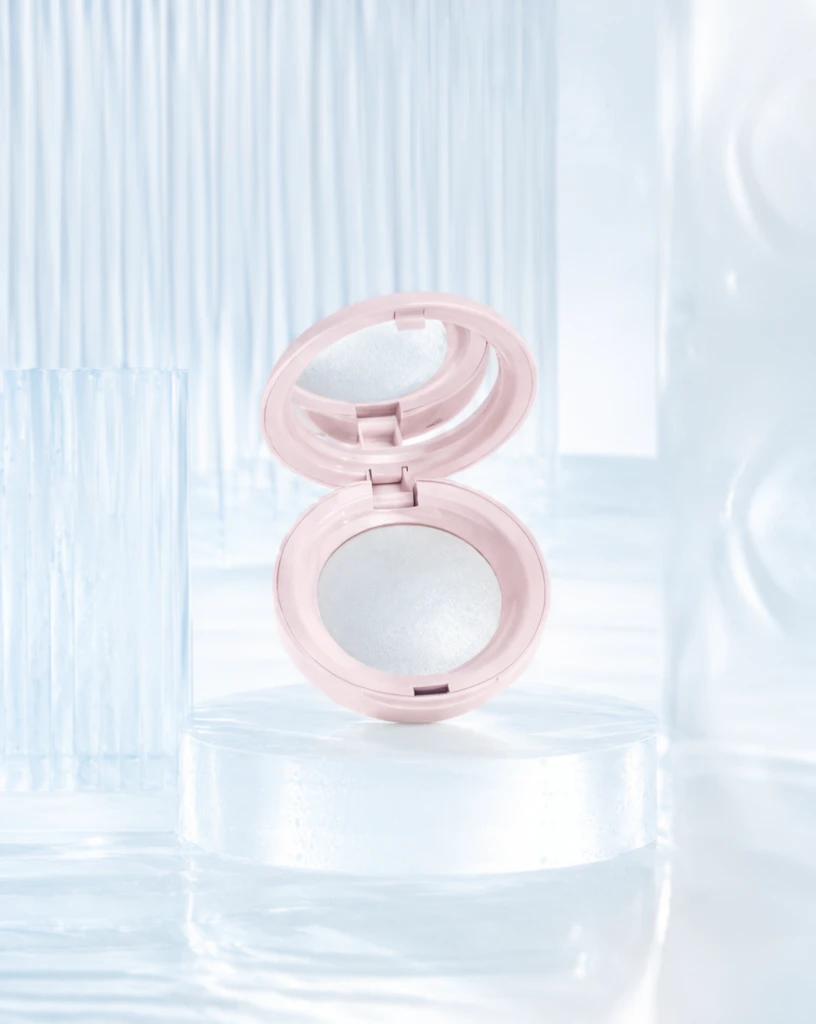 Step 200 · α2 d2a9c33a01fecc2a0fb53e0511b4bf 单任务耗时 17.9 秒 / PyTorch 峰值显存 33.3 GiB | 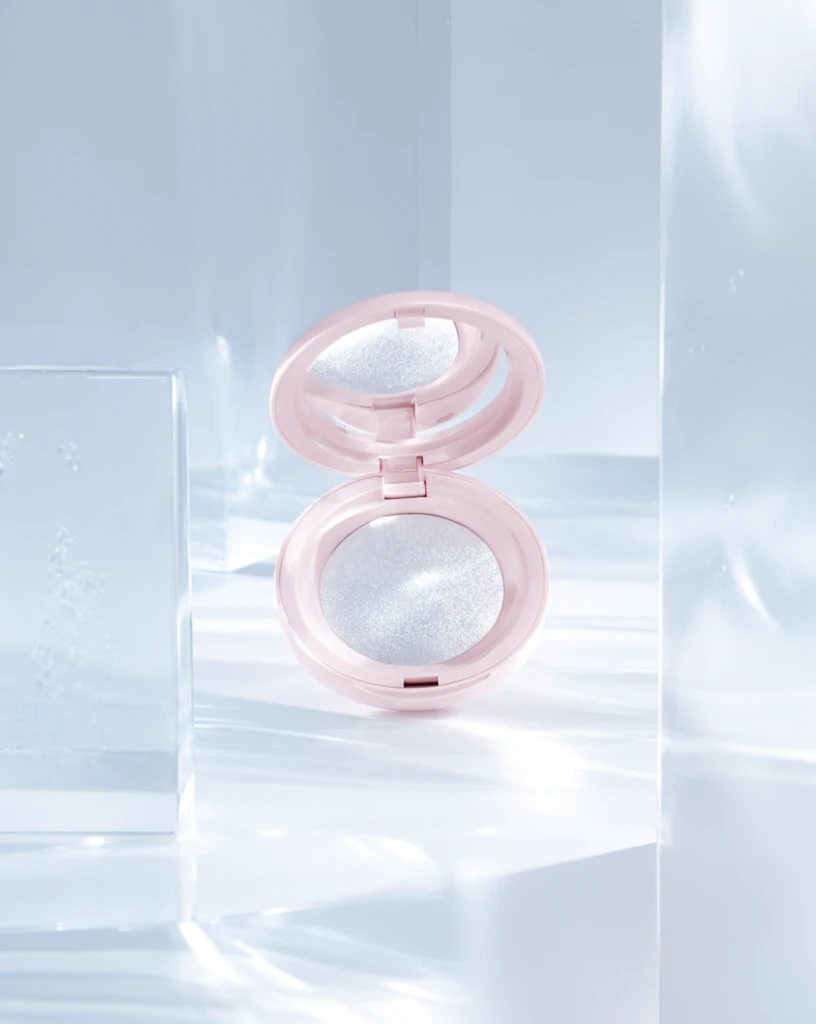 Step 400 · α1 acd3f81c465dd8a3b41576745efe40 单任务耗时 17.8 秒 / PyTorch 峰值显存 33.3 GiB | 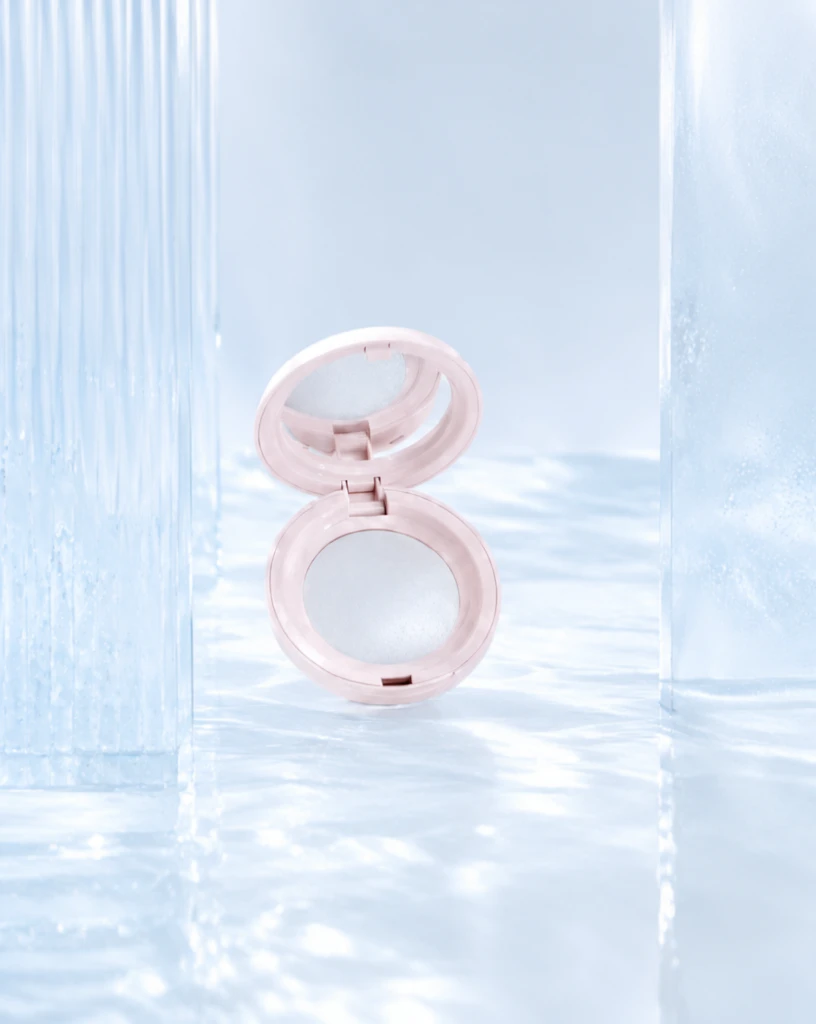 Step 400 · α2 ff353178c450256942f29e5deb0f0d 单任务耗时 17.9 秒 / PyTorch 峰值显存 33.3 GiB | 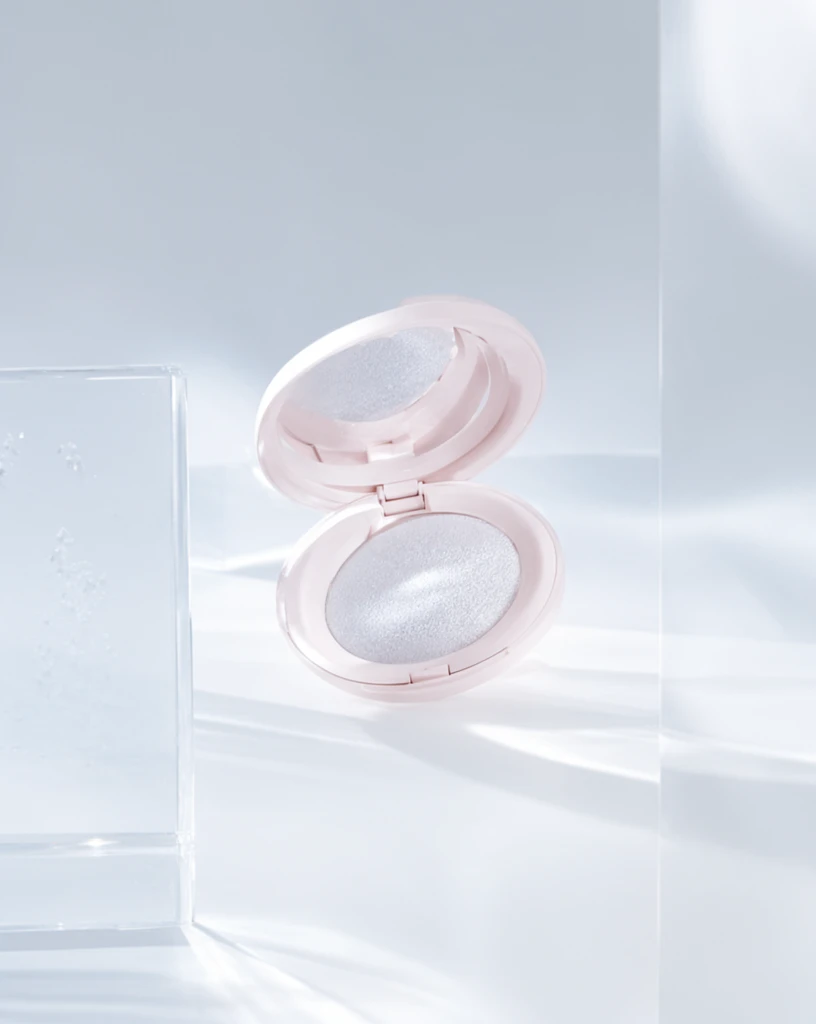 Step 600 · α1 d53081756e6c20cfbb8c201d53fbfc 单任务耗时 17.9 秒 / PyTorch 峰值显存 33.3 GiB | 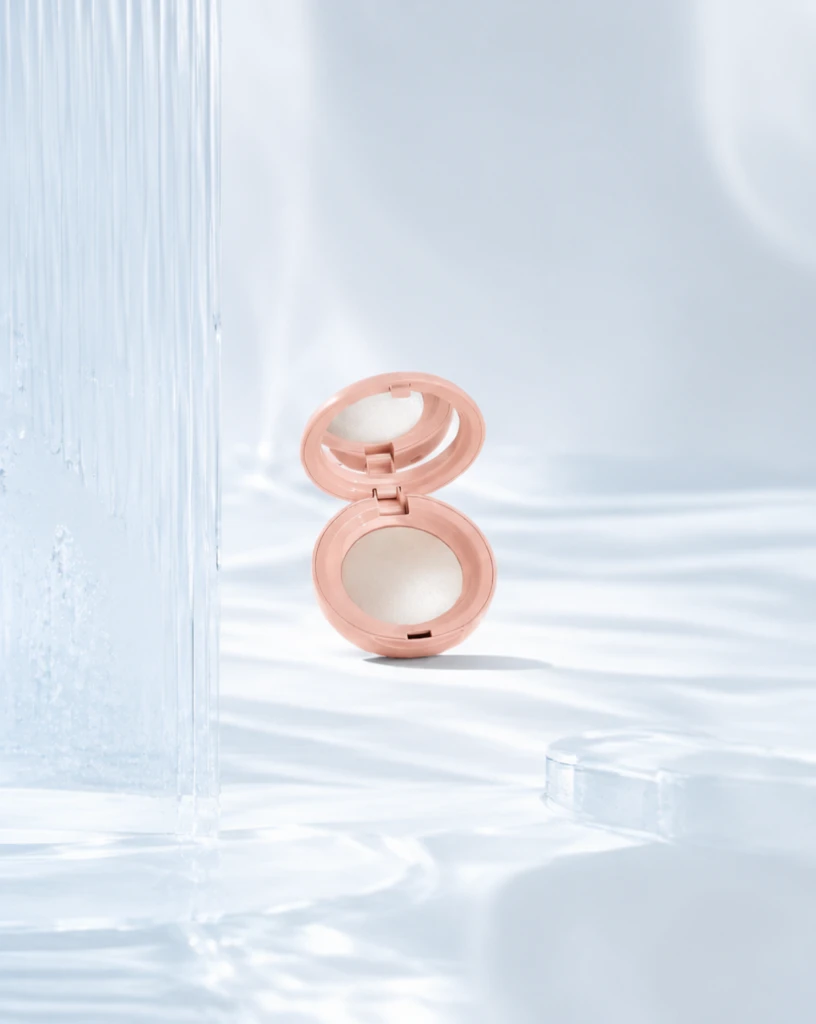 Step 600 · α2 b7bc743d30700303e8d1b3380b384b 单任务耗时 17.9 秒 / PyTorch 峰值显存 33.3 GiB |
去产品 Reference 实验
比较原始参考图和移除产品后的背景参考图。
从目标风格成品参考图中移除产品、品牌文字及其专属阴影/反射,并补全被遮挡的背景。
使用未经处理、仍包含原产品的目标风格成品图作为单张参考图;结果复用同风格 Context 的 S1。
使用去除产品并补全后的背景图作为单张参考图,测试更接近背景/场景迁移的效果。
查看去产品与 S1-BG Prompt、配置
- 模型
- FLUX.2-klein-base-9B
- 实验规模
- 本风格 3 个案例
- 去产品输入
- 1 张目标风格 target;去掉主体并补全遮挡区域
- S1-BG 输入
- 1 张白底产品图 + 1 张去产品后的参考图
- 推理步数
- 50
- CFG
- 4.0
- Seed
- 42
实际使用 Prompt(英文,送入模型)Remove the featured product and all product-specific content from the input image, including its packaging, branding, labels, visible text, product-specific contact shadow, and reflection. Reconstruct the areas previously occupied by the product so that the result looks like the same scene before the product was placed there. Continue the surrounding background, display surface, platform, decorative structures, materials, textures, lighting, shadows, reflections, perspective, and spatial depth naturally. Preserve the original presentation style, composition, camera viewpoint, color relationships, lighting, environment, and all non-product design elements. Do not add another product, object, text, logo, symbol, placeholder, or advertising content. Do not crop, simplify, redesign, recolor, or globally relight the image. The final image should show the original scene with the featured product absent and all previously occluded areas naturally reconstructed.
中文对照说明(未送入模型)移除输入图像中的主体产品以及所有与该产品特定相关的内容,包括包装、品牌标识、标签、可见文字、产品产生的接触阴影和反射。 自然补全产品原本占据的区域,使结果看起来像产品尚未被放入该场景时的画面。连续补全周围的背景、展示表面、展台、装饰结构、材质、纹理、灯光、阴影、反射、透视和空间层次。 保留原始的产品呈现风格、构图、相机视角、色彩关系、灯光、环境和所有非产品设计元素。不要添加新的产品、物体、文字、Logo、符号、占位内容或广告内容。不要裁切、简化、重新设计、重新配色或整体改变图像光照。 最终图像应保留原始场景,仅移除主体产品,并自然补全产品原本遮挡的所有区域。
实际使用 Prompt(英文,送入模型)Image 1 is the product image to edit. Image 2 is a reference image. Transform Image 1 into a product image that follows the presentation style demonstrated by the reference image. Preserve the identity and key visual details of the product in Image 1. Use the reference image only to determine how the product is presented, and do not copy products or textual content from the reference image.
中文对照说明(未送入模型)图像1是需要编辑的产品图,图像2是参考图。 将图像1转换为一张采用参考图所展示呈现风格的产品图。保留图像1中产品的身份和关键视觉细节。参考图仅用于确定产品的呈现方式,不要复制参考图中的产品或文字内容。
| Case | Input | Raw Reference | Product Removed | S1-Raw | S1-BG |
|---|---|---|---|---|---|
sample 01
| Input 3e7f195769ddeb4faadf3ab94f92e8 | Raw Reference a362b7a1572b3d9c1f5ebba9ae1a6d | 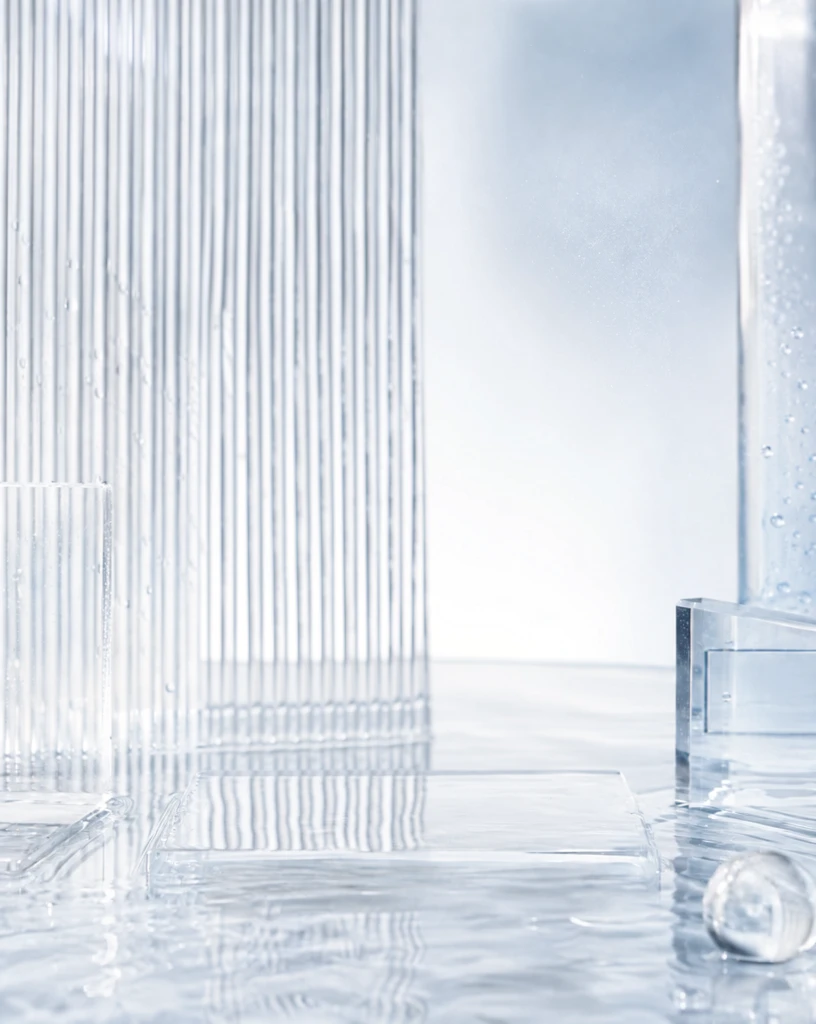 Product Removed f3717d87d8381e1879ecf9f1211162 单任务耗时 37.6 秒 / PyTorch 峰值显存 33.1 GiB | S1-Raw 86ac3e46e5fff46dcf7fdf2f174008 单任务耗时 61.4 秒 / PyTorch 峰值显存 33.2 GiB | 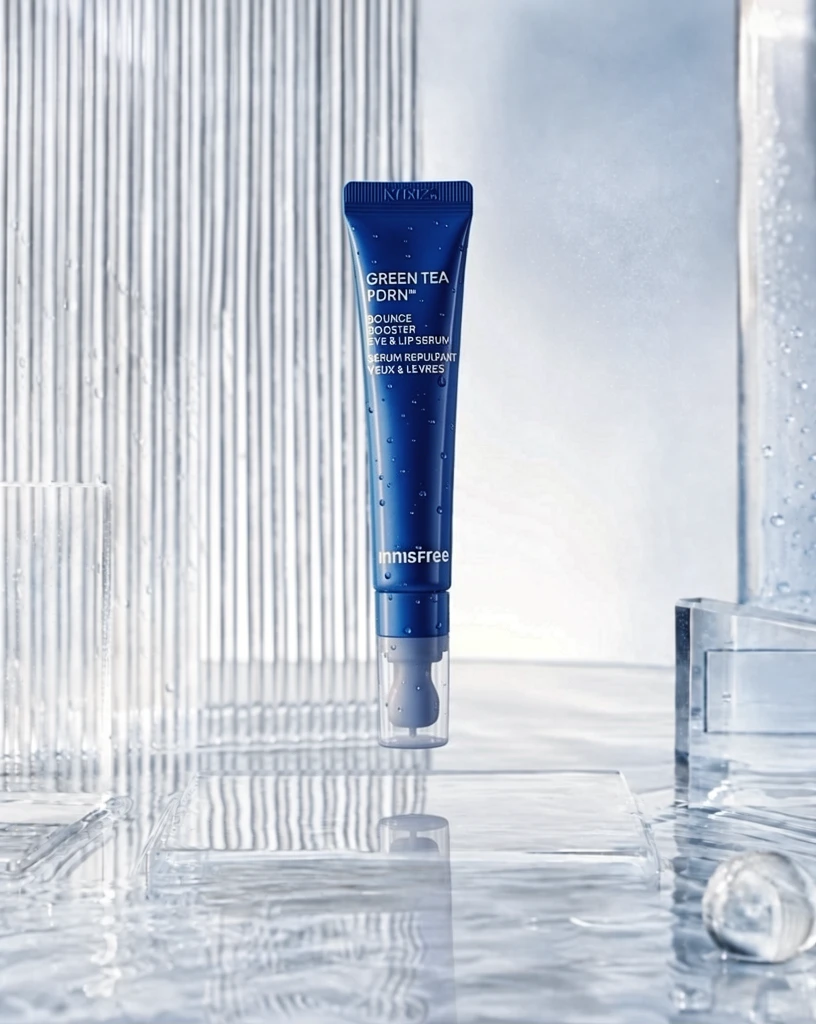 S1-BG 9313ba6310bacb70bd8b0fd1034392 单任务耗时 61.5 秒 / PyTorch 峰值显存 33.2 GiB |
sample 02
| Input 1024eac8a29f36cbfd22bc5476dfbb | Raw Reference 33db63196bfe030d702d75eae5ce20 | 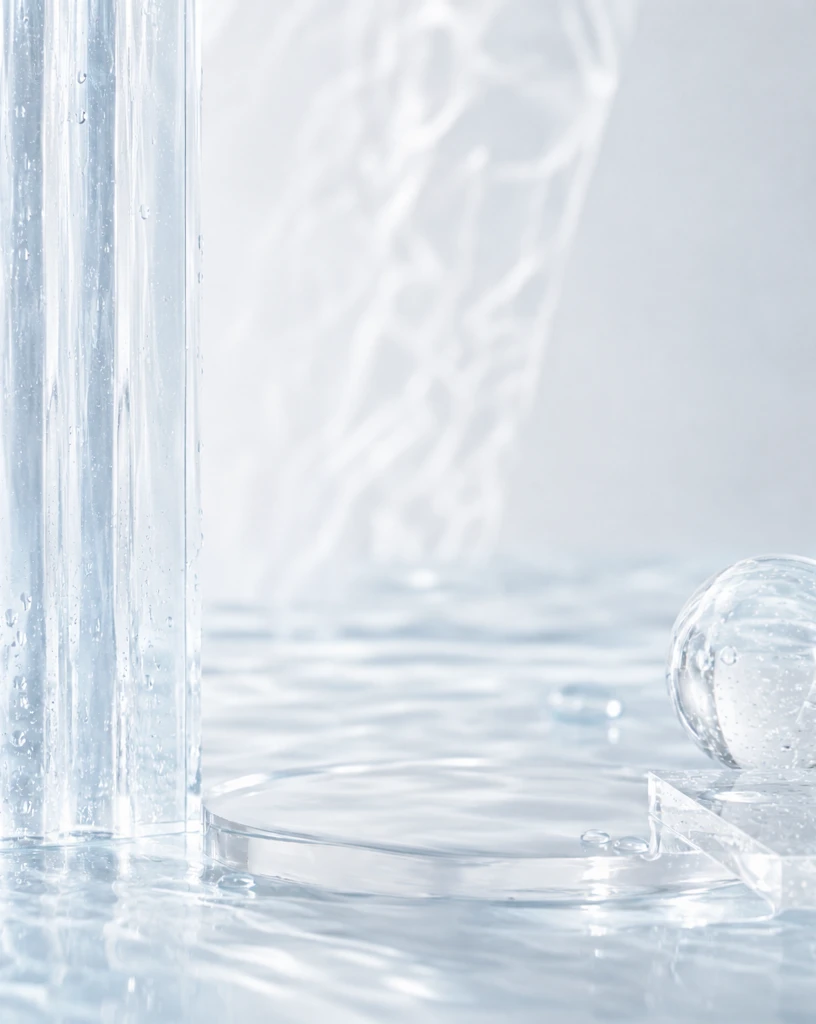 Product Removed 36fa2fc936647d1bf17c22cd0ac7c2 单任务耗时 37.7 秒 / PyTorch 峰值显存 33.1 GiB | S1-Raw ce3819eae420761a3fdd187de22003 单任务耗时 61.9 秒 / PyTorch 峰值显存 33.2 GiB |  S1-BG 67f16eb206aa5bb460435f79a467c9 单任务耗时 61.8 秒 / PyTorch 峰值显存 33.2 GiB |
sample 03
| Input 802f81e934111bd2e5537f8db3d602 | Raw Reference 343ad21b5cb0aebf0f6a9b95be3e86 | 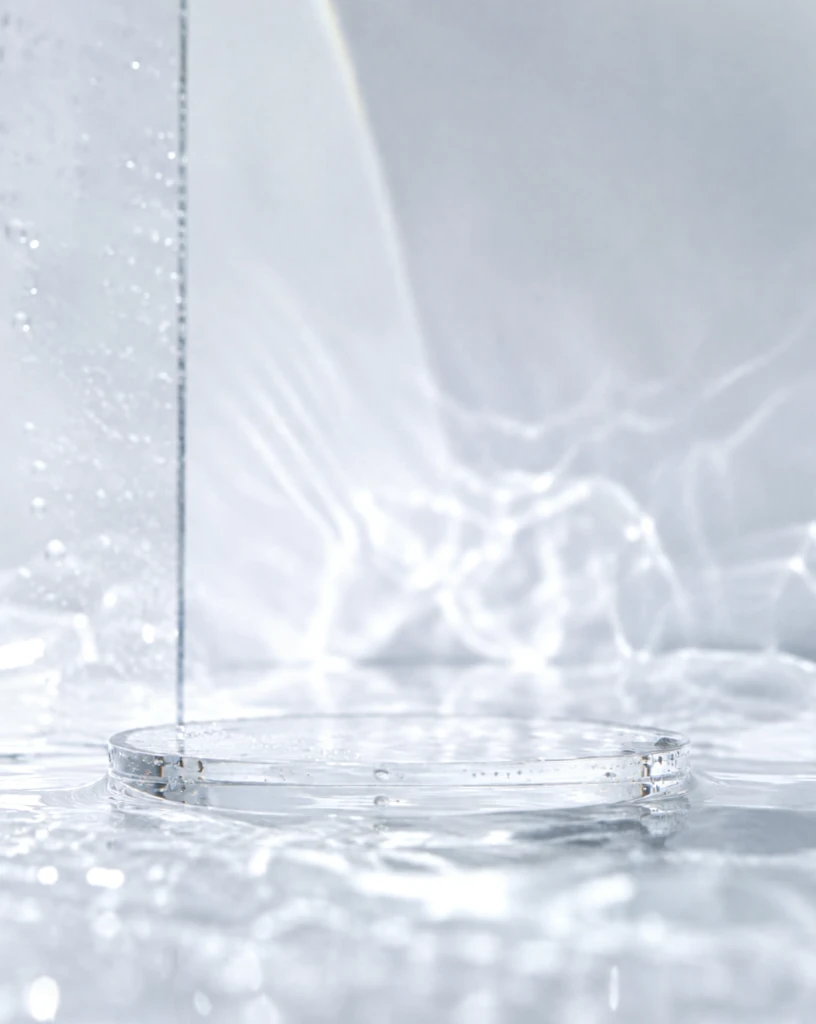 Product Removed 6db409e0c9082b927c3cef8a76d421 单任务耗时 37.5 秒 / PyTorch 峰值显存 33.1 GiB | S1-Raw b187447f96502a794b2b0bac7b67ce 单任务耗时 62.0 秒 / PyTorch 峰值显存 33.2 GiB |  S1-BG 427d7a49ed68441656bd901eccc46e 单任务耗时 62.0 秒 / PyTorch 峰值显存 33.2 GiB |
魔方风格迁移实验结果
当前风格:高饱和珊瑚图形彩妆 · beauty_coral_graphic · Trigger BCGStyle
如何阅读本页
图片字段
需要模型编辑的白底产品图,是每条实验路线的主体输入。
同风格冻结测试案例对应的真实目标图,仅用于视觉对照,不会送入模型。
来自目标风格训练集的风格化成品图。数字表示送入模型的参考图顺序与数量。
配对示例中的原始白底产品图,与 P1 Target 共同展示一次已知转换。
P1 Input 对应的风格化结果;P1 Input 和 P1 Target 会一起送入模型。
模型对当前 Input 生成的结果。图片下方记录该次任务的耗时与 PyTorch 峰值显存。
四条实验路线
torch.cuda.max_memory_allocated() 的峰值,不代表整张 GPU 的总占用,也不包含 PyTorch reserved 但未分配的缓存。同风格参考实验
冻结查询集;显示该风格的全部案例,不做抽样。
输入 1 张待编辑产品图和 1 张同一目标风格的成品参考图,让模型迁移参考图的产品呈现风格。
输入 1 张待编辑产品图和 2 张同一目标风格的成品参考图,观察多一张参考图能否提高风格稳定性。
输入 1 张待编辑产品图和 4 张同一目标风格的成品参考图,测试更多 Context 参考图的效果。
输入 1 张待编辑产品图,再提供 1 组示例 Input→Target 配对,让模型从配对中推断风格转换方式。
查看任务定义、Prompt 与配置
- 模型
- FLUX.2-klein-base-9B
- 测试集
- 同风格冻结测试集,本风格 7 个案例
- 推理步数
- 50
- CFG
- 4.0
- Seed
- 42
- Reference
- S1=1,S2=2,S4=4;P1=1 组 input-target 配对
实际使用 Prompt(英文,送入模型)Image 1 is the product image to edit. Image 2 is a reference image. Transform Image 1 into a product image that follows the presentation style demonstrated by the reference image. Preserve the identity and key visual details of the product in Image 1. Use the reference image only to determine how the product is presented, and do not copy products or textual content from the reference image.
中文对照说明(未送入模型)图像1是需要编辑的产品图,图像2是参考图。 将图像1转换为一张采用参考图所展示呈现风格的产品图。保留图像1中产品的身份和关键视觉细节。参考图仅用于确定产品的呈现方式,不要复制参考图中的产品或文字内容。
实际使用 Prompt(英文,送入模型)Image 1 is the product image to edit. Images 2 through 3 are reference images. Transform Image 1 into a product image that follows the presentation style demonstrated by the reference images. Preserve the identity and key visual details of the product in Image 1. Use the reference images only to determine how the product is presented, and do not copy products or textual content from the reference images.
中文对照说明(未送入模型)图像1是需要编辑的产品图,图像2至图像3是参考图。 将图像1转换为一张采用参考图所展示呈现风格的产品图。保留图像1中产品的身份和关键视觉细节。参考图仅用于确定产品的呈现方式,不要复制参考图中的产品或文字内容。
实际使用 Prompt(英文,送入模型)Image 1 is the product image to edit. Images 2 through 5 are reference images. Transform Image 1 into a product image that follows the presentation style demonstrated by the reference images. Preserve the identity and key visual details of the product in Image 1. Use the reference images only to determine how the product is presented, and do not copy products or textual content from the reference images.
中文对照说明(未送入模型)图像1是需要编辑的产品图,图像2至图像5是参考图。 将图像1转换为一张采用参考图所展示呈现风格的产品图。保留图像1中产品的身份和关键视觉细节。参考图仅用于确定产品的呈现方式,不要复制参考图中的产品或文字内容。
实际使用 Prompt(英文,送入模型)Image 1 is the product image to edit. Images 2 and 3 are a paired example: Image 2 is the original product image, and Image 3 is its transformed result. Use this example pair to infer the presentation style transformation, and apply it to Image 1. Preserve the identity and key visual details of the product in Image 1. Do not copy the example product or its textual content.
中文对照说明(未送入模型)图像1是需要编辑的产品图。图像2和图像3是一组配对示例:图像2是原始产品图,图像3是转换后的结果。 根据这组示例推断产品呈现风格的转换方式,并将其应用到图像1。保留图像1中产品的身份和关键视觉细节。不要复制示例中的产品或文字内容。
| Case | Input | GT | Ref 1 | Ref 2 | Ref 3 | Ref 4 | P1 Input | P1 Target | S1 | S2 | S4 | P1 |
|---|---|---|---|---|---|---|---|---|---|---|---|---|
q01
| Input 534025f993d4b15552e000578a5afd |  Ground Truth cbf42294331264dcb0e17a0265a0a3 |  Ref 1 2be8aaac7b41d699ba3cd0b31b9b12 |  Ref 2 2ae59ec8387cfa0eaa6699b4c23df7 |  Ref 3 6407868a52ae008b5b1ea9022786fa |  Ref 4 51b43baedb11e8c6dfe099253e2bba | P1 Input f785a68b712d7e5221f85ae06e79ef | P1 Target 2be8aaac7b41d699ba3cd0b31b9b12 |  S1 119362fd1a73a2d845223efedc73de 单任务耗时 65.8 秒 / PyTorch 峰值显存 33.6 GiB |  S2 06e00fb9862165e35be5a425df229d 单任务耗时 93.3 秒 / PyTorch 峰值显存 34.0 GiB |  S4 42d957da0e93cda61e9699749fdaee 单任务耗时 158.5 秒 / PyTorch 峰值显存 35.3 GiB |  P1 d7e2868b1dcdb67d739c67dff415e6 单任务耗时 93.3 秒 / PyTorch 峰值显存 34.0 GiB |
q02
| Input e5233405cc1b56329c8429106af189 |  Ground Truth 06462b1478cec82b3bb00e36f159d4 |  Ref 1 f0ec22f58c2ba1bd06bfc3609528aa |  Ref 2 ceb2ce2f9ca5d04640be74db7a0b62 |  Ref 3 82477de234789fecd29058e3ca4fd2 |  Ref 4 0dc4ca2db43eda9307ee190a292b43 | P1 Input c21002e76eb2bf7cbdceaba99491f9 | P1 Target f0ec22f58c2ba1bd06bfc3609528aa | 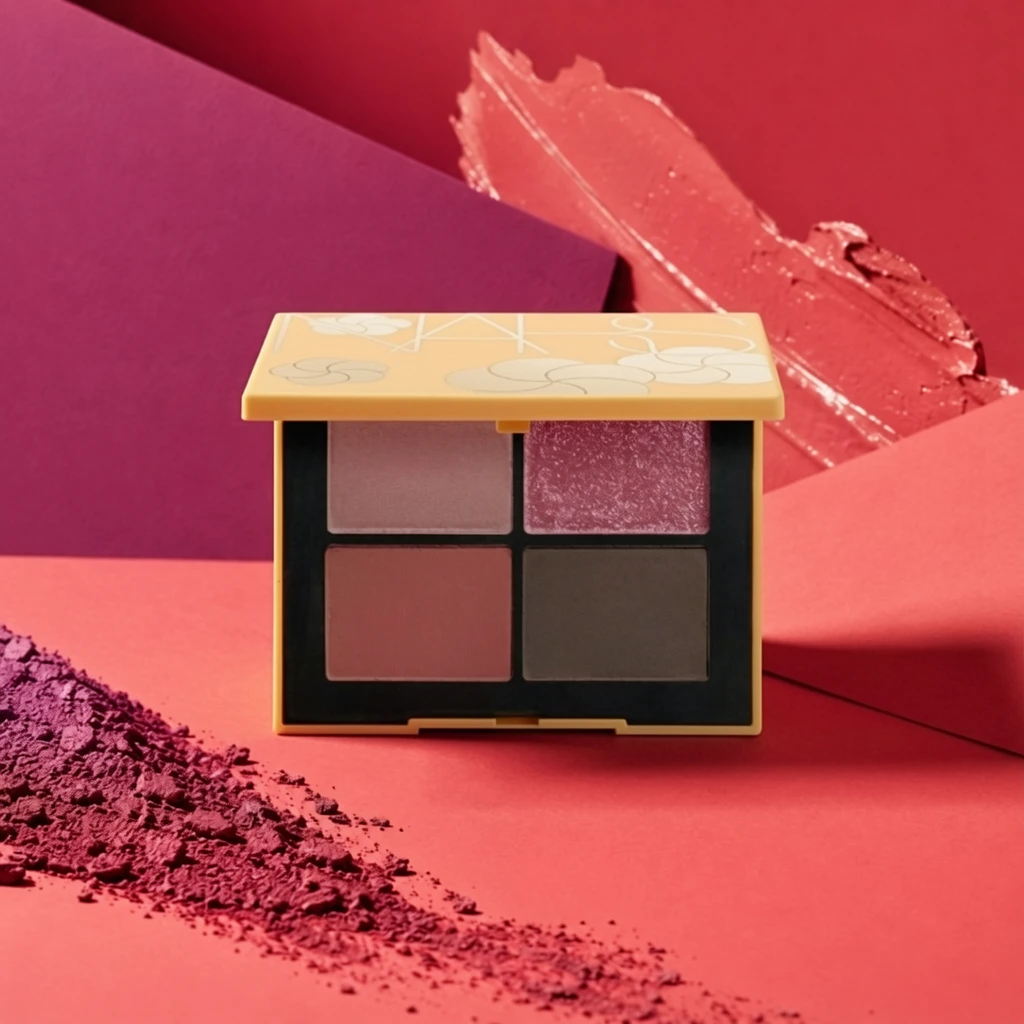 S1 c6e735ef0483739fad8f98db2bb259 单任务耗时 65.8 秒 / PyTorch 峰值显存 33.6 GiB |  S2 e2c8fdcd0569df39387292546cae98 单任务耗时 93.2 秒 / PyTorch 峰值显存 34.0 GiB |  S4 d45f3752f2525c6b4fe7923d1fac4b 单任务耗时 158.4 秒 / PyTorch 峰值显存 35.3 GiB | 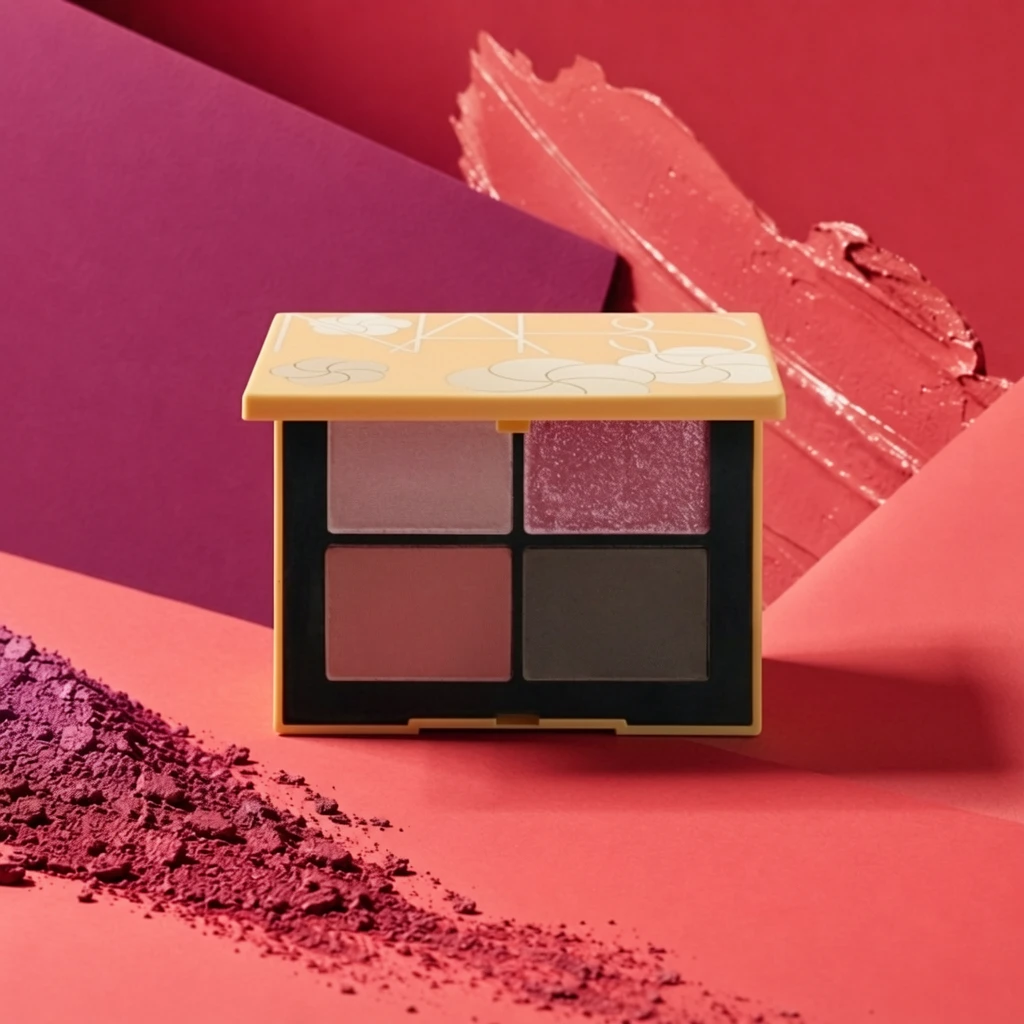 P1 57fb58982b47430e668e3863641b90 单任务耗时 93.2 秒 / PyTorch 峰值显存 34.0 GiB |
q03
| Input 3fc0f42b90afbcf28e145ecf76c599 |  Ground Truth 900e8b2db1383b03f9b561a4819114 |  Ref 1 78407dc7d87de9010754b876364dfd |  Ref 2 76485aa5c045e87f291a9c3081d90d |  Ref 3 57a2ad5fb524dabbe2aa9ba59e3a02 |  Ref 4 213e23046a818e8c7929b5d07ba884 | 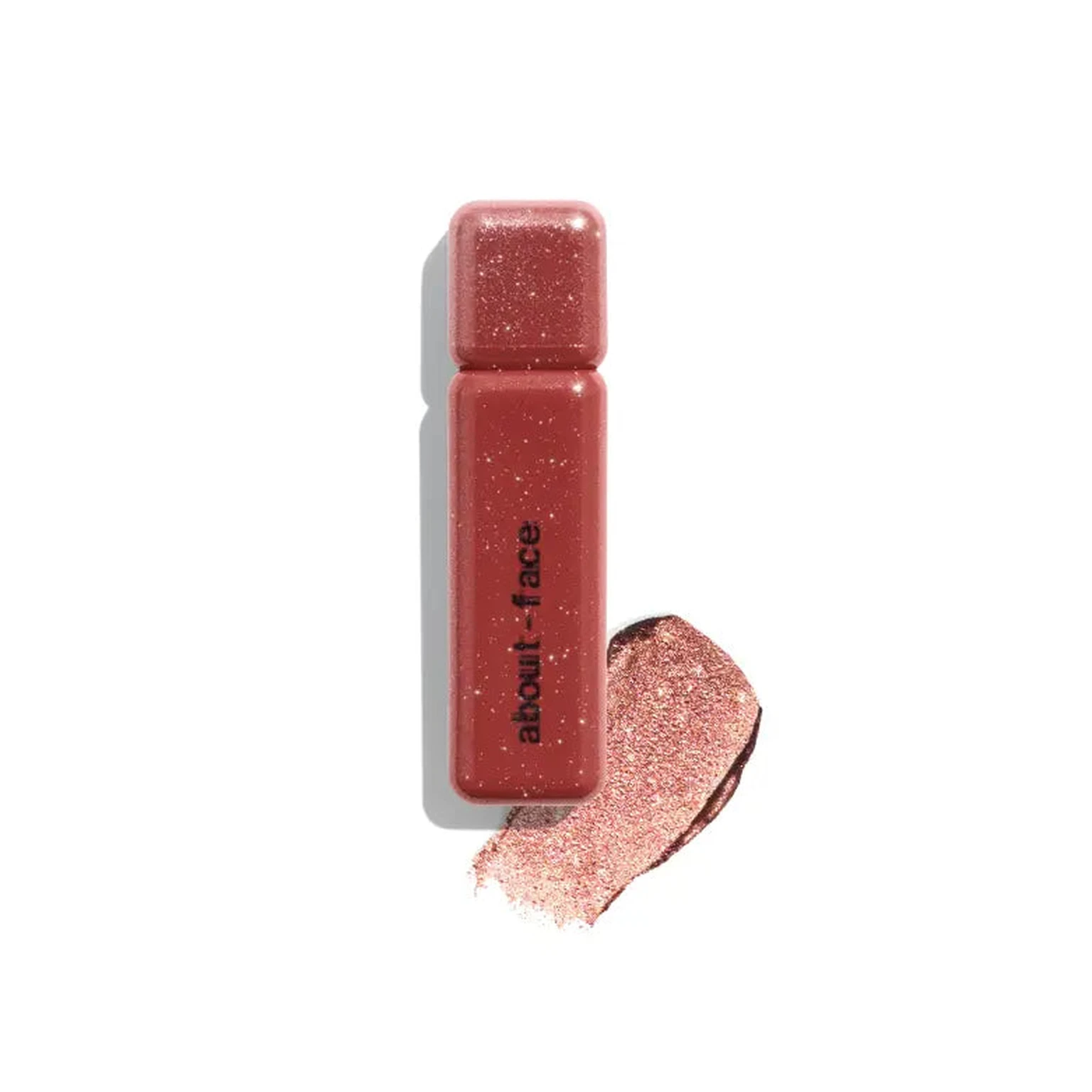 P1 Input ef3baf3c51bf3e830bdaa3e67e0b40 | P1 Target 78407dc7d87de9010754b876364dfd |  S1 62b87674b5a75192f28372b55494db 单任务耗时 65.7 秒 / PyTorch 峰值显存 33.6 GiB |  S2 09f8be07cb33ad4e152d5f215addc7 单任务耗时 93.4 秒 / PyTorch 峰值显存 34.0 GiB |  S4 9404b0f01be8486c9f79ebbd510507 单任务耗时 158.6 秒 / PyTorch 峰值显存 35.3 GiB |  P1 22293920bf9439e3e8bece4cdbcec1 单任务耗时 93.2 秒 / PyTorch 峰值显存 34.0 GiB |
q04
| Input 7f5d21fc5089e83e2229cc757ab0a3 |  Ground Truth c72cec19407d6bc8203e8174bf2e27 | Ref 1 2ae59ec8387cfa0eaa6699b4c23df7 | Ref 2 6407868a52ae008b5b1ea9022786fa | Ref 3 51b43baedb11e8c6dfe099253e2bba |  Ref 4 e9a0df21bd5d96965b88418c8b5f8c | P1 Input ff3aed718530c691fc001191c888a8 | P1 Target 2ae59ec8387cfa0eaa6699b4c23df7 |  S1 3e1d2e72b5ef5071b268e1db7519c3 单任务耗时 65.8 秒 / PyTorch 峰值显存 33.6 GiB |  S2 b236d3eefddce9ae4a45f1cfd83256 单任务耗时 93.5 秒 / PyTorch 峰值显存 34.0 GiB |  S4 ac628822b4ec4d5b6b9e87d7bbe4eb 单任务耗时 158.6 秒 / PyTorch 峰值显存 35.3 GiB |  P1 bf18e3f701d464cb47fd524d3a8423 单任务耗时 93.5 秒 / PyTorch 峰值显存 34.0 GiB |
q05
| Input e18e8f103d7f41ff4b884fc489a252 |  Ground Truth 076393551e7ef9f27fab86b4ba1a27 | Ref 1 ceb2ce2f9ca5d04640be74db7a0b62 | Ref 2 82477de234789fecd29058e3ca4fd2 | Ref 3 0dc4ca2db43eda9307ee190a292b43 | Ref 4 2be8aaac7b41d699ba3cd0b31b9b12 |  P1 Input e40a3a64bf8289ed7059c07868017e | P1 Target ceb2ce2f9ca5d04640be74db7a0b62 |  S1 2905c9b7cad40d1b81ecc8be78a83d 单任务耗时 65.8 秒 / PyTorch 峰值显存 33.6 GiB |  S2 cb55d6af85ed45e96035ebaac3f6e3 单任务耗时 93.4 秒 / PyTorch 峰值显存 34.0 GiB |  S4 e44359155fc4f55d2d8483c7a21e61 单任务耗时 158.6 秒 / PyTorch 峰值显存 35.3 GiB |  P1 db62b49fdb214735e4772c61099f60 单任务耗时 93.3 秒 / PyTorch 峰值显存 34.0 GiB |
q06
| Input 13447d121d481fe9092b3556a358c3 |  Ground Truth 090ca546856c1d4e150c9b042387a8 | Ref 1 76485aa5c045e87f291a9c3081d90d | Ref 2 57a2ad5fb524dabbe2aa9ba59e3a02 | Ref 3 213e23046a818e8c7929b5d07ba884 | Ref 4 f0ec22f58c2ba1bd06bfc3609528aa |  P1 Input 48cd2ffefcd9b032e1e09abdbc5b7d | P1 Target 76485aa5c045e87f291a9c3081d90d |  S1 15fe7f0b8269763e9473af7f90fdcf 单任务耗时 65.9 秒 / PyTorch 峰值显存 33.6 GiB |  S2 8fa660968f4ad3cbb60f077c13879c 单任务耗时 93.6 秒 / PyTorch 峰值显存 34.0 GiB |  S4 d26b240f02e76e99b977336416bbd9 单任务耗时 158.7 秒 / PyTorch 峰值显存 35.3 GiB |  P1 e7383bc307ad8a8963f31bd89ab6b8 单任务耗时 93.5 秒 / PyTorch 峰值显存 34.0 GiB |
q07
| Input 628de2d971adcb9fe7bc79a2b047fc |  Ground Truth 60ace6e9c0cddb81833e77d0d78c88 | Ref 1 6407868a52ae008b5b1ea9022786fa | Ref 2 51b43baedb11e8c6dfe099253e2bba | Ref 3 e9a0df21bd5d96965b88418c8b5f8c | Ref 4 78407dc7d87de9010754b876364dfd |  P1 Input 6dbd8106c1fdd3e904fb7ef067286f | P1 Target 6407868a52ae008b5b1ea9022786fa |  S1 689d261710790516a4b0a3d90f2d57 单任务耗时 65.4 秒 / PyTorch 峰值显存 33.6 GiB |  S2 39cda2c962edd71338da1efc35eb6b 单任务耗时 93.3 秒 / PyTorch 峰值显存 34.0 GiB |  S4 cfd74f01eb370c80b1163a89662d1b 单任务耗时 158.6 秒 / PyTorch 峰值显存 35.3 GiB |  P1 909b556dcf06b7478fdb0ba5eb88be 单任务耗时 93.3 秒 / PyTorch 峰值显存 34.0 GiB |
跨小风格输入对比
每个目标风格完整展示 20 个固定案例;LoRA 与 Context 使用同一批输入。
待编辑产品来自同一大类中的其他小风格;提供 1 张目标小风格成品图作为参考,测试跨小风格输入的迁移效果。
待编辑产品来自同一大类中的其他小风格;提供 2 张目标小风格成品图作为参考。
只输入 1 张待编辑产品图并挂载目标小风格 LoRA,不提供额外 Context 参考图;对比 step 200/400/600 与 alpha 1/2。
查看 Cross Context 任务定义、Prompt 与配置
- 模型
- FLUX.2-klein-base-9B
- 测试集
- 同大类其他小风格的固定白底输入,每个目标风格 20 个
- 推理步数
- 50
- CFG
- 4.0
- Seed
- 42
- Reference
- S1-Cross=1,S2-Cross=2;参考图来自目标风格
实际使用 Prompt(英文,送入模型)Image 1 is the product image to edit. Image 2 is a reference image. Transform Image 1 into a product image that follows the presentation style demonstrated by the reference image. Preserve the identity and key visual details of the product in Image 1. Use the reference image only to determine how the product is presented, and do not copy products or textual content from the reference image.
中文对照说明(未送入模型)图像1是需要编辑的产品图,图像2是参考图。 将图像1转换为一张采用参考图所展示呈现风格的产品图。保留图像1中产品的身份和关键视觉细节。参考图仅用于确定产品的呈现方式,不要复制参考图中的产品或文字内容。
实际使用 Prompt(英文,送入模型)Image 1 is the product image to edit. Images 2 and 3 are reference images. Transform Image 1 into a product image that follows the presentation style demonstrated by the reference images. Preserve the identity and key visual details of the product in Image 1. Use the reference images only to determine how the product is presented, and do not copy products or textual content from the reference images.
中文对照说明(未送入模型)图像1是需要编辑的产品图,图像2和图像3是参考图。 将图像1转换为一张采用参考图所展示呈现风格的产品图。保留图像1中产品的身份和关键视觉细节。参考图仅用于确定产品的呈现方式,不要复制参考图中的产品或文字内容。
查看 LoRA 训练/推理 Prompt 与配置
- 训练数据
- 目标小风格的 20 组白底 input → 风格化 target 配对
- 训练配置
- 600 steps;每 100 step 保存;LR=5e-5;rank=32;BF16
- 测试数据
- 与 Cross Context 相同的 20 个跨小风格白底输入;无目标风格 GT
- Checkpoint
- step 200 / 400 / 600
- LoRA alpha
- 1.0 / 2.0
- 推理步数
- 50
- CFG
- 1.0
- Seed
- 42
- 额外 Reference
- 无;仅输入产品图 + LoRA
实际使用 Prompt(英文,送入模型)BCGStyle. Apply this presentation style to the input product image. Preserve the product itself, including its identity and key visual details.
中文对照说明(未送入模型)BCGStyle。将该呈现风格应用到输入产品图中。保留产品本身,包括其身份和关键视觉细节。
| Case | Input | Ref 1 | Ref 2 | S1-Cross | S2-Cross | LoRA 200 α1 | LoRA 200 α2 | LoRA 400 α1 | LoRA 400 α2 | LoRA 600 α1 | LoRA 600 α2 |
|---|---|---|---|---|---|---|---|---|---|---|---|
q01
| Input 6797d7dcda626389a9d96bf34bc86b | Ref 1 78407dc7d87de9010754b876364dfd | Ref 2 6407868a52ae008b5b1ea9022786fa |  S1 CROSS 32248304ccb3d079380be73442702e 单任务耗时 66.2 秒 / PyTorch 峰值显存 33.6 GiB |  S2 CROSS 5df391a2a6f567455ee5fb00543554 单任务耗时 94.0 秒 / PyTorch 峰值显存 34.0 GiB |  Step 200 · α1 e68b0d5c33f1053233f42c02efb134 单任务耗时 19.8 秒 / PyTorch 峰值显存 33.8 GiB |  Step 200 · α2 8b5133855bcaeb10de69a788b15fe5 单任务耗时 19.7 秒 / PyTorch 峰值显存 33.8 GiB |  Step 400 · α1 4c01ab89fb9be855f6b7574991ea1d 单任务耗时 19.7 秒 / PyTorch 峰值显存 33.8 GiB |  Step 400 · α2 f8bc2729bbb7064f2a1c468243ee5b 单任务耗时 19.7 秒 / PyTorch 峰值显存 33.8 GiB |  Step 600 · α1 573bba674fd530f080eb7c2fa915e5 单任务耗时 19.7 秒 / PyTorch 峰值显存 33.8 GiB |  Step 600 · α2 18532f18ea2146c8cf6e4a9fd3faa9 单任务耗时 19.7 秒 / PyTorch 峰值显存 33.8 GiB |
q02
|  Input 46374f461272eed2ccddccc4904f27 | Ref 1 213e23046a818e8c7929b5d07ba884 | Ref 2 06462b1478cec82b3bb00e36f159d4 |  S1 CROSS 3ee0aa37aaf62e192bbb087cbf4c99 单任务耗时 66.2 秒 / PyTorch 峰值显存 33.6 GiB |  S2 CROSS d9e7494ea16e88b607dfd18bf66c09 单任务耗时 94.0 秒 / PyTorch 峰值显存 34.0 GiB |  Step 200 · α1 af44756f012450194a85b69299fb27 单任务耗时 19.7 秒 / PyTorch 峰值显存 33.8 GiB |  Step 200 · α2 0b4971f27057e43b795c13788e4e53 单任务耗时 19.7 秒 / PyTorch 峰值显存 33.8 GiB |  Step 400 · α1 9a7a817141bf73f709793283f86cab 单任务耗时 19.7 秒 / PyTorch 峰值显存 33.8 GiB |  Step 400 · α2 9f5553ab018ab1312fca397b12e91e 单任务耗时 19.7 秒 / PyTorch 峰值显存 33.8 GiB | 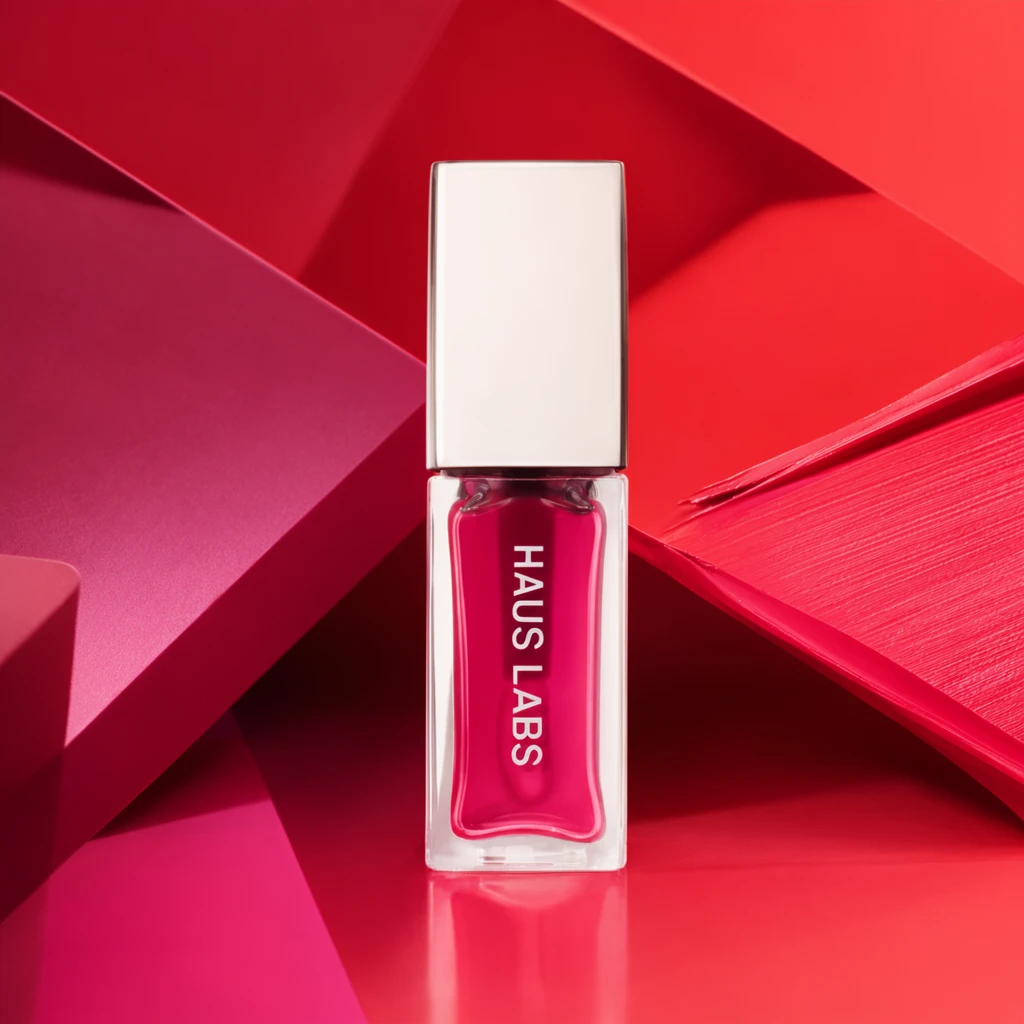 Step 600 · α1 2d9e2100c3dc91ae21239b827302cd 单任务耗时 19.7 秒 / PyTorch 峰值显存 33.8 GiB | 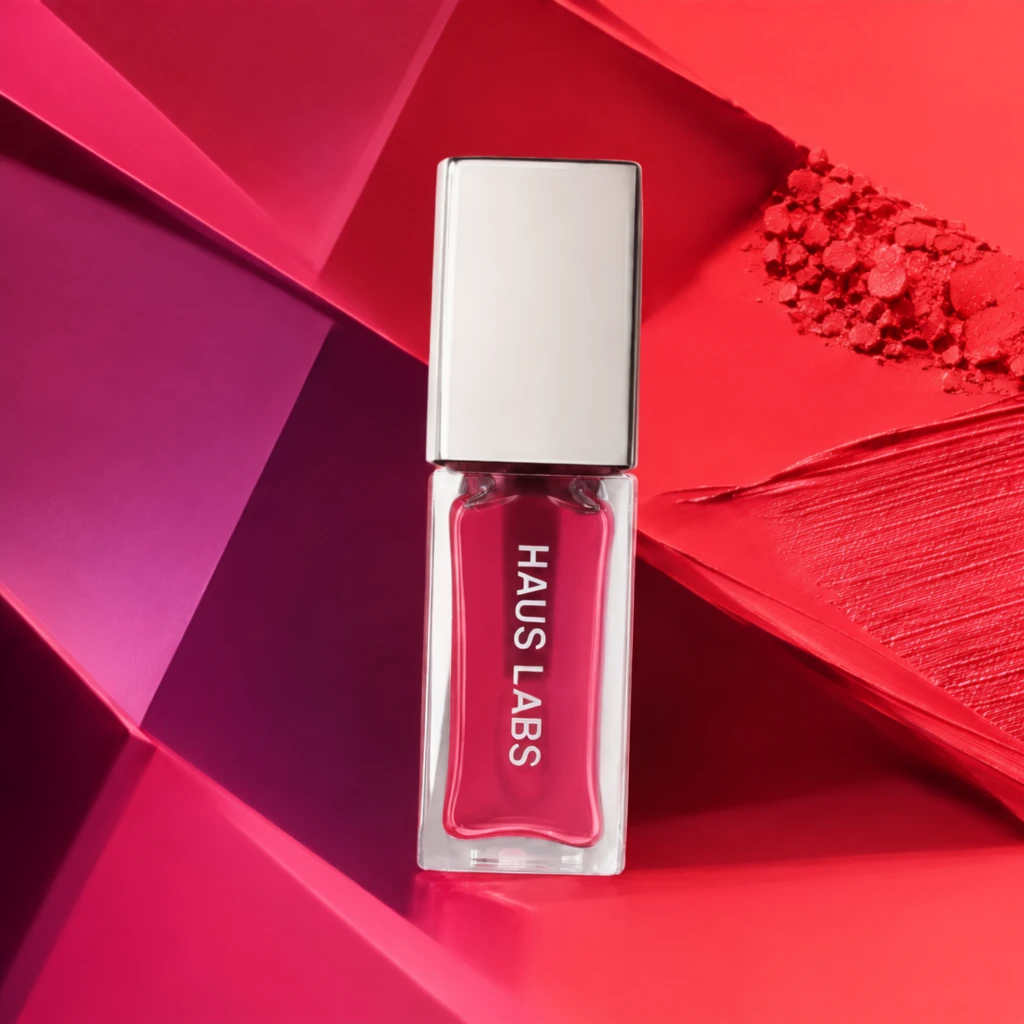 Step 600 · α2 22457cc78c7d57b1c10667989de21a 单任务耗时 19.7 秒 / PyTorch 峰值显存 33.8 GiB |
q03
| Input dff8796412be2781c7052c0373b04f | Ref 1 c72cec19407d6bc8203e8174bf2e27 | Ref 2 76485aa5c045e87f291a9c3081d90d |  S1 CROSS 026ca05c7efc88535535550ee9053d 单任务耗时 66.0 秒 / PyTorch 峰值显存 33.6 GiB |  S2 CROSS 0503d0ab7e651019cd794029c3cf77 单任务耗时 94.1 秒 / PyTorch 峰值显存 34.0 GiB |  Step 200 · α1 77d85cf4e5e64899b5549b50a60519 单任务耗时 19.8 秒 / PyTorch 峰值显存 33.8 GiB |  Step 200 · α2 727310083a7864c8efc47c2ee6d4d8 单任务耗时 19.7 秒 / PyTorch 峰值显存 33.8 GiB |  Step 400 · α1 2e6c1cb0c5666ffa47504efacbedc9 单任务耗时 19.7 秒 / PyTorch 峰值显存 33.8 GiB |  Step 400 · α2 3f7706d9aeeb7d8da006eeaa035b13 单任务耗时 19.7 秒 / PyTorch 峰值显存 33.8 GiB |  Step 600 · α1 4aeddd0b07f9fc13c03ac2885a6a82 单任务耗时 19.7 秒 / PyTorch 峰值显存 33.8 GiB |  Step 600 · α2 60614922c3befd8131ecf0c1f082eb 单任务耗时 19.7 秒 / PyTorch 峰值显存 33.8 GiB |
q04
| Input 4552e665d915f1bfe49fc99cb09c33 | Ref 1 076393551e7ef9f27fab86b4ba1a27 | Ref 2 51b43baedb11e8c6dfe099253e2bba |  S1 CROSS c8c4284866516dad68457b014de963 单任务耗时 66.3 秒 / PyTorch 峰值显存 33.6 GiB |  S2 CROSS f128bea25559a1eba51941dd35b89b 单任务耗时 93.9 秒 / PyTorch 峰值显存 34.0 GiB |  Step 200 · α1 ef0e464b8bdb2acecedcf21980c61e 单任务耗时 19.8 秒 / PyTorch 峰值显存 33.8 GiB |  Step 200 · α2 0725a6a56988322e479fb0e412fc8d 单任务耗时 19.8 秒 / PyTorch 峰值显存 33.8 GiB |  Step 400 · α1 a988cc9f6dbfc1e54dc7eb48a600d5 单任务耗时 19.8 秒 / PyTorch 峰值显存 33.8 GiB |  Step 400 · α2 7614ff7fbd18c19c57afa67bc6247c 单任务耗时 19.7 秒 / PyTorch 峰值显存 33.8 GiB |  Step 600 · α1 b5c2ea9431b6c181b8a9eb12066ce0 单任务耗时 19.7 秒 / PyTorch 峰值显存 33.8 GiB |  Step 600 · α2 eff69741e5e3b6fedf91375812c538 单任务耗时 19.7 秒 / PyTorch 峰值显存 33.8 GiB |
q05
| Input eba15fe2d0edf02348377f8d155b2c | Ref 1 e9a0df21bd5d96965b88418c8b5f8c | Ref 2 090ca546856c1d4e150c9b042387a8 |  S1 CROSS 592802f2b63b9fca08ea437232deb5 单任务耗时 66.1 秒 / PyTorch 峰值显存 33.6 GiB |  S2 CROSS 99c3b44abec1c5c3b5a2b2ef5d08e8 单任务耗时 93.9 秒 / PyTorch 峰值显存 34.0 GiB |  Step 200 · α1 5908750be4957fea97a63ed76dc930 单任务耗时 19.7 秒 / PyTorch 峰值显存 33.8 GiB |  Step 200 · α2 cc4f17289639309afb5b63f9c58e89 单任务耗时 19.6 秒 / PyTorch 峰值显存 33.8 GiB |  Step 400 · α1 fd852fbf9ad90a6e931ce5583b4095 单任务耗时 19.7 秒 / PyTorch 峰值显存 33.8 GiB |  Step 400 · α2 af93c6bf5dc67b991b3d7e6bd07fc2 单任务耗时 19.7 秒 / PyTorch 峰值显存 33.8 GiB |  Step 600 · α1 05c0f56f4b242735897387e3acaaa0 单任务耗时 19.7 秒 / PyTorch 峰值显存 33.8 GiB |  Step 600 · α2 215bd20d6f45a807a9065d2f848a5b 单任务耗时 19.7 秒 / PyTorch 峰值显存 33.8 GiB |
q06
|  Input fce3a01d1315e71c607308de3ff1f1 | Ref 1 ceb2ce2f9ca5d04640be74db7a0b62 | Ref 2 2be8aaac7b41d699ba3cd0b31b9b12 |  S1 CROSS 92b6495e93ea452e8eab3784c18d99 单任务耗时 66.3 秒 / PyTorch 峰值显存 33.6 GiB |  S2 CROSS 1953d1a98d29c401d9e9f5a7ce760d 单任务耗时 94.0 秒 / PyTorch 峰值显存 34.0 GiB |  Step 200 · α1 89b33e601beb9f11229f2d3534d80f 单任务耗时 19.8 秒 / PyTorch 峰值显存 33.8 GiB |  Step 200 · α2 7ce1aaed761781f3cc7ca6a9a4e712 单任务耗时 19.8 秒 / PyTorch 峰值显存 33.8 GiB |  Step 400 · α1 50f6af6c19b3f89cc2de370c39edc8 单任务耗时 19.7 秒 / PyTorch 峰值显存 33.8 GiB |  Step 400 · α2 5e624ea6fc49c59476510d5e760faa 单任务耗时 19.6 秒 / PyTorch 峰值显存 33.8 GiB |  Step 600 · α1 5ef93c3996e6f5ef51990c7c0d5634 单任务耗时 19.7 秒 / PyTorch 峰值显存 33.8 GiB |  Step 600 · α2 4bc39d9f28e940b4fdaac4b85f8c5b 单任务耗时 19.7 秒 / PyTorch 峰值显存 33.8 GiB |
q07
| Input cc271ae896c8d1816f3b7a4b945556 | Ref 1 900e8b2db1383b03f9b561a4819114 | Ref 2 2ae59ec8387cfa0eaa6699b4c23df7 |  S1 CROSS 6592b6a922c72d2552e76276fbb433 单任务耗时 66.3 秒 / PyTorch 峰值显存 33.6 GiB |  S2 CROSS 83321a93ab72e8eface656ae9ef9eb 单任务耗时 94.1 秒 / PyTorch 峰值显存 34.0 GiB |  Step 200 · α1 5d084de98e3e9a1761ad46b8b3409e 单任务耗时 19.8 秒 / PyTorch 峰值显存 33.8 GiB |  Step 200 · α2 6f049369a9e3aef8675970521a8395 单任务耗时 19.8 秒 / PyTorch 峰值显存 33.8 GiB |  Step 400 · α1 9c22057a2ecbde80b9525a1cff98a5 单任务耗时 19.8 秒 / PyTorch 峰值显存 33.8 GiB |  Step 400 · α2 80309389648144a9ba5c8d0fc5604c 单任务耗时 19.6 秒 / PyTorch 峰值显存 33.8 GiB |  Step 600 · α1 4b784f0f780d65b86f9f7065ccbcd5 单任务耗时 19.7 秒 / PyTorch 峰值显存 33.8 GiB |  Step 600 · α2 fa9131ffa12b1933af712bd17bf1e4 单任务耗时 19.7 秒 / PyTorch 峰值显存 33.8 GiB |
q08
| Input ee75854ce328107b90f5e2ac33e229 | Ref 1 57a2ad5fb524dabbe2aa9ba59e3a02 | Ref 2 f0ec22f58c2ba1bd06bfc3609528aa |  S1 CROSS 6cc65b4d8fbe02262f6116a926bd11 单任务耗时 66.2 秒 / PyTorch 峰值显存 33.6 GiB |  S2 CROSS 98162161cd992bf4b441a2a7359685 单任务耗时 94.0 秒 / PyTorch 峰值显存 34.0 GiB | 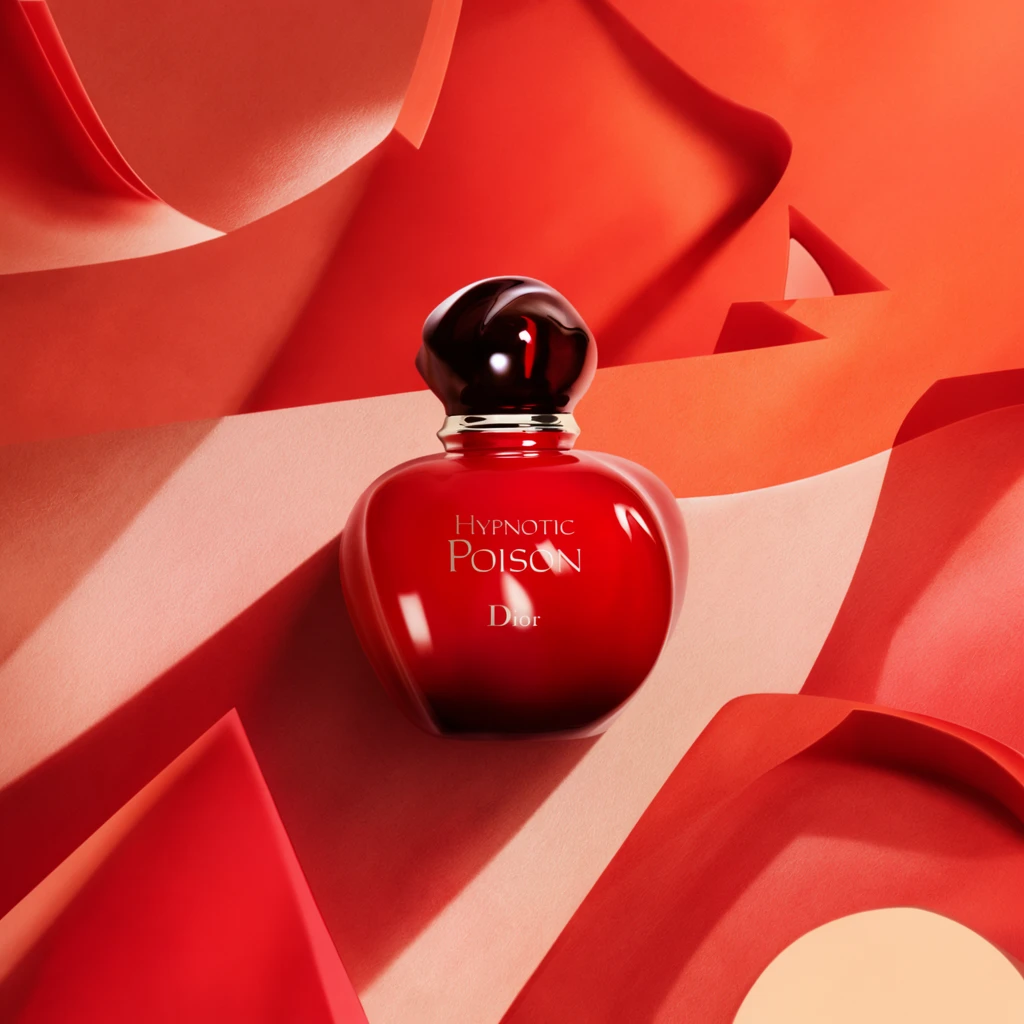 Step 200 · α1 d7bf47c29b10ce3a859dfdf8a1df87 单任务耗时 19.7 秒 / PyTorch 峰值显存 33.8 GiB | 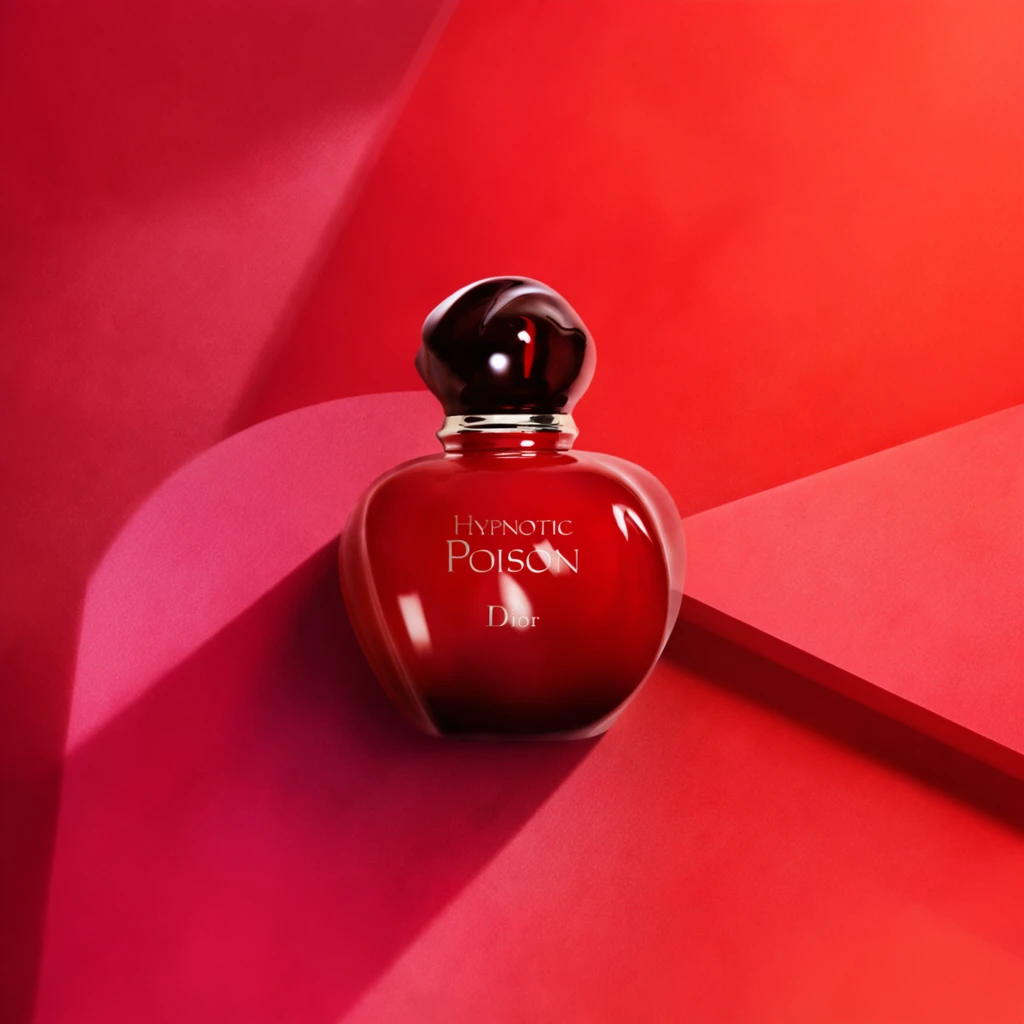 Step 200 · α2 ce889ea3ad418b4d01a113615bfd8a 单任务耗时 19.8 秒 / PyTorch 峰值显存 33.8 GiB | 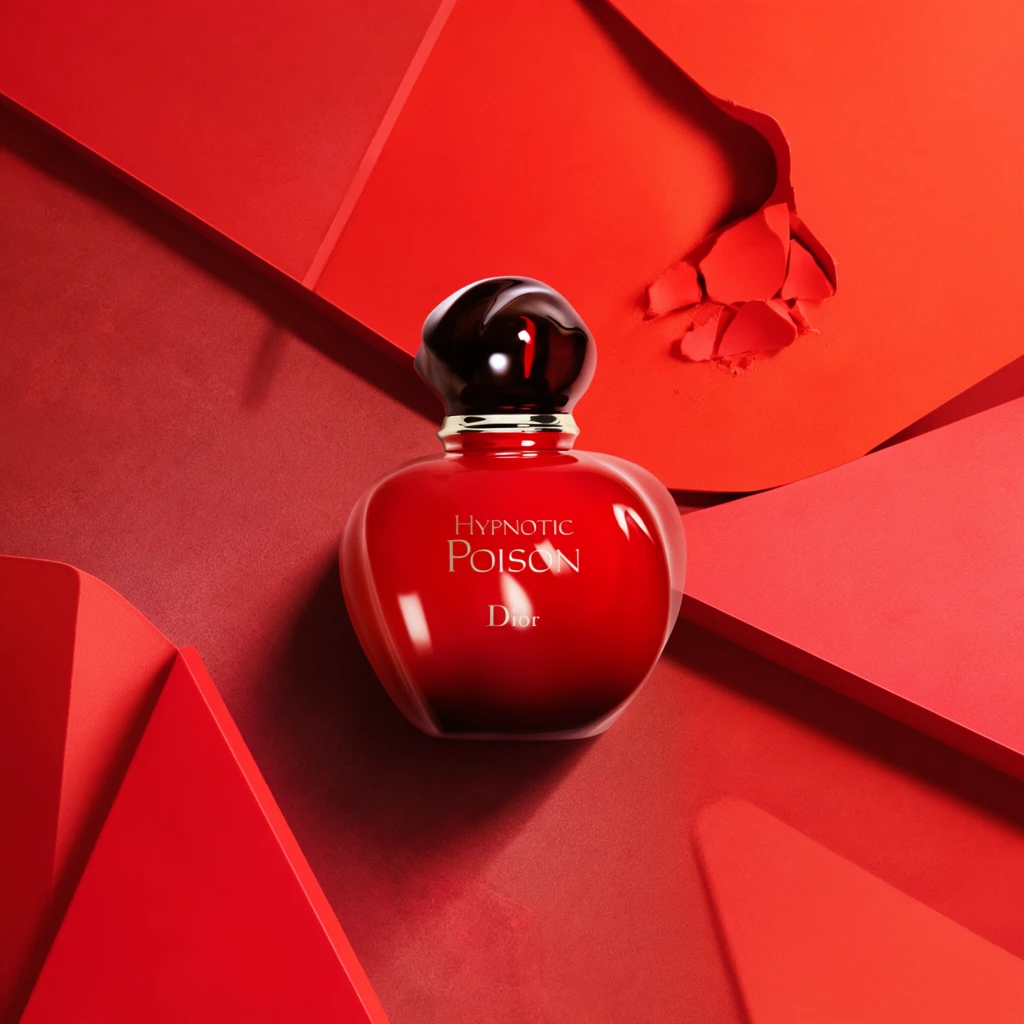 Step 400 · α1 d2fbde9348be53cfe1180efa6279f1 单任务耗时 19.7 秒 / PyTorch 峰值显存 33.8 GiB |  Step 400 · α2 4e228bd92cfefbbab0aa75fc9d2024 单任务耗时 19.5 秒 / PyTorch 峰值显存 33.8 GiB | 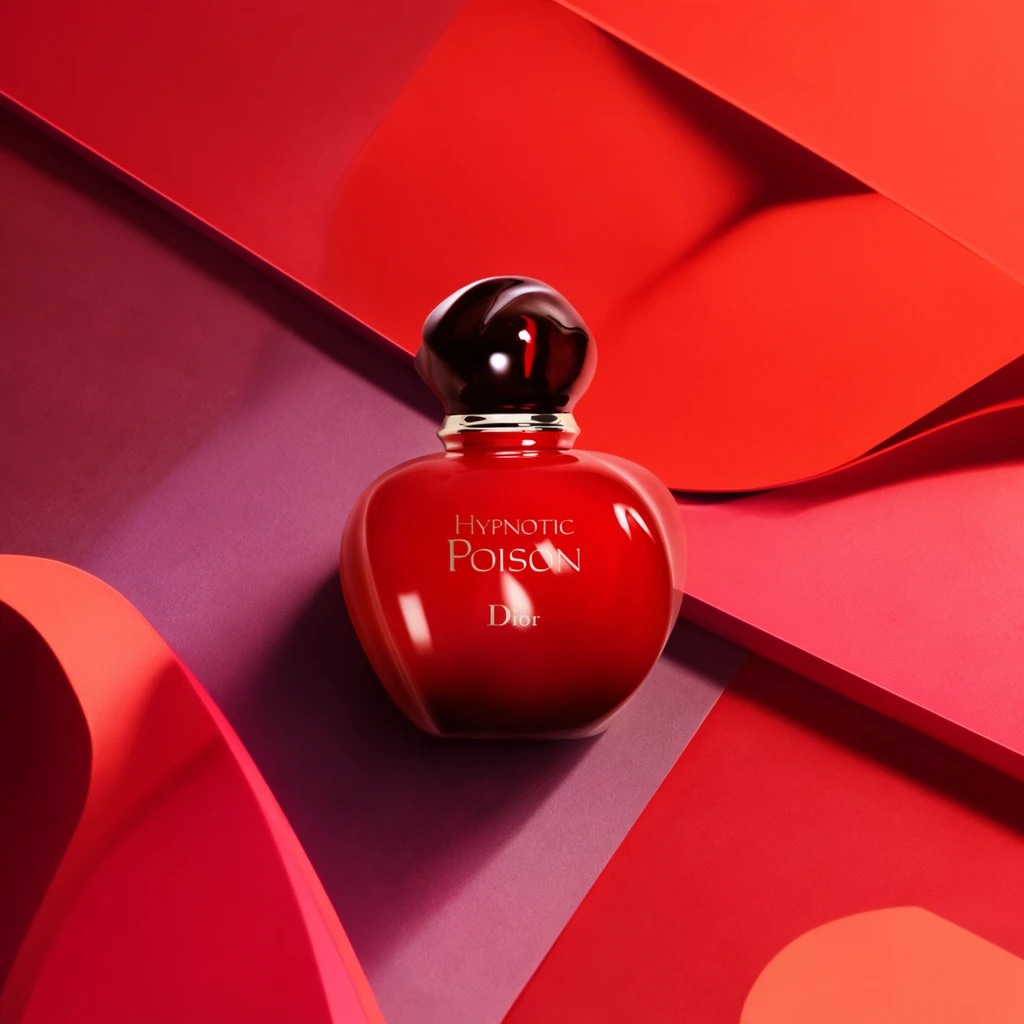 Step 600 · α1 a1dc4057e7b2a8f9d332ea1081ab31 单任务耗时 19.7 秒 / PyTorch 峰值显存 33.8 GiB |  Step 600 · α2 d7d99ac7dd9b1a87366f80e116becb 单任务耗时 19.7 秒 / PyTorch 峰值显存 33.8 GiB |
q09
| 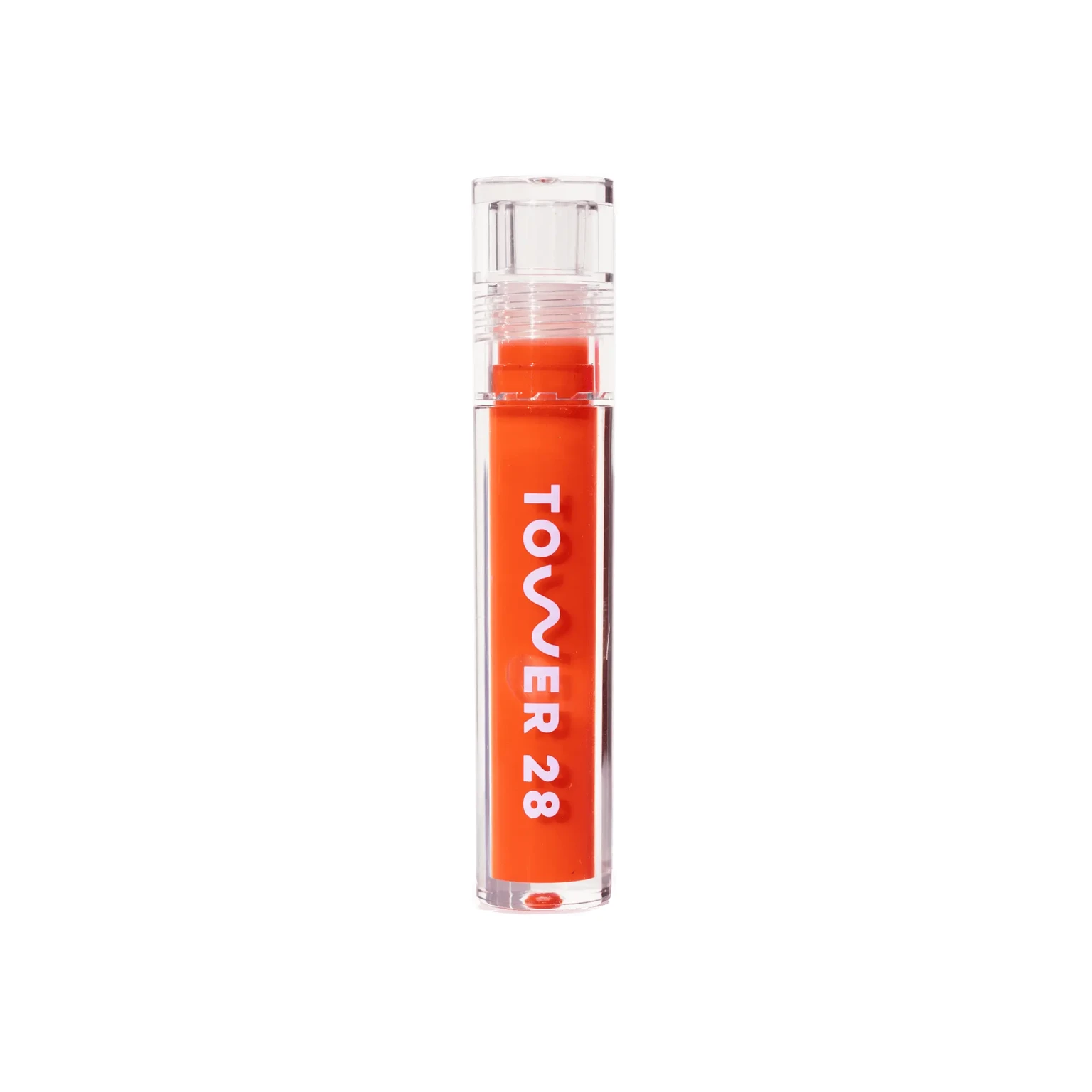 Input e84b2648940fd7b1e9b96c1b82cf92 | Ref 1 60ace6e9c0cddb81833e77d0d78c88 | Ref 2 0dc4ca2db43eda9307ee190a292b43 |  S1 CROSS 2b7bdebf7a2125f9118dc5560e7d2e 单任务耗时 66.1 秒 / PyTorch 峰值显存 33.6 GiB |  S2 CROSS b2c7f30b5ef4ccd37da4eb1b5beef6 单任务耗时 93.9 秒 / PyTorch 峰值显存 34.0 GiB |  Step 200 · α1 ff913fcdbab6713ec1003867bd6e60 单任务耗时 19.7 秒 / PyTorch 峰值显存 33.8 GiB | 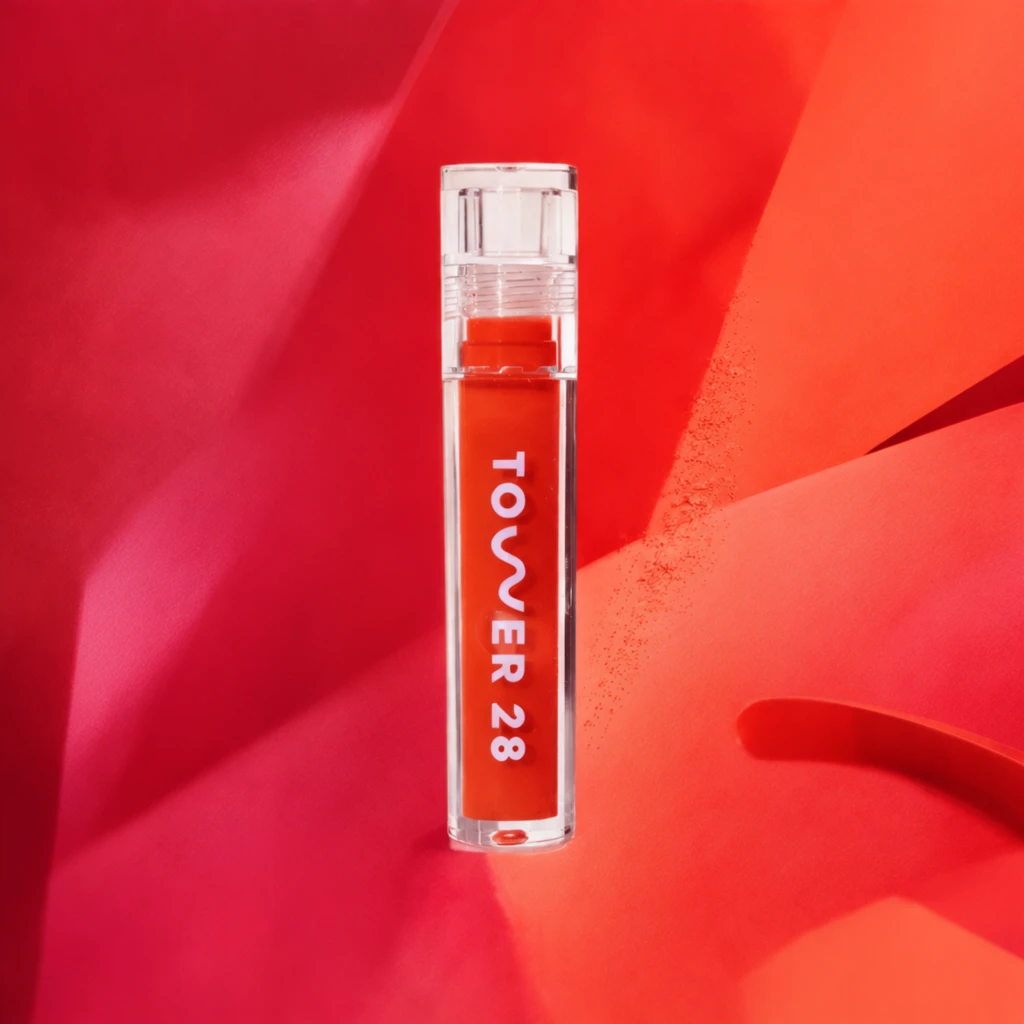 Step 200 · α2 a099a5a877f5cc0cd069f793ea6162 单任务耗时 19.8 秒 / PyTorch 峰值显存 33.8 GiB |  Step 400 · α1 079fa51f20b220e296ac665af713d4 单任务耗时 19.7 秒 / PyTorch 峰值显存 33.8 GiB |  Step 400 · α2 5532f3f525a9dcece22f0c446a2cb3 单任务耗时 19.6 秒 / PyTorch 峰值显存 33.8 GiB |  Step 600 · α1 7faa6c562bc7a8f787957032968d67 单任务耗时 19.7 秒 / PyTorch 峰值显存 33.8 GiB |  Step 600 · α2 66b2f3dc04e3994178dcdac6ae965b 单任务耗时 19.7 秒 / PyTorch 峰值显存 33.8 GiB |
q10
| Input eca68d197f97cba124d1f10729e288 | Ref 1 cbf42294331264dcb0e17a0265a0a3 | Ref 2 82477de234789fecd29058e3ca4fd2 |  S1 CROSS 4ea52c7048a7deeda976f69c344dc8 单任务耗时 66.2 秒 / PyTorch 峰值显存 33.6 GiB |  S2 CROSS 49a0cfde85b9a2265b27ee78834e78 单任务耗时 93.9 秒 / PyTorch 峰值显存 34.0 GiB |  Step 200 · α1 56ebd82f74492c7cb517439b27b6af 单任务耗时 19.7 秒 / PyTorch 峰值显存 33.8 GiB |  Step 200 · α2 ed3d035028bf43c7be6094b82ad055 单任务耗时 19.8 秒 / PyTorch 峰值显存 33.8 GiB |  Step 400 · α1 9781879f6150a7ff76fc7eabae77a5 单任务耗时 19.6 秒 / PyTorch 峰值显存 33.8 GiB |  Step 400 · α2 0304fd732536ebcbbbbe711c9ed5e0 单任务耗时 19.6 秒 / PyTorch 峰值显存 33.8 GiB |  Step 600 · α1 7ef0a012a6855d7cb61be538e57f15 单任务耗时 19.7 秒 / PyTorch 峰值显存 33.8 GiB |  Step 600 · α2 390e6e37a44e81d81ec2173cb0bc45 单任务耗时 19.7 秒 / PyTorch 峰值显存 33.8 GiB |
q11
| Input 0cff473d66f7ba074832593ee8e93c | Ref 1 6407868a52ae008b5b1ea9022786fa | Ref 2 78407dc7d87de9010754b876364dfd |  S1 CROSS 227cc4dc45e3481b5b400c04aa7038 单任务耗时 66.0 秒 / PyTorch 峰值显存 33.6 GiB |  S2 CROSS 9b3459ae4b7ba9f54fe53a49eeed5c 单任务耗时 94.0 秒 / PyTorch 峰值显存 34.0 GiB |  Step 200 · α1 ad31a67813afbdbe3b835d73bc0192 单任务耗时 19.7 秒 / PyTorch 峰值显存 33.8 GiB |  Step 200 · α2 6bf7d9f2fbefdfc6b73c1d8f8f2344 单任务耗时 19.7 秒 / PyTorch 峰值显存 33.8 GiB |  Step 400 · α1 a54ceceafdb62fadecdac2bcc97eea 单任务耗时 19.7 秒 / PyTorch 峰值显存 33.8 GiB |  Step 400 · α2 fb29b0ca4abec35bd622e093812126 单任务耗时 19.6 秒 / PyTorch 峰值显存 33.8 GiB |  Step 600 · α1 1d318b47767ad2b3668908c280e298 单任务耗时 19.7 秒 / PyTorch 峰值显存 33.8 GiB |  Step 600 · α2 81f09610f756313f154d2e1c6e140a 单任务耗时 19.7 秒 / PyTorch 峰值显存 33.8 GiB |
q12
| Input 802f81e934111bd2e5537f8db3d602 | Ref 1 06462b1478cec82b3bb00e36f159d4 | Ref 2 213e23046a818e8c7929b5d07ba884 |  S1 CROSS ae5883f6aae9a5db80120d1cd08b6d 单任务耗时 66.3 秒 / PyTorch 峰值显存 33.6 GiB |  S2 CROSS 695133b819ef63e85e1616dd430651 单任务耗时 94.1 秒 / PyTorch 峰值显存 34.0 GiB |  Step 200 · α1 06aeb7a5c705fd4ee1afd3285d61ae 单任务耗时 19.8 秒 / PyTorch 峰值显存 33.8 GiB |  Step 200 · α2 25d7805984c3ed54cc27a0baab8dd8 单任务耗时 19.7 秒 / PyTorch 峰值显存 33.8 GiB |  Step 400 · α1 8a8358729c288ab1b8e75013714660 单任务耗时 19.6 秒 / PyTorch 峰值显存 33.8 GiB |  Step 400 · α2 894ceca1e1cabc4a7af8c0bcd22d20 单任务耗时 19.7 秒 / PyTorch 峰值显存 33.8 GiB |  Step 600 · α1 03ac4ebff7002176b08214a3d9255b 单任务耗时 19.7 秒 / PyTorch 峰值显存 33.8 GiB |  Step 600 · α2 5a2489413664c9f12df03675be5f8b 单任务耗时 19.7 秒 / PyTorch 峰值显存 33.8 GiB |
q13
| Input 1c059339b044860798f64a12372442 | Ref 1 76485aa5c045e87f291a9c3081d90d | Ref 2 c72cec19407d6bc8203e8174bf2e27 |  S1 CROSS 4d78e6d57b8d230ee7a868843a3169 单任务耗时 66.2 秒 / PyTorch 峰值显存 33.6 GiB |  S2 CROSS 791132a38327112d99edaeb87ef8ec 单任务耗时 94.1 秒 / PyTorch 峰值显存 34.0 GiB |  Step 200 · α1 dda8f7a578c3ae3cf2f1390bcde58c 单任务耗时 19.8 秒 / PyTorch 峰值显存 33.8 GiB |  Step 200 · α2 ec7d7993cbc31b79a176c8b80d90d4 单任务耗时 19.7 秒 / PyTorch 峰值显存 33.8 GiB |  Step 400 · α1 bec889cd890b9a9e8925c24244e3fb 单任务耗时 19.6 秒 / PyTorch 峰值显存 33.8 GiB |  Step 400 · α2 0f36155dd6df224fd7ee88fc08a8d6 单任务耗时 19.6 秒 / PyTorch 峰值显存 33.8 GiB |  Step 600 · α1 9a7ea0cd3ddf1fb7a29e8c499d1d99 单任务耗时 19.7 秒 / PyTorch 峰值显存 33.8 GiB |  Step 600 · α2 53177cf961f695fc021a9c8b91fe0a 单任务耗时 19.7 秒 / PyTorch 峰值显存 33.8 GiB |
q14
| Input 8d3284ff309536d1aa565c57b3f276 | Ref 1 51b43baedb11e8c6dfe099253e2bba | Ref 2 076393551e7ef9f27fab86b4ba1a27 |  S1 CROSS 436275a4ddf5f6d3713d6bdecda1fe 单任务耗时 66.2 秒 / PyTorch 峰值显存 33.6 GiB |  S2 CROSS c2bebac19a1881dfdba8e45f303e90 单任务耗时 94.1 秒 / PyTorch 峰值显存 34.0 GiB |  Step 200 · α1 ffb8a3c8aae2c4d709288d58189bcd 单任务耗时 19.8 秒 / PyTorch 峰值显存 33.8 GiB |  Step 200 · α2 8bbd72a9c3e39f403fe183817d03af 单任务耗时 19.8 秒 / PyTorch 峰值显存 33.8 GiB |  Step 400 · α1 6b8229b3a0e13d6a4086d8109751e7 单任务耗时 19.7 秒 / PyTorch 峰值显存 33.8 GiB |  Step 400 · α2 e95ec4867a2d7f2088a8558689357b 单任务耗时 19.7 秒 / PyTorch 峰值显存 33.8 GiB |  Step 600 · α1 d521dcbd6bebaf1c7c07e41906bfd3 单任务耗时 19.7 秒 / PyTorch 峰值显存 33.8 GiB |  Step 600 · α2 e623b556d44b9f7edab49874cfd7d3 单任务耗时 19.7 秒 / PyTorch 峰值显存 33.8 GiB |
q15
| Input 2a217d78d8a921f7230e6651717eec | Ref 1 090ca546856c1d4e150c9b042387a8 | Ref 2 e9a0df21bd5d96965b88418c8b5f8c |  S1 CROSS f53709c0532ef0b92fc113d0167fb0 单任务耗时 66.2 秒 / PyTorch 峰值显存 33.6 GiB |  S2 CROSS 7fa4ea652370a538ed5ac82def3854 单任务耗时 94.6 秒 / PyTorch 峰值显存 34.0 GiB |  Step 200 · α1 bd762c213a16a1bde105c4de97ac8b 单任务耗时 19.7 秒 / PyTorch 峰值显存 33.8 GiB |  Step 200 · α2 dea358c5679b52b04919b4ee308499 单任务耗时 19.7 秒 / PyTorch 峰值显存 33.8 GiB |  Step 400 · α1 c12e080e75d8ded76aee75a429b05f 单任务耗时 19.6 秒 / PyTorch 峰值显存 33.8 GiB |  Step 400 · α2 034d087317455ffff6bfe920efd442 单任务耗时 19.9 秒 / PyTorch 峰值显存 33.8 GiB |  Step 600 · α1 ae0ef8bc8076c7cd5aebf8d21e7a41 单任务耗时 19.7 秒 / PyTorch 峰值显存 33.8 GiB |  Step 600 · α2 84759b35d46cdb1b5e73894865002d 单任务耗时 19.7 秒 / PyTorch 峰值显存 33.8 GiB |
q16
| Input 3e7f195769ddeb4faadf3ab94f92e8 | Ref 1 2be8aaac7b41d699ba3cd0b31b9b12 | Ref 2 ceb2ce2f9ca5d04640be74db7a0b62 | 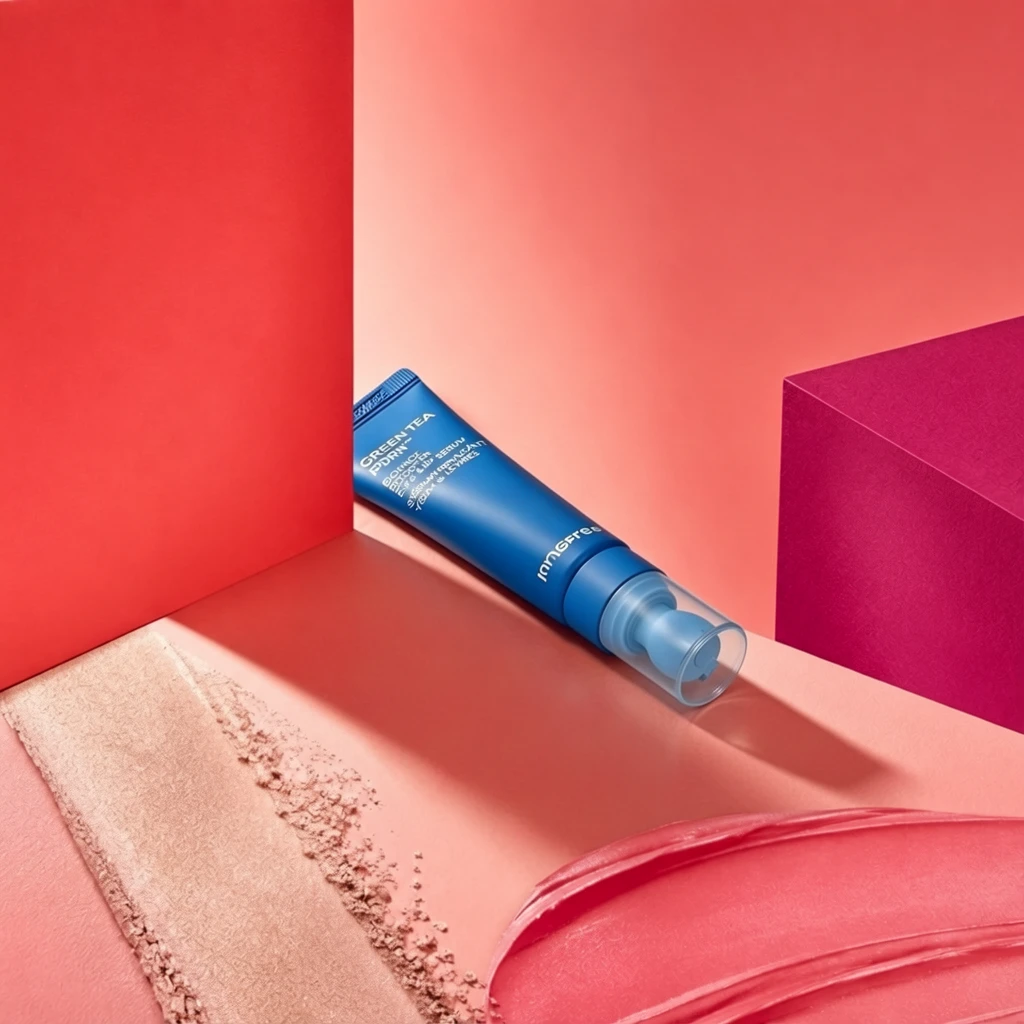 S1 CROSS 4e2ed2ff879571a98d226345c44260 单任务耗时 66.2 秒 / PyTorch 峰值显存 33.6 GiB |  S2 CROSS 26bd8fdaa73a6d9e0dc30caad5e3ab 单任务耗时 93.5 秒 / PyTorch 峰值显存 34.0 GiB |  Step 200 · α1 3521a6fc708bd62b9ae1d93f45e071 单任务耗时 19.6 秒 / PyTorch 峰值显存 33.8 GiB |  Step 200 · α2 a46596ff641e77e4e3477aa8502f64 单任务耗时 19.7 秒 / PyTorch 峰值显存 33.8 GiB |  Step 400 · α1 455f4025a5b0490781f01fc59e911b 单任务耗时 19.7 秒 / PyTorch 峰值显存 33.8 GiB |  Step 400 · α2 cdf26733c276147f9e2114c3e3de58 单任务耗时 19.6 秒 / PyTorch 峰值显存 33.8 GiB |  Step 600 · α1 8e8e84a6e7b719adb0959af168a7b1 单任务耗时 19.7 秒 / PyTorch 峰值显存 33.8 GiB | 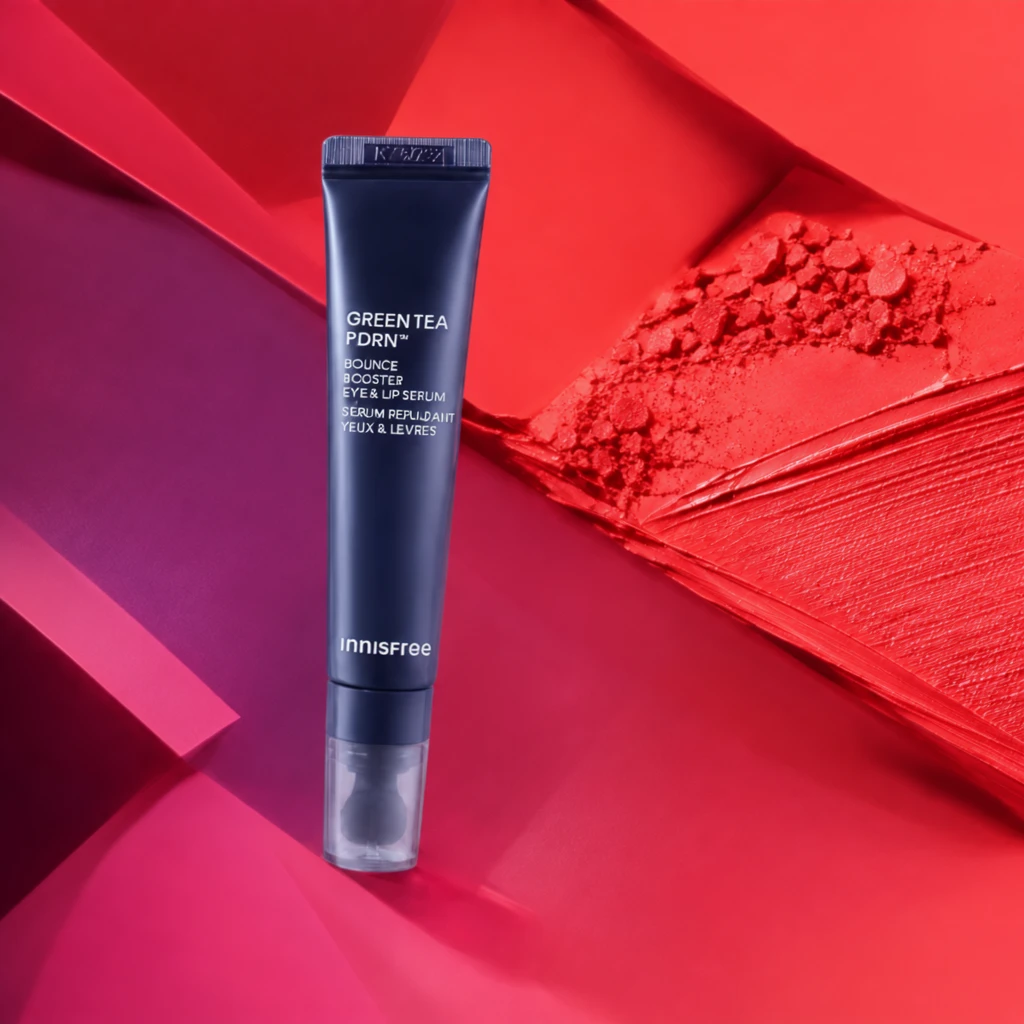 Step 600 · α2 c1d44217c1ff83e638be89db1e365c 单任务耗时 19.7 秒 / PyTorch 峰值显存 33.8 GiB |
q17
| Input 2792565b96ba34d01e7b708ba26f7d | Ref 1 2ae59ec8387cfa0eaa6699b4c23df7 | Ref 2 900e8b2db1383b03f9b561a4819114 |  S1 CROSS 1a6b48c6df739a46e6d90859ea6ae8 单任务耗时 65.8 秒 / PyTorch 峰值显存 33.6 GiB |  S2 CROSS 5ffd67c496ec1bbab508ff170478d1 单任务耗时 93.6 秒 / PyTorch 峰值显存 34.0 GiB |  Step 200 · α1 17a3ca219f3e9e7e0abc9de4e14c7f 单任务耗时 19.8 秒 / PyTorch 峰值显存 33.8 GiB |  Step 200 · α2 089efc5f23368e2de7327fab03e229 单任务耗时 19.8 秒 / PyTorch 峰值显存 33.8 GiB |  Step 400 · α1 515ff6fc8cfb2f61e0fbf1e2a0bde4 单任务耗时 19.6 秒 / PyTorch 峰值显存 33.8 GiB |  Step 400 · α2 9a5a286e22f45849fb0ffb511e9fdd 单任务耗时 19.5 秒 / PyTorch 峰值显存 33.8 GiB |  Step 600 · α1 a79128ca38fa3f2ee668800876137f 单任务耗时 19.7 秒 / PyTorch 峰值显存 33.8 GiB |  Step 600 · α2 0a454b8c8c61b51a1eeb79de78ffca 单任务耗时 19.7 秒 / PyTorch 峰值显存 33.8 GiB |
q18
| Input 3caab2a7a860d9af334cb03e08565a | Ref 1 f0ec22f58c2ba1bd06bfc3609528aa | Ref 2 57a2ad5fb524dabbe2aa9ba59e3a02 |  S1 CROSS ecc251c314b537b13a85b31a4bc477 单任务耗时 66.0 秒 / PyTorch 峰值显存 33.6 GiB |  S2 CROSS d584aff350719a3efd49b029081261 单任务耗时 93.4 秒 / PyTorch 峰值显存 34.0 GiB |  Step 200 · α1 4dc6a64c01ad76004b2648c2998fcb 单任务耗时 19.8 秒 / PyTorch 峰值显存 33.8 GiB |  Step 200 · α2 ba02f231b6ca4c8e9b9f5fc6ddd48c 单任务耗时 19.7 秒 / PyTorch 峰值显存 33.8 GiB |  Step 400 · α1 3ba4bd547ac46a599b3f927a428ae6 单任务耗时 19.7 秒 / PyTorch 峰值显存 33.8 GiB |  Step 400 · α2 1b1553eb9c5250c851ee479ff39323 单任务耗时 19.7 秒 / PyTorch 峰值显存 33.8 GiB |  Step 600 · α1 ebb296d727d41618646115705b92c6 单任务耗时 19.7 秒 / PyTorch 峰值显存 33.8 GiB |  Step 600 · α2 1cdf8a38f99e65a13716d17c4ea792 单任务耗时 19.7 秒 / PyTorch 峰值显存 33.8 GiB |
q19
| Input 6cb28e12fa299d786473fc039a426b | Ref 1 0dc4ca2db43eda9307ee190a292b43 | Ref 2 60ace6e9c0cddb81833e77d0d78c88 |  S1 CROSS ef91bf74818f3ee835faa152f466fe 单任务耗时 66.0 秒 / PyTorch 峰值显存 33.6 GiB |  S2 CROSS 0d0e5a2b3214d37404a2ce3bdf2e48 单任务耗时 93.4 秒 / PyTorch 峰值显存 34.0 GiB | 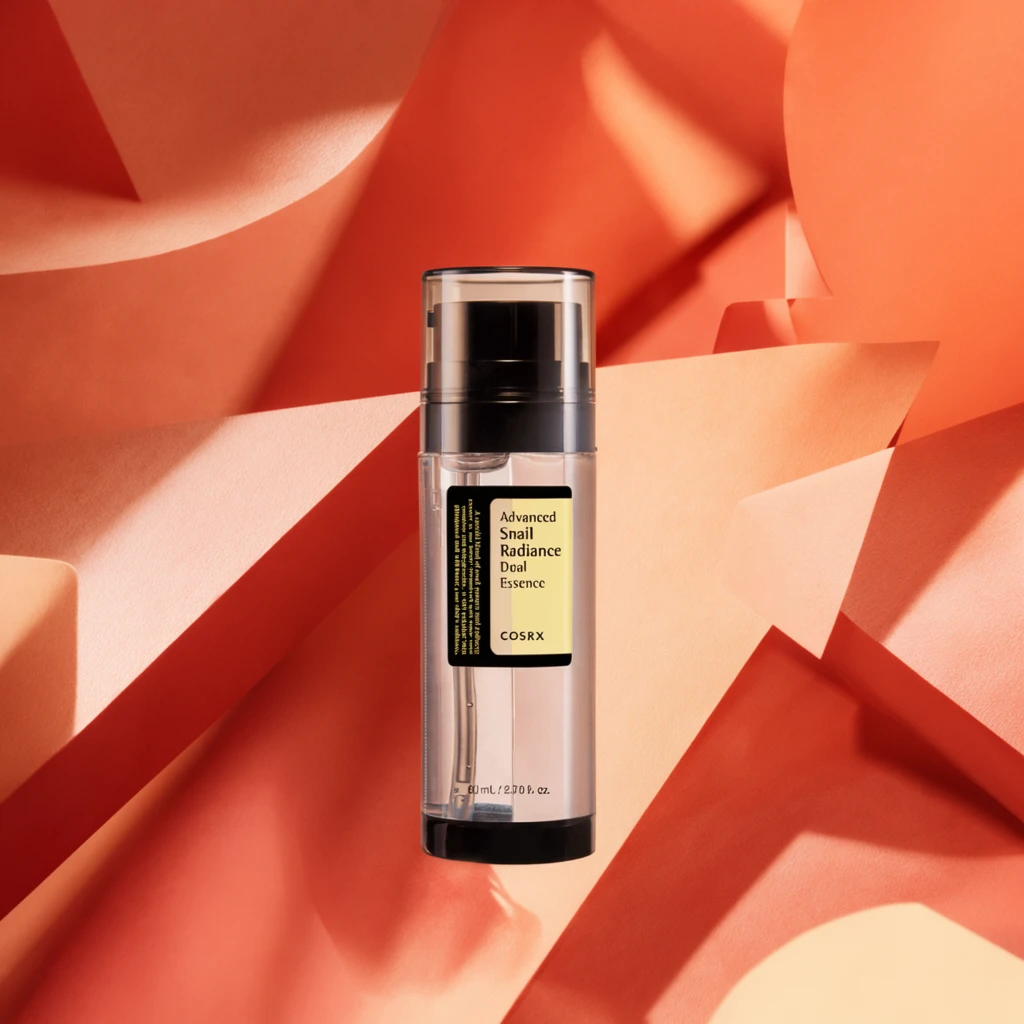 Step 200 · α1 c67e800aebb432712480c0181c30f1 单任务耗时 19.8 秒 / PyTorch 峰值显存 33.8 GiB | 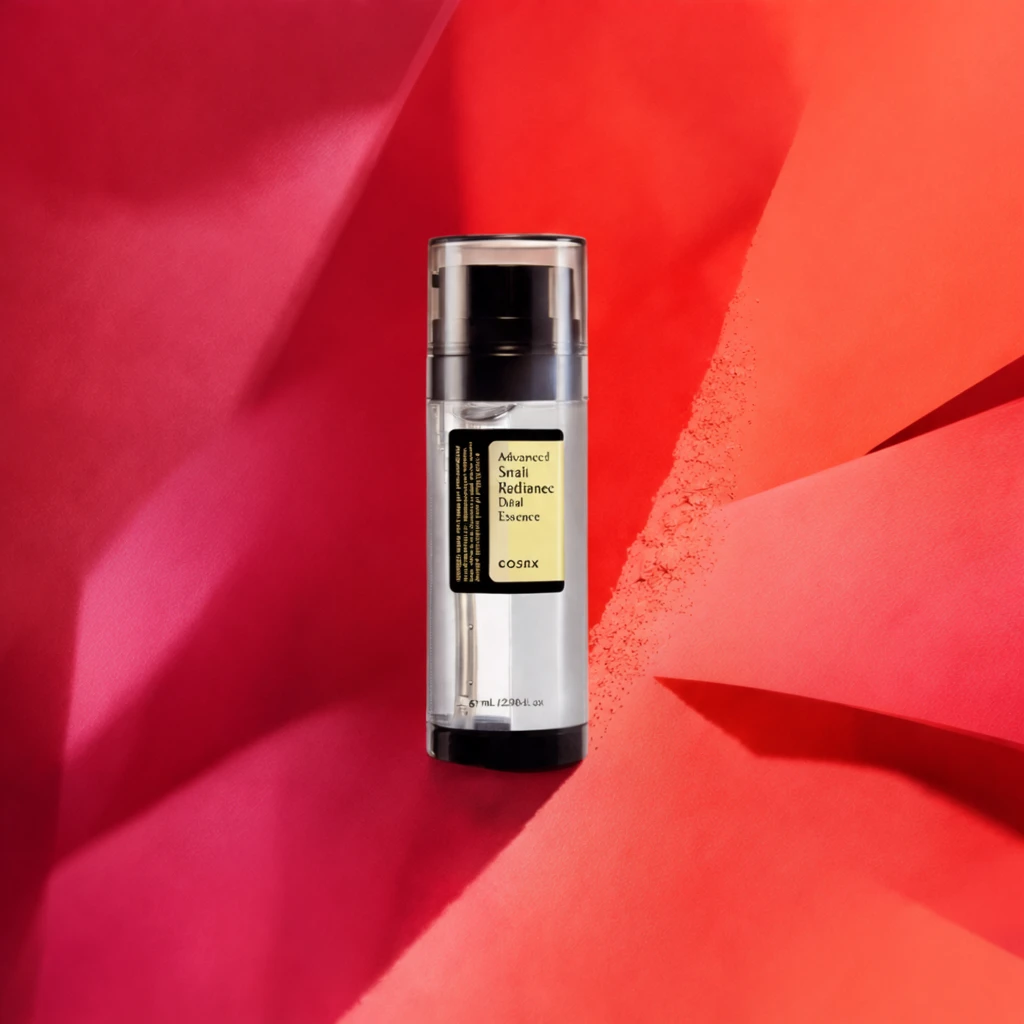 Step 200 · α2 d035035051f6d538197cab271abe3a 单任务耗时 19.8 秒 / PyTorch 峰值显存 33.8 GiB | 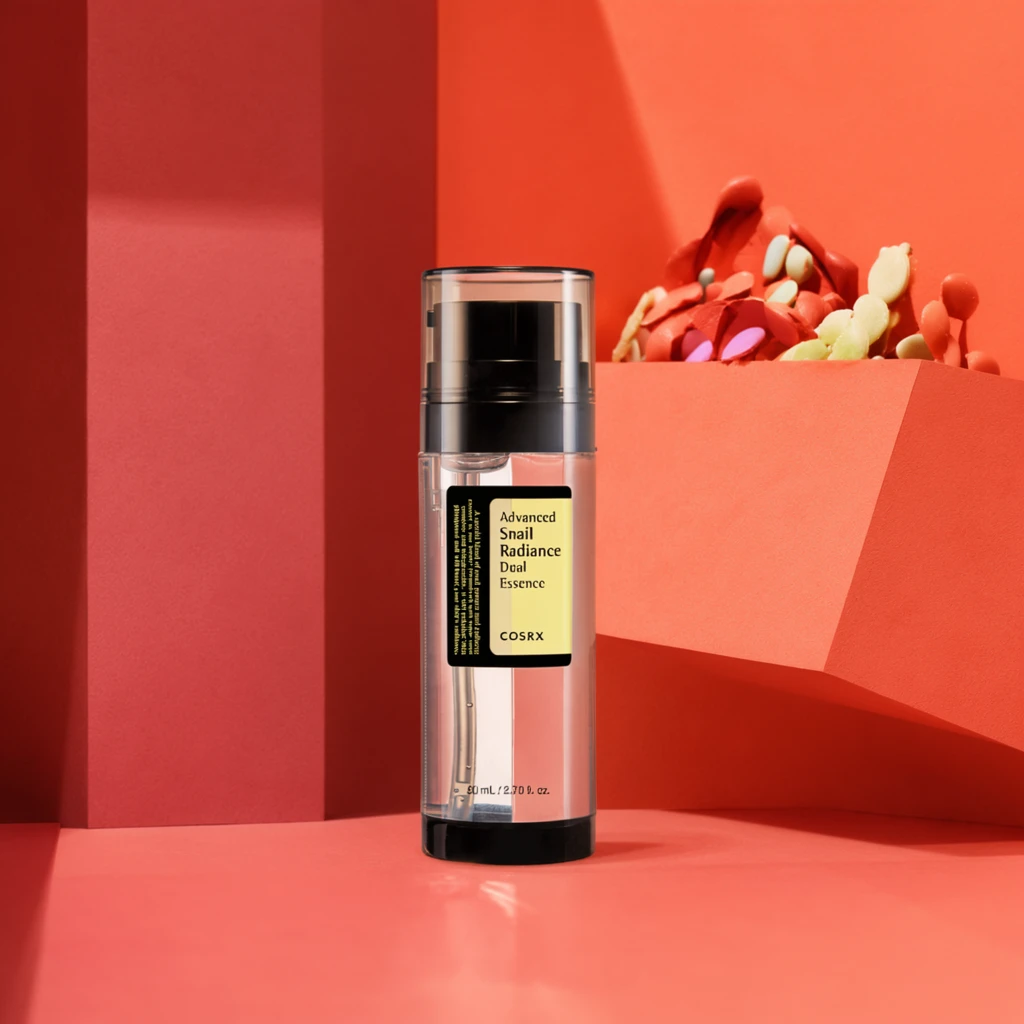 Step 400 · α1 2b4f50a63ff5dad65edd22eaabb474 单任务耗时 19.6 秒 / PyTorch 峰值显存 33.8 GiB |  Step 400 · α2 1d57da36aaefb15bbb792acccce44b 单任务耗时 19.6 秒 / PyTorch 峰值显存 33.8 GiB |  Step 600 · α1 30ed65b342c4a50b800c9324b7573d 单任务耗时 19.7 秒 / PyTorch 峰值显存 33.8 GiB | 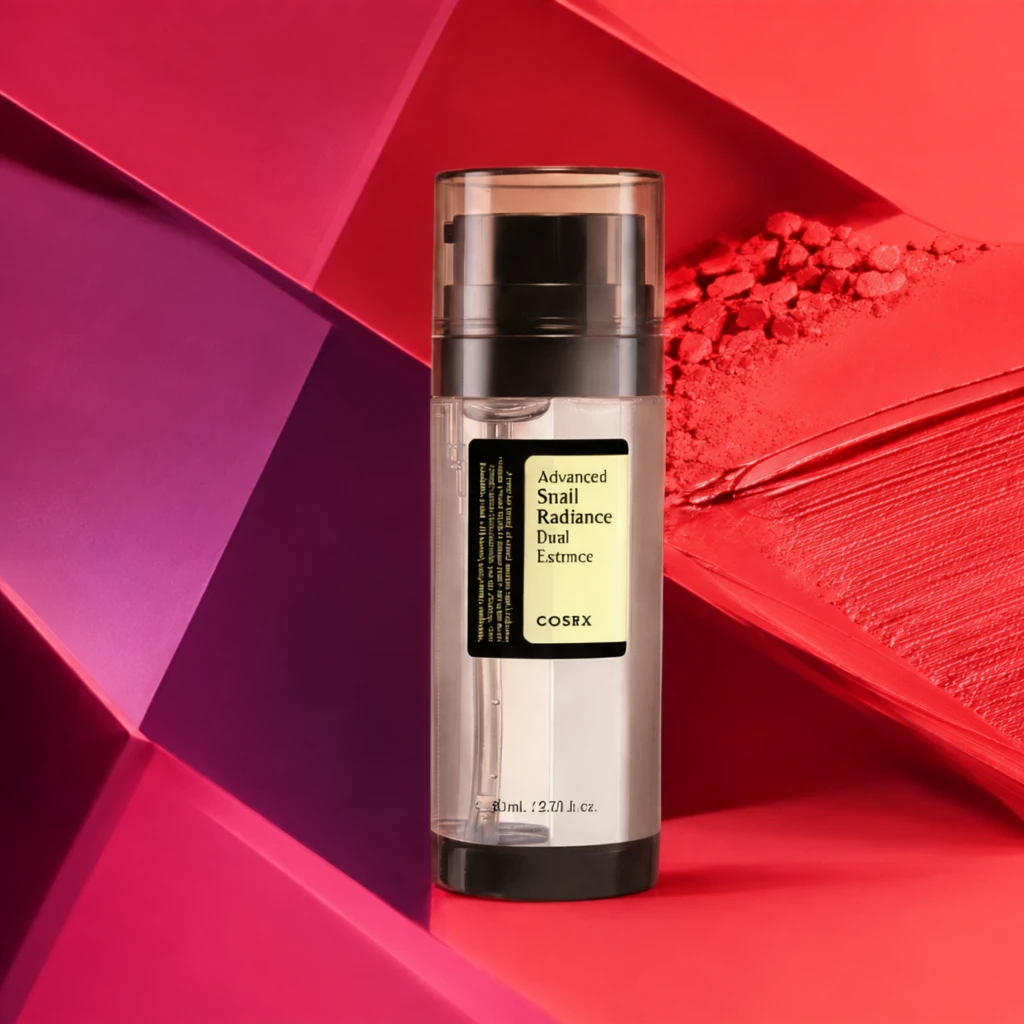 Step 600 · α2 a74f2703ce7d1bbeb6df4feb481e24 单任务耗时 19.7 秒 / PyTorch 峰值显存 33.8 GiB |
q20
| Input 0801b16dc43cf8b4e030cac4dc72fc | Ref 1 82477de234789fecd29058e3ca4fd2 | Ref 2 cbf42294331264dcb0e17a0265a0a3 |  S1 CROSS 0c2679addd5c1bd0f954cad003ece0 单任务耗时 65.9 秒 / PyTorch 峰值显存 33.6 GiB |  S2 CROSS cfd96c0d9ce4d504ad90ce71d558d5 单任务耗时 93.4 秒 / PyTorch 峰值显存 34.0 GiB |  Step 200 · α1 819aae6ed4b9c1004ac95b628348af 单任务耗时 19.7 秒 / PyTorch 峰值显存 33.8 GiB |  Step 200 · α2 9d28224fff67b6c2d5f893447a3e3f 单任务耗时 19.6 秒 / PyTorch 峰值显存 33.8 GiB |  Step 400 · α1 b85d722eb6c8385a88a1654f4f4f68 单任务耗时 19.7 秒 / PyTorch 峰值显存 33.8 GiB |  Step 400 · α2 c5e7006823962faa02127b3ec3485c 单任务耗时 19.7 秒 / PyTorch 峰值显存 33.8 GiB |  Step 600 · α1 ff81c1f16e5d491f655cef51892fa1 单任务耗时 19.7 秒 / PyTorch 峰值显存 33.8 GiB |  Step 600 · α2 ccaf77a2a49a2a664fa2c5c5541a14 单任务耗时 19.7 秒 / PyTorch 峰值显存 33.8 GiB |
去产品 Reference 实验
比较原始参考图和移除产品后的背景参考图。
从目标风格成品参考图中移除产品、品牌文字及其专属阴影/反射,并补全被遮挡的背景。
使用未经处理、仍包含原产品的目标风格成品图作为单张参考图;结果复用同风格 Context 的 S1。
使用去除产品并补全后的背景图作为单张参考图,测试更接近背景/场景迁移的效果。
查看去产品与 S1-BG Prompt、配置
- 模型
- FLUX.2-klein-base-9B
- 实验规模
- 本风格 3 个案例
- 去产品输入
- 1 张目标风格 target;去掉主体并补全遮挡区域
- S1-BG 输入
- 1 张白底产品图 + 1 张去产品后的参考图
- 推理步数
- 50
- CFG
- 4.0
- Seed
- 42
实际使用 Prompt(英文,送入模型)Remove the featured product and all product-specific content from the input image, including its packaging, branding, labels, visible text, product-specific contact shadow, and reflection. Reconstruct the areas previously occupied by the product so that the result looks like the same scene before the product was placed there. Continue the surrounding background, display surface, platform, decorative structures, materials, textures, lighting, shadows, reflections, perspective, and spatial depth naturally. Preserve the original presentation style, composition, camera viewpoint, color relationships, lighting, environment, and all non-product design elements. Do not add another product, object, text, logo, symbol, placeholder, or advertising content. Do not crop, simplify, redesign, recolor, or globally relight the image. The final image should show the original scene with the featured product absent and all previously occluded areas naturally reconstructed.
中文对照说明(未送入模型)移除输入图像中的主体产品以及所有与该产品特定相关的内容,包括包装、品牌标识、标签、可见文字、产品产生的接触阴影和反射。 自然补全产品原本占据的区域,使结果看起来像产品尚未被放入该场景时的画面。连续补全周围的背景、展示表面、展台、装饰结构、材质、纹理、灯光、阴影、反射、透视和空间层次。 保留原始的产品呈现风格、构图、相机视角、色彩关系、灯光、环境和所有非产品设计元素。不要添加新的产品、物体、文字、Logo、符号、占位内容或广告内容。不要裁切、简化、重新设计、重新配色或整体改变图像光照。 最终图像应保留原始场景,仅移除主体产品,并自然补全产品原本遮挡的所有区域。
实际使用 Prompt(英文,送入模型)Image 1 is the product image to edit. Image 2 is a reference image. Transform Image 1 into a product image that follows the presentation style demonstrated by the reference image. Preserve the identity and key visual details of the product in Image 1. Use the reference image only to determine how the product is presented, and do not copy products or textual content from the reference image.
中文对照说明(未送入模型)图像1是需要编辑的产品图,图像2是参考图。 将图像1转换为一张采用参考图所展示呈现风格的产品图。保留图像1中产品的身份和关键视觉细节。参考图仅用于确定产品的呈现方式,不要复制参考图中的产品或文字内容。
| Case | Input | Raw Reference | Product Removed | S1-Raw | S1-BG |
|---|---|---|---|---|---|
sample 01
| Input 534025f993d4b15552e000578a5afd | Raw Reference 2be8aaac7b41d699ba3cd0b31b9b12 |  Product Removed ecfa3b928bdd48c643aa5141547149 单任务耗时 41.5 秒 / PyTorch 峰值显存 33.6 GiB | S1-Raw 119362fd1a73a2d845223efedc73de 单任务耗时 65.8 秒 / PyTorch 峰值显存 33.6 GiB |  S1-BG 0761be0a57ec434b36d89e60a9880e 单任务耗时 65.7 秒 / PyTorch 峰值显存 33.6 GiB |
sample 02
| Input e5233405cc1b56329c8429106af189 | Raw Reference f0ec22f58c2ba1bd06bfc3609528aa |  Product Removed c82b5c76dc321a50e6fce9815827d4 单任务耗时 41.6 秒 / PyTorch 峰值显存 33.6 GiB | S1-Raw c6e735ef0483739fad8f98db2bb259 单任务耗时 65.8 秒 / PyTorch 峰值显存 33.6 GiB |  S1-BG e3dc1a26f30b039f19e5957a75672d 单任务耗时 65.8 秒 / PyTorch 峰值显存 33.6 GiB |
sample 03
| Input 3fc0f42b90afbcf28e145ecf76c599 | Raw Reference 78407dc7d87de9010754b876364dfd |  Product Removed da08bcd018a563296aea88c5a3e27a 单任务耗时 41.4 秒 / PyTorch 峰值显存 33.6 GiB | S1-Raw 62b87674b5a75192f28372b55494db 单任务耗时 65.7 秒 / PyTorch 峰值显存 33.6 GiB |  S1-BG 31defadeb86b1ad934840eefa759bc 单任务耗时 65.7 秒 / PyTorch 峰值显存 33.6 GiB |
魔方风格迁移实验结果
当前风格:紫蓝霓虹商品主视觉 · electronics_gaming_neon · Trigger EGNStyle
如何阅读本页
图片字段
需要模型编辑的白底产品图,是每条实验路线的主体输入。
同风格冻结测试案例对应的真实目标图,仅用于视觉对照,不会送入模型。
来自目标风格训练集的风格化成品图。数字表示送入模型的参考图顺序与数量。
配对示例中的原始白底产品图,与 P1 Target 共同展示一次已知转换。
P1 Input 对应的风格化结果;P1 Input 和 P1 Target 会一起送入模型。
模型对当前 Input 生成的结果。图片下方记录该次任务的耗时与 PyTorch 峰值显存。
四条实验路线
torch.cuda.max_memory_allocated() 的峰值,不代表整张 GPU 的总占用,也不包含 PyTorch reserved 但未分配的缓存。同风格参考实验
冻结查询集;显示该风格的全部案例,不做抽样。
输入 1 张待编辑产品图和 1 张同一目标风格的成品参考图,让模型迁移参考图的产品呈现风格。
输入 1 张待编辑产品图和 2 张同一目标风格的成品参考图,观察多一张参考图能否提高风格稳定性。
输入 1 张待编辑产品图和 4 张同一目标风格的成品参考图,测试更多 Context 参考图的效果。
输入 1 张待编辑产品图,再提供 1 组示例 Input→Target 配对,让模型从配对中推断风格转换方式。
查看任务定义、Prompt 与配置
- 模型
- FLUX.2-klein-base-9B
- 测试集
- 同风格冻结测试集,本风格 7 个案例
- 推理步数
- 50
- CFG
- 4.0
- Seed
- 42
- Reference
- S1=1,S2=2,S4=4;P1=1 组 input-target 配对
实际使用 Prompt(英文,送入模型)Image 1 is the product image to edit. Image 2 is a reference image. Transform Image 1 into a product image that follows the presentation style demonstrated by the reference image. Preserve the identity and key visual details of the product in Image 1. Use the reference image only to determine how the product is presented, and do not copy products or textual content from the reference image.
中文对照说明(未送入模型)图像1是需要编辑的产品图,图像2是参考图。 将图像1转换为一张采用参考图所展示呈现风格的产品图。保留图像1中产品的身份和关键视觉细节。参考图仅用于确定产品的呈现方式,不要复制参考图中的产品或文字内容。
实际使用 Prompt(英文,送入模型)Image 1 is the product image to edit. Images 2 through 3 are reference images. Transform Image 1 into a product image that follows the presentation style demonstrated by the reference images. Preserve the identity and key visual details of the product in Image 1. Use the reference images only to determine how the product is presented, and do not copy products or textual content from the reference images.
中文对照说明(未送入模型)图像1是需要编辑的产品图,图像2至图像3是参考图。 将图像1转换为一张采用参考图所展示呈现风格的产品图。保留图像1中产品的身份和关键视觉细节。参考图仅用于确定产品的呈现方式,不要复制参考图中的产品或文字内容。
实际使用 Prompt(英文,送入模型)Image 1 is the product image to edit. Images 2 through 5 are reference images. Transform Image 1 into a product image that follows the presentation style demonstrated by the reference images. Preserve the identity and key visual details of the product in Image 1. Use the reference images only to determine how the product is presented, and do not copy products or textual content from the reference images.
中文对照说明(未送入模型)图像1是需要编辑的产品图,图像2至图像5是参考图。 将图像1转换为一张采用参考图所展示呈现风格的产品图。保留图像1中产品的身份和关键视觉细节。参考图仅用于确定产品的呈现方式,不要复制参考图中的产品或文字内容。
实际使用 Prompt(英文,送入模型)Image 1 is the product image to edit. Images 2 and 3 are a paired example: Image 2 is the original product image, and Image 3 is its transformed result. Use this example pair to infer the presentation style transformation, and apply it to Image 1. Preserve the identity and key visual details of the product in Image 1. Do not copy the example product or its textual content.
中文对照说明(未送入模型)图像1是需要编辑的产品图。图像2和图像3是一组配对示例:图像2是原始产品图,图像3是转换后的结果。 根据这组示例推断产品呈现风格的转换方式,并将其应用到图像1。保留图像1中产品的身份和关键视觉细节。不要复制示例中的产品或文字内容。
| Case | Input | GT | Ref 1 | Ref 2 | Ref 3 | Ref 4 | P1 Input | P1 Target | S1 | S2 | S4 | P1 |
|---|---|---|---|---|---|---|---|---|---|---|---|---|
q01
|  Input d2ca62a8215204cabe423843284004 |  Ground Truth 77cc6a0825972eed6ab87224a8cee8 |  Ref 1 5b1cb0966e45c20763538d8af23c1d |  Ref 2 e5d5f885cad1628b1894b3084f571e |  Ref 3 71e824c078c30fa01d911f16139400 |  Ref 4 2b5d9438fffa2f040516b814f48a7a |  P1 Input f5db899d55e79615951413f83ba3dd | P1 Target 5b1cb0966e45c20763538d8af23c1d |  S1 27fc45a5d0aada87940cda216003d2 单任务耗时 66.4 秒 / PyTorch 峰值显存 33.6 GiB |  S2 e00adfaac65f5f841f5b17ce4e8c9f 单任务耗时 95.8 秒 / PyTorch 峰值显存 34.0 GiB |  S4 12033f94adb492a005c1f3a931f173 单任务耗时 165.6 秒 / PyTorch 峰值显存 35.3 GiB |  P1 50dd41bee03be1648cca604963870c 单任务耗时 95.4 秒 / PyTorch 峰值显存 34.0 GiB |
q02
|  Input 7b35049f9374c4b2f5bef6aa97cea1 |  Ground Truth 0fe76ad6301937f66085e55bbdc800 |  Ref 1 a0a887c3570113b8f013bd36fc8b26 |  Ref 2 cc5fd0bdf40b3dac1ca858be21dd1a |  Ref 3 911c745aa58446e8b23c17633b90ac |  Ref 4 24f7707e5a2cd977c1595eed1e5ad4 |  P1 Input 864f4d2b0bdc43b1f0adda1f18b072 | P1 Target a0a887c3570113b8f013bd36fc8b26 |  S1 34d53d76405f00c0aed04135beb861 单任务耗时 65.8 秒 / PyTorch 峰值显存 33.6 GiB |  S2 ea3bdaa310f160486aa9cb8b09c3b7 单任务耗时 93.5 秒 / PyTorch 峰值显存 34.0 GiB |  S4 b4d59797abc49406ac8e83de21b681 单任务耗时 158.7 秒 / PyTorch 峰值显存 35.3 GiB |  P1 443dc0b4cfe0570067d52e7629cc5d 单任务耗时 93.2 秒 / PyTorch 峰值显存 34.0 GiB |
q03
|  Input 91a4281cf0ffa8974ea9db4fc5a428 |  Ground Truth eafb1df7729ec27effde33fe819c62 |  Ref 1 6623356173cf0a09803789486621e6 |  Ref 2 eba22a4befa0aca442ad01757741ca |  Ref 3 c328d4d2f8eccf379d4fed64899cdc |  Ref 4 7e4fd74a8e22e406e3ffed68e950ea |  P1 Input 1d81a7f15bb6fc4effa968feaed2d9 | P1 Target 6623356173cf0a09803789486621e6 |  S1 da975f850039131aadfb277233655f 单任务耗时 66.2 秒 / PyTorch 峰值显存 33.6 GiB |  S2 c36e1a39c2a6d85b868b4ea253136a 单任务耗时 95.1 秒 / PyTorch 峰值显存 34.0 GiB |  S4 205e485159483331b7d694d769be63 单任务耗时 163.9 秒 / PyTorch 峰值显存 35.3 GiB |  P1 e125ba8eb135a8b88306eaf8d27b5b 单任务耗时 94.8 秒 / PyTorch 峰值显存 34.0 GiB |
q04
|  Input 97f07cd022541c96217569d59653f7 |  Ground Truth 9f11622287f3929046f5ff6e439b9a | Ref 1 e5d5f885cad1628b1894b3084f571e | Ref 2 71e824c078c30fa01d911f16139400 | Ref 3 2b5d9438fffa2f040516b814f48a7a |  Ref 4 8f9916b3b047ff8620e92d0ef9ca9c |  P1 Input dc4c33c2b68736b16475f83fdffb26 | P1 Target e5d5f885cad1628b1894b3084f571e |  S1 955aa2689eaada03d88238be9d558f 单任务耗时 65.9 秒 / PyTorch 峰值显存 33.6 GiB |  S2 3d7ac0e0075f548a64a7b0b9ed0001 单任务耗时 93.7 秒 / PyTorch 峰值显存 34.0 GiB |  S4 936dfdfeb16f37573a73f66cec1c81 单任务耗时 158.8 秒 / PyTorch 峰值显存 35.3 GiB |  P1 7dfb0b6ff6a556d14f96745b79036b 单任务耗时 92.4 秒 / PyTorch 峰值显存 34.0 GiB |
q05
|  Input 323c27779e2e752b47ad12565ad4e9 |  Ground Truth 12d45a8cef351a8423f16c10f0ebcc | Ref 1 cc5fd0bdf40b3dac1ca858be21dd1a | Ref 2 911c745aa58446e8b23c17633b90ac | Ref 3 24f7707e5a2cd977c1595eed1e5ad4 | Ref 4 5b1cb0966e45c20763538d8af23c1d |  P1 Input 4906efc0b7ad887cb6c55f9884ddc8 | P1 Target cc5fd0bdf40b3dac1ca858be21dd1a |  S1 f18d9257e7b8c07539d8944a74e3de 单任务耗时 66.3 秒 / PyTorch 峰值显存 33.6 GiB |  S2 aa7c2f9cc219eae3d9016b024194ad 单任务耗时 95.7 秒 / PyTorch 峰值显存 34.0 GiB |  S4 d9964d612d93c07998ef76bed92c0f 单任务耗时 166.2 秒 / PyTorch 峰值显存 35.3 GiB |  P1 95518d65dc475f0db790cd90c60468 单任务耗时 95.9 秒 / PyTorch 峰值显存 34.0 GiB |
q06
|  Input 1ba30ec2994d657d8b1665a882b45b |  Ground Truth 6a3142f325f3db5fd434297ad57432 | Ref 1 eba22a4befa0aca442ad01757741ca | Ref 2 c328d4d2f8eccf379d4fed64899cdc | Ref 3 7e4fd74a8e22e406e3ffed68e950ea | Ref 4 a0a887c3570113b8f013bd36fc8b26 |  P1 Input a570a2a73ec47237df03d3e1fe1ac0 | P1 Target eba22a4befa0aca442ad01757741ca |  S1 d5366e4b478d8f99d0ac1a7ba02219 单任务耗时 66.2 秒 / PyTorch 峰值显存 33.6 GiB |  S2 9f4f1bcfa79d58c901da1d5a1aa93c 单任务耗时 93.8 秒 / PyTorch 峰值显存 34.0 GiB |  S4 8046a55b31e83af9b7d6e881c2f33e 单任务耗时 158.9 秒 / PyTorch 峰值显存 35.3 GiB |  P1 072b33b5e84c9eff574ecca23ab6ea 单任务耗时 93.7 秒 / PyTorch 峰值显存 34.0 GiB |
q07
|  Input 406e104746598c64e34186355628c8 |  Ground Truth 3f716c36865ec18ae0a763b0eb4eca | Ref 1 71e824c078c30fa01d911f16139400 | Ref 2 2b5d9438fffa2f040516b814f48a7a | Ref 3 8f9916b3b047ff8620e92d0ef9ca9c | Ref 4 6623356173cf0a09803789486621e6 |  P1 Input 6ac2e0a42bea9e874509d7ed5ece56 | P1 Target 71e824c078c30fa01d911f16139400 |  S1 c6616a44b2572272f6d7ebbb09ad55 单任务耗时 66.0 秒 / PyTorch 峰值显存 33.6 GiB |  S2 a83e8af0d3c28e0f9caca3e7c904e2 单任务耗时 93.7 秒 / PyTorch 峰值显存 34.0 GiB |  S4 1e8a7eb0d9448353e2f1cbc46bddf0 单任务耗时 159.6 秒 / PyTorch 峰值显存 35.3 GiB |  P1 f9fbb211981be81ad06b04f170dd3c 单任务耗时 94.8 秒 / PyTorch 峰值显存 34.0 GiB |
跨小风格输入对比
每个目标风格完整展示 20 个固定案例;LoRA 与 Context 使用同一批输入。
待编辑产品来自同一大类中的其他小风格;提供 1 张目标小风格成品图作为参考,测试跨小风格输入的迁移效果。
待编辑产品来自同一大类中的其他小风格;提供 2 张目标小风格成品图作为参考。
只输入 1 张待编辑产品图并挂载目标小风格 LoRA,不提供额外 Context 参考图;对比 step 200/400/600 与 alpha 1/2。
查看 Cross Context 任务定义、Prompt 与配置
- 模型
- FLUX.2-klein-base-9B
- 测试集
- 同大类其他小风格的固定白底输入,每个目标风格 20 个
- 推理步数
- 50
- CFG
- 4.0
- Seed
- 42
- Reference
- S1-Cross=1,S2-Cross=2;参考图来自目标风格
实际使用 Prompt(英文,送入模型)Image 1 is the product image to edit. Image 2 is a reference image. Transform Image 1 into a product image that follows the presentation style demonstrated by the reference image. Preserve the identity and key visual details of the product in Image 1. Use the reference image only to determine how the product is presented, and do not copy products or textual content from the reference image.
中文对照说明(未送入模型)图像1是需要编辑的产品图,图像2是参考图。 将图像1转换为一张采用参考图所展示呈现风格的产品图。保留图像1中产品的身份和关键视觉细节。参考图仅用于确定产品的呈现方式,不要复制参考图中的产品或文字内容。
实际使用 Prompt(英文,送入模型)Image 1 is the product image to edit. Images 2 and 3 are reference images. Transform Image 1 into a product image that follows the presentation style demonstrated by the reference images. Preserve the identity and key visual details of the product in Image 1. Use the reference images only to determine how the product is presented, and do not copy products or textual content from the reference images.
中文对照说明(未送入模型)图像1是需要编辑的产品图,图像2和图像3是参考图。 将图像1转换为一张采用参考图所展示呈现风格的产品图。保留图像1中产品的身份和关键视觉细节。参考图仅用于确定产品的呈现方式,不要复制参考图中的产品或文字内容。
查看 LoRA 训练/推理 Prompt 与配置
- 训练数据
- 目标小风格的 20 组白底 input → 风格化 target 配对
- 训练配置
- 600 steps;每 100 step 保存;LR=5e-5;rank=32;BF16
- 测试数据
- 与 Cross Context 相同的 20 个跨小风格白底输入;无目标风格 GT
- Checkpoint
- step 200 / 400 / 600
- LoRA alpha
- 1.0 / 2.0
- 推理步数
- 50
- CFG
- 1.0
- Seed
- 42
- 额外 Reference
- 无;仅输入产品图 + LoRA
实际使用 Prompt(英文,送入模型)EGNStyle. Apply this presentation style to the input product image. Preserve the product itself, including its identity and key visual details.
中文对照说明(未送入模型)EGNStyle。将该呈现风格应用到输入产品图中。保留产品本身,包括其身份和关键视觉细节。
| Case | Input | Ref 1 | Ref 2 | S1-Cross | S2-Cross | LoRA 200 α1 | LoRA 200 α2 | LoRA 400 α1 | LoRA 400 α2 | LoRA 600 α1 | LoRA 600 α2 |
|---|---|---|---|---|---|---|---|---|---|---|---|
q01
|  Input f465de074f5a98998e689b10cbb66f | Ref 1 7e4fd74a8e22e406e3ffed68e950ea | Ref 2 5b1cb0966e45c20763538d8af23c1d |  S1 CROSS 8da685a3406dca533aa403a6ac1acd 单任务耗时 66.4 秒 / PyTorch 峰值显存 33.6 GiB |  S2 CROSS a43b6014a0b9d91004197ceb3b166f 单任务耗时 95.4 秒 / PyTorch 峰值显存 34.0 GiB |  Step 200 · α1 23abe5da3ce21571530c6b17d1e738 单任务耗时 20.0 秒 / PyTorch 峰值显存 33.8 GiB |  Step 200 · α2 3fbcfea79be6a74be31128d240e4fa 单任务耗时 19.9 秒 / PyTorch 峰值显存 33.8 GiB |  Step 400 · α1 810134d1ec9461fa3b35c66917aba8 单任务耗时 20.0 秒 / PyTorch 峰值显存 33.8 GiB |  Step 400 · α2 4306a1126072870f18cd4413c2f0d8 单任务耗时 19.9 秒 / PyTorch 峰值显存 33.8 GiB |  Step 600 · α1 609570c157474bc967d330ffcfb39b 单任务耗时 19.9 秒 / PyTorch 峰值显存 33.8 GiB |  Step 600 · α2 220dfb93d3306b8c04239698879c41 单任务耗时 19.9 秒 / PyTorch 峰值显存 33.8 GiB |
q02
|  Input 3cfdfe0f35b9b2618b1b943db38f00 | Ref 1 8f9916b3b047ff8620e92d0ef9ca9c | Ref 2 12d45a8cef351a8423f16c10f0ebcc |  S1 CROSS 16de3436dfcda4ea2053ed532335b7 单任务耗时 66.5 秒 / PyTorch 峰值显存 33.6 GiB |  S2 CROSS 4d9b0c67aa53e8536281bca8cd8ae6 单任务耗时 96.2 秒 / PyTorch 峰值显存 34.0 GiB |  Step 200 · α1 83687483e7240bd391913168a68be6 单任务耗时 19.8 秒 / PyTorch 峰值显存 33.8 GiB |  Step 200 · α2 08f2359ede0e26ae473a6b919779cc 单任务耗时 19.9 秒 / PyTorch 峰值显存 33.8 GiB |  Step 400 · α1 8930a1b9d7566534e35aed6416d8e5 单任务耗时 19.9 秒 / PyTorch 峰值显存 33.8 GiB |  Step 400 · α2 3c8a295adea78ef2c10694c11ddcb6 单任务耗时 19.9 秒 / PyTorch 峰值显存 33.8 GiB |  Step 600 · α1 3adf4752f3abdb8fbe48c5a6684e9f 单任务耗时 19.9 秒 / PyTorch 峰值显存 33.8 GiB |  Step 600 · α2 2f0918d994e8138513cccb67b51de9 单任务耗时 19.8 秒 / PyTorch 峰值显存 33.8 GiB |
q03
|  Input 620fa35858490955649eaf2d762d0b | Ref 1 e5d5f885cad1628b1894b3084f571e | Ref 2 3f716c36865ec18ae0a763b0eb4eca |  S1 CROSS 0997d218f9fe28c57e18aab578a7e9 单任务耗时 66.4 秒 / PyTorch 峰值显存 33.6 GiB |  S2 CROSS 65f7fc60757c8013b283b18da58103 单任务耗时 94.7 秒 / PyTorch 峰值显存 34.0 GiB |  Step 200 · α1 51a66b5371b790df8707c18d5c8de4 单任务耗时 19.6 秒 / PyTorch 峰值显存 33.8 GiB |  Step 200 · α2 19296e635b029803c70fc34a49aef5 单任务耗时 19.5 秒 / PyTorch 峰值显存 33.8 GiB |  Step 400 · α1 72d72d4b4040ef910663a15b063f45 单任务耗时 19.5 秒 / PyTorch 峰值显存 33.8 GiB |  Step 400 · α2 e9283d4e2b446736cc8a3c177c9baa 单任务耗时 19.4 秒 / PyTorch 峰值显存 33.8 GiB |  Step 600 · α1 8954eb906bc4e4b53f2c7418429652 单任务耗时 19.5 秒 / PyTorch 峰值显存 33.8 GiB |  Step 600 · α2 5aee968b1111dee931d6def100b60a 单任务耗时 19.4 秒 / PyTorch 峰值显存 33.8 GiB |
q04
|  Input dc28f0d49ea80dbded11d3a05f204b | Ref 1 71e824c078c30fa01d911f16139400 | Ref 2 9f11622287f3929046f5ff6e439b9a |  S1 CROSS 4e83a104e662c12279d3d8b2877bfa 单任务耗时 66.4 秒 / PyTorch 峰值显存 33.6 GiB |  S2 CROSS 3f2d6ef3f87429aa9293f6e47a5187 单任务耗时 96.5 秒 / PyTorch 峰值显存 34.0 GiB |  Step 200 · α1 61a2e5fd957cc00e1818c39fff7bf3 单任务耗时 20.2 秒 / PyTorch 峰值显存 33.8 GiB |  Step 200 · α2 6647b6c8269bcd01f6dd1966731664 单任务耗时 20.1 秒 / PyTorch 峰值显存 33.8 GiB |  Step 400 · α1 138616988dc7a46bd257e668623415 单任务耗时 20.0 秒 / PyTorch 峰值显存 33.8 GiB |  Step 400 · α2 dfd3df104729a30ad5c4ddbd40aa0a 单任务耗时 20.1 秒 / PyTorch 峰值显存 33.8 GiB |  Step 600 · α1 442fb65ec00bc555433a4bb8dfbda1 单任务耗时 20.1 秒 / PyTorch 峰值显存 33.8 GiB |  Step 600 · α2 8cb8a96fa0af042de164e3718b1024 单任务耗时 20.0 秒 / PyTorch 峰值显存 33.8 GiB |
q05
|  Input b4a0ba4f57142dea97432709939556 | Ref 1 0fe76ad6301937f66085e55bbdc800 | Ref 2 911c745aa58446e8b23c17633b90ac |  S1 CROSS e2cdc6f4e363165b27379f90c39940 单任务耗时 66.0 秒 / PyTorch 峰值显存 33.6 GiB |  S2 CROSS d539eef4b416c26ec710c009670294 单任务耗时 95.5 秒 / PyTorch 峰值显存 34.0 GiB |  Step 200 · α1 2681f6e0f54032602d8c265837f265 单任务耗时 20.0 秒 / PyTorch 峰值显存 33.8 GiB |  Step 200 · α2 63deffc8c840ce8e71e608ee048aef 单任务耗时 19.9 秒 / PyTorch 峰值显存 33.8 GiB |  Step 400 · α1 f532e63adc0e02449b61195f068b96 单任务耗时 19.9 秒 / PyTorch 峰值显存 33.8 GiB |  Step 400 · α2 140038e9e4afc47ed5a611791d2858 单任务耗时 19.9 秒 / PyTorch 峰值显存 33.8 GiB |  Step 600 · α1 90d4c3d8daa1f6772275f8613b34f5 单任务耗时 19.9 秒 / PyTorch 峰值显存 33.8 GiB |  Step 600 · α2 f9299bf6a131c7b695014dffecc30f 单任务耗时 19.9 秒 / PyTorch 峰值显存 33.8 GiB |
q06
|  Input 6e91cc692575047e478a665fbc484b | Ref 1 2b5d9438fffa2f040516b814f48a7a | Ref 2 cc5fd0bdf40b3dac1ca858be21dd1a |  S1 CROSS 643a7907e92c05a65626492ff165f0 单任务耗时 66.3 秒 / PyTorch 峰值显存 33.6 GiB |  S2 CROSS 28e2a5db2b050a9645c1b1434e9b54 单任务耗时 97.9 秒 / PyTorch 峰值显存 34.0 GiB |  Step 200 · α1 de67b68b4fb579bfbfd5b71c714888 单任务耗时 19.8 秒 / PyTorch 峰值显存 33.8 GiB |  Step 200 · α2 8dd1bb38e0715f42d92d3c5077b1cc 单任务耗时 19.9 秒 / PyTorch 峰值显存 33.8 GiB |  Step 400 · α1 2d254c5a847847ee72d610e138a44f 单任务耗时 19.9 秒 / PyTorch 峰值显存 33.8 GiB |  Step 400 · α2 47a5512a55b620fe5c02f0d1ab97ed 单任务耗时 19.9 秒 / PyTorch 峰值显存 33.8 GiB |  Step 600 · α1 695efb58729ba4357a36180fbbbdbb 单任务耗时 19.9 秒 / PyTorch 峰值显存 33.8 GiB |  Step 600 · α2 c90744f110c4426185d2850a965bc2 单任务耗时 19.9 秒 / PyTorch 峰值显存 33.8 GiB |
q07
|  Input b84b50f6db1593e9f6e149e7cc1f28 | Ref 1 eafb1df7729ec27effde33fe819c62 | Ref 2 77cc6a0825972eed6ab87224a8cee8 |  S1 CROSS 8bd578b989cb75465c783b505fd860 单任务耗时 67.2 秒 / PyTorch 峰值显存 33.6 GiB |  S2 CROSS cd317d7022da6291b32c37a479cef1 单任务耗时 96.2 秒 / PyTorch 峰值显存 34.0 GiB |  Step 200 · α1 d698b52b8918e12eab42ffa65c2fd5 单任务耗时 19.7 秒 / PyTorch 峰值显存 33.8 GiB |  Step 200 · α2 30283b933fe2f9b2f9e5fe002d185b 单任务耗时 19.7 秒 / PyTorch 峰值显存 33.8 GiB |  Step 400 · α1 1480d7d593a05f32da289fa79c4c95 单任务耗时 19.8 秒 / PyTorch 峰值显存 33.8 GiB |  Step 400 · α2 c6b5ee9395728f7a4b281d951e9248 单任务耗时 19.7 秒 / PyTorch 峰值显存 33.8 GiB |  Step 600 · α1 4e5eea5e16605e4d10b6760dc12afa 单任务耗时 19.7 秒 / PyTorch 峰值显存 33.8 GiB |  Step 600 · α2 e54bbee4fa0598c7b0bd2f24c595e2 单任务耗时 19.7 秒 / PyTorch 峰值显存 33.8 GiB |
q08
|  Input b58e335237ed3bbe5c879b2cd64067 | Ref 1 6a3142f325f3db5fd434297ad57432 | Ref 2 c328d4d2f8eccf379d4fed64899cdc |  S1 CROSS 8aabb2b60ccb6ee33970aaebdc24c5 单任务耗时 66.7 秒 / PyTorch 峰值显存 33.6 GiB |  S2 CROSS 90ce952a4ae659aabb2f50e21ef5f5 单任务耗时 95.5 秒 / PyTorch 峰值显存 34.0 GiB |  Step 200 · α1 f9f42a23339d74506278c6378f551e 单任务耗时 19.8 秒 / PyTorch 峰值显存 33.8 GiB |  Step 200 · α2 8191f32e5c397fe0949990d465787e 单任务耗时 19.7 秒 / PyTorch 峰值显存 33.8 GiB |  Step 400 · α1 05842c755c29f4c0d34c3d643142f4 单任务耗时 19.9 秒 / PyTorch 峰值显存 33.8 GiB |  Step 400 · α2 b908b472838ec168cc9049c8b97708 单任务耗时 19.8 秒 / PyTorch 峰值显存 33.8 GiB |  Step 600 · α1 096fa8c3bb0aebcdff9eb97c5df2d8 单任务耗时 19.8 秒 / PyTorch 峰值显存 33.8 GiB |  Step 600 · α2 684a24bfa548fecc0feb621c8d25f0 单任务耗时 19.8 秒 / PyTorch 峰值显存 33.8 GiB |
q09
|  Input 1e607be570c249e331b2d68eaa6595 | Ref 1 24f7707e5a2cd977c1595eed1e5ad4 | Ref 2 eba22a4befa0aca442ad01757741ca |  S1 CROSS b80f2c6a5e99e907d8cbf2f6ed2892 单任务耗时 66.4 秒 / PyTorch 峰值显存 33.6 GiB |  S2 CROSS 7a7f60872059c8488a86a711c18c51 单任务耗时 94.1 秒 / PyTorch 峰值显存 34.0 GiB |  Step 200 · α1 366f74f9a455f55d35652a92d6218e 单任务耗时 19.6 秒 / PyTorch 峰值显存 33.8 GiB |  Step 200 · α2 6c2c0fdbb8a1cda3b7da5c3bad1c1f 单任务耗时 19.6 秒 / PyTorch 峰值显存 33.8 GiB |  Step 400 · α1 514d25425eebb1647ff51d3ee694d8 单任务耗时 19.6 秒 / PyTorch 峰值显存 33.8 GiB |  Step 400 · α2 cce9cb1df949031e0b3fcc6632e675 单任务耗时 19.6 秒 / PyTorch 峰值显存 33.8 GiB |  Step 600 · α1 26fe36841a71c64346cb80b0c285d4 单任务耗时 19.6 秒 / PyTorch 峰值显存 33.8 GiB |  Step 600 · α2 21ce6cfc80b8be741b1cad050d0ef5 单任务耗时 19.6 秒 / PyTorch 峰值显存 33.8 GiB |
q10
|  Input f17c3d99db5ca81989fce5f3d0dd0e | Ref 1 6623356173cf0a09803789486621e6 | Ref 2 a0a887c3570113b8f013bd36fc8b26 |  S1 CROSS 702e78796d549990d7961959cc7397 单任务耗时 66.8 秒 / PyTorch 峰值显存 33.6 GiB |  S2 CROSS cb5494bdea81595a8ff0460e48a4bf 单任务耗时 96.7 秒 / PyTorch 峰值显存 34.0 GiB |  Step 200 · α1 aa3630a101bdc6e031cf487c62f494 单任务耗时 20.0 秒 / PyTorch 峰值显存 33.8 GiB |  Step 200 · α2 1377ff80f37495db7e351ffd192493 单任务耗时 19.9 秒 / PyTorch 峰值显存 33.8 GiB |  Step 400 · α1 592f684e38f82a04dc9df95847efbb 单任务耗时 20.0 秒 / PyTorch 峰值显存 33.8 GiB |  Step 400 · α2 fd0cc8a4218100562f4c202385c012 单任务耗时 20.0 秒 / PyTorch 峰值显存 33.8 GiB |  Step 600 · α1 6f750f67292e25bb309eddab137fce 单任务耗时 20.0 秒 / PyTorch 峰值显存 33.8 GiB |  Step 600 · α2 8b028c8852afb1f48b8c8708a09d74 单任务耗时 20.0 秒 / PyTorch 峰值显存 33.8 GiB |
q11
|  Input 2d3ee4640fd7b4ba069aba852a2385 | Ref 1 5b1cb0966e45c20763538d8af23c1d | Ref 2 7e4fd74a8e22e406e3ffed68e950ea |  S1 CROSS 756b9880ac97dac405ff5a036adef7 单任务耗时 66.5 秒 / PyTorch 峰值显存 33.6 GiB |  S2 CROSS 4337b3a9e6cce0f5dd4b1d263c0910 单任务耗时 96.4 秒 / PyTorch 峰值显存 34.0 GiB |  Step 200 · α1 cb221c497b17771f90c5eeecfc12c4 单任务耗时 19.9 秒 / PyTorch 峰值显存 33.8 GiB |  Step 200 · α2 fe8d3957a4de4e4e0b7f1538f61c81 单任务耗时 20.0 秒 / PyTorch 峰值显存 33.8 GiB |  Step 400 · α1 574c415d23e9d58dceba1826b9f009 单任务耗时 20.0 秒 / PyTorch 峰值显存 33.8 GiB |  Step 400 · α2 7c3862d20253bbdc9019e2f72c4b20 单任务耗时 19.9 秒 / PyTorch 峰值显存 33.8 GiB |  Step 600 · α1 368b3660a9d380a329b4a7cc200614 单任务耗时 20.0 秒 / PyTorch 峰值显存 33.8 GiB |  Step 600 · α2 647d1bd3bf3f0dcd67c34ac1b401f6 单任务耗时 19.9 秒 / PyTorch 峰值显存 33.8 GiB |
q12
|  Input b8064e5913cc16bff0fb123889e3ea | Ref 1 12d45a8cef351a8423f16c10f0ebcc | Ref 2 8f9916b3b047ff8620e92d0ef9ca9c |  S1 CROSS 00e0ad0743e2ba5480a6b13141ad70 单任务耗时 66.7 秒 / PyTorch 峰值显存 33.6 GiB |  S2 CROSS 67236b59b976ad9967f70d61bbab6a 单任务耗时 96.5 秒 / PyTorch 峰值显存 34.0 GiB |  Step 200 · α1 026255909e83686f6e89f1c38208da 单任务耗时 20.1 秒 / PyTorch 峰值显存 33.8 GiB |  Step 200 · α2 55894a7ec43be568b9f22415c1d12e 单任务耗时 20.0 秒 / PyTorch 峰值显存 33.8 GiB |  Step 400 · α1 bc9efbcd673b537f59056591269e9b 单任务耗时 20.0 秒 / PyTorch 峰值显存 33.8 GiB |  Step 400 · α2 d8d8566dd474843bcaacc6fbfdd9e2 单任务耗时 20.0 秒 / PyTorch 峰值显存 33.8 GiB |  Step 600 · α1 78b59eee974c3aa8d48699c5a317a4 单任务耗时 20.0 秒 / PyTorch 峰值显存 33.8 GiB |  Step 600 · α2 e5f0b6164ada6687b1cb60a5b29310 单任务耗时 20.0 秒 / PyTorch 峰值显存 33.8 GiB |
q13
|  Input c6af4c98e5b218858dbf2b1cefa590 | Ref 1 3f716c36865ec18ae0a763b0eb4eca | Ref 2 e5d5f885cad1628b1894b3084f571e |  S1 CROSS e9df9e9ca65ec5c1b670f61ee7e2d9 单任务耗时 66.4 秒 / PyTorch 峰值显存 33.6 GiB |  S2 CROSS 7acd0ebc6d27d461538bb4b0334a1f 单任务耗时 96.0 秒 / PyTorch 峰值显存 34.0 GiB |  Step 200 · α1 9e9ed1a086f96bab9781a71209998f 单任务耗时 19.9 秒 / PyTorch 峰值显存 33.8 GiB |  Step 200 · α2 f247c55c19bcf1b0084e17a2461eb9 单任务耗时 19.9 秒 / PyTorch 峰值显存 33.8 GiB |  Step 400 · α1 8ee8d2a6b2f730ea7a878ae603831d 单任务耗时 19.8 秒 / PyTorch 峰值显存 33.8 GiB |  Step 400 · α2 2883f0c4295087a86c777527e0c95f 单任务耗时 19.9 秒 / PyTorch 峰值显存 33.8 GiB |  Step 600 · α1 cea9938c5fb118de637297609dfd6e 单任务耗时 19.9 秒 / PyTorch 峰值显存 33.8 GiB |  Step 600 · α2 85fc68b007ba5c11f79e6d79b96349 单任务耗时 19.9 秒 / PyTorch 峰值显存 33.8 GiB |
q14
|  Input c40a7a352524bb53b3211278a64529 | Ref 1 9f11622287f3929046f5ff6e439b9a | Ref 2 71e824c078c30fa01d911f16139400 |  S1 CROSS 2da67f1e92c5f9cab3b05e2c8aec88 单任务耗时 66.7 秒 / PyTorch 峰值显存 33.6 GiB |  S2 CROSS 0218e0a3e7e31693f6242ac4ecb221 单任务耗时 96.5 秒 / PyTorch 峰值显存 34.0 GiB | 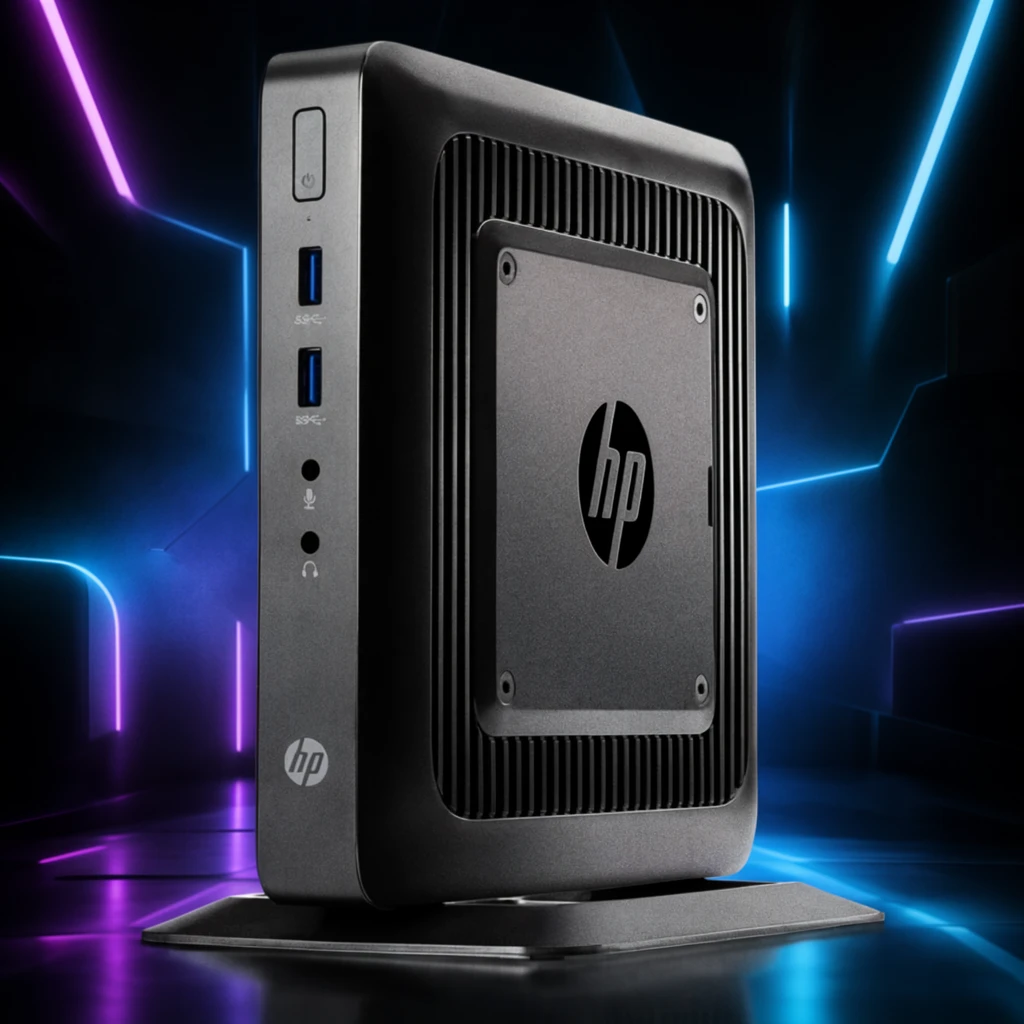 Step 200 · α1 19dabac9fc1c4f5cff1fed91ca2471 单任务耗时 19.8 秒 / PyTorch 峰值显存 33.8 GiB |  Step 200 · α2 fea09e97f097dcdfde12f35519aadc 单任务耗时 19.7 秒 / PyTorch 峰值显存 33.8 GiB |  Step 400 · α1 08dbdb261ec335afcaf3de2ac4b77e 单任务耗时 19.8 秒 / PyTorch 峰值显存 33.8 GiB |  Step 400 · α2 8ecf9cec4c2cd7afd92a502ba0fd76 单任务耗时 19.8 秒 / PyTorch 峰值显存 33.8 GiB | 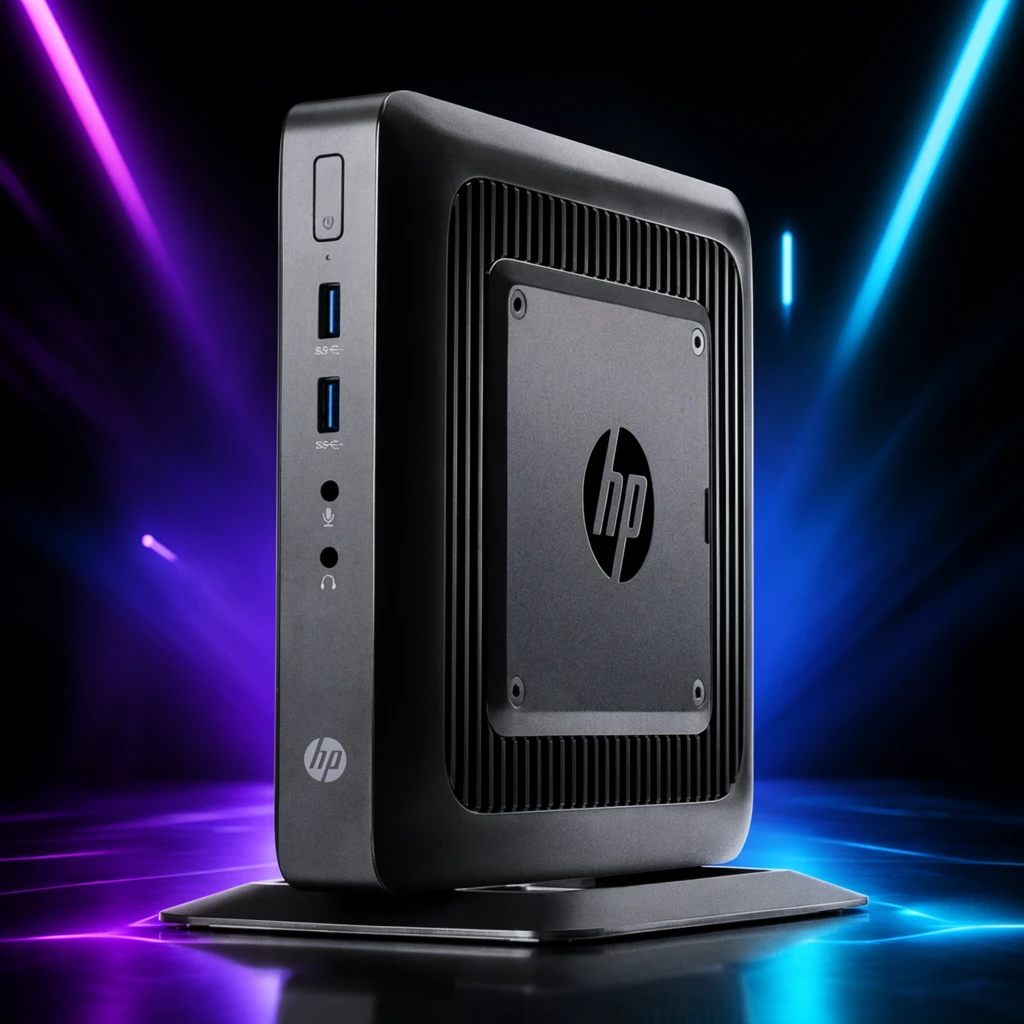 Step 600 · α1 5310fc198de0e69b51e33e2e900867 单任务耗时 19.8 秒 / PyTorch 峰值显存 33.8 GiB | 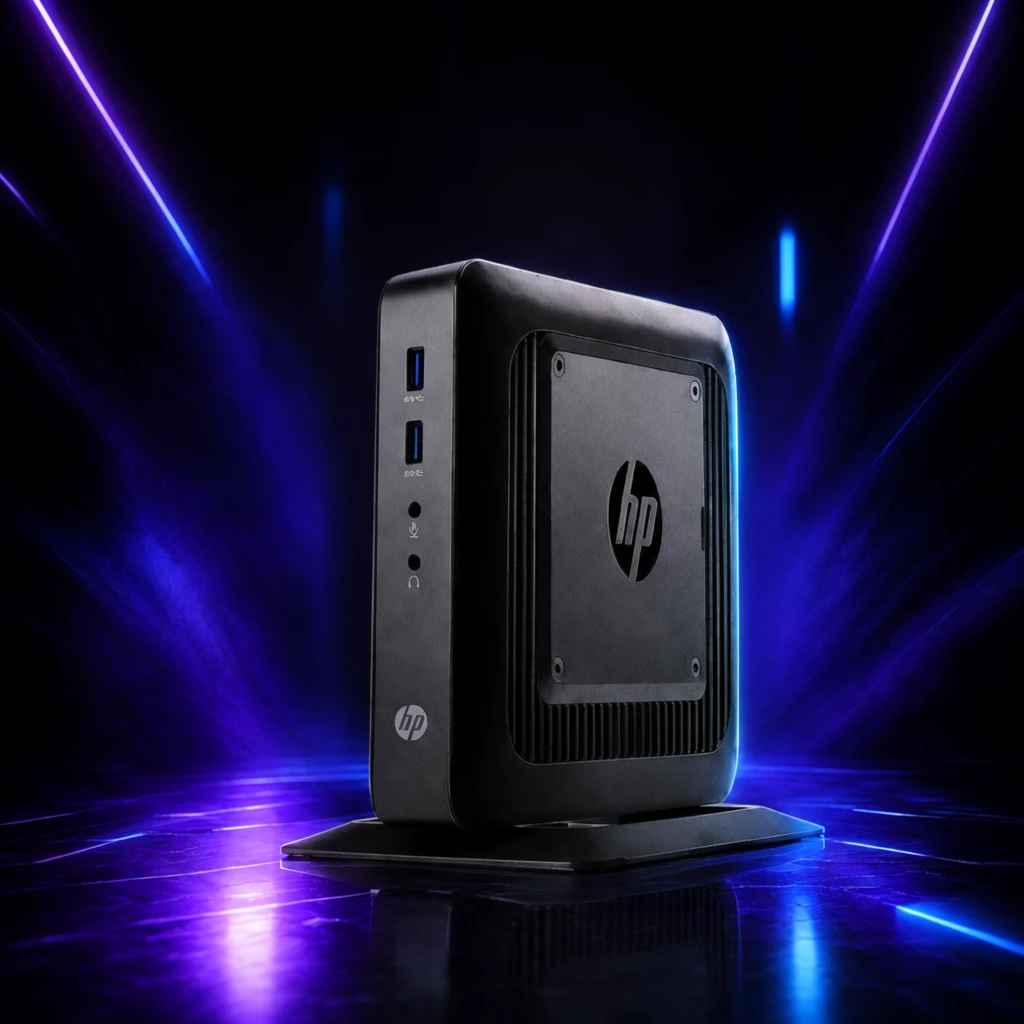 Step 600 · α2 7a7cb29c130f7a93650bcb5c05e0a1 单任务耗时 19.8 秒 / PyTorch 峰值显存 33.8 GiB |
q15
| 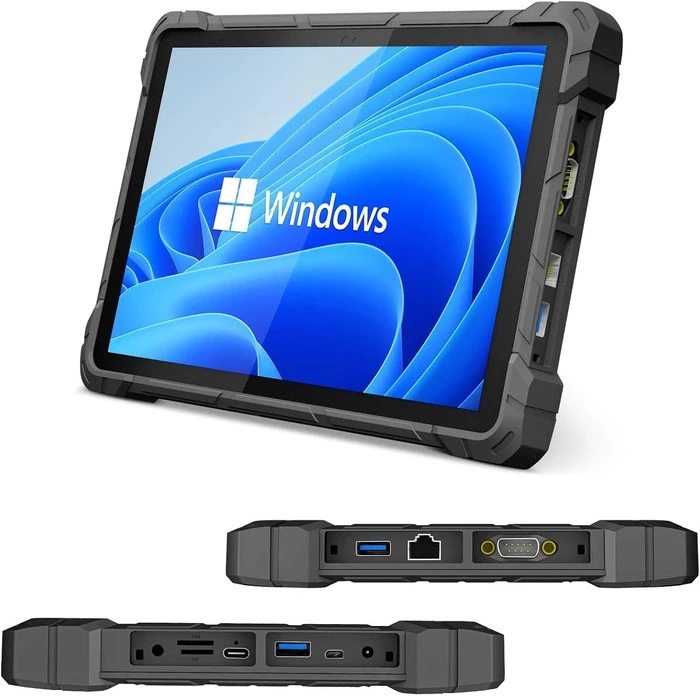 Input 9e4ebc276a158bac254a20f55156fe | Ref 1 911c745aa58446e8b23c17633b90ac | Ref 2 0fe76ad6301937f66085e55bbdc800 |  S1 CROSS f2b7fcd39e7ca3855cef0ed6d72444 单任务耗时 66.1 秒 / PyTorch 峰值显存 33.6 GiB |  S2 CROSS b8606aa56e0224b2587573d45c5196 单任务耗时 93.8 秒 / PyTorch 峰值显存 34.0 GiB |  Step 200 · α1 4e045dc9681ba2f996d4a50c18cc99 单任务耗时 19.6 秒 / PyTorch 峰值显存 33.8 GiB |  Step 200 · α2 bae35c2568b56ec7121bbd4c180ea6 单任务耗时 19.6 秒 / PyTorch 峰值显存 33.8 GiB |  Step 400 · α1 d7e5889a0add7ad7c5a26b165c575d 单任务耗时 19.6 秒 / PyTorch 峰值显存 33.8 GiB |  Step 400 · α2 2c0bf6dd14ac59df6443cae5da954e 单任务耗时 19.6 秒 / PyTorch 峰值显存 33.8 GiB |  Step 600 · α1 62eb51e6e8518bac67f72d6867cb6e 单任务耗时 19.7 秒 / PyTorch 峰值显存 33.8 GiB |  Step 600 · α2 27376ec28a167e5d9908ced5ed0967 单任务耗时 19.6 秒 / PyTorch 峰值显存 33.8 GiB |
q16
|  Input 3789380ccc44bacc568cd747bafaf1 | Ref 1 cc5fd0bdf40b3dac1ca858be21dd1a | Ref 2 2b5d9438fffa2f040516b814f48a7a |  S1 CROSS 273284c501a7936f09b0cf83e5f79c 单任务耗时 67.4 秒 / PyTorch 峰值显存 33.6 GiB |  S2 CROSS 27304180394eef0bf2ae7aae715b05 单任务耗时 96.0 秒 / PyTorch 峰值显存 34.0 GiB |  Step 200 · α1 0f9c6b325615cdb8f17e408f552fb3 单任务耗时 20.0 秒 / PyTorch 峰值显存 33.8 GiB | 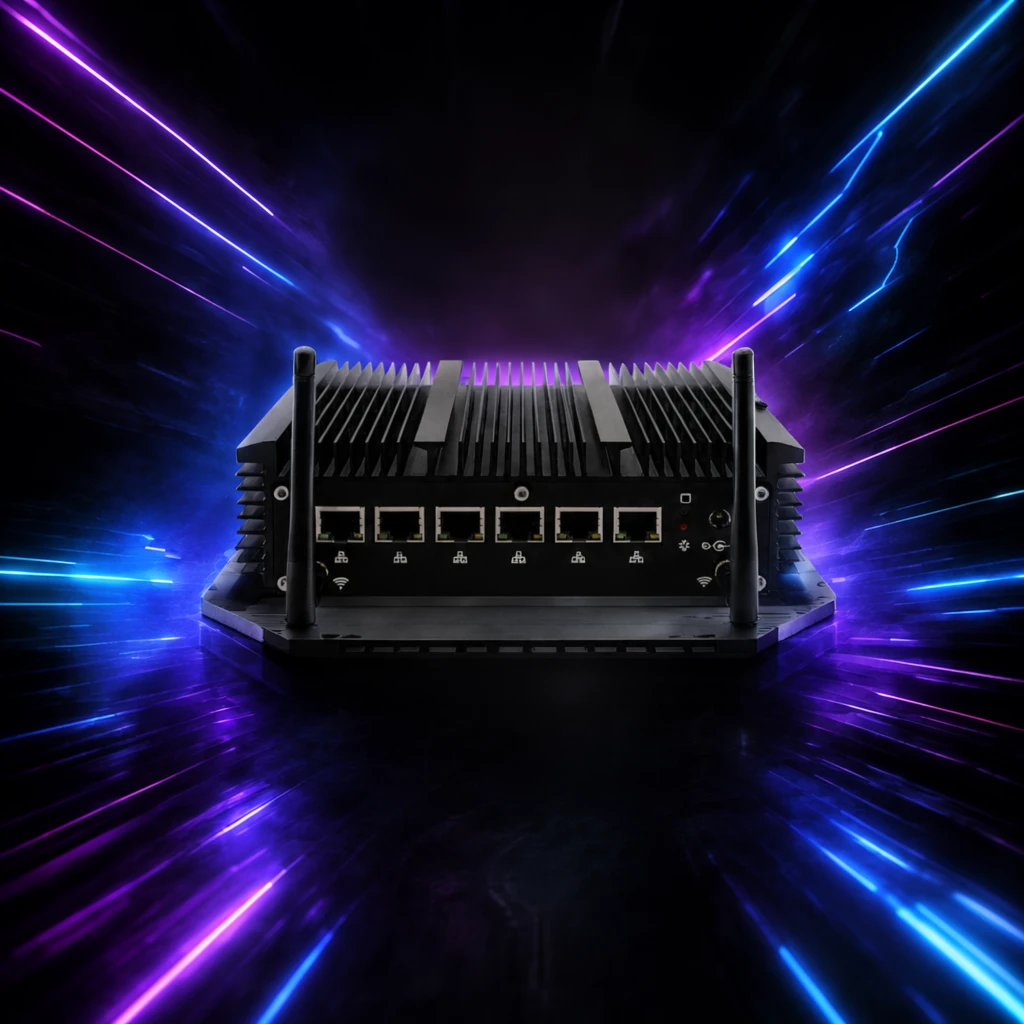 Step 200 · α2 b358f545461a8eadcb1006b368a2fe 单任务耗时 20.0 秒 / PyTorch 峰值显存 33.8 GiB |  Step 400 · α1 1f62b6028617c1cfc103440a8b5002 单任务耗时 19.9 秒 / PyTorch 峰值显存 33.8 GiB |  Step 400 · α2 baf3aeae0cf119743ccee1ac28b0dd 单任务耗时 20.0 秒 / PyTorch 峰值显存 33.8 GiB | 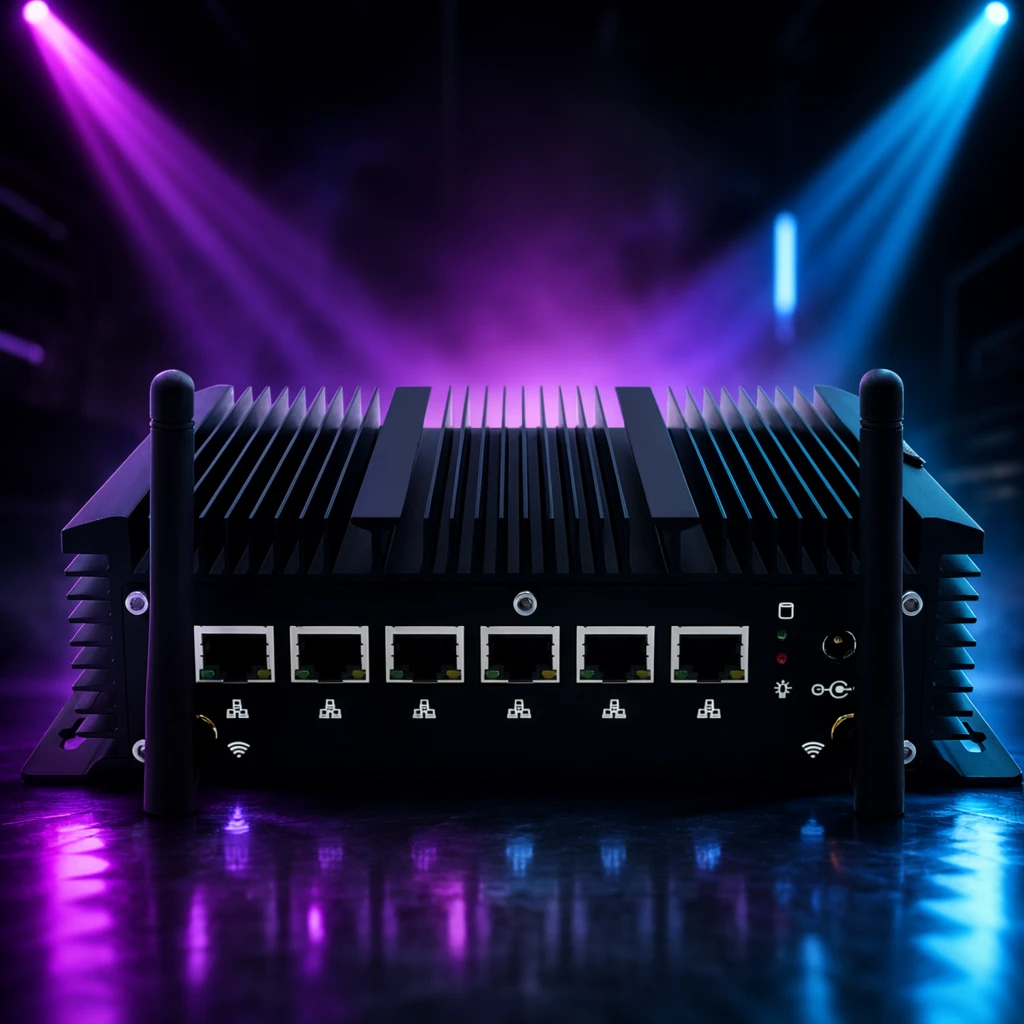 Step 600 · α1 0a71245a0572205ec5e7ea7fb268ff 单任务耗时 20.0 秒 / PyTorch 峰值显存 33.8 GiB | 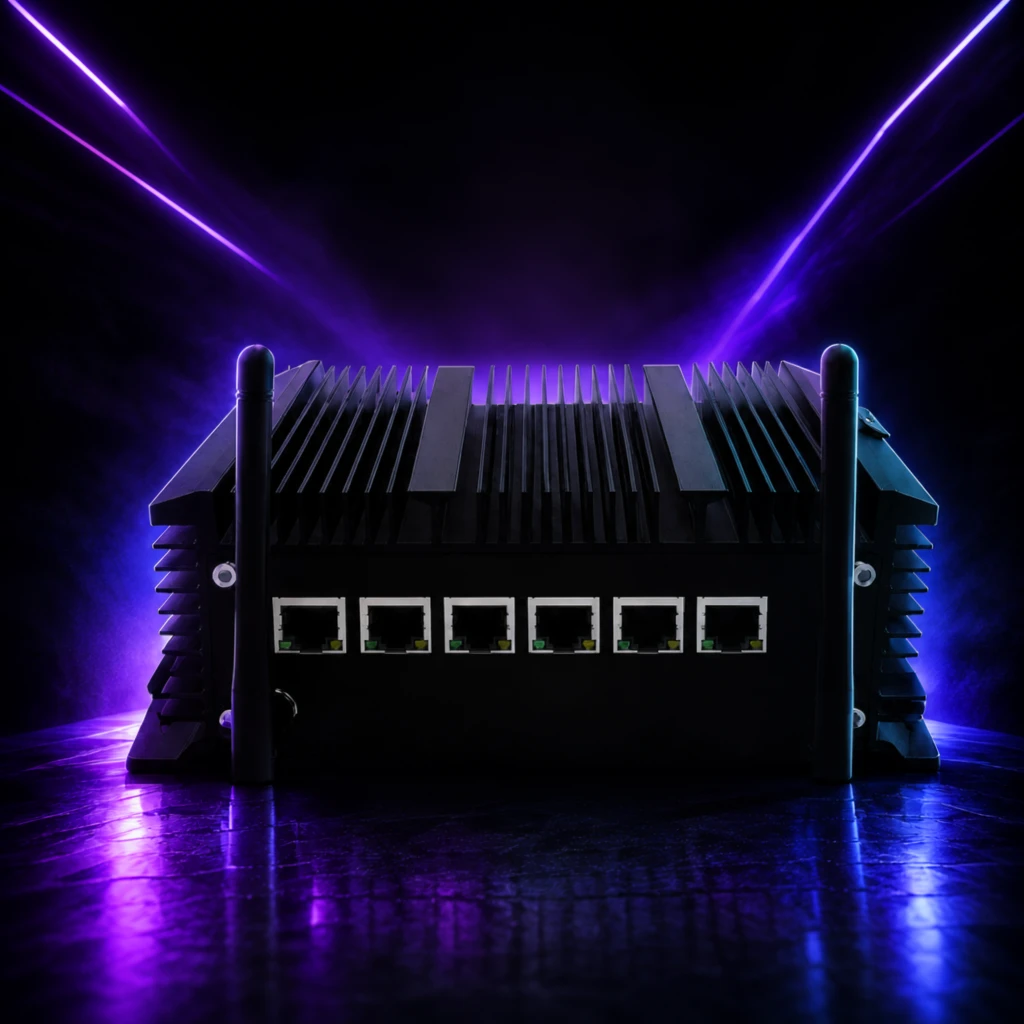 Step 600 · α2 fdf4a8c6fb20dce9d8db1e0ce4a172 单任务耗时 20.0 秒 / PyTorch 峰值显存 33.8 GiB |
q17
| 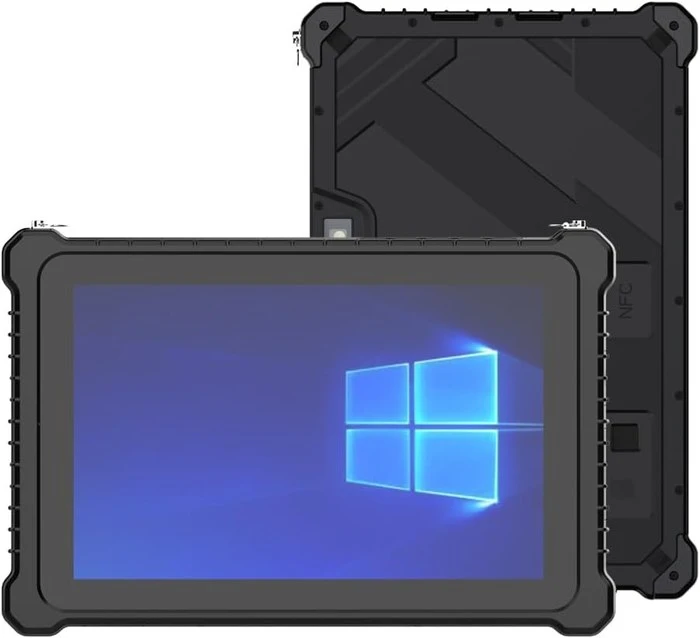 Input f1635ab86d5e197c6a086db5d1f1b9 | Ref 1 77cc6a0825972eed6ab87224a8cee8 | Ref 2 eafb1df7729ec27effde33fe819c62 |  S1 CROSS 8aa6b9e88a6802aaed7ddc43ec2b7f 单任务耗时 66.4 秒 / PyTorch 峰值显存 33.6 GiB |  S2 CROSS 8e734586e381850f2f47e9e395b025 单任务耗时 96.2 秒 / PyTorch 峰值显存 34.0 GiB |  Step 200 · α1 e2e7c0042e37bfc639b6da7fde67f4 单任务耗时 20.1 秒 / PyTorch 峰值显存 33.8 GiB |  Step 200 · α2 ed7de3c4c7b5f20b9e480659ec7628 单任务耗时 20.0 秒 / PyTorch 峰值显存 33.8 GiB |  Step 400 · α1 ff5a34f6ad575658fc07d83b9ee3db 单任务耗时 20.1 秒 / PyTorch 峰值显存 33.8 GiB |  Step 400 · α2 b390aa2b41e8a49d20bed8a0b864b8 单任务耗时 20.1 秒 / PyTorch 峰值显存 33.8 GiB |  Step 600 · α1 cc873cfab89b8cd50ba2d848b3aa72 单任务耗时 20.1 秒 / PyTorch 峰值显存 33.8 GiB |  Step 600 · α2 a8877a48fa0fd5f76f71c30e0e777c 单任务耗时 20.1 秒 / PyTorch 峰值显存 33.8 GiB |
q18
|  Input c1c42d0d44d909653f01d581fa7709 | Ref 1 c328d4d2f8eccf379d4fed64899cdc | Ref 2 6a3142f325f3db5fd434297ad57432 |  S1 CROSS 6680fec7bf561efb72827cd1ad6e7e 单任务耗时 66.5 秒 / PyTorch 峰值显存 33.6 GiB |  S2 CROSS 42f5ef2a00019c2d5a4d2c7fca6e96 单任务耗时 95.1 秒 / PyTorch 峰值显存 34.0 GiB |  Step 200 · α1 a9e1c4e809db19832d0012b3fdf303 单任务耗时 19.8 秒 / PyTorch 峰值显存 33.8 GiB |  Step 200 · α2 659888ff129cfcede7dcff4553bb6f 单任务耗时 19.6 秒 / PyTorch 峰值显存 33.8 GiB |  Step 400 · α1 3389b3f01acfe2930c9c5b1d585b6c 单任务耗时 19.7 秒 / PyTorch 峰值显存 33.8 GiB |  Step 400 · α2 d68bc85f043e1a4d58ee8ad40177c3 单任务耗时 19.7 秒 / PyTorch 峰值显存 33.8 GiB |  Step 600 · α1 309dd4442ddab137f1dea528092010 单任务耗时 19.7 秒 / PyTorch 峰值显存 33.8 GiB |  Step 600 · α2 5fa5f0284744b16d37c7142df1e804 单任务耗时 19.7 秒 / PyTorch 峰值显存 33.8 GiB |
q19
|  Input 1e7c6d219558dbe115078b6db78b57 | Ref 1 eba22a4befa0aca442ad01757741ca | Ref 2 24f7707e5a2cd977c1595eed1e5ad4 |  S1 CROSS 9669dd3300e7253e8ccbcec2039da3 单任务耗时 66.7 秒 / PyTorch 峰值显存 33.6 GiB |  S2 CROSS 100de9811044b39f27e9c299259621 单任务耗时 95.6 秒 / PyTorch 峰值显存 34.0 GiB |  Step 200 · α1 2379dc813dd4580af2d1e4673a467c 单任务耗时 20.0 秒 / PyTorch 峰值显存 33.8 GiB |  Step 200 · α2 5a9a7acb05166eadac0d2ae3858d4b 单任务耗时 19.9 秒 / PyTorch 峰值显存 33.8 GiB |  Step 400 · α1 c41686ee9d85626599b9f70b9f1c98 单任务耗时 19.9 秒 / PyTorch 峰值显存 33.8 GiB |  Step 400 · α2 17d275a88cb43f9b9c726e077ad968 单任务耗时 19.9 秒 / PyTorch 峰值显存 33.8 GiB | 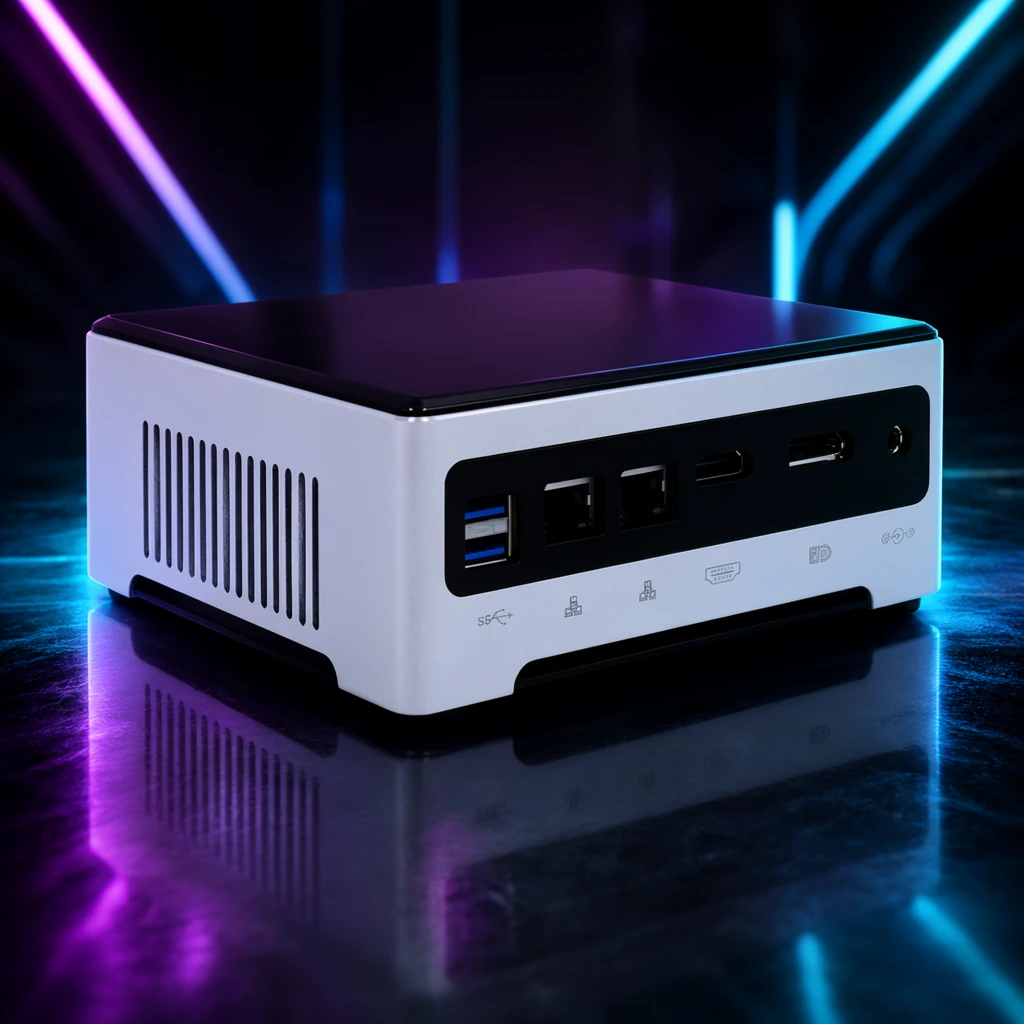 Step 600 · α1 d7ed7c4891fbcd390e39d71e00b9f9 单任务耗时 19.9 秒 / PyTorch 峰值显存 33.8 GiB | 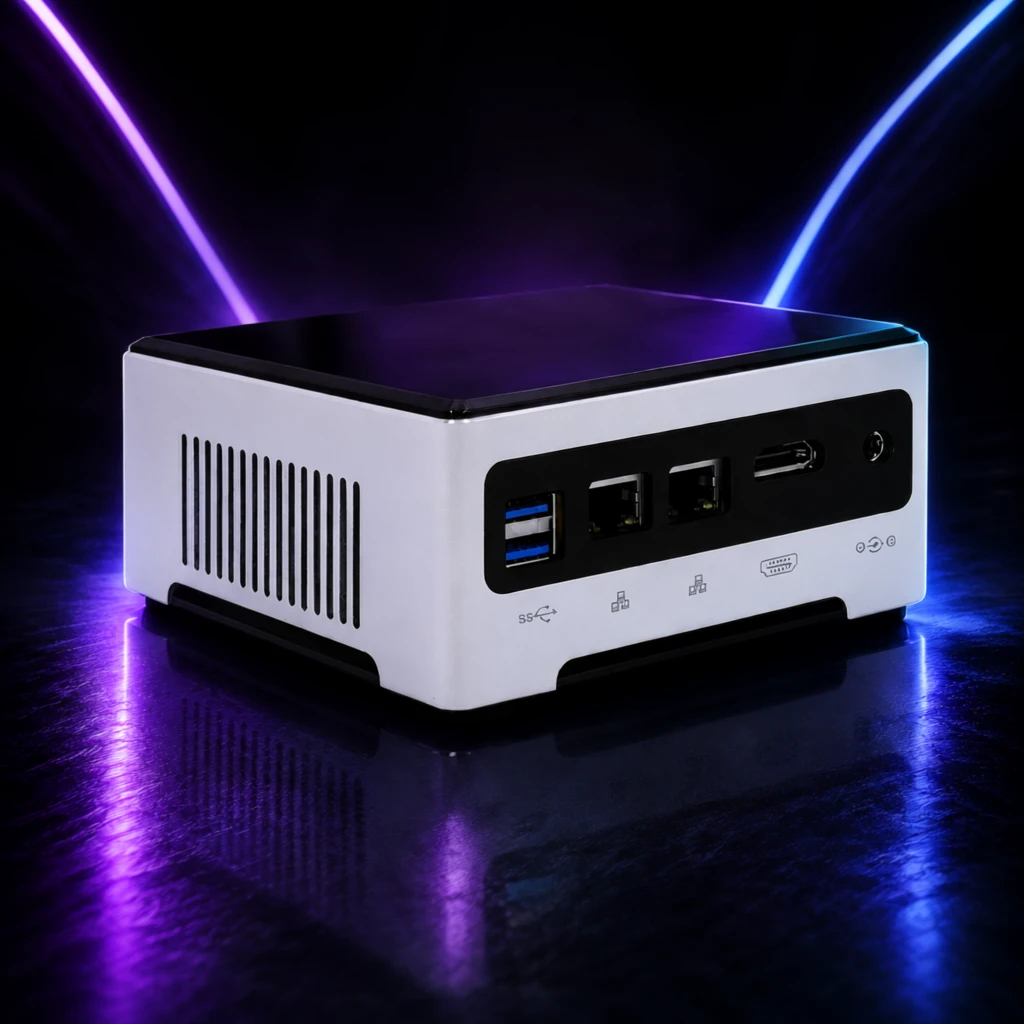 Step 600 · α2 2d90a40ad665f12eefea52c181176a 单任务耗时 19.9 秒 / PyTorch 峰值显存 33.8 GiB |
q20
| 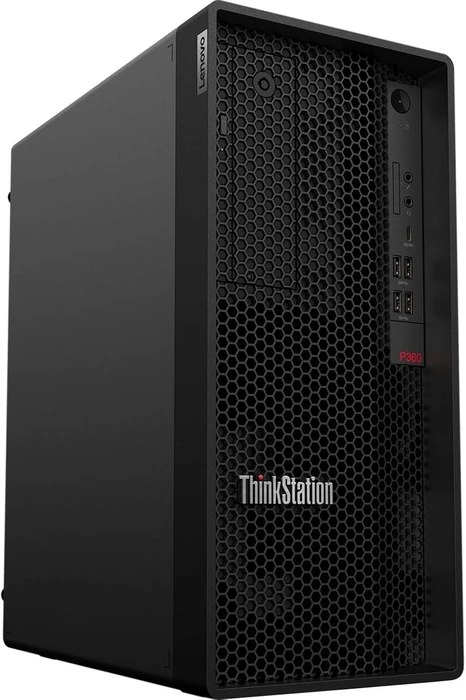 Input 7631e3a9ee8e5f40283b4376fbc8ea | Ref 1 a0a887c3570113b8f013bd36fc8b26 | Ref 2 6623356173cf0a09803789486621e6 |  S1 CROSS dd8a1b1f1017c464eef70b0c17c124 单任务耗时 66.1 秒 / PyTorch 峰值显存 33.6 GiB |  S2 CROSS 2a21f28e1ce58980ad6719f0ab5d86 单任务耗时 94.8 秒 / PyTorch 峰值显存 34.0 GiB | 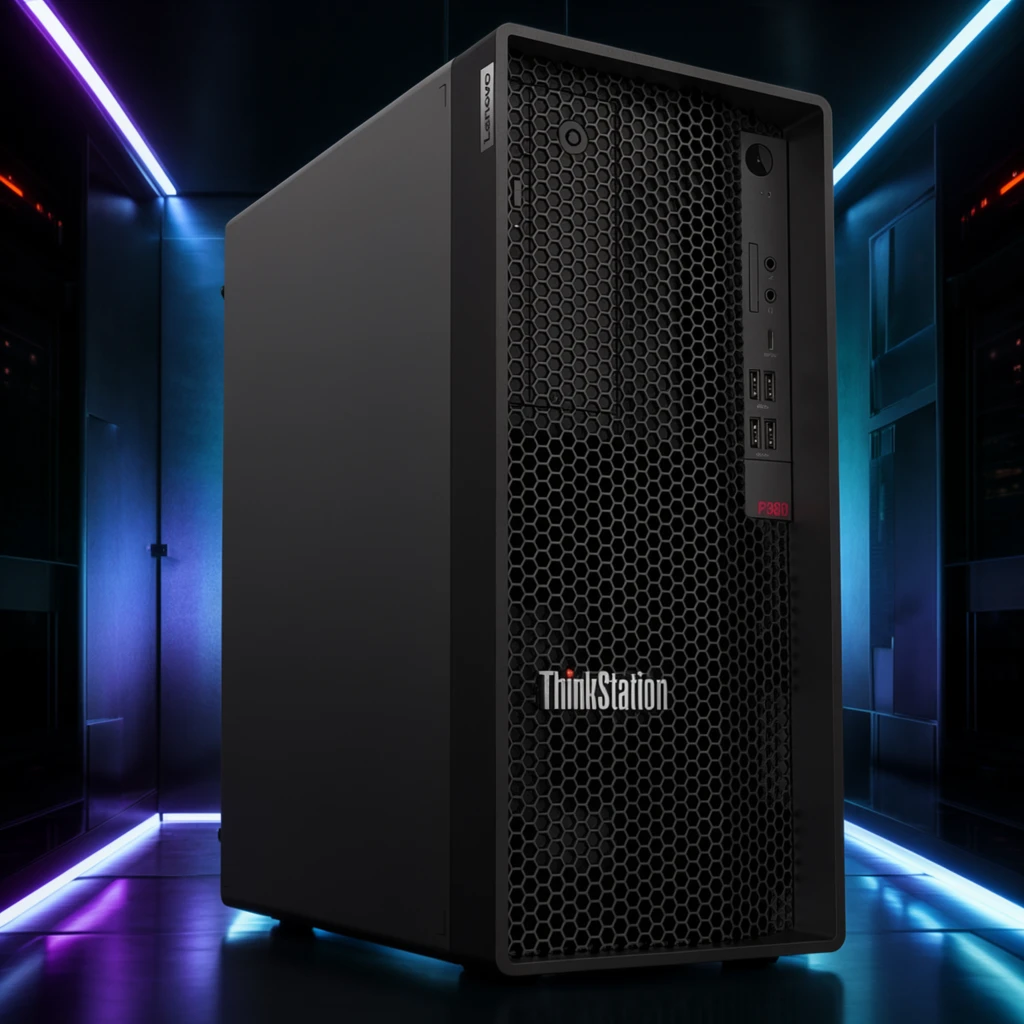 Step 200 · α1 a0a8eb17f0a05966fc5c7dd9dc7dd2 单任务耗时 19.7 秒 / PyTorch 峰值显存 33.8 GiB |  Step 200 · α2 5a05489fe7834ae87510869f57e01f 单任务耗时 19.8 秒 / PyTorch 峰值显存 33.8 GiB |  Step 400 · α1 7651d2bab8176af4fb9ac15dc8a5fd 单任务耗时 19.8 秒 / PyTorch 峰值显存 33.8 GiB |  Step 400 · α2 96ff2b13199c01201a81f57d7073fe 单任务耗时 19.7 秒 / PyTorch 峰值显存 33.8 GiB |  Step 600 · α1 f49e268e2675837e2961b6954da5e7 单任务耗时 19.8 秒 / PyTorch 峰值显存 33.8 GiB |  Step 600 · α2 573dbb3c3ab5b8312cc027d9369310 单任务耗时 19.7 秒 / PyTorch 峰值显存 33.8 GiB |
去产品 Reference 实验
比较原始参考图和移除产品后的背景参考图。
从目标风格成品参考图中移除产品、品牌文字及其专属阴影/反射,并补全被遮挡的背景。
使用未经处理、仍包含原产品的目标风格成品图作为单张参考图;结果复用同风格 Context 的 S1。
使用去除产品并补全后的背景图作为单张参考图,测试更接近背景/场景迁移的效果。
查看去产品与 S1-BG Prompt、配置
- 模型
- FLUX.2-klein-base-9B
- 实验规模
- 本风格 3 个案例
- 去产品输入
- 1 张目标风格 target;去掉主体并补全遮挡区域
- S1-BG 输入
- 1 张白底产品图 + 1 张去产品后的参考图
- 推理步数
- 50
- CFG
- 4.0
- Seed
- 42
实际使用 Prompt(英文,送入模型)Remove the featured product and all product-specific content from the input image, including its packaging, branding, labels, visible text, product-specific contact shadow, and reflection. Reconstruct the areas previously occupied by the product so that the result looks like the same scene before the product was placed there. Continue the surrounding background, display surface, platform, decorative structures, materials, textures, lighting, shadows, reflections, perspective, and spatial depth naturally. Preserve the original presentation style, composition, camera viewpoint, color relationships, lighting, environment, and all non-product design elements. Do not add another product, object, text, logo, symbol, placeholder, or advertising content. Do not crop, simplify, redesign, recolor, or globally relight the image. The final image should show the original scene with the featured product absent and all previously occluded areas naturally reconstructed.
中文对照说明(未送入模型)移除输入图像中的主体产品以及所有与该产品特定相关的内容,包括包装、品牌标识、标签、可见文字、产品产生的接触阴影和反射。 自然补全产品原本占据的区域,使结果看起来像产品尚未被放入该场景时的画面。连续补全周围的背景、展示表面、展台、装饰结构、材质、纹理、灯光、阴影、反射、透视和空间层次。 保留原始的产品呈现风格、构图、相机视角、色彩关系、灯光、环境和所有非产品设计元素。不要添加新的产品、物体、文字、Logo、符号、占位内容或广告内容。不要裁切、简化、重新设计、重新配色或整体改变图像光照。 最终图像应保留原始场景,仅移除主体产品,并自然补全产品原本遮挡的所有区域。
实际使用 Prompt(英文,送入模型)Image 1 is the product image to edit. Image 2 is a reference image. Transform Image 1 into a product image that follows the presentation style demonstrated by the reference image. Preserve the identity and key visual details of the product in Image 1. Use the reference image only to determine how the product is presented, and do not copy products or textual content from the reference image.
中文对照说明(未送入模型)图像1是需要编辑的产品图,图像2是参考图。 将图像1转换为一张采用参考图所展示呈现风格的产品图。保留图像1中产品的身份和关键视觉细节。参考图仅用于确定产品的呈现方式,不要复制参考图中的产品或文字内容。
| Case | Input | Raw Reference | Product Removed | S1-Raw | S1-BG |
|---|---|---|---|---|---|
sample 01
| Input d2ca62a8215204cabe423843284004 | Raw Reference 5b1cb0966e45c20763538d8af23c1d |  Product Removed d08082d2be2f3670cb29b3449f9d4e 单任务耗时 42.2 秒 / PyTorch 峰值显存 33.6 GiB | S1-Raw 27fc45a5d0aada87940cda216003d2 单任务耗时 66.4 秒 / PyTorch 峰值显存 33.6 GiB |  S1-BG 3430aea554e471f5922e371c9edaed 单任务耗时 66.1 秒 / PyTorch 峰值显存 33.6 GiB |
sample 02
| Input 7b35049f9374c4b2f5bef6aa97cea1 | Raw Reference a0a887c3570113b8f013bd36fc8b26 |  Product Removed 295eccdf8dd0b0c81a1bc32724cb81 单任务耗时 41.9 秒 / PyTorch 峰值显存 33.6 GiB | S1-Raw 34d53d76405f00c0aed04135beb861 单任务耗时 65.8 秒 / PyTorch 峰值显存 33.6 GiB |  S1-BG 6f66ac16c7225c86dcfafadc0afa69 单任务耗时 65.5 秒 / PyTorch 峰值显存 33.6 GiB |
sample 03
| Input 91a4281cf0ffa8974ea9db4fc5a428 | Raw Reference 6623356173cf0a09803789486621e6 |  Product Removed 96496f8d3afba6fed72c7e77f636d3 单任务耗时 41.9 秒 / PyTorch 峰值显存 33.6 GiB | S1-Raw da975f850039131aadfb277233655f 单任务耗时 66.2 秒 / PyTorch 峰值显存 33.6 GiB |  S1-BG 5fb676ba064a5b725056382211b69c 单任务耗时 66.2 秒 / PyTorch 峰值显存 33.6 GiB |
魔方风格迁移实验结果
当前风格:明亮柔和影棚 · electronics_office_bright · Trigger EOBStyle
如何阅读本页
图片字段
需要模型编辑的白底产品图,是每条实验路线的主体输入。
同风格冻结测试案例对应的真实目标图,仅用于视觉对照,不会送入模型。
来自目标风格训练集的风格化成品图。数字表示送入模型的参考图顺序与数量。
配对示例中的原始白底产品图,与 P1 Target 共同展示一次已知转换。
P1 Input 对应的风格化结果;P1 Input 和 P1 Target 会一起送入模型。
模型对当前 Input 生成的结果。图片下方记录该次任务的耗时与 PyTorch 峰值显存。
四条实验路线
torch.cuda.max_memory_allocated() 的峰值,不代表整张 GPU 的总占用,也不包含 PyTorch reserved 但未分配的缓存。同风格参考实验
冻结查询集;显示该风格的全部案例,不做抽样。
输入 1 张待编辑产品图和 1 张同一目标风格的成品参考图,让模型迁移参考图的产品呈现风格。
输入 1 张待编辑产品图和 2 张同一目标风格的成品参考图,观察多一张参考图能否提高风格稳定性。
输入 1 张待编辑产品图和 4 张同一目标风格的成品参考图,测试更多 Context 参考图的效果。
输入 1 张待编辑产品图,再提供 1 组示例 Input→Target 配对,让模型从配对中推断风格转换方式。
查看任务定义、Prompt 与配置
- 模型
- FLUX.2-klein-base-9B
- 测试集
- 同风格冻结测试集,本风格 7 个案例
- 推理步数
- 50
- CFG
- 4.0
- Seed
- 42
- Reference
- S1=1,S2=2,S4=4;P1=1 组 input-target 配对
实际使用 Prompt(英文,送入模型)Image 1 is the product image to edit. Image 2 is a reference image. Transform Image 1 into a product image that follows the presentation style demonstrated by the reference image. Preserve the identity and key visual details of the product in Image 1. Use the reference image only to determine how the product is presented, and do not copy products or textual content from the reference image.
中文对照说明(未送入模型)图像1是需要编辑的产品图,图像2是参考图。 将图像1转换为一张采用参考图所展示呈现风格的产品图。保留图像1中产品的身份和关键视觉细节。参考图仅用于确定产品的呈现方式,不要复制参考图中的产品或文字内容。
实际使用 Prompt(英文,送入模型)Image 1 is the product image to edit. Images 2 through 3 are reference images. Transform Image 1 into a product image that follows the presentation style demonstrated by the reference images. Preserve the identity and key visual details of the product in Image 1. Use the reference images only to determine how the product is presented, and do not copy products or textual content from the reference images.
中文对照说明(未送入模型)图像1是需要编辑的产品图,图像2至图像3是参考图。 将图像1转换为一张采用参考图所展示呈现风格的产品图。保留图像1中产品的身份和关键视觉细节。参考图仅用于确定产品的呈现方式,不要复制参考图中的产品或文字内容。
实际使用 Prompt(英文,送入模型)Image 1 is the product image to edit. Images 2 through 5 are reference images. Transform Image 1 into a product image that follows the presentation style demonstrated by the reference images. Preserve the identity and key visual details of the product in Image 1. Use the reference images only to determine how the product is presented, and do not copy products or textual content from the reference images.
中文对照说明(未送入模型)图像1是需要编辑的产品图,图像2至图像5是参考图。 将图像1转换为一张采用参考图所展示呈现风格的产品图。保留图像1中产品的身份和关键视觉细节。参考图仅用于确定产品的呈现方式,不要复制参考图中的产品或文字内容。
实际使用 Prompt(英文,送入模型)Image 1 is the product image to edit. Images 2 and 3 are a paired example: Image 2 is the original product image, and Image 3 is its transformed result. Use this example pair to infer the presentation style transformation, and apply it to Image 1. Preserve the identity and key visual details of the product in Image 1. Do not copy the example product or its textual content.
中文对照说明(未送入模型)图像1是需要编辑的产品图。图像2和图像3是一组配对示例:图像2是原始产品图,图像3是转换后的结果。 根据这组示例推断产品呈现风格的转换方式,并将其应用到图像1。保留图像1中产品的身份和关键视觉细节。不要复制示例中的产品或文字内容。
| Case | Input | GT | Ref 1 | Ref 2 | Ref 3 | Ref 4 | P1 Input | P1 Target | S1 | S2 | S4 | P1 |
|---|---|---|---|---|---|---|---|---|---|---|---|---|
q01
|  Input ef853a22b2335cc9d7f2b125b12cac |  Ground Truth 061253746b84adc2e5c1d5dbe0bf1e |  Ref 1 444e658abf32c21d8b3151ec076f54 |  Ref 2 90c8594ff971c7b547e65196e77c6a |  Ref 3 46db4dd45d7a717e7e30d5965e8086 |  Ref 4 b2ee177c948b51d3496a8b782a7872 | P1 Input f17c3d99db5ca81989fce5f3d0dd0e | P1 Target 444e658abf32c21d8b3151ec076f54 |  S1 b4f4f7261e504f44cd7d858735a2df 单任务耗时 66.7 秒 / PyTorch 峰值显存 33.6 GiB |  S2 5efc18efd7fe0a5f916c21e6324d1c 单任务耗时 95.5 秒 / PyTorch 峰值显存 34.0 GiB |  S4 a87fe2477b3c65274d96cf1f4a4b08 单任务耗时 164.4 秒 / PyTorch 峰值显存 35.3 GiB |  P1 70c87de818b0f1c417694875605821 单任务耗时 95.4 秒 / PyTorch 峰值显存 34.0 GiB |
q02
| Input b84b50f6db1593e9f6e149e7cc1f28 |  Ground Truth 17699a1c06b91c786786feb35dd849 |  Ref 1 d44ed71c281c72e42f07d4d934ec96 |  Ref 2 07f04a449e49abbb88fbdca9ced2e1 |  Ref 3 38f757fb02dfadae4d2c3dcb0d38b6 |  Ref 4 72f1a84d4839daedd7412785a9e99b | P1 Input 1e607be570c249e331b2d68eaa6595 | P1 Target d44ed71c281c72e42f07d4d934ec96 |  S1 f8660183a688154e54082c265a465a 单任务耗时 66.1 秒 / PyTorch 峰值显存 33.6 GiB |  S2 012b42c0f47a3ec98f01e79d7e4657 单任务耗时 94.5 秒 / PyTorch 峰值显存 34.0 GiB |  S4 ba87a021af9cbc64ae162bc452ae36 单任务耗时 164.5 秒 / PyTorch 峰值显存 35.3 GiB |  P1 2f7979097f103bc114ec7964a6b92e 单任务耗时 94.3 秒 / PyTorch 峰值显存 34.0 GiB |
q03
| Input b58e335237ed3bbe5c879b2cd64067 |  Ground Truth 1d2f3fb32dca7ba28df33cf9540b48 |  Ref 1 3667567f780f42f04caa85351d4913 |  Ref 2 7f5387d074fbff45d42e0a4245981c |  Ref 3 547214861364785c86f89a25a1b4ca |  Ref 4 d5fac42d7cd76c181c85019852ed34 |  P1 Input 3a8d7fac7b918f1c313560629c1e31 | P1 Target 3667567f780f42f04caa85351d4913 |  S1 cf4f7fd51e6d651df4b0ed7e9de71b 单任务耗时 65.8 秒 / PyTorch 峰值显存 33.6 GiB |  S2 26339ecda41bbc0069ab946080854f 单任务耗时 93.7 秒 / PyTorch 峰值显存 34.0 GiB |  S4 fdcc9eb62e92266c2ed2b30108766e 单任务耗时 163.3 秒 / PyTorch 峰值显存 35.3 GiB |  P1 16bf8c834624cd4e44ce87546a3e3e 单任务耗时 93.1 秒 / PyTorch 峰值显存 34.0 GiB |
q04
|  Input aa73db2e29b83d14f66a538a3dd978 |  Ground Truth b1ac857de63c70bef7158df54e6ed2 | Ref 1 90c8594ff971c7b547e65196e77c6a | Ref 2 46db4dd45d7a717e7e30d5965e8086 | Ref 3 b2ee177c948b51d3496a8b782a7872 |  Ref 4 2bbebeb4dfca3793971a4714117230 | P1 Input 3cfdfe0f35b9b2618b1b943db38f00 | P1 Target 90c8594ff971c7b547e65196e77c6a |  S1 f99dd0aab2e55acb25a428e328ee6f 单任务耗时 66.1 秒 / PyTorch 峰值显存 33.6 GiB |  S2 095abcf83ff379ea5789ec77ce7376 单任务耗时 95.1 秒 / PyTorch 峰值显存 34.0 GiB |  S4 0aebf2cbd8a30d8bab9ec5bb0988f1 单任务耗时 164.3 秒 / PyTorch 峰值显存 35.3 GiB |  P1 d7de80b6d2fd8250f2dfdbc3f24274 单任务耗时 94.8 秒 / PyTorch 峰值显存 34.0 GiB |
q05
|  Input 6315e31af03396c6027fc2de0201be |  Ground Truth 486bb50dc6fbf1620ed57c26bc7e76 | Ref 1 07f04a449e49abbb88fbdca9ced2e1 | Ref 2 38f757fb02dfadae4d2c3dcb0d38b6 | Ref 3 72f1a84d4839daedd7412785a9e99b | Ref 4 444e658abf32c21d8b3151ec076f54 | P1 Input dc28f0d49ea80dbded11d3a05f204b | P1 Target 07f04a449e49abbb88fbdca9ced2e1 |  S1 5922949d2351ad181dadeb82458ee7 单任务耗时 66.0 秒 / PyTorch 峰值显存 33.6 GiB |  S2 985c570f8cded116edeae0f9ed29db 单任务耗时 95.1 秒 / PyTorch 峰值显存 34.0 GiB |  S4 1d42b9c96244524d4c3d349a5e05cb 单任务耗时 165.0 秒 / PyTorch 峰值显存 35.3 GiB |  P1 e361c71a3a3e56207788c2dd2305f0 单任务耗时 96.3 秒 / PyTorch 峰值显存 34.0 GiB |
q06
|  Input 3c887317c7e23cf3e9e2fc598cee86 |  Ground Truth b74a56581e5a8581622b1673cc92f5 | Ref 1 7f5387d074fbff45d42e0a4245981c | Ref 2 547214861364785c86f89a25a1b4ca | Ref 3 d5fac42d7cd76c181c85019852ed34 | Ref 4 d44ed71c281c72e42f07d4d934ec96 | P1 Input b4a0ba4f57142dea97432709939556 | P1 Target 7f5387d074fbff45d42e0a4245981c |  S1 d04fd204961f1e4e17b84fb2b4089d 单任务耗时 65.9 秒 / PyTorch 峰值显存 33.6 GiB |  S2 30d4ce41b99fe947c0b4941fb17c63 单任务耗时 93.5 秒 / PyTorch 峰值显存 34.0 GiB |  S4 ce0e7c8ee983b547f90ea159e07697 单任务耗时 158.7 秒 / PyTorch 峰值显存 35.3 GiB |  P1 242cb2c78bdf63446aa159d42cb815 单任务耗时 95.0 秒 / PyTorch 峰值显存 34.0 GiB |
q07
| Input 6e91cc692575047e478a665fbc484b |  Ground Truth e4fc324818aebd1fb9343fe3501246 | Ref 1 46db4dd45d7a717e7e30d5965e8086 | Ref 2 b2ee177c948b51d3496a8b782a7872 | Ref 3 2bbebeb4dfca3793971a4714117230 | Ref 4 3667567f780f42f04caa85351d4913 |  P1 Input 748b9d03042b360e9386e3535999a3 | P1 Target 46db4dd45d7a717e7e30d5965e8086 |  S1 db29e1c88a53a60e23ec3177993187 单任务耗时 66.3 秒 / PyTorch 峰值显存 33.6 GiB |  S2 e8d0eba4a2c83d8ca89899005b2b29 单任务耗时 94.8 秒 / PyTorch 峰值显存 34.0 GiB |  S4 b9e0614065773fdf0ee69a33361983 单任务耗时 164.1 秒 / PyTorch 峰值显存 35.3 GiB |  P1 fc1617c92899d9c0f7451cf780d974 单任务耗时 94.9 秒 / PyTorch 峰值显存 34.0 GiB |
跨小风格输入对比
每个目标风格完整展示 20 个固定案例;LoRA 与 Context 使用同一批输入。
待编辑产品来自同一大类中的其他小风格;提供 1 张目标小风格成品图作为参考,测试跨小风格输入的迁移效果。
待编辑产品来自同一大类中的其他小风格;提供 2 张目标小风格成品图作为参考。
只输入 1 张待编辑产品图并挂载目标小风格 LoRA,不提供额外 Context 参考图;对比 step 200/400/600 与 alpha 1/2。
查看 Cross Context 任务定义、Prompt 与配置
- 模型
- FLUX.2-klein-base-9B
- 测试集
- 同大类其他小风格的固定白底输入,每个目标风格 20 个
- 推理步数
- 50
- CFG
- 4.0
- Seed
- 42
- Reference
- S1-Cross=1,S2-Cross=2;参考图来自目标风格
实际使用 Prompt(英文,送入模型)Image 1 is the product image to edit. Image 2 is a reference image. Transform Image 1 into a product image that follows the presentation style demonstrated by the reference image. Preserve the identity and key visual details of the product in Image 1. Use the reference image only to determine how the product is presented, and do not copy products or textual content from the reference image.
中文对照说明(未送入模型)图像1是需要编辑的产品图,图像2是参考图。 将图像1转换为一张采用参考图所展示呈现风格的产品图。保留图像1中产品的身份和关键视觉细节。参考图仅用于确定产品的呈现方式,不要复制参考图中的产品或文字内容。
实际使用 Prompt(英文,送入模型)Image 1 is the product image to edit. Images 2 and 3 are reference images. Transform Image 1 into a product image that follows the presentation style demonstrated by the reference images. Preserve the identity and key visual details of the product in Image 1. Use the reference images only to determine how the product is presented, and do not copy products or textual content from the reference images.
中文对照说明(未送入模型)图像1是需要编辑的产品图,图像2和图像3是参考图。 将图像1转换为一张采用参考图所展示呈现风格的产品图。保留图像1中产品的身份和关键视觉细节。参考图仅用于确定产品的呈现方式,不要复制参考图中的产品或文字内容。
查看 LoRA 训练/推理 Prompt 与配置
- 训练数据
- 目标小风格的 20 组白底 input → 风格化 target 配对
- 训练配置
- 600 steps;每 100 step 保存;LR=5e-5;rank=32;BF16
- 测试数据
- 与 Cross Context 相同的 20 个跨小风格白底输入;无目标风格 GT
- Checkpoint
- step 200 / 400 / 600
- LoRA alpha
- 1.0 / 2.0
- 推理步数
- 50
- CFG
- 1.0
- Seed
- 42
- 额外 Reference
- 无;仅输入产品图 + LoRA
实际使用 Prompt(英文,送入模型)EOBStyle. Apply this presentation style to the input product image. Preserve the product itself, including its identity and key visual details.
中文对照说明(未送入模型)EOBStyle。将该呈现风格应用到输入产品图中。保留产品本身,包括其身份和关键视觉细节。
| Case | Input | Ref 1 | Ref 2 | S1-Cross | S2-Cross | LoRA 200 α1 | LoRA 200 α2 | LoRA 400 α1 | LoRA 400 α2 | LoRA 600 α1 | LoRA 600 α2 |
|---|---|---|---|---|---|---|---|---|---|---|---|
q01
| Input 323c27779e2e752b47ad12565ad4e9 | Ref 1 486bb50dc6fbf1620ed57c26bc7e76 | Ref 2 46db4dd45d7a717e7e30d5965e8086 |  S1 CROSS 9687aa57c4c030113ff71f638540cf 单任务耗时 66.1 秒 / PyTorch 峰值显存 33.6 GiB |  S2 CROSS 7efc8cb77d2f373a83769611b753a5 单任务耗时 95.8 秒 / PyTorch 峰值显存 34.0 GiB |  Step 200 · α1 492dd6859f56309cf0635a13de914f 单任务耗时 20.1 秒 / PyTorch 峰值显存 33.8 GiB |  Step 200 · α2 97182697146d48f761bf723d1e4013 单任务耗时 20.1 秒 / PyTorch 峰值显存 33.8 GiB |  Step 400 · α1 e320ad4281bf761b73749eac6d0d39 单任务耗时 19.9 秒 / PyTorch 峰值显存 33.8 GiB |  Step 400 · α2 c5551231dfcdc774bf3c2feff00088 单任务耗时 20.0 秒 / PyTorch 峰值显存 33.8 GiB |  Step 600 · α1 05d4699c7f62f6ba977471db08184c 单任务耗时 20.1 秒 / PyTorch 峰值显存 33.8 GiB |  Step 600 · α2 1a482d57ec6cb8e6130fc14f6f275a 单任务耗时 20.1 秒 / PyTorch 峰值显存 33.8 GiB |
q02
|  Input f2c4120d4952a259c2bef3fb30c846 | Ref 1 90c8594ff971c7b547e65196e77c6a | Ref 2 72f1a84d4839daedd7412785a9e99b |  S1 CROSS 8d435cba3a07f5bfd90137954e4870 单任务耗时 65.9 秒 / PyTorch 峰值显存 33.6 GiB |  S2 CROSS 0ba4f4eba555c00f466ef4d21caebc 单任务耗时 93.5 秒 / PyTorch 峰值显存 34.0 GiB |  Step 200 · α1 ac386d39f95b1f0661f3372dc6a766 单任务耗时 19.7 秒 / PyTorch 峰值显存 33.8 GiB |  Step 200 · α2 6271c8ad8b1f67850d3d9056f3dba8 单任务耗时 19.6 秒 / PyTorch 峰值显存 33.8 GiB |  Step 400 · α1 7a2a67ad826e63cbf9541bfc400bf2 单任务耗时 19.5 秒 / PyTorch 峰值显存 33.8 GiB |  Step 400 · α2 85b41c88971b81af210d497c8208b4 单任务耗时 19.6 秒 / PyTorch 峰值显存 33.8 GiB |  Step 600 · α1 8d00d8b5ae5e1c0434552a5a57ffb4 单任务耗时 19.7 秒 / PyTorch 峰值显存 33.8 GiB |  Step 600 · α2 f7323a7ddf3857ae77fcc5bdb6e655 单任务耗时 19.7 秒 / PyTorch 峰值显存 33.8 GiB |
q03
| Input 91a4281cf0ffa8974ea9db4fc5a428 | Ref 1 061253746b84adc2e5c1d5dbe0bf1e | Ref 2 1d2f3fb32dca7ba28df33cf9540b48 |  S1 CROSS f3c8a6f2331a1c6b02ec340c348856 单任务耗时 65.9 秒 / PyTorch 峰值显存 33.6 GiB |  S2 CROSS c15daef3d9c69c941dbe4dc4199a59 单任务耗时 94.9 秒 / PyTorch 峰值显存 34.0 GiB |  Step 200 · α1 3c12637f4ee30ebde525ee2d93b2aa 单任务耗时 19.8 秒 / PyTorch 峰值显存 33.8 GiB |  Step 200 · α2 d94340de70fb9b469e65a8eb7e9a15 单任务耗时 19.7 秒 / PyTorch 峰值显存 33.8 GiB |  Step 400 · α1 12df66c98b8f09df5ada6e925a3086 单任务耗时 19.7 秒 / PyTorch 峰值显存 33.8 GiB |  Step 400 · α2 6c5c4e958109182dca7d27ba05f7a9 单任务耗时 19.7 秒 / PyTorch 峰值显存 33.8 GiB |  Step 600 · α1 3878f2e35127b6fb4cfef53a83fcbc 单任务耗时 19.8 秒 / PyTorch 峰值显存 33.8 GiB |  Step 600 · α2 e15546a0dd9c040b2d8da805b1c152 单任务耗时 19.8 秒 / PyTorch 峰值显存 33.8 GiB |
q04
| Input 7b35049f9374c4b2f5bef6aa97cea1 | Ref 1 e4fc324818aebd1fb9343fe3501246 | Ref 2 d44ed71c281c72e42f07d4d934ec96 |  S1 CROSS fe0fc275774554933b5558bb8aec48 单任务耗时 65.9 秒 / PyTorch 峰值显存 33.6 GiB |  S2 CROSS 5202252ee99d2064e1dbdc4468a11d 单任务耗时 93.5 秒 / PyTorch 峰值显存 34.0 GiB |  Step 200 · α1 bdddcd255aa658930793ed13187b95 单任务耗时 19.7 秒 / PyTorch 峰值显存 33.8 GiB |  Step 200 · α2 54bd0b71c466ea8b9d8ff3a5b254e3 单任务耗时 19.7 秒 / PyTorch 峰值显存 33.8 GiB |  Step 400 · α1 1ed5776d582ca3bb0c485619bde46a 单任务耗时 19.6 秒 / PyTorch 峰值显存 33.8 GiB |  Step 400 · α2 eaedb2428bb0ea94156c4cc608ca7a 单任务耗时 19.6 秒 / PyTorch 峰值显存 33.8 GiB |  Step 600 · α1 b79c780b93705a7945a4c001b9f551 单任务耗时 19.7 秒 / PyTorch 峰值显存 33.8 GiB |  Step 600 · α2 7681e5649945fe6ce34c0cf3cbcf47 单任务耗时 19.7 秒 / PyTorch 峰值显存 33.8 GiB |
q05
|  Input 54c878c62670283bfbf69ac0145b09 | Ref 1 444e658abf32c21d8b3151ec076f54 | Ref 2 17699a1c06b91c786786feb35dd849 |  S1 CROSS 99d2c76736dca6dbbccd1929c6c5c3 单任务耗时 66.5 秒 / PyTorch 峰值显存 33.6 GiB |  S2 CROSS 850d6d1b5eabcba6a8f6e0d228fa72 单任务耗时 96.5 秒 / PyTorch 峰值显存 34.0 GiB |  Step 200 · α1 2ad4a4f190f2e52be889e27c7247a0 单任务耗时 20.0 秒 / PyTorch 峰值显存 33.8 GiB |  Step 200 · α2 76099a71e9c24877bdf949b6cddc74 单任务耗时 20.0 秒 / PyTorch 峰值显存 33.8 GiB |  Step 400 · α1 1558fdef3d1091aa22b5eba9b5489f 单任务耗时 20.1 秒 / PyTorch 峰值显存 33.8 GiB |  Step 400 · α2 48f4051094ee8a787116861974c2c7 单任务耗时 20.0 秒 / PyTorch 峰值显存 33.8 GiB |  Step 600 · α1 de4659e6f1f367c92accf3535f50b0 单任务耗时 20.1 秒 / PyTorch 峰值显存 33.8 GiB |  Step 600 · α2 c8f14450db8237f34d627f129d3e19 单任务耗时 20.1 秒 / PyTorch 峰值显存 33.8 GiB |
q06
| Input a570a2a73ec47237df03d3e1fe1ac0 | Ref 1 2bbebeb4dfca3793971a4714117230 | Ref 2 3667567f780f42f04caa85351d4913 |  S1 CROSS d00b36ed9170d97fb92585b660c72f 单任务耗时 65.8 秒 / PyTorch 峰值显存 33.6 GiB |  S2 CROSS af520915e776af40f15fbea2319dd2 单任务耗时 93.4 秒 / PyTorch 峰值显存 34.0 GiB |  Step 200 · α1 23d07bd79e12ead4f40003bbb6a858 单任务耗时 19.7 秒 / PyTorch 峰值显存 33.8 GiB |  Step 200 · α2 e13eff1b4fa1a3c9dc5015ab111d72 单任务耗时 19.6 秒 / PyTorch 峰值显存 33.8 GiB |  Step 400 · α1 f2ef34d6aa5bae18a63a8452b8426b 单任务耗时 19.7 秒 / PyTorch 峰值显存 33.8 GiB |  Step 400 · α2 5e5a0834c572b75cfafb37668bb305 单任务耗时 19.6 秒 / PyTorch 峰值显存 33.8 GiB |  Step 600 · α1 0f7e74fa42d8011e5cb2f50f13ad5a 单任务耗时 19.7 秒 / PyTorch 峰值显存 33.8 GiB |  Step 600 · α2 10ded6e26edd701086b4598c56398c 单任务耗时 19.7 秒 / PyTorch 峰值显存 33.8 GiB |
q07
|  Input d004375854fa64dd8ebf3c84e2fc00 | Ref 1 d5fac42d7cd76c181c85019852ed34 | Ref 2 b74a56581e5a8581622b1673cc92f5 |  S1 CROSS a336db4a09479923a44122c016dd4b 单任务耗时 66.4 秒 / PyTorch 峰值显存 33.6 GiB |  S2 CROSS fc65ced0959918c9c0db7b4ee0c8d9 单任务耗时 96.6 秒 / PyTorch 峰值显存 34.0 GiB |  Step 200 · α1 cb3708a0513eb7be1926eafc9c91b1 单任务耗时 20.1 秒 / PyTorch 峰值显存 33.8 GiB |  Step 200 · α2 ab6e970b3522ed165bb07b14f86ae9 单任务耗时 20.1 秒 / PyTorch 峰值显存 33.8 GiB |  Step 400 · α1 57a67654d78100ad2e5279cefd8ff3 单任务耗时 20.0 秒 / PyTorch 峰值显存 33.8 GiB |  Step 400 · α2 9081de63b3f46d71e4b9ef7861c080 单任务耗时 20.0 秒 / PyTorch 峰值显存 33.8 GiB |  Step 600 · α1 677fcf0fddc83d8efe97427f6c6295 单任务耗时 20.1 秒 / PyTorch 峰值显存 33.8 GiB |  Step 600 · α2 bff2b7294430f85f1836b62db7419b 单任务耗时 20.1 秒 / PyTorch 峰值显存 33.8 GiB |
q08
|  Input e4516b4140cfc22eb202eb370ce0d9 | Ref 1 b2ee177c948b51d3496a8b782a7872 | Ref 2 b1ac857de63c70bef7158df54e6ed2 |  S1 CROSS 90a72ec6647d6aca9decee81b03c73 单任务耗时 65.8 秒 / PyTorch 峰值显存 33.6 GiB |  S2 CROSS ed8f1f12001ac09669f8d7ec2a849c 单任务耗时 93.6 秒 / PyTorch 峰值显存 34.0 GiB |  Step 200 · α1 3247d295887f30255dd15d999f5f9b 单任务耗时 19.7 秒 / PyTorch 峰值显存 33.8 GiB |  Step 200 · α2 dccf61c59545a995d281cd0bc1be56 单任务耗时 19.7 秒 / PyTorch 峰值显存 33.8 GiB |  Step 400 · α1 d9c0e01c6b519251bd9221d7c05710 单任务耗时 19.7 秒 / PyTorch 峰值显存 33.8 GiB |  Step 400 · α2 fba993fe421cff233d978f3f7dcc3b 单任务耗时 19.6 秒 / PyTorch 峰值显存 33.8 GiB |  Step 600 · α1 1d13aa19dd5cbe4bc80270474eb2c1 单任务耗时 19.7 秒 / PyTorch 峰值显存 33.8 GiB |  Step 600 · α2 22726553b27f482c58796109ceb3d1 单任务耗时 19.7 秒 / PyTorch 峰值显存 33.8 GiB |
q09
| Input 6ac2e0a42bea9e874509d7ed5ece56 | Ref 1 38f757fb02dfadae4d2c3dcb0d38b6 | Ref 2 547214861364785c86f89a25a1b4ca |  S1 CROSS 6a932fb1098ea5745beddd7cc24122 单任务耗时 66.1 秒 / PyTorch 峰值显存 33.6 GiB |  S2 CROSS 998cc460af82ed6b9fef819caf1aca 单任务耗时 95.2 秒 / PyTorch 峰值显存 34.0 GiB |  Step 200 · α1 bbcb207c52331ac53aea496244319a 单任务耗时 19.9 秒 / PyTorch 峰值显存 33.8 GiB |  Step 200 · α2 3cbf9817d4dde31995c690e74ed48c 单任务耗时 19.8 秒 / PyTorch 峰值显存 33.8 GiB |  Step 400 · α1 fcefe818ff454433a7cc36518642ce 单任务耗时 19.8 秒 / PyTorch 峰值显存 33.8 GiB |  Step 400 · α2 1497d84808f7d8aca18bdd6c0e993e 单任务耗时 19.8 秒 / PyTorch 峰值显存 33.8 GiB |  Step 600 · α1 cc1e68d571969f7e05015ca74afe40 单任务耗时 19.9 秒 / PyTorch 峰值显存 33.8 GiB |  Step 600 · α2 4c0a23f2c81c0a40c682943fc273ed 单任务耗时 19.9 秒 / PyTorch 峰值显存 33.8 GiB |
q10
| Input 864f4d2b0bdc43b1f0adda1f18b072 | Ref 1 7f5387d074fbff45d42e0a4245981c | Ref 2 07f04a449e49abbb88fbdca9ced2e1 |  S1 CROSS 92c4f544646e23fe0179b5606a83d6 单任务耗时 65.7 秒 / PyTorch 峰值显存 33.6 GiB |  S2 CROSS 7ce2faeb91a42c22e5b8e979fc9ac4 单任务耗时 93.3 秒 / PyTorch 峰值显存 34.0 GiB |  Step 200 · α1 c237bd26edf231e1eead38ac9b5696 单任务耗时 19.7 秒 / PyTorch 峰值显存 33.8 GiB |  Step 200 · α2 d5a73cddfeff6da3cad92d1c4152bb 单任务耗时 19.6 秒 / PyTorch 峰值显存 33.8 GiB |  Step 400 · α1 b137770c66a6d173a1d25b8e97691a 单任务耗时 19.6 秒 / PyTorch 峰值显存 33.8 GiB |  Step 400 · α2 19ecd93cfbbd2cb4fb519bafabc8cb 单任务耗时 19.6 秒 / PyTorch 峰值显存 33.8 GiB |  Step 600 · α1 d9c943a43d07fdcb1be02b3ce50bf0 单任务耗时 19.6 秒 / PyTorch 峰值显存 33.8 GiB |  Step 600 · α2 4b077f14ece003b163c5cf20f548e2 单任务耗时 19.7 秒 / PyTorch 峰值显存 33.8 GiB |
q11
| Input 9e4ebc276a158bac254a20f55156fe | Ref 1 46db4dd45d7a717e7e30d5965e8086 | Ref 2 486bb50dc6fbf1620ed57c26bc7e76 |  S1 CROSS a8562202161a48e9093e0b36ad1cb1 单任务耗时 65.8 秒 / PyTorch 峰值显存 33.6 GiB |  S2 CROSS a593297d78adede6841baf2e711554 单任务耗时 93.0 秒 / PyTorch 峰值显存 34.0 GiB |  Step 200 · α1 b68bf16f14dc71cb12cbaa9564fbb7 单任务耗时 19.7 秒 / PyTorch 峰值显存 33.8 GiB |  Step 200 · α2 497e24ea9e3f7dedcdebd5102fbca9 单任务耗时 19.7 秒 / PyTorch 峰值显存 33.8 GiB |  Step 400 · α1 0c8af6f340cf139fe5778c8097d942 单任务耗时 19.6 秒 / PyTorch 峰值显存 33.8 GiB |  Step 400 · α2 6cfa6620858ab1ecf294931094df72 单任务耗时 19.6 秒 / PyTorch 峰值显存 33.8 GiB |  Step 600 · α1 394c4722f43d7b77d4a8651bdaf129 单任务耗时 19.7 秒 / PyTorch 峰值显存 33.8 GiB |  Step 600 · α2 f137d713c380d9943bf5efd4c3a6ff 单任务耗时 19.7 秒 / PyTorch 峰值显存 33.8 GiB |
q12
|  Input 35a0685fab8e6935a9ebdb65726913 | Ref 1 72f1a84d4839daedd7412785a9e99b | Ref 2 90c8594ff971c7b547e65196e77c6a |  S1 CROSS 51ee81f5c7b008f7aedad247481e33 单任务耗时 65.5 秒 / PyTorch 峰值显存 33.6 GiB |  S2 CROSS a49a550b0a6edc3e548149162dbbfe 单任务耗时 93.6 秒 / PyTorch 峰值显存 34.0 GiB |  Step 200 · α1 e35b380d58f708dd72cae2a40eea91 单任务耗时 19.6 秒 / PyTorch 峰值显存 33.8 GiB |  Step 200 · α2 bd11ea32c056243bf7d076cb1ac307 单任务耗时 19.6 秒 / PyTorch 峰值显存 33.8 GiB |  Step 400 · α1 295d6d7ee6b75059a4713258c3745c 单任务耗时 19.7 秒 / PyTorch 峰值显存 33.8 GiB |  Step 400 · α2 0a8481987f8171d4be5f670eb91917 单任务耗时 19.6 秒 / PyTorch 峰值显存 33.8 GiB |  Step 600 · α1 2b54d9bfae3b988713c7f103a61df3 单任务耗时 19.7 秒 / PyTorch 峰值显存 33.8 GiB |  Step 600 · α2 124f2438dbb1f721c7a9f7d16301f9 单任务耗时 19.7 秒 / PyTorch 峰值显存 33.8 GiB |
q13
| Input c1c42d0d44d909653f01d581fa7709 | Ref 1 1d2f3fb32dca7ba28df33cf9540b48 | Ref 2 061253746b84adc2e5c1d5dbe0bf1e |  S1 CROSS 409296ee64c2635377b636cabea45b 单任务耗时 65.9 秒 / PyTorch 峰值显存 33.6 GiB |  S2 CROSS 2c09059ab0f15a154d1f6ce1ab9847 单任务耗时 94.2 秒 / PyTorch 峰值显存 34.0 GiB |  Step 200 · α1 a012f712dfa2d9c773d847976de5d1 单任务耗时 19.8 秒 / PyTorch 峰值显存 33.8 GiB |  Step 200 · α2 53da0c07a860d6c1eb9a2f55855d35 单任务耗时 19.7 秒 / PyTorch 峰值显存 33.8 GiB | 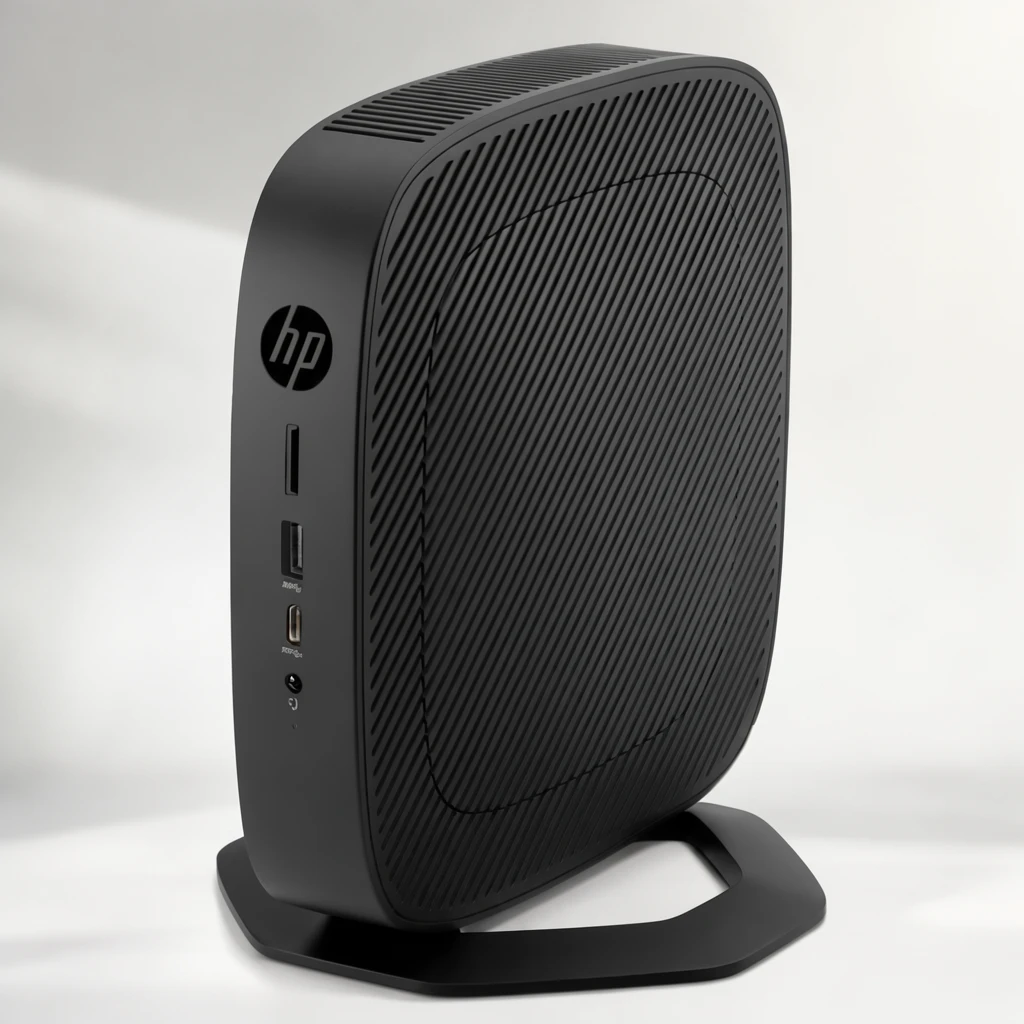 Step 400 · α1 98734baf46e963da1e8a9324916a77 单任务耗时 19.7 秒 / PyTorch 峰值显存 33.8 GiB | 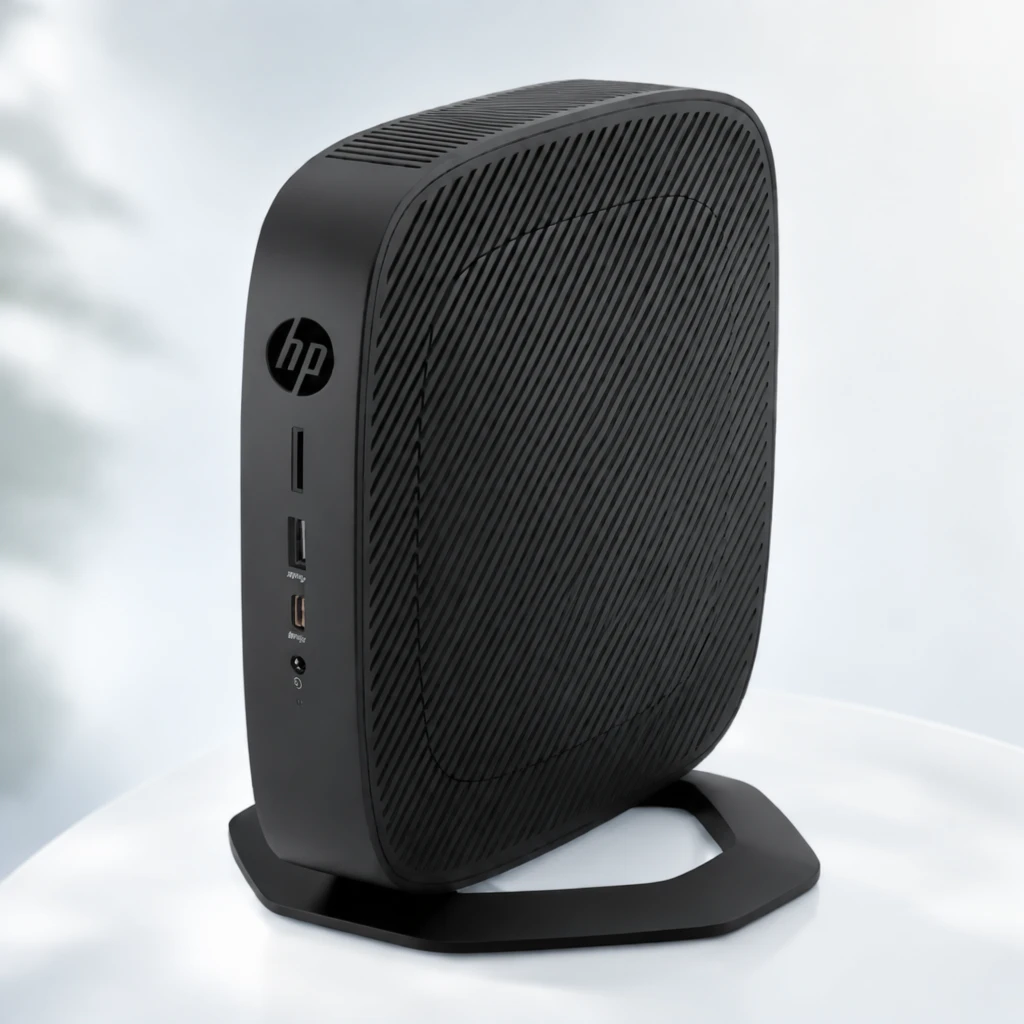 Step 400 · α2 759e64f11dc8177c5828ab13b756ce 单任务耗时 19.7 秒 / PyTorch 峰值显存 33.8 GiB | 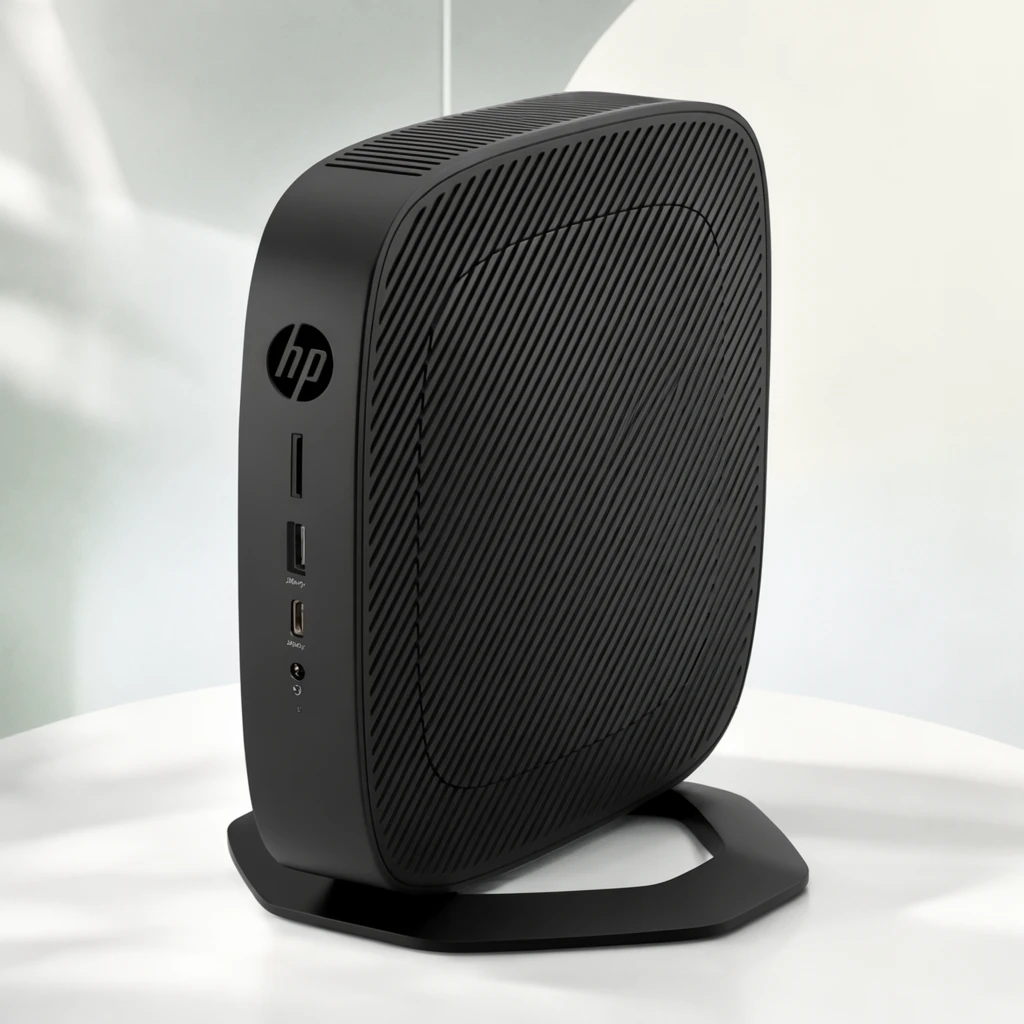 Step 600 · α1 bab17df4089a98088dbf5932f7d836 单任务耗时 19.8 秒 / PyTorch 峰值显存 33.8 GiB | 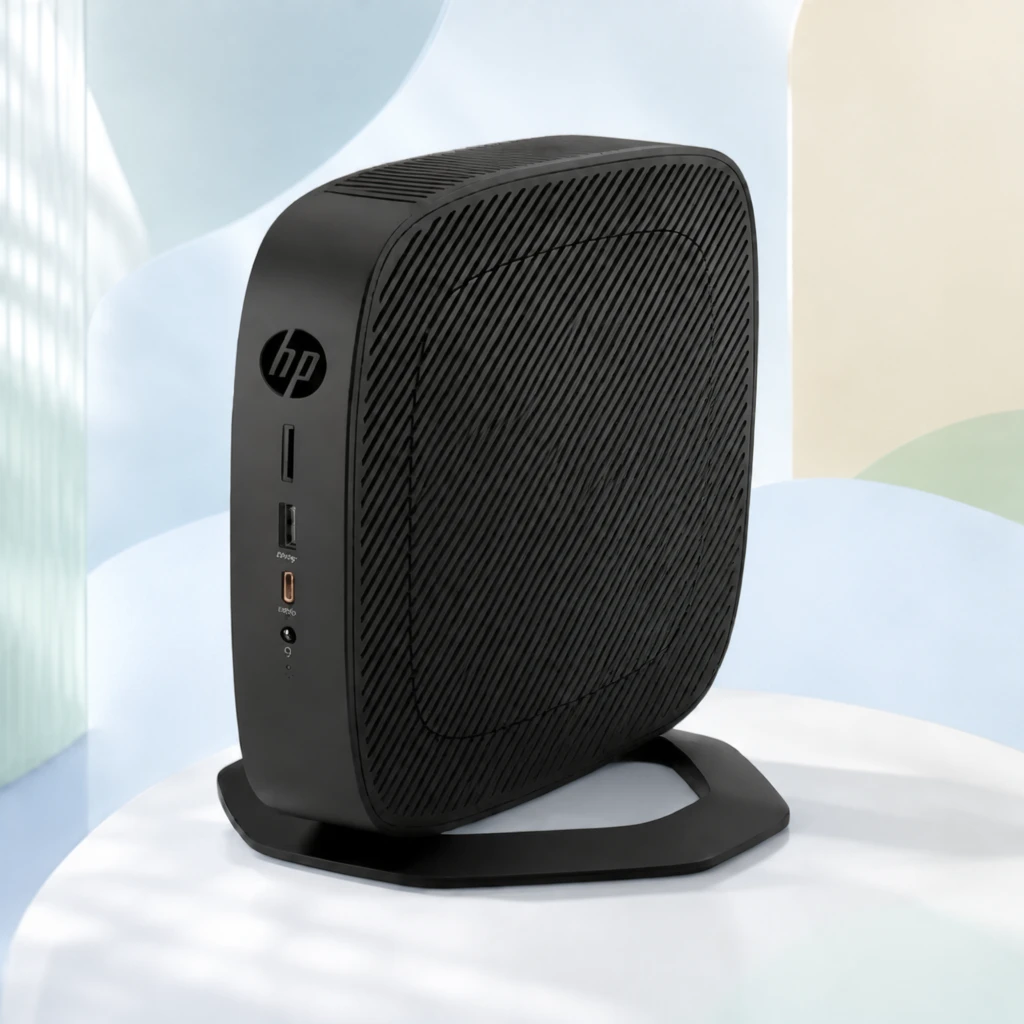 Step 600 · α2 c5afb367bdd8b14adc153a65a1be61 单任务耗时 19.8 秒 / PyTorch 峰值显存 33.8 GiB |
q14
| Input 2d3ee4640fd7b4ba069aba852a2385 | Ref 1 d44ed71c281c72e42f07d4d934ec96 | Ref 2 e4fc324818aebd1fb9343fe3501246 |  S1 CROSS 9872c510b178a2b287a15789845f39 单任务耗时 66.0 秒 / PyTorch 峰值显存 33.6 GiB |  S2 CROSS 468608c959ea7aea0f64f2dbe7caaf 单任务耗时 94.0 秒 / PyTorch 峰值显存 34.0 GiB |  Step 200 · α1 dfadc343aa39ac990e83915002e07c 单任务耗时 20.0 秒 / PyTorch 峰值显存 33.8 GiB |  Step 200 · α2 19b38808de757ba7e2e27253a511a9 单任务耗时 20.0 秒 / PyTorch 峰值显存 33.8 GiB |  Step 400 · α1 dd4c33a9bea90fd34b6692f90128ae 单任务耗时 19.9 秒 / PyTorch 峰值显存 33.8 GiB |  Step 400 · α2 c46d91fffc5cbb04e40e64a9e22b93 单任务耗时 19.9 秒 / PyTorch 峰值显存 33.8 GiB |  Step 600 · α1 22c899a67876e89dccd62c1e8fb949 单任务耗时 20.0 秒 / PyTorch 峰值显存 33.8 GiB |  Step 600 · α2 f6a867daf12b9cd36a353cbaf7b906 单任务耗时 20.0 秒 / PyTorch 峰值显存 33.8 GiB |
q15
|  Input 8f6014e7a2bd55d83f0d060e81199e | Ref 1 17699a1c06b91c786786feb35dd849 | Ref 2 444e658abf32c21d8b3151ec076f54 |  S1 CROSS 63cc6cc19d359131195498d245165b 单任务耗时 66.1 秒 / PyTorch 峰值显存 33.6 GiB |  S2 CROSS bc9df5b90b6c38e95e627de3bd24b0 单任务耗时 95.1 秒 / PyTorch 峰值显存 34.0 GiB |  Step 200 · α1 ed0c1084257d38d57569cf9e716f44 单任务耗时 19.6 秒 / PyTorch 峰值显存 33.8 GiB |  Step 200 · α2 359b9fef3de2a7f5b38a2d4ddb380d 单任务耗时 19.6 秒 / PyTorch 峰值显存 33.8 GiB |  Step 400 · α1 c1d7b22aae54f35c0971d66b8bf9c0 单任务耗时 19.6 秒 / PyTorch 峰值显存 33.8 GiB |  Step 400 · α2 e2121ba5a7b3b9d876d2583bb9ad01 单任务耗时 19.5 秒 / PyTorch 峰值显存 33.8 GiB |  Step 600 · α1 268ffd0a8ffc7b3cbca214f6d4d25d 单任务耗时 19.6 秒 / PyTorch 峰值显存 33.8 GiB |  Step 600 · α2 251469110fbdd48bcd8b1512171334 单任务耗时 19.6 秒 / PyTorch 峰值显存 33.8 GiB |
q16
|  Input 00e5d64065571ea4c0df33b31da162 | Ref 1 3667567f780f42f04caa85351d4913 | Ref 2 2bbebeb4dfca3793971a4714117230 | 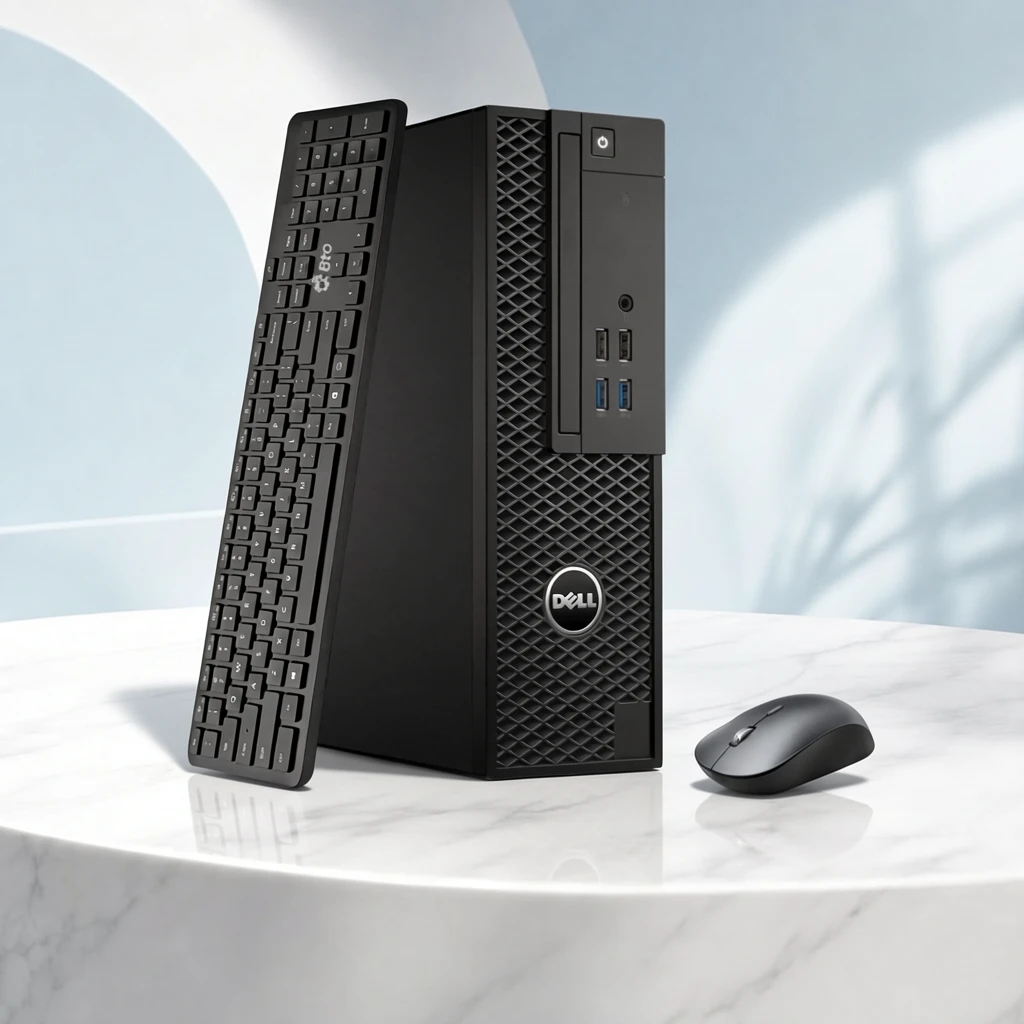 S1 CROSS fcb30747899b9a4a29bb42fd0ed2b5 单任务耗时 66.2 秒 / PyTorch 峰值显存 33.6 GiB | 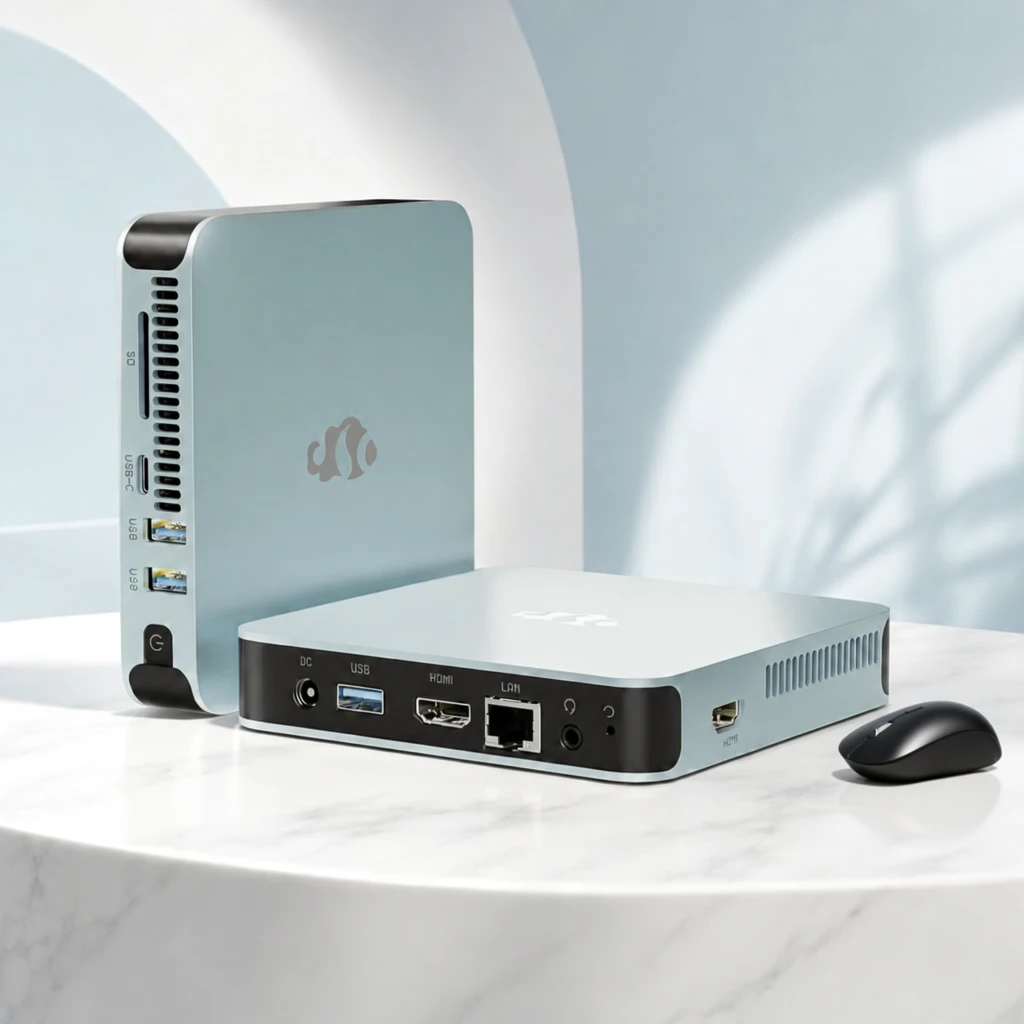 S2 CROSS 2dc5d83123d16e2b55974f812f5a9e 单任务耗时 95.2 秒 / PyTorch 峰值显存 34.0 GiB | 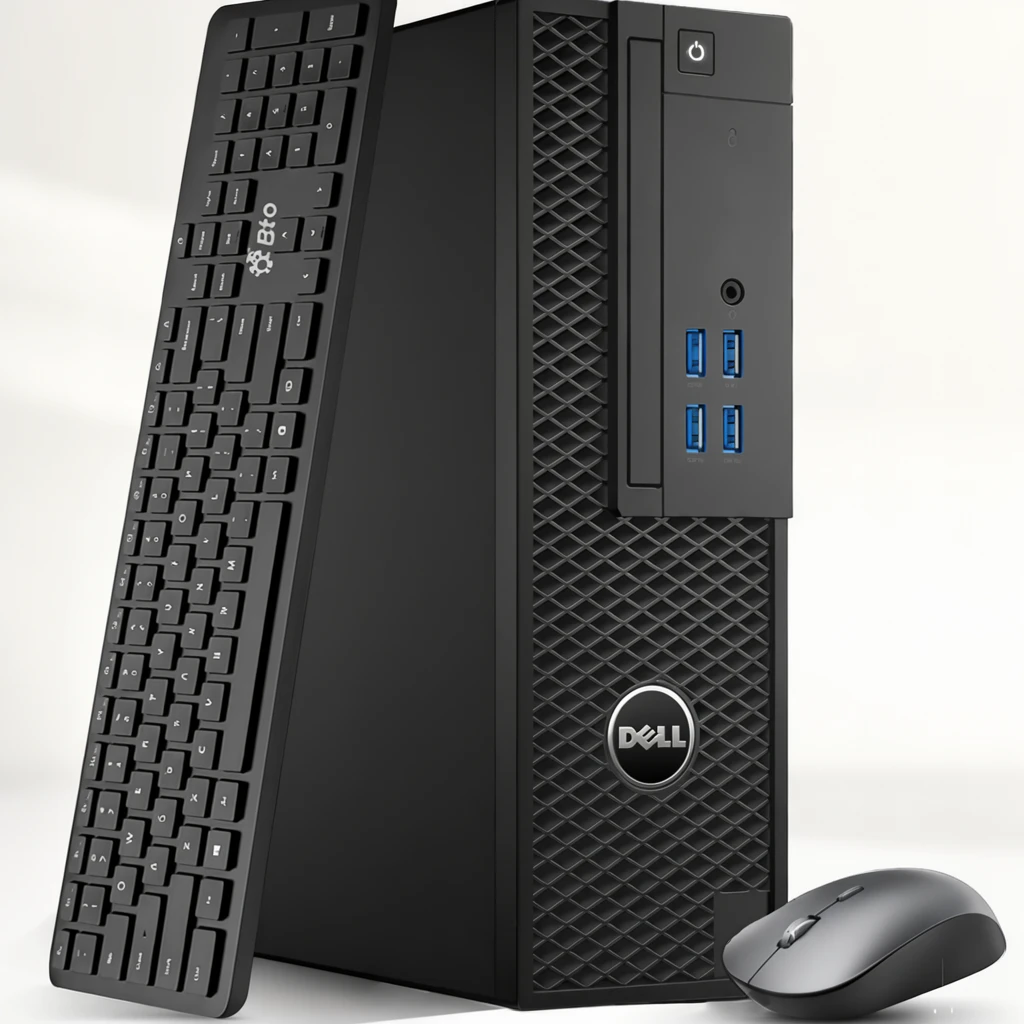 Step 200 · α1 0538c202f8d00e8880cdba7dbf2fef 单任务耗时 19.9 秒 / PyTorch 峰值显存 33.8 GiB | 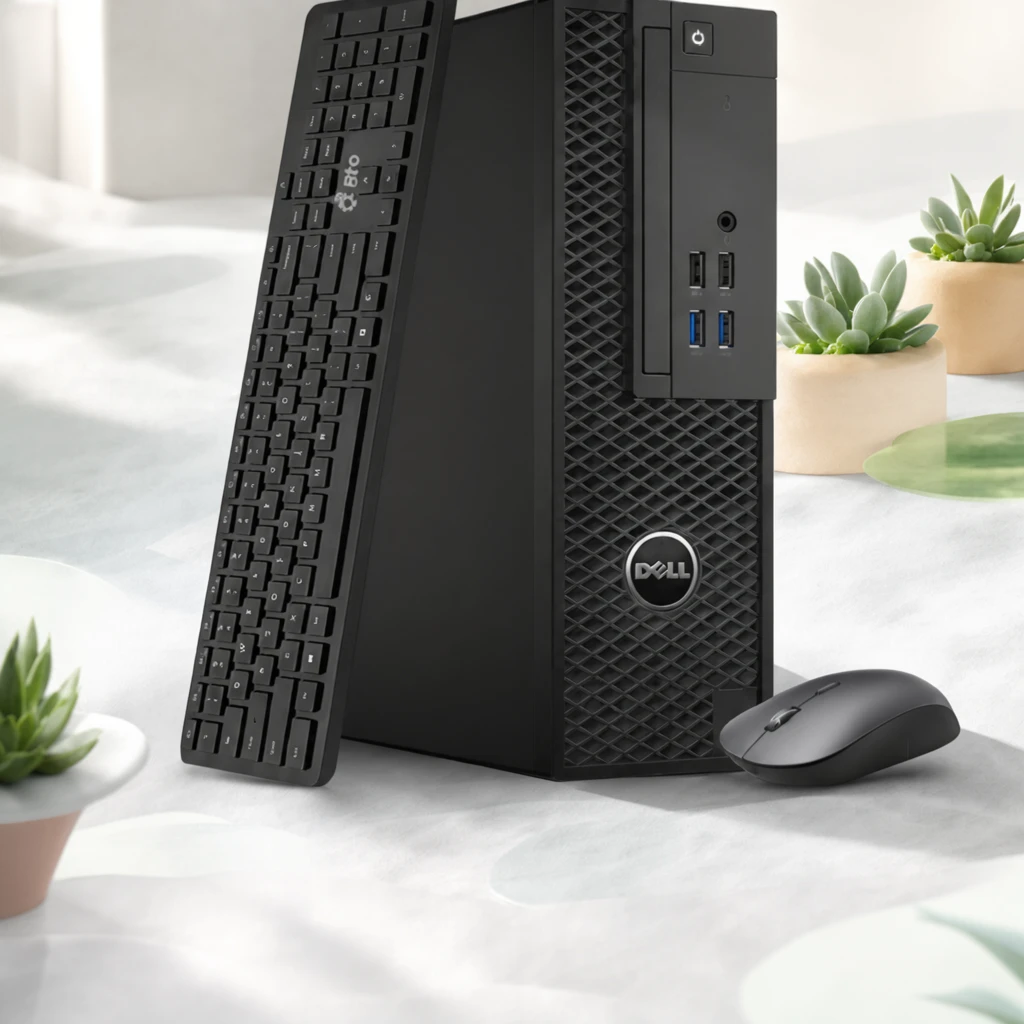 Step 200 · α2 8b87c97351433690435285680e5603 单任务耗时 19.9 秒 / PyTorch 峰值显存 33.8 GiB |  Step 400 · α1 6c45e92c574c5e324e7db94e5f2c9c 单任务耗时 19.8 秒 / PyTorch 峰值显存 33.8 GiB |  Step 400 · α2 29ecd382464a443b426bd2a4703868 单任务耗时 19.8 秒 / PyTorch 峰值显存 33.8 GiB |  Step 600 · α1 1a0e77f3dbee33d6d3e496da250009 单任务耗时 19.8 秒 / PyTorch 峰值显存 33.8 GiB |  Step 600 · α2 8f36168edb7bf4cfa1cc0718dda6d4 单任务耗时 19.9 秒 / PyTorch 峰值显存 33.8 GiB |
q17
| Input b8064e5913cc16bff0fb123889e3ea | Ref 1 b74a56581e5a8581622b1673cc92f5 | Ref 2 d5fac42d7cd76c181c85019852ed34 |  S1 CROSS e174eb68d330380c2a1da1c50be595 单任务耗时 66.1 秒 / PyTorch 峰值显存 33.6 GiB |  S2 CROSS d09aa315f11b41145b9c915949be14 单任务耗时 95.9 秒 / PyTorch 峰值显存 34.0 GiB | 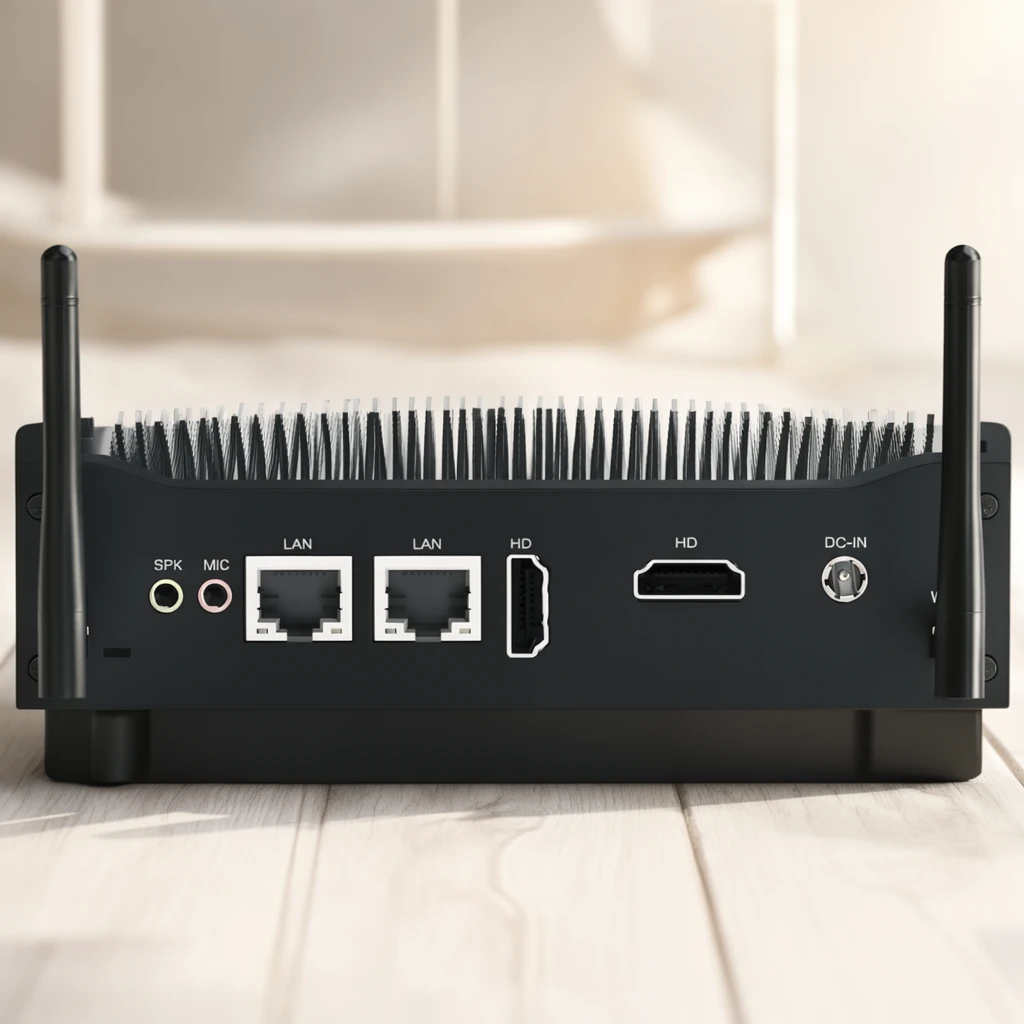 Step 200 · α1 2cc8143ca7dbb8c756bf79bf41ca6a 单任务耗时 20.0 秒 / PyTorch 峰值显存 33.8 GiB |  Step 200 · α2 fcaa7b35137a8e93f7973620e5e65c 单任务耗时 20.0 秒 / PyTorch 峰值显存 33.8 GiB | 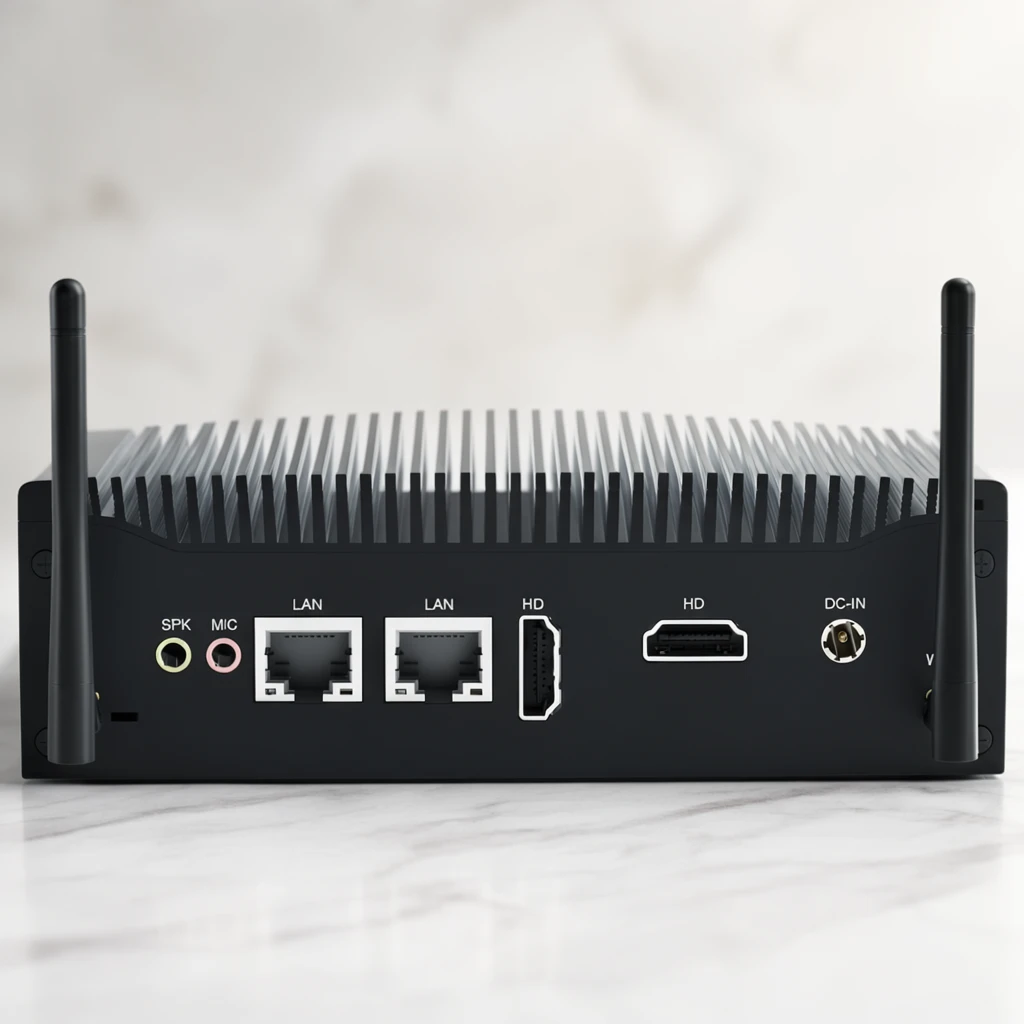 Step 400 · α1 be0c7e6c86c4d2735f4ee0c90e505c 单任务耗时 20.0 秒 / PyTorch 峰值显存 33.8 GiB | 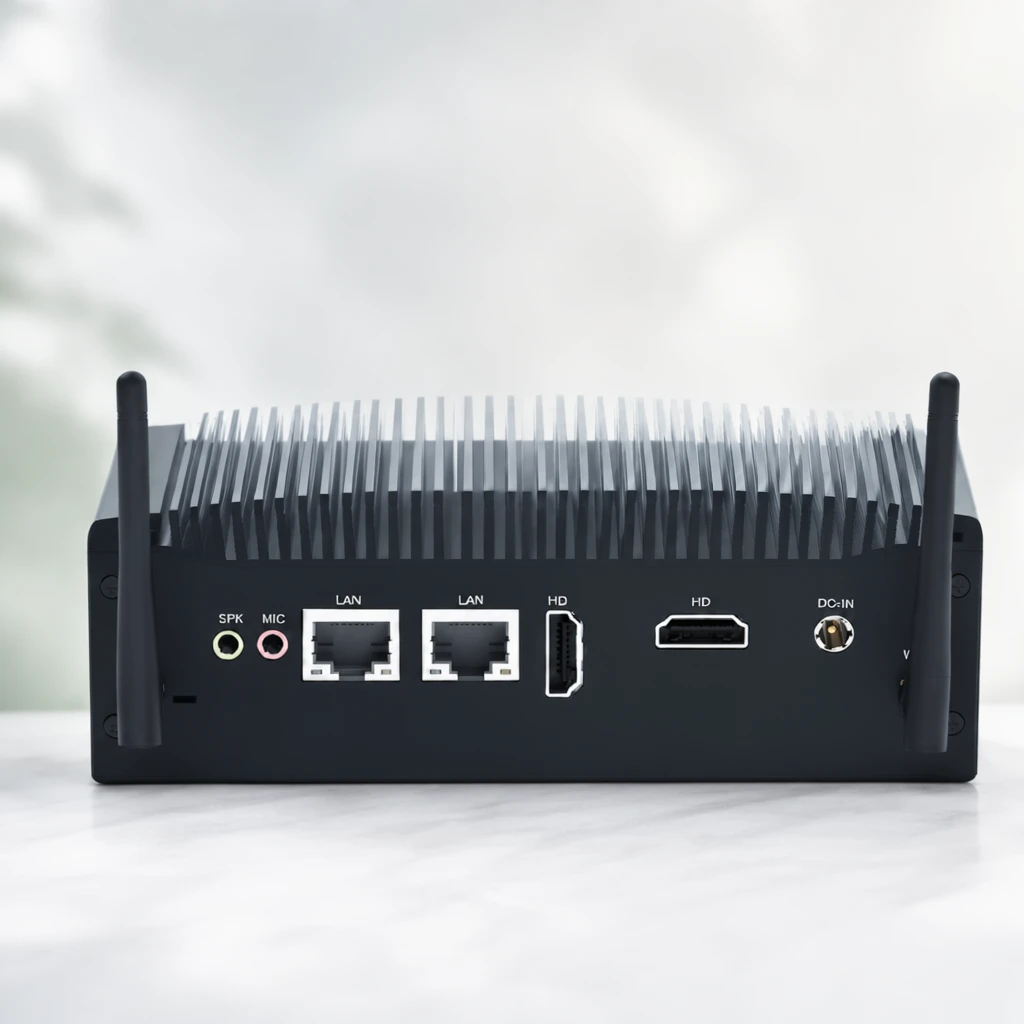 Step 400 · α2 9d8f717f61efa548a284725501f4e8 单任务耗时 19.9 秒 / PyTorch 峰值显存 33.8 GiB | 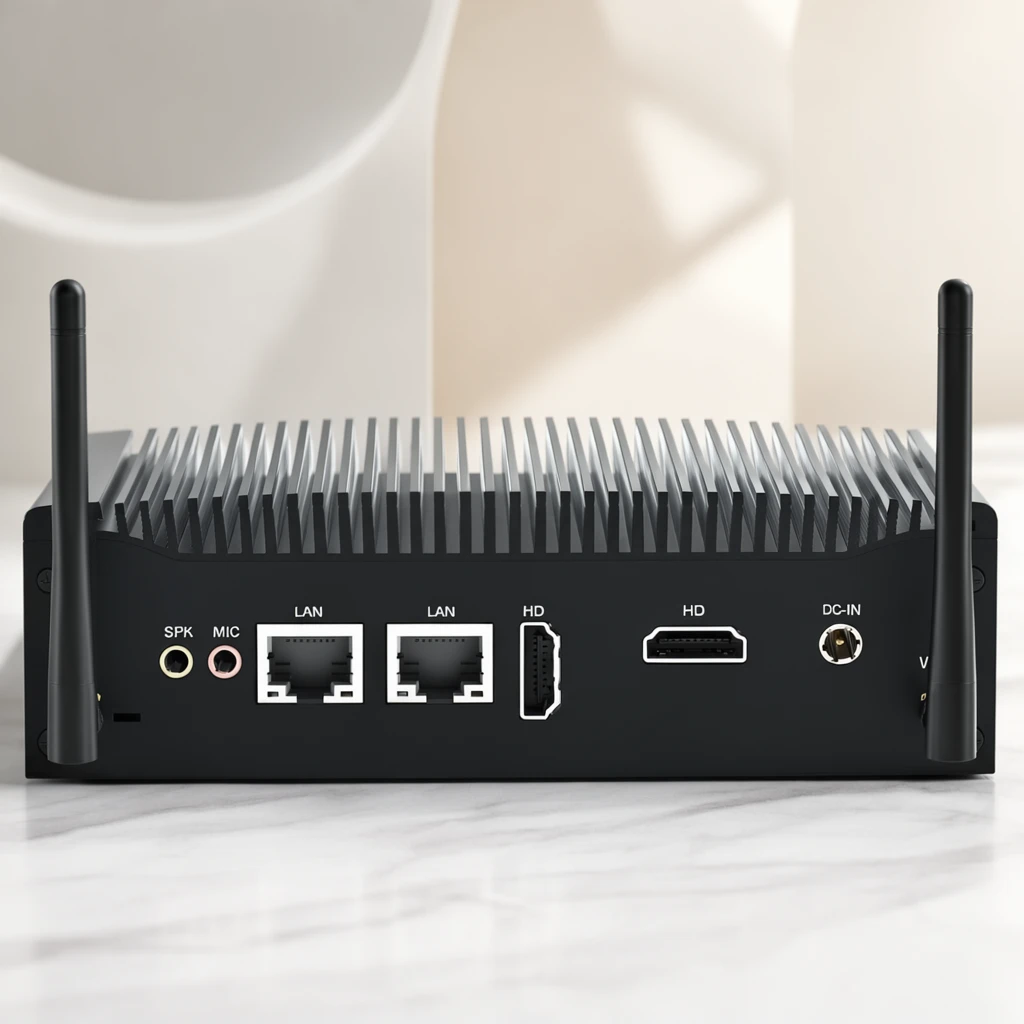 Step 600 · α1 6be0b8076b7289b6ba7958ac135a97 单任务耗时 20.0 秒 / PyTorch 峰值显存 33.8 GiB |  Step 600 · α2 45295cbd43a3a9e8e0909940e67120 单任务耗时 20.0 秒 / PyTorch 峰值显存 33.8 GiB |
q18
|  Input 13ed3d46b0cdd03d5f052b7112a5c3 | Ref 1 b1ac857de63c70bef7158df54e6ed2 | Ref 2 b2ee177c948b51d3496a8b782a7872 |  S1 CROSS c7b702dfe96eff9ffb2a07d991f668 单任务耗时 65.9 秒 / PyTorch 峰值显存 33.6 GiB |  S2 CROSS 586ceab4a4b8a5a6a5290ccb7772dc 单任务耗时 94.7 秒 / PyTorch 峰值显存 34.0 GiB |  Step 200 · α1 9f68435e98a806dd6365c846f8d8c6 单任务耗时 19.8 秒 / PyTorch 峰值显存 33.8 GiB | 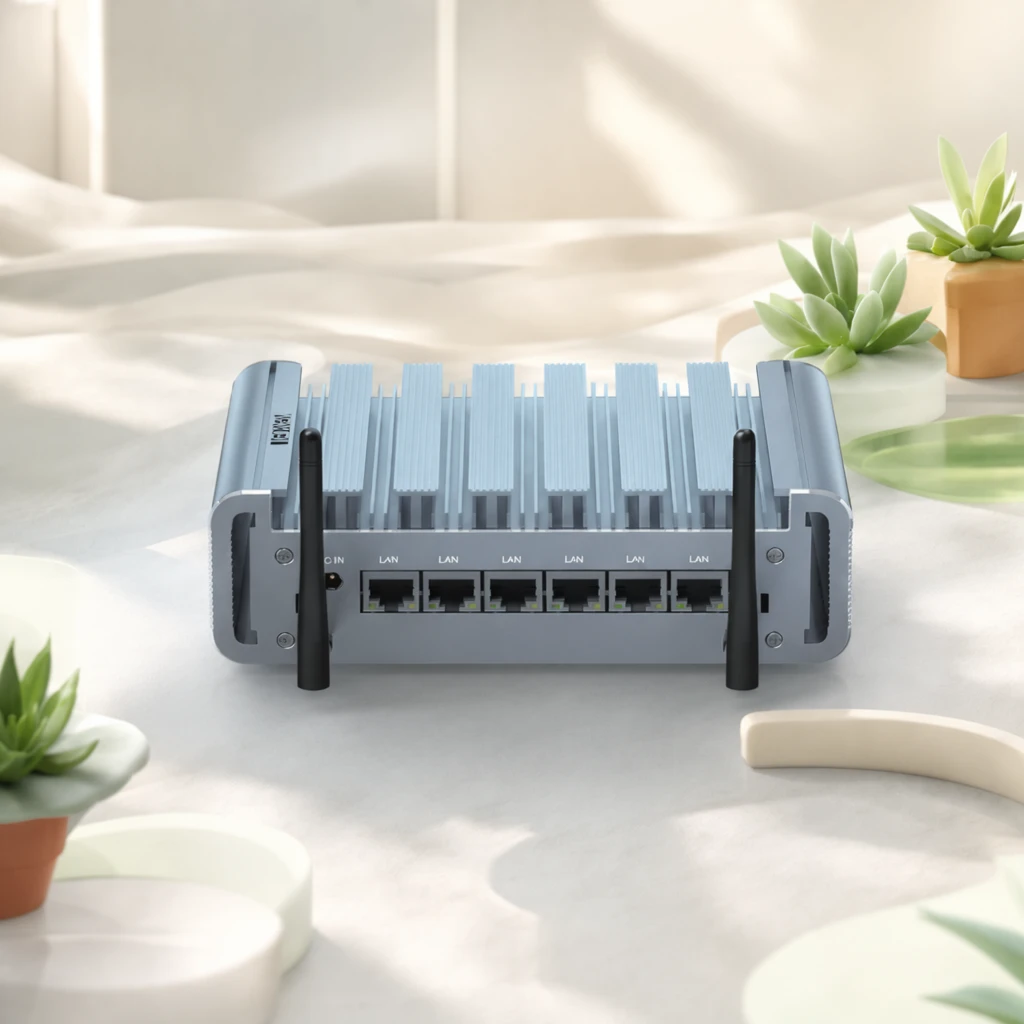 Step 200 · α2 23577069d3d04ae688f2f7eed7cd88 单任务耗时 19.9 秒 / PyTorch 峰值显存 33.8 GiB | 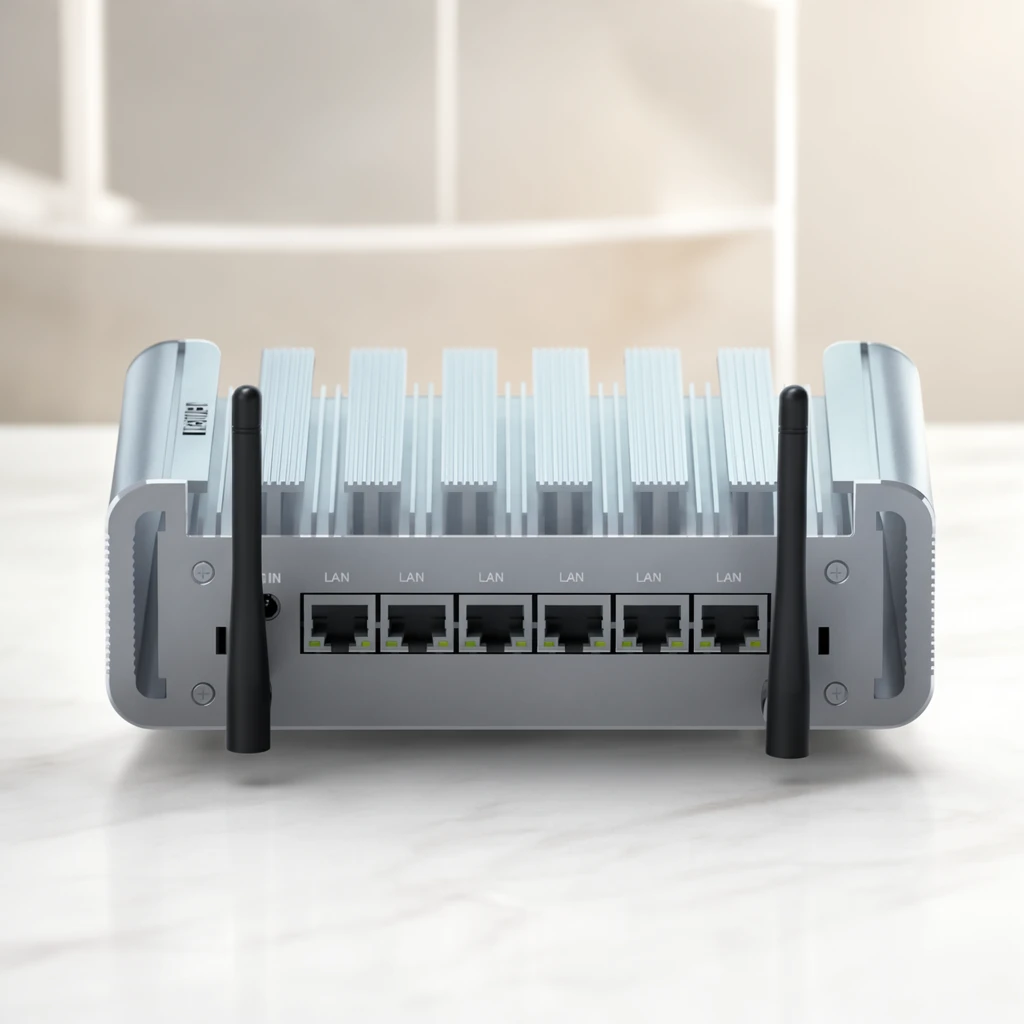 Step 400 · α1 e83f3558df2cf0538d27dbd9e8dafa 单任务耗时 19.8 秒 / PyTorch 峰值显存 33.8 GiB | 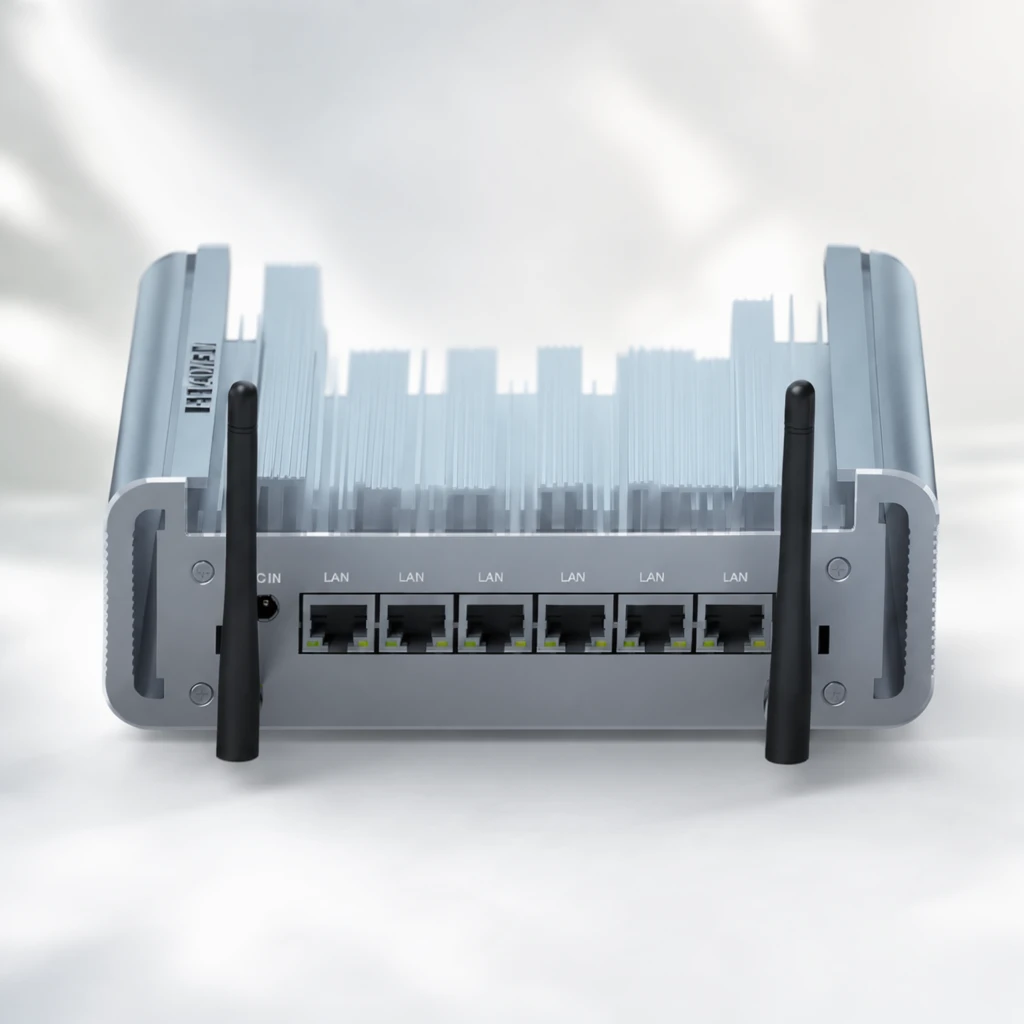 Step 400 · α2 263cc28b94e840e24571eeeb103503 单任务耗时 19.8 秒 / PyTorch 峰值显存 33.8 GiB | 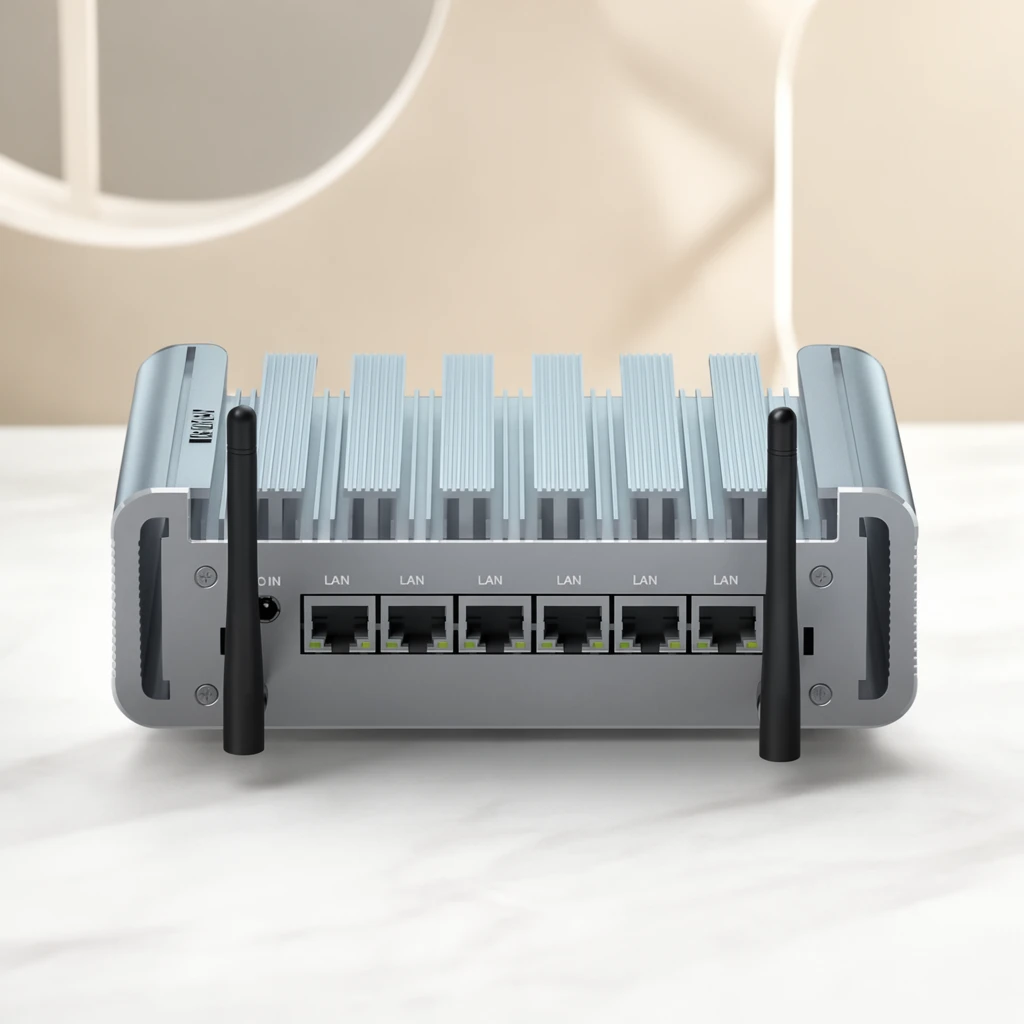 Step 600 · α1 03a9f6a22c277f686a833eaeddb534 单任务耗时 19.8 秒 / PyTorch 峰值显存 33.8 GiB |  Step 600 · α2 70272699b46ac7e4dc477625c3f01f 单任务耗时 19.8 秒 / PyTorch 峰值显存 33.8 GiB |
q19
| Input 7631e3a9ee8e5f40283b4376fbc8ea | Ref 1 547214861364785c86f89a25a1b4ca | Ref 2 38f757fb02dfadae4d2c3dcb0d38b6 |  S1 CROSS 9cc3f8783a0e34cf3c56f23225c1ae 单任务耗时 66.3 秒 / PyTorch 峰值显存 33.6 GiB |  S2 CROSS b1abf67e11ec49658a91d5cbd424c2 单任务耗时 95.1 秒 / PyTorch 峰值显存 34.0 GiB |  Step 200 · α1 3fb98e6933db0024d76ef075147f60 单任务耗时 19.7 秒 / PyTorch 峰值显存 33.8 GiB |  Step 200 · α2 b8032dfd841f17829e501220fc03e7 单任务耗时 19.8 秒 / PyTorch 峰值显存 33.8 GiB |  Step 400 · α1 ec3c79c57540947122c30c3154c987 单任务耗时 19.8 秒 / PyTorch 峰值显存 33.8 GiB |  Step 400 · α2 f7a2e73109943bd033851c0eb9b0de 单任务耗时 19.7 秒 / PyTorch 峰值显存 33.8 GiB |  Step 600 · α1 aed8bfe56ac68efe8518560d15483b 单任务耗时 19.8 秒 / PyTorch 峰值显存 33.8 GiB |  Step 600 · α2 ed142f1682ec724ce89ecfe8daecd1 单任务耗时 19.8 秒 / PyTorch 峰值显存 33.8 GiB |
q20
|  Input 02de8dec60746224207c40d3f2d189 | Ref 1 07f04a449e49abbb88fbdca9ced2e1 | Ref 2 7f5387d074fbff45d42e0a4245981c |  S1 CROSS b0f5358f84ca03173617381cb59888 单任务耗时 65.8 秒 / PyTorch 峰值显存 33.6 GiB |  S2 CROSS 0704c1b8e701f93af2a6d10e543a7f 单任务耗时 95.6 秒 / PyTorch 峰值显存 34.0 GiB |  Step 200 · α1 9d4b92324eec9eec94c0db8117d82d 单任务耗时 20.0 秒 / PyTorch 峰值显存 33.8 GiB |  Step 200 · α2 8d4805231d342a9c55d5f8f20ebbba 单任务耗时 20.0 秒 / PyTorch 峰值显存 33.8 GiB |  Step 400 · α1 fae8b3c6bbea27366e66ef51fe1d96 单任务耗时 19.9 秒 / PyTorch 峰值显存 33.8 GiB |  Step 400 · α2 07d4d2a27e8e24dab622b7606a6e20 单任务耗时 19.9 秒 / PyTorch 峰值显存 33.8 GiB |  Step 600 · α1 2df3f28b95c7b6cc82453691504759 单任务耗时 20.0 秒 / PyTorch 峰值显存 33.8 GiB |  Step 600 · α2 fce7db6ab783f3df49d4dadae805bf 单任务耗时 20.0 秒 / PyTorch 峰值显存 33.8 GiB |
去产品 Reference 实验
比较原始参考图和移除产品后的背景参考图。
从目标风格成品参考图中移除产品、品牌文字及其专属阴影/反射,并补全被遮挡的背景。
使用未经处理、仍包含原产品的目标风格成品图作为单张参考图;结果复用同风格 Context 的 S1。
使用去除产品并补全后的背景图作为单张参考图,测试更接近背景/场景迁移的效果。
查看去产品与 S1-BG Prompt、配置
- 模型
- FLUX.2-klein-base-9B
- 实验规模
- 本风格 3 个案例
- 去产品输入
- 1 张目标风格 target;去掉主体并补全遮挡区域
- S1-BG 输入
- 1 张白底产品图 + 1 张去产品后的参考图
- 推理步数
- 50
- CFG
- 4.0
- Seed
- 42
实际使用 Prompt(英文,送入模型)Remove the featured product and all product-specific content from the input image, including its packaging, branding, labels, visible text, product-specific contact shadow, and reflection. Reconstruct the areas previously occupied by the product so that the result looks like the same scene before the product was placed there. Continue the surrounding background, display surface, platform, decorative structures, materials, textures, lighting, shadows, reflections, perspective, and spatial depth naturally. Preserve the original presentation style, composition, camera viewpoint, color relationships, lighting, environment, and all non-product design elements. Do not add another product, object, text, logo, symbol, placeholder, or advertising content. Do not crop, simplify, redesign, recolor, or globally relight the image. The final image should show the original scene with the featured product absent and all previously occluded areas naturally reconstructed.
中文对照说明(未送入模型)移除输入图像中的主体产品以及所有与该产品特定相关的内容,包括包装、品牌标识、标签、可见文字、产品产生的接触阴影和反射。 自然补全产品原本占据的区域,使结果看起来像产品尚未被放入该场景时的画面。连续补全周围的背景、展示表面、展台、装饰结构、材质、纹理、灯光、阴影、反射、透视和空间层次。 保留原始的产品呈现风格、构图、相机视角、色彩关系、灯光、环境和所有非产品设计元素。不要添加新的产品、物体、文字、Logo、符号、占位内容或广告内容。不要裁切、简化、重新设计、重新配色或整体改变图像光照。 最终图像应保留原始场景,仅移除主体产品,并自然补全产品原本遮挡的所有区域。
实际使用 Prompt(英文,送入模型)Image 1 is the product image to edit. Image 2 is a reference image. Transform Image 1 into a product image that follows the presentation style demonstrated by the reference image. Preserve the identity and key visual details of the product in Image 1. Use the reference image only to determine how the product is presented, and do not copy products or textual content from the reference image.
中文对照说明(未送入模型)图像1是需要编辑的产品图,图像2是参考图。 将图像1转换为一张采用参考图所展示呈现风格的产品图。保留图像1中产品的身份和关键视觉细节。参考图仅用于确定产品的呈现方式,不要复制参考图中的产品或文字内容。
| Case | Input | Raw Reference | Product Removed | S1-Raw | S1-BG |
|---|---|---|---|---|---|
sample 01
| Input ef853a22b2335cc9d7f2b125b12cac | Raw Reference 444e658abf32c21d8b3151ec076f54 |  Product Removed d65c52969bd6f24fb14c20dcbf70ba 单任务耗时 41.9 秒 / PyTorch 峰值显存 33.6 GiB | S1-Raw b4f4f7261e504f44cd7d858735a2df 单任务耗时 66.7 秒 / PyTorch 峰值显存 33.6 GiB |  S1-BG f5184667cd49c68725e8f5b9a90b29 单任务耗时 66.2 秒 / PyTorch 峰值显存 33.6 GiB |
sample 02
| Input b84b50f6db1593e9f6e149e7cc1f28 | Raw Reference d44ed71c281c72e42f07d4d934ec96 |  Product Removed ab584823a3853dca6c3e56f4a9a11a 单任务耗时 42.6 秒 / PyTorch 峰值显存 33.6 GiB | S1-Raw f8660183a688154e54082c265a465a 单任务耗时 66.1 秒 / PyTorch 峰值显存 33.6 GiB |  S1-BG 42aaf5da7ecf47a576b01099436737 单任务耗时 66.1 秒 / PyTorch 峰值显存 33.6 GiB |
sample 03
| Input b58e335237ed3bbe5c879b2cd64067 | Raw Reference 3667567f780f42f04caa85351d4913 |  Product Removed fa0aadd00e4b3447c3b72b5e30308b 单任务耗时 41.7 秒 / PyTorch 峰值显存 33.6 GiB | S1-Raw cf4f7fd51e6d651df4b0ed7e9de71b 单任务耗时 65.8 秒 / PyTorch 峰值显存 33.6 GiB |  S1-BG ecd88f34559e333f426f5a22b5f67a 单任务耗时 66.5 秒 / PyTorch 峰值显存 33.6 GiB |
魔方风格迁移实验结果
当前风格:冷白浅蓝工业科技 · electronics_industrial_cool · Trigger EICStyle
如何阅读本页
图片字段
需要模型编辑的白底产品图,是每条实验路线的主体输入。
同风格冻结测试案例对应的真实目标图,仅用于视觉对照,不会送入模型。
来自目标风格训练集的风格化成品图。数字表示送入模型的参考图顺序与数量。
配对示例中的原始白底产品图,与 P1 Target 共同展示一次已知转换。
P1 Input 对应的风格化结果;P1 Input 和 P1 Target 会一起送入模型。
模型对当前 Input 生成的结果。图片下方记录该次任务的耗时与 PyTorch 峰值显存。
四条实验路线
torch.cuda.max_memory_allocated() 的峰值,不代表整张 GPU 的总占用,也不包含 PyTorch reserved 但未分配的缓存。同风格参考实验
冻结查询集;显示该风格的全部案例,不做抽样。
输入 1 张待编辑产品图和 1 张同一目标风格的成品参考图,让模型迁移参考图的产品呈现风格。
输入 1 张待编辑产品图和 2 张同一目标风格的成品参考图,观察多一张参考图能否提高风格稳定性。
输入 1 张待编辑产品图和 4 张同一目标风格的成品参考图,测试更多 Context 参考图的效果。
输入 1 张待编辑产品图,再提供 1 组示例 Input→Target 配对,让模型从配对中推断风格转换方式。
查看任务定义、Prompt 与配置
- 模型
- FLUX.2-klein-base-9B
- 测试集
- 同风格冻结测试集,本风格 7 个案例
- 推理步数
- 50
- CFG
- 4.0
- Seed
- 42
- Reference
- S1=1,S2=2,S4=4;P1=1 组 input-target 配对
实际使用 Prompt(英文,送入模型)Image 1 is the product image to edit. Image 2 is a reference image. Transform Image 1 into a product image that follows the presentation style demonstrated by the reference image. Preserve the identity and key visual details of the product in Image 1. Use the reference image only to determine how the product is presented, and do not copy products or textual content from the reference image.
中文对照说明(未送入模型)图像1是需要编辑的产品图,图像2是参考图。 将图像1转换为一张采用参考图所展示呈现风格的产品图。保留图像1中产品的身份和关键视觉细节。参考图仅用于确定产品的呈现方式,不要复制参考图中的产品或文字内容。
实际使用 Prompt(英文,送入模型)Image 1 is the product image to edit. Images 2 through 3 are reference images. Transform Image 1 into a product image that follows the presentation style demonstrated by the reference images. Preserve the identity and key visual details of the product in Image 1. Use the reference images only to determine how the product is presented, and do not copy products or textual content from the reference images.
中文对照说明(未送入模型)图像1是需要编辑的产品图,图像2至图像3是参考图。 将图像1转换为一张采用参考图所展示呈现风格的产品图。保留图像1中产品的身份和关键视觉细节。参考图仅用于确定产品的呈现方式,不要复制参考图中的产品或文字内容。
实际使用 Prompt(英文,送入模型)Image 1 is the product image to edit. Images 2 through 5 are reference images. Transform Image 1 into a product image that follows the presentation style demonstrated by the reference images. Preserve the identity and key visual details of the product in Image 1. Use the reference images only to determine how the product is presented, and do not copy products or textual content from the reference images.
中文对照说明(未送入模型)图像1是需要编辑的产品图,图像2至图像5是参考图。 将图像1转换为一张采用参考图所展示呈现风格的产品图。保留图像1中产品的身份和关键视觉细节。参考图仅用于确定产品的呈现方式,不要复制参考图中的产品或文字内容。
实际使用 Prompt(英文,送入模型)Image 1 is the product image to edit. Images 2 and 3 are a paired example: Image 2 is the original product image, and Image 3 is its transformed result. Use this example pair to infer the presentation style transformation, and apply it to Image 1. Preserve the identity and key visual details of the product in Image 1. Do not copy the example product or its textual content.
中文对照说明(未送入模型)图像1是需要编辑的产品图。图像2和图像3是一组配对示例:图像2是原始产品图,图像3是转换后的结果。 根据这组示例推断产品呈现风格的转换方式,并将其应用到图像1。保留图像1中产品的身份和关键视觉细节。不要复制示例中的产品或文字内容。
| Case | Input | GT | Ref 1 | Ref 2 | Ref 3 | Ref 4 | P1 Input | P1 Target | S1 | S2 | S4 | P1 |
|---|---|---|---|---|---|---|---|---|---|---|---|---|
q01
| Input 1e7c6d219558dbe115078b6db78b57 |  Ground Truth ced64f404b461f04f29a1ae1aba3ec |  Ref 1 03988c394184a2197dedde06d7e381 |  Ref 2 5da18301b3034236434d925748dd1c |  Ref 3 21ca3f81ed21ce86745d4cb10ec00c |  Ref 4 2ddbf9dec1684b25464b295a85861f |  P1 Input c2de8eca8d93139458aa1646e6435a | P1 Target 03988c394184a2197dedde06d7e381 |  S1 d25097a8657950fc4aac9d2b6e63e3 单任务耗时 66.2 秒 / PyTorch 峰值显存 33.6 GiB |  S2 0af611b85a63456a526101d47ffd92 单任务耗时 94.6 秒 / PyTorch 峰值显存 34.0 GiB |  S4 5c74b55d374ec392698e7253fb626a 单任务耗时 165.3 秒 / PyTorch 峰值显存 35.3 GiB |  P1 29ea1670d2c034dd9c9cb792492371 单任务耗时 94.7 秒 / PyTorch 峰值显存 34.0 GiB |
q02
| Input 8f6014e7a2bd55d83f0d060e81199e |  Ground Truth fdeecfa6db13f2263ff3ac83252815 |  Ref 1 f9dfa518d52d860baaa5764cb0c294 |  Ref 2 2b8e82d56172988f256298a1a9f4ce |  Ref 3 7f4c6b248a54eb5f69c4c15660ada3 |  Ref 4 1a82718217ff3a897bdbc85a7e0abd | P1 Input c1c42d0d44d909653f01d581fa7709 | P1 Target f9dfa518d52d860baaa5764cb0c294 |  S1 aee7a61a987808f3bd3276702065ea 单任务耗时 65.8 秒 / PyTorch 峰值显存 33.6 GiB |  S2 4ac125defd30e29fa9ef779468b161 单任务耗时 94.6 秒 / PyTorch 峰值显存 34.0 GiB |  S4 36c47682d4c1cc7d9b275827736869 单任务耗时 165.0 秒 / PyTorch 峰值显存 35.3 GiB |  P1 2f908c8a448e8eae070b3f7d9860b2 单任务耗时 94.4 秒 / PyTorch 峰值显存 34.0 GiB |
q03
| Input 9e4ebc276a158bac254a20f55156fe |  Ground Truth e02305c1a1b60133822e43733d952a |  Ref 1 5e4a618bc924877f1601cf2c15089f |  Ref 2 5c18bd806b6f09557f4a46ec8f3bd2 |  Ref 3 db5d89b8b53bacdfa83ad2a0496414 |  Ref 4 ce7ec28986c5ce36fd623f4b066077 | P1 Input 7631e3a9ee8e5f40283b4376fbc8ea | P1 Target 5e4a618bc924877f1601cf2c15089f |  S1 5dfe6eba917514a57b9b69bfd71254 单任务耗时 66.1 秒 / PyTorch 峰值显存 33.6 GiB | 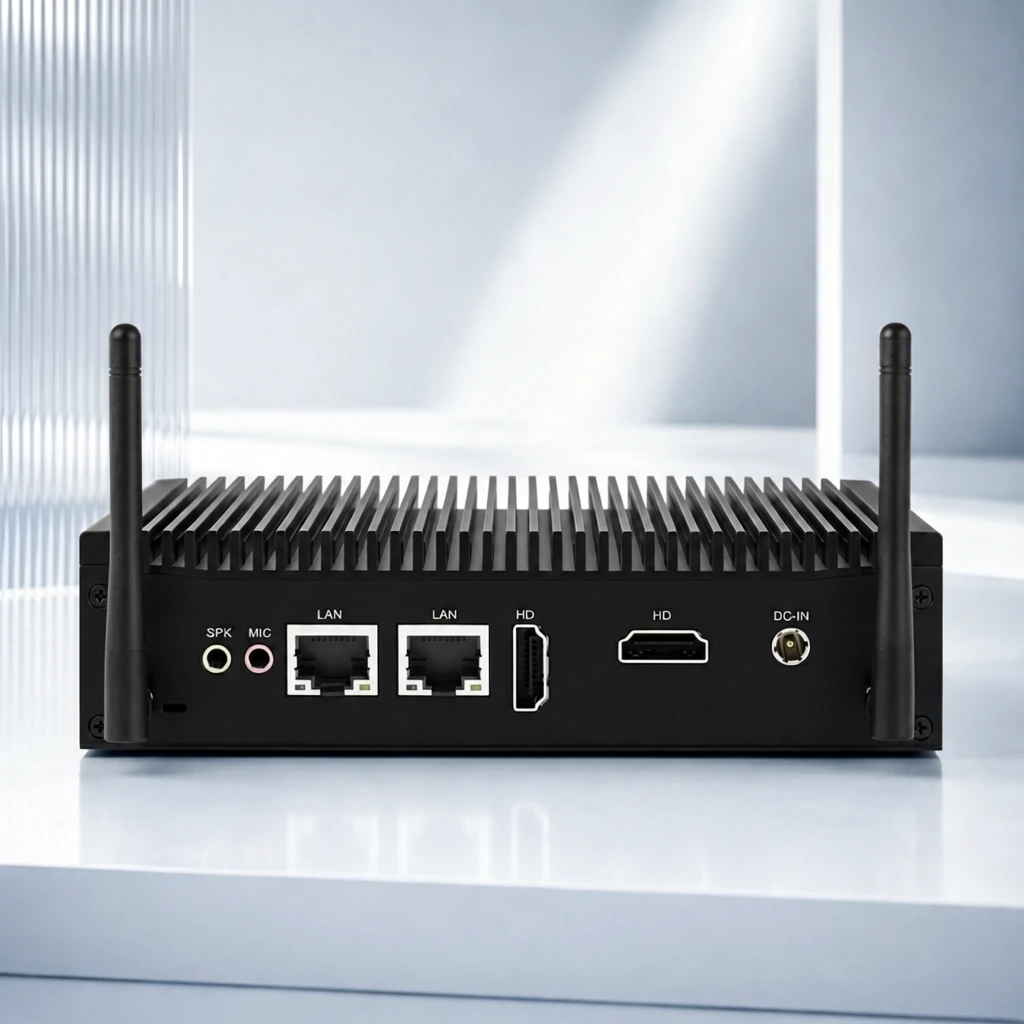 S2 41955297189ee97e027c47e5094443 单任务耗时 93.8 秒 / PyTorch 峰值显存 34.0 GiB | 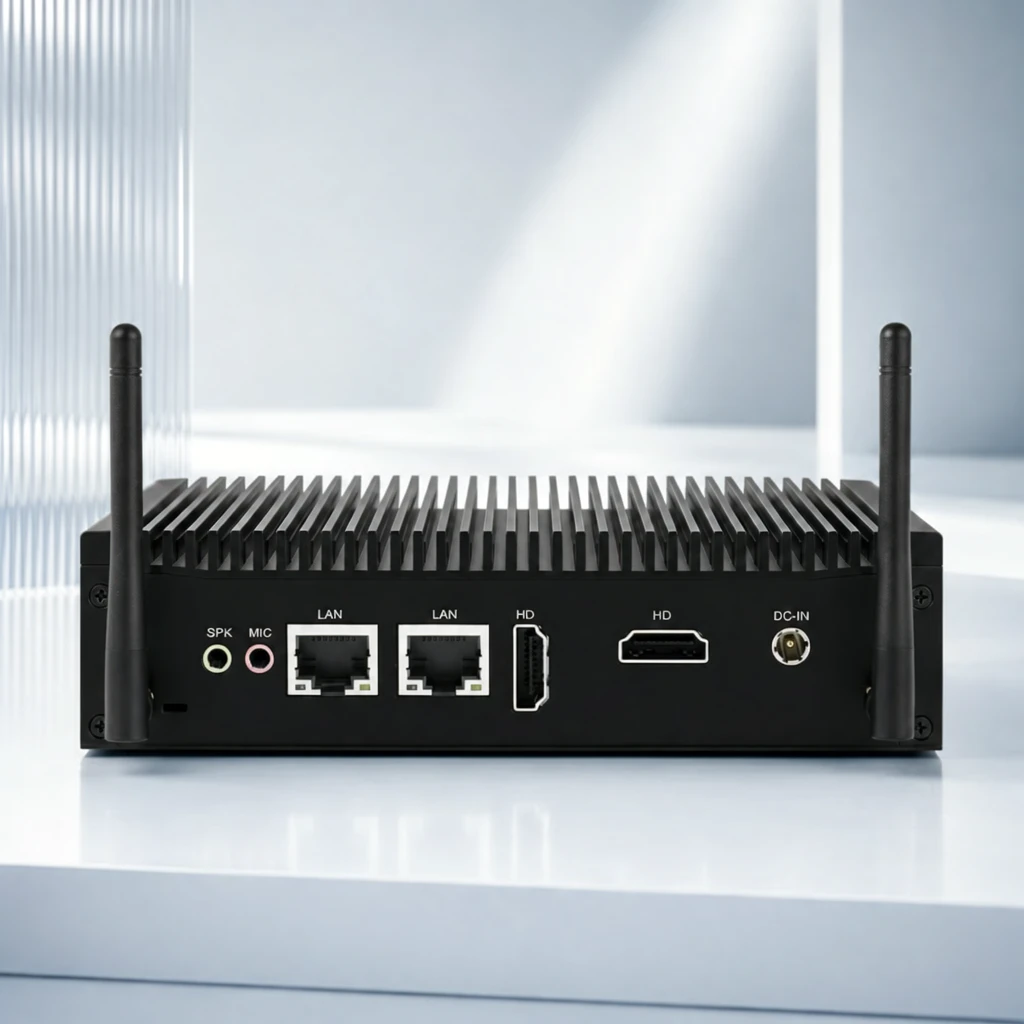 S4 3a372f1c4d294cb6e48420625b4d95 单任务耗时 159.3 秒 / PyTorch 峰值显存 35.3 GiB | 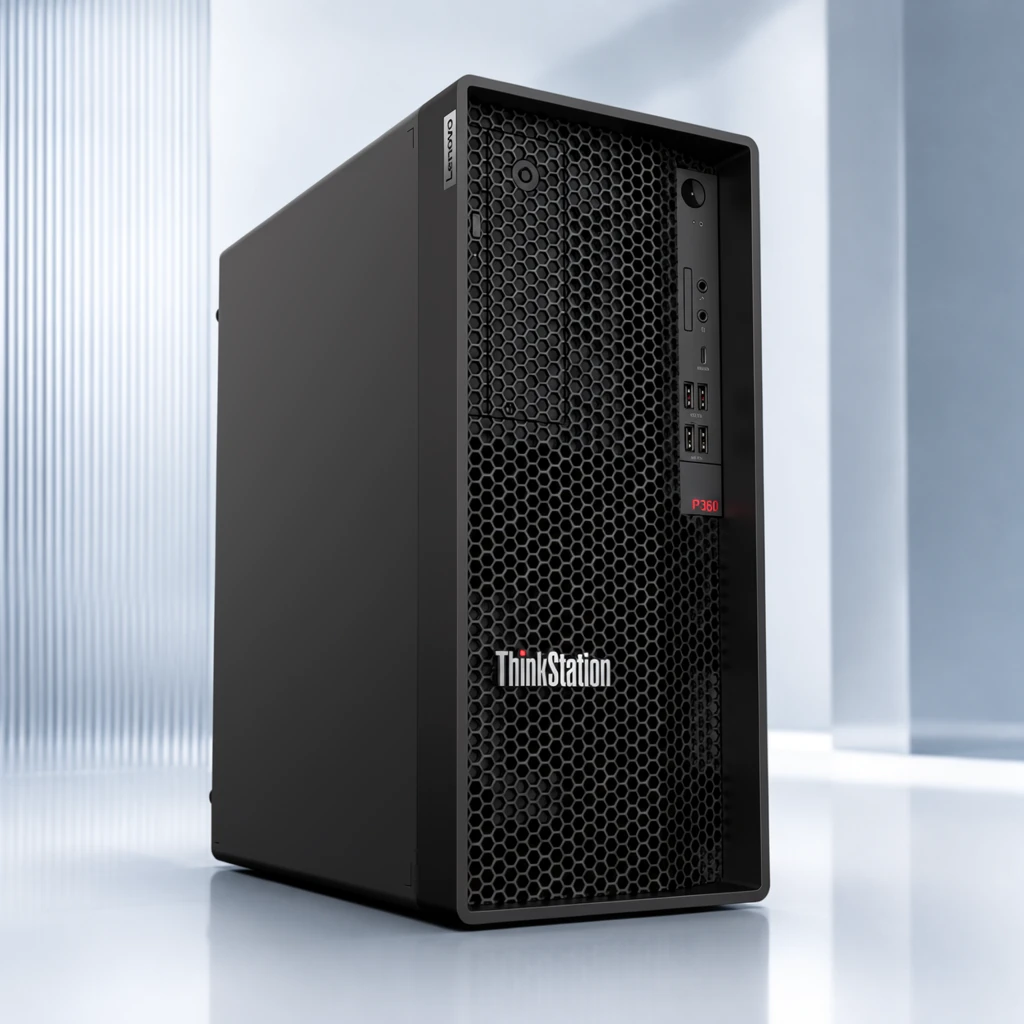 P1 639499e4e86f1e441d655e346c8b13 单任务耗时 94.5 秒 / PyTorch 峰值显存 34.0 GiB |
q04
| Input c40a7a352524bb53b3211278a64529 |  Ground Truth 16343d12146e48b4eaae32fd3cfe06 | Ref 1 5da18301b3034236434d925748dd1c | Ref 2 21ca3f81ed21ce86745d4cb10ec00c | Ref 3 2ddbf9dec1684b25464b295a85861f | 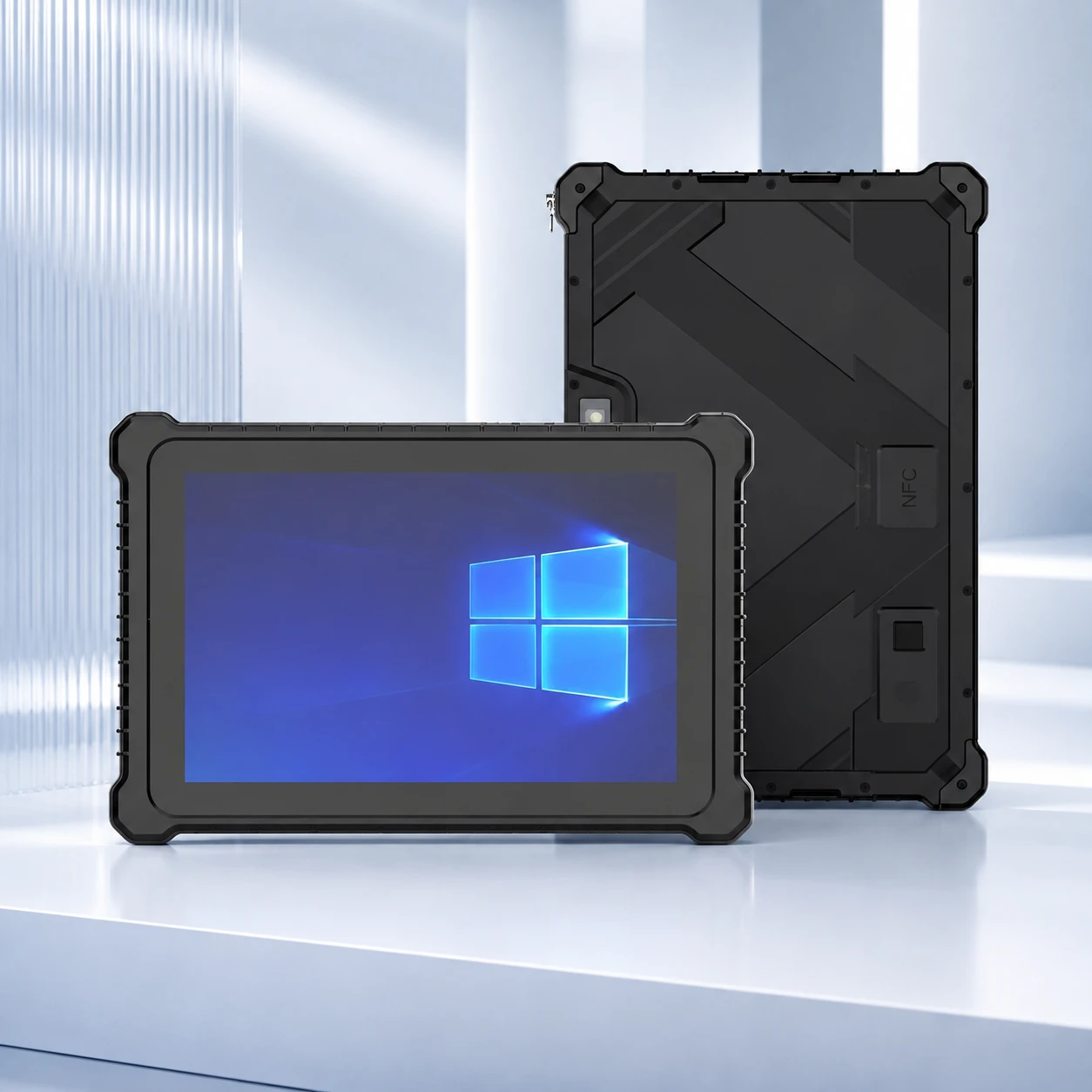 Ref 4 467bb253acefb1456353c3b215dc40 | P1 Input 00e5d64065571ea4c0df33b31da162 | P1 Target 5da18301b3034236434d925748dd1c |  S1 9b2c74d41d7e6345a6282b158d8553 单任务耗时 66.2 秒 / PyTorch 峰值显存 33.6 GiB |  S2 f6725589f129bbfa69cff9514a2d3d 单任务耗时 95.5 秒 / PyTorch 峰值显存 34.0 GiB |  S4 9477f62138e339bde03dae1806c3e4 单任务耗时 165.0 秒 / PyTorch 峰值显存 35.3 GiB |  P1 b9c592d929c96be6ce1d9089b67570 单任务耗时 94.3 秒 / PyTorch 峰值显存 34.0 GiB |
q05
|  Input 4a9bdba7656de6e8018d5a9ab302d1 |  Ground Truth ee11492f1c3b9879b35054baeb1568 | Ref 1 2b8e82d56172988f256298a1a9f4ce | Ref 2 7f4c6b248a54eb5f69c4c15660ada3 | Ref 3 1a82718217ff3a897bdbc85a7e0abd | Ref 4 03988c394184a2197dedde06d7e381 | P1 Input 35a0685fab8e6935a9ebdb65726913 | P1 Target 2b8e82d56172988f256298a1a9f4ce |  S1 efa1b78ac282146366dec1cea05e8b 单任务耗时 65.9 秒 / PyTorch 峰值显存 33.6 GiB |  S2 010ab45a2a1099e53314fef8550f8a 单任务耗时 94.3 秒 / PyTorch 峰值显存 34.0 GiB |  S4 5e0013123c7a37a7d1964f2d32975f 单任务耗时 164.3 秒 / PyTorch 峰值显存 35.3 GiB |  P1 e257f7c034d84728855aef76e4fcee 单任务耗时 93.6 秒 / PyTorch 峰值显存 34.0 GiB |
q06
| Input 02de8dec60746224207c40d3f2d189 |  Ground Truth 9c9015c776b776e281f9bf619df6f8 | Ref 1 5c18bd806b6f09557f4a46ec8f3bd2 | Ref 2 db5d89b8b53bacdfa83ad2a0496414 | Ref 3 ce7ec28986c5ce36fd623f4b066077 | Ref 4 f9dfa518d52d860baaa5764cb0c294 | P1 Input b8064e5913cc16bff0fb123889e3ea | P1 Target 5c18bd806b6f09557f4a46ec8f3bd2 |  S1 673c9d309e28d9dfb56e3fa983f737 单任务耗时 65.9 秒 / PyTorch 峰值显存 33.6 GiB |  S2 0f6a9f09aa1ed798691bff97261e98 单任务耗时 94.9 秒 / PyTorch 峰值显存 34.0 GiB |  S4 32cbb06660baa132744872ed8e4033 单任务耗时 164.5 秒 / PyTorch 峰值显存 35.3 GiB |  P1 c2f11da190afb0335618bedce89664 单任务耗时 95.7 秒 / PyTorch 峰值显存 34.0 GiB |
q07
| Input 13ed3d46b0cdd03d5f052b7112a5c3 |  Ground Truth a7dfd6ed3dc1297f0e90ee02c13125 | Ref 1 21ca3f81ed21ce86745d4cb10ec00c | Ref 2 2ddbf9dec1684b25464b295a85861f | Ref 3 467bb253acefb1456353c3b215dc40 | Ref 4 5e4a618bc924877f1601cf2c15089f | P1 Input c6af4c98e5b218858dbf2b1cefa590 | P1 Target 21ca3f81ed21ce86745d4cb10ec00c |  S1 8d50bf03ccd41967da7c0cda5ba209 单任务耗时 66.0 秒 / PyTorch 峰值显存 33.6 GiB |  S2 b0205d670b18b201d31975ec92f2f7 单任务耗时 93.7 秒 / PyTorch 峰值显存 34.0 GiB |  S4 843bb9eb82cdc1cebbe6a85b0f5d49 单任务耗时 163.7 秒 / PyTorch 峰值显存 35.3 GiB |  P1 39332fbc3d2fdaba3edd68437e6f61 单任务耗时 93.5 秒 / PyTorch 峰值显存 34.0 GiB |
跨小风格输入对比
每个目标风格完整展示 20 个固定案例;LoRA 与 Context 使用同一批输入。
待编辑产品来自同一大类中的其他小风格;提供 1 张目标小风格成品图作为参考,测试跨小风格输入的迁移效果。
待编辑产品来自同一大类中的其他小风格;提供 2 张目标小风格成品图作为参考。
只输入 1 张待编辑产品图并挂载目标小风格 LoRA,不提供额外 Context 参考图;对比 step 200/400/600 与 alpha 1/2。
查看 Cross Context 任务定义、Prompt 与配置
- 模型
- FLUX.2-klein-base-9B
- 测试集
- 同大类其他小风格的固定白底输入,每个目标风格 20 个
- 推理步数
- 50
- CFG
- 4.0
- Seed
- 42
- Reference
- S1-Cross=1,S2-Cross=2;参考图来自目标风格
实际使用 Prompt(英文,送入模型)Image 1 is the product image to edit. Image 2 is a reference image. Transform Image 1 into a product image that follows the presentation style demonstrated by the reference image. Preserve the identity and key visual details of the product in Image 1. Use the reference image only to determine how the product is presented, and do not copy products or textual content from the reference image.
中文对照说明(未送入模型)图像1是需要编辑的产品图,图像2是参考图。 将图像1转换为一张采用参考图所展示呈现风格的产品图。保留图像1中产品的身份和关键视觉细节。参考图仅用于确定产品的呈现方式,不要复制参考图中的产品或文字内容。
实际使用 Prompt(英文,送入模型)Image 1 is the product image to edit. Images 2 and 3 are reference images. Transform Image 1 into a product image that follows the presentation style demonstrated by the reference images. Preserve the identity and key visual details of the product in Image 1. Use the reference images only to determine how the product is presented, and do not copy products or textual content from the reference images.
中文对照说明(未送入模型)图像1是需要编辑的产品图,图像2和图像3是参考图。 将图像1转换为一张采用参考图所展示呈现风格的产品图。保留图像1中产品的身份和关键视觉细节。参考图仅用于确定产品的呈现方式,不要复制参考图中的产品或文字内容。
查看 LoRA 训练/推理 Prompt 与配置
- 训练数据
- 目标小风格的 20 组白底 input → 风格化 target 配对
- 训练配置
- 600 steps;每 100 step 保存;LR=5e-5;rank=32;BF16
- 测试数据
- 与 Cross Context 相同的 20 个跨小风格白底输入;无目标风格 GT
- Checkpoint
- step 200 / 400 / 600
- LoRA alpha
- 1.0 / 2.0
- 推理步数
- 50
- CFG
- 1.0
- Seed
- 42
- 额外 Reference
- 无;仅输入产品图 + LoRA
实际使用 Prompt(英文,送入模型)EICStyle. Apply this presentation style to the input product image. Preserve the product itself, including its identity and key visual details.
中文对照说明(未送入模型)EICStyle。将该呈现风格应用到输入产品图中。保留产品本身,包括其身份和关键视觉细节。
| Case | Input | Ref 1 | Ref 2 | S1-Cross | S2-Cross | LoRA 200 α1 | LoRA 200 α2 | LoRA 400 α1 | LoRA 400 α2 | LoRA 600 α1 | LoRA 600 α2 |
|---|---|---|---|---|---|---|---|---|---|---|---|
q01
|  Input 4b364459f6c50a97c5c1d976b2d79b | Ref 1 9c9015c776b776e281f9bf619df6f8 | Ref 2 2b8e82d56172988f256298a1a9f4ce |  S1 CROSS bd65b824f5d534341ce75f3aa1c331 单任务耗时 66.1 秒 / PyTorch 峰值显存 33.6 GiB |  S2 CROSS eed1ff0cd4bef29cdf36ed4522bcce 单任务耗时 95.2 秒 / PyTorch 峰值显存 34.0 GiB |  Step 200 · α1 818e41753bd502d88a236619cd71fe 单任务耗时 19.8 秒 / PyTorch 峰值显存 33.8 GiB |  Step 200 · α2 4478966e3d74e0eb3570dfb5f08d0f 单任务耗时 19.9 秒 / PyTorch 峰值显存 33.8 GiB |  Step 400 · α1 2706154da512503c29faa99caa7d34 单任务耗时 19.8 秒 / PyTorch 峰值显存 33.8 GiB |  Step 400 · α2 3c8f311b760a09ad68085b553504c3 单任务耗时 19.8 秒 / PyTorch 峰值显存 33.8 GiB |  Step 600 · α1 16f890b13d39b1f07061dc8073940a 单任务耗时 19.8 秒 / PyTorch 峰值显存 33.8 GiB |  Step 600 · α2 f85b85ddd1863026e7e514ee037f1a 单任务耗时 19.9 秒 / PyTorch 峰值显存 33.8 GiB |
q02
| Input 4906efc0b7ad887cb6c55f9884ddc8 | Ref 1 f9dfa518d52d860baaa5764cb0c294 | Ref 2 03988c394184a2197dedde06d7e381 |  S1 CROSS 7c6c7b78fbc633b3c967588278bc21 单任务耗时 66.1 秒 / PyTorch 峰值显存 33.6 GiB |  S2 CROSS add6b45a89204f0c7fce11b0904bc4 单任务耗时 95.1 秒 / PyTorch 峰值显存 34.0 GiB | 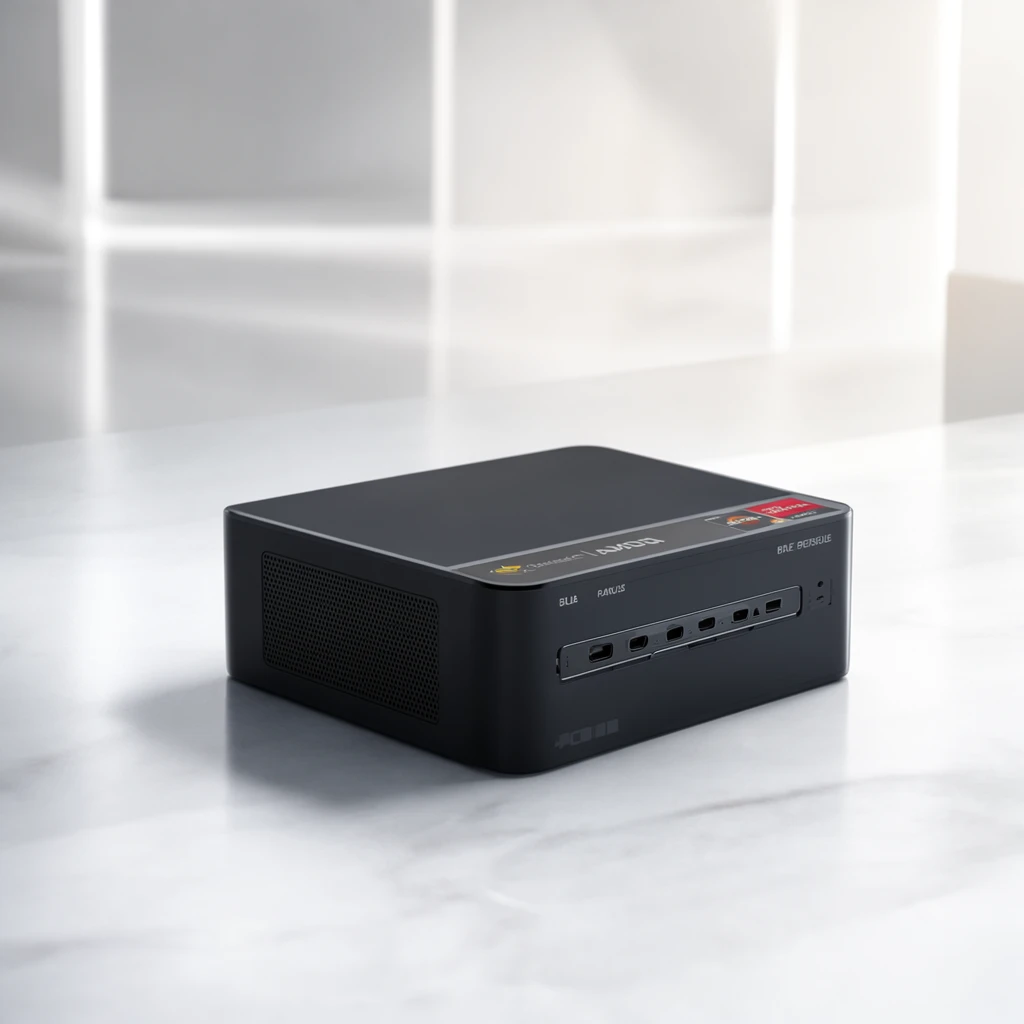 Step 200 · α1 ee0be78220b0215db623d1fe564b5f 单任务耗时 19.9 秒 / PyTorch 峰值显存 33.8 GiB | 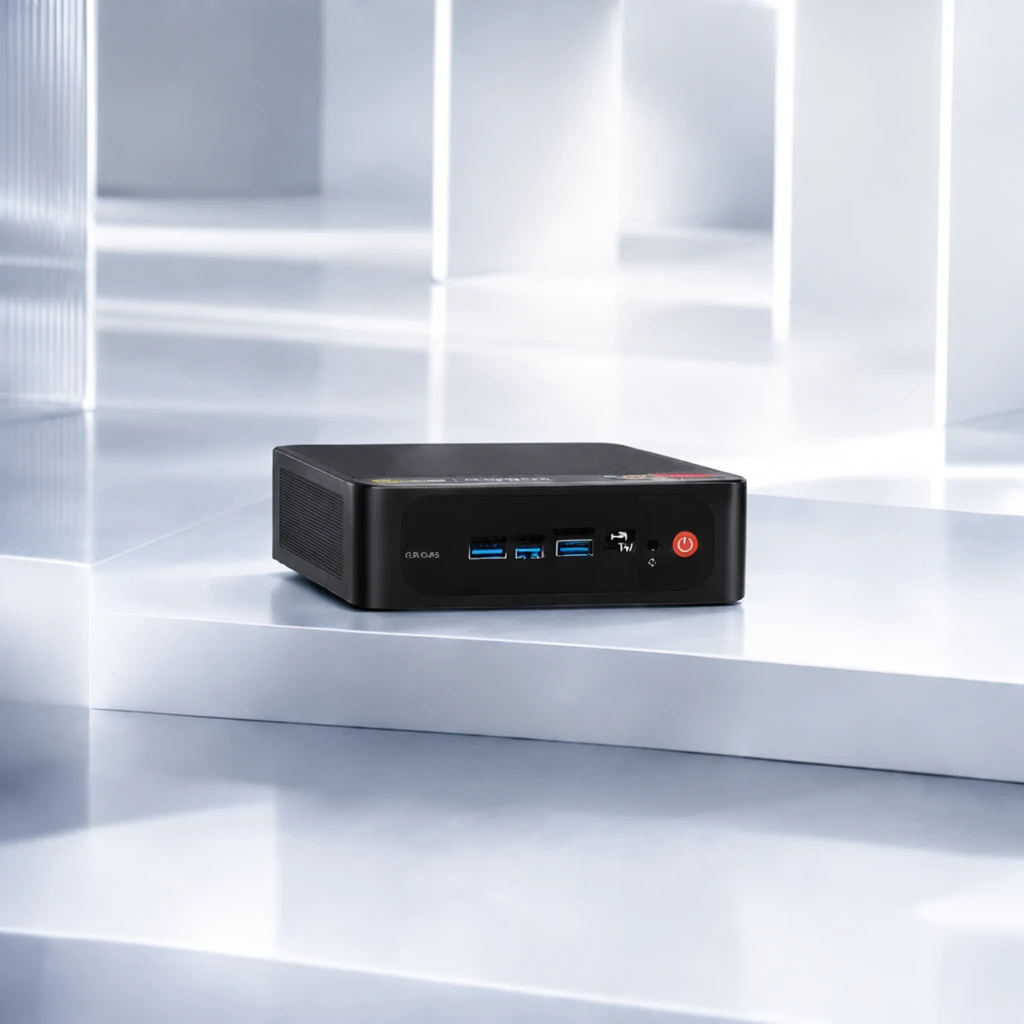 Step 200 · α2 9e22c936a4368f11795502c8911858 单任务耗时 19.8 秒 / PyTorch 峰值显存 33.8 GiB | 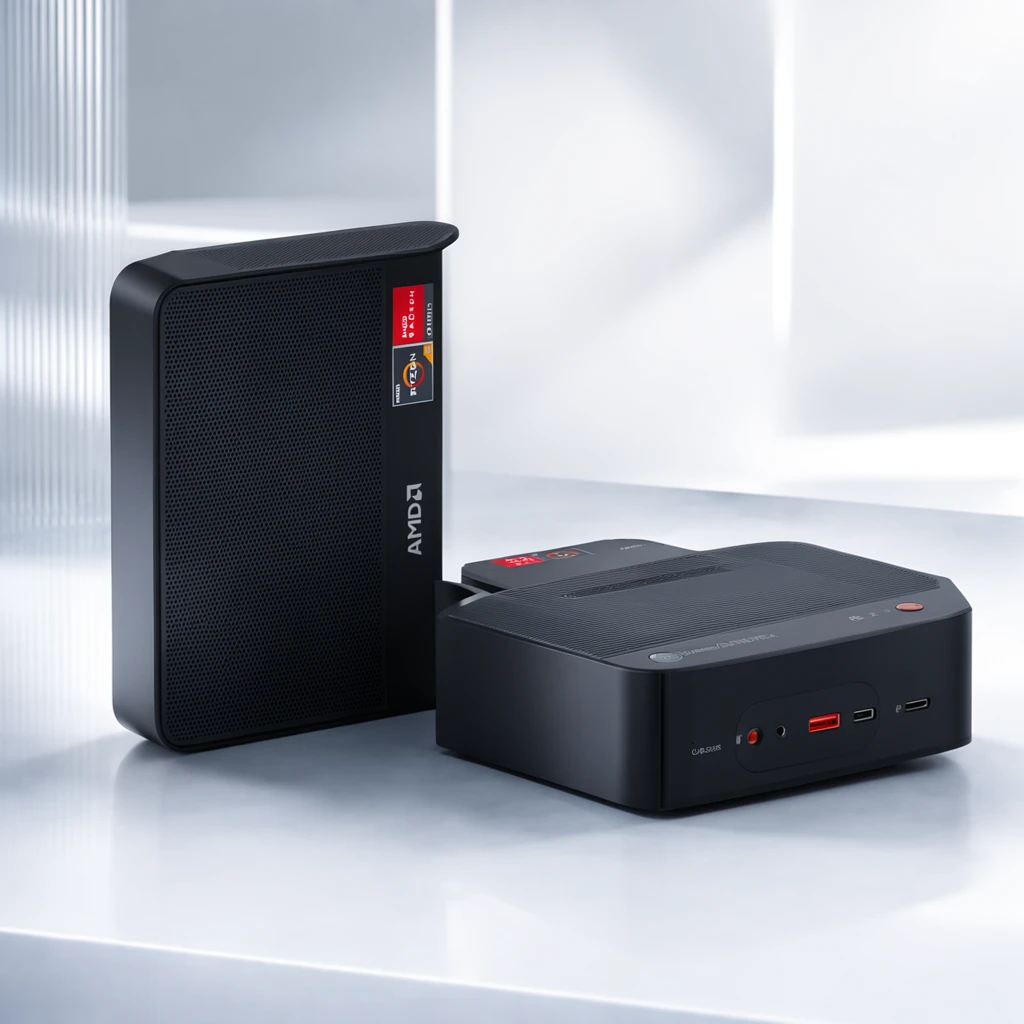 Step 400 · α1 e7748798edc92ce10cb37eb8e3f0af 单任务耗时 19.8 秒 / PyTorch 峰值显存 33.8 GiB | 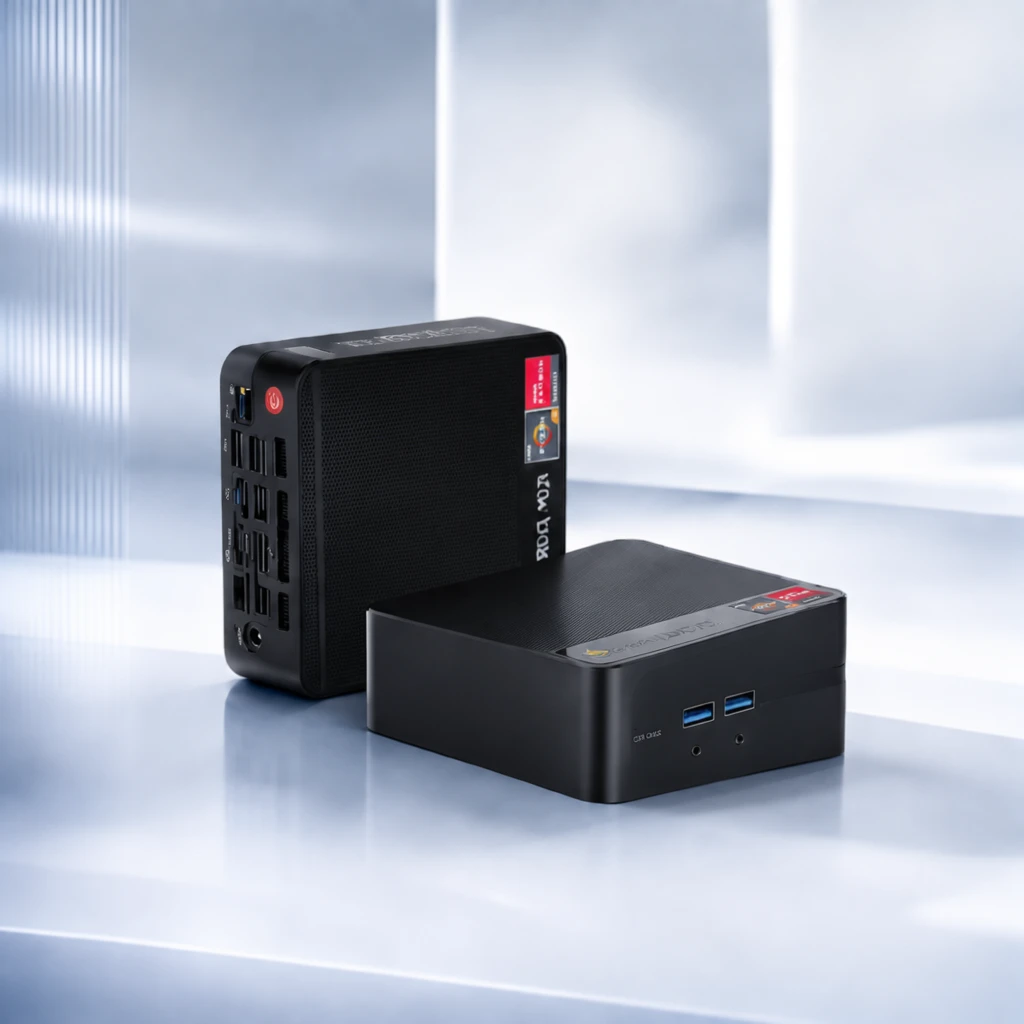 Step 400 · α2 2868c7a369799f31e7460b668847b0 单任务耗时 19.9 秒 / PyTorch 峰值显存 33.8 GiB |  Step 600 · α1 bc3c51b6a76263295cee193b54c818 单任务耗时 19.8 秒 / PyTorch 峰值显存 33.8 GiB |  Step 600 · α2 7e36acd8018124b05e6b135c2e5ed3 单任务耗时 19.9 秒 / PyTorch 峰值显存 33.8 GiB |
q03
| Input 97f07cd022541c96217569d59653f7 | Ref 1 16343d12146e48b4eaae32fd3cfe06 | Ref 2 ce7ec28986c5ce36fd623f4b066077 |  S1 CROSS 66e43534df09750fdff43b393aa458 单任务耗时 65.9 秒 / PyTorch 峰值显存 33.6 GiB |  S2 CROSS 3af98378eca26fbfcd2cd8a1882c8c 单任务耗时 93.1 秒 / PyTorch 峰值显存 34.0 GiB |  Step 200 · α1 a13cc22816db019ebd25eaa6bb7cd1 单任务耗时 19.7 秒 / PyTorch 峰值显存 33.8 GiB |  Step 200 · α2 deeea7689e7f0d0f2d33e9f26b90d0 单任务耗时 19.7 秒 / PyTorch 峰值显存 33.8 GiB |  Step 400 · α1 121f68bdab918ad71d09a9ff3151c0 单任务耗时 19.6 秒 / PyTorch 峰值显存 33.8 GiB |  Step 400 · α2 0162bcc041fb30b9b12387549eba00 单任务耗时 19.7 秒 / PyTorch 峰值显存 33.8 GiB |  Step 600 · α1 7616848c202aa05212a0d3958e75f0 单任务耗时 19.7 秒 / PyTorch 峰值显存 33.8 GiB |  Step 600 · α2 50285f5e69801668315c0bd0ea54b1 单任务耗时 19.7 秒 / PyTorch 峰值显存 33.8 GiB |
q04
| Input a570a2a73ec47237df03d3e1fe1ac0 | Ref 1 e02305c1a1b60133822e43733d952a | Ref 2 2ddbf9dec1684b25464b295a85861f |  S1 CROSS 2982bd4f2d49056e0b74d3bebebe0a 单任务耗时 65.7 秒 / PyTorch 峰值显存 33.6 GiB |  S2 CROSS 59ce0f02946823f1d244238f59463e 单任务耗时 93.4 秒 / PyTorch 峰值显存 34.0 GiB |  Step 200 · α1 aa7abe71f4f5adfbbf78d8b538883e 单任务耗时 19.7 秒 / PyTorch 峰值显存 33.8 GiB | 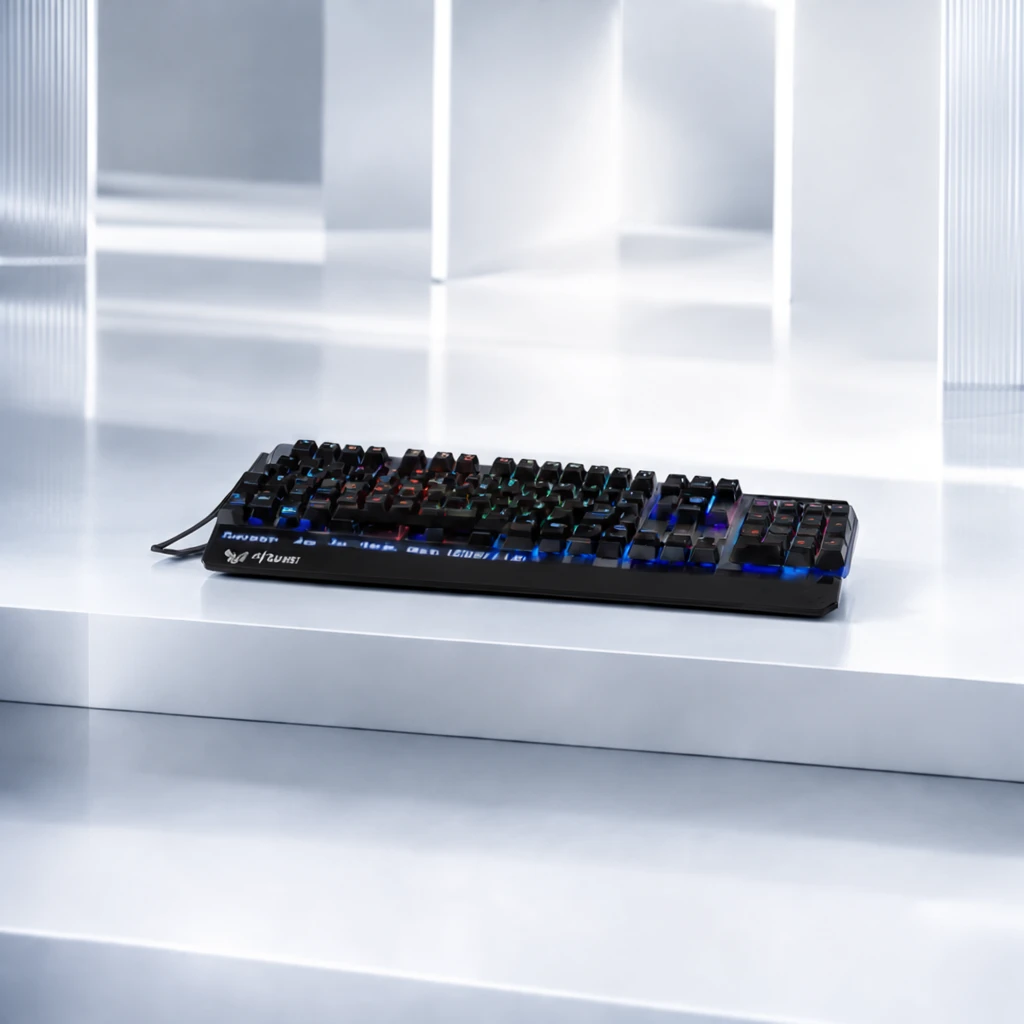 Step 200 · α2 68b6910540009532287c95a3ba6822 单任务耗时 19.6 秒 / PyTorch 峰值显存 33.8 GiB | 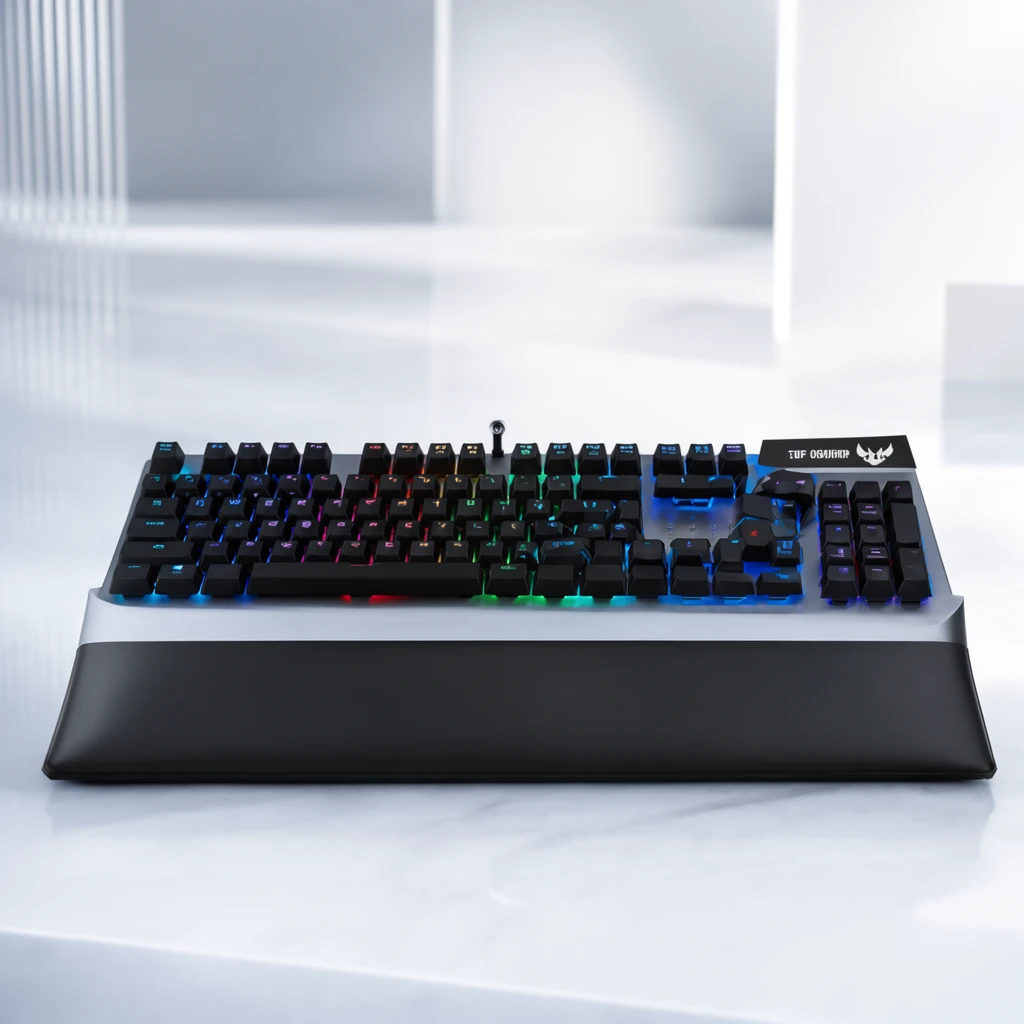 Step 400 · α1 238ffece5e0aa0ab63daad13c2b7a5 单任务耗时 19.7 秒 / PyTorch 峰值显存 33.8 GiB | 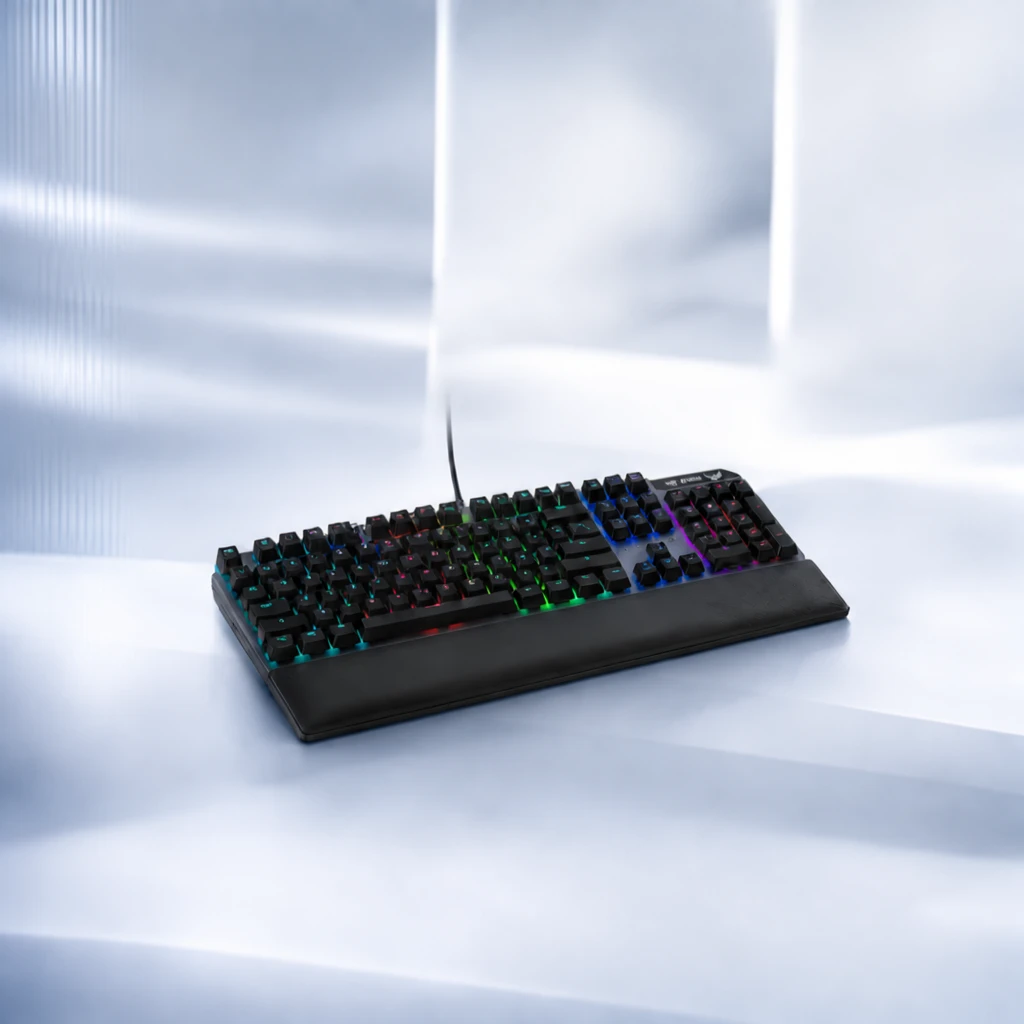 Step 400 · α2 1fbc4c61e45e91bac3a90b0c79116d 单任务耗时 19.7 秒 / PyTorch 峰值显存 33.8 GiB | 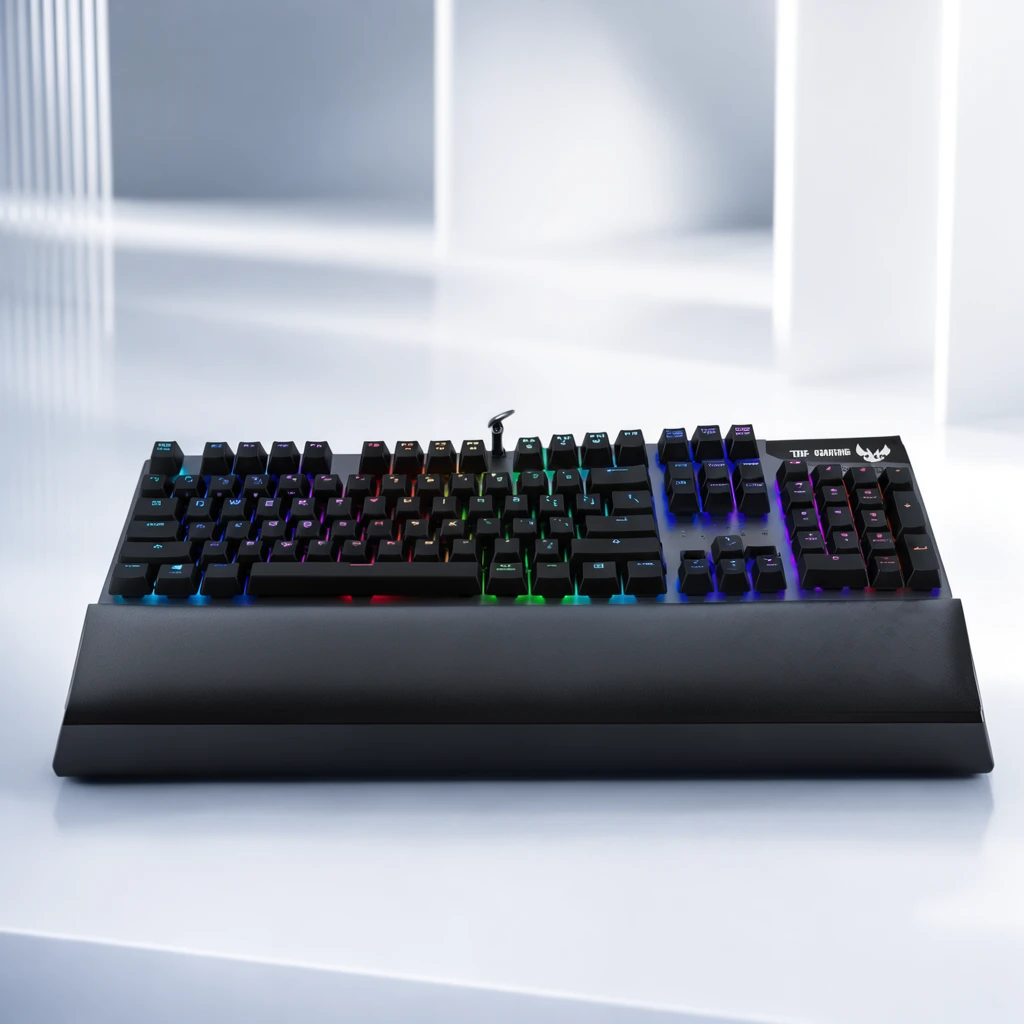 Step 600 · α1 61e469c8812cd068f0b91c48972421 单任务耗时 19.6 秒 / PyTorch 峰值显存 33.8 GiB |  Step 600 · α2 a584ab564276d3532d60f2ccfed469 单任务耗时 19.7 秒 / PyTorch 峰值显存 33.8 GiB |
q05
| Input f5db899d55e79615951413f83ba3dd | Ref 1 a7dfd6ed3dc1297f0e90ee02c13125 | Ref 2 ced64f404b461f04f29a1ae1aba3ec |  S1 CROSS 9b1055a1a2564772b6dc5229288f05 单任务耗时 65.4 秒 / PyTorch 峰值显存 33.6 GiB |  S2 CROSS 3eb42c14b15556ace3a016a029dbc1 单任务耗时 94.5 秒 / PyTorch 峰值显存 34.0 GiB |  Step 200 · α1 3931da3316b92af99dd776830a1c58 单任务耗时 19.8 秒 / PyTorch 峰值显存 33.8 GiB |  Step 200 · α2 3f5e282702d75af6d40b4f54a30780 单任务耗时 19.8 秒 / PyTorch 峰值显存 33.8 GiB |  Step 400 · α1 2c641b38c7ef0f757353da2ca77537 单任务耗时 19.7 秒 / PyTorch 峰值显存 33.8 GiB |  Step 400 · α2 395910f6761a081e53a782369a5d58 单任务耗时 19.8 秒 / PyTorch 峰值显存 33.8 GiB |  Step 600 · α1 dac0174c51059d5df6937d2beb60c2 单任务耗时 19.8 秒 / PyTorch 峰值显存 33.8 GiB |  Step 600 · α2 1a273752d0f82ebcaac1da04d7ae8e 单任务耗时 19.8 秒 / PyTorch 峰值显存 33.8 GiB |
q06
| Input 6ac2e0a42bea9e874509d7ed5ece56 | Ref 1 21ca3f81ed21ce86745d4cb10ec00c | Ref 2 1a82718217ff3a897bdbc85a7e0abd |  S1 CROSS f782fe1acf0c6269b2db1d0823cf30 单任务耗时 66.2 秒 / PyTorch 峰值显存 33.6 GiB |  S2 CROSS 94a23b23b17145c0a6f4ee64203294 单任务耗时 95.4 秒 / PyTorch 峰值显存 34.0 GiB |  Step 200 · α1 5458a14eab1101bf15c05779e1ded9 单任务耗时 19.8 秒 / PyTorch 峰值显存 33.8 GiB |  Step 200 · α2 dcea4d04f84115210da094d3971b42 单任务耗时 19.9 秒 / PyTorch 峰值显存 33.8 GiB |  Step 400 · α1 1bdc4cd094278471d3385af90d3a7b 单任务耗时 19.9 秒 / PyTorch 峰值显存 33.8 GiB |  Step 400 · α2 73059e560196eb35b22460d0fbbd64 单任务耗时 19.9 秒 / PyTorch 峰值显存 33.8 GiB |  Step 600 · α1 67cce0a4d4ea072e5780cc4775cba3 单任务耗时 19.9 秒 / PyTorch 峰值显存 33.8 GiB |  Step 600 · α2 4b7dad6e85623bf35e2bf4a364de9d 单任务耗时 19.9 秒 / PyTorch 峰值显存 33.8 GiB |
q07
| Input 54c878c62670283bfbf69ac0145b09 | Ref 1 7f4c6b248a54eb5f69c4c15660ada3 | Ref 2 5c18bd806b6f09557f4a46ec8f3bd2 |  S1 CROSS c84df97c3c29224b0fc5fa60de39f9 单任务耗时 66.2 秒 / PyTorch 峰值显存 33.6 GiB |  S2 CROSS c9b39dd5086a7a7a620fa8584d57d7 单任务耗时 96.6 秒 / PyTorch 峰值显存 34.0 GiB |  Step 200 · α1 0294adbfbc2ae092c10f0d7192c7fb 单任务耗时 20.1 秒 / PyTorch 峰值显存 33.8 GiB |  Step 200 · α2 081119418c06ad775948b11a7a91d0 单任务耗时 20.0 秒 / PyTorch 峰值显存 33.8 GiB |  Step 400 · α1 0bc06b24e38d02426c5f15304f1f35 单任务耗时 20.1 秒 / PyTorch 峰值显存 33.8 GiB |  Step 400 · α2 b05ec46d9c0ebfa2f62f1cd62c9916 单任务耗时 20.1 秒 / PyTorch 峰值显存 33.8 GiB |  Step 600 · α1 35b92e6d411a62519ecc2e19a8a503 单任务耗时 20.1 秒 / PyTorch 峰值显存 33.8 GiB |  Step 600 · α2 7ba92322a541a6b06e276e1841f2ab 单任务耗时 20.1 秒 / PyTorch 峰值显存 33.8 GiB |
q08
| Input 7b35049f9374c4b2f5bef6aa97cea1 | Ref 1 467bb253acefb1456353c3b215dc40 | Ref 2 5e4a618bc924877f1601cf2c15089f |  S1 CROSS 27362b4eb6d6226fb909f9bc97bdef 单任务耗时 65.8 秒 / PyTorch 峰值显存 33.6 GiB |  S2 CROSS 0d39f495f0abc8f61aee5143a19d98 单任务耗时 93.5 秒 / PyTorch 峰值显存 34.0 GiB |  Step 200 · α1 dbbc496b3d0253a2b38ccc778fb9d2 单任务耗时 19.6 秒 / PyTorch 峰值显存 33.8 GiB |  Step 200 · α2 c2eb0e8ff83cc7244dd7bb2eb1e835 单任务耗时 19.7 秒 / PyTorch 峰值显存 33.8 GiB |  Step 400 · α1 26d2b947114c3278e42761b5155e58 单任务耗时 19.7 秒 / PyTorch 峰值显存 33.8 GiB |  Step 400 · α2 6fe533783b1e66be54961af8ef4361 单任务耗时 19.7 秒 / PyTorch 峰值显存 33.8 GiB |  Step 600 · α1 f1c3acaf757f064fbd6f5bc746b190 单任务耗时 19.7 秒 / PyTorch 峰值显存 33.8 GiB |  Step 600 · α2 0e7574ad1930d4cb7d206f2a05607b 单任务耗时 19.7 秒 / PyTorch 峰值显存 33.8 GiB |
q09
| Input e4516b4140cfc22eb202eb370ce0d9 | Ref 1 fdeecfa6db13f2263ff3ac83252815 | Ref 2 5da18301b3034236434d925748dd1c |  S1 CROSS 01f2336a021b3f7ba0c45dfd038de2 单任务耗时 65.9 秒 / PyTorch 峰值显存 33.6 GiB |  S2 CROSS f49541fee7ee5dcd9b12d0051fe4fe 单任务耗时 93.5 秒 / PyTorch 峰值显存 34.0 GiB |  Step 200 · α1 06adeb58c3aed93acb2c353dda7e5b 单任务耗时 19.7 秒 / PyTorch 峰值显存 33.8 GiB |  Step 200 · α2 8acdba501149b587515864270ff996 单任务耗时 19.6 秒 / PyTorch 峰值显存 33.8 GiB |  Step 400 · α1 bcd25b3e8b364e2942558d76e219ed 单任务耗时 19.7 秒 / PyTorch 峰值显存 33.8 GiB |  Step 400 · α2 b769876b33b5c09fe6afbae441ea09 单任务耗时 19.7 秒 / PyTorch 峰值显存 33.8 GiB |  Step 600 · α1 e2ea6647854144d65ae645896a861e 单任务耗时 19.7 秒 / PyTorch 峰值显存 33.8 GiB |  Step 600 · α2 497a4f4195065b3b2745d8a8f3bff1 单任务耗时 19.7 秒 / PyTorch 峰值显存 33.8 GiB |
q10
| Input dc4c33c2b68736b16475f83fdffb26 | Ref 1 ee11492f1c3b9879b35054baeb1568 | Ref 2 db5d89b8b53bacdfa83ad2a0496414 |  S1 CROSS 1ac872e96d16386bb878784e90b603 单任务耗时 65.9 秒 / PyTorch 峰值显存 33.6 GiB | 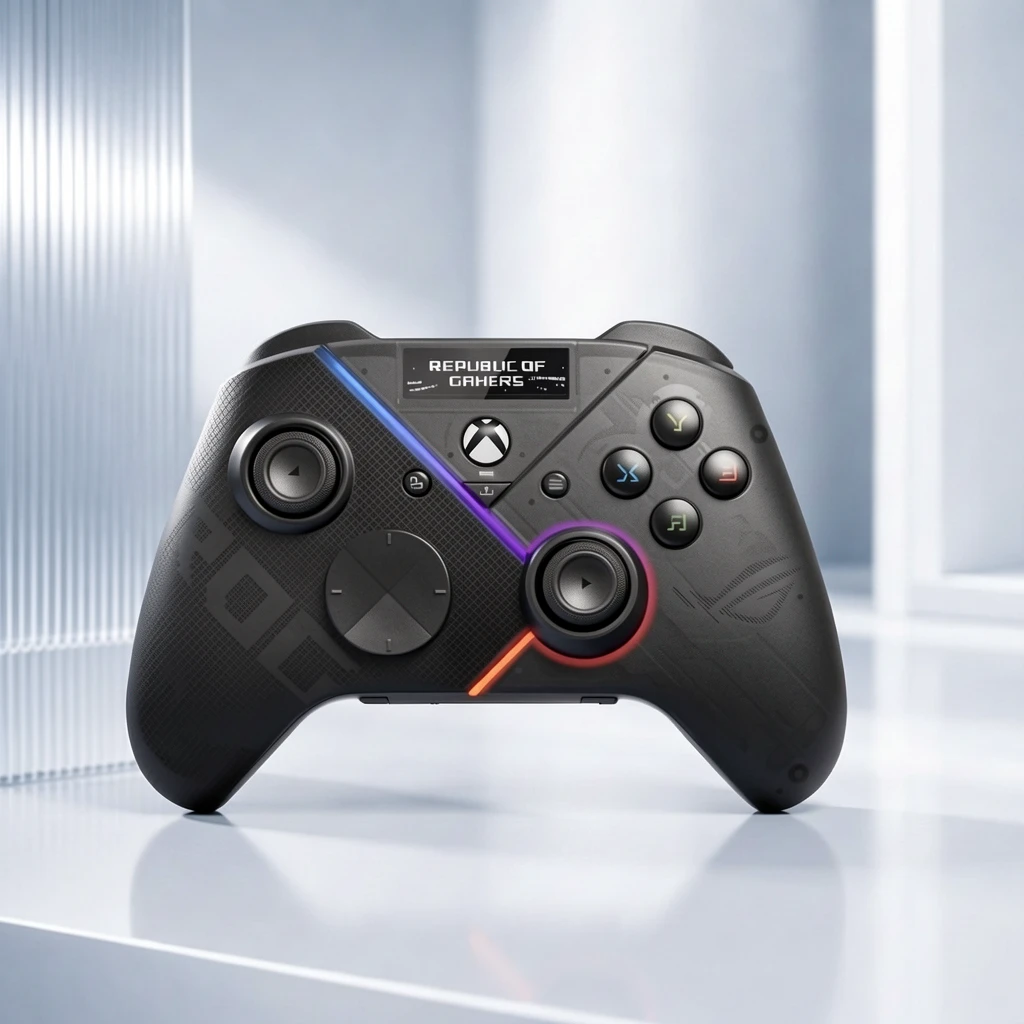 S2 CROSS 560a2a7c7a71924dd92e4aa3cee6f4 单任务耗时 94.5 秒 / PyTorch 峰值显存 34.0 GiB |  Step 200 · α1 7ee84119d708f571611822992ac522 单任务耗时 19.4 秒 / PyTorch 峰值显存 33.8 GiB |  Step 200 · α2 7447e28feeda3440205faa9547be68 单任务耗时 19.5 秒 / PyTorch 峰值显存 33.8 GiB | 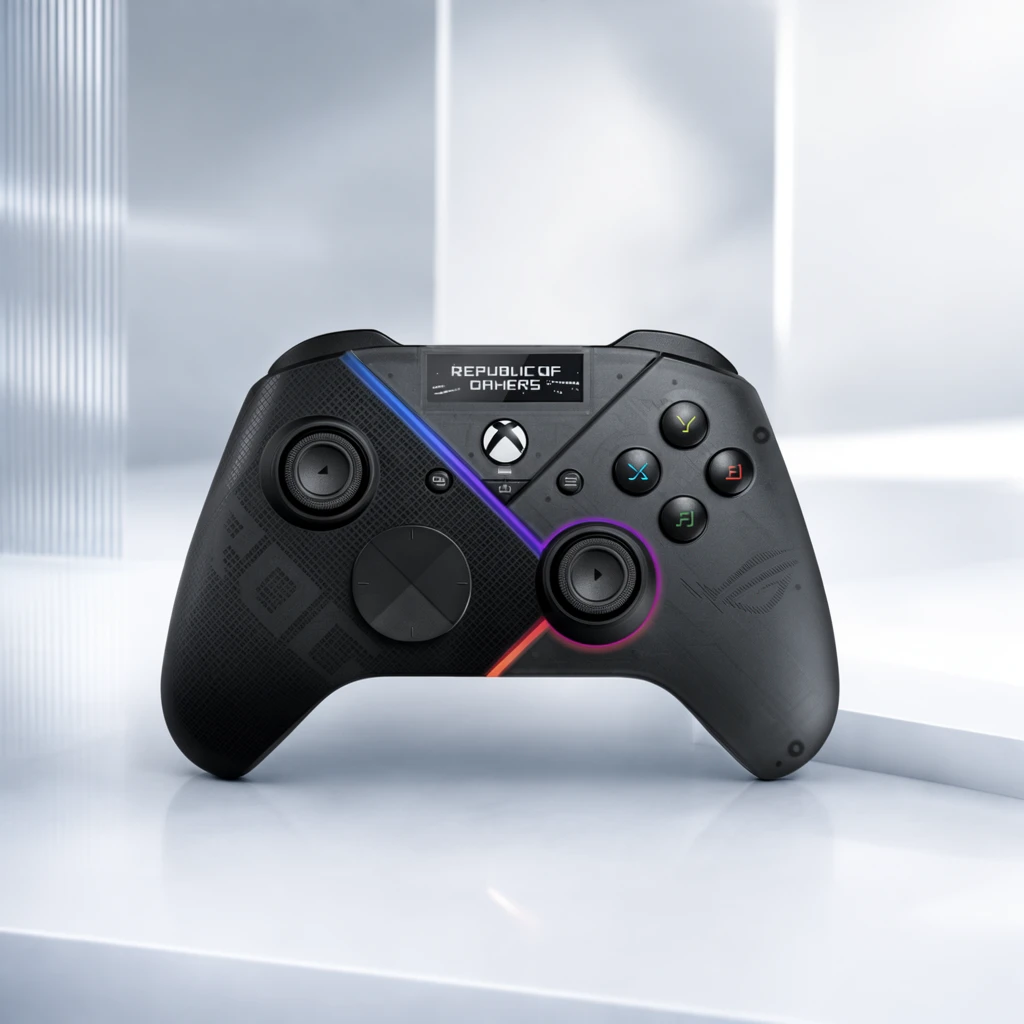 Step 400 · α1 0874528c8bda4613358b84efa11b6a 单任务耗时 19.4 秒 / PyTorch 峰值显存 33.8 GiB |  Step 400 · α2 4e65f0d2cc58928a87020e09044f04 单任务耗时 19.5 秒 / PyTorch 峰值显存 33.8 GiB |  Step 600 · α1 24100dfbdf6ddd3a5d4e93af0fbaae 单任务耗时 19.5 秒 / PyTorch 峰值显存 33.8 GiB |  Step 600 · α2 e8d1ad4b435a2d57da1ceee939be08 单任务耗时 19.5 秒 / PyTorch 峰值显存 33.8 GiB |
q11
| Input ef853a22b2335cc9d7f2b125b12cac | Ref 1 2b8e82d56172988f256298a1a9f4ce | Ref 2 9c9015c776b776e281f9bf619df6f8 |  S1 CROSS f0d389dc542f7c483d386b27f773ba 单任务耗时 66.3 秒 / PyTorch 峰值显存 33.6 GiB |  S2 CROSS d735ada9bdde4e574a3b701da1ad96 单任务耗时 95.2 秒 / PyTorch 峰值显存 34.0 GiB |  Step 200 · α1 f7ecfb564a5bd8f3cdb3e727d26395 单任务耗时 19.9 秒 / PyTorch 峰值显存 33.8 GiB |  Step 200 · α2 aeb0426efbfd8fbc873cf281ecd2bb 单任务耗时 19.9 秒 / PyTorch 峰值显存 33.8 GiB |  Step 400 · α1 e06f62289ce5f0bcd99b98701f5d2c 单任务耗时 19.8 秒 / PyTorch 峰值显存 33.8 GiB |  Step 400 · α2 2136869c9666ab0df2561e21e66819 单任务耗时 19.8 秒 / PyTorch 峰值显存 33.8 GiB |  Step 600 · α1 71fdf9359f6e223bc9c15d1c1b69ca 单任务耗时 19.8 秒 / PyTorch 峰值显存 33.8 GiB |  Step 600 · α2 a20149d12e7a9e54edb47ee78fceed 单任务耗时 19.8 秒 / PyTorch 峰值显存 33.8 GiB |
q12
| Input b4a0ba4f57142dea97432709939556 | Ref 1 03988c394184a2197dedde06d7e381 | Ref 2 f9dfa518d52d860baaa5764cb0c294 |  S1 CROSS 47d99e142ee7dfcb289c4b8dd3bfb4 单任务耗时 66.1 秒 / PyTorch 峰值显存 33.6 GiB |  S2 CROSS 19ac84a01b469cfe90646982a140b3 单任务耗时 95.9 秒 / PyTorch 峰值显存 34.0 GiB |  Step 200 · α1 47481661cc7e93599dc66fb2f09869 单任务耗时 19.9 秒 / PyTorch 峰值显存 33.8 GiB |  Step 200 · α2 64b1a3758a9339ac0e613dee5c16d3 单任务耗时 19.9 秒 / PyTorch 峰值显存 33.8 GiB |  Step 400 · α1 496b83ccd8bf59d1d6ee1669eeed02 单任务耗时 20.0 秒 / PyTorch 峰值显存 33.8 GiB |  Step 400 · α2 00744194ac05f5f21dab7b0e9264c2 单任务耗时 20.0 秒 / PyTorch 峰值显存 33.8 GiB |  Step 600 · α1 6c76d4ffccd0917713d0dc00159d9c 单任务耗时 20.0 秒 / PyTorch 峰值显存 33.8 GiB |  Step 600 · α2 93fcffb024c4729b8503a4e12f8f75 单任务耗时 20.0 秒 / PyTorch 峰值显存 33.8 GiB |
q13
| Input 6e91cc692575047e478a665fbc484b | Ref 1 ce7ec28986c5ce36fd623f4b066077 | Ref 2 16343d12146e48b4eaae32fd3cfe06 |  S1 CROSS be41cfb636263156752b9d86ce53c4 单任务耗时 66.4 秒 / PyTorch 峰值显存 33.6 GiB |  S2 CROSS b21fdcee220791e785ee0472a9bf9b 单任务耗时 94.4 秒 / PyTorch 峰值显存 34.0 GiB |  Step 200 · α1 9f14537849e6fd27d34637ae361679 单任务耗时 19.9 秒 / PyTorch 峰值显存 33.8 GiB |  Step 200 · α2 1c8346b8e870c0a22d26ce543a7d29 单任务耗时 20.0 秒 / PyTorch 峰值显存 33.8 GiB |  Step 400 · α1 dae1ccfe1cbc5fd5c5f04a15fbf4b5 单任务耗时 19.9 秒 / PyTorch 峰值显存 33.8 GiB |  Step 400 · α2 e592bcbbe42311b8061c80c95ee77a 单任务耗时 19.9 秒 / PyTorch 峰值显存 33.8 GiB |  Step 600 · α1 5ac4667ff11a7201a1ece218510a69 单任务耗时 20.0 秒 / PyTorch 峰值显存 33.8 GiB |  Step 600 · α2 fcc55268532b5d6ae44af6813217c5 单任务耗时 20.0 秒 / PyTorch 峰值显存 33.8 GiB |
q14
|  Input ab86935a5e71c570b0619a68e47e68 | Ref 1 2ddbf9dec1684b25464b295a85861f | Ref 2 e02305c1a1b60133822e43733d952a |  S1 CROSS 21b7beb39955bc43585f191aad7cfa 单任务耗时 66.2 秒 / PyTorch 峰值显存 33.6 GiB |  S2 CROSS c038796518920ef1c44234833bb2d6 单任务耗时 95.6 秒 / PyTorch 峰值显存 34.0 GiB |  Step 200 · α1 c334d2eb4758aae8e08f903239e614 单任务耗时 20.0 秒 / PyTorch 峰值显存 33.8 GiB |  Step 200 · α2 08bafe2106602041efa4f3a99806ff 单任务耗时 20.0 秒 / PyTorch 峰值显存 33.8 GiB |  Step 400 · α1 b718e62cd8049833d9ed102ddc9c13 单任务耗时 19.9 秒 / PyTorch 峰值显存 33.8 GiB |  Step 400 · α2 1a12cc70953f5f9ac245d0c3d2b47c 单任务耗时 20.0 秒 / PyTorch 峰值显存 33.8 GiB |  Step 600 · α1 57a187c35bb7c2c1efd372e8a519f1 单任务耗时 19.9 秒 / PyTorch 峰值显存 33.8 GiB |  Step 600 · α2 7f7bf550a6c9c6a1ad6a673520aaca 单任务耗时 20.0 秒 / PyTorch 峰值显存 33.8 GiB |
q15
| Input 1e607be570c249e331b2d68eaa6595 | Ref 1 ced64f404b461f04f29a1ae1aba3ec | Ref 2 a7dfd6ed3dc1297f0e90ee02c13125 |  S1 CROSS 3aa596805ab494ff2970b8dc289eef 单任务耗时 65.9 秒 / PyTorch 峰值显存 33.6 GiB |  S2 CROSS c7092eb8ecf9a614876dff93a93813 单任务耗时 93.6 秒 / PyTorch 峰值显存 34.0 GiB |  Step 200 · α1 f0f23ca3512e7d037bb53f95005975 单任务耗时 19.6 秒 / PyTorch 峰值显存 33.8 GiB |  Step 200 · α2 3177e073620386aaf9faa1550a868e 单任务耗时 19.7 秒 / PyTorch 峰值显存 33.8 GiB |  Step 400 · α1 2d0f06e3dc4224d7fcb3be9bc3832b 单任务耗时 19.7 秒 / PyTorch 峰值显存 33.8 GiB |  Step 400 · α2 168c90b341d3211a7e85d5f1f948c0 单任务耗时 19.7 秒 / PyTorch 峰值显存 33.8 GiB |  Step 600 · α1 1ca8f6340bf2c43546466e85c9993e 单任务耗时 19.7 秒 / PyTorch 峰值显存 33.8 GiB |  Step 600 · α2 655d43812c8c32a945a1dd968cd7e1 单任务耗时 19.7 秒 / PyTorch 峰值显存 33.8 GiB |
q16
| Input 6315e31af03396c6027fc2de0201be | Ref 1 1a82718217ff3a897bdbc85a7e0abd | Ref 2 21ca3f81ed21ce86745d4cb10ec00c |  S1 CROSS c158f30cc0d9abed9093d87c61c092 单任务耗时 66.4 秒 / PyTorch 峰值显存 33.6 GiB |  S2 CROSS 36131c82f1a1fc1027b7a82f471078 单任务耗时 95.5 秒 / PyTorch 峰值显存 34.0 GiB |  Step 200 · α1 79c82191764d2a7699fe0a13e1d82b 单任务耗时 19.9 秒 / PyTorch 峰值显存 33.8 GiB |  Step 200 · α2 1ddf42131abc63ef32f1b2f8613920 单任务耗时 19.9 秒 / PyTorch 峰值显存 33.8 GiB |  Step 400 · α1 8a54276a88bb1d70feb6475a55678a 单任务耗时 19.9 秒 / PyTorch 峰值显存 33.8 GiB |  Step 400 · α2 1d4f8538b383a5fcbd7a878c83634a 单任务耗时 19.9 秒 / PyTorch 峰值显存 33.8 GiB |  Step 600 · α1 fb2babfb16d474c2eed7fad0b0584c 单任务耗时 20.0 秒 / PyTorch 峰值显存 33.8 GiB |  Step 600 · α2 a6df2faf44b69a692a710a5fe405d9 单任务耗时 20.0 秒 / PyTorch 峰值显存 33.8 GiB |
q17
| Input f465de074f5a98998e689b10cbb66f | Ref 1 5c18bd806b6f09557f4a46ec8f3bd2 | Ref 2 7f4c6b248a54eb5f69c4c15660ada3 |  S1 CROSS 831bfa027b5b124e4744ba06bdc598 单任务耗时 66.3 秒 / PyTorch 峰值显存 33.6 GiB |  S2 CROSS cae12060cb560917cacd4619357beb 单任务耗时 95.4 秒 / PyTorch 峰值显存 34.0 GiB |  Step 200 · α1 49cf0e5ddadfdc9a54d7df32910b6c 单任务耗时 19.9 秒 / PyTorch 峰值显存 33.8 GiB |  Step 200 · α2 79ef4fd77fbab7680e7dc007d96086 单任务耗时 20.0 秒 / PyTorch 峰值显存 33.8 GiB |  Step 400 · α1 52938e978a4747d41b245ceb4df2c7 单任务耗时 20.0 秒 / PyTorch 峰值显存 33.8 GiB |  Step 400 · α2 d9e162baba6b14d04d92301fcc2133 单任务耗时 19.9 秒 / PyTorch 峰值显存 33.8 GiB |  Step 600 · α1 97fc1671b406840bed2f7e7ec1610d 单任务耗时 20.0 秒 / PyTorch 峰值显存 33.8 GiB |  Step 600 · α2 4f3faf366c336213c596d34618921b 单任务耗时 20.0 秒 / PyTorch 峰值显存 33.8 GiB |
q18
| Input dc28f0d49ea80dbded11d3a05f204b | Ref 1 5e4a618bc924877f1601cf2c15089f | Ref 2 467bb253acefb1456353c3b215dc40 |  S1 CROSS 2bc73d67aaabc6a5028570002ede2f 单任务耗时 66.5 秒 / PyTorch 峰值显存 33.6 GiB |  S2 CROSS 12dd7a645c04da908c4d6cfdf961da 单任务耗时 96.7 秒 / PyTorch 峰值显存 34.0 GiB |  Step 200 · α1 394e12a9e1db2bc0377a1356de1802 单任务耗时 20.1 秒 / PyTorch 峰值显存 33.8 GiB |  Step 200 · α2 1ceadcda03f08935186444395bb8bf 单任务耗时 20.1 秒 / PyTorch 峰值显存 33.8 GiB |  Step 400 · α1 1724d9e0f0d5c4f366dc8e784d96d3 单任务耗时 20.1 秒 / PyTorch 峰值显存 33.8 GiB |  Step 400 · α2 1826d9200ec0eb8306656765a19697 单任务耗时 20.1 秒 / PyTorch 峰值显存 33.8 GiB |  Step 600 · α1 60d1c0c2c178d447a92535bf602e3c 单任务耗时 20.1 秒 / PyTorch 峰值显存 33.8 GiB |  Step 600 · α2 62c7e5743b8458e31f0b464b1e8a23 单任务耗时 20.1 秒 / PyTorch 峰值显存 33.8 GiB |
q19
| Input f17c3d99db5ca81989fce5f3d0dd0e | Ref 1 5da18301b3034236434d925748dd1c | Ref 2 fdeecfa6db13f2263ff3ac83252815 |  S1 CROSS ca84d440920f5991bcc3eb12127b06 单任务耗时 66.3 秒 / PyTorch 峰值显存 33.6 GiB |  S2 CROSS c174d43b08f1550f444f3aad6ad9bb 单任务耗时 96.7 秒 / PyTorch 峰值显存 34.0 GiB |  Step 200 · α1 534c09ad9297fa265cb9b3cf8aa187 单任务耗时 20.1 秒 / PyTorch 峰值显存 33.8 GiB |  Step 200 · α2 3e7e9a2018979530549e7b45fe2144 单任务耗时 20.1 秒 / PyTorch 峰值显存 33.8 GiB |  Step 400 · α1 be7683c649790700416c36373b0c08 单任务耗时 20.1 秒 / PyTorch 峰值显存 33.8 GiB |  Step 400 · α2 a29be68ad91287b5d522a03bc26f45 单任务耗时 20.1 秒 / PyTorch 峰值显存 33.8 GiB |  Step 600 · α1 5e5fff44b1eb337cd289f3ae24df21 单任务耗时 20.0 秒 / PyTorch 峰值显存 33.8 GiB |  Step 600 · α2 8141e6620a269349014169dd4fb39b 单任务耗时 20.1 秒 / PyTorch 峰值显存 33.8 GiB |
q20
|  Input ebc6f16637998a256f04ef1aaa4d2e | Ref 1 db5d89b8b53bacdfa83ad2a0496414 | Ref 2 ee11492f1c3b9879b35054baeb1568 |  S1 CROSS 5bc7238a431321b6ba6ba53d46b5d1 单任务耗时 66.4 秒 / PyTorch 峰值显存 33.6 GiB |  S2 CROSS 988dc7637722aa39b9a9c185d59216 单任务耗时 94.9 秒 / PyTorch 峰值显存 34.0 GiB |  Step 200 · α1 70d05d0c5ae90a740dc09fc373c09a 单任务耗时 19.9 秒 / PyTorch 峰值显存 33.8 GiB |  Step 200 · α2 6c244e0344cefe6ff1015138fa6c4c 单任务耗时 19.9 秒 / PyTorch 峰值显存 33.8 GiB |  Step 400 · α1 5e87538a078e6ef065ff5f4b1b0672 单任务耗时 19.9 秒 / PyTorch 峰值显存 33.8 GiB |  Step 400 · α2 2833becda8fbe562493be84c24308f 单任务耗时 19.9 秒 / PyTorch 峰值显存 33.8 GiB |  Step 600 · α1 6a11a5d7bd06f7c1015df5b182f049 单任务耗时 19.9 秒 / PyTorch 峰值显存 33.8 GiB |  Step 600 · α2 bcde01e4e388b2974f3c495d65a2ea 单任务耗时 19.9 秒 / PyTorch 峰值显存 33.8 GiB |
去产品 Reference 实验
比较原始参考图和移除产品后的背景参考图。
从目标风格成品参考图中移除产品、品牌文字及其专属阴影/反射,并补全被遮挡的背景。
使用未经处理、仍包含原产品的目标风格成品图作为单张参考图;结果复用同风格 Context 的 S1。
使用去除产品并补全后的背景图作为单张参考图,测试更接近背景/场景迁移的效果。
查看去产品与 S1-BG Prompt、配置
- 模型
- FLUX.2-klein-base-9B
- 实验规模
- 本风格 3 个案例
- 去产品输入
- 1 张目标风格 target;去掉主体并补全遮挡区域
- S1-BG 输入
- 1 张白底产品图 + 1 张去产品后的参考图
- 推理步数
- 50
- CFG
- 4.0
- Seed
- 42
实际使用 Prompt(英文,送入模型)Remove the featured product and all product-specific content from the input image, including its packaging, branding, labels, visible text, product-specific contact shadow, and reflection. Reconstruct the areas previously occupied by the product so that the result looks like the same scene before the product was placed there. Continue the surrounding background, display surface, platform, decorative structures, materials, textures, lighting, shadows, reflections, perspective, and spatial depth naturally. Preserve the original presentation style, composition, camera viewpoint, color relationships, lighting, environment, and all non-product design elements. Do not add another product, object, text, logo, symbol, placeholder, or advertising content. Do not crop, simplify, redesign, recolor, or globally relight the image. The final image should show the original scene with the featured product absent and all previously occluded areas naturally reconstructed.
中文对照说明(未送入模型)移除输入图像中的主体产品以及所有与该产品特定相关的内容,包括包装、品牌标识、标签、可见文字、产品产生的接触阴影和反射。 自然补全产品原本占据的区域,使结果看起来像产品尚未被放入该场景时的画面。连续补全周围的背景、展示表面、展台、装饰结构、材质、纹理、灯光、阴影、反射、透视和空间层次。 保留原始的产品呈现风格、构图、相机视角、色彩关系、灯光、环境和所有非产品设计元素。不要添加新的产品、物体、文字、Logo、符号、占位内容或广告内容。不要裁切、简化、重新设计、重新配色或整体改变图像光照。 最终图像应保留原始场景,仅移除主体产品,并自然补全产品原本遮挡的所有区域。
实际使用 Prompt(英文,送入模型)Image 1 is the product image to edit. Image 2 is a reference image. Transform Image 1 into a product image that follows the presentation style demonstrated by the reference image. Preserve the identity and key visual details of the product in Image 1. Use the reference image only to determine how the product is presented, and do not copy products or textual content from the reference image.
中文对照说明(未送入模型)图像1是需要编辑的产品图,图像2是参考图。 将图像1转换为一张采用参考图所展示呈现风格的产品图。保留图像1中产品的身份和关键视觉细节。参考图仅用于确定产品的呈现方式,不要复制参考图中的产品或文字内容。
| Case | Input | Raw Reference | Product Removed | S1-Raw | S1-BG |
|---|---|---|---|---|---|
sample 01
| Input 1e7c6d219558dbe115078b6db78b57 | Raw Reference 03988c394184a2197dedde06d7e381 |  Product Removed 4be7705b9e1decd60d6a3ae859cae5 单任务耗时 41.6 秒 / PyTorch 峰值显存 33.6 GiB | S1-Raw d25097a8657950fc4aac9d2b6e63e3 单任务耗时 66.2 秒 / PyTorch 峰值显存 33.6 GiB |  S1-BG bd0a641fc4225f2e42dbdba51d09ef 单任务耗时 66.4 秒 / PyTorch 峰值显存 33.6 GiB |
sample 02
| Input 8f6014e7a2bd55d83f0d060e81199e | Raw Reference f9dfa518d52d860baaa5764cb0c294 |  Product Removed 22ff14f9565a680c56caa5aefa69b7 单任务耗时 41.7 秒 / PyTorch 峰值显存 33.6 GiB | S1-Raw aee7a61a987808f3bd3276702065ea 单任务耗时 65.8 秒 / PyTorch 峰值显存 33.6 GiB |  S1-BG 5e4ec5fd75f69e4041acf1bf60347b 单任务耗时 66.0 秒 / PyTorch 峰值显存 33.6 GiB |
sample 03
| Input 9e4ebc276a158bac254a20f55156fe | Raw Reference 5e4a618bc924877f1601cf2c15089f |  Product Removed 7481a8bd101128f2bdd7e6d1f75a23 单任务耗时 41.7 秒 / PyTorch 峰值显存 33.6 GiB | S1-Raw 5dfe6eba917514a57b9b69bfd71254 单任务耗时 66.1 秒 / PyTorch 峰值显存 33.6 GiB |  S1-BG a50139312c3758bed84e51129324ab 单任务耗时 65.7 秒 / PyTorch 峰值显存 33.6 GiB |
魔方风格迁移实验结果
当前风格:暖阳灰泥陶土旅行书陈列 · books_warm_plaster · Trigger BWPStyle
如何阅读本页
图片字段
需要模型编辑的白底产品图,是每条实验路线的主体输入。
同风格冻结测试案例对应的真实目标图,仅用于视觉对照,不会送入模型。
来自目标风格训练集的风格化成品图。数字表示送入模型的参考图顺序与数量。
配对示例中的原始白底产品图,与 P1 Target 共同展示一次已知转换。
P1 Input 对应的风格化结果;P1 Input 和 P1 Target 会一起送入模型。
模型对当前 Input 生成的结果。图片下方记录该次任务的耗时与 PyTorch 峰值显存。
四条实验路线
torch.cuda.max_memory_allocated() 的峰值,不代表整张 GPU 的总占用,也不包含 PyTorch reserved 但未分配的缓存。同风格参考实验
冻结查询集;显示该风格的全部案例,不做抽样。
输入 1 张待编辑产品图和 1 张同一目标风格的成品参考图,让模型迁移参考图的产品呈现风格。
输入 1 张待编辑产品图和 2 张同一目标风格的成品参考图,观察多一张参考图能否提高风格稳定性。
输入 1 张待编辑产品图和 4 张同一目标风格的成品参考图,测试更多 Context 参考图的效果。
输入 1 张待编辑产品图,再提供 1 组示例 Input→Target 配对,让模型从配对中推断风格转换方式。
查看任务定义、Prompt 与配置
- 模型
- FLUX.2-klein-base-9B
- 测试集
- 同风格冻结测试集,本风格 10 个案例
- 推理步数
- 50
- CFG
- 4.0
- Seed
- 42
- Reference
- S1=1,S2=2,S4=4;P1=1 组 input-target 配对
实际使用 Prompt(英文,送入模型)Image 1 is the product image to edit. Image 2 is a reference image. Transform Image 1 into a product image that follows the presentation style demonstrated by the reference image. Preserve the identity and key visual details of the product in Image 1. Use the reference image only to determine how the product is presented, and do not copy products or textual content from the reference image.
中文对照说明(未送入模型)图像1是需要编辑的产品图,图像2是参考图。 将图像1转换为一张采用参考图所展示呈现风格的产品图。保留图像1中产品的身份和关键视觉细节。参考图仅用于确定产品的呈现方式,不要复制参考图中的产品或文字内容。
实际使用 Prompt(英文,送入模型)Image 1 is the product image to edit. Images 2 through 3 are reference images. Transform Image 1 into a product image that follows the presentation style demonstrated by the reference images. Preserve the identity and key visual details of the product in Image 1. Use the reference images only to determine how the product is presented, and do not copy products or textual content from the reference images.
中文对照说明(未送入模型)图像1是需要编辑的产品图,图像2至图像3是参考图。 将图像1转换为一张采用参考图所展示呈现风格的产品图。保留图像1中产品的身份和关键视觉细节。参考图仅用于确定产品的呈现方式,不要复制参考图中的产品或文字内容。
实际使用 Prompt(英文,送入模型)Image 1 is the product image to edit. Images 2 through 5 are reference images. Transform Image 1 into a product image that follows the presentation style demonstrated by the reference images. Preserve the identity and key visual details of the product in Image 1. Use the reference images only to determine how the product is presented, and do not copy products or textual content from the reference images.
中文对照说明(未送入模型)图像1是需要编辑的产品图,图像2至图像5是参考图。 将图像1转换为一张采用参考图所展示呈现风格的产品图。保留图像1中产品的身份和关键视觉细节。参考图仅用于确定产品的呈现方式,不要复制参考图中的产品或文字内容。
实际使用 Prompt(英文,送入模型)Image 1 is the product image to edit. Images 2 and 3 are a paired example: Image 2 is the original product image, and Image 3 is its transformed result. Use this example pair to infer the presentation style transformation, and apply it to Image 1. Preserve the identity and key visual details of the product in Image 1. Do not copy the example product or its textual content.
中文对照说明(未送入模型)图像1是需要编辑的产品图。图像2和图像3是一组配对示例:图像2是原始产品图,图像3是转换后的结果。 根据这组示例推断产品呈现风格的转换方式,并将其应用到图像1。保留图像1中产品的身份和关键视觉细节。不要复制示例中的产品或文字内容。
| Case | Input | GT | Ref 1 | Ref 2 | Ref 3 | Ref 4 | P1 Input | P1 Target | S1 | S2 | S4 | P1 |
|---|---|---|---|---|---|---|---|---|---|---|---|---|
q01
|  Input f290e586a85520d122a05a7f23ca8b |  Ground Truth b9330108ab32e001885f156ce2c834 |  Ref 1 719d975ad1c043d449a2c187bbaa1a |  Ref 2 43955526ca0c79b9d89b25ac096531 |  Ref 3 c04bea250d25fddda48f113d86043c |  Ref 4 a1b43be2efa374321394a9afa7de8b |  P1 Input c5af5a6737d0f62c5ffdfb44d31f6f | P1 Target 719d975ad1c043d449a2c187bbaa1a |  S1 dc8c8968341463d18fcec59e63c5ab 单任务耗时 61.5 秒 / PyTorch 峰值显存 33.2 GiB |  S2 92ad1a08880f7a79e094b87af8ac0f 单任务耗时 88.5 秒 / PyTorch 峰值显存 33.9 GiB |  S4 574f640ae62e0fd60220ca4885f494 单任务耗时 154.8 秒 / PyTorch 峰值显存 35.2 GiB |  P1 21392ca33db24a0b748509c3d5a133 单任务耗时 89.1 秒 / PyTorch 峰值显存 33.9 GiB |
q02
|  Input 0a4227a2ab2e57637ea157731e37d0 |  Ground Truth be3f69f3bc171a7e5cfd420e66b678 |  Ref 1 e9afd0066674351e0f4c80b5359927 |  Ref 2 0ea27fa816838c096c35def7459a47 |  Ref 3 466b6e29e5363dde610ef7bec1bf71 |  Ref 4 70c11910b45a15c28ed8502ef1aeda |  P1 Input b68d4877f1e5286cffeaf480adaf76 | P1 Target e9afd0066674351e0f4c80b5359927 |  S1 35f3711540fd56aaad23058cbd0794 单任务耗时 61.3 秒 / PyTorch 峰值显存 33.2 GiB |  S2 45383ac2ec67cfd417362a1cdd05a9 单任务耗时 89.6 秒 / PyTorch 峰值显存 33.9 GiB |  S4 75c28fe80a1134b6b661f2da0a491d 单任务耗时 154.5 秒 / PyTorch 峰值显存 35.2 GiB |  P1 f568198ceb71c96bec6307905c69f1 单任务耗时 87.4 秒 / PyTorch 峰值显存 33.9 GiB |
q03
|  Input 53f9cda6641411afdc417ba3b407d3 |  Ground Truth d7fdf027077e1b20524f89d4fc40e3 | Ref 1 43955526ca0c79b9d89b25ac096531 |  Ref 2 b47c7026fc811c6ab9d776d67ce0cd | Ref 3 a1b43be2efa374321394a9afa7de8b |  Ref 4 ac7894e6ca46591f55474bcdb9f821 |  P1 Input 36ff0b1517a1b4b28f53cf5c7e1447 | P1 Target 43955526ca0c79b9d89b25ac096531 |  S1 a75c9691d8649f9a35f3d2f040415b 单任务耗时 61.6 秒 / PyTorch 峰值显存 33.2 GiB |  S2 0e6955c67b4c6b54d3801389c0f3e1 单任务耗时 89.9 秒 / PyTorch 峰值显存 33.9 GiB |  S4 3181d328decf59e1cebfbc366090a2 单任务耗时 154.8 秒 / PyTorch 峰值显存 35.2 GiB |  P1 15ad4cd075b7a4facc06c22d530bc0 单任务耗时 88.9 秒 / PyTorch 峰值显存 33.9 GiB |
q04
|  Input fe56f9ebe348228dd89fd6ad7363bc |  Ground Truth 3c5e78a397f1a4fadf7e660492fd6a | Ref 1 0ea27fa816838c096c35def7459a47 | Ref 2 c04bea250d25fddda48f113d86043c | Ref 3 70c11910b45a15c28ed8502ef1aeda | Ref 4 719d975ad1c043d449a2c187bbaa1a |  P1 Input 5658bccd11e19cbc6033c6aef84e1e | P1 Target 0ea27fa816838c096c35def7459a47 |  S1 2d1165f3d02970208e163a11f969d4 单任务耗时 61.4 秒 / PyTorch 峰值显存 33.2 GiB |  S2 ec55f3d13166c370ee46cf333d0a81 单任务耗时 89.5 秒 / PyTorch 峰值显存 33.9 GiB |  S4 49ce237877cbc27c114df982a66b4e 单任务耗时 154.7 秒 / PyTorch 峰值显存 35.2 GiB |  P1 696c66c560bb4a3ea84e979ded3291 单任务耗时 89.3 秒 / PyTorch 峰值显存 33.9 GiB |
q05
|  Input d0c0a76b608238e8c3c8a976ce481f |  Ground Truth 7308013c80beab0eab3442f931ea81 | Ref 1 b47c7026fc811c6ab9d776d67ce0cd | Ref 2 466b6e29e5363dde610ef7bec1bf71 | Ref 3 ac7894e6ca46591f55474bcdb9f821 | Ref 4 e9afd0066674351e0f4c80b5359927 |  P1 Input 4e07372c3d6d5663d6519a62f8f582 | P1 Target b47c7026fc811c6ab9d776d67ce0cd |  S1 06e903e906a87e2a09d1a5f61b45ae 单任务耗时 61.7 秒 / PyTorch 峰值显存 33.2 GiB |  S2 ba1682ac4e80b96b8ed4fddfb1b92e 单任务耗时 90.3 秒 / PyTorch 峰值显存 33.9 GiB |  S4 d2501518a052926411db2099d86e1d 单任务耗时 154.2 秒 / PyTorch 峰值显存 35.2 GiB |  P1 1b238719ac7818d85701451aff41b3 单任务耗时 87.8 秒 / PyTorch 峰值显存 33.9 GiB |
q06
|  Input fe02f64f2cd70b85ee8e004af2ba75 |  Ground Truth 86ab5047f7052b4dda50276aa16ee0 | Ref 1 c04bea250d25fddda48f113d86043c | Ref 2 a1b43be2efa374321394a9afa7de8b | Ref 3 719d975ad1c043d449a2c187bbaa1a | Ref 4 43955526ca0c79b9d89b25ac096531 |  P1 Input 6c0488cf7ac2d9632b9f6493b96e16 | P1 Target c04bea250d25fddda48f113d86043c |  S1 401f8f1cc90eecfdf35b09f3c29076 单任务耗时 61.0 秒 / PyTorch 峰值显存 33.2 GiB |  S2 a8e3f8094932b67339b5d28f36033c 单任务耗时 90.4 秒 / PyTorch 峰值显存 33.9 GiB |  S4 5b5469a08780c575fa7026dcd2ed83 单任务耗时 145.6 秒 / PyTorch 峰值显存 35.2 GiB |  P1 b732a3450c1a3f99ab8a62c1d2a3b7 单任务耗时 78.8 秒 / PyTorch 峰值显存 33.9 GiB |
q07
|  Input 91cce7a16db054d4b112a64c0958e6 |  Ground Truth e2e1044b771999f6833cb4b4b44aee | Ref 1 466b6e29e5363dde610ef7bec1bf71 | Ref 2 70c11910b45a15c28ed8502ef1aeda | Ref 3 e9afd0066674351e0f4c80b5359927 | Ref 4 0ea27fa816838c096c35def7459a47 |  P1 Input 0edd33489386a203eec5f517a47fec | P1 Target 466b6e29e5363dde610ef7bec1bf71 |  S1 1f2c8b409b5166412a7a66fdabe895 单任务耗时 62.4 秒 / PyTorch 峰值显存 33.2 GiB |  S2 7f295d8a889aed724cbf81d7bff36f 单任务耗时 90.5 秒 / PyTorch 峰值显存 33.9 GiB |  S4 45765f6ba18e73a670fc1028919518 单任务耗时 154.1 秒 / PyTorch 峰值显存 35.2 GiB |  P1 f841b0671a4cfbcaefe0ef5b2145fb 单任务耗时 88.0 秒 / PyTorch 峰值显存 33.9 GiB |
q08
|  Input 515090d3e425a280ec767f6f51d723 |  Ground Truth 0ae0ce49295cfe1807270f7792d701 | Ref 1 a1b43be2efa374321394a9afa7de8b | Ref 2 ac7894e6ca46591f55474bcdb9f821 | Ref 3 43955526ca0c79b9d89b25ac096531 | Ref 4 b47c7026fc811c6ab9d776d67ce0cd |  P1 Input 7d8e9a0b8465a2ee5d5609abc09e7a | P1 Target a1b43be2efa374321394a9afa7de8b |  S1 34ae84cc87cc4694a0fa8a0e7a9676 单任务耗时 61.1 秒 / PyTorch 峰值显存 33.2 GiB |  S2 2019a0611cd92988d478a2dd2f361a 单任务耗时 90.4 秒 / PyTorch 峰值显存 33.9 GiB |  S4 585a3983d238517f4f80cc3113d6b9 单任务耗时 154.7 秒 / PyTorch 峰值显存 35.2 GiB |  P1 874e838b83c23489a7b6180707079d 单任务耗时 89.5 秒 / PyTorch 峰值显存 33.9 GiB |
q09
|  Input 7c2c3dfda4d39236c6370adf94ac35 |  Ground Truth 6d9dc8dc8f9b25c7ba7a9193b5a80a | Ref 1 70c11910b45a15c28ed8502ef1aeda | Ref 2 719d975ad1c043d449a2c187bbaa1a | Ref 3 0ea27fa816838c096c35def7459a47 | Ref 4 c04bea250d25fddda48f113d86043c |  P1 Input 569287187bf0fd27427d273ca11956 | P1 Target 70c11910b45a15c28ed8502ef1aeda |  S1 ba9d9de3886c14874a957863c649cb 单任务耗时 61.7 秒 / PyTorch 峰值显存 33.2 GiB |  S2 c493182e20856894243ab661baf4a6 单任务耗时 91.4 秒 / PyTorch 峰值显存 33.9 GiB |  S4 2f1ab8414b169b8bb45966e98b0b9d 单任务耗时 154.8 秒 / PyTorch 峰值显存 35.2 GiB |  P1 ce86fbd88815cb31705434de23a794 单任务耗时 88.1 秒 / PyTorch 峰值显存 33.9 GiB |
q10
|  Input 6ffe0a74fe667725b45d5d0d1a85f5 |  Ground Truth 90705c005f87f28025811557c533f2 | Ref 1 ac7894e6ca46591f55474bcdb9f821 | Ref 2 e9afd0066674351e0f4c80b5359927 | Ref 3 b47c7026fc811c6ab9d776d67ce0cd | Ref 4 466b6e29e5363dde610ef7bec1bf71 |  P1 Input 11a85e2c274500f0d86c138b593ccb | P1 Target ac7894e6ca46591f55474bcdb9f821 |  S1 bf924eff9a6962194be2c2b0a98b4e 单任务耗时 62.1 秒 / PyTorch 峰值显存 33.2 GiB |  S2 bc12009f64cd53a4d1926671702b8f 单任务耗时 90.5 秒 / PyTorch 峰值显存 33.9 GiB |  S4 98db78fe0521e1e347461917459168 单任务耗时 154.8 秒 / PyTorch 峰值显存 35.2 GiB |  P1 3a4ba5bef1a4aebf78c160e37be411 单任务耗时 89.9 秒 / PyTorch 峰值显存 33.9 GiB |
跨小风格输入对比
每个目标风格完整展示 20 个固定案例;LoRA 与 Context 使用同一批输入。
待编辑产品来自同一大类中的其他小风格;提供 1 张目标小风格成品图作为参考,测试跨小风格输入的迁移效果。
待编辑产品来自同一大类中的其他小风格;提供 2 张目标小风格成品图作为参考。
只输入 1 张待编辑产品图并挂载目标小风格 LoRA,不提供额外 Context 参考图;对比 step 200/400/600 与 alpha 1/2。
查看 Cross Context 任务定义、Prompt 与配置
- 模型
- FLUX.2-klein-base-9B
- 测试集
- 同大类其他小风格的固定白底输入,每个目标风格 20 个
- 推理步数
- 50
- CFG
- 4.0
- Seed
- 42
- Reference
- S1-Cross=1,S2-Cross=2;参考图来自目标风格
实际使用 Prompt(英文,送入模型)Image 1 is the product image to edit. Image 2 is a reference image. Transform Image 1 into a product image that follows the presentation style demonstrated by the reference image. Preserve the identity and key visual details of the product in Image 1. Use the reference image only to determine how the product is presented, and do not copy products or textual content from the reference image.
中文对照说明(未送入模型)图像1是需要编辑的产品图,图像2是参考图。 将图像1转换为一张采用参考图所展示呈现风格的产品图。保留图像1中产品的身份和关键视觉细节。参考图仅用于确定产品的呈现方式,不要复制参考图中的产品或文字内容。
实际使用 Prompt(英文,送入模型)Image 1 is the product image to edit. Images 2 and 3 are reference images. Transform Image 1 into a product image that follows the presentation style demonstrated by the reference images. Preserve the identity and key visual details of the product in Image 1. Use the reference images only to determine how the product is presented, and do not copy products or textual content from the reference images.
中文对照说明(未送入模型)图像1是需要编辑的产品图,图像2和图像3是参考图。 将图像1转换为一张采用参考图所展示呈现风格的产品图。保留图像1中产品的身份和关键视觉细节。参考图仅用于确定产品的呈现方式,不要复制参考图中的产品或文字内容。
查看 LoRA 训练/推理 Prompt 与配置
- 训练数据
- 目标小风格的 20 组白底 input → 风格化 target 配对
- 训练配置
- 600 steps;每 100 step 保存;LR=5e-5;rank=32;BF16
- 测试数据
- 与 Cross Context 相同的 20 个跨小风格白底输入;无目标风格 GT
- Checkpoint
- step 200 / 400 / 600
- LoRA alpha
- 1.0 / 2.0
- 推理步数
- 50
- CFG
- 1.0
- Seed
- 42
- 额外 Reference
- 无;仅输入产品图 + LoRA
实际使用 Prompt(英文,送入模型)BWPStyle. Apply this presentation style to the input product image. Preserve the product itself, including its identity and key visual details.
中文对照说明(未送入模型)BWPStyle。将该呈现风格应用到输入产品图中。保留产品本身,包括其身份和关键视觉细节。
| Case | Input | Ref 1 | Ref 2 | S1-Cross | S2-Cross | LoRA 200 α1 | LoRA 200 α2 | LoRA 400 α1 | LoRA 400 α2 | LoRA 600 α1 | LoRA 600 α2 |
|---|---|---|---|---|---|---|---|---|---|---|---|
q01
|  Input 718daea7c6548ccb8ae399cc591aff | Ref 1 7308013c80beab0eab3442f931ea81 | Ref 2 b9330108ab32e001885f156ce2c834 |  S1 CROSS 57f61be6cf17d66dfe555fad018a0c 单任务耗时 61.8 秒 / PyTorch 峰值显存 33.2 GiB |  S2 CROSS 5b393ed44850de5d41638c237f90f9 单任务耗时 89.0 秒 / PyTorch 峰值显存 33.9 GiB |  Step 200 · α1 d3626b36d3cc6eb43421f4ee0939ec 单任务耗时 17.9 秒 / PyTorch 峰值显存 33.3 GiB |  Step 200 · α2 c4c2f5efcf556731b307fd7bfcba5f 单任务耗时 18.0 秒 / PyTorch 峰值显存 33.3 GiB |  Step 400 · α1 295436475bba7cab0ccdd262155bf5 单任务耗时 17.8 秒 / PyTorch 峰值显存 33.3 GiB |  Step 400 · α2 1a55c7b389230e9003476307583f43 单任务耗时 17.9 秒 / PyTorch 峰值显存 33.3 GiB |  Step 600 · α1 22ef44f7693639833d7c12b513df92 单任务耗时 17.9 秒 / PyTorch 峰值显存 33.3 GiB |  Step 600 · α2 e188917738767681c2848a3777066e 单任务耗时 17.9 秒 / PyTorch 峰值显存 33.3 GiB |
q02
|  Input f67e1ef384807364921e19d2302ad5 | Ref 1 86ab5047f7052b4dda50276aa16ee0 | Ref 2 0ae0ce49295cfe1807270f7792d701 |  S1 CROSS 58d7ae1d5c13ff7dc51e9ccb429ca2 单任务耗时 60.9 秒 / PyTorch 峰值显存 33.2 GiB |  S2 CROSS 159e982e3bc9b023248f78d45395c4 单任务耗时 90.5 秒 / PyTorch 峰值显存 33.9 GiB |  Step 200 · α1 ffec6c17517c97540ee4d6136020af 单任务耗时 17.8 秒 / PyTorch 峰值显存 33.3 GiB |  Step 200 · α2 02a891d5cc05be8ddea93bb2747d6f 单任务耗时 17.9 秒 / PyTorch 峰值显存 33.3 GiB |  Step 400 · α1 6e238f9c0e192e7f63d257bb007f43 单任务耗时 17.9 秒 / PyTorch 峰值显存 33.3 GiB |  Step 400 · α2 93d60cbf30e819dca60743a8904dca 单任务耗时 17.9 秒 / PyTorch 峰值显存 33.3 GiB |  Step 600 · α1 03ea24f15b592771f3576e0c742291 单任务耗时 17.9 秒 / PyTorch 峰值显存 33.3 GiB |  Step 600 · α2 45f89461a857cb16b44093145e1ad6 单任务耗时 17.9 秒 / PyTorch 峰值显存 33.3 GiB |
q03
|  Input d6cc02484375e23d02da979404b12a | Ref 1 43955526ca0c79b9d89b25ac096531 | Ref 2 e9afd0066674351e0f4c80b5359927 |  S1 CROSS 7e8dd6b9dbd64b914647657fa6c6af 单任务耗时 61.7 秒 / PyTorch 峰值显存 33.2 GiB |  S2 CROSS 8c91015ac67f0b03c46f8ac0f6b52f 单任务耗时 90.7 秒 / PyTorch 峰值显存 33.9 GiB |  Step 200 · α1 af6237d206b0141f795f23ea14ee1b 单任务耗时 17.7 秒 / PyTorch 峰值显存 33.3 GiB |  Step 200 · α2 55c961ddf81acede2e7f4f27a3c58e 单任务耗时 18.0 秒 / PyTorch 峰值显存 33.3 GiB |  Step 400 · α1 c254efd11a408882f92ba65be62890 单任务耗时 17.9 秒 / PyTorch 峰值显存 33.3 GiB |  Step 400 · α2 ecbef617a3864f0bf10e6f1f656b77 单任务耗时 17.9 秒 / PyTorch 峰值显存 33.3 GiB |  Step 600 · α1 00aa59a52dc2136457f6aabaf341fe 单任务耗时 17.9 秒 / PyTorch 峰值显存 33.3 GiB |  Step 600 · α2 2cffa9ca2ca72f9b0da9d469e45743 单任务耗时 17.9 秒 / PyTorch 峰值显存 33.3 GiB |
q04
|  Input 93607e9157bb5217533758ac500388 | Ref 1 70c11910b45a15c28ed8502ef1aeda | Ref 2 ac7894e6ca46591f55474bcdb9f821 |  S1 CROSS 72055fde4123bf78d5603958491d23 单任务耗时 61.6 秒 / PyTorch 峰值显存 33.2 GiB |  S2 CROSS 849b723e280ba5e9c3c5a0cf37039a 单任务耗时 88.9 秒 / PyTorch 峰值显存 33.9 GiB |  Step 200 · α1 177393bca039a6865cc50d4edea066 单任务耗时 17.8 秒 / PyTorch 峰值显存 33.3 GiB |  Step 200 · α2 269f8269b4f9f9fbc887ea5bb7120b 单任务耗时 17.8 秒 / PyTorch 峰值显存 33.3 GiB |  Step 400 · α1 4161c2591e54b7eaac1bbf397668d7 单任务耗时 17.9 秒 / PyTorch 峰值显存 33.3 GiB |  Step 400 · α2 c9164689c5ae611244eff82d510f68 单任务耗时 17.9 秒 / PyTorch 峰值显存 33.3 GiB |  Step 600 · α1 3f684b981e52003a76d350a88f89b2 单任务耗时 17.9 秒 / PyTorch 峰值显存 33.3 GiB |  Step 600 · α2 45195d03b192bd79063d6d01223758 单任务耗时 17.9 秒 / PyTorch 峰值显存 33.3 GiB |
q05
|  Input aaf98475b8787a6c3c6eaad18861e8 | Ref 1 a1b43be2efa374321394a9afa7de8b | Ref 2 90705c005f87f28025811557c533f2 |  S1 CROSS 3390ba733702723de4e342c3d5e6cc 单任务耗时 61.1 秒 / PyTorch 峰值显存 33.2 GiB |  S2 CROSS 44e26a2d6f909d7d96bbf23f08ec48 单任务耗时 90.4 秒 / PyTorch 峰值显存 33.9 GiB |  Step 200 · α1 4db2c091c80b422b769460c26fc213 单任务耗时 17.8 秒 / PyTorch 峰值显存 33.3 GiB |  Step 200 · α2 2ae3b035bb44202c944afa25bda79b 单任务耗时 17.9 秒 / PyTorch 峰值显存 33.3 GiB |  Step 400 · α1 645bb1b29f68a4372f2d90bcc7f4d9 单任务耗时 17.8 秒 / PyTorch 峰值显存 33.3 GiB |  Step 400 · α2 cd0e62d5afc214f531610c2a9f8d6f 单任务耗时 18.0 秒 / PyTorch 峰值显存 33.3 GiB |  Step 600 · α1 f197992047ebdadd6d66851c03804d 单任务耗时 17.9 秒 / PyTorch 峰值显存 33.3 GiB |  Step 600 · α2 8a6f8059567036dc92137519f73b0f 单任务耗时 17.9 秒 / PyTorch 峰值显存 33.3 GiB |
q06
|  Input 32f267e73ec47dcee918e1ba94cc28 | Ref 1 6d9dc8dc8f9b25c7ba7a9193b5a80a | Ref 2 d7fdf027077e1b20524f89d4fc40e3 |  S1 CROSS 0c8f8b6c469fc838f2534dfc2759d7 单任务耗时 62.0 秒 / PyTorch 峰值显存 33.2 GiB |  S2 CROSS ca534640db59912dba865a2891d195 单任务耗时 90.5 秒 / PyTorch 峰值显存 33.9 GiB |  Step 200 · α1 bf4fd8cd70852b6dd18db21ba52df2 单任务耗时 17.8 秒 / PyTorch 峰值显存 33.3 GiB |  Step 200 · α2 7657af0593c3d1997e086003479f1e 单任务耗时 17.8 秒 / PyTorch 峰值显存 33.3 GiB |  Step 400 · α1 ff29228f648cd5c36b878543ffb4f4 单任务耗时 17.8 秒 / PyTorch 峰值显存 33.3 GiB |  Step 400 · α2 f928b990b1bd482e13d5a5345e15d3 单任务耗时 17.9 秒 / PyTorch 峰值显存 33.3 GiB |  Step 600 · α1 ede8e35bab53f5c7df47f9d3459dd6 单任务耗时 17.8 秒 / PyTorch 峰值显存 33.3 GiB |  Step 600 · α2 7a77a053f9ff3e3f66a4860f8435f1 单任务耗时 17.9 秒 / PyTorch 峰值显存 33.3 GiB |
q07
|  Input ee3886f5ae3ca5470e422d6115003e | Ref 1 0ea27fa816838c096c35def7459a47 | Ref 2 3c5e78a397f1a4fadf7e660492fd6a |  S1 CROSS 5b4b841890d3ec741bc71603e00c4a 单任务耗时 61.5 秒 / PyTorch 峰值显存 33.2 GiB |  S2 CROSS e8056bf3cff7bd9f8cd2a34213e08e 单任务耗时 88.6 秒 / PyTorch 峰值显存 33.9 GiB |  Step 200 · α1 2f07fee69e9f74b1e1d44cab109c7a 单任务耗时 17.8 秒 / PyTorch 峰值显存 33.3 GiB |  Step 200 · α2 aa77ab29e51b733294430c7314c73b 单任务耗时 17.9 秒 / PyTorch 峰值显存 33.3 GiB |  Step 400 · α1 3df9e7425540162c3e8840e165a860 单任务耗时 17.9 秒 / PyTorch 峰值显存 33.3 GiB |  Step 400 · α2 0a4ae977bde669d033d34dc0352e71 单任务耗时 17.9 秒 / PyTorch 峰值显存 33.3 GiB |  Step 600 · α1 4d4396138b63e9d5d2876854de8720 单任务耗时 17.9 秒 / PyTorch 峰值显存 33.3 GiB |  Step 600 · α2 9bfed3efd3f3abe18546425c9f4615 单任务耗时 17.9 秒 / PyTorch 峰值显存 33.3 GiB |
q08
|  Input 16876a67b0c1da22b8bbeb13c3155e | Ref 1 b47c7026fc811c6ab9d776d67ce0cd | Ref 2 719d975ad1c043d449a2c187bbaa1a |  S1 CROSS 8f81f06989659b52ba1985069fc603 单任务耗时 62.0 秒 / PyTorch 峰值显存 33.2 GiB |  S2 CROSS c05a7dfdaea77924982c6ec1bbaf13 单任务耗时 90.5 秒 / PyTorch 峰值显存 33.9 GiB |  Step 200 · α1 7bc7d0148c4b87c36670012186bcbf 单任务耗时 17.8 秒 / PyTorch 峰值显存 33.3 GiB |  Step 200 · α2 2a21e5e6f5ac485c1f7919d27acd75 单任务耗时 17.9 秒 / PyTorch 峰值显存 33.3 GiB |  Step 400 · α1 eec64e4a7bc61d38c6929178909f92 单任务耗时 17.9 秒 / PyTorch 峰值显存 33.3 GiB |  Step 400 · α2 46bfbab3258223204a2dbf51350c67 单任务耗时 17.9 秒 / PyTorch 峰值显存 33.3 GiB |  Step 600 · α1 96c4bbde26eedbcf8241bb252e6e9b 单任务耗时 17.9 秒 / PyTorch 峰值显存 33.3 GiB |  Step 600 · α2 512b64e3fa810d75cd817e170f1574 单任务耗时 17.9 秒 / PyTorch 峰值显存 33.3 GiB |
q09
|  Input 7982e4096c41fd349a215c2b660a92 | Ref 1 c04bea250d25fddda48f113d86043c | Ref 2 e2e1044b771999f6833cb4b4b44aee |  S1 CROSS 8feb9e78b2b5f514a4b14c6b11a481 单任务耗时 61.8 秒 / PyTorch 峰值显存 33.2 GiB |  S2 CROSS d60e4e56a78e8833f798a98901b098 单任务耗时 90.4 秒 / PyTorch 峰值显存 33.9 GiB |  Step 200 · α1 1019b7384dc5eb3102ed89620185ad 单任务耗时 17.8 秒 / PyTorch 峰值显存 33.3 GiB |  Step 200 · α2 26292a1ec820169a46051e59abfe10 单任务耗时 17.9 秒 / PyTorch 峰值显存 33.3 GiB |  Step 400 · α1 e34488e5af0522721277d60742c315 单任务耗时 17.8 秒 / PyTorch 峰值显存 33.3 GiB |  Step 400 · α2 abec2e63d4f264e55ac322306e115b 单任务耗时 17.9 秒 / PyTorch 峰值显存 33.3 GiB |  Step 600 · α1 5d8ba694ec4e556914f4d15f3603f8 单任务耗时 17.9 秒 / PyTorch 峰值显存 33.3 GiB |  Step 600 · α2 298fb1e9133aa7bd2058fe1f6c437f 单任务耗时 17.9 秒 / PyTorch 峰值显存 33.3 GiB |
q10
|  Input eb143ec26d25d416263784f7f5ae52 | Ref 1 466b6e29e5363dde610ef7bec1bf71 | Ref 2 be3f69f3bc171a7e5cfd420e66b678 |  S1 CROSS cc8a4b7806b287207f5da5c1e58e63 单任务耗时 62.0 秒 / PyTorch 峰值显存 33.2 GiB |  S2 CROSS 65ede56ad3a4845f46f7f936c31785 单任务耗时 90.8 秒 / PyTorch 峰值显存 33.9 GiB |  Step 200 · α1 b4a0af08e67086fb4a732d3f3c74e6 单任务耗时 17.9 秒 / PyTorch 峰值显存 33.3 GiB |  Step 200 · α2 a9ceb9b173d40d236112aeaaa0390e 单任务耗时 18.0 秒 / PyTorch 峰值显存 33.3 GiB |  Step 400 · α1 9f83e2062af4f992b60fae18551e36 单任务耗时 17.9 秒 / PyTorch 峰值显存 33.3 GiB |  Step 400 · α2 73a6d77f2ca94007f696186b80d2d4 单任务耗时 17.9 秒 / PyTorch 峰值显存 33.3 GiB |  Step 600 · α1 47dd8c6fe172a69beb575fea764a65 单任务耗时 17.9 秒 / PyTorch 峰值显存 33.3 GiB |  Step 600 · α2 ab7206bd66adaedc5dca2177b2a701 单任务耗时 17.9 秒 / PyTorch 峰值显存 33.3 GiB |
q11
|  Input 6cc604de5d1c23fb4e3aed133297d5 | Ref 1 b9330108ab32e001885f156ce2c834 | Ref 2 7308013c80beab0eab3442f931ea81 |  S1 CROSS a8722caa289718499bed1ab8b8a25e 单任务耗时 61.8 秒 / PyTorch 峰值显存 33.2 GiB |  S2 CROSS 0f6690b8897e581755f247fb76f6f5 单任务耗时 90.7 秒 / PyTorch 峰值显存 33.9 GiB |  Step 200 · α1 31daaaa9c549634a56a524b0495ef5 单任务耗时 17.8 秒 / PyTorch 峰值显存 33.3 GiB |  Step 200 · α2 96d3e62314e204d5e02954fc7bfc43 单任务耗时 18.0 秒 / PyTorch 峰值显存 33.3 GiB |  Step 400 · α1 553e1c8fa587c67c352d04737efa49 单任务耗时 17.9 秒 / PyTorch 峰值显存 33.3 GiB |  Step 400 · α2 6bf3a833b981891dc9ff3a75b93253 单任务耗时 18.0 秒 / PyTorch 峰值显存 33.3 GiB |  Step 600 · α1 1cbfb5d057db049c0e93b9e580201d 单任务耗时 17.9 秒 / PyTorch 峰值显存 33.3 GiB |  Step 600 · α2 f4ae21766998922aea73a90739a2f8 单任务耗时 17.9 秒 / PyTorch 峰值显存 33.3 GiB |
q12
|  Input 1c91cebffe6f7cf4ce50b38a18d8bc | Ref 1 0ae0ce49295cfe1807270f7792d701 | Ref 2 86ab5047f7052b4dda50276aa16ee0 |  S1 CROSS a187b0655e3996d200f07d5dcefd7f 单任务耗时 61.3 秒 / PyTorch 峰值显存 33.2 GiB |  S2 CROSS 033dd53e8680031d3dc0e2f9cdcd7f 单任务耗时 90.6 秒 / PyTorch 峰值显存 33.9 GiB |  Step 200 · α1 0435e1c9a66de10f5d72b3d12502dc 单任务耗时 17.8 秒 / PyTorch 峰值显存 33.3 GiB |  Step 200 · α2 8c77688471452f60be5f6a4588ce6b 单任务耗时 17.9 秒 / PyTorch 峰值显存 33.3 GiB |  Step 400 · α1 d9210c25990e2d66c7154f12a6e1df 单任务耗时 17.8 秒 / PyTorch 峰值显存 33.3 GiB |  Step 400 · α2 4e3a2bc0f0d4ffe6b2c91e8f32178b 单任务耗时 18.0 秒 / PyTorch 峰值显存 33.3 GiB |  Step 600 · α1 e3cbe293e9358a88056bebd91526b8 单任务耗时 17.9 秒 / PyTorch 峰值显存 33.3 GiB |  Step 600 · α2 55d497d063a592e13488329f5b7203 单任务耗时 17.9 秒 / PyTorch 峰值显存 33.3 GiB |
q13
|  Input bd84fea8c5b76075bbc6d94d3330d5 | Ref 1 e9afd0066674351e0f4c80b5359927 | Ref 2 43955526ca0c79b9d89b25ac096531 |  S1 CROSS 83cf1e627e8329034eb76c447051ff 单任务耗时 61.9 秒 / PyTorch 峰值显存 33.2 GiB |  S2 CROSS 134aceffc3a937a99724d226710a92 单任务耗时 90.6 秒 / PyTorch 峰值显存 33.9 GiB |  Step 200 · α1 771f4b6f743766adc23b180e82652e 单任务耗时 17.8 秒 / PyTorch 峰值显存 33.3 GiB |  Step 200 · α2 69a32a66373d26da3003c3389e0b5c 单任务耗时 17.8 秒 / PyTorch 峰值显存 33.3 GiB |  Step 400 · α1 1909b82975b976560494642a35b7ad 单任务耗时 17.9 秒 / PyTorch 峰值显存 33.3 GiB |  Step 400 · α2 e4753bdef6991b4844e9729aa35686 单任务耗时 17.9 秒 / PyTorch 峰值显存 33.3 GiB |  Step 600 · α1 7998408e65cc8d6dd2ff226709b389 单任务耗时 17.9 秒 / PyTorch 峰值显存 33.3 GiB |  Step 600 · α2 199e9fb682e0bdaff3908ada0d574a 单任务耗时 17.9 秒 / PyTorch 峰值显存 33.3 GiB |
q14
|  Input 9d6d2293924b0b0ead5e303759cbb2 | Ref 1 ac7894e6ca46591f55474bcdb9f821 | Ref 2 70c11910b45a15c28ed8502ef1aeda |  S1 CROSS 74f2e9bcaca398b1771b4e3b1bb81f 单任务耗时 62.1 秒 / PyTorch 峰值显存 33.2 GiB |  S2 CROSS a04a15556683793d5370939f3b418a 单任务耗时 90.8 秒 / PyTorch 峰值显存 33.9 GiB |  Step 200 · α1 b3b69eacb033a1604594b9ce85287b 单任务耗时 17.8 秒 / PyTorch 峰值显存 33.3 GiB |  Step 200 · α2 be26460ae7b09c879114ef1177e136 单任务耗时 17.9 秒 / PyTorch 峰值显存 33.3 GiB |  Step 400 · α1 d57ecac1bf1ab0a1cf4069e0899b94 单任务耗时 17.9 秒 / PyTorch 峰值显存 33.3 GiB |  Step 400 · α2 9a057853b7a94fd8f6f89551259b87 单任务耗时 17.9 秒 / PyTorch 峰值显存 33.3 GiB |  Step 600 · α1 bd0d01b1a672b078d94d89114aaec7 单任务耗时 17.9 秒 / PyTorch 峰值显存 33.3 GiB |  Step 600 · α2 c040cb6dfe1905f44987134e869723 单任务耗时 17.9 秒 / PyTorch 峰值显存 33.3 GiB |
q15
|  Input a21e4a18a69edc57db62e362d30da5 | Ref 1 90705c005f87f28025811557c533f2 | Ref 2 a1b43be2efa374321394a9afa7de8b |  S1 CROSS a7d90d056ae4dde3a7ce99dd7ba860 单任务耗时 61.8 秒 / PyTorch 峰值显存 33.2 GiB |  S2 CROSS b31c7b507f055a180589c789eaf134 单任务耗时 90.8 秒 / PyTorch 峰值显存 33.9 GiB |  Step 200 · α1 4577b8d3f1611501518527ab8c6f77 单任务耗时 17.9 秒 / PyTorch 峰值显存 33.3 GiB |  Step 200 · α2 80ca1faff57d7a2c34ea78e4fc9d3f 单任务耗时 17.9 秒 / PyTorch 峰值显存 33.3 GiB |  Step 400 · α1 d9d903a487993a6ca32c1694da636d 单任务耗时 17.9 秒 / PyTorch 峰值显存 33.3 GiB |  Step 400 · α2 8838f11e1e929d545f2e83f5eb2cb9 单任务耗时 17.9 秒 / PyTorch 峰值显存 33.3 GiB |  Step 600 · α1 52513a42763cc5fa65686cd7956693 单任务耗时 17.9 秒 / PyTorch 峰值显存 33.3 GiB |  Step 600 · α2 67a0e3b287f9768fd56c7d6c152f32 单任务耗时 17.9 秒 / PyTorch 峰值显存 33.3 GiB |
q16
|  Input a926d281baa72c59d7e966ad811256 | Ref 1 d7fdf027077e1b20524f89d4fc40e3 | Ref 2 6d9dc8dc8f9b25c7ba7a9193b5a80a |  S1 CROSS cbef5f6d3ecfcadff5c32f27b2484c 单任务耗时 62.1 秒 / PyTorch 峰值显存 33.2 GiB |  S2 CROSS 924b519dd624c0edb6928e3ab925a7 单任务耗时 90.7 秒 / PyTorch 峰值显存 33.9 GiB |  Step 200 · α1 4686924a8ce3a41213a0e3ddfd3870 单任务耗时 17.9 秒 / PyTorch 峰值显存 33.3 GiB |  Step 200 · α2 00f228eda882856eba12f8af1c80c8 单任务耗时 17.9 秒 / PyTorch 峰值显存 33.3 GiB |  Step 400 · α1 7da006964c0d9f151baf76e18a2d28 单任务耗时 17.8 秒 / PyTorch 峰值显存 33.3 GiB |  Step 400 · α2 8ca68643f24d0036cc3b4b38c014a7 单任务耗时 17.9 秒 / PyTorch 峰值显存 33.3 GiB |  Step 600 · α1 6c66b1b148a0b517aecfbb4a94f47c 单任务耗时 17.9 秒 / PyTorch 峰值显存 33.3 GiB |  Step 600 · α2 002b5a3d76be3bd4260a3fe719242f 单任务耗时 17.9 秒 / PyTorch 峰值显存 33.3 GiB |
q17
|  Input 2fbba7a99e2e4adb92e955bded75b3 | Ref 1 3c5e78a397f1a4fadf7e660492fd6a | Ref 2 0ea27fa816838c096c35def7459a47 |  S1 CROSS 04c1e64c290dd03b01d52cfce58025 单任务耗时 61.7 秒 / PyTorch 峰值显存 33.2 GiB |  S2 CROSS 56312bd8288be1030ca32d6ac13a5c 单任务耗时 90.4 秒 / PyTorch 峰值显存 33.9 GiB |  Step 200 · α1 c88421166ffa3e33ccf80148162ae9 单任务耗时 17.8 秒 / PyTorch 峰值显存 33.3 GiB |  Step 200 · α2 aa6cc67a7330b336cd878529a3b9bd 单任务耗时 17.9 秒 / PyTorch 峰值显存 33.3 GiB |  Step 400 · α1 077eab3367068cf12faa62c251b9fd 单任务耗时 17.9 秒 / PyTorch 峰值显存 33.3 GiB |  Step 400 · α2 556ad3d0727aeb9d59a1f6108a80ce 单任务耗时 17.9 秒 / PyTorch 峰值显存 33.3 GiB |  Step 600 · α1 61d8519fb1eea0124cacb1311b663c 单任务耗时 17.9 秒 / PyTorch 峰值显存 33.3 GiB |  Step 600 · α2 989847401867ff186a542a602a7e6c 单任务耗时 17.9 秒 / PyTorch 峰值显存 33.3 GiB |
q18
|  Input 672d853d94554056a5e9f13bc79f39 | Ref 1 719d975ad1c043d449a2c187bbaa1a | Ref 2 b47c7026fc811c6ab9d776d67ce0cd |  S1 CROSS 21170a9108c771b5ce09085dbddbb1 单任务耗时 61.9 秒 / PyTorch 峰值显存 33.2 GiB |  S2 CROSS 825e53000e7fed2d9d14cf13d2caf7 单任务耗时 90.6 秒 / PyTorch 峰值显存 33.9 GiB |  Step 200 · α1 0d0df31d5016085be466a2a064ea02 单任务耗时 17.8 秒 / PyTorch 峰值显存 33.3 GiB |  Step 200 · α2 6189064cad06b1e5bba4478cc837a1 单任务耗时 17.8 秒 / PyTorch 峰值显存 33.3 GiB |  Step 400 · α1 298f20edb85b2d3737ab37cc608ed7 单任务耗时 17.8 秒 / PyTorch 峰值显存 33.3 GiB |  Step 400 · α2 cb9465ef30440b062ce6e2d8ff1e00 单任务耗时 17.9 秒 / PyTorch 峰值显存 33.3 GiB |  Step 600 · α1 388b7d01388d66e1323e7bfd8c8ead 单任务耗时 17.9 秒 / PyTorch 峰值显存 33.3 GiB |  Step 600 · α2 436c687364198ff4012f60a35b243f 单任务耗时 17.9 秒 / PyTorch 峰值显存 33.3 GiB |
q19
|  Input 39f26655f111313b41c6b550a9681d | Ref 1 e2e1044b771999f6833cb4b4b44aee | Ref 2 c04bea250d25fddda48f113d86043c |  S1 CROSS b9ac1897b7bd128ff16455a11e96a9 单任务耗时 62.0 秒 / PyTorch 峰值显存 33.2 GiB |  S2 CROSS fb57de161dd5740121b8a30bba0f23 单任务耗时 90.8 秒 / PyTorch 峰值显存 33.9 GiB |  Step 200 · α1 5589d45440fe17c2e2187d55693ce3 单任务耗时 17.8 秒 / PyTorch 峰值显存 33.3 GiB |  Step 200 · α2 ff2f35a584dd23ddc0d01ab2fd88a6 单任务耗时 17.9 秒 / PyTorch 峰值显存 33.3 GiB |  Step 400 · α1 79fc11e212eb9ddc84e188786a8ec7 单任务耗时 17.9 秒 / PyTorch 峰值显存 33.3 GiB |  Step 400 · α2 d75694049b244e4e191abca9d8a059 单任务耗时 17.9 秒 / PyTorch 峰值显存 33.3 GiB |  Step 600 · α1 6099c4b45759ea99b4a19ab75dedca 单任务耗时 17.9 秒 / PyTorch 峰值显存 33.3 GiB |  Step 600 · α2 f1b67e57543b5db8cf8fe2980912d9 单任务耗时 17.9 秒 / PyTorch 峰值显存 33.3 GiB |
q20
|  Input efd58a0f0aafca3c3b7179208e5bd0 | Ref 1 be3f69f3bc171a7e5cfd420e66b678 | Ref 2 466b6e29e5363dde610ef7bec1bf71 |  S1 CROSS 092d560e458eb94335fc4b731ed753 单任务耗时 61.4 秒 / PyTorch 峰值显存 33.2 GiB |  S2 CROSS 79b905f31dcaf9759ad1b7a690079e 单任务耗时 89.1 秒 / PyTorch 峰值显存 33.9 GiB |  Step 200 · α1 d45b72a7ee2278b6e16c972b21f6a4 单任务耗时 17.8 秒 / PyTorch 峰值显存 33.3 GiB |  Step 200 · α2 bda48c257cb8e8e00e27a400f1d3fa 单任务耗时 17.8 秒 / PyTorch 峰值显存 33.3 GiB |  Step 400 · α1 f537dfa71aa657ae9a4d42a01cbbd2 单任务耗时 17.9 秒 / PyTorch 峰值显存 33.3 GiB |  Step 400 · α2 b243bf574e2d472df72ceb71837690 单任务耗时 17.9 秒 / PyTorch 峰值显存 33.3 GiB |  Step 600 · α1 ec97088c2f9a802bbf7094c83fed29 单任务耗时 17.9 秒 / PyTorch 峰值显存 33.3 GiB |  Step 600 · α2 d563c151b9f0c1668fa7ef362814a0 单任务耗时 17.9 秒 / PyTorch 峰值显存 33.3 GiB |
去产品 Reference 实验
比较原始参考图和移除产品后的背景参考图。
从目标风格成品参考图中移除产品、品牌文字及其专属阴影/反射,并补全被遮挡的背景。
使用未经处理、仍包含原产品的目标风格成品图作为单张参考图;结果复用同风格 Context 的 S1。
使用去除产品并补全后的背景图作为单张参考图,测试更接近背景/场景迁移的效果。
查看去产品与 S1-BG Prompt、配置
- 模型
- FLUX.2-klein-base-9B
- 实验规模
- 本风格 3 个案例
- 去产品输入
- 1 张目标风格 target;去掉主体并补全遮挡区域
- S1-BG 输入
- 1 张白底产品图 + 1 张去产品后的参考图
- 推理步数
- 50
- CFG
- 4.0
- Seed
- 42
实际使用 Prompt(英文,送入模型)Remove the featured product and all product-specific content from the input image, including its packaging, branding, labels, visible text, product-specific contact shadow, and reflection. Reconstruct the areas previously occupied by the product so that the result looks like the same scene before the product was placed there. Continue the surrounding background, display surface, platform, decorative structures, materials, textures, lighting, shadows, reflections, perspective, and spatial depth naturally. Preserve the original presentation style, composition, camera viewpoint, color relationships, lighting, environment, and all non-product design elements. Do not add another product, object, text, logo, symbol, placeholder, or advertising content. Do not crop, simplify, redesign, recolor, or globally relight the image. The final image should show the original scene with the featured product absent and all previously occluded areas naturally reconstructed.
中文对照说明(未送入模型)移除输入图像中的主体产品以及所有与该产品特定相关的内容,包括包装、品牌标识、标签、可见文字、产品产生的接触阴影和反射。 自然补全产品原本占据的区域,使结果看起来像产品尚未被放入该场景时的画面。连续补全周围的背景、展示表面、展台、装饰结构、材质、纹理、灯光、阴影、反射、透视和空间层次。 保留原始的产品呈现风格、构图、相机视角、色彩关系、灯光、环境和所有非产品设计元素。不要添加新的产品、物体、文字、Logo、符号、占位内容或广告内容。不要裁切、简化、重新设计、重新配色或整体改变图像光照。 最终图像应保留原始场景,仅移除主体产品,并自然补全产品原本遮挡的所有区域。
实际使用 Prompt(英文,送入模型)Image 1 is the product image to edit. Image 2 is a reference image. Transform Image 1 into a product image that follows the presentation style demonstrated by the reference image. Preserve the identity and key visual details of the product in Image 1. Use the reference image only to determine how the product is presented, and do not copy products or textual content from the reference image.
中文对照说明(未送入模型)图像1是需要编辑的产品图,图像2是参考图。 将图像1转换为一张采用参考图所展示呈现风格的产品图。保留图像1中产品的身份和关键视觉细节。参考图仅用于确定产品的呈现方式,不要复制参考图中的产品或文字内容。
| Case | Input | Raw Reference | Product Removed | S1-Raw | S1-BG |
|---|---|---|---|---|---|
sample 01
| Input f290e586a85520d122a05a7f23ca8b | Raw Reference 719d975ad1c043d449a2c187bbaa1a |  Product Removed 8f7063880096981ada8c48fe6ec993 单任务耗时 37.8 秒 / PyTorch 峰值显存 33.1 GiB | S1-Raw dc8c8968341463d18fcec59e63c5ab 单任务耗时 61.5 秒 / PyTorch 峰值显存 33.2 GiB |  S1-BG 4e6b02999d6b19056acbfe640d7f15 单任务耗时 61.9 秒 / PyTorch 峰值显存 33.2 GiB |
sample 02
| Input 0a4227a2ab2e57637ea157731e37d0 | Raw Reference e9afd0066674351e0f4c80b5359927 |  Product Removed cabfe529406e63a3973de4da831449 单任务耗时 37.8 秒 / PyTorch 峰值显存 33.1 GiB | S1-Raw 35f3711540fd56aaad23058cbd0794 单任务耗时 61.3 秒 / PyTorch 峰值显存 33.2 GiB |  S1-BG fd5210d7ecb66af5a60ae3db34979e 单任务耗时 61.8 秒 / PyTorch 峰值显存 33.2 GiB |
sample 03
| Input 53f9cda6641411afdc417ba3b407d3 | Raw Reference 43955526ca0c79b9d89b25ac096531 |  Product Removed 1d3d3b552f43429f9b5003924aa8ba 单任务耗时 37.6 秒 / PyTorch 峰值显存 33.1 GiB | S1-Raw a75c9691d8649f9a35f3d2f040415b 单任务耗时 61.6 秒 / PyTorch 峰值显存 33.2 GiB |  S1-BG 1bedd536e433ef6518f303a3bb197e 单任务耗时 61.9 秒 / PyTorch 峰值显存 33.2 GiB |
魔方风格迁移实验结果
当前风格:海军蓝制图编辑台 · books_navy_cartographic · Trigger BNCStyle
如何阅读本页
图片字段
需要模型编辑的白底产品图,是每条实验路线的主体输入。
同风格冻结测试案例对应的真实目标图,仅用于视觉对照,不会送入模型。
来自目标风格训练集的风格化成品图。数字表示送入模型的参考图顺序与数量。
配对示例中的原始白底产品图,与 P1 Target 共同展示一次已知转换。
P1 Input 对应的风格化结果;P1 Input 和 P1 Target 会一起送入模型。
模型对当前 Input 生成的结果。图片下方记录该次任务的耗时与 PyTorch 峰值显存。
四条实验路线
torch.cuda.max_memory_allocated() 的峰值,不代表整张 GPU 的总占用,也不包含 PyTorch reserved 但未分配的缓存。同风格参考实验
冻结查询集;显示该风格的全部案例,不做抽样。
输入 1 张待编辑产品图和 1 张同一目标风格的成品参考图,让模型迁移参考图的产品呈现风格。
输入 1 张待编辑产品图和 2 张同一目标风格的成品参考图,观察多一张参考图能否提高风格稳定性。
输入 1 张待编辑产品图和 4 张同一目标风格的成品参考图,测试更多 Context 参考图的效果。
输入 1 张待编辑产品图,再提供 1 组示例 Input→Target 配对,让模型从配对中推断风格转换方式。
查看任务定义、Prompt 与配置
- 模型
- FLUX.2-klein-base-9B
- 测试集
- 同风格冻结测试集,本风格 10 个案例
- 推理步数
- 50
- CFG
- 4.0
- Seed
- 42
- Reference
- S1=1,S2=2,S4=4;P1=1 组 input-target 配对
实际使用 Prompt(英文,送入模型)Image 1 is the product image to edit. Image 2 is a reference image. Transform Image 1 into a product image that follows the presentation style demonstrated by the reference image. Preserve the identity and key visual details of the product in Image 1. Use the reference image only to determine how the product is presented, and do not copy products or textual content from the reference image.
中文对照说明(未送入模型)图像1是需要编辑的产品图,图像2是参考图。 将图像1转换为一张采用参考图所展示呈现风格的产品图。保留图像1中产品的身份和关键视觉细节。参考图仅用于确定产品的呈现方式,不要复制参考图中的产品或文字内容。
实际使用 Prompt(英文,送入模型)Image 1 is the product image to edit. Images 2 through 3 are reference images. Transform Image 1 into a product image that follows the presentation style demonstrated by the reference images. Preserve the identity and key visual details of the product in Image 1. Use the reference images only to determine how the product is presented, and do not copy products or textual content from the reference images.
中文对照说明(未送入模型)图像1是需要编辑的产品图,图像2至图像3是参考图。 将图像1转换为一张采用参考图所展示呈现风格的产品图。保留图像1中产品的身份和关键视觉细节。参考图仅用于确定产品的呈现方式,不要复制参考图中的产品或文字内容。
实际使用 Prompt(英文,送入模型)Image 1 is the product image to edit. Images 2 through 5 are reference images. Transform Image 1 into a product image that follows the presentation style demonstrated by the reference images. Preserve the identity and key visual details of the product in Image 1. Use the reference images only to determine how the product is presented, and do not copy products or textual content from the reference images.
中文对照说明(未送入模型)图像1是需要编辑的产品图,图像2至图像5是参考图。 将图像1转换为一张采用参考图所展示呈现风格的产品图。保留图像1中产品的身份和关键视觉细节。参考图仅用于确定产品的呈现方式,不要复制参考图中的产品或文字内容。
实际使用 Prompt(英文,送入模型)Image 1 is the product image to edit. Images 2 and 3 are a paired example: Image 2 is the original product image, and Image 3 is its transformed result. Use this example pair to infer the presentation style transformation, and apply it to Image 1. Preserve the identity and key visual details of the product in Image 1. Do not copy the example product or its textual content.
中文对照说明(未送入模型)图像1是需要编辑的产品图。图像2和图像3是一组配对示例:图像2是原始产品图,图像3是转换后的结果。 根据这组示例推断产品呈现风格的转换方式,并将其应用到图像1。保留图像1中产品的身份和关键视觉细节。不要复制示例中的产品或文字内容。
| Case | Input | GT | Ref 1 | Ref 2 | Ref 3 | Ref 4 | P1 Input | P1 Target | S1 | S2 | S4 | P1 |
|---|---|---|---|---|---|---|---|---|---|---|---|---|
q01
| Input ee3886f5ae3ca5470e422d6115003e |  Ground Truth 2ae216f442a6da74d08d197466ce01 |  Ref 1 ed18dc3c8d48637ec4abe5fdd05e2d |  Ref 2 b443620101cd33f1c5f0789cea03da |  Ref 3 17e3a3ef7a4dd8d5f936aafcbbdc53 |  Ref 4 bfdaff660baa32228389a07fc52de0 | P1 Input 16876a67b0c1da22b8bbeb13c3155e | P1 Target ed18dc3c8d48637ec4abe5fdd05e2d |  S1 d653ed058bc1a23ee2d720b695926d 单任务耗时 61.7 秒 / PyTorch 峰值显存 33.2 GiB |  S2 1905e3263d905ab34a96ec6a738a85 单任务耗时 90.3 秒 / PyTorch 峰值显存 33.9 GiB |  S4 91e64600aa9578ea7efffe22dab2e3 单任务耗时 154.7 秒 / PyTorch 峰值显存 35.2 GiB |  P1 b30f697faba291d77fa01d50d8e103 单任务耗时 89.4 秒 / PyTorch 峰值显存 33.9 GiB |
q02
| Input efd58a0f0aafca3c3b7179208e5bd0 |  Ground Truth 71438234d145cc027756a93a7eb550 |  Ref 1 134691e541e17974369cd3e7849ba2 |  Ref 2 4a235ed4922005221952d54176cd4f |  Ref 3 066ada4ee5c1a60f540e947b2bd8c7 |  Ref 4 4b74c68e9a03e1b05fec06badb2827 | P1 Input f67e1ef384807364921e19d2302ad5 | P1 Target 134691e541e17974369cd3e7849ba2 |  S1 4666ebd56dfea20c586663bd398a9e 单任务耗时 61.8 秒 / PyTorch 峰值显存 33.2 GiB |  S2 755fbefb48e73ccd907abc29ad3959 单任务耗时 89.9 秒 / PyTorch 峰值显存 33.9 GiB |  S4 ef4c9505985148b0f073c5bd1cbd4e 单任务耗时 154.6 秒 / PyTorch 峰值显存 35.2 GiB |  P1 b39c30b3208ad629654b0bf929840e 单任务耗时 89.5 秒 / PyTorch 峰值显存 33.9 GiB |
q03
| Input 93607e9157bb5217533758ac500388 |  Ground Truth 09e5ae5713fe260361315332dc470e | Ref 1 b443620101cd33f1c5f0789cea03da |  Ref 2 ab3ee94c549bcdd8f40b3a66db95e9 | Ref 3 bfdaff660baa32228389a07fc52de0 |  Ref 4 a54bec26563f892b98205dcc755ee0 | P1 Input 39f26655f111313b41c6b550a9681d | P1 Target b443620101cd33f1c5f0789cea03da |  S1 399139ac2015dce7ada704c8da1681 单任务耗时 61.7 秒 / PyTorch 峰值显存 33.2 GiB |  S2 d3a5bad91e927e4bf598d023992639 单任务耗时 90.1 秒 / PyTorch 峰值显存 33.9 GiB |  S4 20c13db91359b9cc43ed5c80dbe29e 单任务耗时 154.2 秒 / PyTorch 峰值显存 35.2 GiB |  P1 8a3e3ef6482cc849a4b7fdade36af7 单任务耗时 89.3 秒 / PyTorch 峰值显存 33.9 GiB |
q04
| Input 1c91cebffe6f7cf4ce50b38a18d8bc |  Ground Truth a7504d9a82f63b0d0f160abe36ac72 | Ref 1 4a235ed4922005221952d54176cd4f | Ref 2 17e3a3ef7a4dd8d5f936aafcbbdc53 | Ref 3 4b74c68e9a03e1b05fec06badb2827 | Ref 4 ed18dc3c8d48637ec4abe5fdd05e2d | P1 Input a21e4a18a69edc57db62e362d30da5 | P1 Target 4a235ed4922005221952d54176cd4f |  S1 a7fa6027c39d2caf293d5d9f5a810a 单任务耗时 61.8 秒 / PyTorch 峰值显存 33.2 GiB |  S2 c909cf5dcaa8793ff38ba9e8606a04 单任务耗时 90.1 秒 / PyTorch 峰值显存 33.9 GiB |  S4 54b9a677ca88c5b4ff21ca54604437 单任务耗时 154.4 秒 / PyTorch 峰值显存 35.2 GiB |  P1 dac5956887a50f3de694bf51564c80 单任务耗时 89.4 秒 / PyTorch 峰值显存 33.9 GiB |
q05
| Input a926d281baa72c59d7e966ad811256 |  Ground Truth fc7fcb3505fdc435420113d0d8dfe8 | Ref 1 ab3ee94c549bcdd8f40b3a66db95e9 | Ref 2 066ada4ee5c1a60f540e947b2bd8c7 | Ref 3 a54bec26563f892b98205dcc755ee0 | Ref 4 134691e541e17974369cd3e7849ba2 | P1 Input 6cc604de5d1c23fb4e3aed133297d5 | P1 Target ab3ee94c549bcdd8f40b3a66db95e9 |  S1 a7ade3da85b022c0a98e9615ce50e2 单任务耗时 61.7 秒 / PyTorch 峰值显存 33.2 GiB |  S2 fa08aac0f8ce30df39a757c07d133d 单任务耗时 90.5 秒 / PyTorch 峰值显存 33.9 GiB |  S4 8c963a38c70506daff8284595adc5c 单任务耗时 154.3 秒 / PyTorch 峰值显存 35.2 GiB |  P1 00866c285a19b049c61388ec49751f 单任务耗时 89.7 秒 / PyTorch 峰值显存 33.9 GiB |
q06
| Input 2fbba7a99e2e4adb92e955bded75b3 |  Ground Truth d6083ea521c271a40710e63169511c | Ref 1 17e3a3ef7a4dd8d5f936aafcbbdc53 | Ref 2 bfdaff660baa32228389a07fc52de0 | Ref 3 ed18dc3c8d48637ec4abe5fdd05e2d | Ref 4 b443620101cd33f1c5f0789cea03da | P1 Input d6cc02484375e23d02da979404b12a | P1 Target 17e3a3ef7a4dd8d5f936aafcbbdc53 |  S1 9487ee10039960391d767f89a500e9 单任务耗时 61.6 秒 / PyTorch 峰值显存 33.2 GiB |  S2 942adfcddd26099c3e13250448e8d1 单任务耗时 90.2 秒 / PyTorch 峰值显存 33.9 GiB |  S4 da632a30396f780e8879915872d266 单任务耗时 154.5 秒 / PyTorch 峰值显存 35.2 GiB |  P1 0e697076903d1e2471a38d06fcfb8e 单任务耗时 89.4 秒 / PyTorch 峰值显存 33.9 GiB |
q07
| Input bd84fea8c5b76075bbc6d94d3330d5 |  Ground Truth 4a99d682ec307610777fbbcff8a3ee | Ref 1 066ada4ee5c1a60f540e947b2bd8c7 | Ref 2 4b74c68e9a03e1b05fec06badb2827 | Ref 3 134691e541e17974369cd3e7849ba2 | Ref 4 4a235ed4922005221952d54176cd4f | P1 Input 672d853d94554056a5e9f13bc79f39 | P1 Target 066ada4ee5c1a60f540e947b2bd8c7 |  S1 7c00e8643608ad21fef6ec260aa8b8 单任务耗时 61.8 秒 / PyTorch 峰值显存 33.2 GiB |  S2 34ddecde2cd6c06f050b5658db005d 单任务耗时 90.3 秒 / PyTorch 峰值显存 33.9 GiB |  S4 3cd4eb1f3d6fab1d0e2b1e17a651d3 单任务耗时 154.7 秒 / PyTorch 峰值显存 35.2 GiB |  P1 c7b24ea4d9d39eab61ed73d7addeab 单任务耗时 89.5 秒 / PyTorch 峰值显存 33.9 GiB |
q08
| Input aaf98475b8787a6c3c6eaad18861e8 |  Ground Truth cb01bc4a957409cb54850e13cf5459 | Ref 1 bfdaff660baa32228389a07fc52de0 | Ref 2 a54bec26563f892b98205dcc755ee0 | Ref 3 b443620101cd33f1c5f0789cea03da | Ref 4 ab3ee94c549bcdd8f40b3a66db95e9 | P1 Input 718daea7c6548ccb8ae399cc591aff | P1 Target bfdaff660baa32228389a07fc52de0 |  S1 3eb7c46c62d86191457c746d97a57e 单任务耗时 61.8 秒 / PyTorch 峰值显存 33.2 GiB |  S2 5b99bef0d7c66a1d0f6119ba10b77e 单任务耗时 90.3 秒 / PyTorch 峰值显存 33.9 GiB |  S4 e194bb16eb4ba06138fec43a159377 单任务耗时 154.6 秒 / PyTorch 峰值显存 35.2 GiB |  P1 8e6d1b4c0b2371839043174519b897 单任务耗时 89.8 秒 / PyTorch 峰值显存 33.9 GiB |
q09
| Input eb143ec26d25d416263784f7f5ae52 |  Ground Truth 907638ffe52bdf090762aeaca04d03 | Ref 1 4b74c68e9a03e1b05fec06badb2827 | Ref 2 ed18dc3c8d48637ec4abe5fdd05e2d | Ref 3 4a235ed4922005221952d54176cd4f | Ref 4 17e3a3ef7a4dd8d5f936aafcbbdc53 | P1 Input 32f267e73ec47dcee918e1ba94cc28 | P1 Target 4b74c68e9a03e1b05fec06badb2827 |  S1 06447f58f7045522ab7ad77f26c327 单任务耗时 61.9 秒 / PyTorch 峰值显存 33.2 GiB |  S2 b5cb9d74e5734f265c180728f3ff97 单任务耗时 90.2 秒 / PyTorch 峰值显存 33.9 GiB |  S4 843c13dba02583b72d6c600503558a 单任务耗时 154.6 秒 / PyTorch 峰值显存 35.2 GiB |  P1 4179a5a1404225aa1088b0f74caf28 单任务耗时 89.6 秒 / PyTorch 峰值显存 33.9 GiB |
q10
| Input 9d6d2293924b0b0ead5e303759cbb2 |  Ground Truth 647eaa27276c2a729374392a1f31cf | Ref 1 a54bec26563f892b98205dcc755ee0 | Ref 2 134691e541e17974369cd3e7849ba2 | Ref 3 ab3ee94c549bcdd8f40b3a66db95e9 | Ref 4 066ada4ee5c1a60f540e947b2bd8c7 | P1 Input 7982e4096c41fd349a215c2b660a92 | P1 Target a54bec26563f892b98205dcc755ee0 |  S1 aeee5b5c0066481b30cdf22b75c0d6 单任务耗时 61.7 秒 / PyTorch 峰值显存 33.2 GiB |  S2 bd300e668512dad616b36654a40a45 单任务耗时 90.0 秒 / PyTorch 峰值显存 33.9 GiB |  S4 bb402c3c26e54769008f19b2096b79 单任务耗时 154.2 秒 / PyTorch 峰值显存 35.2 GiB |  P1 d286efc9f2628dcfd9e87a7ec041d7 单任务耗时 89.5 秒 / PyTorch 峰值显存 33.9 GiB |
跨小风格输入对比
每个目标风格完整展示 20 个固定案例;LoRA 与 Context 使用同一批输入。
待编辑产品来自同一大类中的其他小风格;提供 1 张目标小风格成品图作为参考,测试跨小风格输入的迁移效果。
待编辑产品来自同一大类中的其他小风格;提供 2 张目标小风格成品图作为参考。
只输入 1 张待编辑产品图并挂载目标小风格 LoRA,不提供额外 Context 参考图;对比 step 200/400/600 与 alpha 1/2。
查看 Cross Context 任务定义、Prompt 与配置
- 模型
- FLUX.2-klein-base-9B
- 测试集
- 同大类其他小风格的固定白底输入,每个目标风格 20 个
- 推理步数
- 50
- CFG
- 4.0
- Seed
- 42
- Reference
- S1-Cross=1,S2-Cross=2;参考图来自目标风格
实际使用 Prompt(英文,送入模型)Image 1 is the product image to edit. Image 2 is a reference image. Transform Image 1 into a product image that follows the presentation style demonstrated by the reference image. Preserve the identity and key visual details of the product in Image 1. Use the reference image only to determine how the product is presented, and do not copy products or textual content from the reference image.
中文对照说明(未送入模型)图像1是需要编辑的产品图,图像2是参考图。 将图像1转换为一张采用参考图所展示呈现风格的产品图。保留图像1中产品的身份和关键视觉细节。参考图仅用于确定产品的呈现方式,不要复制参考图中的产品或文字内容。
实际使用 Prompt(英文,送入模型)Image 1 is the product image to edit. Images 2 and 3 are reference images. Transform Image 1 into a product image that follows the presentation style demonstrated by the reference images. Preserve the identity and key visual details of the product in Image 1. Use the reference images only to determine how the product is presented, and do not copy products or textual content from the reference images.
中文对照说明(未送入模型)图像1是需要编辑的产品图,图像2和图像3是参考图。 将图像1转换为一张采用参考图所展示呈现风格的产品图。保留图像1中产品的身份和关键视觉细节。参考图仅用于确定产品的呈现方式,不要复制参考图中的产品或文字内容。
查看 LoRA 训练/推理 Prompt 与配置
- 训练数据
- 目标小风格的 20 组白底 input → 风格化 target 配对
- 训练配置
- 600 steps;每 100 step 保存;LR=5e-5;rank=32;BF16
- 测试数据
- 与 Cross Context 相同的 20 个跨小风格白底输入;无目标风格 GT
- Checkpoint
- step 200 / 400 / 600
- LoRA alpha
- 1.0 / 2.0
- 推理步数
- 50
- CFG
- 1.0
- Seed
- 42
- 额外 Reference
- 无;仅输入产品图 + LoRA
实际使用 Prompt(英文,送入模型)BNCStyle. Apply this presentation style to the input product image. Preserve the product itself, including its identity and key visual details.
中文对照说明(未送入模型)BNCStyle。将该呈现风格应用到输入产品图中。保留产品本身,包括其身份和关键视觉细节。
| Case | Input | Ref 1 | Ref 2 | S1-Cross | S2-Cross | LoRA 200 α1 | LoRA 200 α2 | LoRA 400 α1 | LoRA 400 α2 | LoRA 600 α1 | LoRA 600 α2 |
|---|---|---|---|---|---|---|---|---|---|---|---|
q01
| Input 5658bccd11e19cbc6033c6aef84e1e | Ref 1 bfdaff660baa32228389a07fc52de0 | Ref 2 71438234d145cc027756a93a7eb550 |  S1 CROSS 3e1314efc5b43ca75ccdafb5ef6ba0 单任务耗时 62.1 秒 / PyTorch 峰值显存 33.2 GiB |  S2 CROSS d4cf8453dcb10d60f709fe32c6ab9a 单任务耗时 90.8 秒 / PyTorch 峰值显存 33.9 GiB |  Step 200 · α1 1d98d388b49df7248c004557bb23c1 单任务耗时 17.8 秒 / PyTorch 峰值显存 33.3 GiB |  Step 200 · α2 c00c16bcad6b6859bc2b22423efed2 单任务耗时 17.9 秒 / PyTorch 峰值显存 33.3 GiB |  Step 400 · α1 452f62661835134c60bf826965278a 单任务耗时 17.9 秒 / PyTorch 峰值显存 33.3 GiB |  Step 400 · α2 90cb1be7da0de55b08ce46013af44f 单任务耗时 17.9 秒 / PyTorch 峰值显存 33.3 GiB |  Step 600 · α1 8f65069b4f9d74c13b0a254819a51c 单任务耗时 17.9 秒 / PyTorch 峰值显存 33.3 GiB |  Step 600 · α2 362cf00b3dace796322c6e78a79e1f 单任务耗时 17.9 秒 / PyTorch 峰值显存 33.3 GiB |
q02
| Input 569287187bf0fd27427d273ca11956 | Ref 1 4a235ed4922005221952d54176cd4f | Ref 2 a54bec26563f892b98205dcc755ee0 |  S1 CROSS 811ddd42f677ed9d10c6adaf612790 单任务耗时 62.0 秒 / PyTorch 峰值显存 33.2 GiB |  S2 CROSS 9589e346185ad84a03d2c25a7d15f4 单任务耗时 91.0 秒 / PyTorch 峰值显存 33.9 GiB |  Step 200 · α1 cb1b7334a5518cab1c467233a6be93 单任务耗时 17.8 秒 / PyTorch 峰值显存 33.3 GiB |  Step 200 · α2 da4c030876a0813e499395408787ce 单任务耗时 17.8 秒 / PyTorch 峰值显存 33.3 GiB |  Step 400 · α1 28cdce5ac34bba392e4fe89c6113e6 单任务耗时 17.8 秒 / PyTorch 峰值显存 33.3 GiB |  Step 400 · α2 cf3e5cf6d0c0133c8af2b9da3d055a 单任务耗时 17.9 秒 / PyTorch 峰值显存 33.3 GiB |  Step 600 · α1 a5361c13b18a4f6b57c5fee6fe14d2 单任务耗时 17.9 秒 / PyTorch 峰值显存 33.3 GiB |  Step 600 · α2 356a7b605b282875b8c8216ac943eb 单任务耗时 17.9 秒 / PyTorch 峰值显存 33.3 GiB |
q03
| Input 36ff0b1517a1b4b28f53cf5c7e1447 | Ref 1 4a99d682ec307610777fbbcff8a3ee | Ref 2 ab3ee94c549bcdd8f40b3a66db95e9 |  S1 CROSS 3c5ee43752592f1011c6f41b3c3f0f 单任务耗时 62.0 秒 / PyTorch 峰值显存 33.2 GiB |  S2 CROSS 64633a9b8686efce33462ec00e974b 单任务耗时 90.6 秒 / PyTorch 峰值显存 33.9 GiB |  Step 200 · α1 3dabc6f724e5f98382a7024f8c688a 单任务耗时 17.8 秒 / PyTorch 峰值显存 33.3 GiB |  Step 200 · α2 5216d9939b3309fe7bba5884c6ae64 单任务耗时 18.0 秒 / PyTorch 峰值显存 33.3 GiB |  Step 400 · α1 93b02fa7f96eadf4a79e2e8a8489ea 单任务耗时 17.8 秒 / PyTorch 峰值显存 33.3 GiB |  Step 400 · α2 0b9fd5150c65587fae1cfc7bd20c57 单任务耗时 17.9 秒 / PyTorch 峰值显存 33.3 GiB |  Step 600 · α1 18ffbaa87fc8f7ad658028860fc56a 单任务耗时 17.9 秒 / PyTorch 峰值显存 33.3 GiB |  Step 600 · α2 71f29c138a6ff5bd2c072018a8fc85 单任务耗时 17.9 秒 / PyTorch 峰值显存 33.3 GiB |
q04
| Input fe56f9ebe348228dd89fd6ad7363bc | Ref 1 4b74c68e9a03e1b05fec06badb2827 | Ref 2 066ada4ee5c1a60f540e947b2bd8c7 |  S1 CROSS b09096344047b33e5f0eb5d4f7fd5c 单任务耗时 62.0 秒 / PyTorch 峰值显存 33.2 GiB |  S2 CROSS c2a9b666df96550c561898c44c3d69 单任务耗时 90.7 秒 / PyTorch 峰值显存 33.9 GiB |  Step 200 · α1 d4df75f1aa2806316677c0542ed638 单任务耗时 17.8 秒 / PyTorch 峰值显存 33.3 GiB |  Step 200 · α2 928d2239febd55b74fb501e5d4a85d 单任务耗时 17.8 秒 / PyTorch 峰值显存 33.3 GiB |  Step 400 · α1 d91c9758adfc01915d99eb83e01c1c 单任务耗时 17.9 秒 / PyTorch 峰值显存 33.3 GiB |  Step 400 · α2 3de817709866eb8c22d9e75ac184e2 单任务耗时 17.9 秒 / PyTorch 峰值显存 33.3 GiB |  Step 600 · α1 3db851a870f12fdc9b0a10a1182bfc 单任务耗时 17.9 秒 / PyTorch 峰值显存 33.3 GiB |  Step 600 · α2 f88535220741508f8253b02fa340cb 单任务耗时 17.9 秒 / PyTorch 峰值显存 33.3 GiB |
q05
| Input 7c2c3dfda4d39236c6370adf94ac35 | Ref 1 907638ffe52bdf090762aeaca04d03 | Ref 2 647eaa27276c2a729374392a1f31cf |  S1 CROSS 774225801b1d83901561fe0abb6536 单任务耗时 62.3 秒 / PyTorch 峰值显存 33.2 GiB |  S2 CROSS 2d39aff4bf06ef95bf1c700f32f1b4 单任务耗时 90.8 秒 / PyTorch 峰值显存 33.9 GiB |  Step 200 · α1 63173e7fc11bc906043fbcd78de8b7 单任务耗时 17.9 秒 / PyTorch 峰值显存 33.3 GiB |  Step 200 · α2 fce497d3cdb131b952340a735568e1 单任务耗时 17.9 秒 / PyTorch 峰值显存 33.3 GiB |  Step 400 · α1 e933820e54a527202c3b5d572d33e7 单任务耗时 17.9 秒 / PyTorch 峰值显存 33.3 GiB |  Step 400 · α2 ec4f6bd140ca6ad65783676f776ebc 单任务耗时 18.0 秒 / PyTorch 峰值显存 33.3 GiB |  Step 600 · α1 a70967856f4e9a36a3f47742e162e7 单任务耗时 18.0 秒 / PyTorch 峰值显存 33.3 GiB |  Step 600 · α2 00a13d9b5a10eb693c43044e2aad12 单任务耗时 18.0 秒 / PyTorch 峰值显存 33.3 GiB |
q06
| Input 11a85e2c274500f0d86c138b593ccb | Ref 1 a7504d9a82f63b0d0f160abe36ac72 | Ref 2 cb01bc4a957409cb54850e13cf5459 |  S1 CROSS 6bb42d895d9c472ea7bfa04023dfca 单任务耗时 61.6 秒 / PyTorch 峰值显存 33.2 GiB |  S2 CROSS c8b55edd75386de0f88bd85c50a1a7 单任务耗时 91.0 秒 / PyTorch 峰值显存 33.9 GiB |  Step 200 · α1 7bb4cb06aa1b90ac0c17c7cb135dd6 单任务耗时 17.8 秒 / PyTorch 峰值显存 33.3 GiB |  Step 200 · α2 e9451e71369752795a5c4b59664392 单任务耗时 17.9 秒 / PyTorch 峰值显存 33.3 GiB |  Step 400 · α1 610b1c24c91481995c55face39654a 单任务耗时 17.8 秒 / PyTorch 峰值显存 33.3 GiB |  Step 400 · α2 b97d205d10c9b4be1209e8fc8f6c6a 单任务耗时 17.9 秒 / PyTorch 峰值显存 33.3 GiB |  Step 600 · α1 2016fa1c363fd020854495b82391a9 单任务耗时 17.9 秒 / PyTorch 峰值显存 33.3 GiB |  Step 600 · α2 8db74cf618ff0997538a5e8b3559fa 单任务耗时 17.9 秒 / PyTorch 峰值显存 33.3 GiB |
q07
| Input b68d4877f1e5286cffeaf480adaf76 | Ref 1 134691e541e17974369cd3e7849ba2 | Ref 2 b443620101cd33f1c5f0789cea03da |  S1 CROSS 8b7ac98fd292b25fa9439ad3b8ea34 单任务耗时 62.2 秒 / PyTorch 峰值显存 33.2 GiB |  S2 CROSS 8b99912f3c2f7e6cc74f89366f2485 单任务耗时 91.0 秒 / PyTorch 峰值显存 33.9 GiB |  Step 200 · α1 9c4af47356f305da7483656debafb8 单任务耗时 17.9 秒 / PyTorch 峰值显存 33.3 GiB |  Step 200 · α2 6788103d7d8e6682eecc6d5053af4e 单任务耗时 18.0 秒 / PyTorch 峰值显存 33.3 GiB |  Step 400 · α1 9e6ddbbf59ca088ae11ab8cd3a7c23 单任务耗时 17.8 秒 / PyTorch 峰值显存 33.3 GiB |  Step 400 · α2 dec6613dc746f0efc764ea251fab4b 单任务耗时 17.9 秒 / PyTorch 峰值显存 33.3 GiB |  Step 600 · α1 61a7746c15bdbb1ad353528ae0d629 单任务耗时 18.0 秒 / PyTorch 峰值显存 33.3 GiB |  Step 600 · α2 c00562db1cfc4db713583aa7860513 单任务耗时 17.9 秒 / PyTorch 峰值显存 33.3 GiB |
q08
| Input f290e586a85520d122a05a7f23ca8b | Ref 1 d6083ea521c271a40710e63169511c | Ref 2 09e5ae5713fe260361315332dc470e |  S1 CROSS cca3addd726d07f28becc9bd02bb94 单任务耗时 62.2 秒 / PyTorch 峰值显存 33.2 GiB |  S2 CROSS b71b4471929452875208c2a01f870a 单任务耗时 90.8 秒 / PyTorch 峰值显存 33.9 GiB |  Step 200 · α1 9372db6413b23d0636c864ef754434 单任务耗时 17.8 秒 / PyTorch 峰值显存 33.3 GiB |  Step 200 · α2 df46a598ecc66139fd68b32c4db101 单任务耗时 17.9 秒 / PyTorch 峰值显存 33.3 GiB |  Step 400 · α1 c162054926af7846a66215ba0ddbb4 单任务耗时 17.9 秒 / PyTorch 峰值显存 33.3 GiB |  Step 400 · α2 d52ed4845f08dea45b1d991d3fcb65 单任务耗时 18.0 秒 / PyTorch 峰值显存 33.3 GiB |  Step 600 · α1 fdf89fa9e658dff2f125a73a2d4fd9 单任务耗时 17.9 秒 / PyTorch 峰值显存 33.3 GiB |  Step 600 · α2 fe369088ce39207f77ecc6de800c86 单任务耗时 18.0 秒 / PyTorch 峰值显存 33.3 GiB |
q09
| Input 7d8e9a0b8465a2ee5d5609abc09e7a | Ref 1 2ae216f442a6da74d08d197466ce01 | Ref 2 fc7fcb3505fdc435420113d0d8dfe8 |  S1 CROSS 858dfed2c69b97b58f1ff383425d40 单任务耗时 62.2 秒 / PyTorch 峰值显存 33.2 GiB |  S2 CROSS cacc42b6d3c2d092db910fb706033f 单任务耗时 90.8 秒 / PyTorch 峰值显存 33.9 GiB |  Step 200 · α1 e27e5926f3184f42c1906f07c5d72c 单任务耗时 17.9 秒 / PyTorch 峰值显存 33.3 GiB |  Step 200 · α2 ffcdd3bb7b7e856150dd148469b119 单任务耗时 17.9 秒 / PyTorch 峰值显存 33.3 GiB |  Step 400 · α1 5593f89bb410c0b4579d3b12fa44cd 单任务耗时 17.9 秒 / PyTorch 峰值显存 33.3 GiB |  Step 400 · α2 c1330ea3df2cc341c07b0981ff73a4 单任务耗时 17.9 秒 / PyTorch 峰值显存 33.3 GiB |  Step 600 · α1 dcbae6e69a63015f2fc828079315be 单任务耗时 17.9 秒 / PyTorch 峰值显存 33.3 GiB |  Step 600 · α2 f7690f1f90d473980e86e03abc5d40 单任务耗时 17.9 秒 / PyTorch 峰值显存 33.3 GiB |
q10
| Input 6c0488cf7ac2d9632b9f6493b96e16 | Ref 1 17e3a3ef7a4dd8d5f936aafcbbdc53 | Ref 2 ed18dc3c8d48637ec4abe5fdd05e2d |  S1 CROSS 674e58ce6f577bc6087c0db40b0be0 单任务耗时 62.1 秒 / PyTorch 峰值显存 33.2 GiB |  S2 CROSS 322abf7146a46eff9eca86af84bb8b 单任务耗时 90.7 秒 / PyTorch 峰值显存 33.9 GiB |  Step 200 · α1 8f65fe9481e4a701a02da622d7c4d3 单任务耗时 18.0 秒 / PyTorch 峰值显存 33.3 GiB |  Step 200 · α2 4626e1de2743ece63dfdd47c7c96e8 单任务耗时 17.8 秒 / PyTorch 峰值显存 33.3 GiB |  Step 400 · α1 9afc94a1b10aa935ac4b62534eb294 单任务耗时 17.9 秒 / PyTorch 峰值显存 33.3 GiB |  Step 400 · α2 086d9860270bb5d76bd3c3d472aded 单任务耗时 17.9 秒 / PyTorch 峰值显存 33.3 GiB |  Step 600 · α1 3c6431f36a9f37e48c2268dce59950 单任务耗时 17.9 秒 / PyTorch 峰值显存 33.3 GiB |  Step 600 · α2 f57d8a4839ef3d66784a098634bd6d 单任务耗时 17.9 秒 / PyTorch 峰值显存 33.3 GiB |
q11
| Input 6ffe0a74fe667725b45d5d0d1a85f5 | Ref 1 71438234d145cc027756a93a7eb550 | Ref 2 bfdaff660baa32228389a07fc52de0 |  S1 CROSS 54c572dabb8b6e38a86cc65d9d8e88 单任务耗时 62.1 秒 / PyTorch 峰值显存 33.2 GiB |  S2 CROSS dc56862f4f86c1961de9d9be20f818 单任务耗时 90.0 秒 / PyTorch 峰值显存 33.9 GiB |  Step 200 · α1 d95ea24dbb8dca4f01ca533f9093db 单任务耗时 17.9 秒 / PyTorch 峰值显存 33.3 GiB |  Step 200 · α2 47faed3ecf1b9636c8e525424188df 单任务耗时 17.9 秒 / PyTorch 峰值显存 33.3 GiB |  Step 400 · α1 ddcc663afe6f37acdba50dbf80881f 单任务耗时 17.8 秒 / PyTorch 峰值显存 33.3 GiB |  Step 400 · α2 a175062d24a24da104702d4f911c80 单任务耗时 18.0 秒 / PyTorch 峰值显存 33.3 GiB |  Step 600 · α1 d5edeb7fca52e267257ffc5657a9e6 单任务耗时 17.9 秒 / PyTorch 峰值显存 33.3 GiB |  Step 600 · α2 eaac5a63a64f95838e0c25ee637367 单任务耗时 17.9 秒 / PyTorch 峰值显存 33.3 GiB |
q12
| Input 53f9cda6641411afdc417ba3b407d3 | Ref 1 a54bec26563f892b98205dcc755ee0 | Ref 2 4a235ed4922005221952d54176cd4f |  S1 CROSS 44aa3e20c6fdf1333861cd3e0b8199 单任务耗时 62.3 秒 / PyTorch 峰值显存 33.2 GiB |  S2 CROSS d3d9c2f20c0e03f0d557754a4d28b3 单任务耗时 91.0 秒 / PyTorch 峰值显存 33.9 GiB |  Step 200 · α1 f662337805e26ae0304f2b9b5528fb 单任务耗时 17.9 秒 / PyTorch 峰值显存 33.3 GiB |  Step 200 · α2 75ea09caec0299579feefb710620cc 单任务耗时 17.9 秒 / PyTorch 峰值显存 33.3 GiB |  Step 400 · α1 28702e1ec02b955be2d3f7f0c4bf7a 单任务耗时 17.9 秒 / PyTorch 峰值显存 33.3 GiB |  Step 400 · α2 739621fc194f6fea0e51760f4f349c 单任务耗时 17.9 秒 / PyTorch 峰值显存 33.3 GiB |  Step 600 · α1 bbf091c0b0ce31fefee801c7ea73d3 单任务耗时 17.9 秒 / PyTorch 峰值显存 33.3 GiB |  Step 600 · α2 cf573d1b39119a05325afb12e4d19c 单任务耗时 17.9 秒 / PyTorch 峰值显存 33.3 GiB |
q13
| Input d0c0a76b608238e8c3c8a976ce481f | Ref 1 ab3ee94c549bcdd8f40b3a66db95e9 | Ref 2 4a99d682ec307610777fbbcff8a3ee |  S1 CROSS 97166f71ad176354c2cdfa1fe808ce 单任务耗时 62.2 秒 / PyTorch 峰值显存 33.2 GiB |  S2 CROSS ae417fda37b52af6887b41bc917fce 单任务耗时 90.5 秒 / PyTorch 峰值显存 33.9 GiB |  Step 200 · α1 bc42faec77e8dd2cc07c62dac80706 单任务耗时 17.8 秒 / PyTorch 峰值显存 33.3 GiB |  Step 200 · α2 e96ec644e787311ead459bd17cf99d 单任务耗时 17.9 秒 / PyTorch 峰值显存 33.3 GiB |  Step 400 · α1 f1064556fa37f667101199e41425f9 单任务耗时 17.8 秒 / PyTorch 峰值显存 33.3 GiB |  Step 400 · α2 91a0afb15ed654954d6d7795b855e7 单任务耗时 17.9 秒 / PyTorch 峰值显存 33.3 GiB |  Step 600 · α1 610f00f72d4ff6527456da52ec9c3e 单任务耗时 17.9 秒 / PyTorch 峰值显存 33.3 GiB |  Step 600 · α2 831365f3d4ee529efaff2cb91838db 单任务耗时 17.9 秒 / PyTorch 峰值显存 33.3 GiB |
q14
| Input 4e07372c3d6d5663d6519a62f8f582 | Ref 1 066ada4ee5c1a60f540e947b2bd8c7 | Ref 2 4b74c68e9a03e1b05fec06badb2827 |  S1 CROSS 490cca1f6925d40a4473fd1f18800d 单任务耗时 62.4 秒 / PyTorch 峰值显存 33.2 GiB |  S2 CROSS f0b1fc0a5a64d2e4b81cf8ab548e51 单任务耗时 91.1 秒 / PyTorch 峰值显存 33.9 GiB |  Step 200 · α1 a3798bc74925cfde466b3c0e08d048 单任务耗时 18.0 秒 / PyTorch 峰值显存 33.3 GiB |  Step 200 · α2 5e1f5b545362f3ac58edde0f7dc3a6 单任务耗时 18.0 秒 / PyTorch 峰值显存 33.3 GiB |  Step 400 · α1 e0283dfbc74b48e1c4245beba321f9 单任务耗时 17.9 秒 / PyTorch 峰值显存 33.3 GiB |  Step 400 · α2 4caa25507c30e8259fcd996f3b109f 单任务耗时 17.9 秒 / PyTorch 峰值显存 33.3 GiB |  Step 600 · α1 94045662db43aa1bc22ce1e05471e7 单任务耗时 18.0 秒 / PyTorch 峰值显存 33.3 GiB |  Step 600 · α2 474744f3baaa733b7cd5bfc7ea80b1 单任务耗时 17.9 秒 / PyTorch 峰值显存 33.3 GiB |
q15
| Input c5af5a6737d0f62c5ffdfb44d31f6f | Ref 1 647eaa27276c2a729374392a1f31cf | Ref 2 907638ffe52bdf090762aeaca04d03 |  S1 CROSS eb7bdb182a600ace3c66d8c6d3d694 单任务耗时 62.2 秒 / PyTorch 峰值显存 33.2 GiB |  S2 CROSS 9db8bbdd63744d9b297fdf973e8223 单任务耗时 91.1 秒 / PyTorch 峰值显存 33.9 GiB |  Step 200 · α1 d8047f5da2c850282aca8dac3c4434 单任务耗时 17.9 秒 / PyTorch 峰值显存 33.3 GiB |  Step 200 · α2 b8ff316a26a813a1df4d915313d886 单任务耗时 17.9 秒 / PyTorch 峰值显存 33.3 GiB |  Step 400 · α1 e638fb497ee56692ab5052b28bca81 单任务耗时 17.9 秒 / PyTorch 峰值显存 33.3 GiB |  Step 400 · α2 cc8337b3c1e85497c931377b38b0ce 单任务耗时 17.9 秒 / PyTorch 峰值显存 33.3 GiB |  Step 600 · α1 20f2b285d8408806625412c7efb5c9 单任务耗时 17.9 秒 / PyTorch 峰值显存 33.3 GiB |  Step 600 · α2 a7e8ce1336630b8244b7a316c9ffad 单任务耗时 17.9 秒 / PyTorch 峰值显存 33.3 GiB |
q16
| Input fe02f64f2cd70b85ee8e004af2ba75 | Ref 1 cb01bc4a957409cb54850e13cf5459 | Ref 2 a7504d9a82f63b0d0f160abe36ac72 |  S1 CROSS a23fe711711138f241f35a83c23da7 单任务耗时 62.5 秒 / PyTorch 峰值显存 33.2 GiB |  S2 CROSS adcfe6ff223861c4d8cdcb8f2838d1 单任务耗时 91.0 秒 / PyTorch 峰值显存 33.9 GiB |  Step 200 · α1 8fcfe472d5c8c1bcfd3c4e781a5a8c 单任务耗时 17.7 秒 / PyTorch 峰值显存 33.3 GiB |  Step 200 · α2 31ce46bda2654a4c3491a5aabb4cbf 单任务耗时 17.9 秒 / PyTorch 峰值显存 33.3 GiB |  Step 400 · α1 f9080e5a0de9ab47a69def2b3b1115 单任务耗时 17.8 秒 / PyTorch 峰值显存 33.3 GiB |  Step 400 · α2 25a3dce27d1c33c579ca030f107c71 单任务耗时 17.9 秒 / PyTorch 峰值显存 33.3 GiB |  Step 600 · α1 8efe8ae06b695928a1b78ce07c7b93 单任务耗时 17.9 秒 / PyTorch 峰值显存 33.3 GiB |  Step 600 · α2 2d4adb4f7067fa99ac5fcedb3b653d 单任务耗时 17.9 秒 / PyTorch 峰值显存 33.3 GiB |
q17
| Input 0a4227a2ab2e57637ea157731e37d0 | Ref 1 b443620101cd33f1c5f0789cea03da | Ref 2 134691e541e17974369cd3e7849ba2 |  S1 CROSS 39b4589c4f55b12b7b9454cfd21129 单任务耗时 62.5 秒 / PyTorch 峰值显存 33.2 GiB |  S2 CROSS 4830d339c25619d6e0f1360bbb2d18 单任务耗时 90.9 秒 / PyTorch 峰值显存 33.9 GiB |  Step 200 · α1 4c3d2ba2b9f62aeb11effabadaa2ca 单任务耗时 17.9 秒 / PyTorch 峰值显存 33.3 GiB |  Step 200 · α2 707aa1e7d18cd63d9500d24db0a622 单任务耗时 17.9 秒 / PyTorch 峰值显存 33.3 GiB |  Step 400 · α1 e7ec2886779532589d3c9492e71db7 单任务耗时 17.8 秒 / PyTorch 峰值显存 33.3 GiB |  Step 400 · α2 8803d7a3a7415388efef12c82df1fd 单任务耗时 17.9 秒 / PyTorch 峰值显存 33.3 GiB |  Step 600 · α1 df18a59b9904ded3833c22ce12e96f 单任务耗时 17.9 秒 / PyTorch 峰值显存 33.3 GiB |  Step 600 · α2 eac011248400c6e6a02997e8882940 单任务耗时 17.9 秒 / PyTorch 峰值显存 33.3 GiB |
q18
| Input 91cce7a16db054d4b112a64c0958e6 | Ref 1 09e5ae5713fe260361315332dc470e | Ref 2 d6083ea521c271a40710e63169511c |  S1 CROSS a0c0c6034eb76fc16012653ff86649 单任务耗时 61.7 秒 / PyTorch 峰值显存 33.2 GiB |  S2 CROSS fa3802bdfb2995bce92720fbd6198d 单任务耗时 91.3 秒 / PyTorch 峰值显存 33.9 GiB |  Step 200 · α1 70e7dfe15261750a2e84ce3e4965fb 单任务耗时 17.9 秒 / PyTorch 峰值显存 33.3 GiB |  Step 200 · α2 95b162e12225e0668f9c0058522e5c 单任务耗时 17.9 秒 / PyTorch 峰值显存 33.3 GiB |  Step 400 · α1 659957d09ce82e75b72aaac7aeac6a 单任务耗时 17.9 秒 / PyTorch 峰值显存 33.3 GiB |  Step 400 · α2 12b53c79950c0acb4861e0b6ca4b00 单任务耗时 18.0 秒 / PyTorch 峰值显存 33.3 GiB |  Step 600 · α1 67059450c8b5275d2cdc4a39c1eb89 单任务耗时 17.9 秒 / PyTorch 峰值显存 33.3 GiB |  Step 600 · α2 b3b417e2a7173aac719961928a88e9 单任务耗时 18.0 秒 / PyTorch 峰值显存 33.3 GiB |
q19
| Input 0edd33489386a203eec5f517a47fec | Ref 1 fc7fcb3505fdc435420113d0d8dfe8 | Ref 2 2ae216f442a6da74d08d197466ce01 |  S1 CROSS ee5137cdec86667a5c7653411c08e9 单任务耗时 62.5 秒 / PyTorch 峰值显存 33.2 GiB |  S2 CROSS b314dd57a2522cf85ac99853b106d9 单任务耗时 91.6 秒 / PyTorch 峰值显存 33.9 GiB |  Step 200 · α1 5e37904bd227d7c64ae00fd9888f49 单任务耗时 17.9 秒 / PyTorch 峰值显存 33.3 GiB |  Step 200 · α2 1bf3df9c1715370333344bca307905 单任务耗时 17.9 秒 / PyTorch 峰值显存 33.3 GiB |  Step 400 · α1 fe3f2f340dae169d3eeaa93b787b37 单任务耗时 17.9 秒 / PyTorch 峰值显存 33.3 GiB |  Step 400 · α2 5062ee8f61c2f7f3059baea4ad0622 单任务耗时 17.9 秒 / PyTorch 峰值显存 33.3 GiB |  Step 600 · α1 5f5b4b6cc24c261ec5a71d7727134c 单任务耗时 17.9 秒 / PyTorch 峰值显存 33.3 GiB |  Step 600 · α2 0c2b3e0dd31eda2e0f9fd3c613de33 单任务耗时 17.9 秒 / PyTorch 峰值显存 33.3 GiB |
q20
| Input 515090d3e425a280ec767f6f51d723 | Ref 1 ed18dc3c8d48637ec4abe5fdd05e2d | Ref 2 17e3a3ef7a4dd8d5f936aafcbbdc53 |  S1 CROSS c19eec070d776b9ce5ff4537d6f8c3 单任务耗时 61.7 秒 / PyTorch 峰值显存 33.2 GiB |  S2 CROSS 3330311fc4aed0846a29b1c387135e 单任务耗时 89.4 秒 / PyTorch 峰值显存 33.9 GiB |  Step 200 · α1 e00e1da9d380d7eb8e867545173d23 单任务耗时 17.9 秒 / PyTorch 峰值显存 33.3 GiB |  Step 200 · α2 5170abcd50c738459404eeb20e9212 单任务耗时 17.9 秒 / PyTorch 峰值显存 33.3 GiB |  Step 400 · α1 0ef05fe1debf5f73f621130a700d73 单任务耗时 17.9 秒 / PyTorch 峰值显存 33.3 GiB |  Step 400 · α2 5ed1078d0c4859db18980ffcd060ac 单任务耗时 17.9 秒 / PyTorch 峰值显存 33.3 GiB |  Step 600 · α1 e8fcf19c4e45355a8f1d1830f0d37f 单任务耗时 17.9 秒 / PyTorch 峰值显存 33.3 GiB |  Step 600 · α2 0eef4ff1691470e99c13dae7692fe1 单任务耗时 17.9 秒 / PyTorch 峰值显存 33.3 GiB |
去产品 Reference 实验
比较原始参考图和移除产品后的背景参考图。
从目标风格成品参考图中移除产品、品牌文字及其专属阴影/反射,并补全被遮挡的背景。
使用未经处理、仍包含原产品的目标风格成品图作为单张参考图;结果复用同风格 Context 的 S1。
使用去除产品并补全后的背景图作为单张参考图,测试更接近背景/场景迁移的效果。
查看去产品与 S1-BG Prompt、配置
- 模型
- FLUX.2-klein-base-9B
- 实验规模
- 本风格 3 个案例
- 去产品输入
- 1 张目标风格 target;去掉主体并补全遮挡区域
- S1-BG 输入
- 1 张白底产品图 + 1 张去产品后的参考图
- 推理步数
- 50
- CFG
- 4.0
- Seed
- 42
实际使用 Prompt(英文,送入模型)Remove the featured product and all product-specific content from the input image, including its packaging, branding, labels, visible text, product-specific contact shadow, and reflection. Reconstruct the areas previously occupied by the product so that the result looks like the same scene before the product was placed there. Continue the surrounding background, display surface, platform, decorative structures, materials, textures, lighting, shadows, reflections, perspective, and spatial depth naturally. Preserve the original presentation style, composition, camera viewpoint, color relationships, lighting, environment, and all non-product design elements. Do not add another product, object, text, logo, symbol, placeholder, or advertising content. Do not crop, simplify, redesign, recolor, or globally relight the image. The final image should show the original scene with the featured product absent and all previously occluded areas naturally reconstructed.
中文对照说明(未送入模型)移除输入图像中的主体产品以及所有与该产品特定相关的内容,包括包装、品牌标识、标签、可见文字、产品产生的接触阴影和反射。 自然补全产品原本占据的区域,使结果看起来像产品尚未被放入该场景时的画面。连续补全周围的背景、展示表面、展台、装饰结构、材质、纹理、灯光、阴影、反射、透视和空间层次。 保留原始的产品呈现风格、构图、相机视角、色彩关系、灯光、环境和所有非产品设计元素。不要添加新的产品、物体、文字、Logo、符号、占位内容或广告内容。不要裁切、简化、重新设计、重新配色或整体改变图像光照。 最终图像应保留原始场景,仅移除主体产品,并自然补全产品原本遮挡的所有区域。
实际使用 Prompt(英文,送入模型)Image 1 is the product image to edit. Image 2 is a reference image. Transform Image 1 into a product image that follows the presentation style demonstrated by the reference image. Preserve the identity and key visual details of the product in Image 1. Use the reference image only to determine how the product is presented, and do not copy products or textual content from the reference image.
中文对照说明(未送入模型)图像1是需要编辑的产品图,图像2是参考图。 将图像1转换为一张采用参考图所展示呈现风格的产品图。保留图像1中产品的身份和关键视觉细节。参考图仅用于确定产品的呈现方式,不要复制参考图中的产品或文字内容。
| Case | Input | Raw Reference | Product Removed | S1-Raw | S1-BG |
|---|---|---|---|---|---|
sample 01
| Input ee3886f5ae3ca5470e422d6115003e | Raw Reference ed18dc3c8d48637ec4abe5fdd05e2d |  Product Removed e7100c93f0bc9955c4aafa93b6a18a 单任务耗时 37.4 秒 / PyTorch 峰值显存 33.1 GiB | S1-Raw d653ed058bc1a23ee2d720b695926d 单任务耗时 61.7 秒 / PyTorch 峰值显存 33.2 GiB |  S1-BG b51c80dee60b2a64e900da71a7a50a 单任务耗时 61.8 秒 / PyTorch 峰值显存 33.2 GiB |
sample 02
| Input efd58a0f0aafca3c3b7179208e5bd0 | Raw Reference 134691e541e17974369cd3e7849ba2 |  Product Removed c15de648234fb4834aa1606c90643a 单任务耗时 37.5 秒 / PyTorch 峰值显存 33.1 GiB | S1-Raw 4666ebd56dfea20c586663bd398a9e 单任务耗时 61.8 秒 / PyTorch 峰值显存 33.2 GiB |  S1-BG caac85b553ddaeb18952c630575066 单任务耗时 61.9 秒 / PyTorch 峰值显存 33.2 GiB |
sample 03
| Input 93607e9157bb5217533758ac500388 | Raw Reference b443620101cd33f1c5f0789cea03da |  Product Removed d359add68858dbe9d1ae559e56786c 单任务耗时 37.4 秒 / PyTorch 峰值显存 33.1 GiB | S1-Raw 399139ac2015dce7ada704c8da1681 单任务耗时 61.7 秒 / PyTorch 峰值显存 33.2 GiB |  S1-BG cadd693e05e93e2f3e26f137e4e6f1 单任务耗时 61.7 秒 / PyTorch 峰值显存 33.2 GiB |